
AI Kung Fu Turkey:Dog


AI Kung Fu Turkey:Dog

Christmas Ice Queen: Pet Dog Edition

Boom Clap Confetti Paws
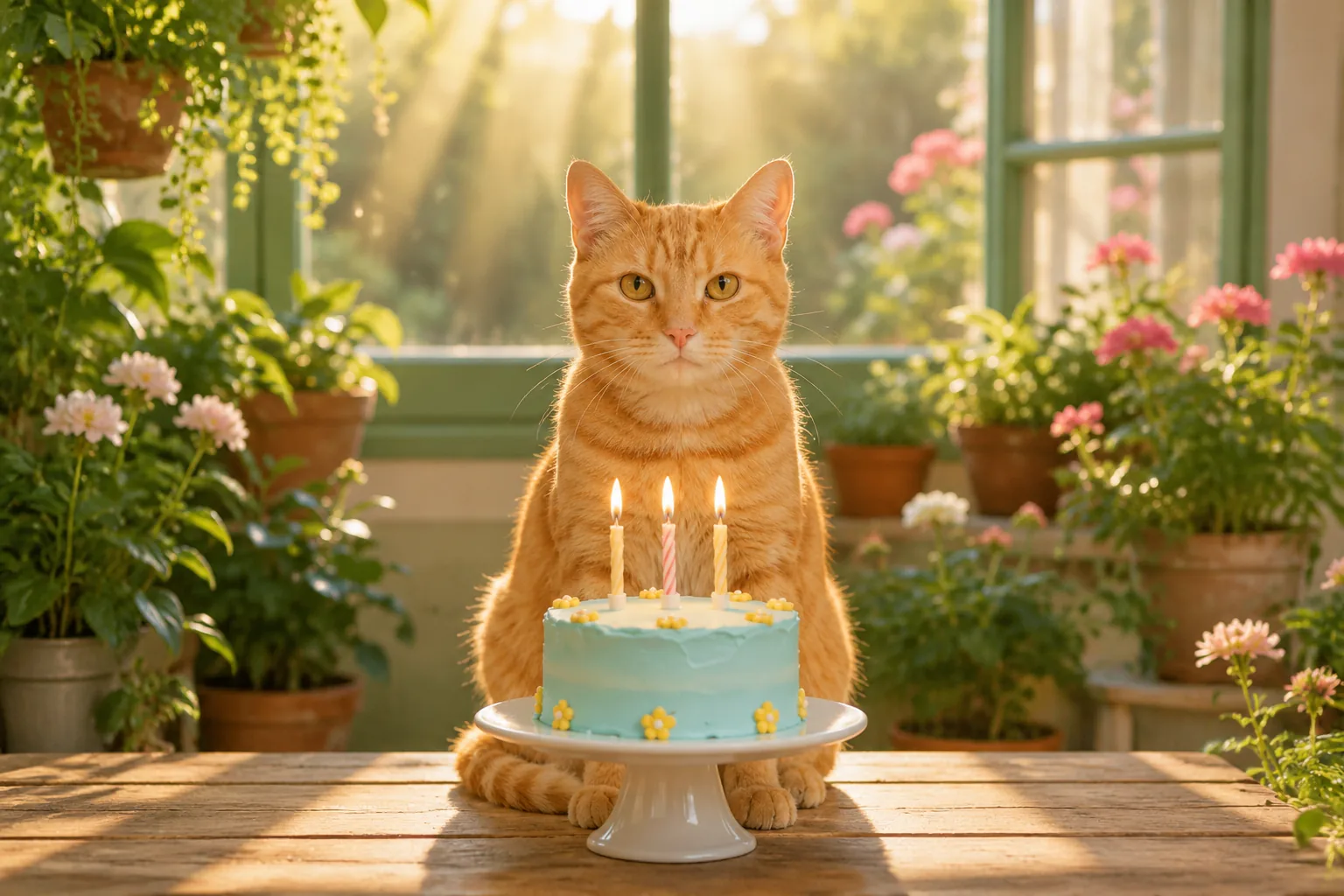
Singing Birthday Cat
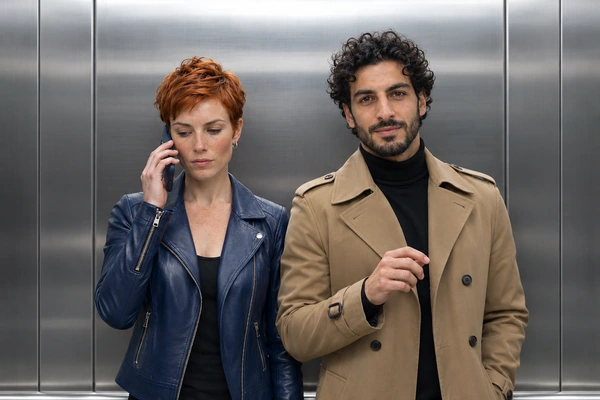
365 Elevator Phone Call

AI Kung Fu Turkey:Cat

Christmas Ice Queen: Animated Version

Boom Clap Confetti High Five

Banana Leaf River Glide
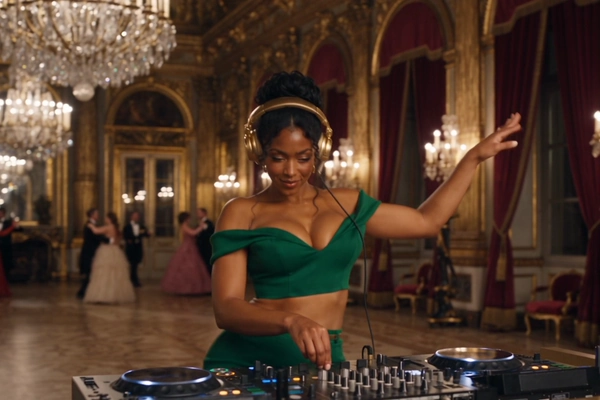
Emerald Ballroom Groove

AI Kung Fu Turkey

Matching Xmas PJs – Snowflake

Boom Clap Solo Spotlight

Banana Leaf Crocodile Escape
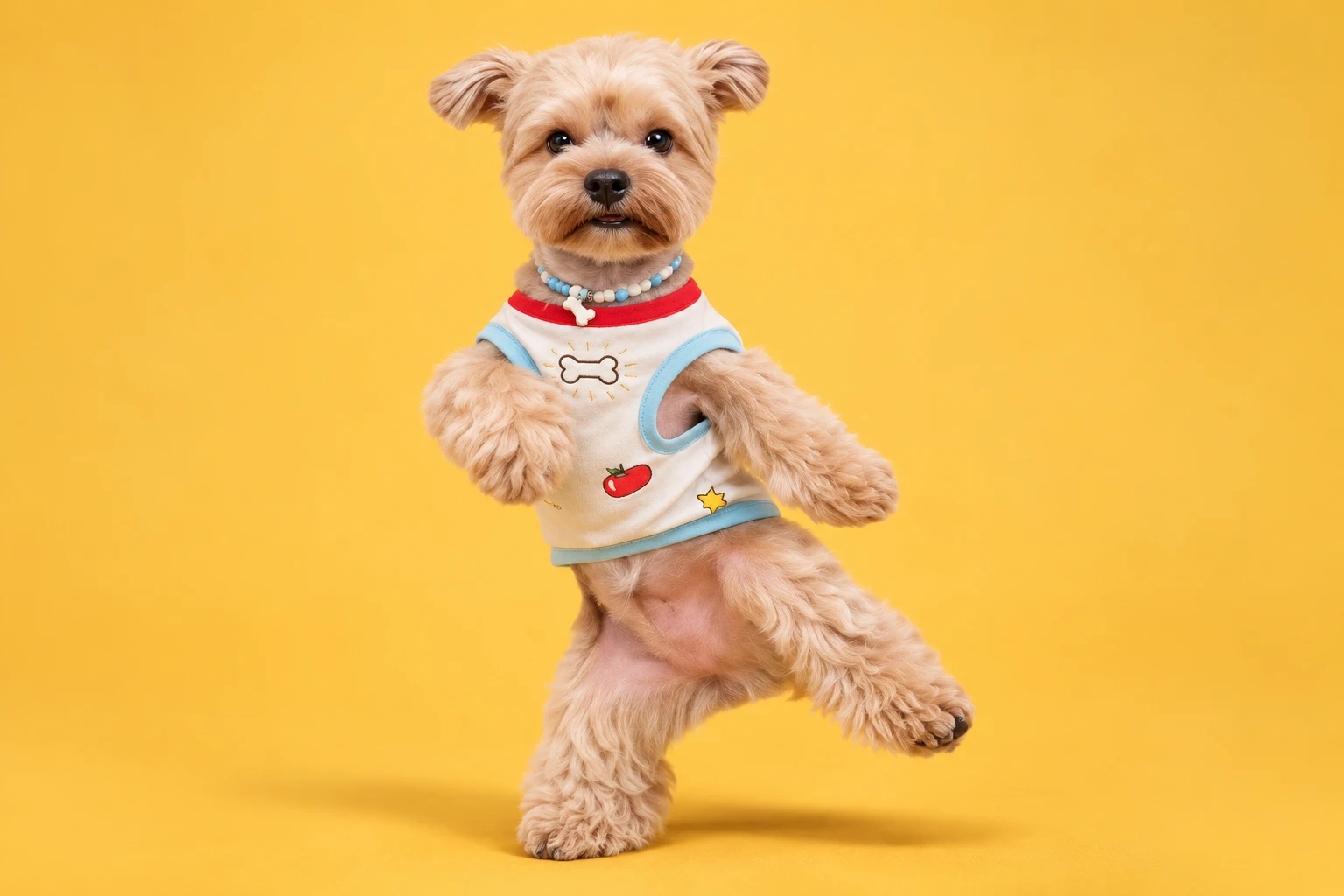
Tsundere Hmph Pet Dance

Christmas Ice Queen

Matching Xmas PJs – Reindeer

Singing Birthday Monkey

Banana Leaf Palm Landing

Shoulder Carry Flip AI Video
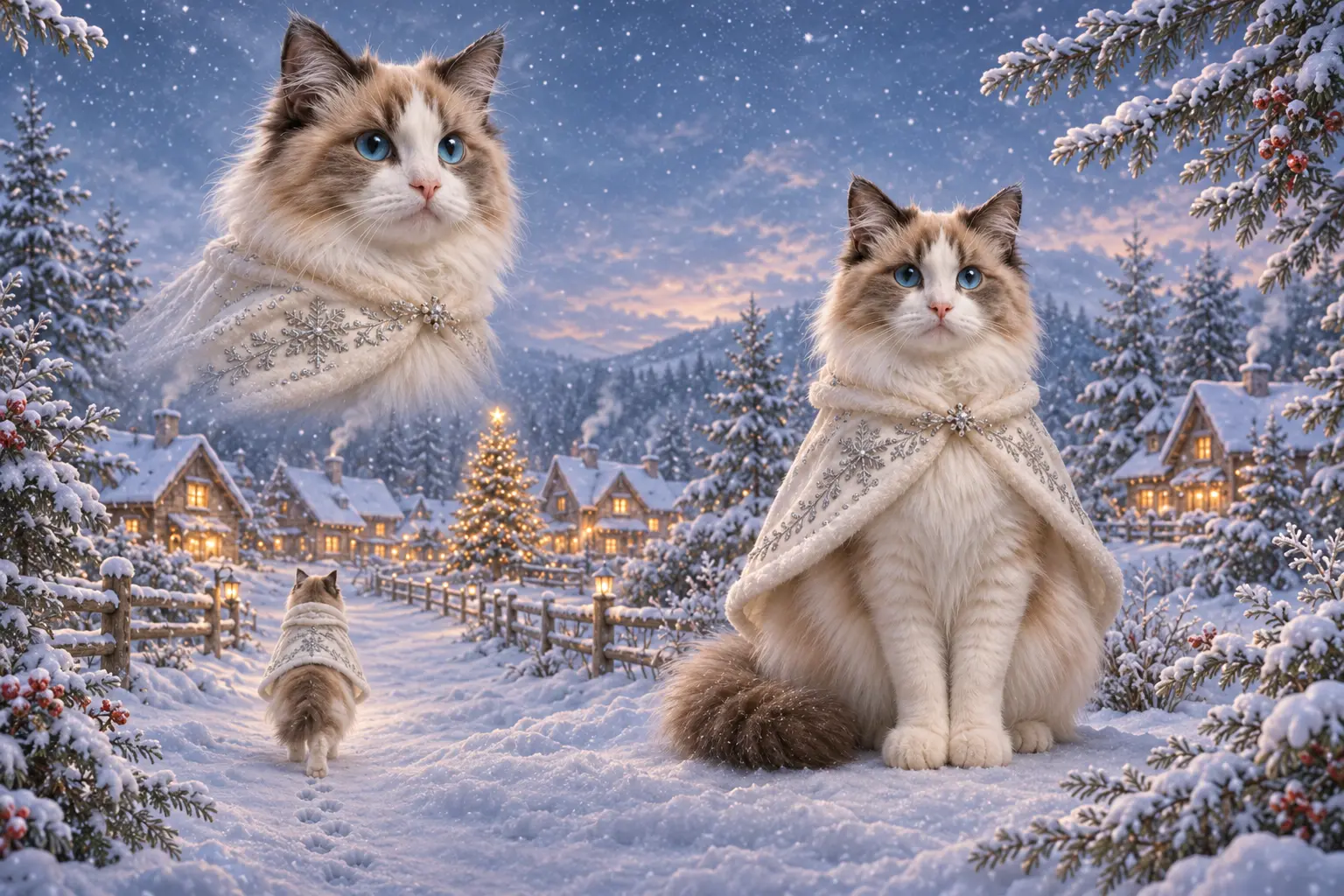
Christmas Ice Queen: Pet Cat Edition
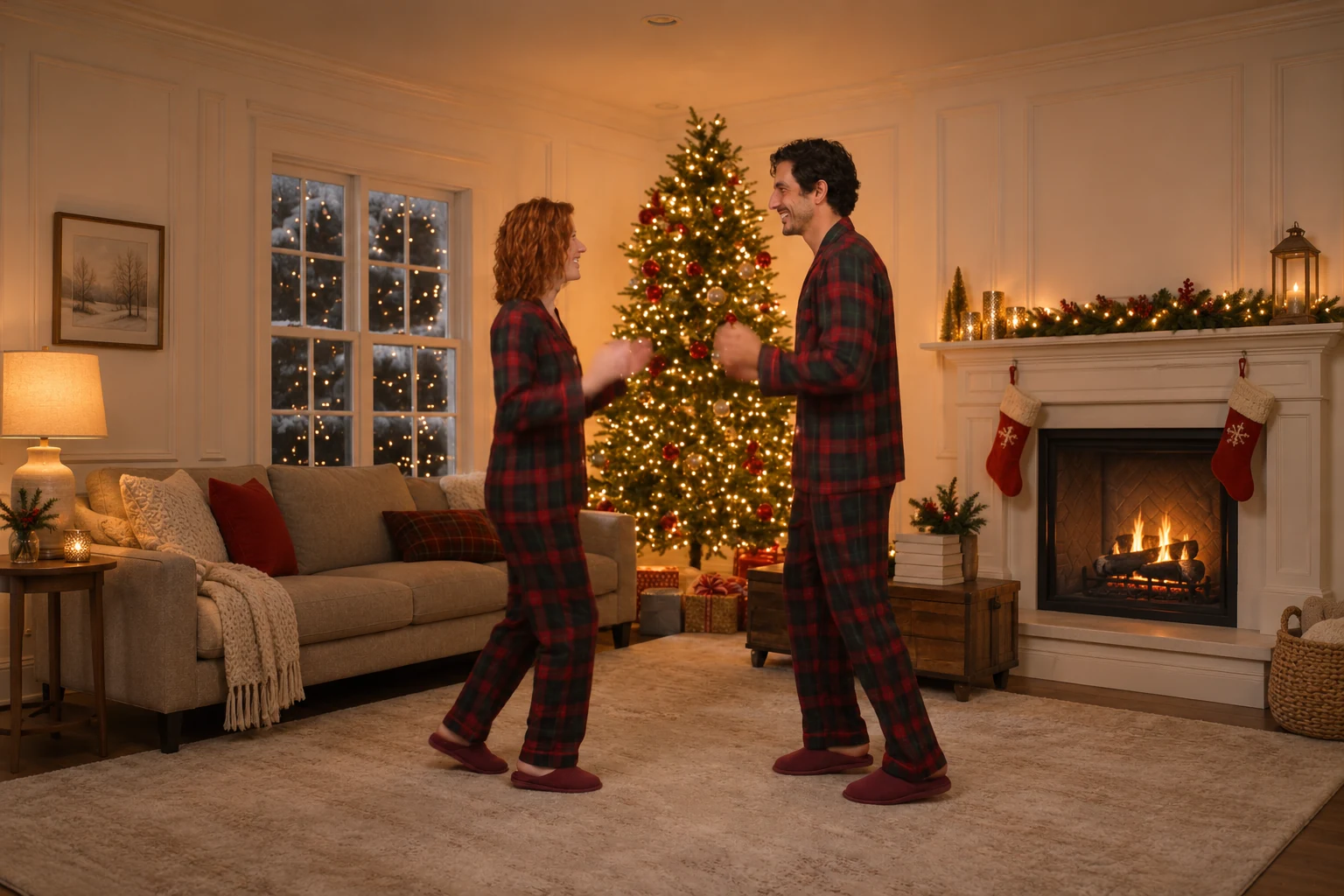
Matching Christmas Pajamas

Singing Birthday Dog
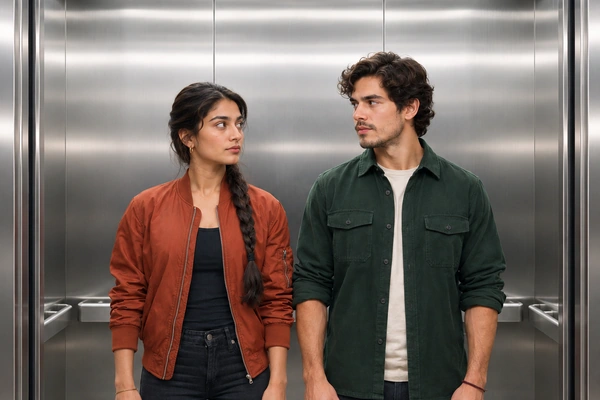
365 Elevator Walk In
トレンドのAI映像エフェクトで、写真を楽しいダンスクリップ、驚きの変身、シェアしたくなる瞬間に変えましょう。
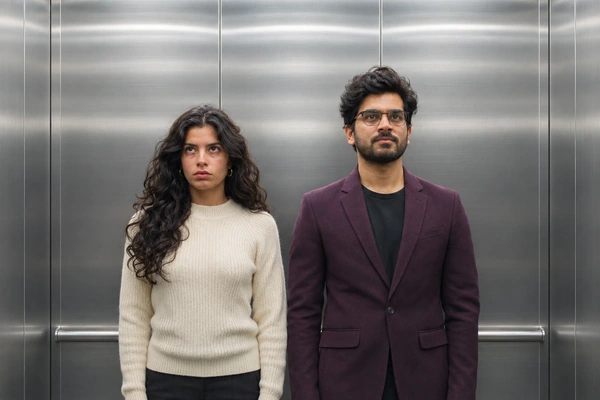
言葉を交わす前から面白い組み合わせもあります。PicLumenの365エレベーターテンプレートなら、2人をスチール製エレベーターに登場させ、表情や2人の距離感に注目を集められます。別々の写真から始めて、その組み合わせがどう映るか見てみましょう。親友、パートナー、あるいは2人のオリジナル キャラクター でも、同じシーンがまったく違う雰囲気になります。
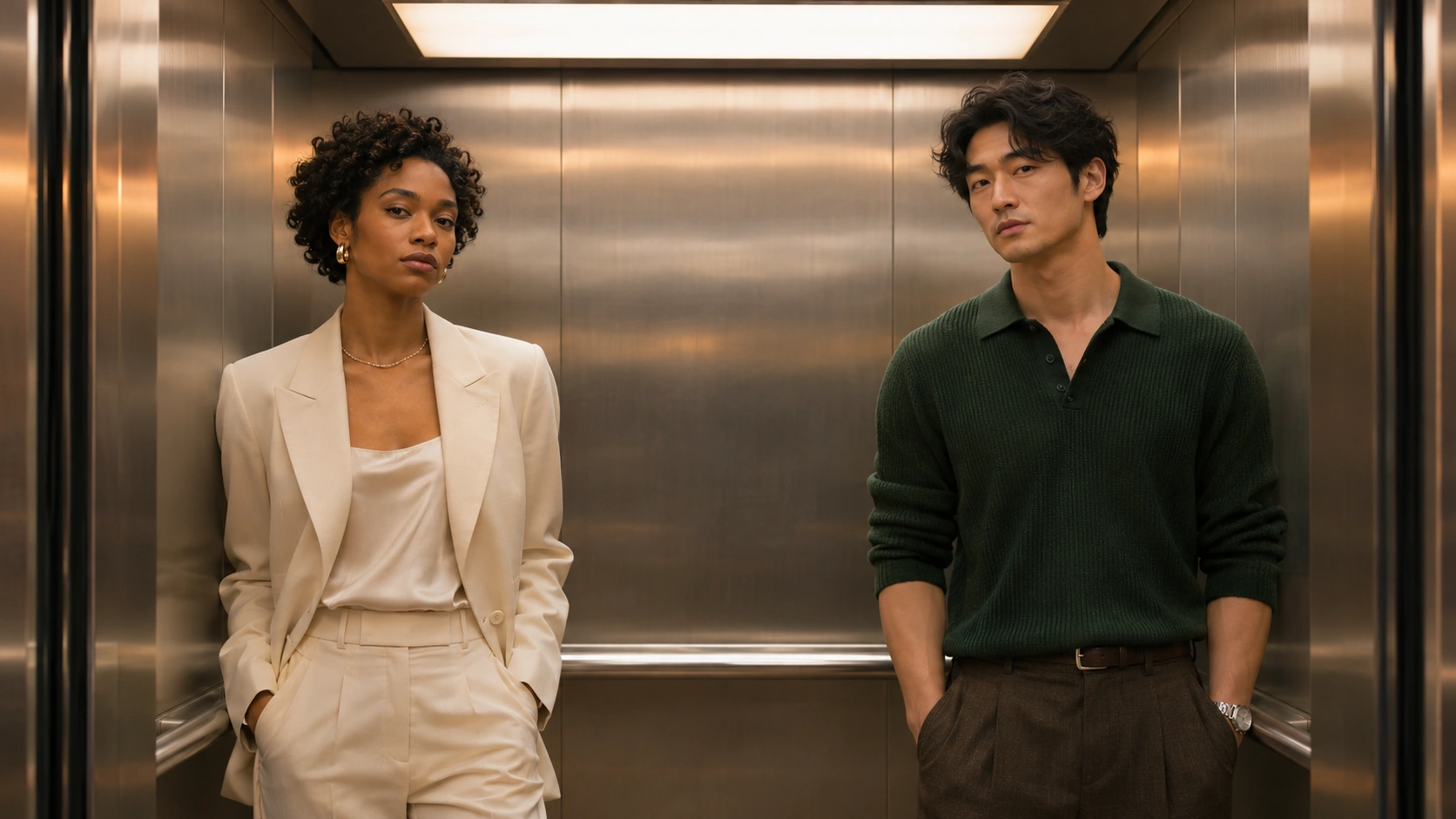
大きなリアクションより、真顔のほうが面白くなることも。無言で見つめ合うシーンでは2人に視線が集まり、見る人がその空気を読み取り、エレベーターに乗る前に何があったのか想像できます。
きっちりしたスーツとラフな週末の服装。それだけで2人に物語が生まれます。見た目の違いがはっきりした参照写真を選べば、キャプションを付ける前から2人の個性が伝わります。
エレベーターなら、2人の関係を説明しなくても同じ場面に登場させられます。投稿時にキャプションを添えて、静かな一瞬を友達同士のジョークや気まずい遭遇、自分だけの物語のワンシーンに変えましょう。

2人の動画を作るうえで、同じ場所に集まるのがいちばん難しいことも。このテンプレートは別々にアップロードした2枚の写真から始められるので、一緒に写真を撮ったり、撮影用のエレベーターを探したりする必要はありません。それぞれの顔がはっきり写った画像を選び、必須の2つの枠に追加すれば、テンプレートが2人を同じシーンに登場させます。
見慣れた顔と意外な相手の組み合わせは、思わず見たくなるもの。洗練されたポートレートとカジュアルな写真を並べたり、同じ物語のキャラクター2人を登場させたりしてみましょう。エレベーターという舞台はそのままに、登場する2人が動画に個性を与えます。オリジナルキャラクターの参照画像が必要なら、PicLumenの AI画像ジェネレーター, で作成してからテンプレートに戻りましょう。
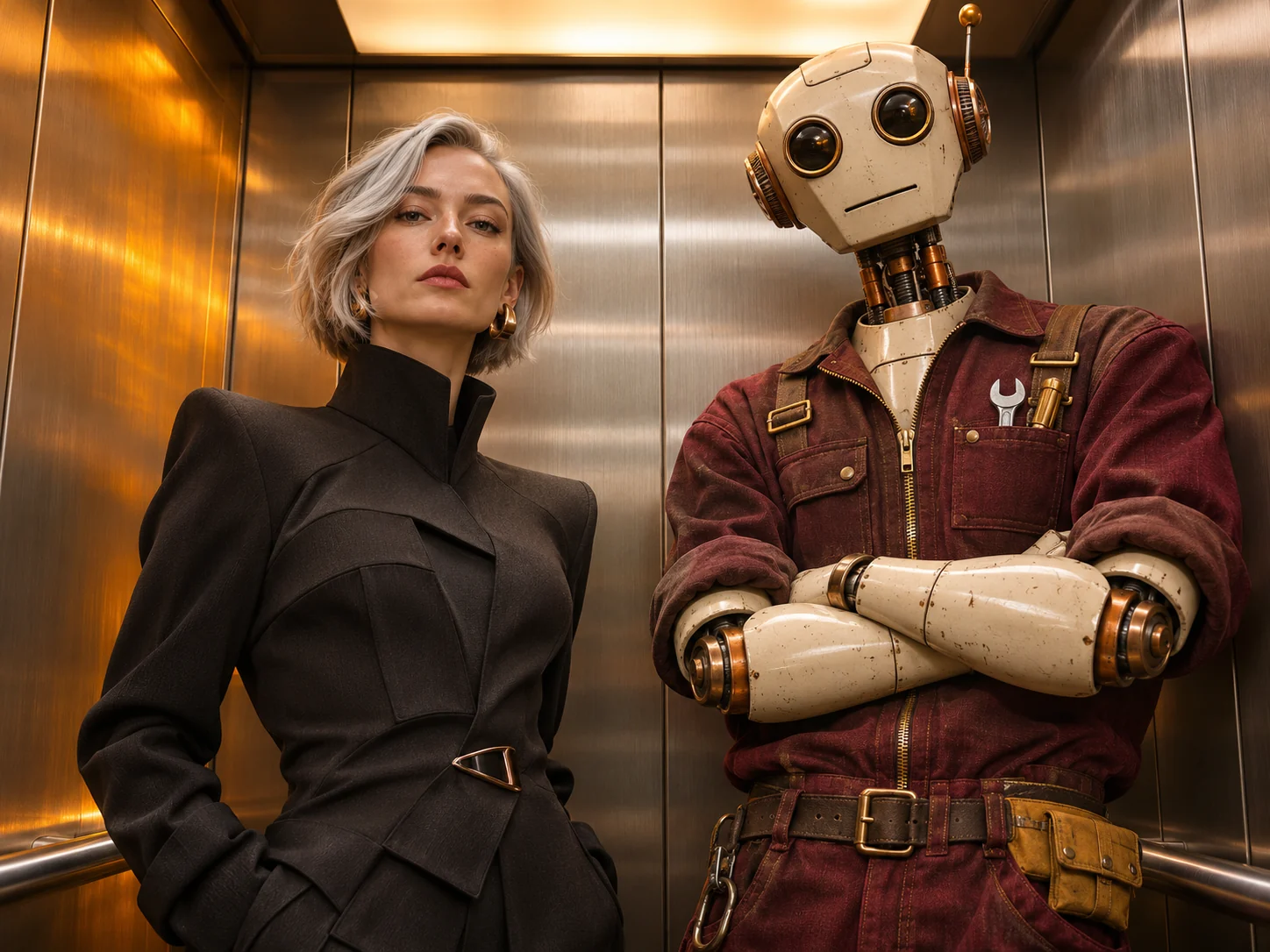
作成パネルを開き、「365 Elevator Silent Stare」が選択されていることを確認します。テンプレートのプレビューで、2人に使うシーンをチェックしましょう。
1つ目の「写真をアップロード」欄に1人目の画像を、2つ目にもう1人の画像を追加します。両方の欄への入力が必要です。顔がはっきり見える写真を選びましょう。
2枚の写真のアップロードが完了したことを確認し、「生成」をクリックします。シーンの内容はテンプレートに含まれているため、開始前にプロンプトを書く必要はありません。
生成された動画を再生し、2人の顔や表情、全体の構図を確認しましょう。どちらかが本人と分かりにくい場合は、より鮮明な参照写真に替えて再生成してみてください。
自分と友達の写真を組み合わせて、グループチャットの話題に。気まずい会話のあとに2人でエレベーターに閉じ込められた、というキャプションを付けても、みんなに状況を想像してもらっても楽しめます。
一緒に撮影する予定を立てなくても、パートナーとの動画を作れます。それぞれのスタイルが分かる写真を使い、初対面の思い出や内輪ネタ、対照的な性格についてのキャプションとともにエレベーターの一幕をシェアしましょう。
作家やキャラクタークリエイターなら、短い共演シーンで2人を紹介できます。成人のオリジナルキャラクター2人をエレベーターに乗せ、物語の続きを明かす前に、2人の関係を視聴者に問いかけてみましょう。
ジムでのライバルとの遭遇、締め切りの擬人化との対面、秘密を知りすぎた友達との相乗りなど、見る人が共感できる設定をエレベーターのシーンに添えましょう。状況の説明はSNS投稿のキャプションに追加できます。


デザイナー、マーケター、趣味の方が Trustpilot で PicLumen の体験を共有しています。
 Jon Jon
Very good website
Very good website. Different models, good job
 jsbsbsbs hdhdhshwhw
Very cool i like it it's so smooth
Very cool i like it it's so smooth
Awesome program easy to use a little…
Awesome program easy to use a little disappointment in the fact you can’t buy lumies
 KIDSCARTOON
This ap great and amazing generate pic
This ap great and amazing generate pic
 rockstar gaming
Value For Money
its value for money i fully recommend you to try this one time you will like it...
ZaraPiclumen still remains the best…
Piclumen still remains the best with image references. I don't have any complains using Piclumen. It makes my work easier
 Aleks Visha
Great kompany in the world
Great kompany in the world
 GPS BelAR
I tried the tool for fun and only used…
So far, I've only tried PicLumen for fun and used the free ‘basic option’. Even as an AI design novice, you can achieve great results. It should be emphasised here that if you choose a simple AI, the coins are enough to just give it a try (unlike some other tools). I like the community concept; the opportunity to get inspiration for your own ideas in the image gallery, as well as the option to ‘like’ and comment on other users' creations. The result depends, of course, on the quality of the prompt entered, but ‘practice makes perfect, as we all know!’ The only reason for the one-star deduction is that I can't try everything with the free access and can't comment on the paid options.
Mani Sravani BandaruVery great pictures with high quality
Very great pictures with high quality
 The Uncharted Timeline
This ai
This ai generated image very natural and beautiful HD quality
Ayyan NaveedIt's good
It's work very I am totally satisfied from this app I am very happy after use it
 Saima Rizwan
Awesome Piclumen customer service!!
As a small creator balancing a full-time career job and with a passion for visual storytelling, I’ve used many platforms but PicLumen stands out for its genuine care and responsiveness. When I reached out with a request to adjust Lumen credits for my creative needs, their team responded with empathy, flexibility, and a clear commitment to supporting artists like me. Not only did they listen, they acted and credited Lumen offering with thoughtful solutions that made me feel valued, as a customer. Their communication was prompt, respectful, and encouraging, and they treated my feedback with real consideration. PicLumen isn’t just a tool it’s a partner in creativity. If you’re a creator looking for a platform that understands your journey and supports your growth, I wholeheartedly recommend them. Thank you, PicLumen, for making the creative process feel human, hopeful, and beautifully supported.
「365 Elevator Silent Stare」のシーンを使って、別々の写真2枚から2人のAI動画を作れます。スチール製エレベーターに2人が登場し、表情や2人の間に漂う静かな緊張感が際立つテンプレートです。
はい。このテンプレートでは、2つの「写真をアップロード」欄の両方への入力が必要です。1人につき1枚ずつ画像を追加してください。同じ集合写真を両方の欄にアップロードするより、別々の鮮明な写真を2枚使うことをおすすめします。
いいえ。「365 Elevator Silent Stare」は、写真を2枚追加して「生成」をクリックするだけで始められます。この作成手順にはプロンプト入力欄も元動画のアップロードもありません。シーンの設定は選択したテンプレートに含まれています。
それぞれ1人がはっきり写った、鮮明で明るい写真を選んでください。顔が隠れていないものを使い、強いフィルターや顔のぼけ、頭の大部分が切れるほどのトリミングは避けましょう。肩や服装まで見えると、モデルが外見をより把握しやすくなります。
まず、それぞれの顔がはっきり見える参照写真を使い、生成された動画で2人とも確認してください。本人らしさや細部の再現にはばらつきがあります。どちらかの顔が似ていない場合は、その人の参照写真をより鮮明で正面に近いものに替えて、もう一度お試しください。
トレンドで使われている曲を使いたい場合は、投稿先のSNSで編集するときに、利用可能なライセンス付きの音源を追加してください。そのプラットフォームの音源ライブラリをご確認ください。曲の利用可否は地域やアカウントの種類によって異なります。
生成前に、PicLumenで「365 Elevator Silent Stare」に必要なクレジット数をご確認ください。ほかのエフェクトの料金ではなく、現在のテンプレート料金を参照してください。