무료 사실적인 AI 이미지 생성기
사실적인 AI로 만들 수 있는 것들을 살펴보세요
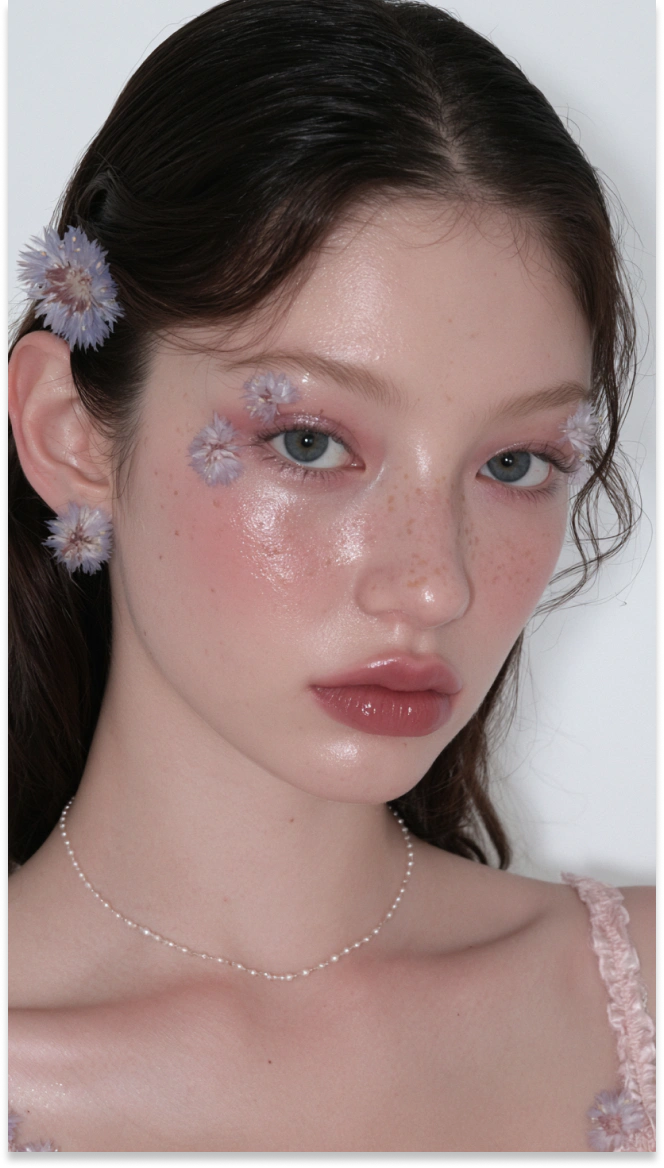
사실적인 인물 사진
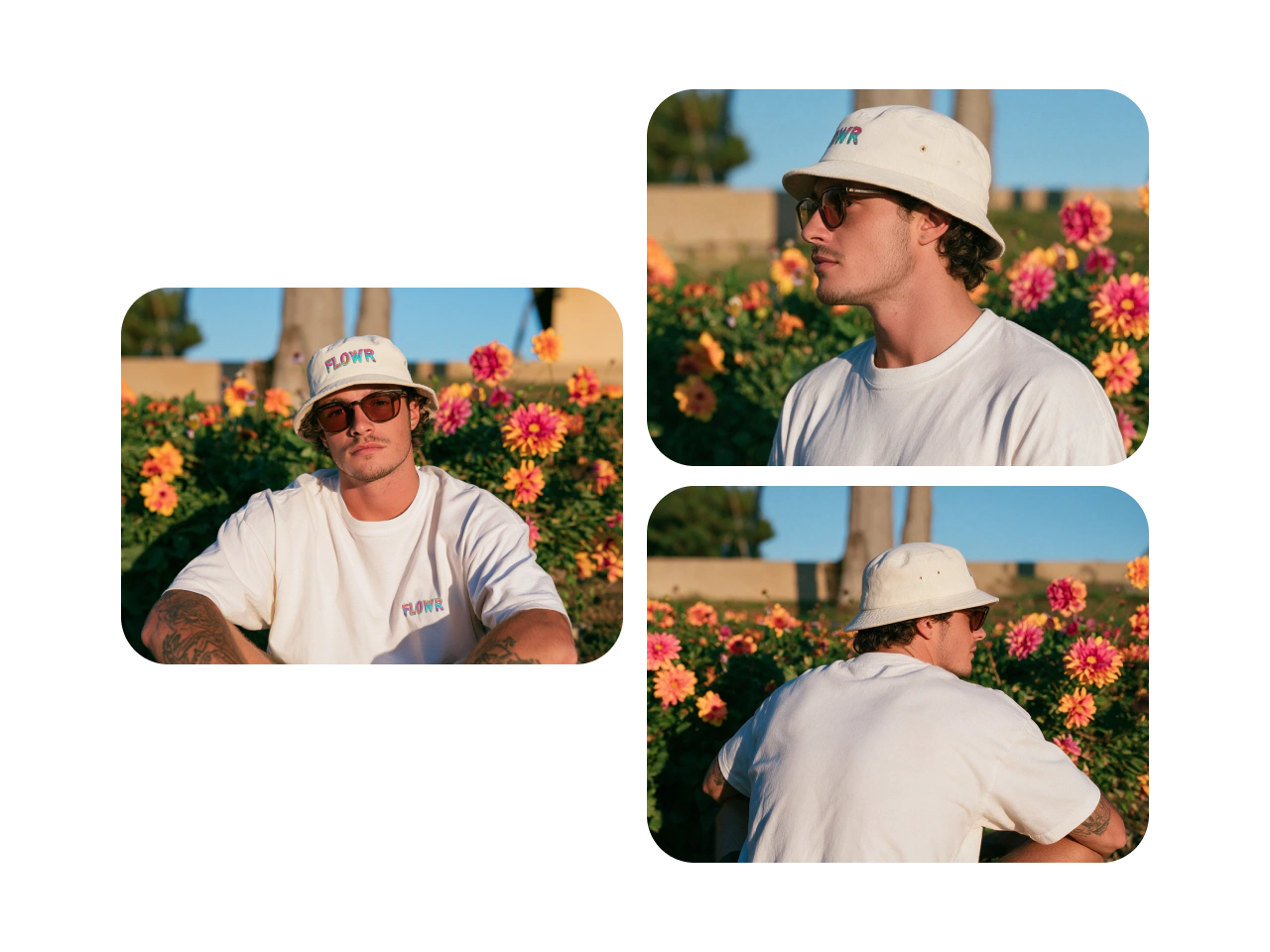
프로필, 캠페인, 캐릭터 콘셉트, 크리에이티브 프로젝트를 위해 자연스러운 피부 질감, 균형 잡힌 조명, 풍부한 표정을 담은 디테일한 인물 사진을 생성하세요.
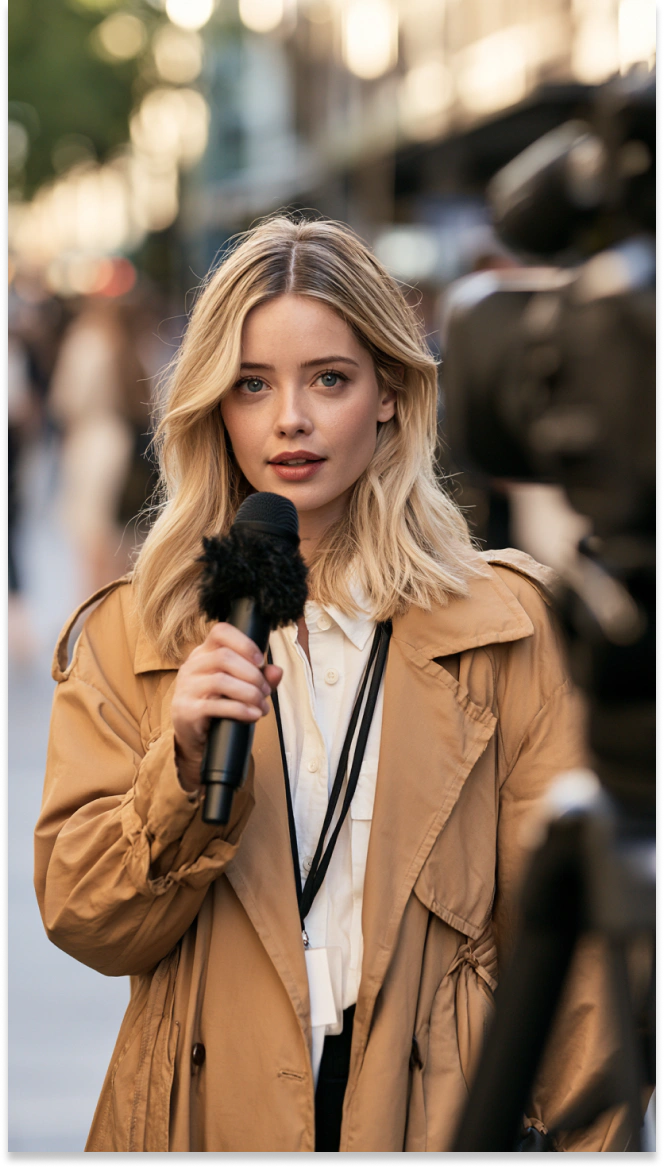
AI 버추얼 진행자
인터뷰, 뉴스 스타일 콘텐츠, 브랜드 영상, 라이브 스트림 그래픽 등 다양한 디지털 미디어를 위한 카메라 준비 완료 버추얼 진행자를 디자인하세요.
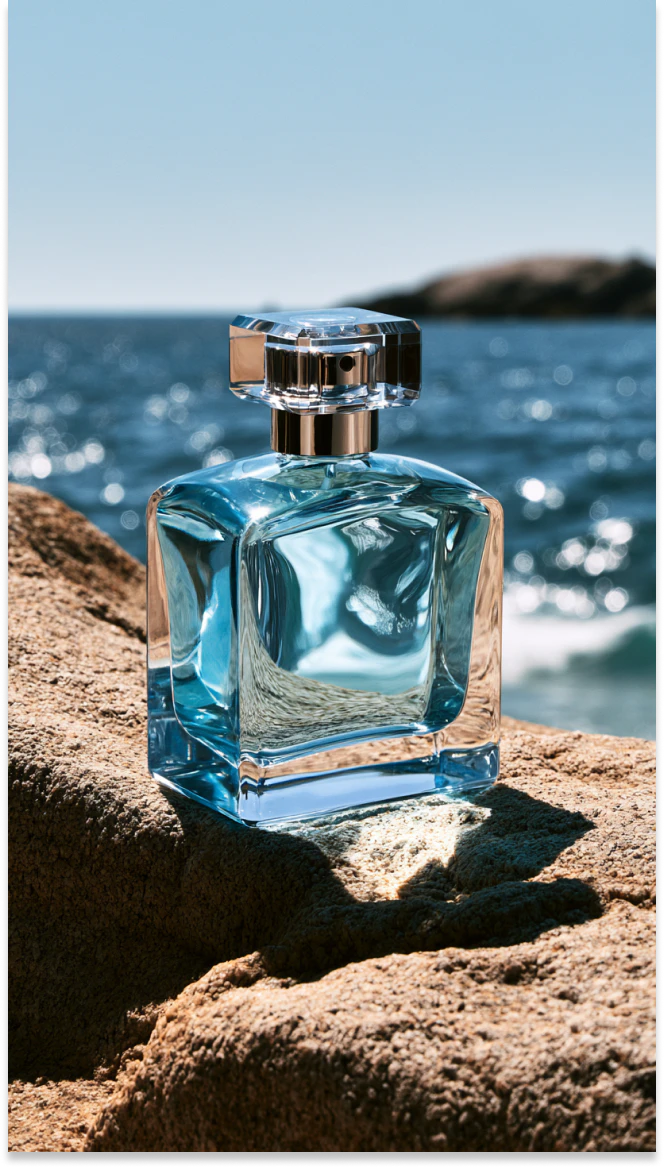
라이프스타일 제품 사진
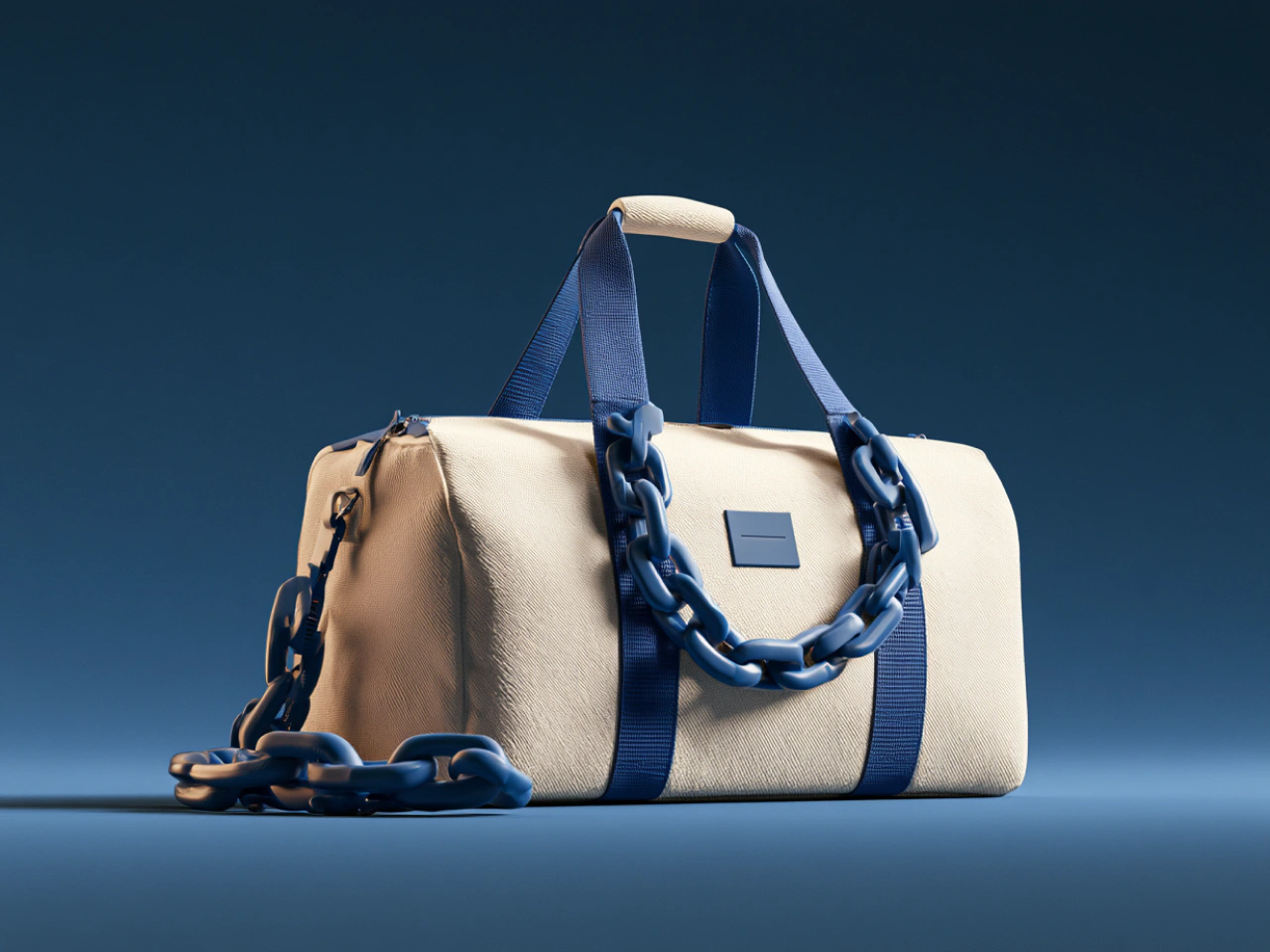
제품을 현실감 있는 공간에 배치하고 조명과 구도를 정교하게 조정해 이커머스 상품 페이지, 광고, 론칭, 소셜 캠페인에 활용할 이미지를 만들어 보세요.
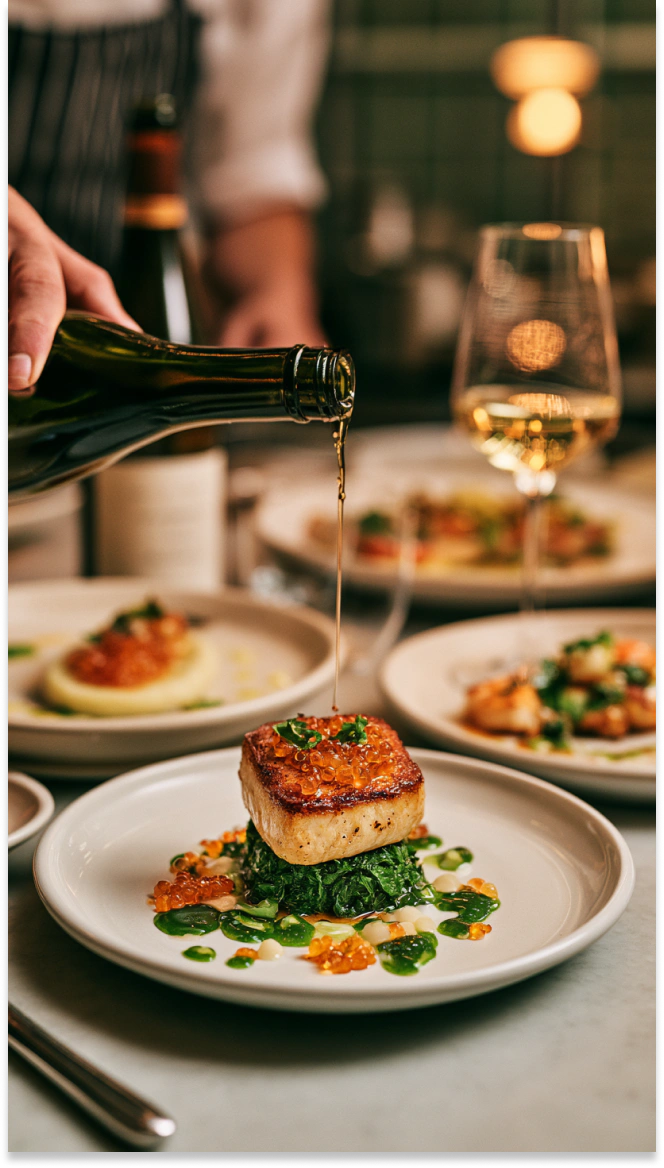
레스토랑 음식 사진
레스토랑 메뉴, 배달 플랫폼, 광고, 소셜 콘텐츠를 위해 자연스러운 색감과 섬세한 질감, 식욕을 돋우는 구도로 요리를 표현하세요.
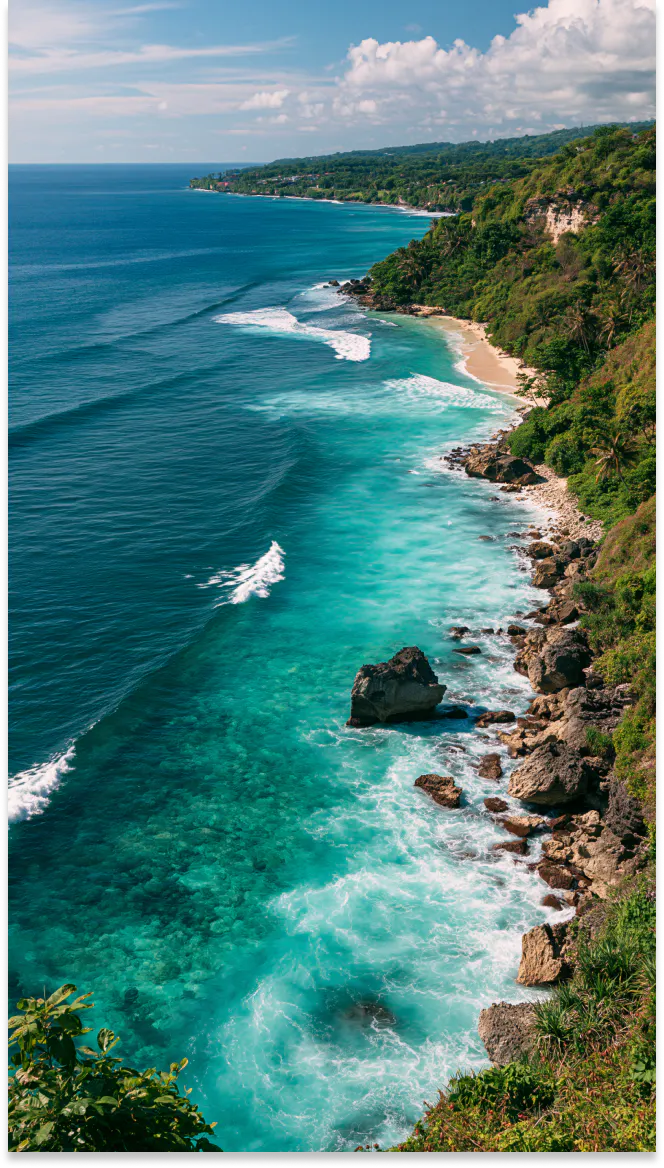
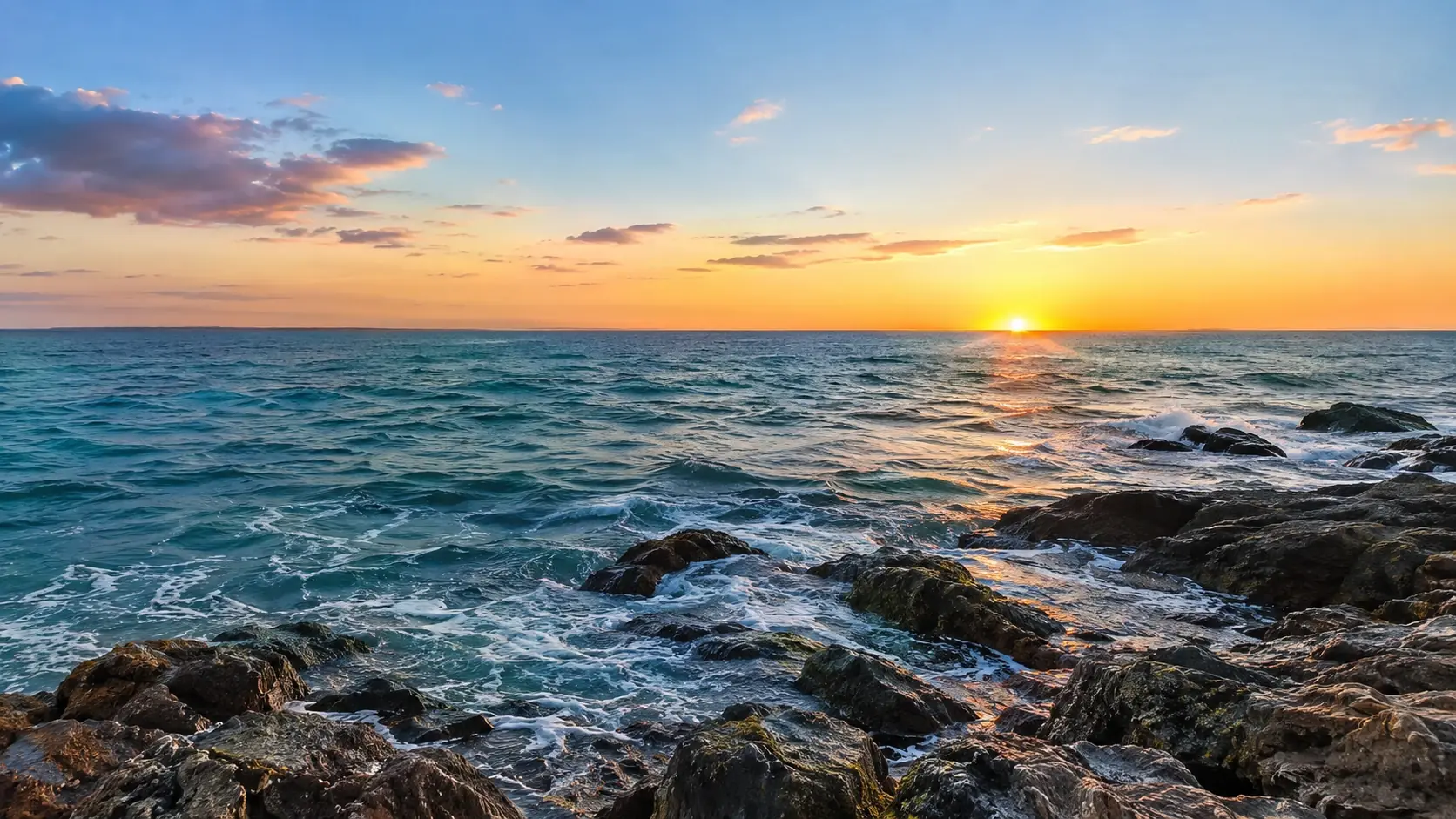
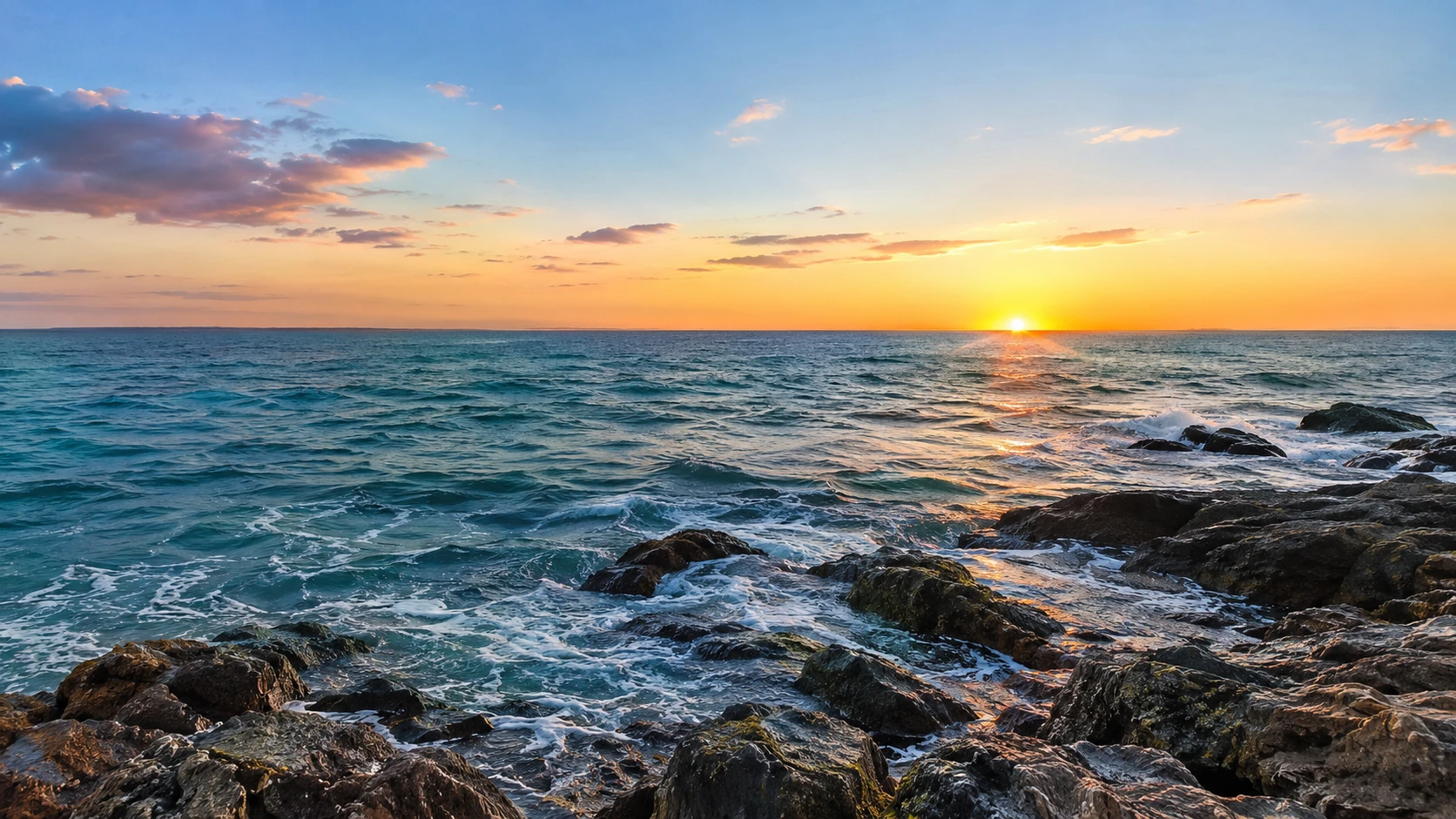
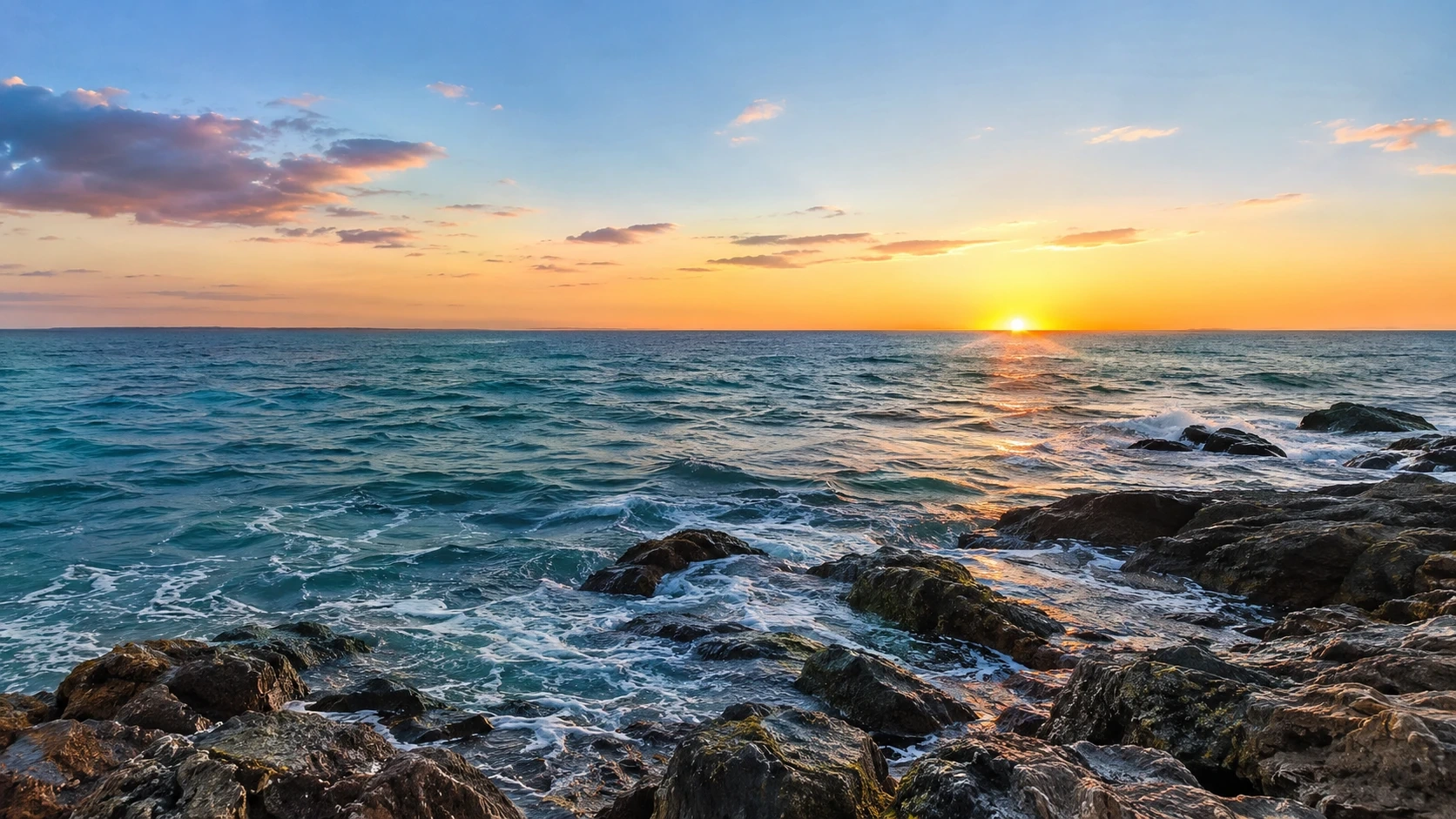
풍경 이미지
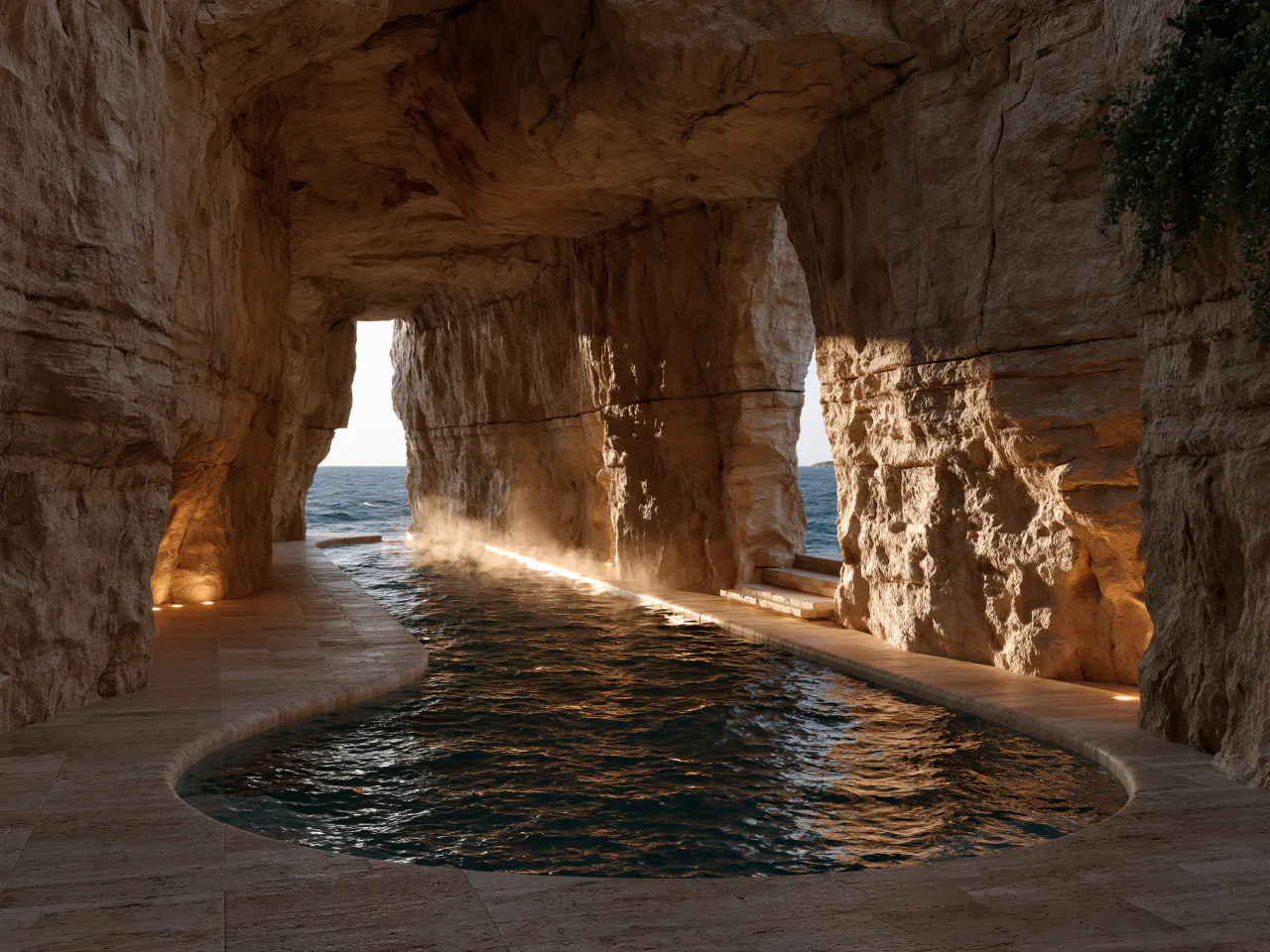
해안, 산, 숲 등 다양한 환경을 사실적인 조명과 분위기로 구현해 배경, 캠페인, 콘셉트 아트, 비주얼 스토리텔링에 활용하세요.
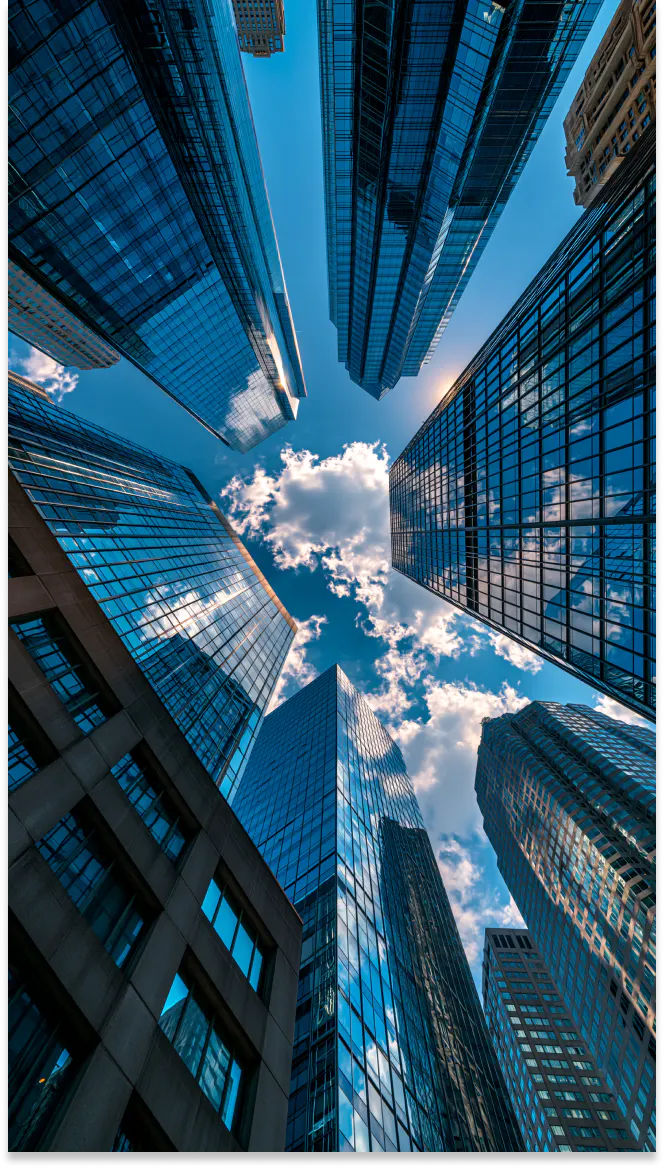
부동산 비주얼
부동산 매물, 개발 콘셉트, 클라이언트 프레젠테이션, 마케팅 자료를 위해 건물 외관, 인테리어, 건축 디테일을 시각화하세요.
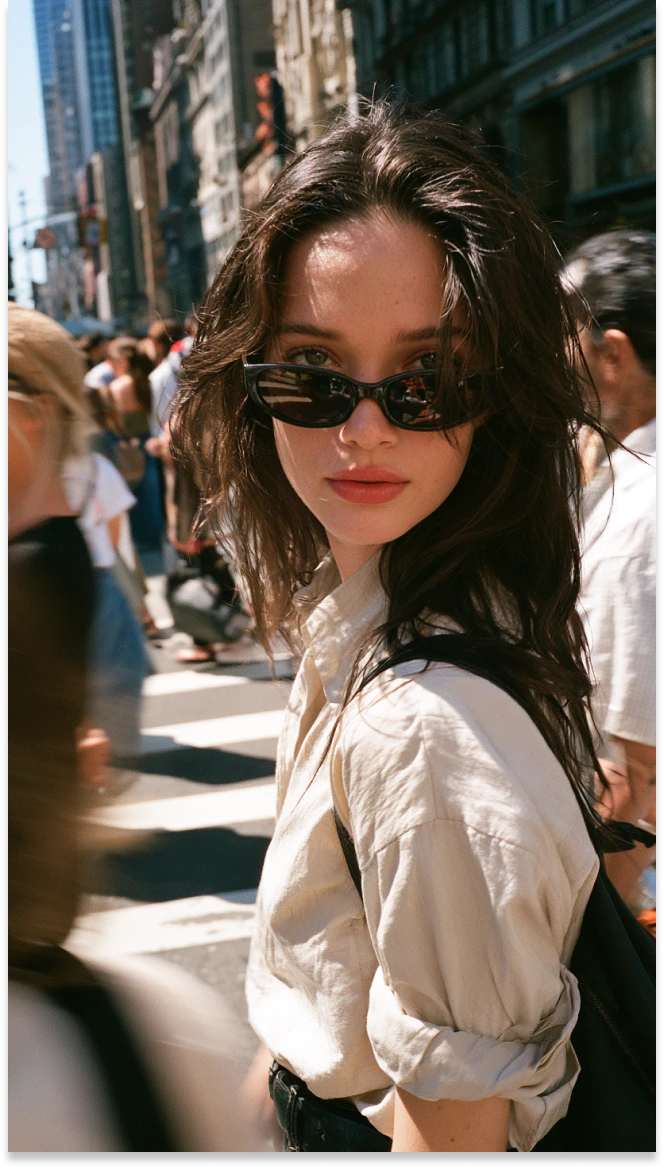
캔디드 스트리트 사진
에디토리얼 콘텐츠, 캠페인, 비주얼 스토리에 활용할 수 있도록 자연스러운 표정, 도시 조명, 일상적인 움직임이 담긴 거리 풍경을 연출하세요.
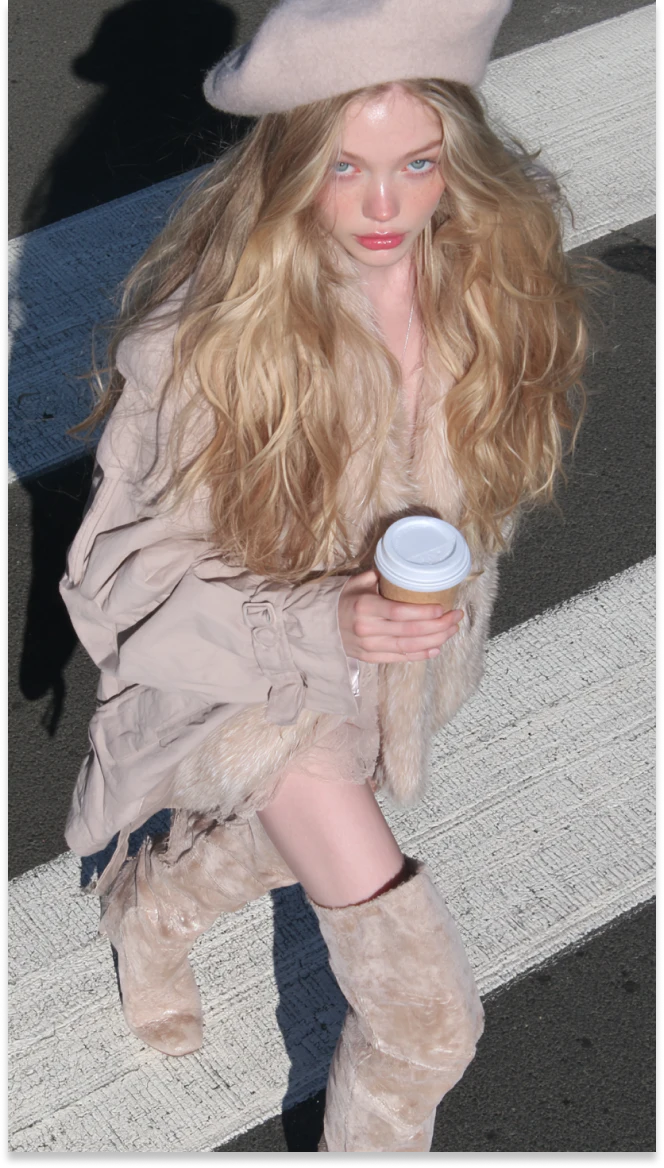
에디토리얼 패션 이미지
룩북, 광고 캠페인, 소셜 미디어, 크리에이티브 디렉션을 위해 스타일링된 의상, 표현력 있는 포즈, 매거진 감성의 구도를 갖춘 패션 이미지를 제작하세요.
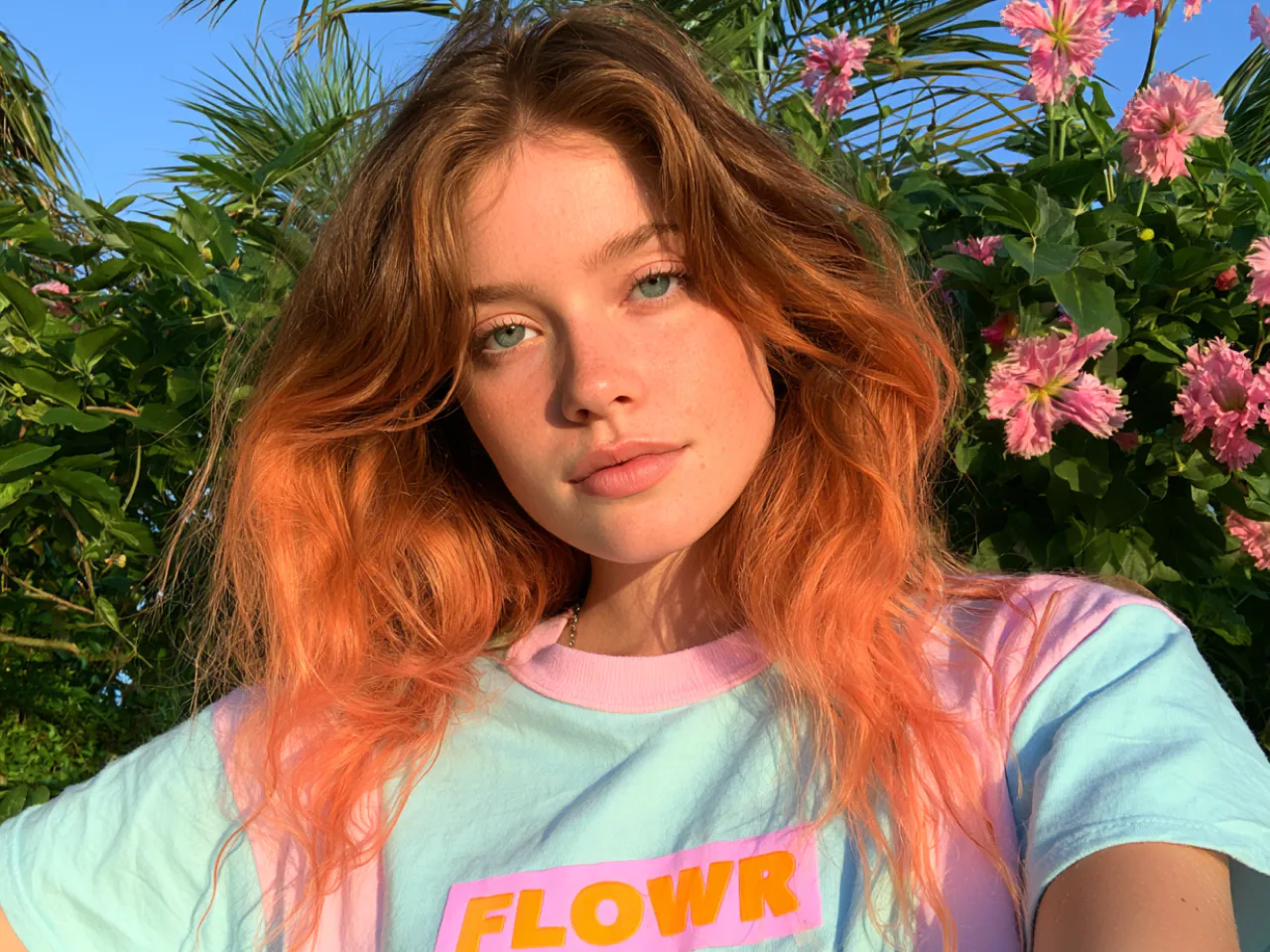
텍스트 프롬프트를 사진 같은 이미지로 변환
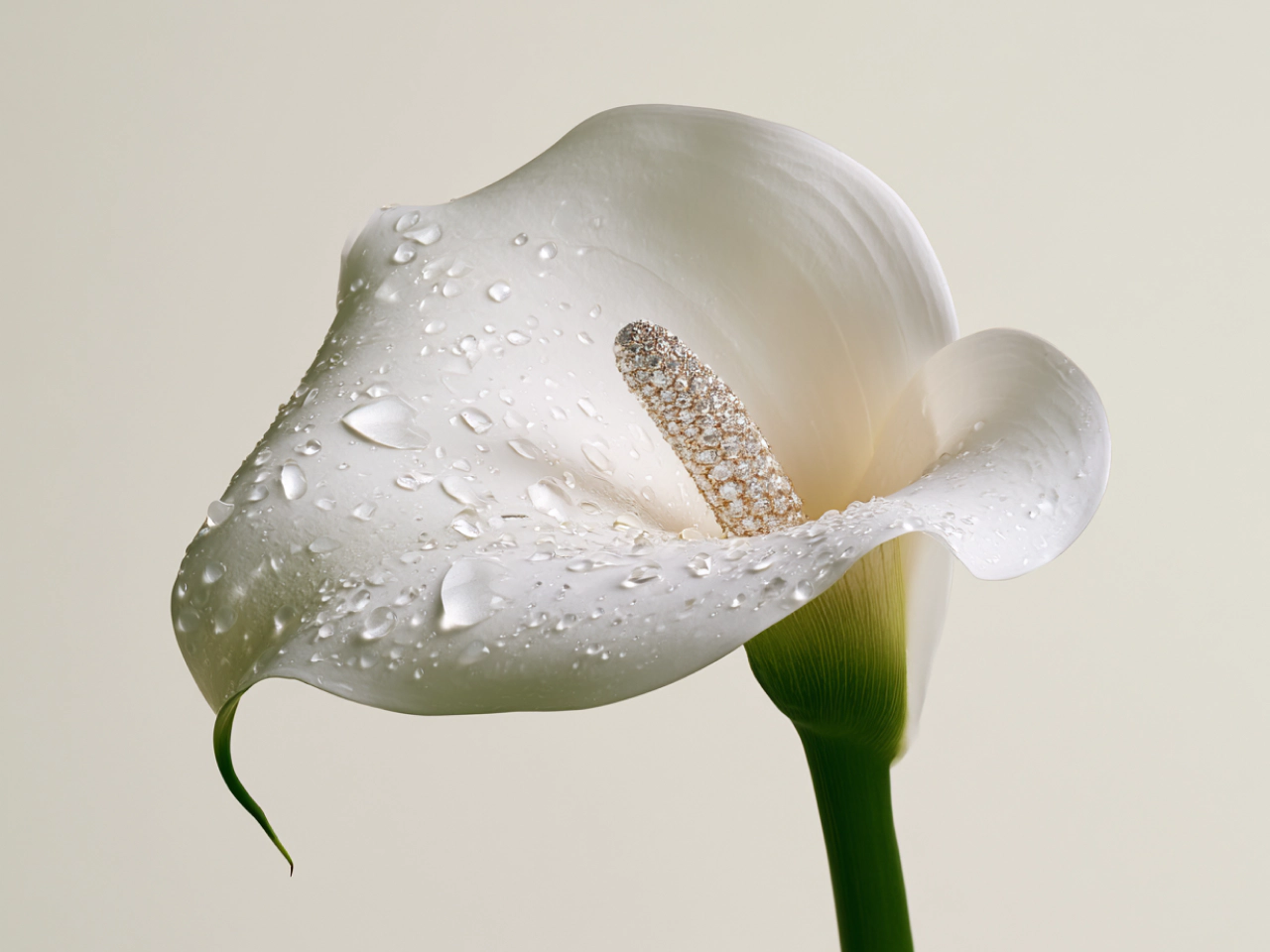
먼저 텍스트 프롬프트로 시작해 아이디어를 사실적인 이미지로 바꿔 보세요. 피사체, 배경, 구도, 조명, 분위기를 설명해 결과를 원하는 방향으로 이끌 수 있습니다. 하나의 오브젝트부터 완성된 장면까지, PicLumen은 빈 화면에서 시작하지 않고 다양한 비주얼 방향을 탐색할 수 있는 여유를 제공합니다.
PicLumen으로 사실적인 AI 이미지를 만들어야 하는 이유

최신 AI 모델로 제작
GPT Image 2, Nano Banana 2, Seedream 5.0 Pro 등 주요 모델을 한곳에서 이용하세요. 사실적인 사진, 제품 비주얼, 캐릭터 등 목적에 맞는 모델을 선택해 사용할 수 있습니다.

오래 기다리지 않고 결과 얻기
프롬프트를 빠르게 이미지로 바꿔 아이디어를 테스트하고, 여러 크리에이티브 방향을 비교하며, 워크플로를 지연시키지 않고 더 많은 비주얼 콘텐츠를 제작하세요.

비주얼 제작 비용 절감
스튜디오, 촬영 장비, 모델, 대규모 제작팀 없이도 제품 사진, 캠페인 비주얼, 크리에이티브 콘셉트를 만들어 제작 비용을 줄이세요.

최대 4K의 고품질 이미지
웹사이트, 소셜 미디어, 프레젠테이션, 마케팅 캠페인 등 전문 프로젝트에 적합한 최대 4K 해상도의 선명하고 디테일한 이미지를 생성하세요.

결과를 더 세밀하게 제어
디테일한 프롬프트, 참고 이미지, 화면비, 모델 설정을 활용해 각 이미지의 구도, 스타일, 피사체, 전체 방향을 원하는 대로 조정하세요.
3단계로 만드는 사실적인 AI 이미지
1 프롬프트 입력
1피사체, 스타일, 구도, 조명, 분위기를 설명하세요. 참고 이미지를 업로드해 결과를 더 구체적으로 안내할 수도 있습니다.
2 모델과 설정 선택
2프로젝트에 맞는 AI 모델을 선택하세요. 화면비, 이미지 크기, 생성 모드 및 기타 사용 가능한 설정을 조정합니다.
3 생성 후 다운로드
3생성 버튼을 눌러 결과를 확인하세요. 마음에 드는 이미지를 선택해 기기에 다운로드하면 됩니다.


전 세계 크리에이터에게 사랑받고 있습니다
디자이너, 마케터, 취미 사용자들이 Trustpilot에서 PicLumen 경험을 공유합니다.
Bet AWNice good appp creat inmage
Nice good appp creat inmage
My experience
Itis a really good website n really ideal to use theres only one con and that the AIS sometimes create wrong images but that doesnt happen frequently
 Ms. Bliss
Just getting started
Just getting started, thus far it's really good. Going to continue to review and will update.
Really good app and generates good…
Really good app and generates good images!
 Bohdan Lesyk
Great and fast
Great and fast, would be much better with some more free credits
It’s way easier to use then these other…
It’s way easier to use then these other apps
 Scott Chamberlain
Great system
Great system. Easy to use. Great results.
TylerIt’s a great ai app perfect for making…
It’s a great ai app perfect for making your imaginations come true
 Yfad
Best AI generator of all times
Best AI generator of all times
 Mohamed Rashad Rumaiz
This is an excellent website for free…
This is an excellent website for free users
Nagavali Srinivasexcellent images are generated
excellent images are generated
 Hash Kaz
literally can't complain about…
literally can't complain about anything. Honest to God - amazing
사실적인 AI 이미지 생성기 자주 묻는 질문
What is a realistic AI image generator?
A realistic AI image generator turns text prompts or reference images into lifelike visuals. It can create people, products, landscapes, and complete scenes without traditional photography or manual design.
Which AI image models can I use?
PicLumen provides access to multiple models, including GPT Image 2, Nano Banana 2, and Seedream 5.0 Pro. Each model offers different strengths for specific subjects and creative tasks.
What types of realistic images can I create?
You can create portraits, product visuals, lifestyle scenes, landscapes, architecture, marketing graphics, social media content, and other photorealistic or stylized images.
Can I generate realistic people and portraits?
Yes. PicLumen can create realistic portraits with detailed facial features, skin texture, clothing, lighting, poses, and backgrounds based on your description.
Can I keep a character consistent across images?
Reference images and detailed prompts can help maintain recognizable facial features, hairstyles, clothing, and other defining traits across different poses and scenes.
Can I choose the image size and aspect ratio?
Yes. PicLumen provides different aspect ratios and image settings for square, portrait, and landscape layouts. Available options may vary between models.
How can I make an AI image look more realistic?
Use a detailed prompt that describes the lighting, camera angle, materials, textures, environment, and composition. Choosing a model suited to realistic imagery can also improve the result.
Can I use PicLumen for free?
Yes. The basic plan currently provides free lumens per day for trying different models and generating content. Usage limits depend on the selected model and generation mode.
Can I use generated images commercially?
Yes. Paid users can use images they create with PicLumen for commercial projects, subject to PicLumen’s 이용약관. Basic plan users do not have commercial use rights.