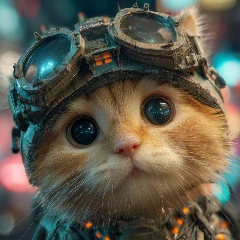
Have you ever wanted to see your grumpy cat perform a K-Pop routine? Or watch a static anime character perform a cute "Love Dance"?
The latest trend taking over TikTok and Reels isn't about learning complex choreography—it's about making static images dance. With Piclumen, powered by the advanced Kling Motion Control model, you can now animate photos into full-body dance videos with startling realism.
From funny babies to virtual idols, here is how you can use our Magic Dance, K-Pop, and Love Dance templates to join the trend.
What Is AI Motion Control?
Kling Motion Control is the engine behind Piclumen's video templates. It applies a specific "movement skeleton" to a still image.
Unlike basic filters that just warp the screen, this AI understands:
Anatomy: Where joints (knees, elbows, hips) are located in your photo.
Physics: How fabric and fur should move during a spin or jump.
Rhythm: Matching the motion to recognizable dance styles.
This means you can take a single photo of almost anything with a body shape, and the AI will rig, animate, and render it dancing in seconds.
3 Viral Dance Scenarios (And How to Create Them)
We have curated 3 specific workflows using Piclumen's most popular templates.
1. The "Groovy Baby" (Magic Dance Template)
Best for: Funny memes, Family WhatsApp groups, Facebook Reels.
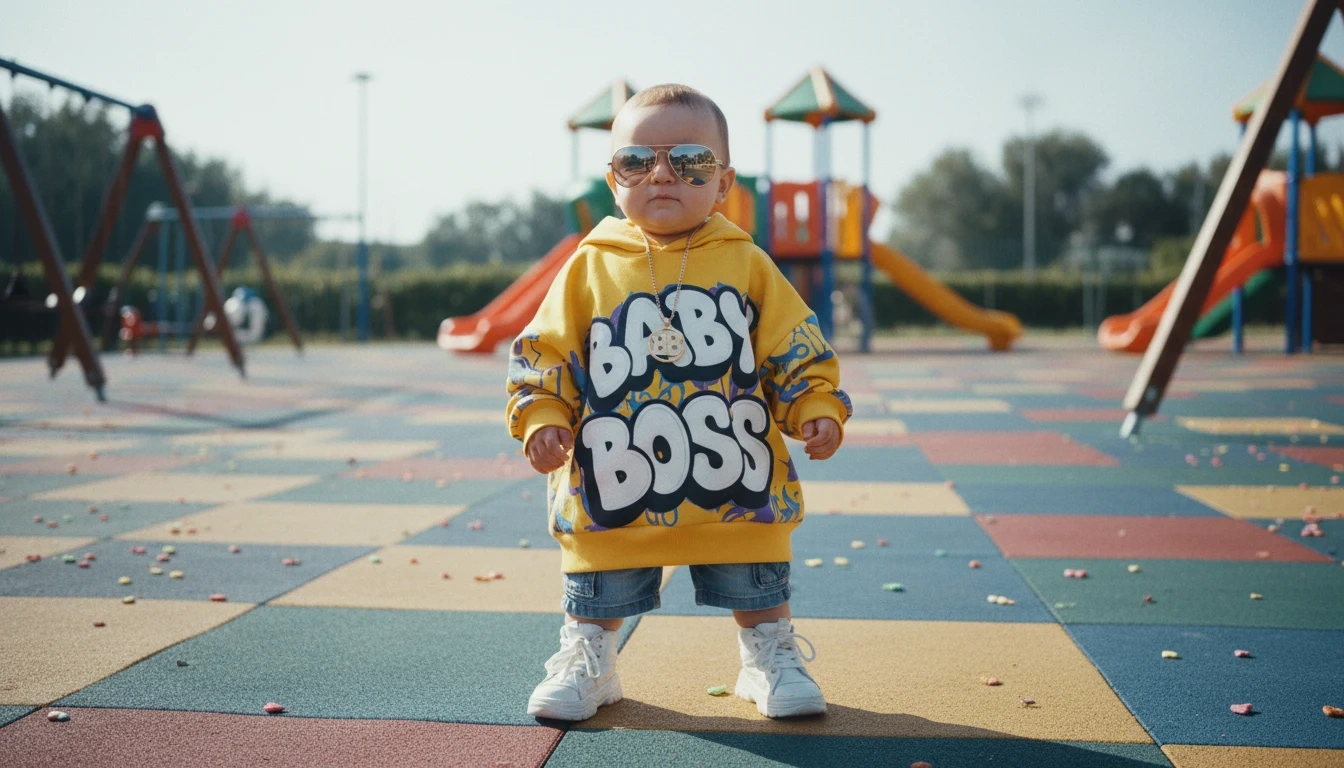
There is nothing more shareable than a baby doing impossible dance moves. The Magic Dance template is designed for high-energy, fun movements that create an instant comedic effect when applied to toddlers.
Step 1: Generate the Base Image
Prompt: A cute chubby baby wearing a cool oversized hip-hop hoodie and sunglasses, standing on a colorful playground floor. Full body shot, wide angle, high quality, photorealistic, 8k.
Recommended Model: Nano Banana
Step 2: Apply the Template
Go to Piclumen and select the [Magic Dance Template]. --First one’s on us (Save 200 Lumens)
Upload your baby photo. The AI will transform the clumsy toddler into a dancing machine.
2. The "K-Pop Idol Cat" (K-Pop Dance Template)
Best for: Pet influencers, Instagram Reels, YouTube Shorts.
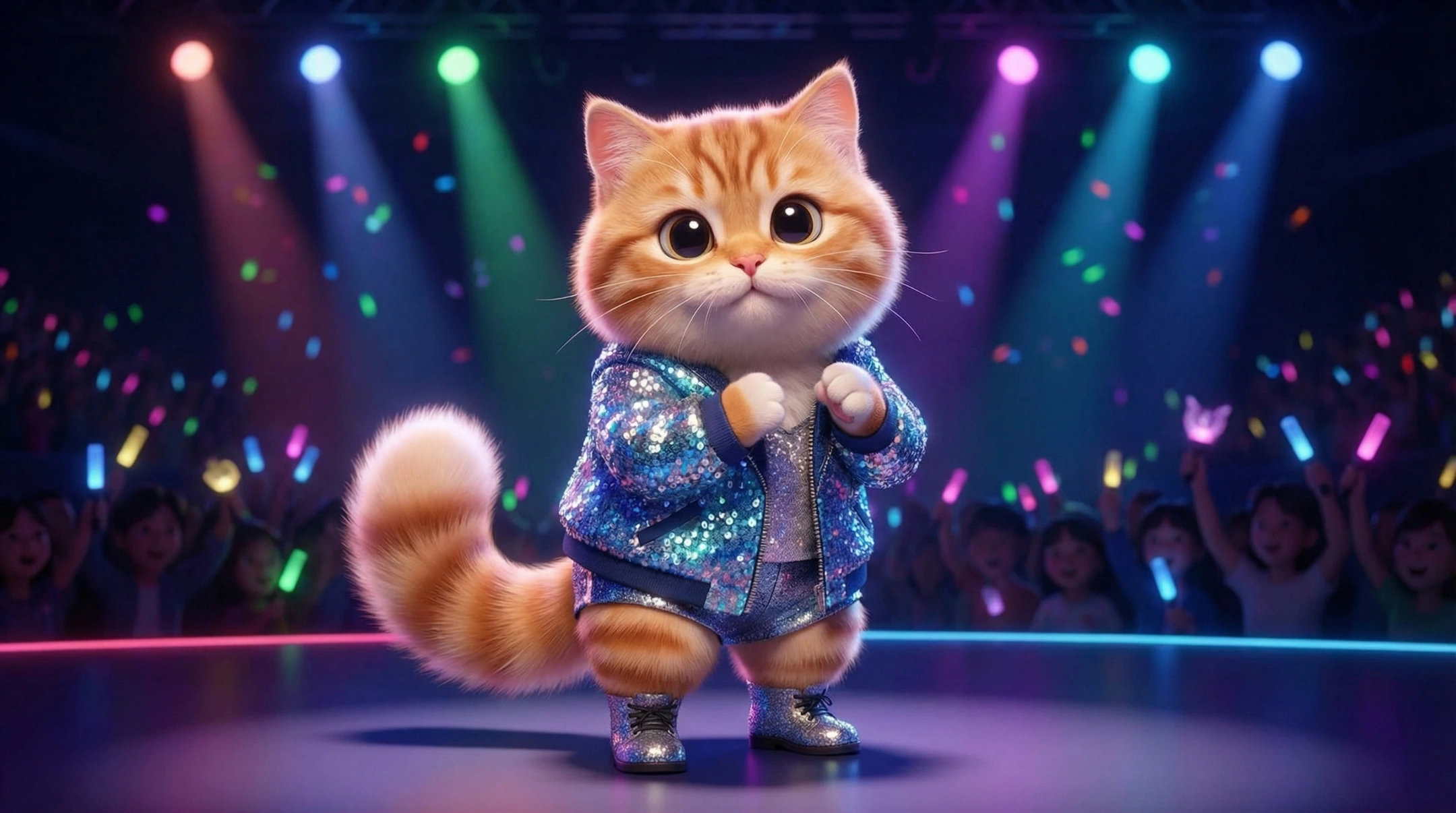
Pets are the ultimate cheat code for virality. But a cat dancing to a chart-topping beat? That’s next-level engagement. The K-Pop Dance template offers stylish, rhythmic choreography.
Step 1: Generate the Base Image
⚠️ Critical Tip: For animals, the AI works best if they are standing on two legs (anthropomorphic).
Prompt: A fluffy cat standing on two hind legs like a human, wearing a sparkling K-pop idol stage outfit. Stage lighting, concert background with blurred crowd, cute expression, full body visible, 3D Disney style render.
Recommended Model: Nano Banana Pro
Step 2: Apply the Template
Select the [K-Pop Dance Template]. --Try it free once—normally 200 Lumens
Watch as Kling maps the complex choreography onto your cat’s body with surprising accuracy.
3. The "Anime Waifu" (Love Dance Template)
Best for: Otaku culture, TikTok Anime edits, Virtual Idol content.
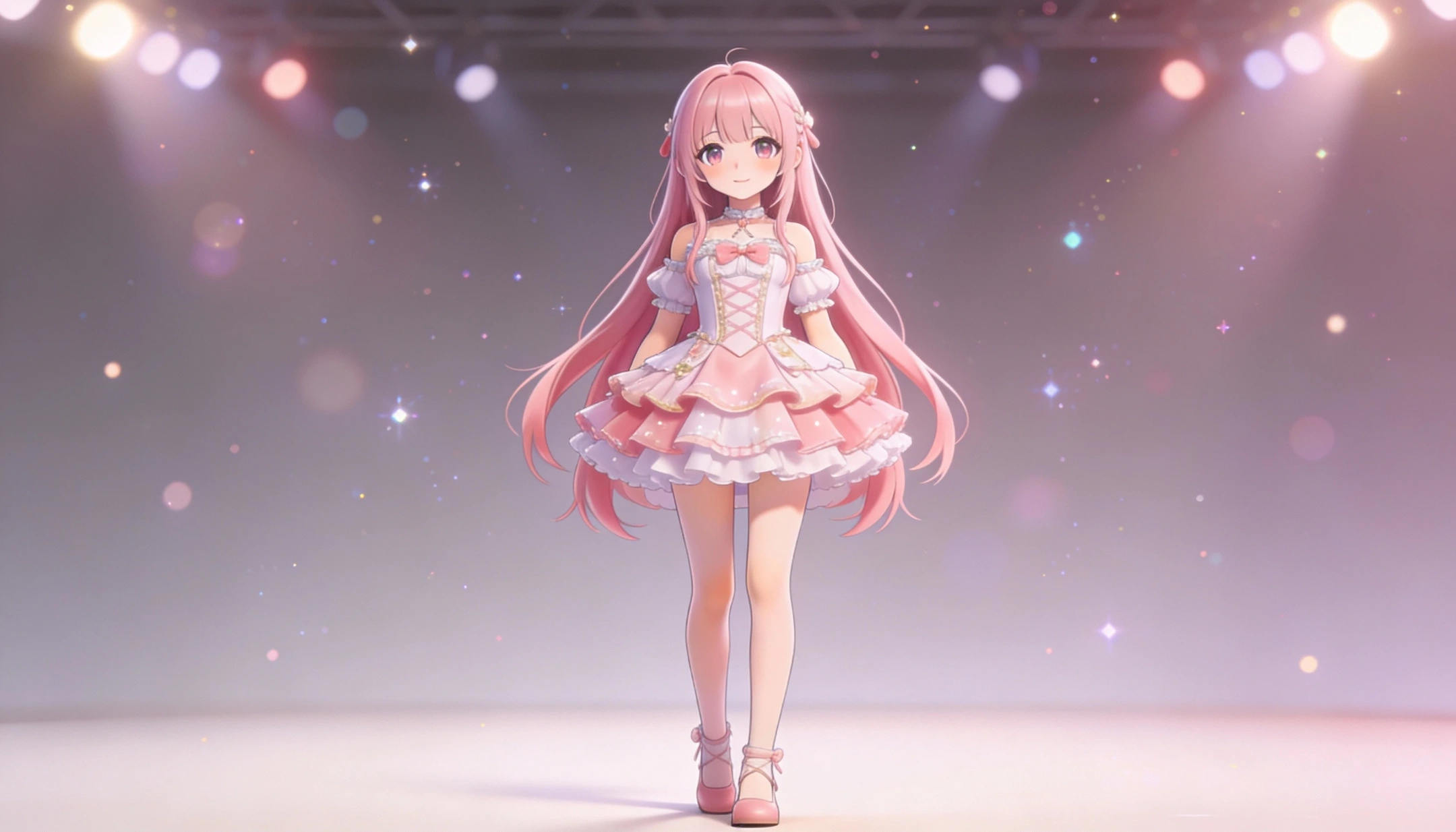
Turn your favorite 2D character or OC (Original Character) into a 3D living dancer. The Love Dance template features cute, feminine movements, hand hearts, and gentle swaying—perfect for anime aesthetics.
Step 1: Generate the Base Image
Prompt: Japanese 3D anime style, full body idol girl, long pink hair, frilly idol dress, pastel colors, cute and gentle.Standing alone, single character only.Simple stage background with soft glowing lights, dreamy bokeh, subtle sparkles, idol concert mood, clean composition.High quality, smooth shading, soft rim light, no other characters, no text, no watermark.
Recommended Model: Seedream 4.5
Step 2: Apply the Template
Use the [Love Dance Template]. --First try FREE—worth 160 Lumens
The AI will animate the character performing cute gestures while maintaining the 2D anime look.
Pro-Tips: How to Avoid "Glitchy" Videos
To ensure your AI dance video looks professional and not scary, follow these Input Image Golden Rules:
Full Body is Mandatory: The AI needs to see the feet! If you upload a selfie (face only), the AI will try to "invent" legs, which often looks distorted. Always use full-body shots.
Don't Crop the Limbs: Ensure the character's hands and feet are fully inside the frame, not cut off by the edge of the image.
Clean Backgrounds: A simple or blurred background helps the AI separate the dancer from the environment. Avoid busy crowds right behind the subject.
Standard Pose: For the best mapping, the subject should be standing straight or in a neutral pose (arms down or slightly out). Avoid photos where the subject is sitting, curling up, or riding a bike.
FAQ: AI Dance Troubleshooting
Q: Can I use a photo of a group of people?
A: Currently, the templates work best with one single subject. If there are two people, the AI might try to merge their movements. For group dances, we recommend generating each character separately and editing them together.
Q: Why does the face look different when moving?
A: When a static face turns sideways in a video, the AI has to "guess" what the side profile looks like. Using high-resolution images (upscaled in Piclumen) helps minimize this.
Q: Is it only for realistic photos?
A: No! As shown in the "Anime Love Dance" example, Kling Motion Control works beautifully on illustrations, 3D renders, and cartoons.
Ready to Start the Party?
Turn your photo gallery into a dance floor.