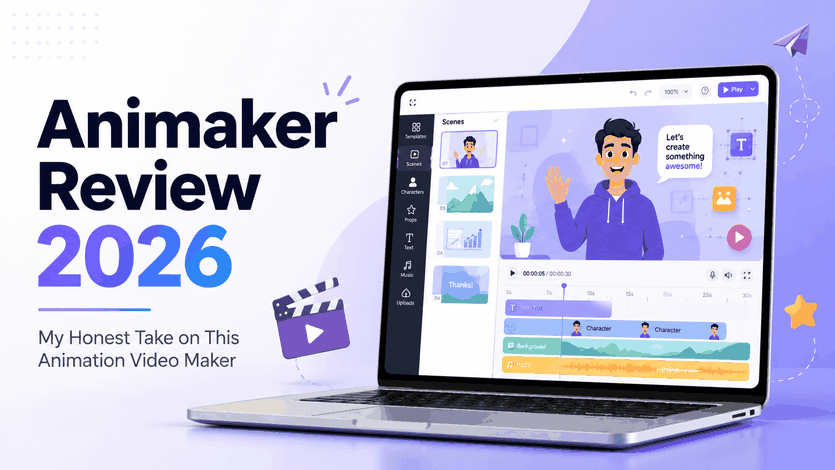
I can see why Animaker gets attention. On the surface, it sounds like the kind of tool many creators want: pick a template, add a character, write or generate a script, choose a voiceover, and turn everything into an animated video. That sounds convenient. And in some cases, it is. But after looking more closely at Animaker's workflow, features, free plan, and the kind of videos it is really built for, I do not think it is the right tool for every creator. It works best when you want a simple animated explainer, training video, classroom clip, or business-style presentation. It feels less exciting when you want something more cinematic, more original, or more AI-native. That is the main point of this Animaker review: Animaker is useful, but it is also quite specific. I would use it for clear animated communication. I would not choose it first for realistic AI video generation, image-to-video projects, or visually ambitious creative work.
My Overall Feeling About Animaker
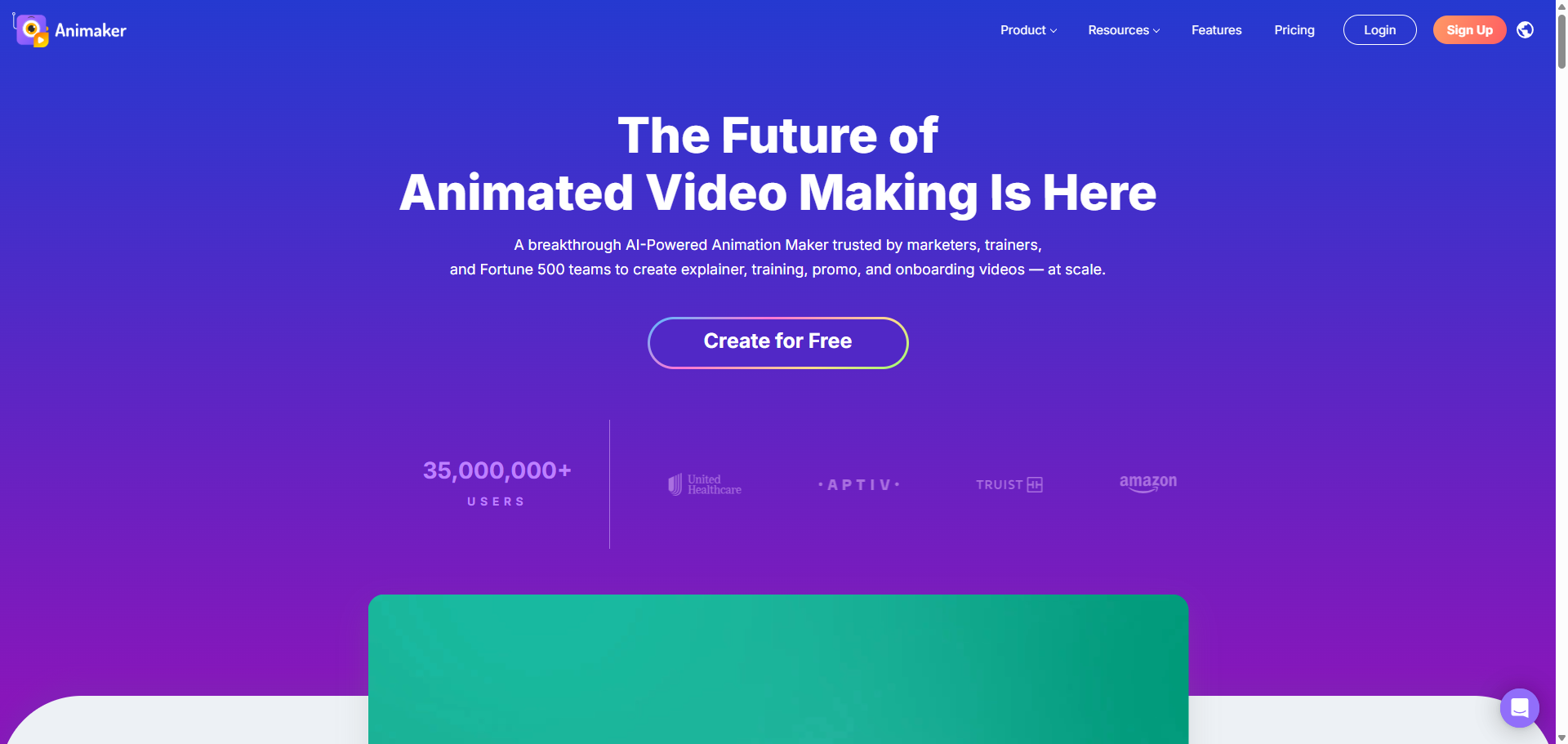
My first impression of Animaker is that it is built for people who want a guided way to make animated videos. Instead of starting from a blank canvas, I can work with templates, characters, scenes, voiceovers, and subtitles. That makes the tool easy to start with, but it also gives the final result a fairly structured feel. For this Animaker review, I would sum up my early impression like this:
Review Point | My Take |
|---|---|
Best Fit | Simple animated videos and explainers |
Main Appeal | Easy to start, even without animation experience |
Main Concern | The output can feel template-based |
Worth Trying? | Yes, if you need a quick animated video |
I would not call Animaker a bad tool. I just think it works best when the project matches its format.
What I Like About Animaker
It Makes Animation Less Intimidating
The best part of Animaker is that it lowers the barrier to animation. If I need to make a basic explainer quickly, I do not want to spend hours figuring out keyframes, layers, transitions, or character rigs. Animaker removes a lot of that friction. I can start with a template, change the text, adjust a few scenes, add a voiceover, and get something usable. For teachers, marketers, startup teams, HR departments, and small businesses, that is practical. Not every video needs to feel like a big production. Sometimes it just needs to explain something clearly.
The Templates Can Save Time
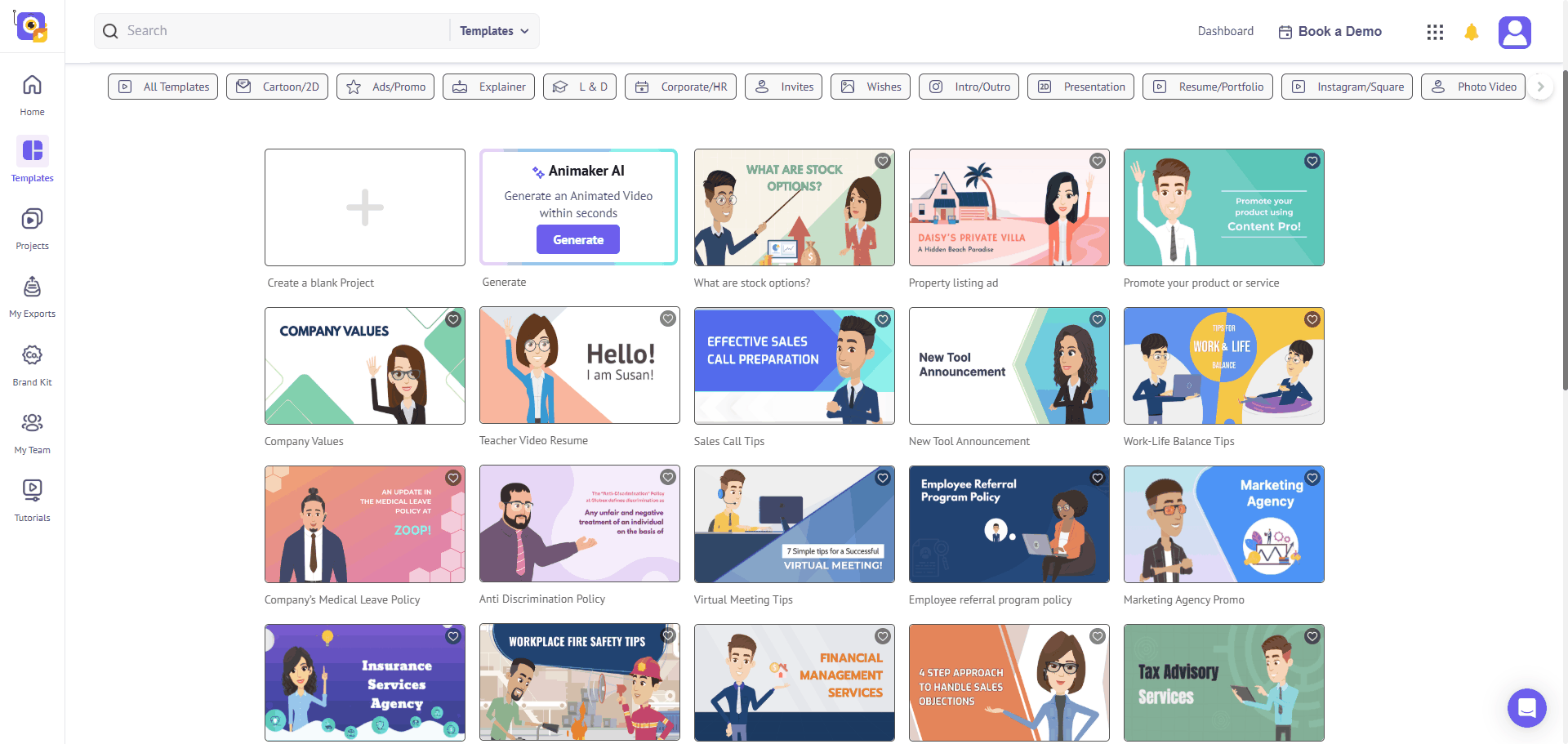
Templates are one of Animaker's clearest advantages. Instead of planning every scene from scratch, I can choose a layout that already fits the message and then customize it. That works well for training videos, product explainers, classroom lessons, internal updates, simple promotional videos, and whiteboard-style content. But I would not rely on the template too heavily. If I only change the text and leave the visuals mostly untouched, the video can look generic. So in this Animaker review, I would call the templates useful, but not a shortcut to originality.
The Character Workflow Is Practical
Animaker's character-based workflow is easy to understand and useful for simple storytelling. A character can explain, react, point, or guide the viewer through a topic, which makes dry information easier to watch. I would use this for a SaaS explainer, HR training module, classroom video, or product walkthrough. Still, I would keep my expectations realistic. The character style is mostly cartoon-like and business-friendly, which works for some projects but not for anything that needs a premium, cinematic, or realistic feel.
Voiceovers and Subtitles Are Useful
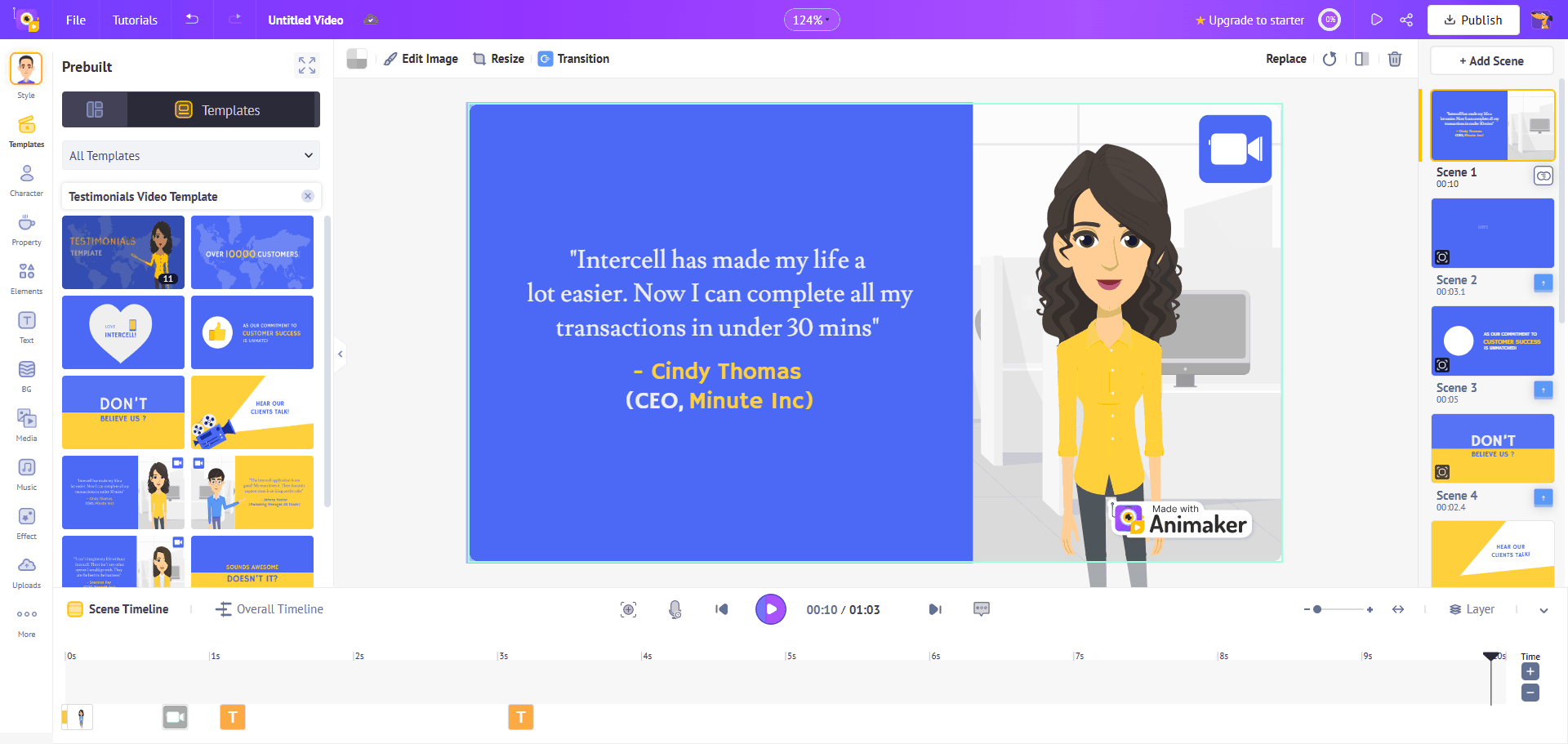
I also like that Animaker keeps voiceovers and subtitles inside the same workflow. For educational videos, training content, YouTube explainers, and multilingual projects, that saves time. Animaker says its platform includes AI voiceovers, AI translation, and auto-subtitles, along with templates and stock assets. But I would still review the result manually. AI voiceovers can sound stiff in longer videos, and subtitles may need fixing when the script includes brand names, product terms, or industry language.
Where Animaker Feels Limited
The Free Plan Is Not Enough for Serious Work
Animaker does offer a free plan, which is useful for testing the platform. But I would not build a serious publishing workflow around it. Animaker's free plan includes basic animation tools, limited premium assets, and watermarked exports. That means it is fine for trying the editor or making a rough draft, but not ideal for branded videos, client assets, paid ads, or professional YouTube content. This is normal for a SaaS video tool, but it is still worth knowing before spending time on a project.
The Final Video Can Feel Too Template-Based
This is my biggest creative concern with Animaker. The platform helps me produce something quickly, but the result can feel generic if I do not customize enough. The scenes may be clear, but not always memorable. The characters may work, but not always feel original. That does not make Animaker useless. It just means I would use it for the right kind of project: internal training, classroom lessons, onboarding videos, or simple explainers. For a brand campaign, social ad, or cinematic concept video, I would want more visual freedom.
It Is Not the AI Video Tool I Would Use for Cinematic Results
Animaker uses AI features, but I still see it mainly as an animation maker with AI assistance. If I want a structured animated explainer, Animaker can help. But if I want to generate a cinematic shot from a prompt, animate a reference image, create AI video effects, or explore different visual models, I would not start here. This is where PicLumen makes more sense. Its AI video generator supports text-to-video and image-to-video workflows, which fits better when the goal is to generate new visuals from an idea rather than edit a fixed template.
Animaker Pros and Cons
Before choosing Animaker, it helps to look at both sides clearly. The tool is easy to start with, but its limits become more obvious when you need a polished, original, or AI-native video workflow.
What I Like | What I Do Not Like |
|---|---|
Easy to start — I do not need animation experience to build a simple video. | Free plan feels limited — Watermarked exports and limited premium assets make it less suitable for professional use. |
Good for explainers — It works well for classroom videos, training clips, HR content, and product introductions. | Videos can look generic — If I do not customize enough, the final result can feel template-based. |
Templates save time — Ready-made scenes help me create a first draft faster. | Less flexible creatively — It is harder to create something that feels truly original or cinematic |
Characters are useful — The cartoon-style characters help make simple information easier to watch. | Not ideal for realistic AI video — I would not choose it first for text-to-video or image-to-video generation. |
Voiceover and subtitle tools help — These features are practical for education, training, and multilingual content. | Paid plans are often needed — For cleaner exports and fewer limits, free users will likely need to upgrade. |
Browser-based workflow — I can work online without installing heavy software. | Complex videos may need more editing — Longer or more polished projects still require manual work. |
The simple way to put it: Animaker is strong when I need structure. It is weaker when I need creative freedom.
Animaker Alternative: Why I Would Use PicLumen Instead
If Animaker feels too fixed or too template-driven, PicLumen is the alternative I would consider first. The difference is clear to me. Animaker helps me assemble animated videos from templates, characters, and scenes. PicLumen helps me generate images and videos from prompts, reference images, and creative ideas. That makes PicLumen a better fit when I want:
AI videos from text prompts
Image-to-video clips
Cinematic short-form content
Product visuals and creative ads
Social media videos
AI video effects
Concept scenes in different styles
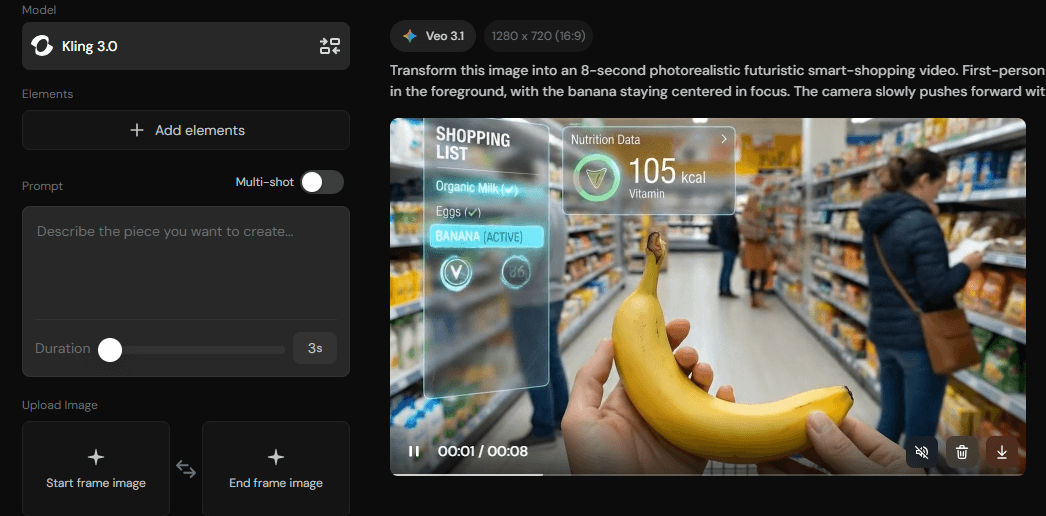
I also like that PicLumen has a community side. Instead of starting from a completely blank idea, I can browse other creators' works, study prompt ideas, and get visual inspiration before creating my own content. PicLumen's AI video workflow also allows users to add a prompt or image, choose ratio and duration, generate the result, and then download or share it. So I would not frame this as "Animaker is bad and PicLumen is good." That feels too simple. I would say this instead:Use Animaker when I need a clean animated explainer. Use PicLumen when I want more flexible AI image and video generation.
Final Verdict: Is Animaker Worth It?
Yes, Animaker is worth using, but only for the right type of video. I would use it for animated explainers, whiteboard videos, training content, classroom lessons, HR videos, onboarding clips, and simple product introductions. It gives beginners a clear path into animation, and the template workflow can save a lot of time. But I would not use Animaker for every creative project. The free plan has clear limits. The final video can look template-based. The character style will not fit every brand. And while the platform has AI features, it does not feel as flexible as AI-native video tools built around prompts, image-to-video workflows, and multiple visual models. My honest conclusion for this Animaker review is simple: Animaker is practical for structured animation, but not the tool I would choose for more cinematic or original AI video creation. For that, I would look at PicLumen.
FAQs About Animaker
Is Animaker free to use?
Yes, Animaker has a free plan. However, the free plan includes watermarked exports and limited premium assets, so I would mainly use it to test the platform rather than publish serious brand videos.
Is Animaker good for beginners?
Yes. I think Animaker is beginner-friendly because it uses templates, animated characters, voiceover tools, and a browser-based workflow. It is easier to start with than professional animation software.
What is Animaker best used for?
I would use Animaker for animated explainers, whiteboard videos, classroom lessons, training videos, HR content, product introductions, and simple marketing videos.
Is Animaker good for AI video generation?
Animaker has AI-assisted tools, but I would not call it the most flexible option for cinematic AI video generation. It works better for structured, template-based animated videos.
What is the best Animaker alternative?
For AI image and AI video generation, I would choose PicLumen as a strong Animaker alternative. It is better suited for text-to-video, image-to-video, AI video effects, product visuals, social clips, and more flexible creative exploration.
Is Animaker worth paying for?
Animaker is worth paying for if I regularly need animated explainers, training videos, or business animations. If my main goal is realistic AI-generated video or more creative visual freedom, I would look at PicLumen instead.