
Create Custom AI YouTube Outros from Prompts
PicLumen offers AI YouTube outro maker that helps you generate custom outro videos from text prompts. Instead of choosing from a template library, you describe the outro you want, select a video model, and customize settings like aspect ratio and video length.
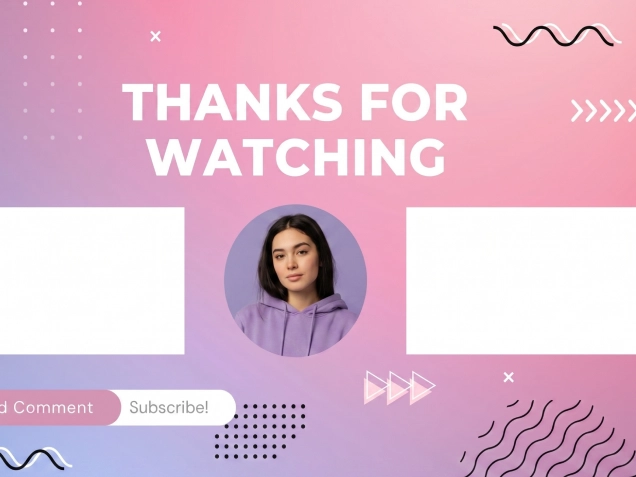
A YouTube Outro Maker for Original Video Outros
PicLumen helps you create YouTube outro videos without relying on pre-made outro templates. You can describe the style, motion, layout, pacing, and ending scene you want, then let AI generate an outro video based on your prompt. This makes PicLumen a strong fit for creators who want more original branding and more control over the final look of their channel outro. Whether you want a clean subscribe screen, a bold creator outro, a cinematic channel ending, or a modern social-media-style end scene, PicLumen gives you a prompt-based way to build it.
Use Video and Audio References in Supported Models
For supported models such as Seedance 2.0, PicLumen lets you upload video and audio references to help guide the final outro generation. This can be useful when you want the outro to better match a specific rhythm, motion style, or audiovisual feel. Instead of starting only from text, you can combine prompt input with reference material to create a more directed result. This workflow is especially helpful for creators who want their YouTube outro to feel closer to an existing brand style, editing rhythm, or channel identity.
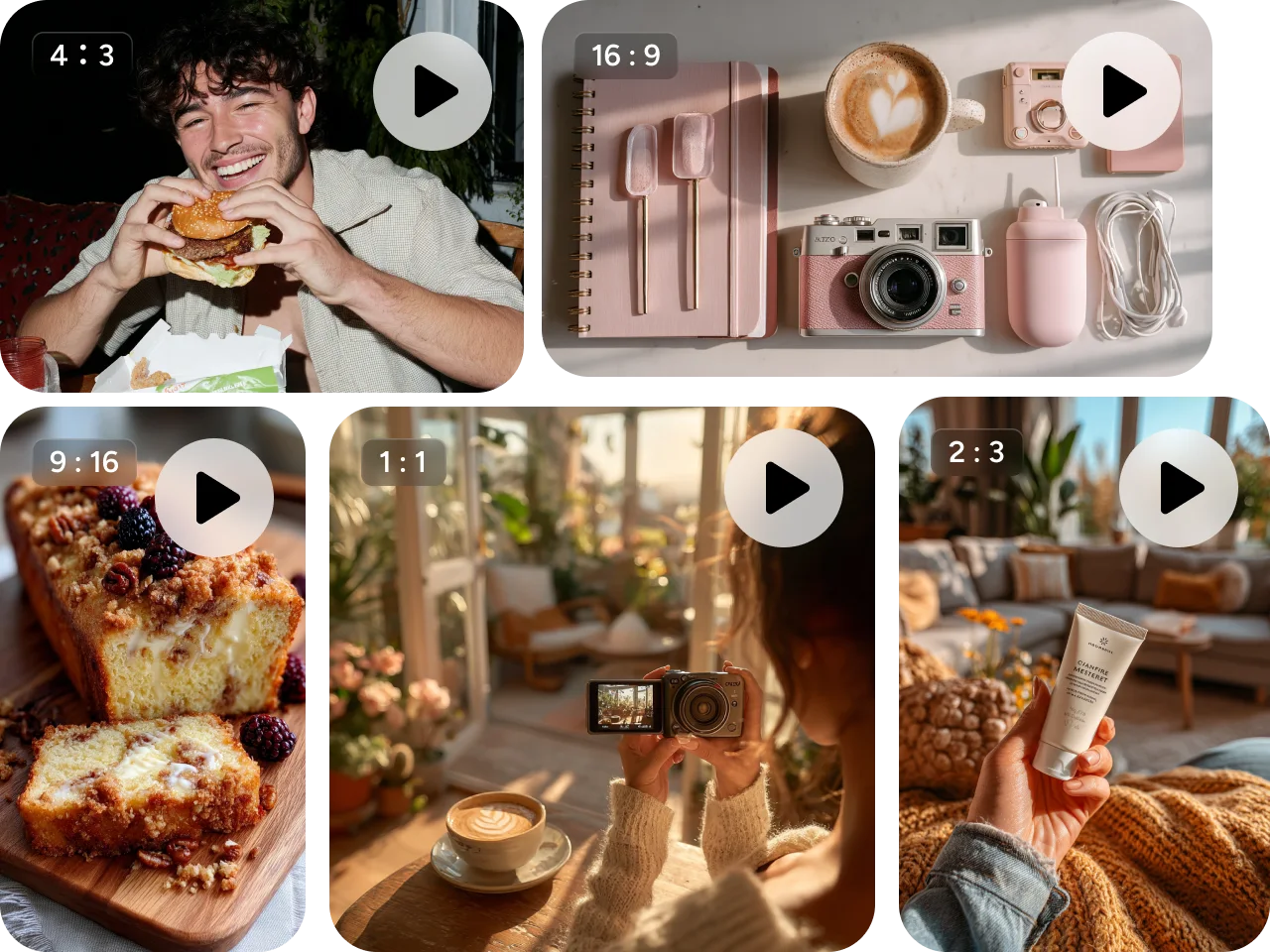
What Can You Create with a YouTube Outro Maker?
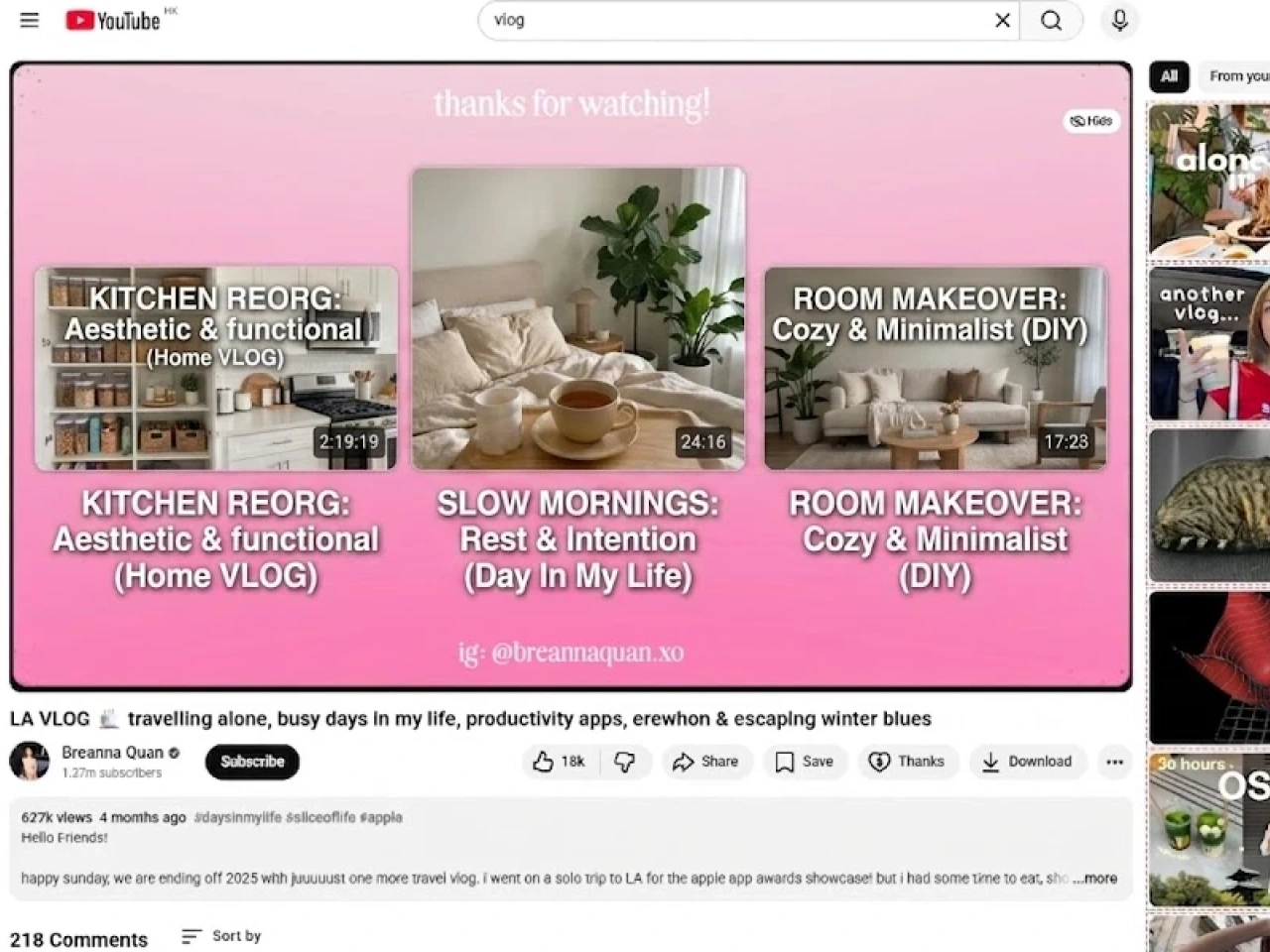
Creator Channel Outros
Generate custom sign-off videos for personal channels, creator brands, and recurring content series.
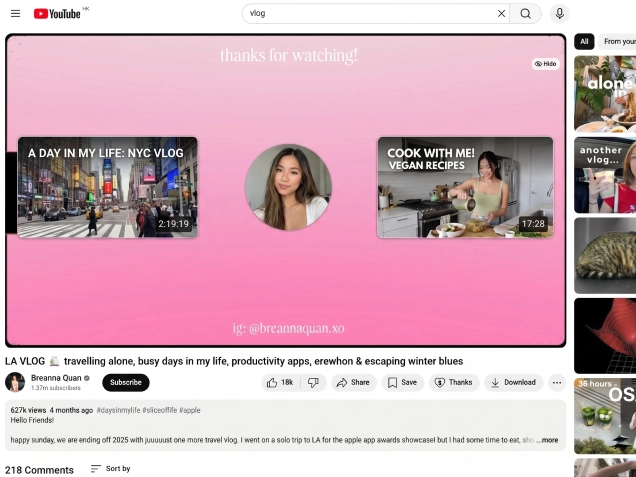
Subscribe and Follow Endings
Create visually distinct outro scenes for reminding viewers to subscribe, follow, or watch more content.
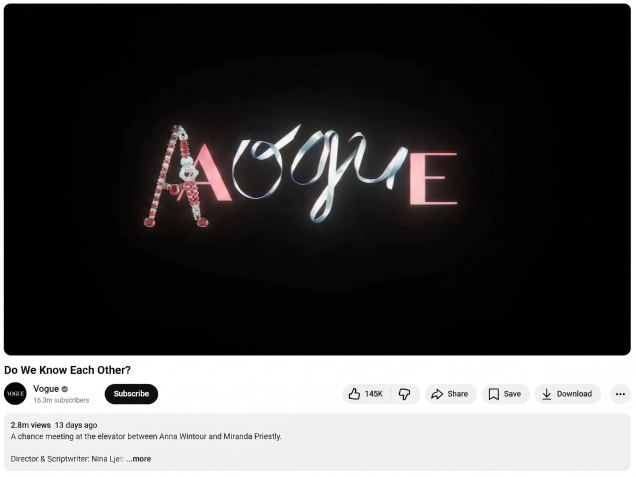
Branded End Screen Videos
Build polished outro videos that feel more aligned with your channel style and brand identity.
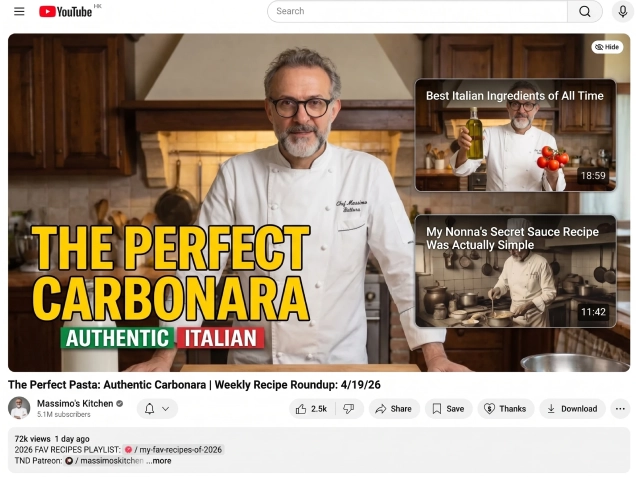
Series-Specific Outros
Generate different outro styles for tutorials, commentary videos, entertainment clips, tech channels, and Shorts-related workflows.
How to Use PicLumen as a YouTube Outro Maker
Step 1 Choose a Video Model
1Select the video model that best fits your desired visual style, motion quality, or workflow.
Step 2 Add References in Supported Models
2If you are using supported models like Seedance 2.0, upload video and audio references to help guide the final generation.
Step 3 Describe Your Outro Idea
3Write a prompt that explains the type of outro you want, such as a clean subscribe ending, a branded end screen, or a modern creator sign-off.
Step 4 Generate and Share
4Create your YouTube outro and export the result for use in your content workflow. Sharing it with the community is highly encouraged!


Loved by Creators Worldwide
Real feedback from designers, marketers, and hobbyists sharing their PicLumen experience on Trustpilot.
 Zaine Jutt
Amazing 😍😍😍😍😍😍 freee 😍😍
Amazing 😍😍😍😍😍😍 freee 😍😍
J. BlaineRegular PicLumen user experience
I've been using PicLumen since late summer 2024 and I've generated several thousand images, mostly image-to-image. There were 2 minor technical glitches in that period of time. In the first one, my library didn't load but after logging out and logging in again later that day I found my library back. The second glitch- the remixing and outpainting stopped working. I contacted the support team and the issue was fixed the next day. I also requested PicLumen to provide a PayPal payment method when they switched to subscription - and they listened and responded to my request. I appreciate their responsiveness and customer service. In my communication with their support team, I found them professional and polite. My general impression is that this is a dynamic and collaborative team that is worth supporting!
Good 👍 perfomense web site good images…
Good 👍 perfomense web site good images good
Sara FrandsenExcellent customer service
Excellent customer service! The support team was incredibly fast, polite, and helpful. They handled my request quickly and professionally without any hassle. It is rare to see such great and honest support these days. Highly recommended!
 KIDSCARTOON
This ap great and amazing generate pic
This ap great and amazing generate pic
 Brad the Bibliothecary
Great service with ease of use and…
Great service with ease of use and generous free offerings.
Andreas Ruffy NilssonAwesome!
great way to create for your own usage and your social platforms!
 Tyler
TylerIt’s a great ai app perfect for making…
It’s a great ai app perfect for making your imaginations come true
 Coterie Studios Coterie Record
I really like PicLumen
Zandalea here! I really like PicLumen and I used to use it daily. But after getting so many “not allowed “ messages from Sora2 I started using it less frequently.
 Shantell Jordan
LOVE THIS TOOL
Love this app. Its allowed my vision to come to life.
 Yasir Ali
My exprienxe was geat.This compony was…
My exprienxe was geat.This compony was good.
 Tim Olukayode Ajayi
Amazing Platform
Honestly, I was wowed the moment I land on PicLumen and tested their platform. I wanted to pay for the popular one before but had to stop and I am loving it all the way. I totally recommend PicLumen guys!
FAQs about YouTube Outro Maker
What is a YouTube outro maker?
A YouTube outro maker is a tool that helps creators build ending scenes or outro videos for their YouTube content. With PicLumen, you generate custom outro videos from prompts instead of choosing from a template gallery.
Does PicLumen offer YouTube outro templates?
No. PicLumen does not use a traditional outro template library. Instead, it lets you create original YouTube outro videos by writing prompts and generating the result with AI.
Can I use PicLumen as an online YouTube outro maker?
Yes. PicLumen can be used online to generate custom YouTube outro videos from prompts, with options for model selection, aspect ratio, and duration.
Can I upload video or audio to guide the outro?
Yes, in supported models such as Seedance 2.0, you can upload video and audio references to help guide the final outro generation.
Can I customize the length of the outro video?
Yes. PicLumen lets you adjust the video duration so your outro fits different content needs and channel workflows.