
AI LinkedIn Video Maker: Create Scroll-Stopping Videos
Create professional LinkedIn videos with AI using multiple video models, text-to-video and image-to-video generation, and flexible creative controls. PicLumen brings these capabilities together in one streamlined workflow, giving you more ways to create and refine content for LinkedIn.
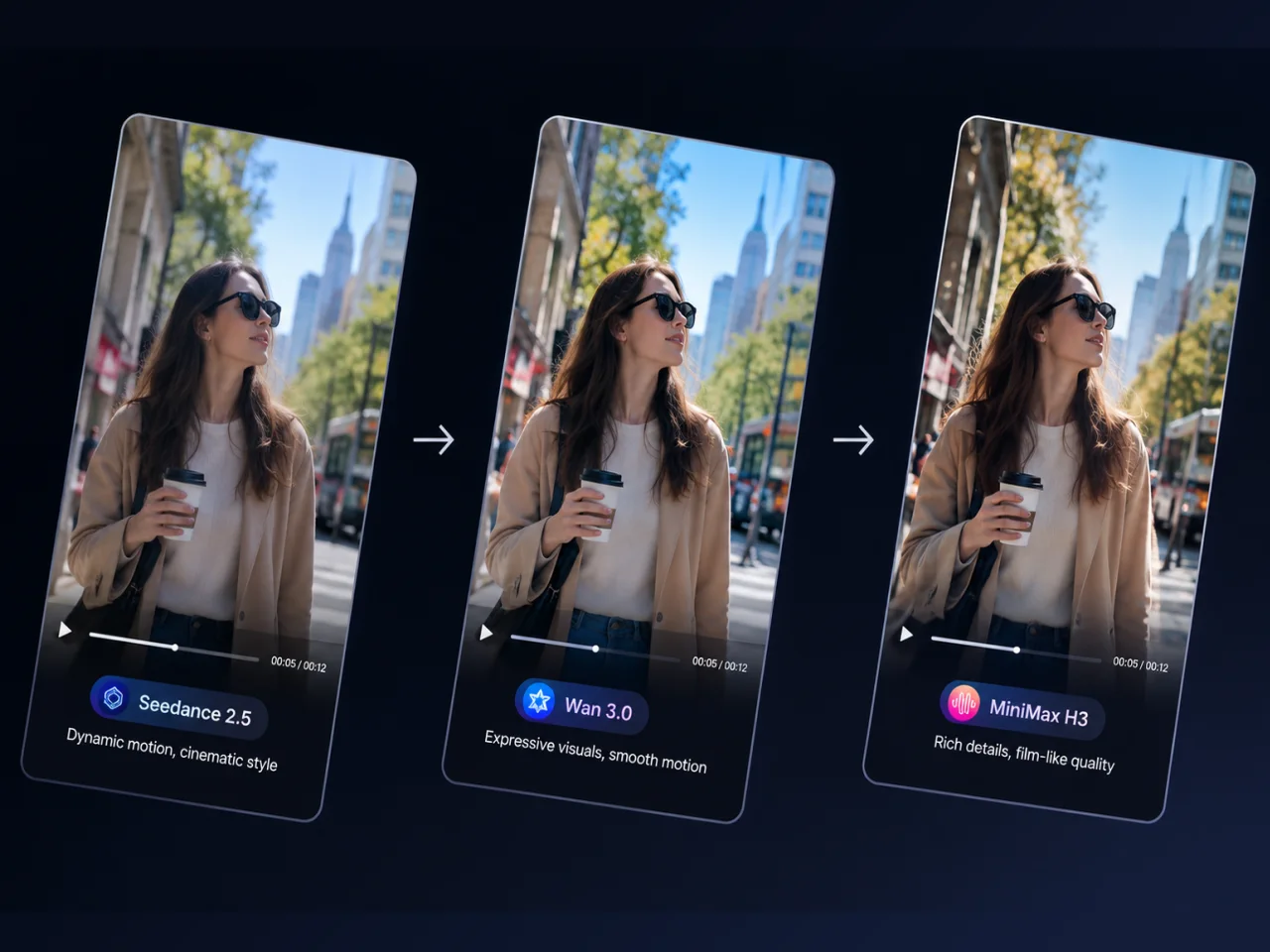
Explore Multiple AI Video Models for Better Results
Different video ideas require different visual approaches. PicLumen gives you access to multiple AI video models, allowing you to explore different generation styles, motion behavior, and visual results from the same creative concept. Instead of being limited to a single generation method, you can choose the model that best matches the look, movement, and tone you want for your content. Explore supported models such as Seedance 2.5, Wan 3.0, and MiniMax H3 to compare different approaches to AI video generation. This flexibility is useful when creating professional LinkedIn videos, product visuals, marketing content, or more creative social media videos where visual quality and motion can influence how your message is presented.
Turn Text and Images into Engaging Videos
PicLumen lets you turn a written idea into video with text to video, or animate an existing visual with image to video technology. Describe the scene, action, subject, or visual concept you want to create, and AI can transform your prompt into dynamic video content. If you already have a product photo, brand visual, illustration, campaign asset, or other supported image, you can use it as the starting point and bring it to life with motion. This makes PicLumen a flexible LinkedIn Video Generator for professionals who want to create video content from assets they already have.
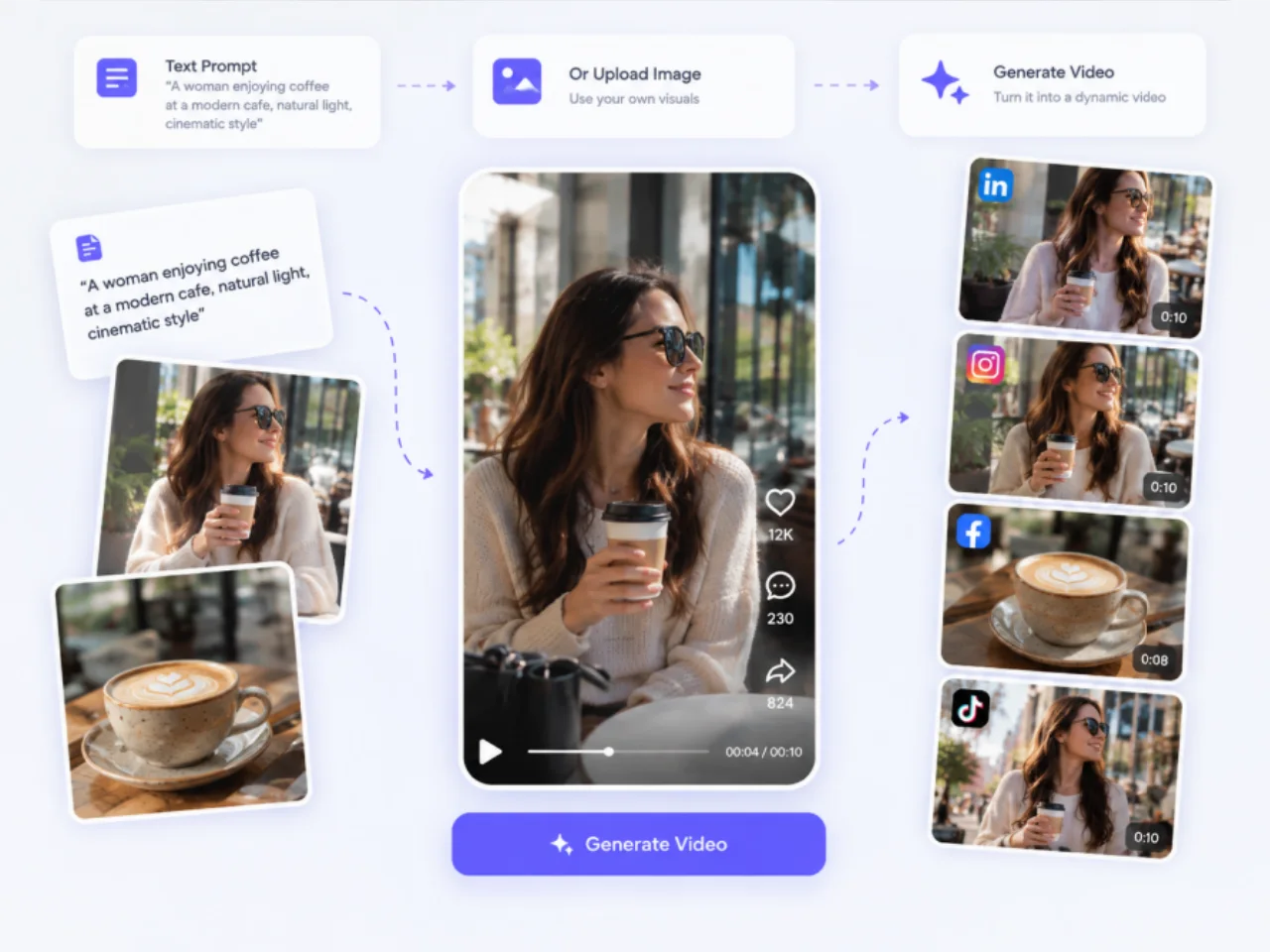
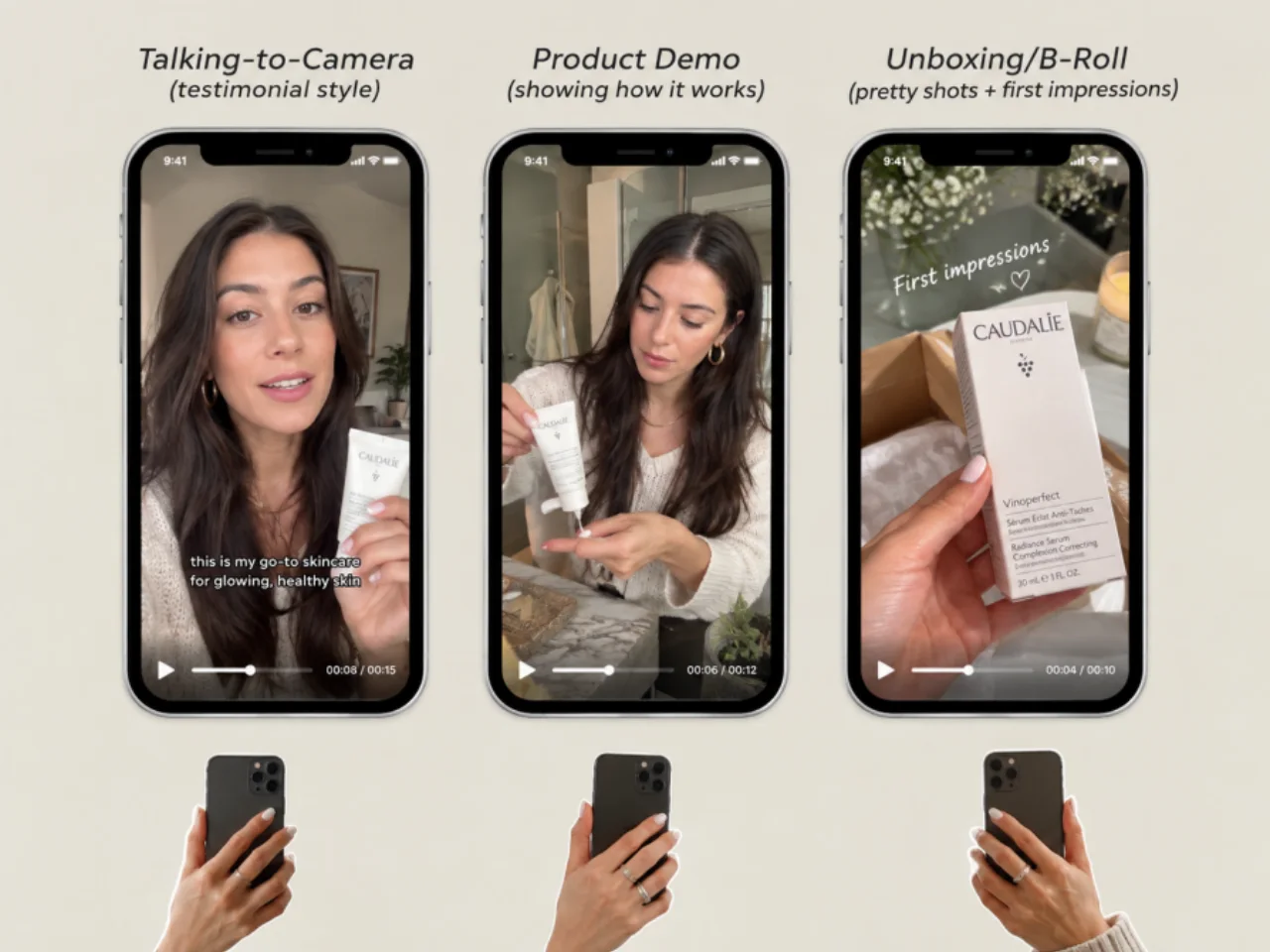
Shape Your Visual Style, Motion, and Creative Direction
Good AI video generation is not only about producing a video—it's about being able to guide the result. PicLumen lets you use natural-language prompts to communicate your creative direction and shape important elements such as the scene, visual style, subject movement, composition, and overall mood. You can describe how you want a scene to look and move rather than relying entirely on predefined templates. This gives you greater flexibility when developing LinkedIn marketing videos, product visuals, personal branding content, or other professional video content that needs to match a particular message or visual identity.
Create LinkedIn Videos Without Complex Editing
Traditional video production can involve scripting, filming, cutting footage, adding effects, and working through multiple editing tools before a video is ready to publish. PicLumen simplifies this process with an AI-powered workflow, so you can create professional-looking visual content without advanced video editing experience. This makes the AI LinkedIn Video Maker useful for professionals who need to create video content alongside their existing work. Marketers can develop visual assets for campaigns, founders can turn ideas into shareable content, and businesses can create more visual ways to communicate products, updates, and expertise.
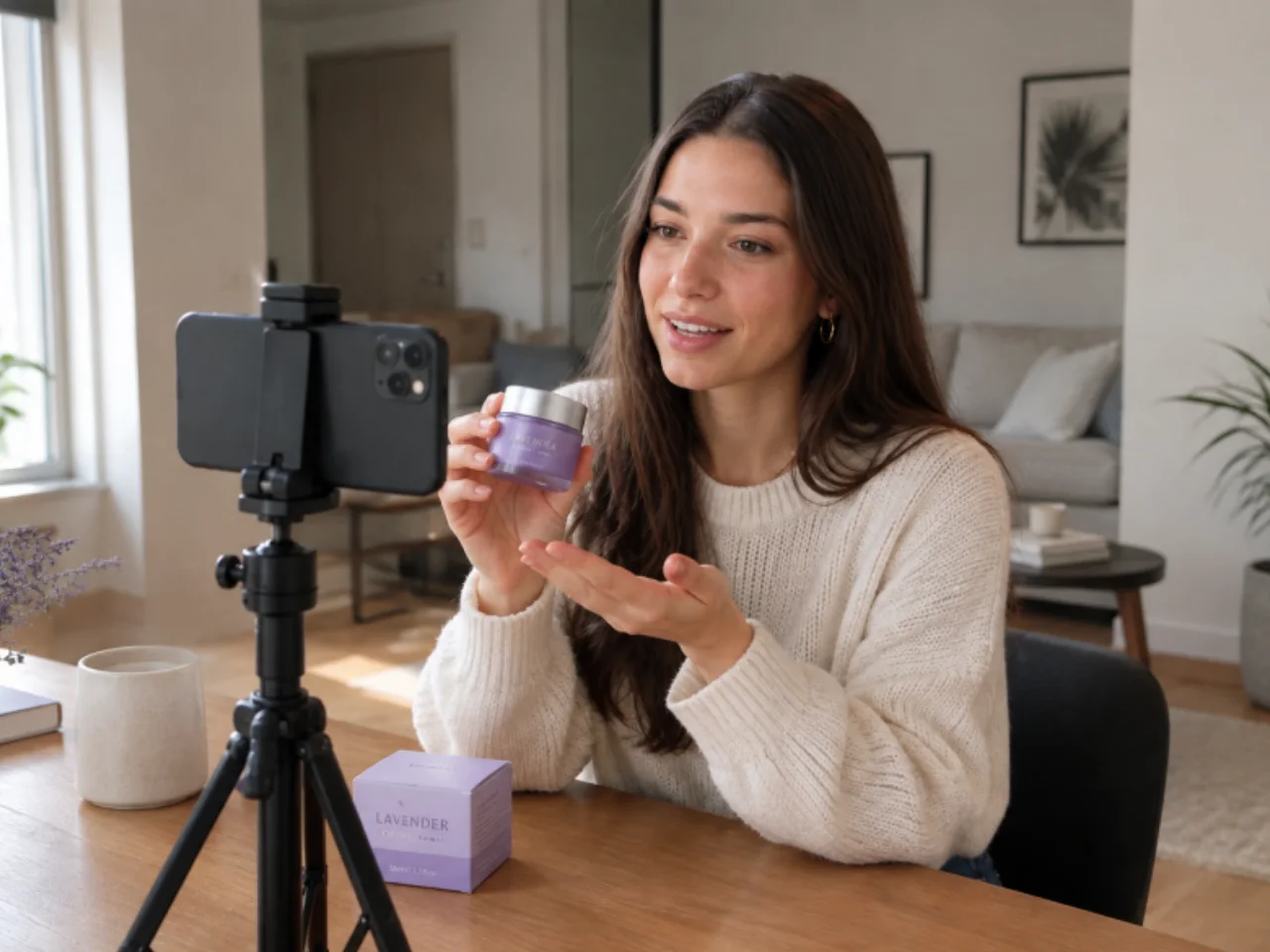
Create LinkedIn Videos for Every Professional Goal
Use an AI-powered LinkedIn Video Maker to create video content for personal branding, marketing, business communication, recruitment, and education. Turn ideas, expertise, products, and visual assets into LinkedIn videos designed for different professional goals and audiences.

Personal Branding & Thought Leadership
Build a stronger professional presence with AI-generated LinkedIn personal branding videos and thought leadership content. Use a LinkedIn Video Maker to share industry insights, explain ideas, showcase your expertise, introduce your work, and tell your professional story through engaging videos for LinkedIn.

Marketing & Promotional Videos
Create LinkedIn marketing videos to promote products, services, campaigns, and business ideas. Turn product visuals, creative concepts, and marketing messages into engaging LinkedIn promotional videos with an AI video generator for LinkedIn. Create social media video content that supports brand awareness, product promotion, and B2B marketing.

Business & Recruitment Videos
Create professional LinkedIn business videos for company updates, product announcements, corporate communication, employer branding, and hiring campaigns. Use an AI LinkedIn Video Maker to turn business information and creative ideas into clear, engaging recruitment and employer-branding content without a complicated video production workflow.

Educational & Professional Content
Turn tutorials, how-to guides, training materials, and complex topics into engaging educational videos for LinkedIn. Create explainers and knowledge-sharing content with an AI video maker, making it easier to present information clearly and keep professional audiences engaged.
How to Create a LinkedIn Video with AI
1 Add Your Idea or Image
1Start with a text prompt, creative concept, or supported image. Describe the LinkedIn video you want to create and provide the visual direction for your content.
2 Choose a Video Model & Generate
2Select an available AI video model based on your desired visual style and motion. Let AI transform your prompt or image into a video, then refine your creative direction and generation settings as needed.
3 Download & Share Your LinkedIn Video
3Download your finished video and share it on LinkedIn for marketing, personal branding, business updates, product promotion, or professional content. Create your next LinkedIn video whenever you have a new idea.


Loved by Creators Worldwide
Real feedback from designers, marketers, and hobbyists sharing their PicLumen experience on Trustpilot.
chelsiennerThis is my favorite AI Image generator
This is my favorite AI Image generator
 Sara Frandsen
Excellent customer service
Excellent customer service! The support team was incredibly fast, polite, and helpful. They handled my request quickly and professionally without any hassle. It is rare to see such great and honest support these days. Highly recommended!
Ai HackGreat tool
I would really recommend this website to content creation
 next frame
best ai web creation site
best ai web creation site
It’s way easier to use then these other…
It’s way easier to use then these other apps
Great platform
Ease of use,and great models
Super shuper super ai
Super shuper super ai Thanks for wachong
Love!!
Love!!! Love!!! Love. It. I can get so creative. It pulls my image from my mind.
 The Uncharted Timeline
This ai
This ai generated image very natural and beautiful HD quality
amazing image creation app for me-5*…
amazing image creation app for me-5* rating...
Alexander SortoIt's highly recommended for creating…
It's highly recommended for creating fantastic, high-quality images. I'm very happy to have PicLumen in my life.
 Hesham Zohny
it is super easy and UI/UXis perfect
it is super easy and UI/UXis perfect
Frequently Asked Questions About AI LinkedIn Video Maker
What is an AI LinkedIn Video Maker?
An AI LinkedIn Video Maker is an AI-powered tool that translates your text prompts or static images into dynamic, professional videos ready for LinkedIn. PicLumen automates the complex parts of video production, allowing professionals, founders, and marketers to create scroll-stopping B2B content in minutes instead of days.
How do I create a LinkedIn video with AI?
Start with a text prompt or an image, choose an AI video model, and generate your video with PicLumen. Once it's ready, you can download the video and share it on LinkedIn.
What is the best video format and size for LinkedIn?
MP4 is a commonly supported format for LinkedIn video. For the aspect ratio, 1:1, 4:5, and 16:9 can work for different viewing experiences. Choose the format that best fits your content and how you want it to appear in the LinkedIn feed.
Can I create LinkedIn videos from static images
Yes. PicLumen supports image-to-video generation, so you can animate existing product photos, brand assets, screenshots, and other supported visuals into engaging LinkedIn video content.
What types of LinkedIn content work best with AI video?
AI generation is highly versatile for professional platforms. You can quickly generate product demonstrations, educational explainer videos, upcoming webinar teasers, company announcements, and recruitment campaigns. It’s also perfect for repurposing your successful text posts into visual thought leadership content.
Can I build my personal brand on LinkedIn without showing my face?
Absolutely. Many professionals want to share their expertise but prefer not to be on camera. An AI LinkedIn Video Maker empowers you to create high-quality, "faceless" personal branding videos. You can use stylized visuals, conceptual art, or animated product shots to tell your story and establish industry authority.
Do I need video editing skills to use PicLumen?
No technical background is required. Traditional video production can require specialized software and editing skills, but PicLumen handles the visual generation process from simple text or image inputs, making professional video creation accessible to anyone with a creative idea.
Is PicLumen's AI LinkedIn Video Maker free to use?
Yes! PicLumen offers free credits so you can experience our advanced AI video generation capabilities right away. You can instantly turn your ideas into professional LinkedIn content at no cost.
Stop Scrolling, Start Engaging: Create Your Next LinkedIn Video with AI.
Turn text and images into engaging LinkedIn videos with AI. Build your brand, promote products, recruit talent, and share your expertise—no editing skills required.