Free AI Clothes Changer Online - Realistic, Fast, and Easy
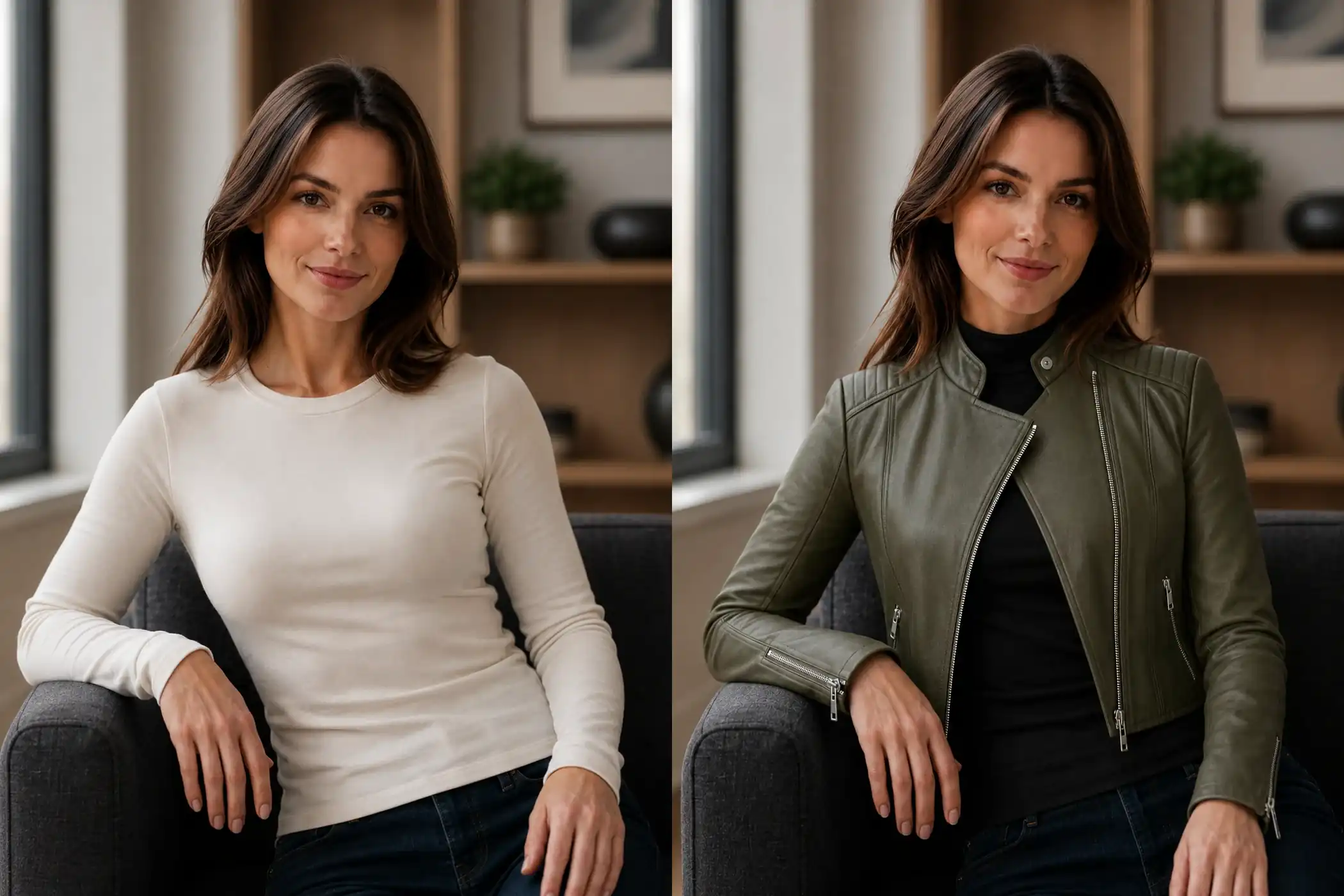
Realistic Outfit Changes That Feel Natural
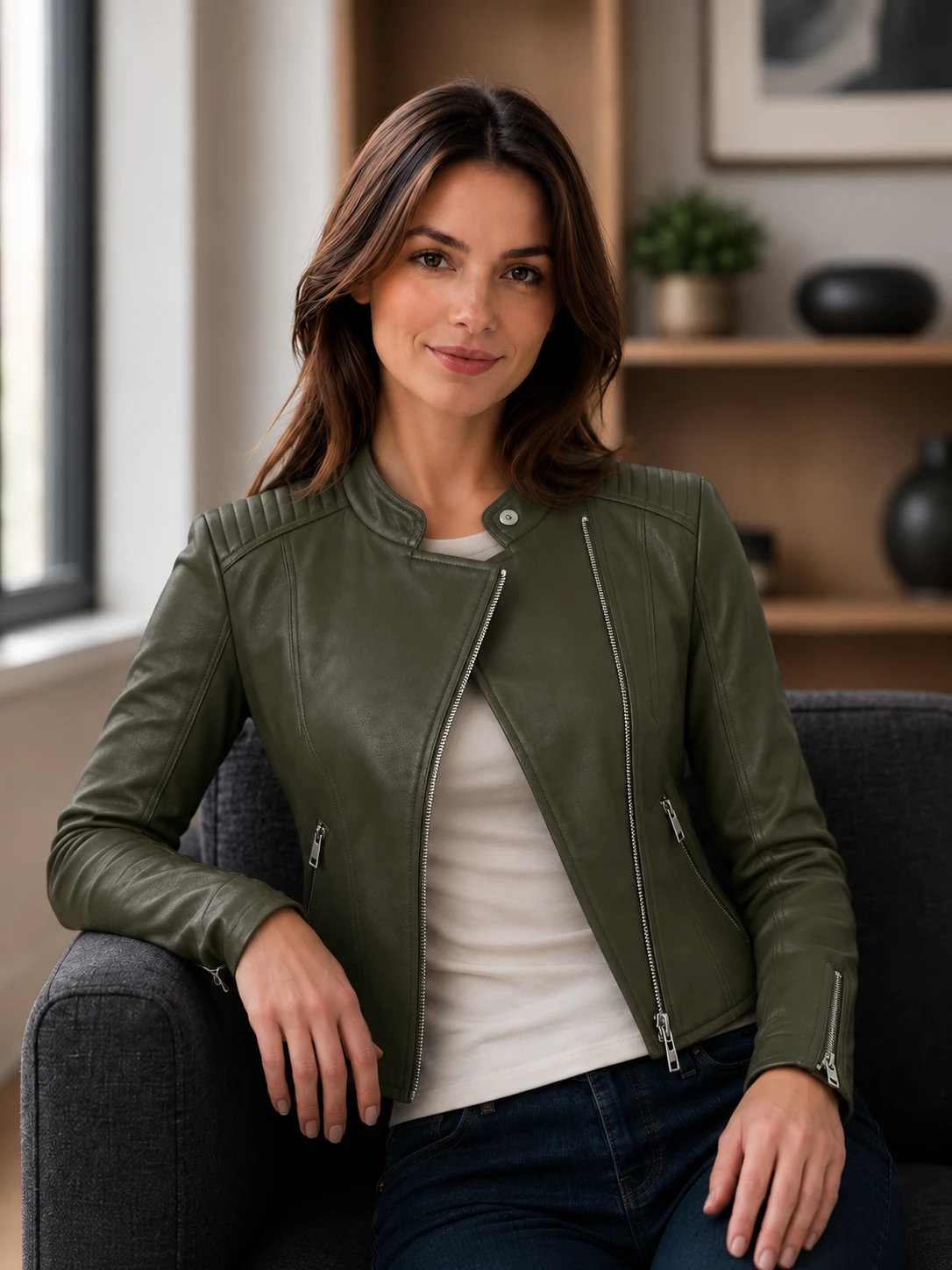
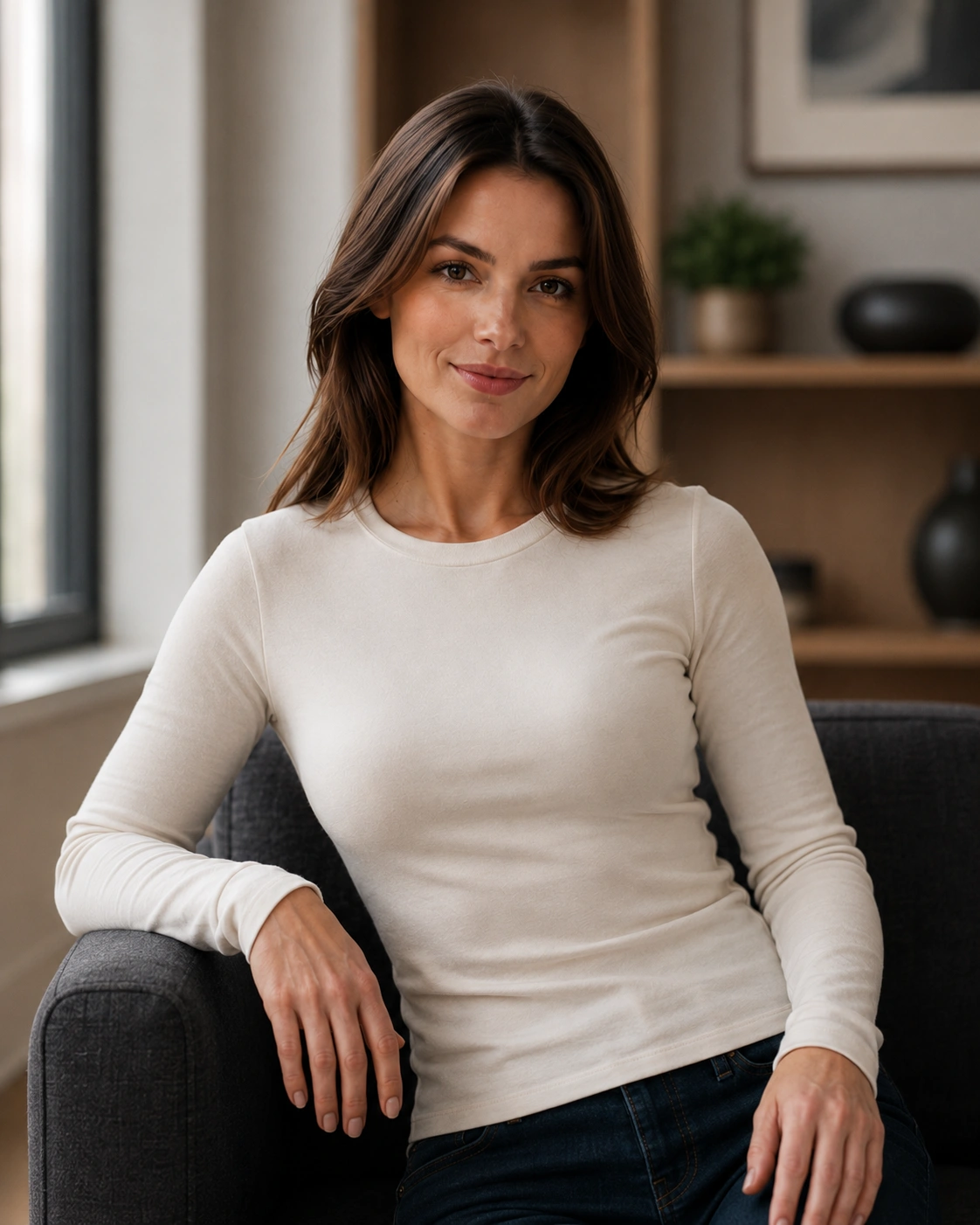
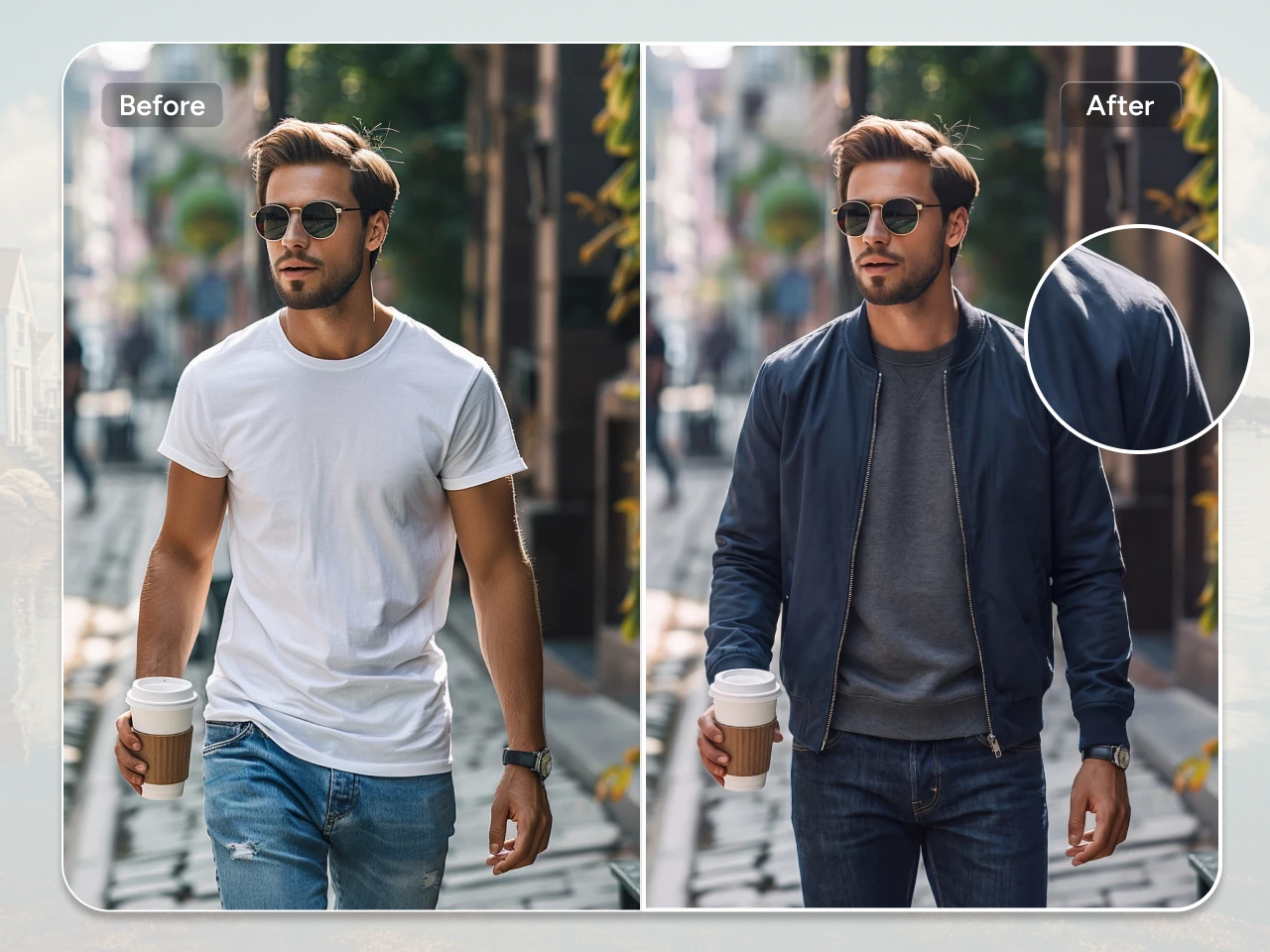
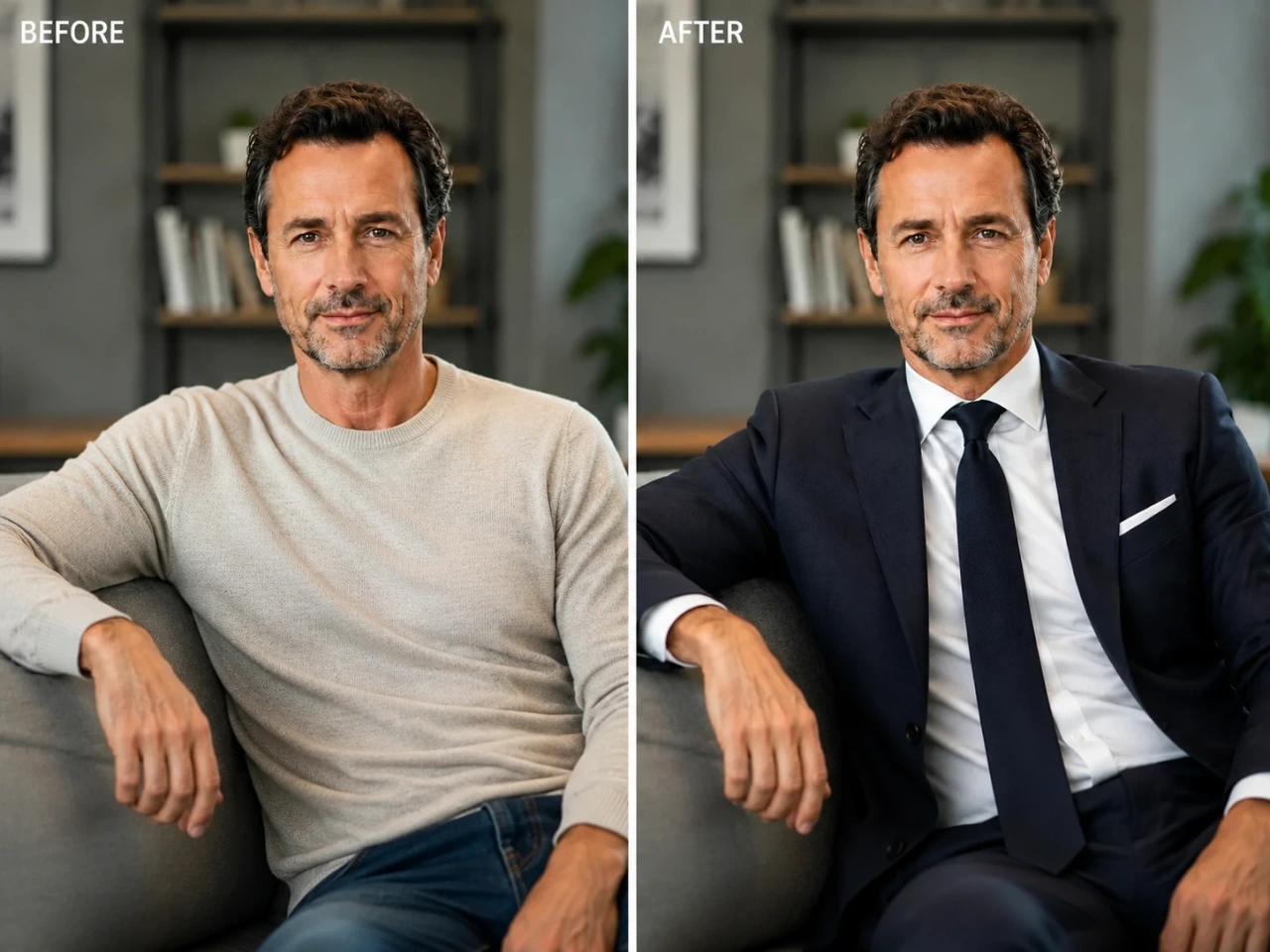
Clothing edits only work when they feel believable. PicLumen's AI clothes changer focuses on keeping textures, lighting, shadows, and body proportions visually consistent, so generated outfits blend naturally into the original image. Fabric details, folds, and overall fit stay much more realistic than typical quick-edit tools. If you want to add clothes to photo naturally, this makes the process far less frustrating.
Preserve Your Natural Identity
PicLumen’s AI clothes changer is designed to transform your outfit while keeping the person in the photo visually consistent. By analyzing facial features, body shape, posture, and natural proportions, PicLumen understands where clothing should fit and how it should align with your pose.
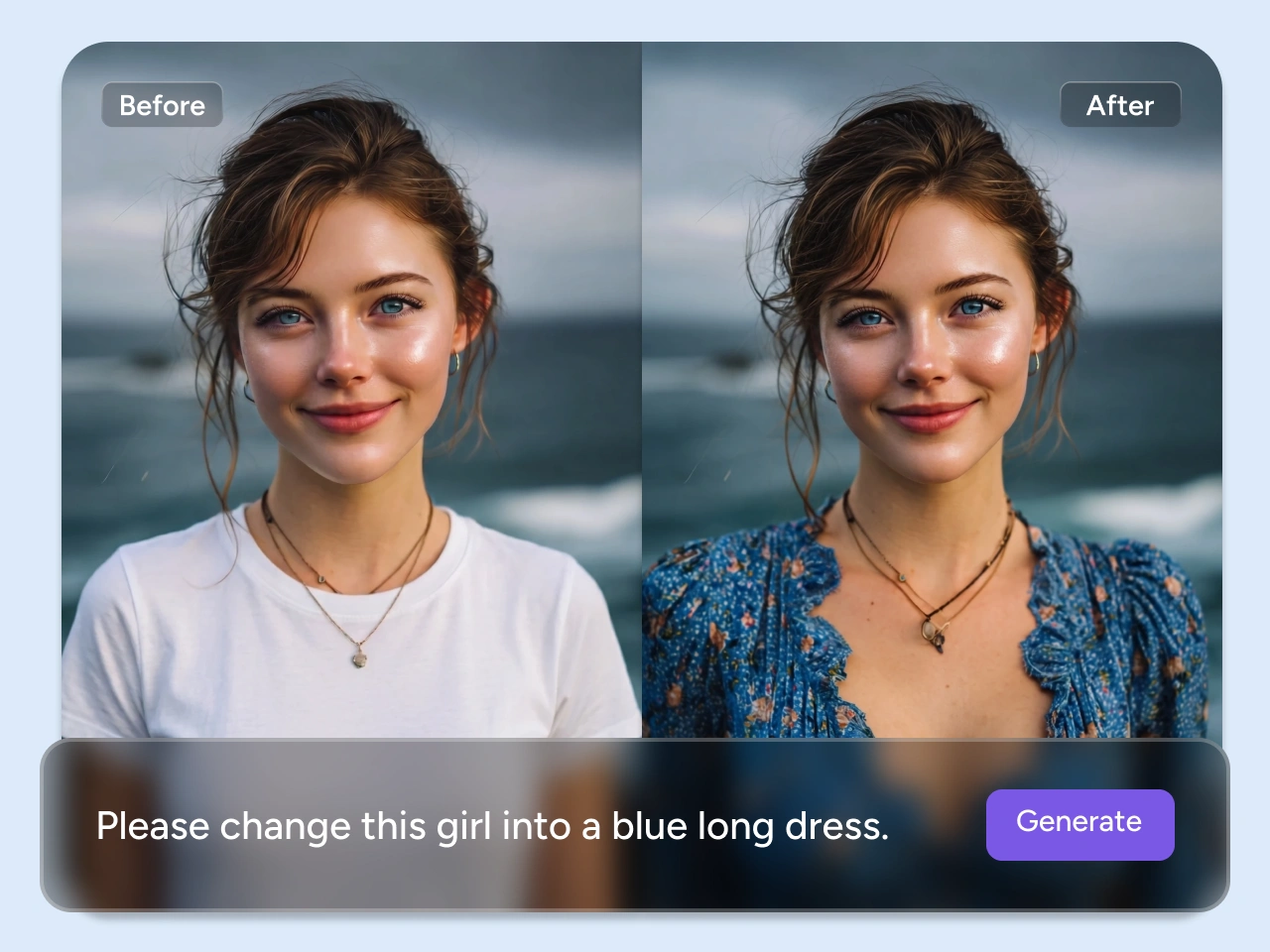
Customizable Outfit Change from Just a Photo or Idea
You don't need any editing skills. Just upload a photo and describe the outfit you want, like "oversized black hoodie with cargo pants" or "white satin evening dress". If you already have a style in mind, you can also upload a reference image to guide the result. PicLumen's AI clothes changer gives you the freedom to create the exact look you want.
Different Clothes Styles Without Limits
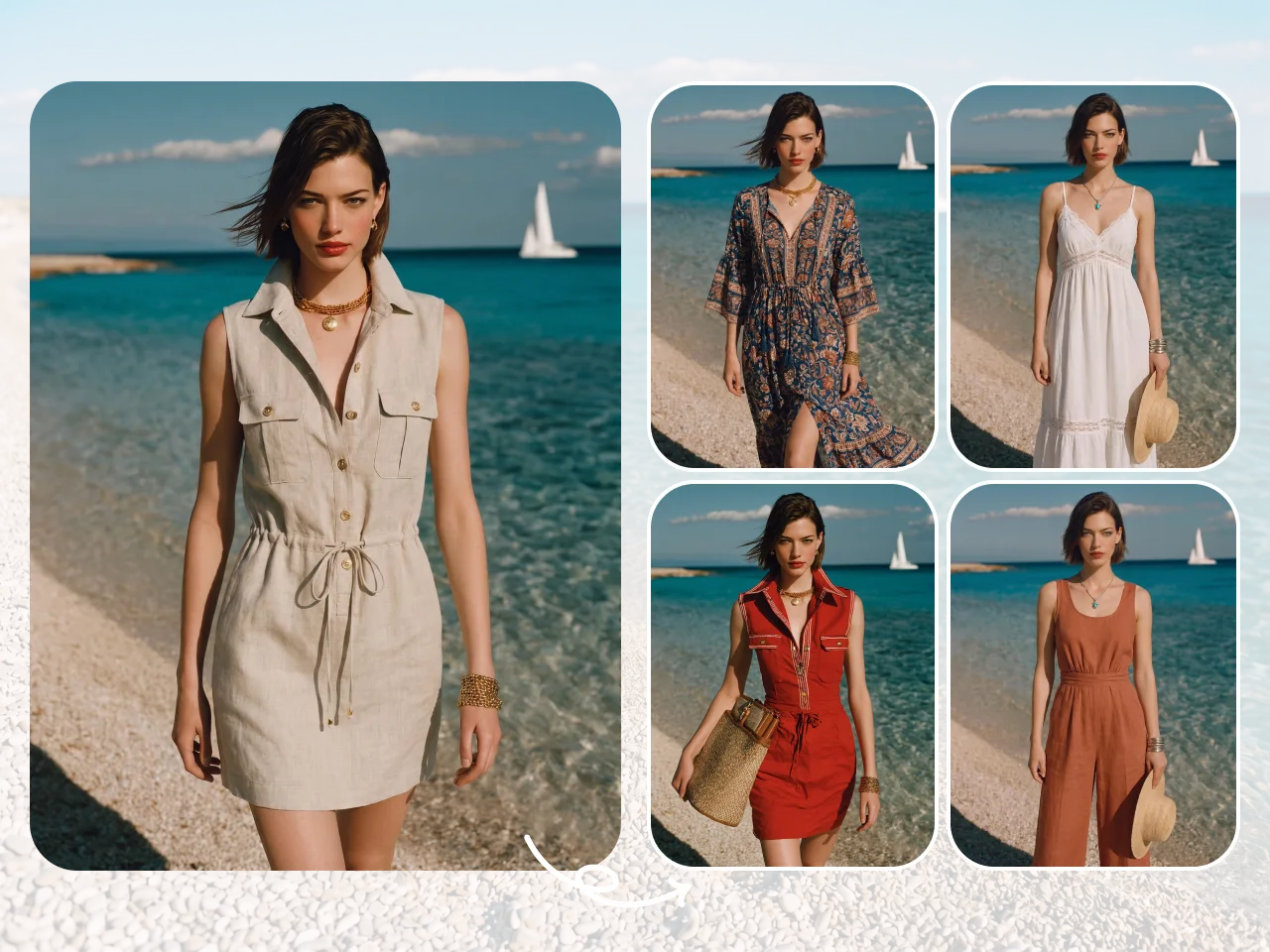
A single photo can generate dozens of completely different looks. Whether you are looking for an AI clothes changer for men or women, feel free to try office wear, casual street outfits, luxury fashion, vacation looks, formal dresses, gym wear, or any other creative costume styles. You can experiment freely without committing to one aesthetic. PicLumen's AI clothes changer also works as an AI clothes color changer, so if you like an outfit but want to test another palette, changing colors is just as simple.
Built for Social-Ready Visual Content
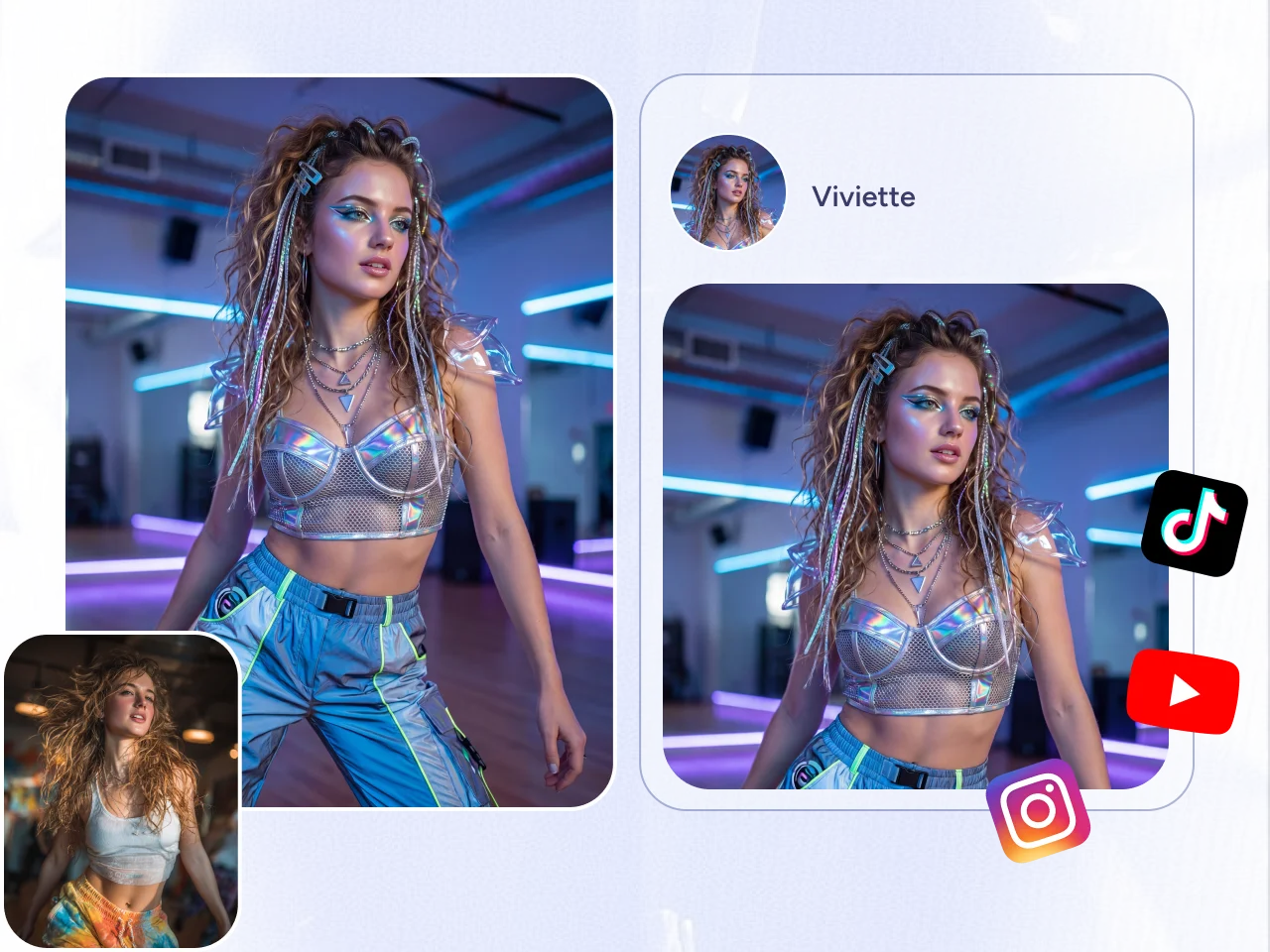
Sometimes one outfit change is enough to turn a simple photo into something worth posting. With PicLumen's AI clothes changer, You can create multiple versions of the same image and explore different moods — clean aesthetic portraits, bold fashion edits, editorial-style looks, or creative concept visuals. This flexibility is what makes it useful when you’re preparing content for platforms like Instagram, TikTok, or personal portfolios.
AI Clothes Changer Use Cases and Applications

Virtual Outfit Try-On
Preview different outfits on a single photo without reshooting. It helps you quickly test style ideas before changing your real wardrobe.

Social Media Content
Create multiple outfit variations from one image to keep your posts fresh across Instagram, TikTok, and other platforms.

Fashion Design Ideas
Explore outfit concepts, silhouettes, and color directions before turning them into real designs or moodboards.

Character & Costume Design
Test different styles for characters, avatars, or cosplay concepts with quick visual outfit changes.

E-commerce Product Photos
Create polished e-commerce fashion product images without the cost and complexity of repeated photoshoots.

Personal Branding Photos
Adjust outfits in professional photos for LinkedIn, portfolios, or business profiles to match different presentation needs.
How to Change Clothes in a Photo with AI
1 Upload Your Photo
1Upload a clear photo of the person whose outfit you want to change. For better results, choose an image where the body and current clothing are clearly visible.
2 Upload the Clothing Image
2Add an image of the clothing you want to try on. Choose a clear reference image that shows the outfit’s shape, style, and details.
3 Generate Your New Look
3Click Generate and let AI apply the new clothing to your photo while keeping the person’s appearance and pose visually consistent.
4 Download Your Favorite Result
4Preview your new outfit, save the result you like, or try another clothing image to explore more looks.


Loved by Creators Worldwide
Real feedback from designers, marketers, and hobbyists sharing their PicLumen experience on Trustpilot.
Isuru NilankaIt's easy to use
It's easy to use, they have different AI models, good prices, and a nice community page.
Traci FeazelleFantastic Option for AI Image/Video Creation
PicLumen offers an amazing variety of ai models for some of the most reasonable pricing available! The app layout also affords ease of use.
 by Neefa
i love it and easy to use
i love it and easy to use
 ClashOf Clans
Excellent platform to fantasy
Excellent platform to fantasy
 George Price
PicLumen's support team replies quickly…
PicLumen's support team replies quickly to your help requests and they are clear in what they require of you for them to help you. They usually diagnose your problem and offer a solution in less then 24 hours. Stellar service!
 Zara
ZaraPiclumen still remains the best…
Piclumen still remains the best with image references. I don't have any complains using Piclumen. It makes my work easier
 Tyler
TylerIt’s a great ai app perfect for making…
It’s a great ai app perfect for making your imaginations come true
Final ProjectReally good image generation Tool
Really good image generation. I love the way they have daily reward system that help beginners to make creative content before spend money on it. 100% recommended.
Time Saver for Artist
The refine sketch is the real reason I joined PicLumen. I have shaky hands, and so my sketches are rough, and refining them takes a lot of time and hand cramping.
 Ghulam E Hur
Application is very good
Application is very good but improvement needed
 Govind Aariya
Naic
Veri nice 👍 Bhot acha ap he
I love PicLumen
I love PicLumen. It is one of my favourite AI image generating tools. I have been using it for quite some time and it never fails to disappoint , and just keeps getting better with each update
Frequently Asked Questions
What is an AI clothes changer?
An AI clothes changer is a tool that allows you to modify outfits in photos using AI. You can upload an image or input texts and generate new clothing styles without manual editing.
Can I use AI clothes changer online free?
Yes, PicLumen offers free daily credits, so you can try the tool online free before upgrading if you need more generations.
Can I change clothing colors only?
Yes, you can also adjust outfit colors while keeping the original style. This works well if you want to test different visual tones or variations.
What is the best AI clothes changer for realistic results?
PicLumen is designed to produce realistic outfit changes by keeping lighting, texture, and body consistency aligned with the original image.
Can I add clothes to photo without editing skills?
Yes, you can easily add clothes to photo by uploading an image and entering a simple prompt. No design or editing experience is required.
Can I use generated images for personal or commercial projects?
Yes, generated visuals can be used for personal creative work and commercial use depending on your plan and usage rights.
Can I undress people with AI clothes changer?
No. PicLumen is an SFW-only AI image generation tool and does not support nude, undress, or non-consensual clothing removal features. The AI clothes changer is designed for safe outfit editing, such as changing styles, trying on new clothes, creating fashion looks, or improving clothing visuals while keeping the result appropriate and respectful.
What's the best AI clothes changer prompt?
A good AI clothes changer prompt format is: Change the outfit to [clothing type], in [color/material/style], suitable for [occasion], with realistic fabric folds, natural lighting, and a clean fit. Keep the original face, pose, and body shape. For example:
1. Change the outfit to a modern black business suit with a white shirt, realistic fit, natural fabric folds, and professional office style. Keep the original face, pose, and body shape.
2. Replace the clothes with a casual streetwear outfit, oversized hoodie, relaxed jeans, and sneakers. Make the outfit look natural with realistic lighting and fabric texture.
3. Change the outfit to an elegant red evening dress with soft fabric, natural folds, and a flattering fit. Keep the person’s original face, posture, and body proportions.
Explore More Tools on PicLumen
- Realistic AI Image Generator
- Pixel Art Generator
- AI Anime Character Generator
- AI Pokemon Generator
- AI Avatar Generator
- Cartoon Character Maker
- AI Game Assets Generator
- AI Pet Portrait Generator
- Barbie Selfie Generator
- AI Manga Generator
- AI Image Combiner
- Furry AI Art Generator
- AI Animal Generator
- AI Hairstyle Changer
- AI Hair Color Changer
- AI Full Body Character Creator
- AI Baby Generator
- AI Surrealism Art Generator
- AI Garden Design Generator
- AI Image Object Remover
- AI Photo to Cartoon Converter
- AI Product Staging
- AI Christmas Wallpaper
- AI Background Generator
- AI Cute Bow Wallpaper Maker