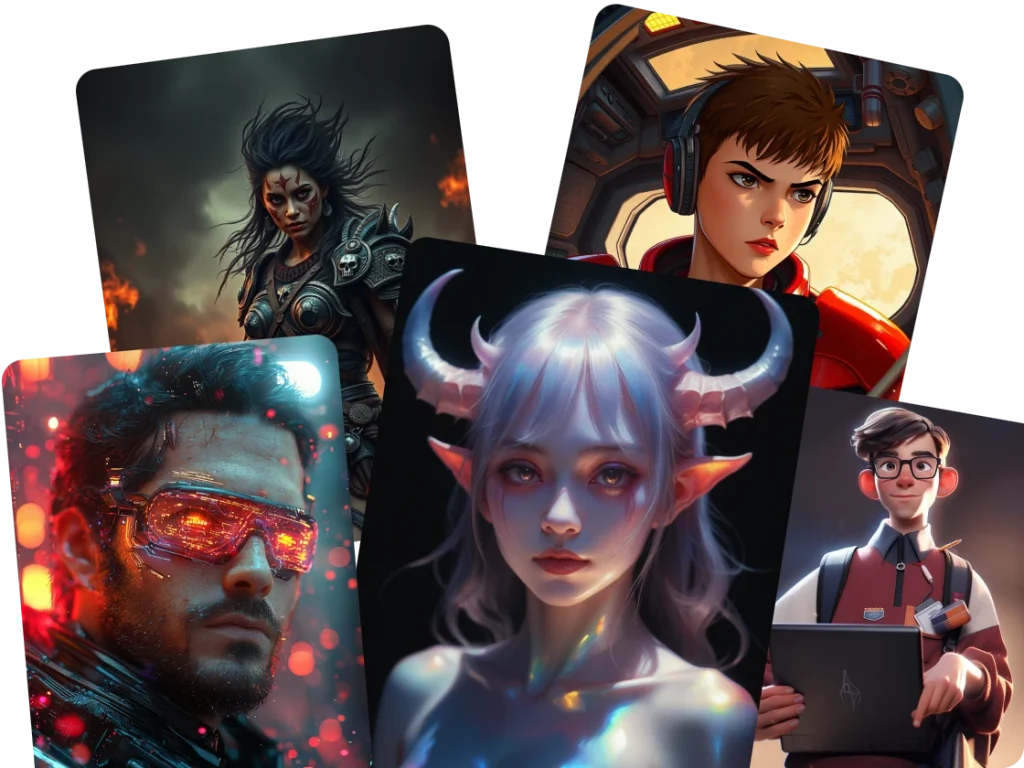
Free AI Cartoon Generator – Create Cartoons from Photos or Text
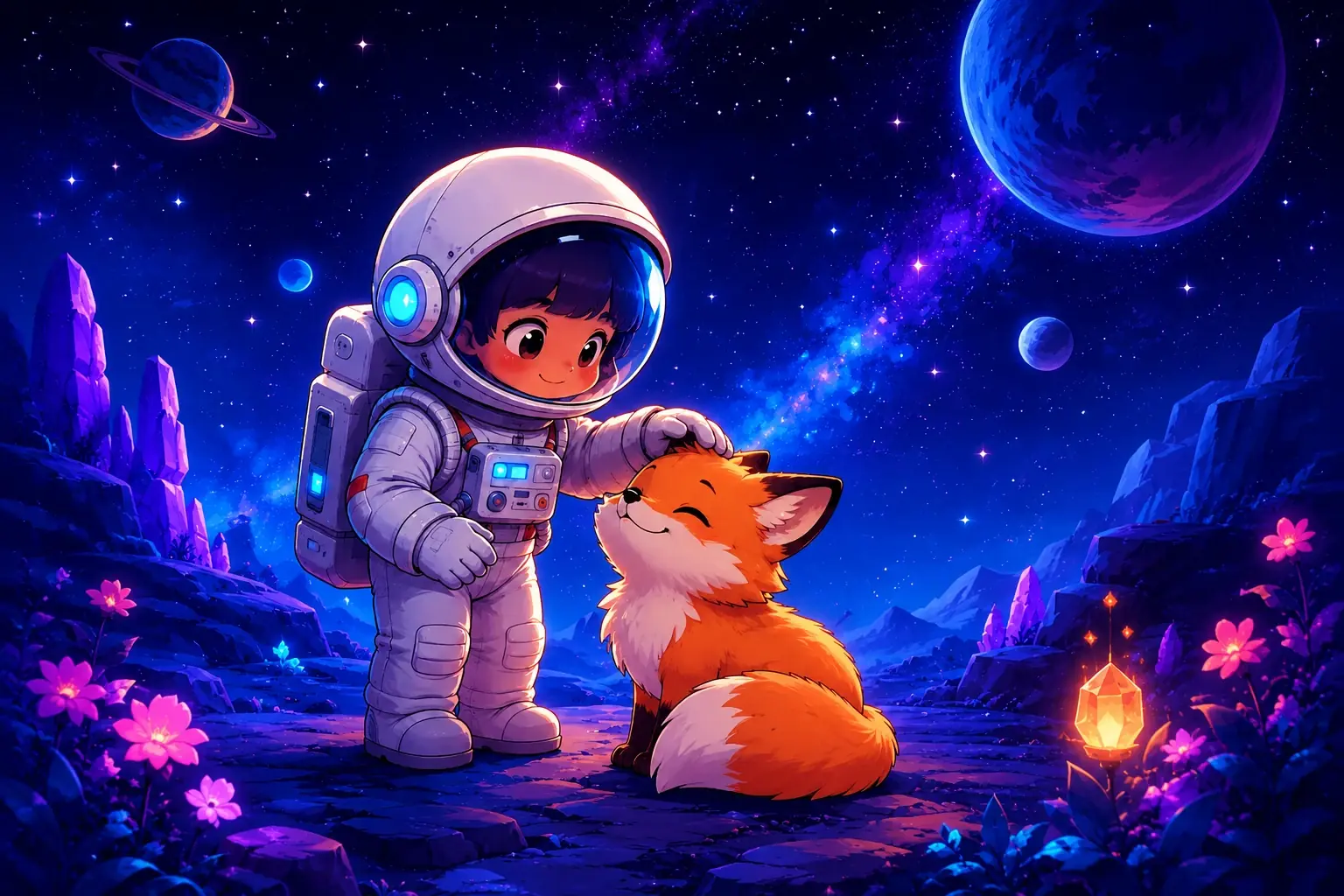
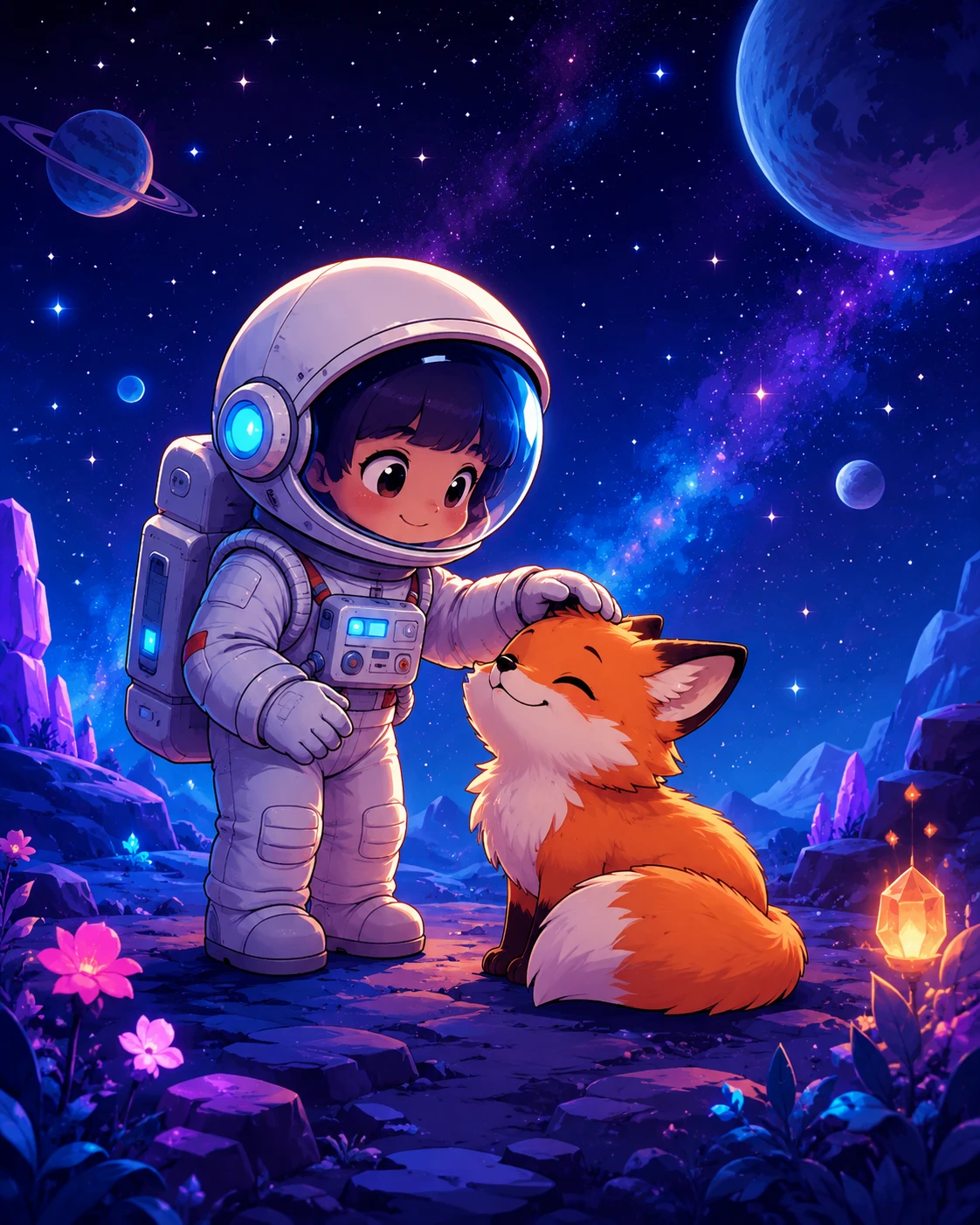
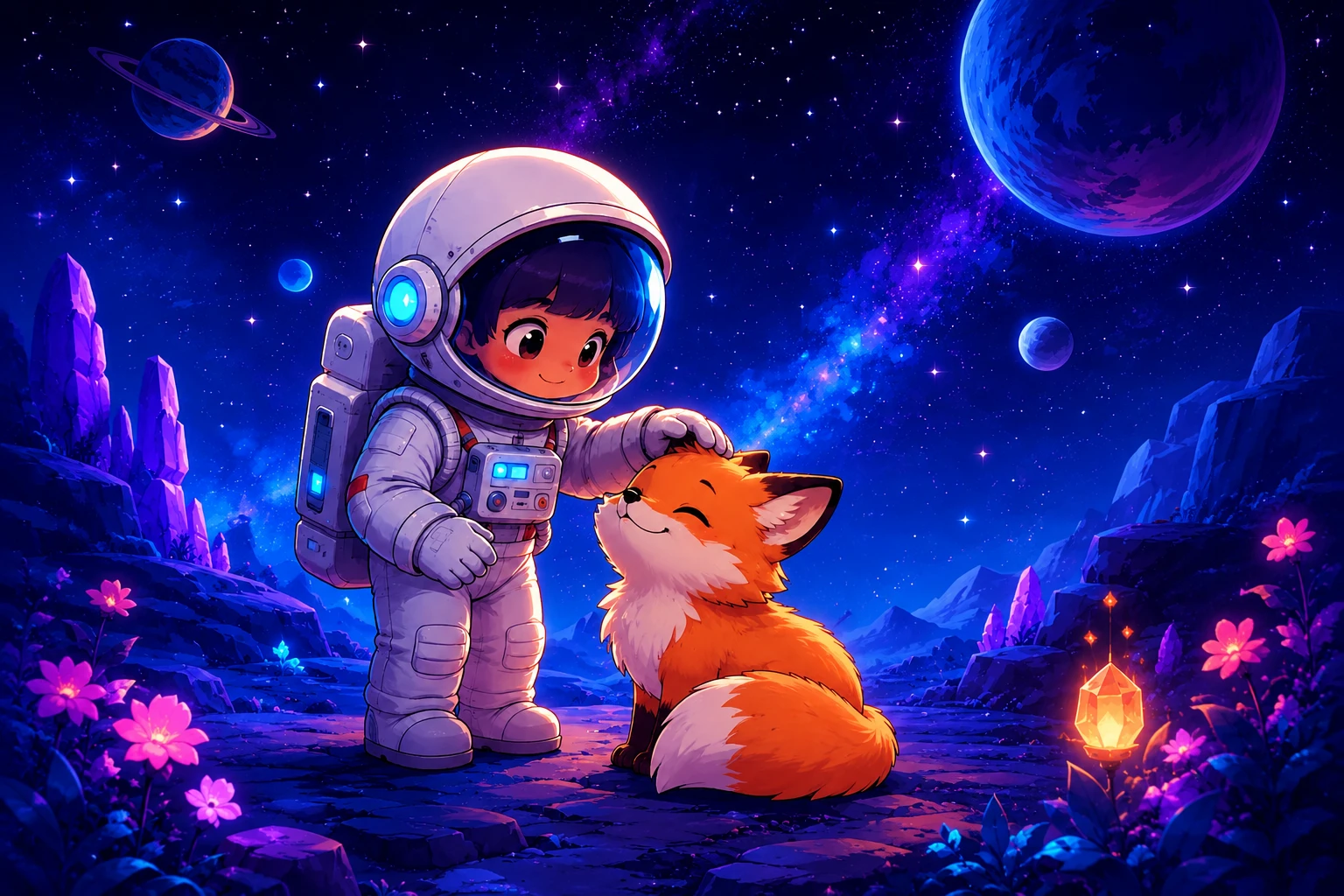
How to Use PicLumen's AI Cartoon Generator
Generate Cartoon Images in Three Simple Steps
Upload a Photo or Enter a Prompt
Choose an image to cartoonize or describe the character or scene you want to create.
Choose Your Cartoon Style
Select a suitable model and adjust your prompt or reference settings to guide the result.
Generate and Download
Click Generate, review your AI-generated cartoon, and download your favorite image.
What Is an AI Cartoon Generator?
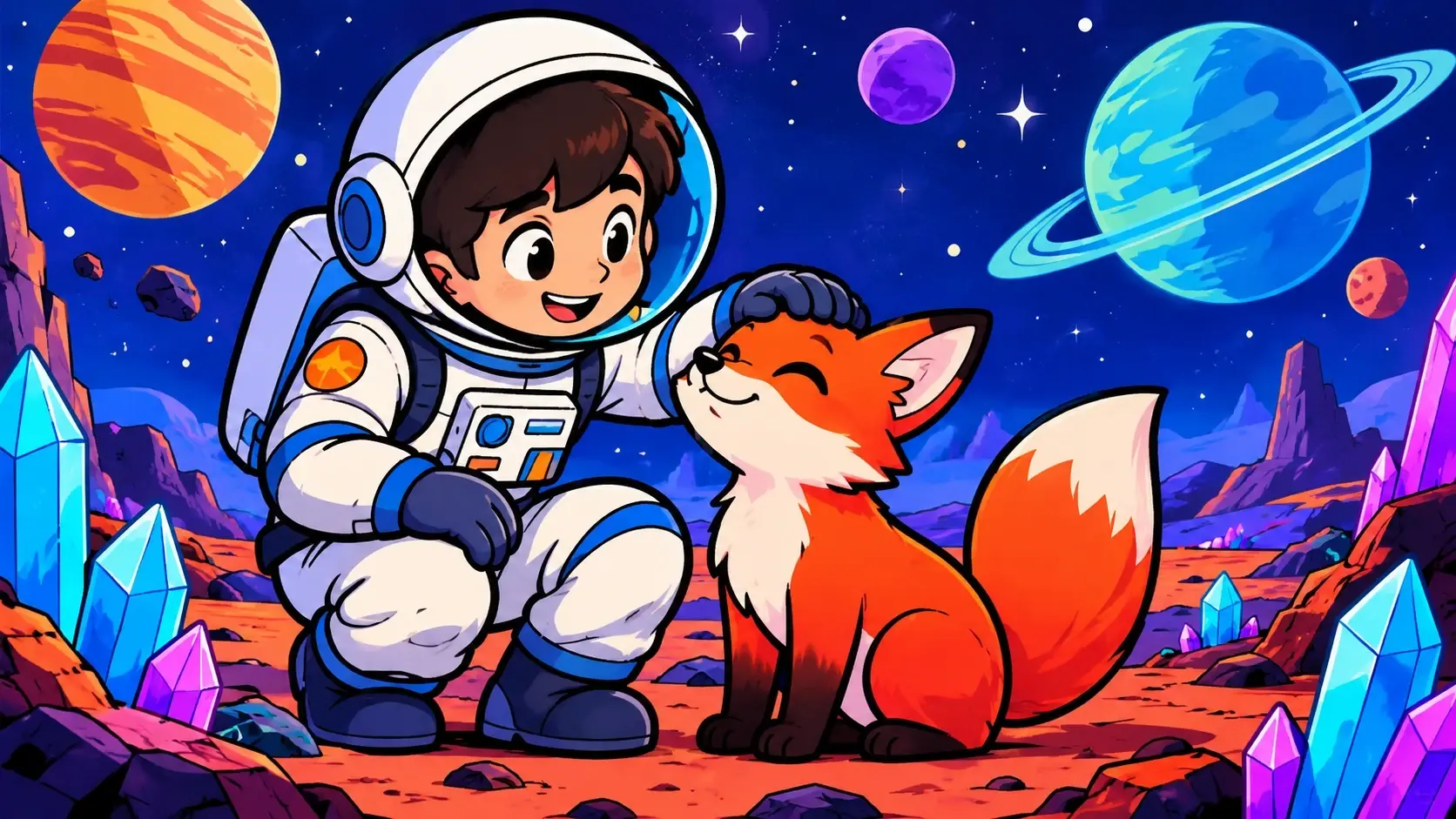
An AI cartoon generator is a tool that uses artificial intelligence to create cartoon-style images from text descriptions or existing photos. With PicLumen, you can describe an original character, upload a portrait to create a cartoon avatar, or transform an everyday picture into colorful illustration-style artwork. Unlike a basic cartoon filter, an AI image-generation workflow lets you experiment with different artistic directions, compositions, backgrounds, and character details. Whether you're creating a profile picture, illustrating a story, or exploring cartoon art for fun, PicLumen brings text-to-image and image-to-image generation together in one creative workflow.
Create Cartoon Images from Photos and Text
Turn Your Photos into Cartoon Pictures
Transform selfies, portraits, pet photos, and everyday pictures into personalized cartoon artwork. PicLumen's cartoon image generator uses your uploaded image as a visual reference while interpreting the style and details described in your prompt. Try colorful 2D illustrations, soft 3D cartoon portraits, comic-inspired artwork, or cute character designs. Experiment with facial expressions, backgrounds, and color palettes to give each result a different personality. For better results, choose a clear reference photo and describe the cartoon style you want.
Generate Original Cartoon Characters from Text
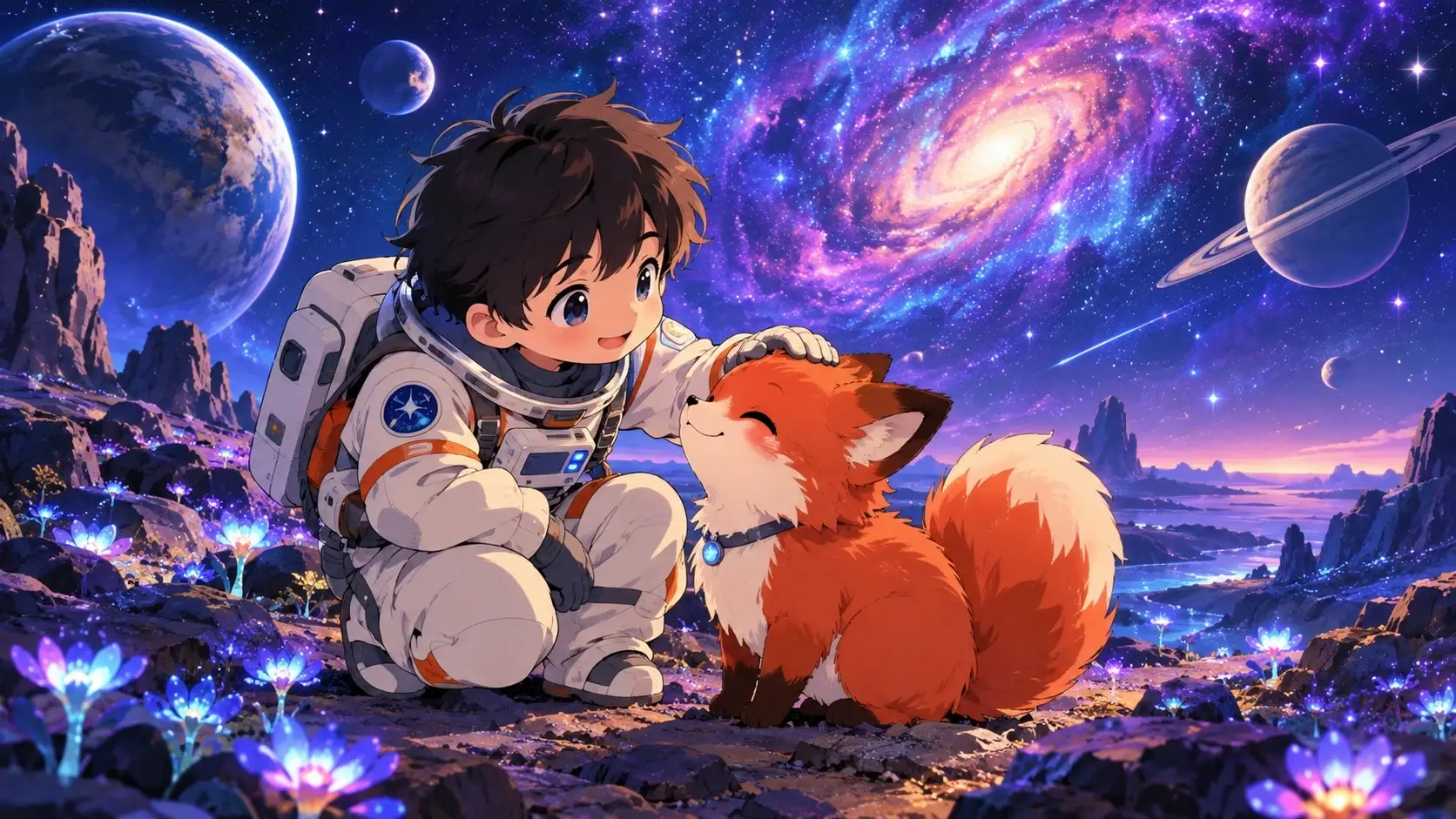
Don't have a photo? Start with an idea. Describe your character's appearance, clothing, personality, and surroundings to create original cartoon illustrations. PicLumen works as an AI cartoon image generator for fictional characters, imaginative creatures, mascots, and colorful cartoon scenes. From a friendly robot exploring a futuristic city to a magical fox in a storybook forest, use text prompts to develop visual concepts without drawing them manually.
Create Personalized Cartoon Avatars
Give your social media profile, gaming account, or messaging avatar a playful new look. Use the AI cartoon picture generator to create illustrated portraits inspired by your original photo. Experiment with expressive facial features, colorful backgrounds, and distinctive outfits to make your avatar feel more personal. For character-focused designs, explore PicLumen's related AI Anime Character Generator.
Make Cartoon Art in Different Styles
Explore different interpretations of the same character or scene. Generate clean 2D cartoons, detailed 3D characters, comic-style illustrations, cute chibi figures, or hand-drawn storybook artwork. Each style changes the overall mood and visual impact of your creation. Adjust the prompt, reference image, or available model settings to explore new possibilities.
Create Cartoon Backgrounds and Illustrations
Cartoon art goes beyond faces and characters. Generate colorful landscapes, fantasy villages, whimsical interiors, and imaginative backgrounds for creative projects. Use PicLumen's cartoon picture generator to develop visual ideas for story illustrations, social posts, presentations, and digital artwork.

Create Cartoon Character from Text
With PicLumen AI Cartoon Generator, creating AI cartoon art has never been easier. Simply input text to generate a unique, free cartoon character or design. By adding keywords like "cartoon style" to your prompt, you can instantly create cartoons in the style you envision. Experience the power of AI-generated cartoons and bring your creative ideas to life in a fun, captivating cartoon style.
Turn Your Image into a Cartoon Effortlessly
With PicLumen's AI cartoon maker, you can easily transform any image into a fun, unique cartoon. Upload your image, choose a reference style, and enter a description of the scene you want. Our image-to-image AI then blends your photo with your text prompts, creating a captivating cartoon version tailored to your vision. Whether you want a playful portrait or a creative scene, it's easy to bring your ideas to life in just a few clicks.


Create Your Own Cartoon Avatars
With PicLumen's AI cartoon creator, transforming your photo into a unique cartoon avatar is quick and easy. Whether you're looking to make personalized cartoon portraits of yourself, design custom avatars for your gaming profile, or create fun character illustrations, our AI tool lets you bring your vision to life. Simply upload your photo or provide a text description, and watch as PicLumen turns your ideas into captivating, free, and one-of-a-kind cartoon creations.

Explore the AI Cartoon Gallery


How to use AI to make a cartoon of yourself?
Step 1 Upload Your Photo
1Ensure your face is clearly visible without any obstructions for the best result.
Step 2 Choose the Right Model
2Select a suitable model, such as PicLumen Anime V2 or Pony Diffusion V6, to create your cartoon image.
Step 3 Select the Appropriate Reference
3Pick Character Reference and adjust the strength to align with your vision.
Step 4 Adjust Parameters
4Modify settings like image size and the number of outputs to fit your preferences.
Step 5 Enter prompt
5Input prompts for the elements you’d like to incorporate into your cartoon.
Step 6 Generate Your Cartoon Image
6Click the generate button and wait for a moment while your unique cartoon image is created.


Loved by Creators Worldwide
Real feedback from designers, marketers, and hobbyists sharing their PicLumen experience on Trustpilot.
 Bet AW
Nice good appp creat inmage
Nice good appp creat inmage
 George Price
PicLumen's support team replies quickly…
PicLumen's support team replies quickly to your help requests and they are clear in what they require of you for them to help you. They usually diagnose your problem and offer a solution in less then 24 hours. Stellar service!
Love this app it helps my ideas come to…
Love this app it helps my ideas come to life
It’s way easier to use then these other…
It’s way easier to use then these other apps
Great platform
Ease of use,and great models
 Pino Calambrogio
Good over other applications
Good over other applications
Selvakumar MSKGood website.
Good website. Website for creating images.
 Aleks Visha
Great kompany in the world
Great kompany in the world
The Uncharted TimelineThis ai
This ai generated image very natural and beautiful HD quality
Nice app ever
Nice app ever, like it when I needed
The company responded me with…
The company responded me with responsibility and respect, and solve my problem promptly. I am really impressed with their fast and efficient customer service Thank you very much for your support and help team piclumen I really appreciate it Wish you very good luck
basem trialsWorks like charm .
Works like charm .. I love this app
FAQs About PicLumen AI Cartoon Generator
Can I use PicLumen AI Cartoon Generator for free
Yes, PicLumen AI Cartoon Generator is free to use, allowing you to create cartoon characters from text or photos without any cost.
What types of images work best for cartoonizing?
Clear, unobstructed photos with visible facial features work best for turning into cartoons. This ensures that the AI Cartoon Generator the details needed for an accurate cartoon transformation.
What models should I use for different styles?
For anime-style cartoons, use PicLumen Anime V2. If you prefer a unique, playful style, try Pony Diffusion V6. Both models are designed to offer high-quality results.
Can I customize the output of my cartoon image?
Yes, you can adjust parameters such as image size, number of outputs, and the reference strength to tailor the final result to your liking.
How long does it take to generate a AI cartoon image?
Generating a AI cartoon image usually takes only a few moments, depending on the complexity and chosen settings.