Free AI Portrait Generator
Create digital portraits in diverse styles with PicLumen’s AI portrait generator. PicLumen allows you to make custom and high-quality portraits without hassle, whether for social media, professional headshots, or creative projects. Try for FREE!
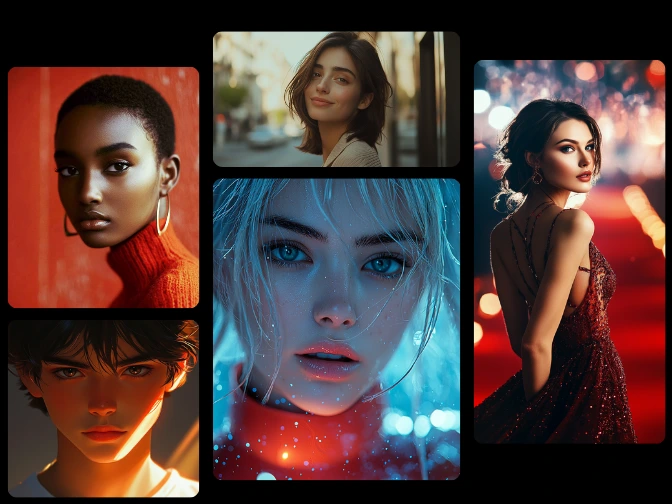
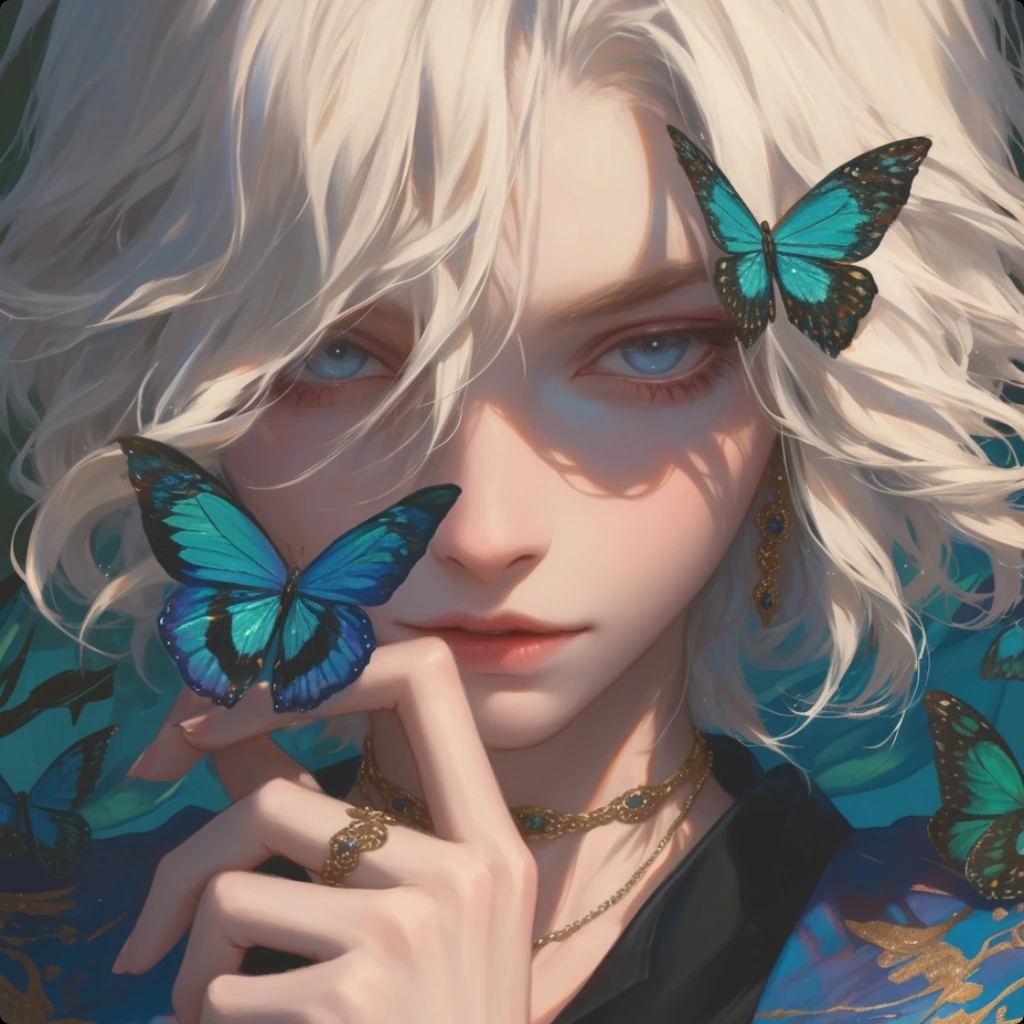
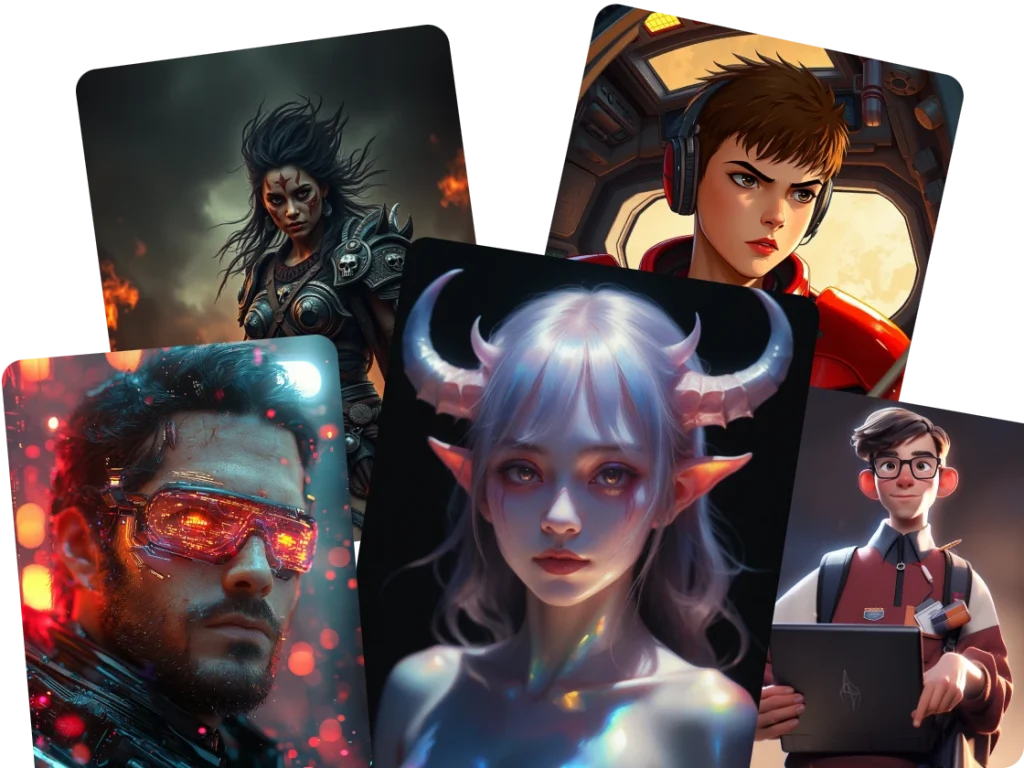
Explore Stunning AI Portrait Styles and Scenes


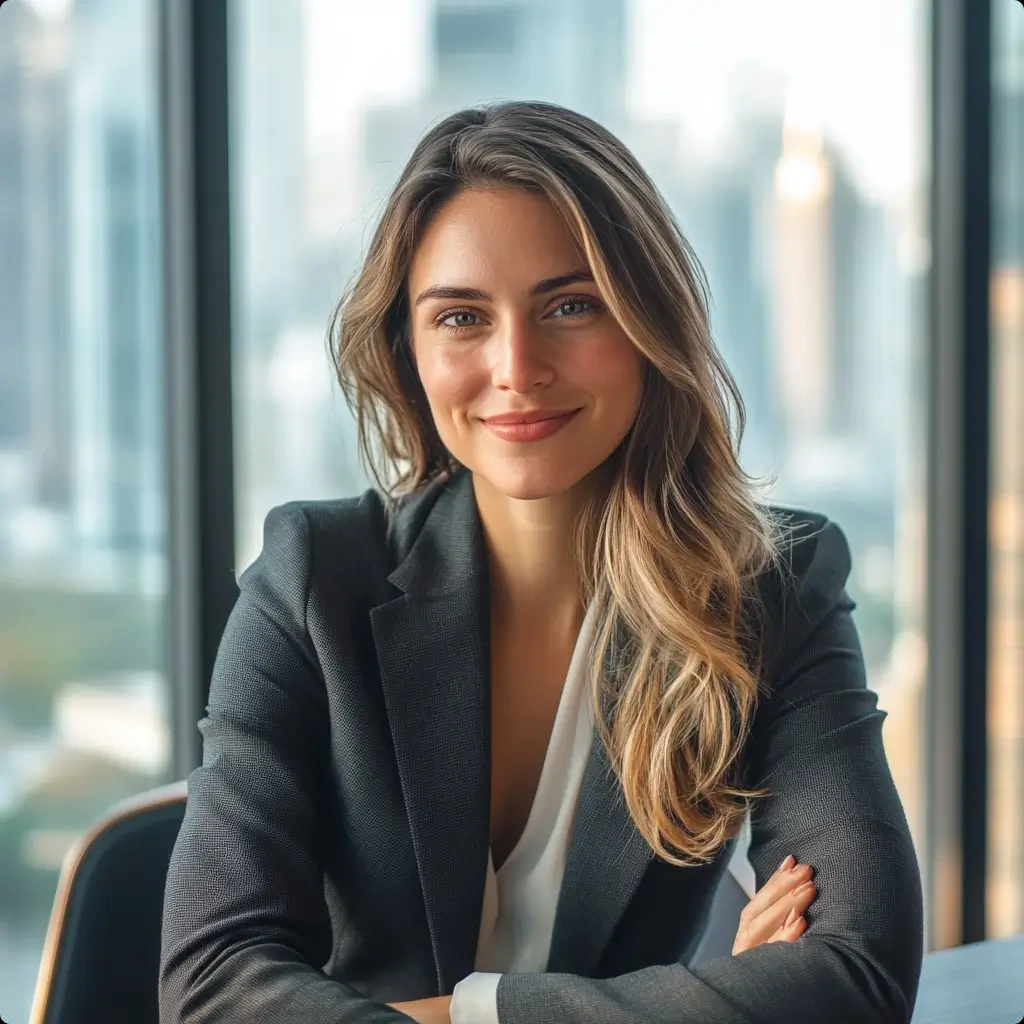
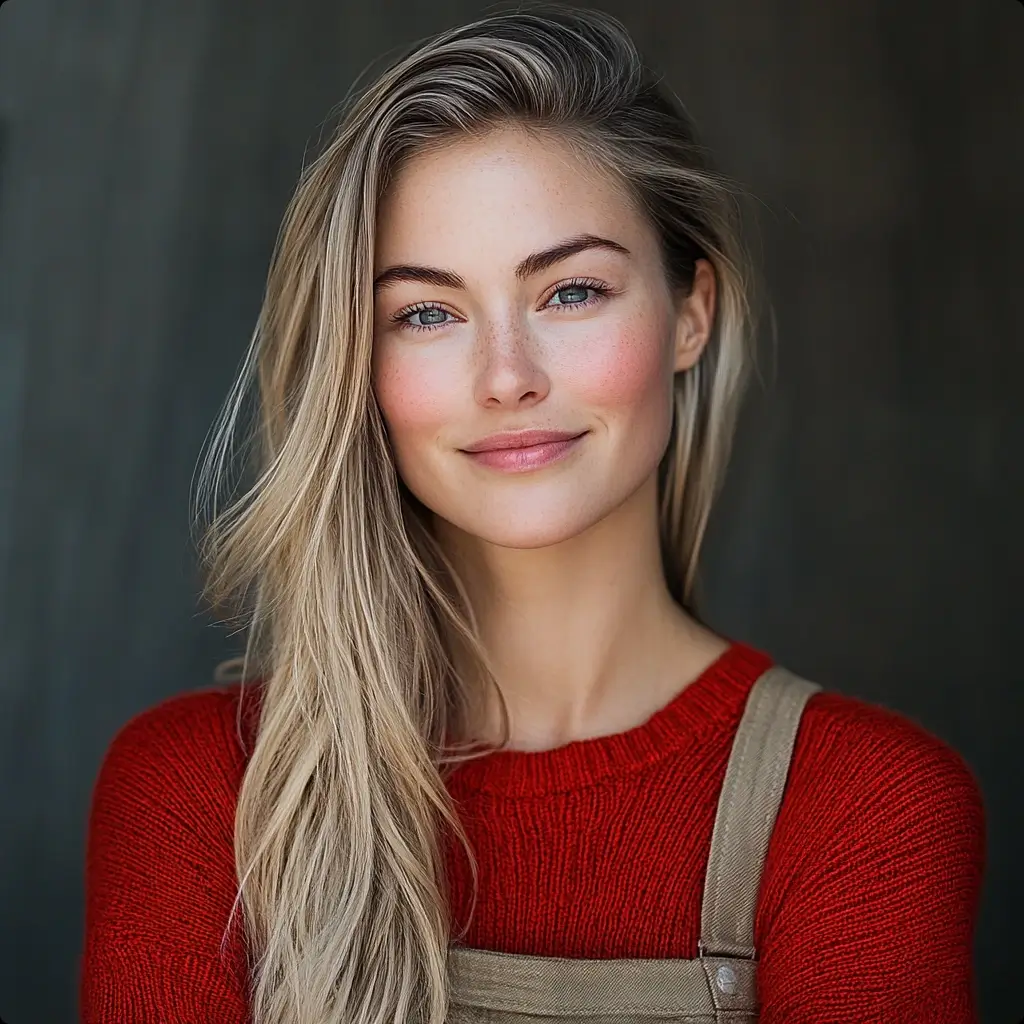
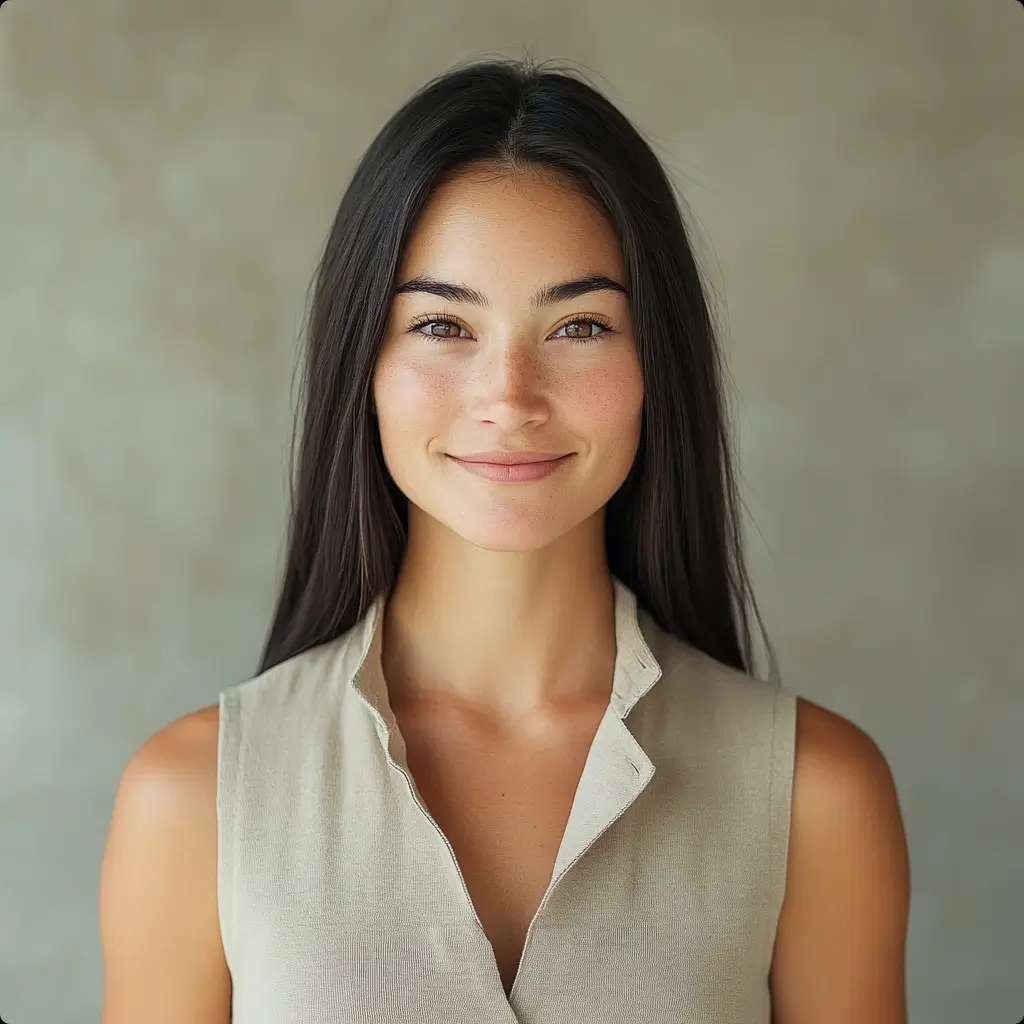
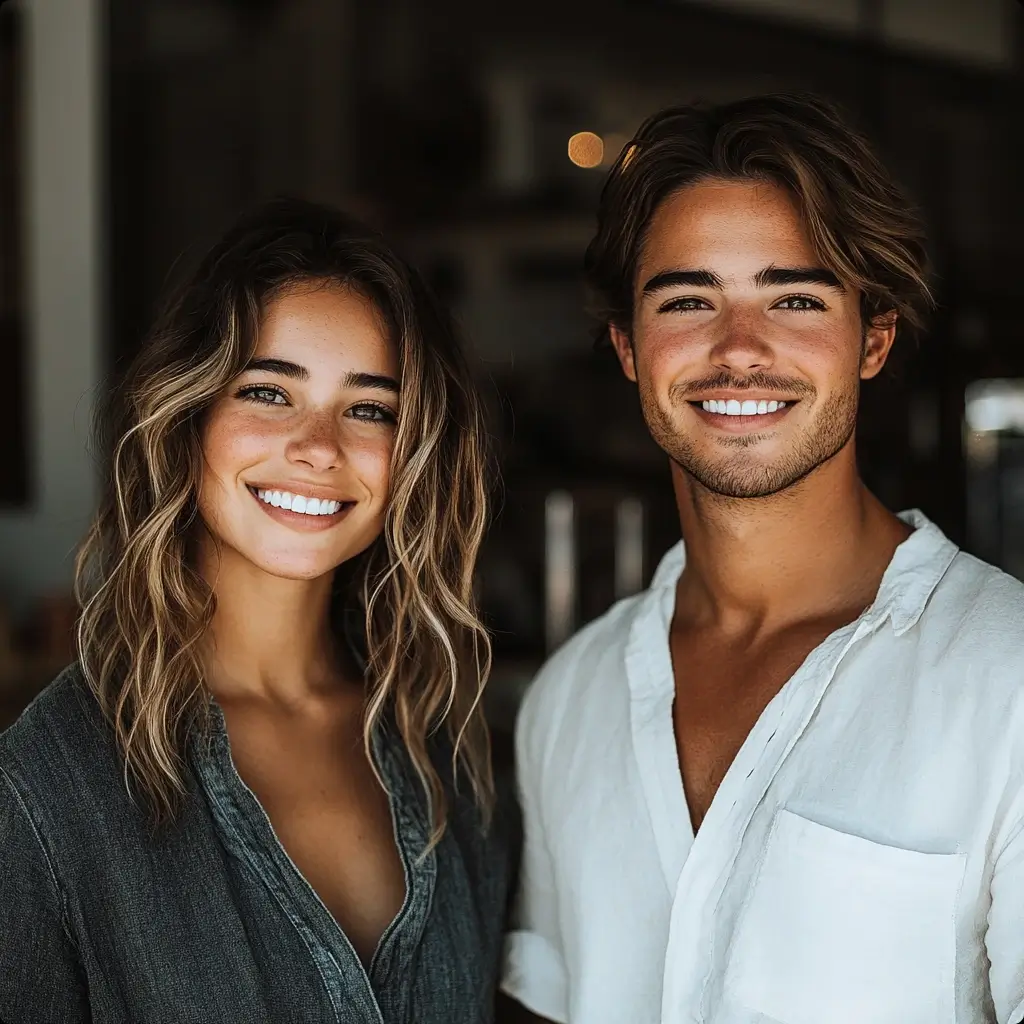



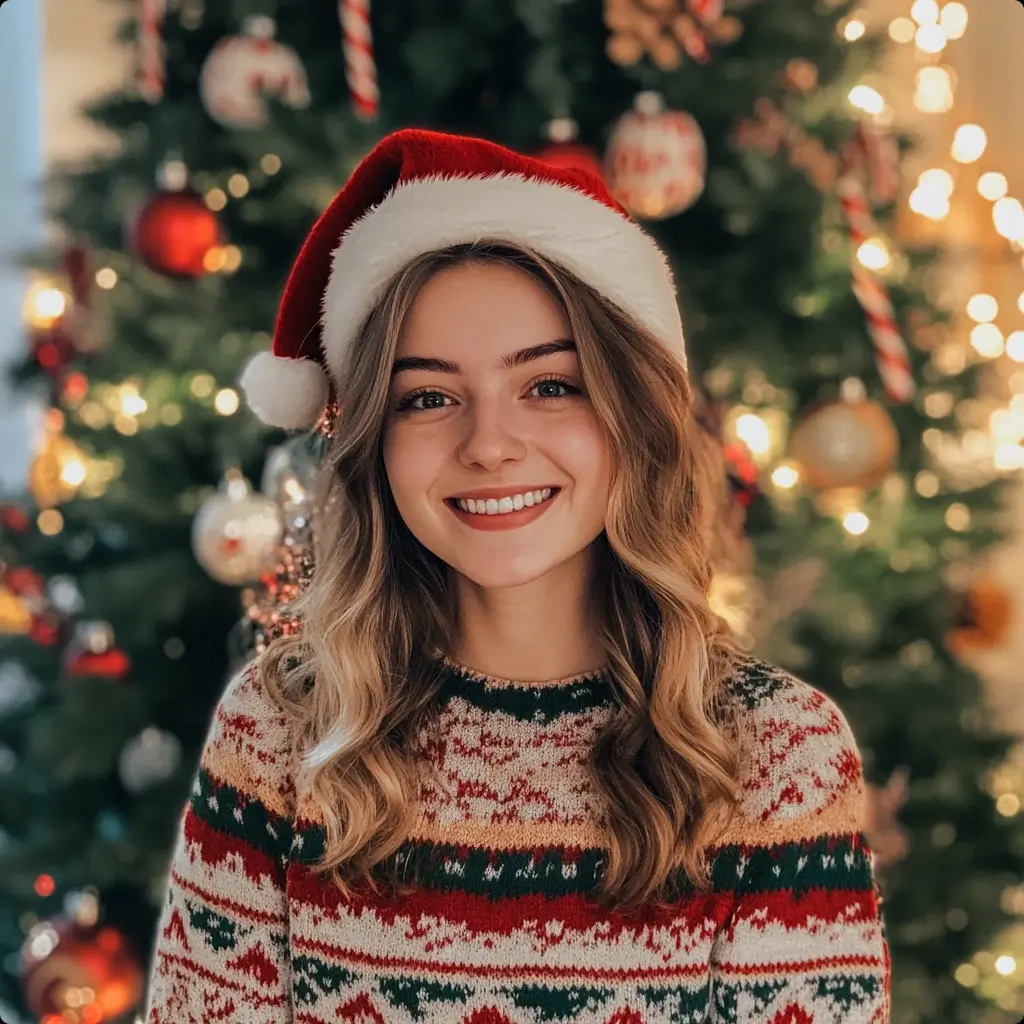

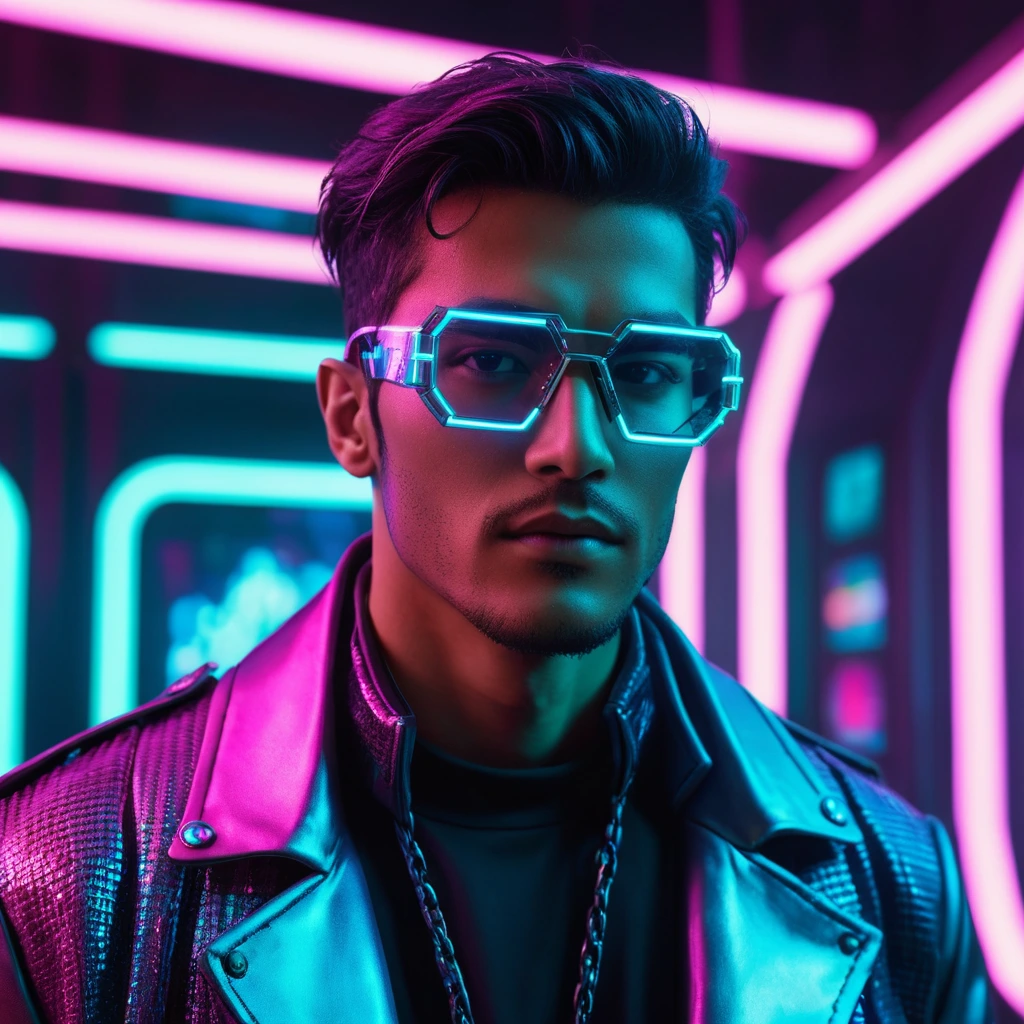
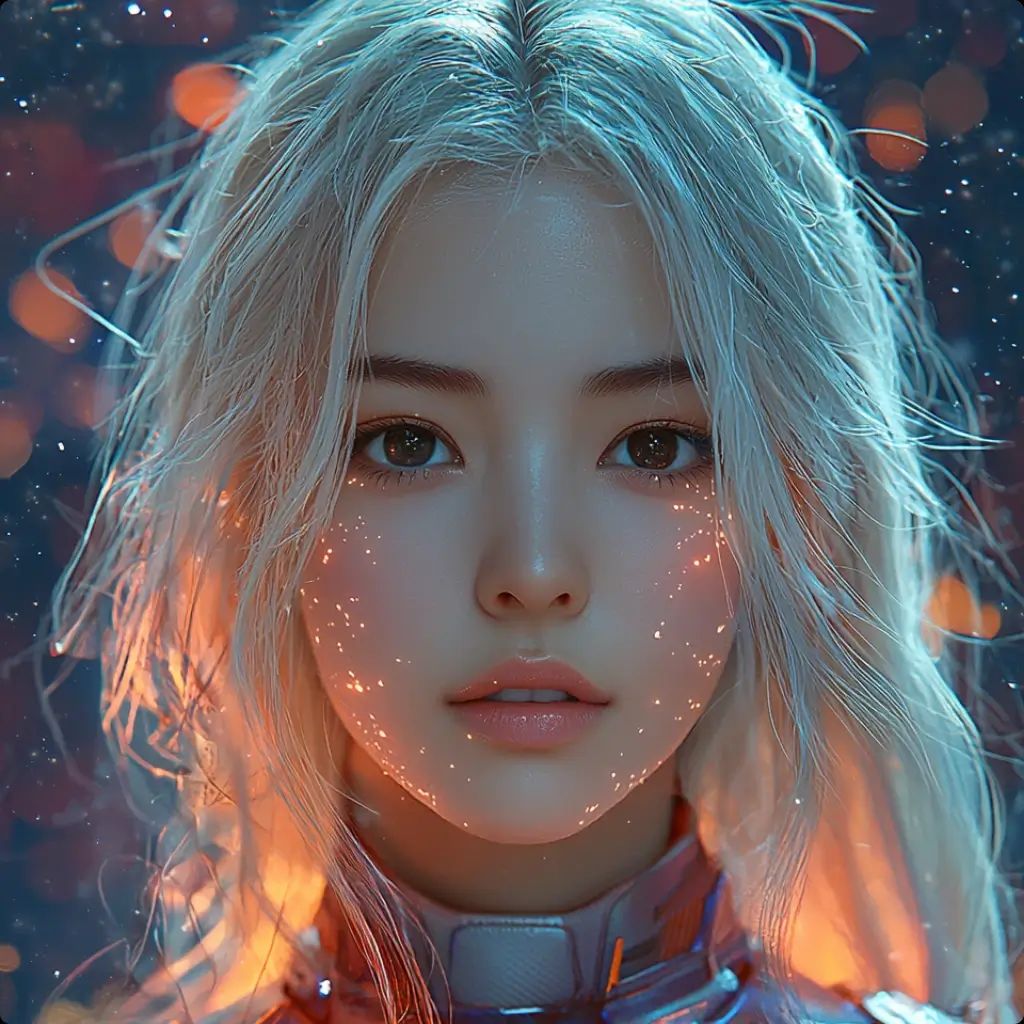
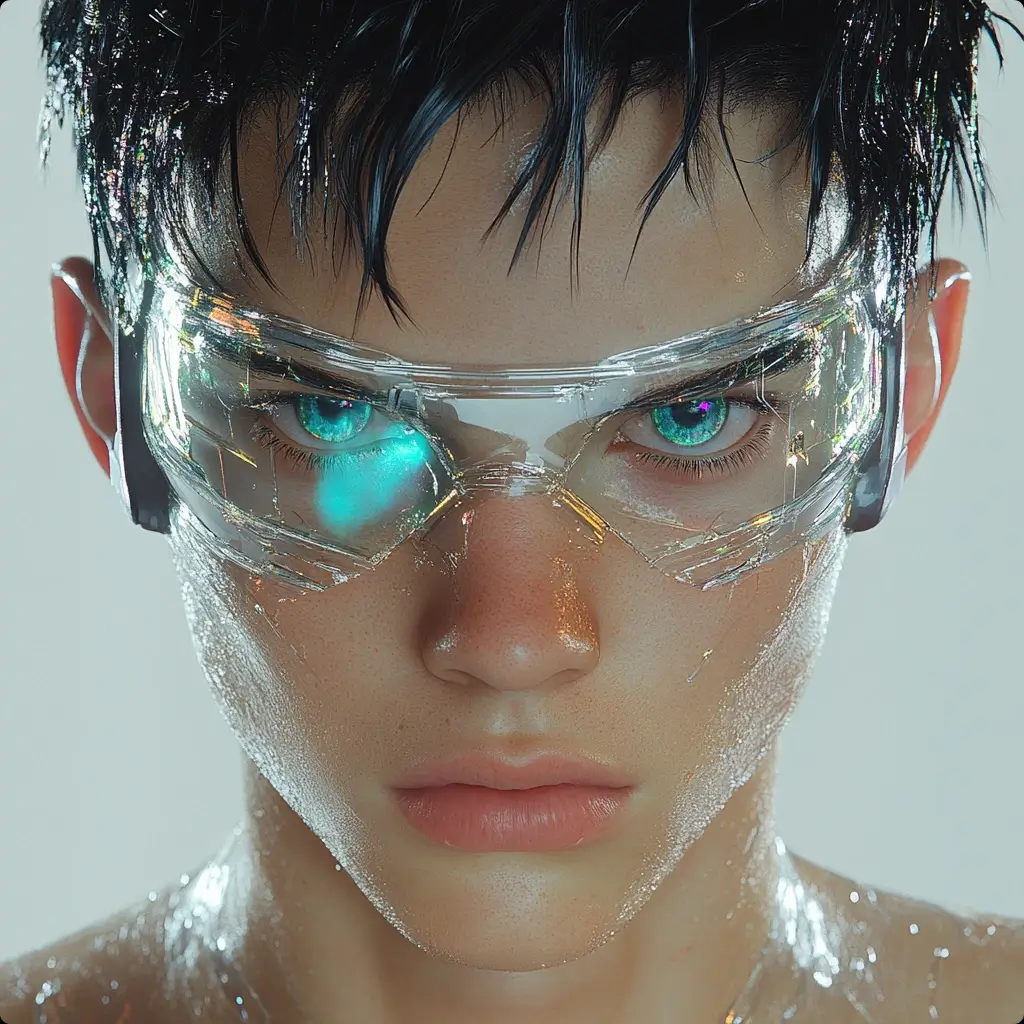
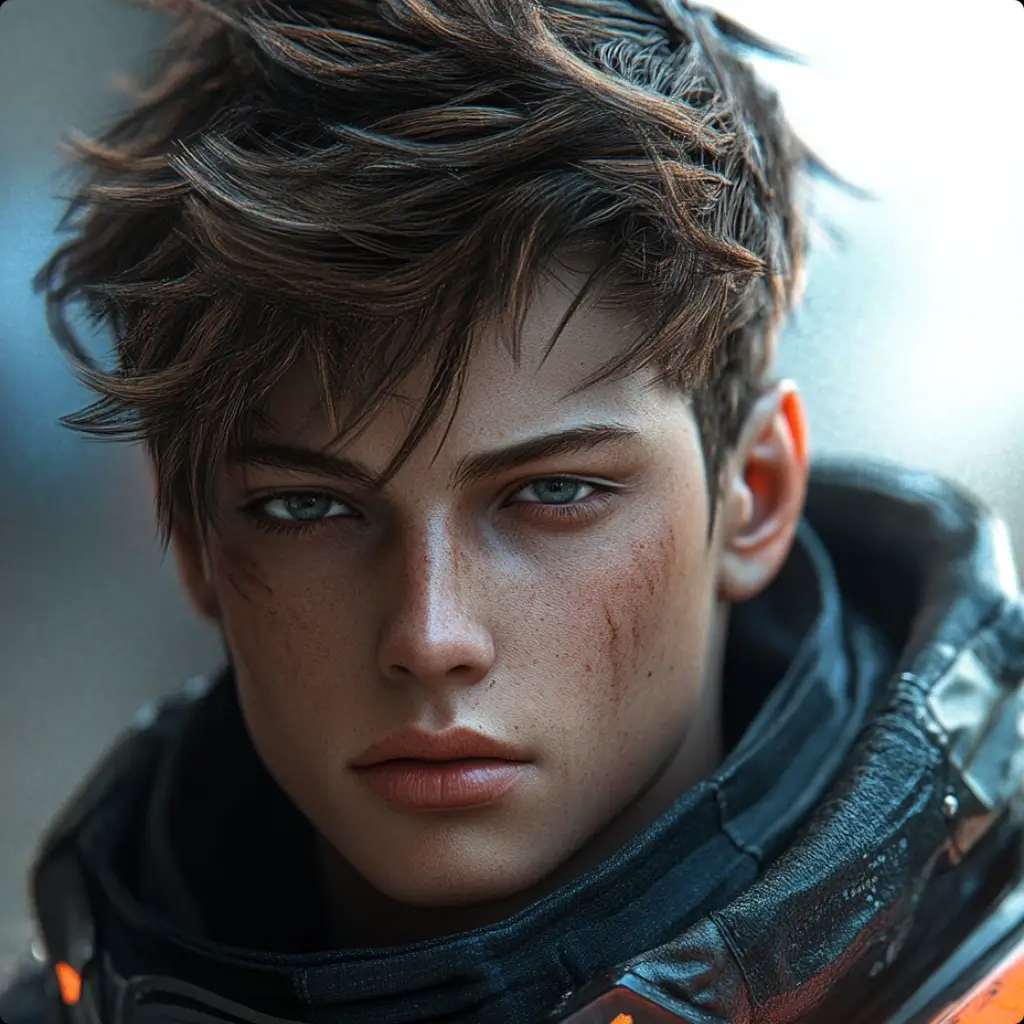
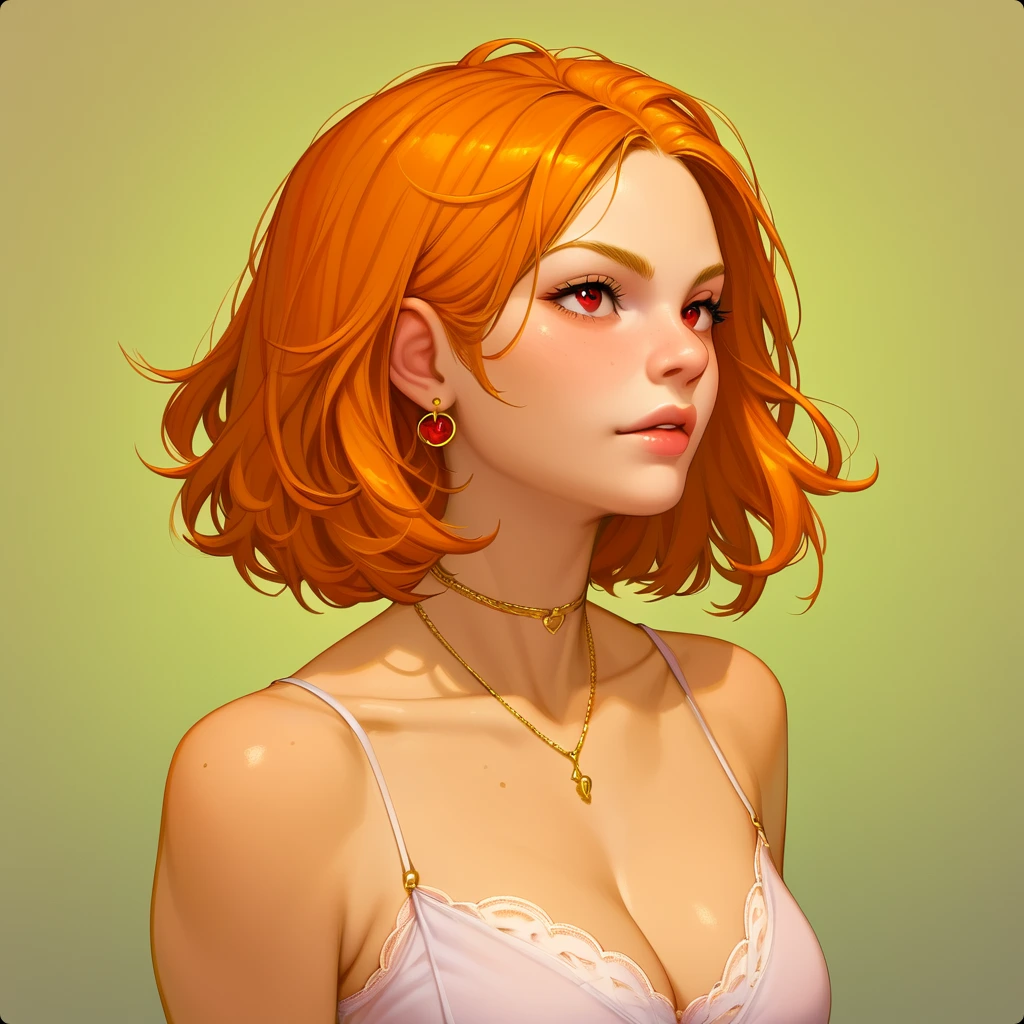
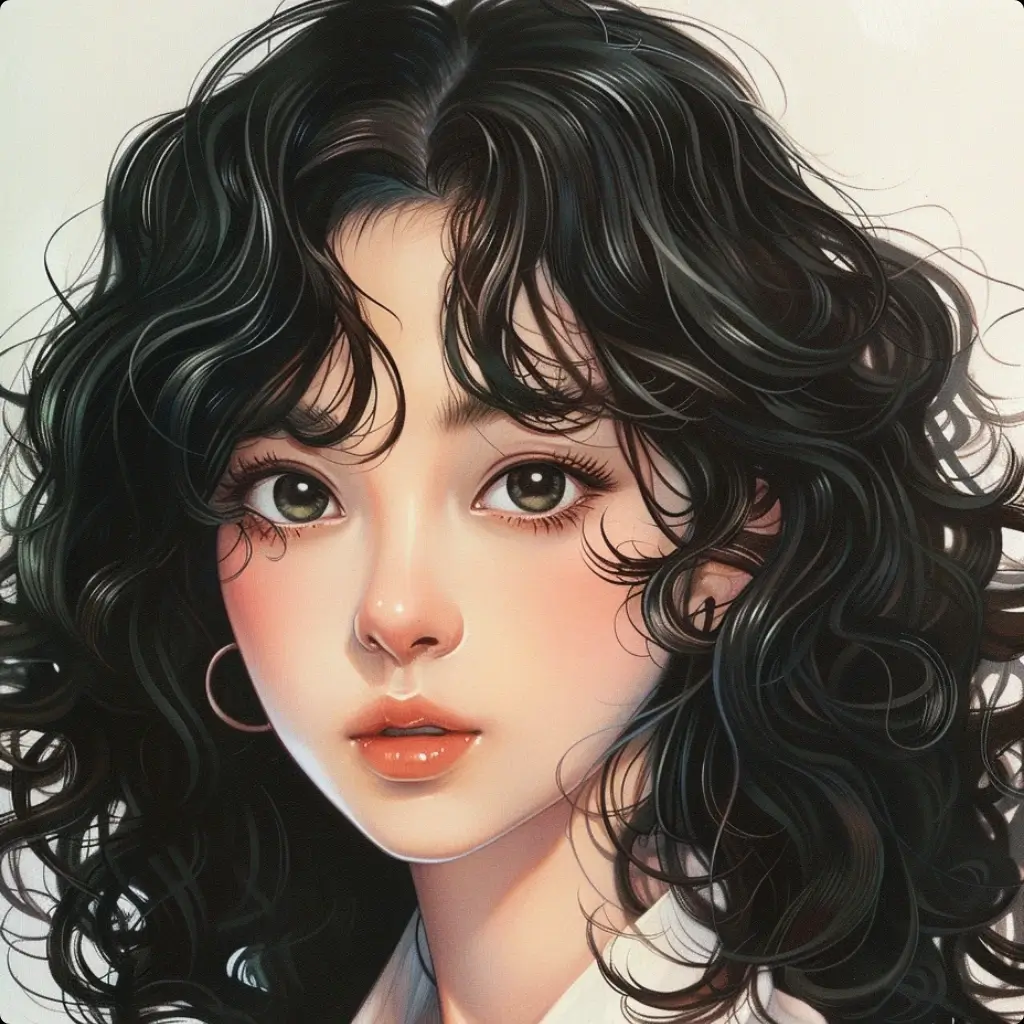
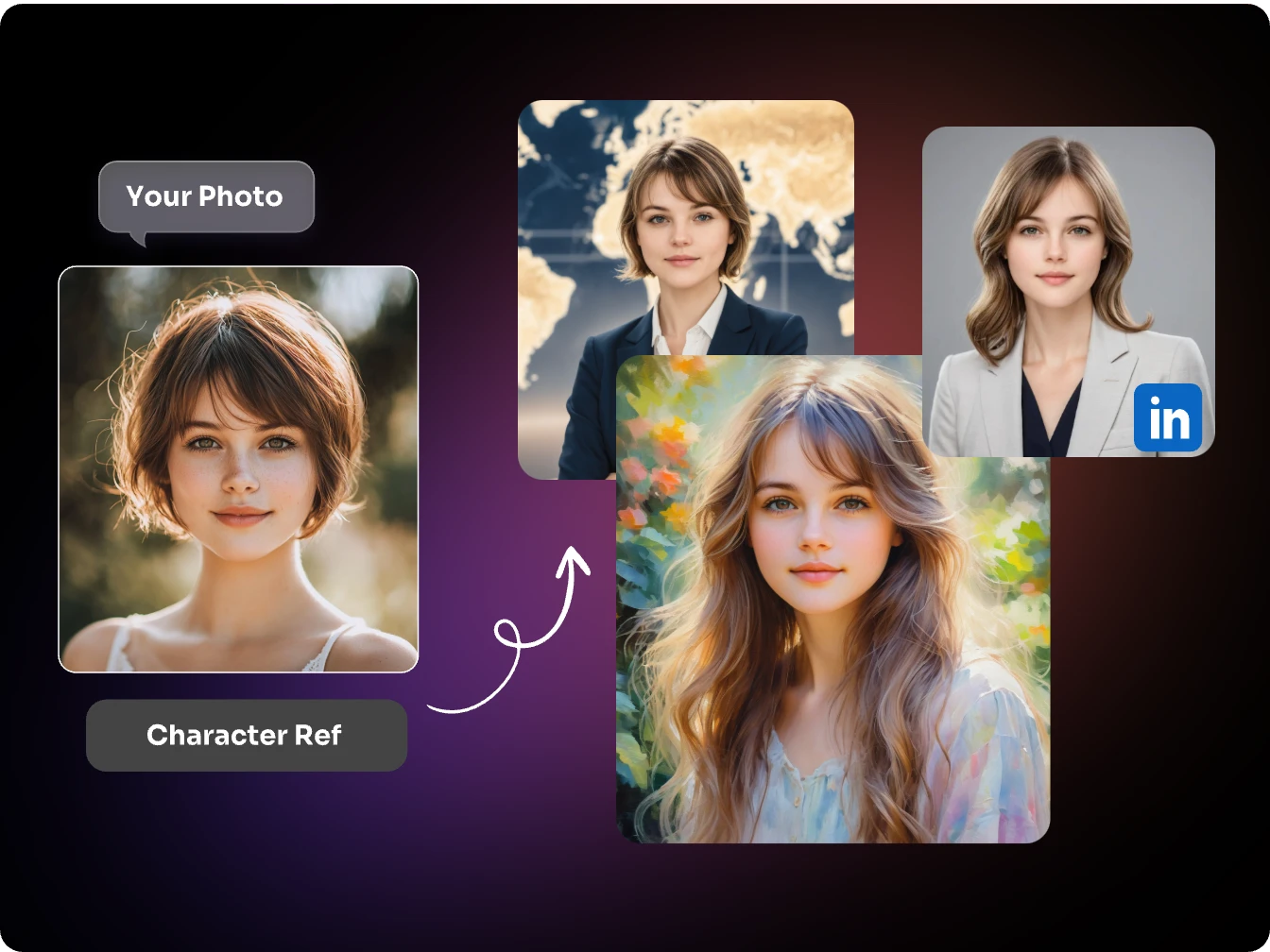
Generate Studio-Quality AI Portraits From Photos
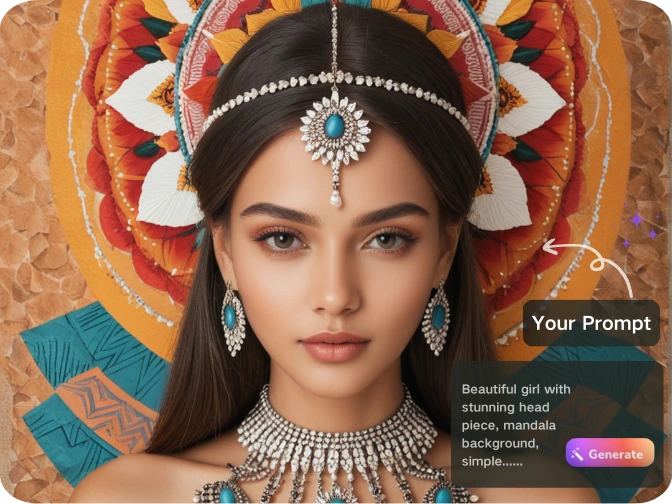
Need to create professional business portraits for LinkedIn or stylish avatars for social media? You can elevate your everyday self-portraits with our image-to-image tool. Upload your portraits, and it can precisely detect and extract your face, then blend it into other settings or change its hairstyle and outfit based on the input text. This not only keeps your realistic facial features but also customizes details to better suit your needs.
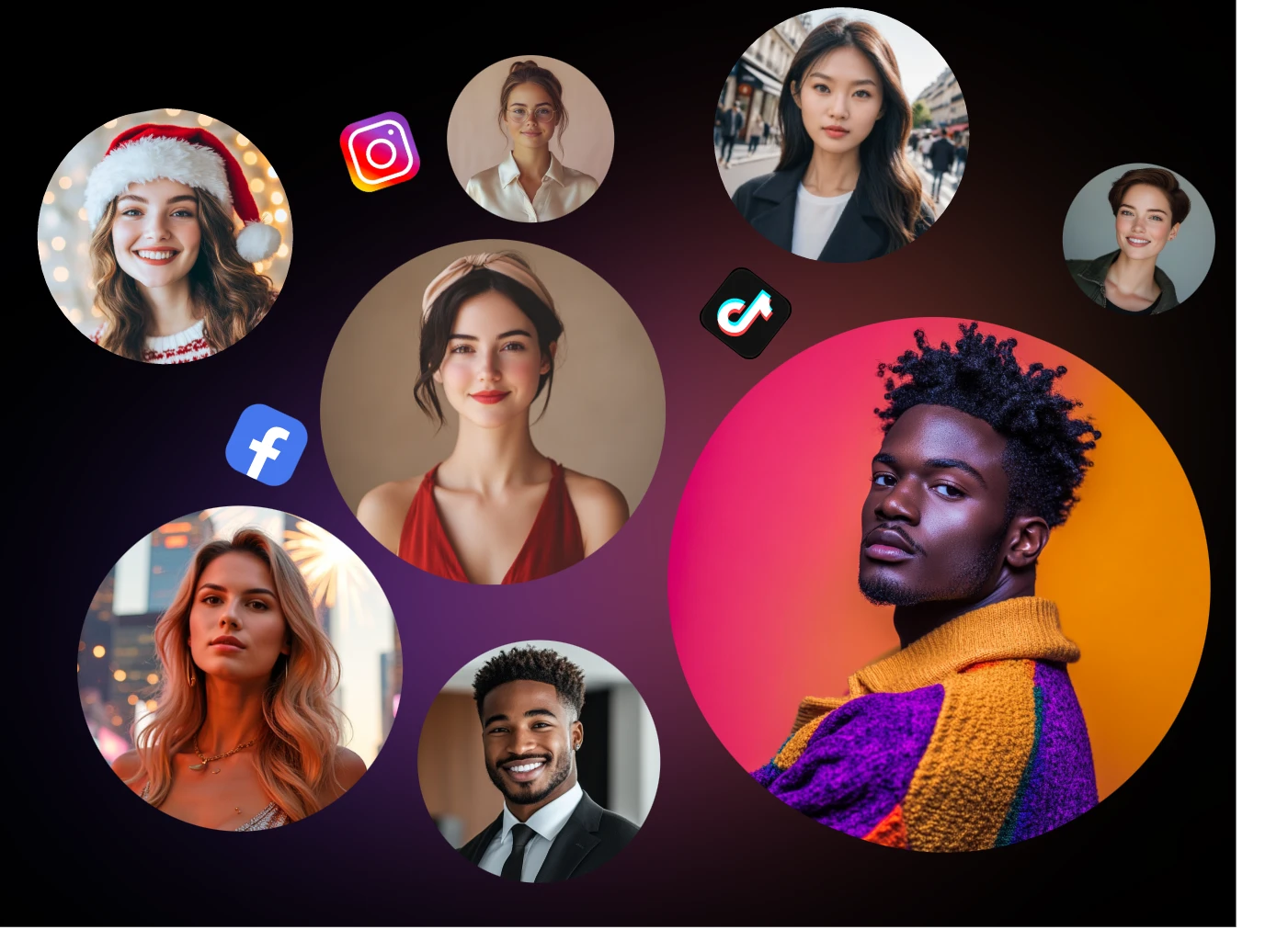
Create Eye-Catching Social Media Avatars & Posts
Find it hard to come up with new content to update your social media feeds? Why not use your self-portraits and share your everyday life? With our AI portrait generator, it’s just a few taps away to make custom portraits stand out online. If you want to create a virtual persona to represent your identity, just input words, and PicLumen will export stylized and well-made AI portraits perfect for Instagram, TikTok, and Facebook. For grand festivals like Christmas and Halloween, spice up the vibe with holiday-ready AI portrait posts.
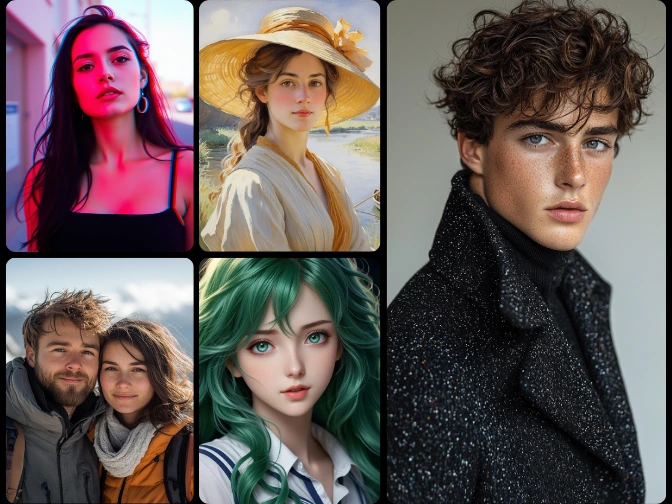
Experiment with Diverse AI Portrait Styles
Our free AI portrait generator offers various styles for every taste. Whether you prefer lifelike and ultra-realistic portraits, vibrant anime, watercolor, or retro GTA styles, or if you have a specific likeness of fantasy DND characters, you can describe what you desire and leave it to PicLumen. Human’s artistic aesthetics and preferences are not the same. Experiment with diverse styles to make the custom portrait win more likes by modifying the text.
Follow These Steps to Create Your AI Portrait
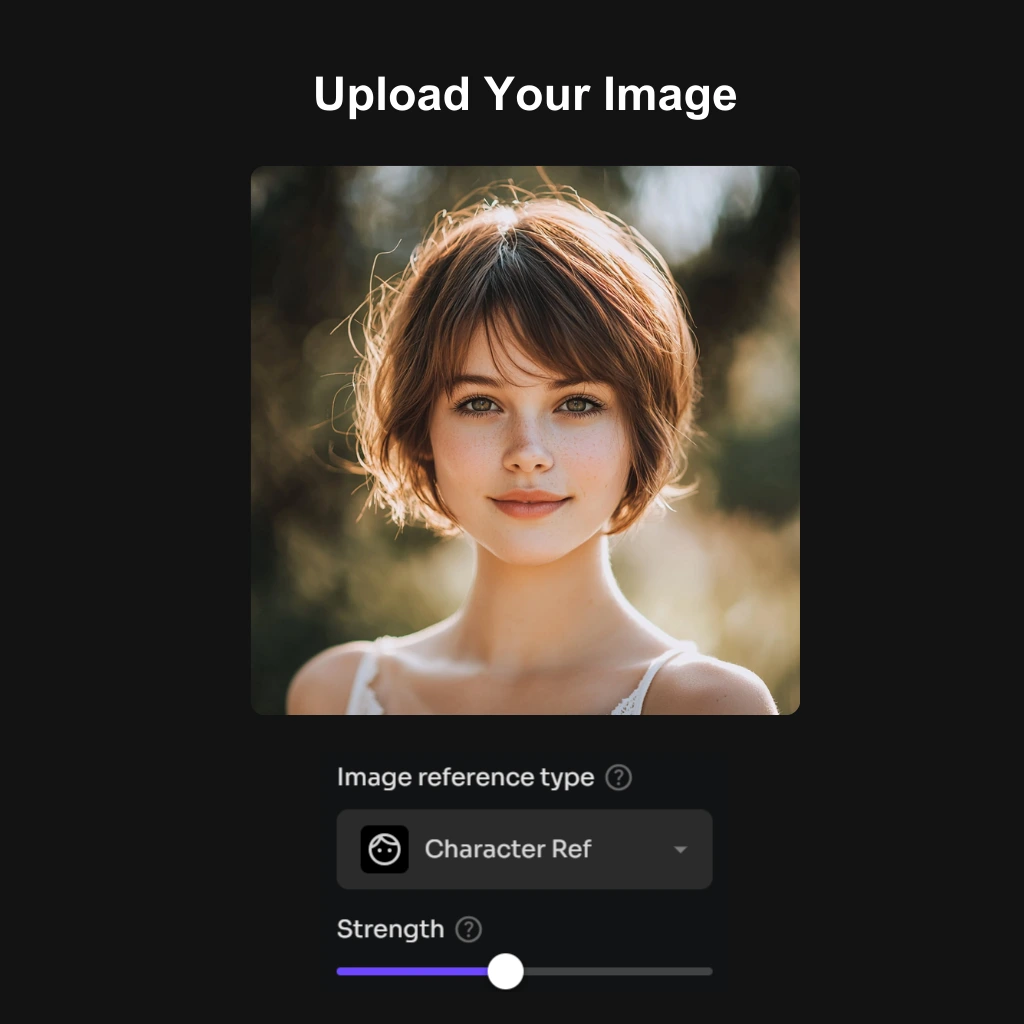
Step 1. Upload your photo and select reference option
Start with a clear image of yourself and select “Character Ref”.
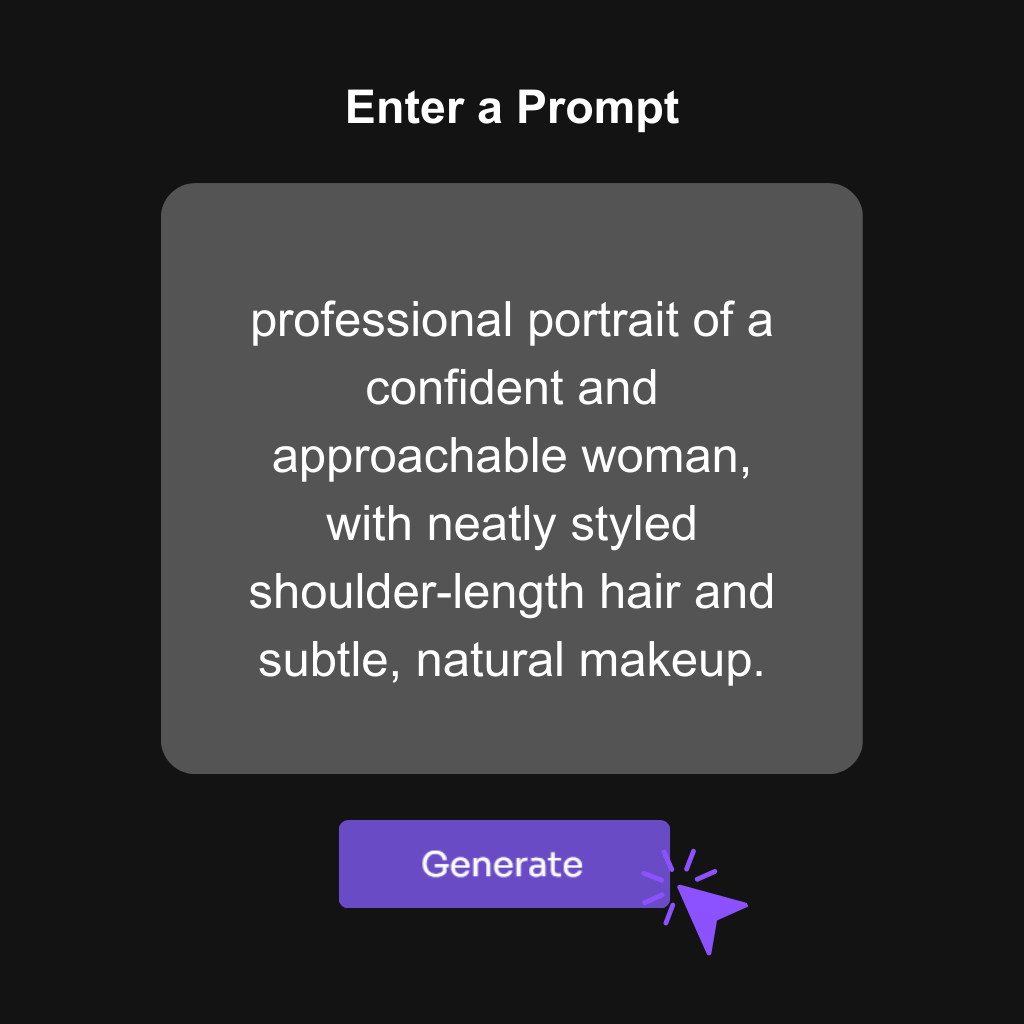
Step 2. Enter your idea
Enter your desired description into PicLumen’s AI portrait generator. Click the “Generate” button, and watch as your personalized portrait is created in seconds.
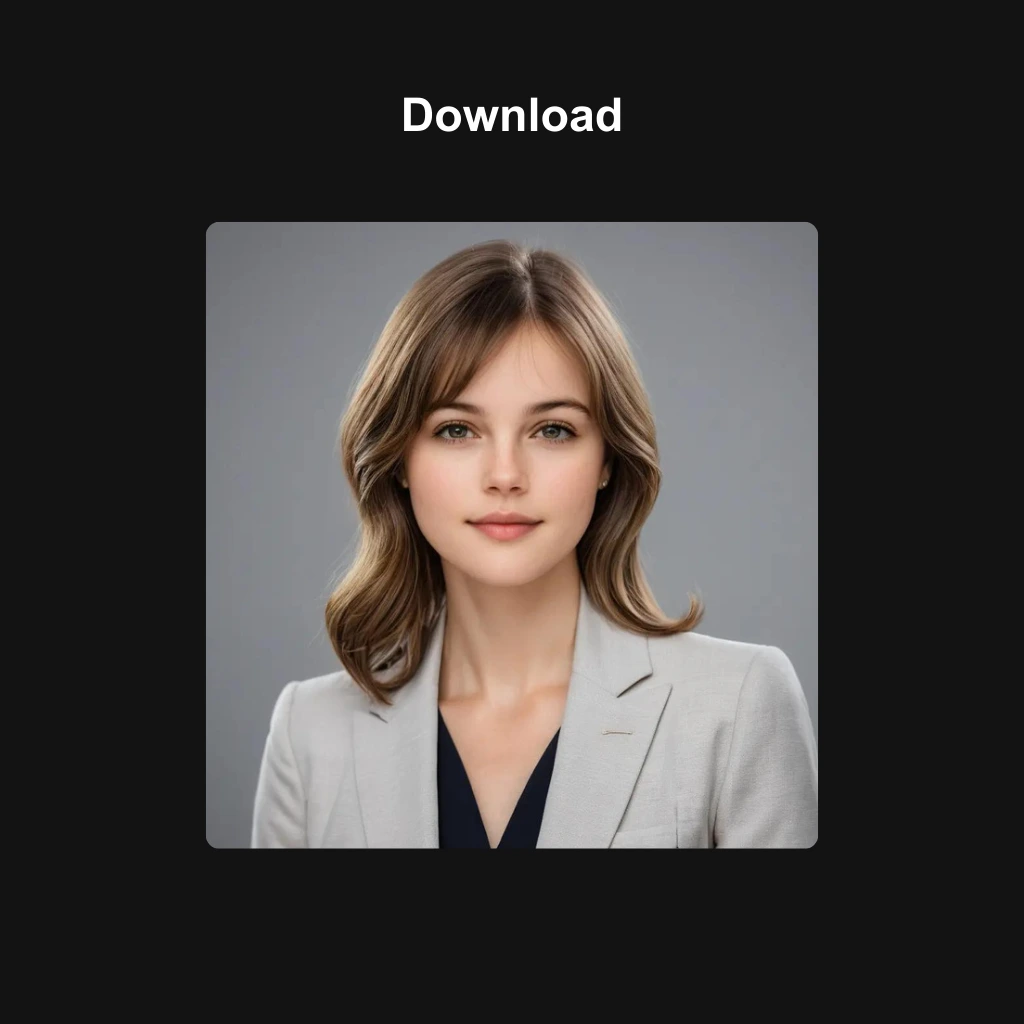
Step 3. Download Your Creation
Let the AI-powered digital portrait generator do its magic and save your new portrait instantly.
Make Custom Portraits From Different Reference Images
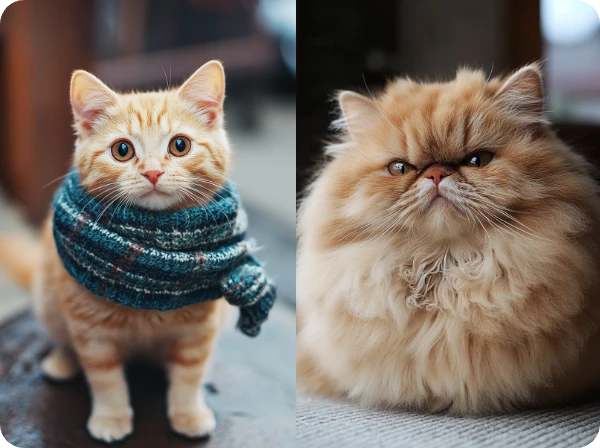
AI Pet Portrait
Make studio-quality pet portraits without hiring a professional photographer. Place your cute cat or puppy in any background, or dress them in any outlook as you like, simply from text.
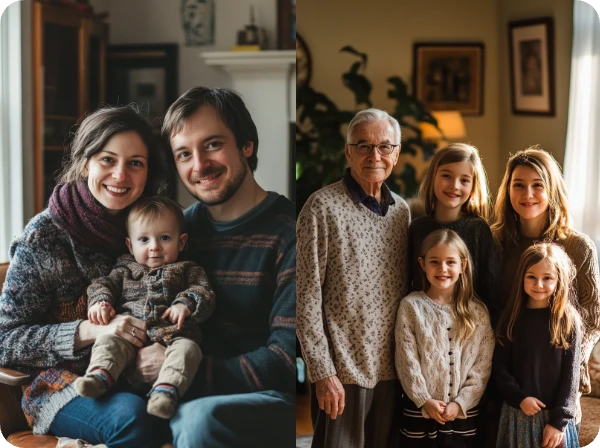
AI Family Portrait
Relive the heartwarming moments with AI family portraits. Upload an existing family portrait and fine-tune details like clothes and background to perfect the cherished photograph.
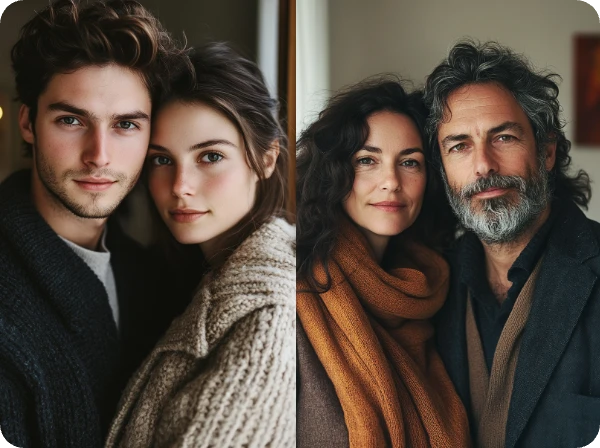
AI Couple Portrait
Generate a virtual sweet couple portrait for storytelling and Valentine’s Day brand marketing. Customize the couple’s clothes, postures, and faces with descriptive text.


Loved by Creators Worldwide
Real feedback from designers, marketers, and hobbyists sharing their PicLumen experience on Trustpilot.
 Bet AW
Nice good appp creat inmage
Nice good appp creat inmage
Just amazing website a must try.
Just amazing website a must try.
by Neefai love it and easy to use
i love it and easy to use
 Ifeanyichukwu C Chukwuemeka
Very good
Very good and good AI app easy to use without stress
It’s way easier to use then these other…
It’s way easier to use then these other apps
ZaraPiclumen still remains the best…
Piclumen still remains the best with image references. I don't have any complains using Piclumen. It makes my work easier
In terms of the customer service
In terms of the customer service, is outstanding, I will say if you had any doubts they clarified it, and the next day you have an answer. When it comes to the APP it is friendly to use, however there is not any box to tick ☑️ to allow the machine to stick to your character constantly.This allow that sometimes you upload your image and your prompt but the machine generates something completely different and you lost your credit 🙁 I think that this needs to be fixed this happens in a few PicLumen models.
Ibrahim FaisalThis is best app for image generate
This is best app for image generate
 Yll
YllIs very good program for ai
Is very good program for ai
 Abdul Rafay
Best wishes for the developer
Best wishes for the developer
 AK Editing Zone
Nice ai image generation
Nice ai image generation
Can’t go wrong using this one
Can’t go wrong using this one
FAQs about AI Portrait Generator
What is an AI Portrait Generator?
An AI portrait generator uses artificial intelligence to create customized digital portraits from photos or prompts.
What Formats Are Supported?
You can upload images in formats like JPG, PNG, or WEBP. PicLumen’s portrait AI tool ensures compatibility for ease of use.
What Styles Are Available?
Our AI-generated portraits include options like realistic, artistic, fantasy, and more. Explore limitless creativity and find the perfect style for your needs.
How Can I Create an AI Self Portrait?
With PicLumen, simply upload a clear photo of yourself, choose your preferred style, and let the AI generate a unique portrait. Customize it further if needed, then download the final result!
How to Add AI-Generated Background to a Portrait?
With PicLumen, you can easily replace or enhance the background of your portrait using the Background Remover tool. Simply upload your image, remove the original background, and select a stunning AI-generated backdrop to complete your portrait. It’s quick, intuitive, and fully customizable!
.webp)