
Free AI Short Video Generator for Quick Short-Form Video Creation
Making short videos can quickly become time-consuming, especially when you need fresh content on a regular basis. PicLumen gives you a simpler way to turn ideas into short videos. With this free AI short video generator, you can start from a prompt or image and create short-form videos for TikTok, Reels, Shorts, and other social platforms with less editing work.
Hot Video Effects
Turn your photos into fun dance clips, surprising transformations, and shareable moments with trending AI video effects.
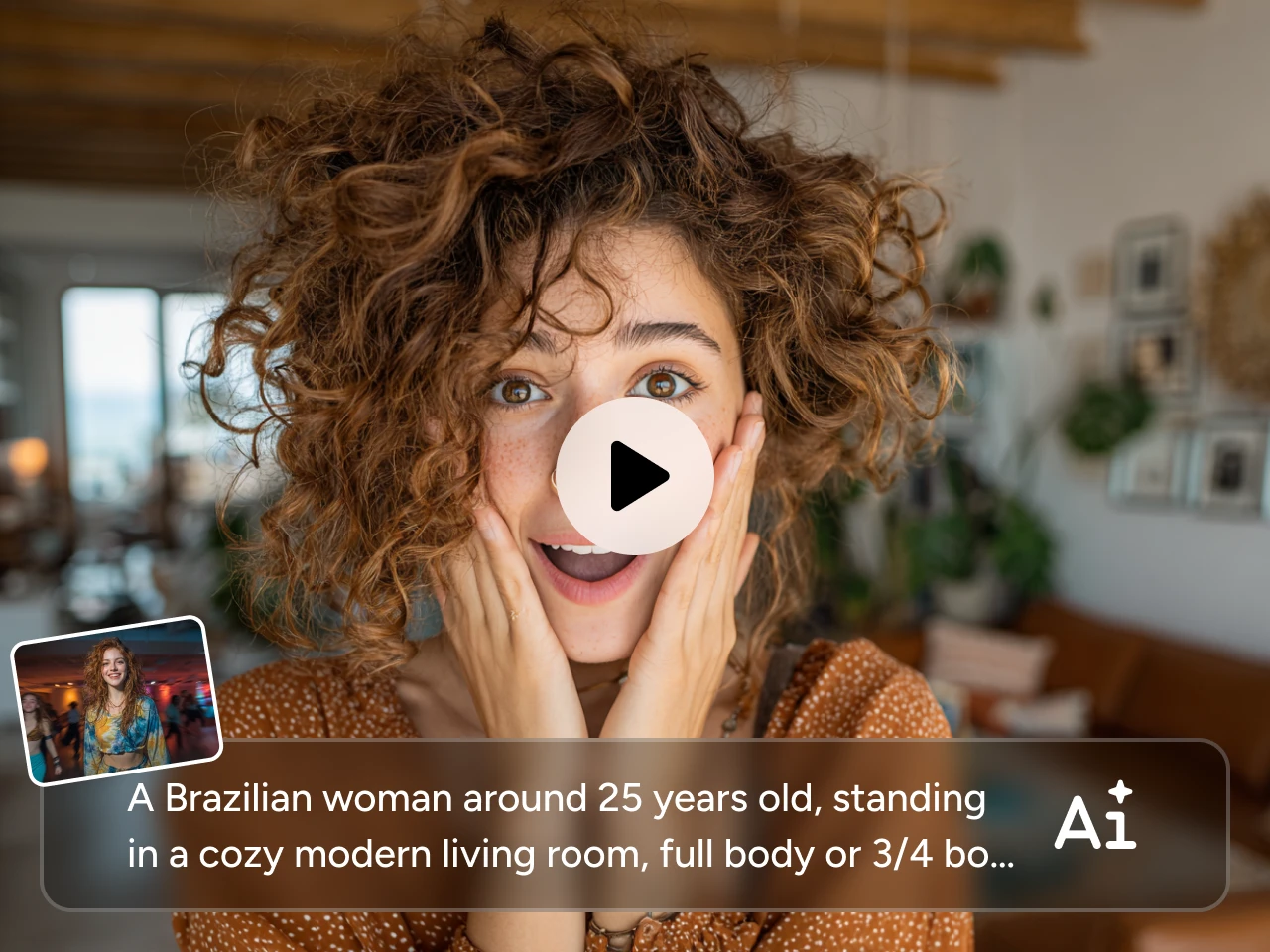
Start with Text or Images Instead of Starting from Scratch
A lot of short videos never get made because the setup takes too long. You may have an idea already, but turning it into something usable often means finding footage, arranging clips, or reworking static visuals. PicLumen's AI short video generator gives you a much easier starting point. You can type a prompt or upload an image, then turn it into a short video without building everything from scratch.
Make Videos That Fit the Way People Watch
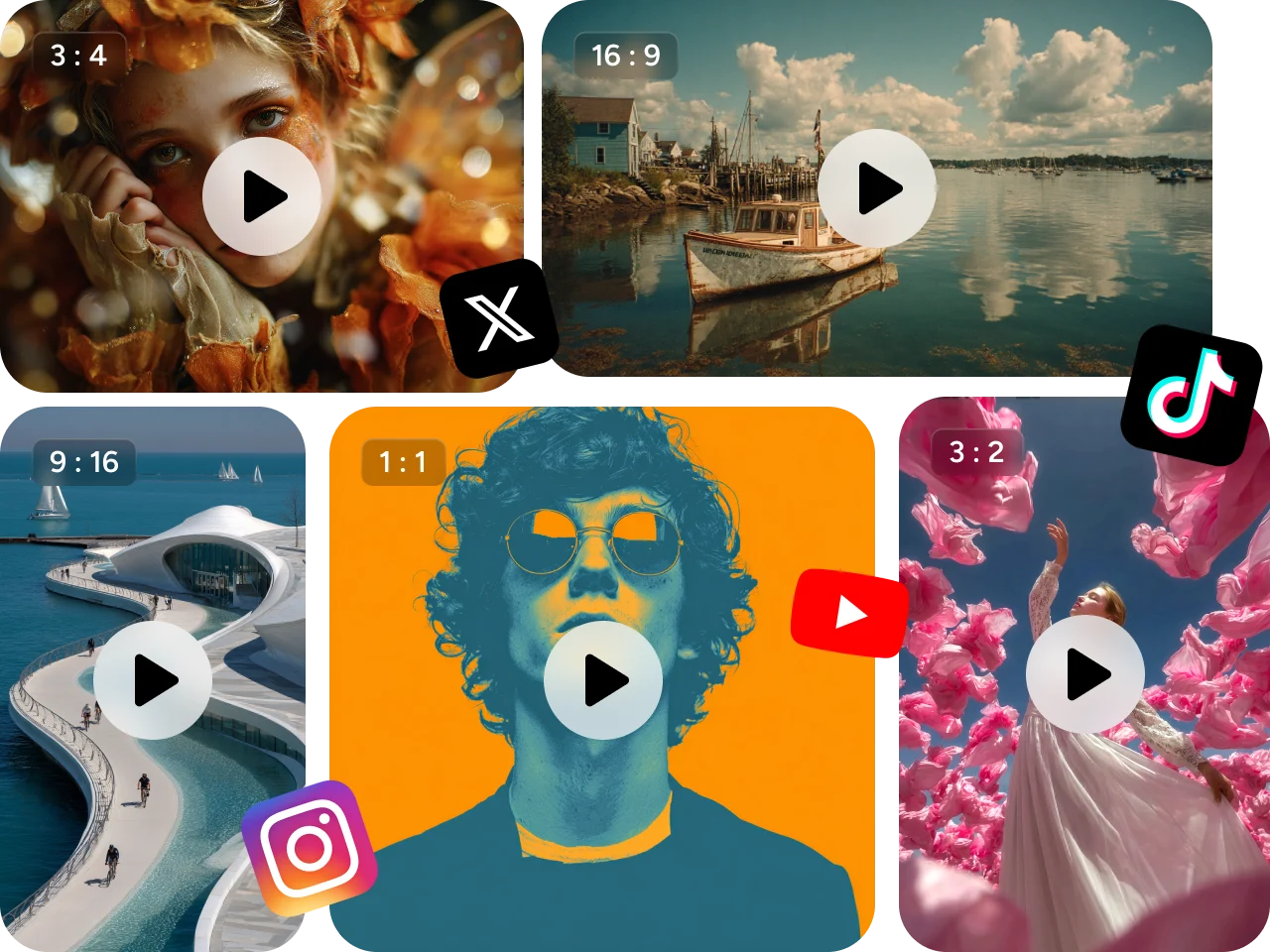
Different platforms often need different formats, and resizing the same video over and over can slow the whole process down. PicLumen's AI short video generator supports multiple aspect ratios, including 9:16, 16:9, 1:1, 4:3, and 21:9, so you can make videos that fit Shorts, Reels, TikTok, YouTube, and other viewing contexts more naturally. If you also AI YouTube video content, this makes it easier to move between vertical, square, standard, and wider formats without extra editing work.
Get Stronger Results with Better Model Options
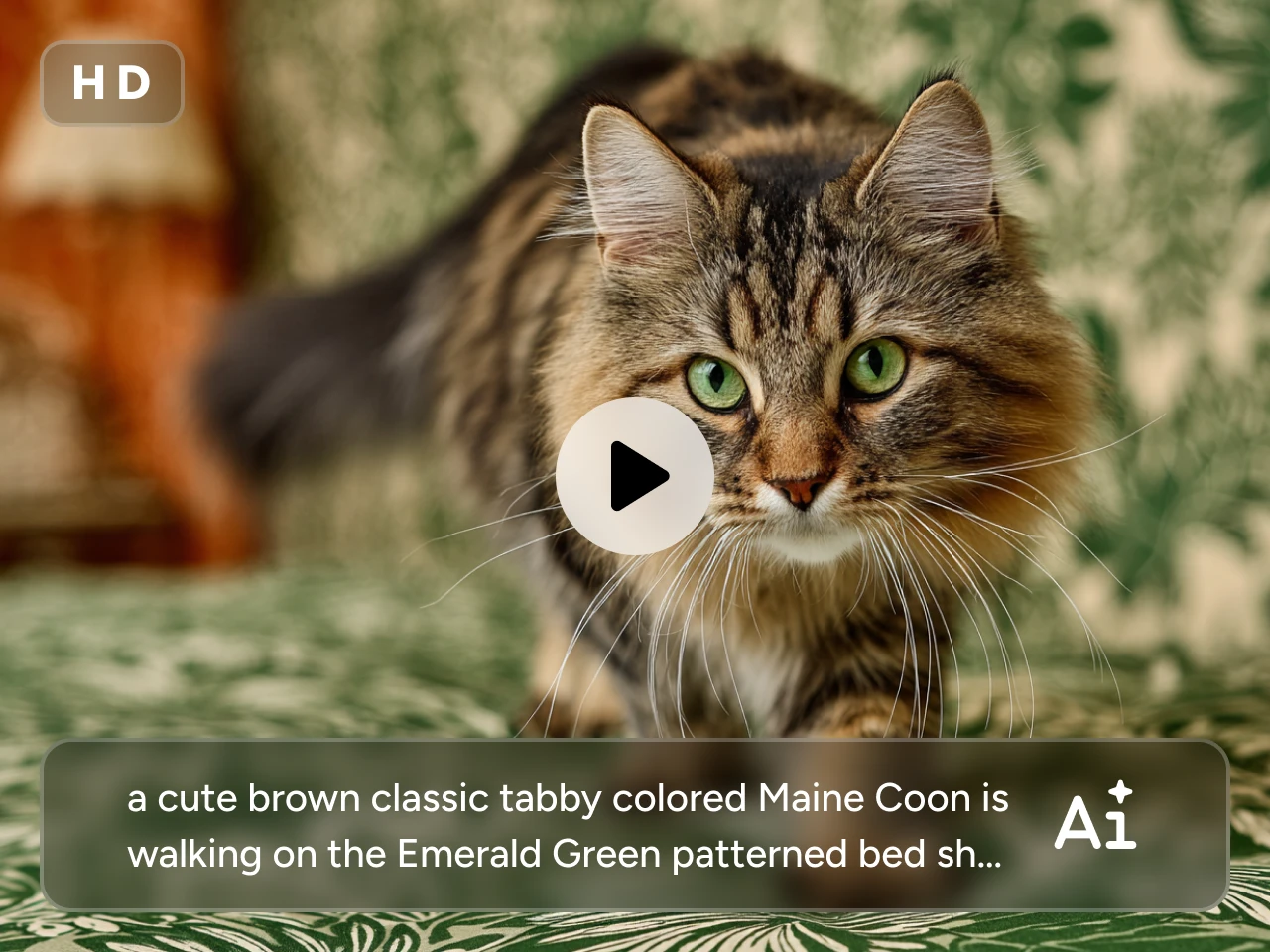
Sometimes the issue is not the idea, but how the video looks in the end. If the motion feels stiff, the image looks soft, or the subject changes too much from frame to frame, the final video is harder to use. PicLumen's AI video generator for short videos gives you access to popular models like Kling 3.0, Seedance 2.0, and Veo 3.1, etc, helping you create short videos with clearer image quality, more natural motion, and better consistency across characters and scenes. This makes it easier to produce videos that feel smoother, cleaner, and more ready to post.
Create Short Videos in Different Visual Styles
Different ideas need different visual styles. A product teaser, a story clip, and a social post do not always work in the same look. With PicLumen's AI short video generator, you can create short videos in a range of styles, from animation and cinematic scenes to cyberpunk-inspired visuals and other creative formats. That makes it easier to shape each video around the mood, message, or audience you have in mind.

What You Can Create with an AI Short Video Generator

Social Media Content Creation
Turn simple ideas into viral short videos for TikTok, Reels, Shorts, and other fast-moving social feeds. This works well when you need content that is quicker to make and easier to post regularly.

Product Promos and Brand Videos
Create short videos for product highlights, campaign teasers, and brand content that feel more dynamic than static visuals alone. This is useful for launches, promotions, and everyday marketing content.

Creative Story Clips
Use PicLumen as an AI short story video generator to turn prompts or images into short narrative videos. It is a simple way to create mood-driven clips, mini story scenes, or concept-based content.

Creator and Channel Content
Make short-form videos for personal channels, themed content series, and regular audience updates. This helps you keep a steady posting rhythm without relying on a long editing process.
How to Use PicLumen’s AI Short Video Generator
Step 1 Pick a Video Model That Fits Your Idea
1Start by selecting the AI video model that best fits your idea. PicLumen supports popular AI video model options, so you can choose based on the style, motion quality, and overall look you want for your short video.
Step 2 Add a Prompt or Upload an Image
2Type your idea in text or upload an image to guide the result. You can start with a product shot, character image, concept visual, or any other creative reference.
Step 3 Choose the Format and Style
3Pick the aspect ratio that matches your target platform, such as a vertical layout for short-form viewing. Then choose the visual style and motion direction that best match your content.
Step 4 Generate and Download
4Click generate and let PicLumen create your video. Once it is ready, you can review the result, download it, and post it where you need it.


Loved by Creators Worldwide
Real feedback from designers, marketers, and hobbyists sharing their PicLumen experience on Trustpilot.
 Jon Jon
Very good website
Very good website. Different models, good job
I recently had some technical issues…
I recently had some technical issues that I was trying to work through, so I reached out to the team at PicLumen for support. They were incredibly open, responsive, and willing to discuss the challenges I was experiencing. I even sent them a video demonstrating some of the issues I came across, and they took the time to review everything carefully and work toward finding solutions. What really stood out to me was how friendly, approachable, and collaborative they were throughout the process. I never felt like I was just submitting a problem ticket — it felt like they genuinely cared about improving the experience and helping users succeed. I truly enjoy using the platform and appreciate the level of support and dedication behind it. I would absolutely recommend PicLumen to anyone interested in this type of creative work.
amazing
amazing! this is just so good! WOWOW!!
 Rishiprasanth BR
This is a great site to create images…
This is a great site to create images as per our mind's wish. Such a great site, loved its response
 Mubashir Ahmed
This web is very help and free
This web is very help and free
 next frame
best ai web creation site
best ai web creation site
Adrienne IgoI love PicLumen it is one of my…
I love PicLumen it is one of my favorite AI image generators!
I like this app its a veey good…
I like this app its a veey good experience
Can’t go wrong using this one
Can’t go wrong using this one
pixaigreat chatgpt image alternative
great chatgpt image alternative
 Shantell Jordan
LOVE THIS TOOL
Love this app. Its allowed my vision to come to life.
Charan BalivadaIt's a good ai and create to make ai…
It's a good ai and create to make ai pic in different ways and different styles
Frequently Asked Questions
What is an AI short video generator?
An AI short video generator is a tool that helps you turn text prompts or images into short-form videos more quickly. It is commonly used for social media content, short promos, simple story clips, and other videos made for fast viewing on mobile-first platforms.
What is the best AI short video generator?
The best option usually depends on how you create content, but most users look for a tool that is easy to start, supports short-form formats, and works well for regular posting. PicLumen is a strong option if you want to create short videos from prompts or images in a simpler workflow.
Is PicLumen a good AI short story video generator for social media?
Yes. PicLumen works well as an AI short form video generator for TikTok, Reels, Shorts, and similar platforms. You can start with text or images, choose the format you need, and create short videos that are easier to adapt for different posting needs.
What is the best way to use an AI video generator for short videos?
A simple workflow is usually best: start with a clear idea, choose a video model, set the right aspect ratio, and generate a short clip based on your target platform. If you need an AI video generator for short videos, PicLumen gives you a direct way to move from idea to a usable result without a heavy editing process
How to make a YouTube Short with AI?
The usual process is to choose a model, enter a prompt or upload an image, select a vertical ratio such as 9:16, and generate the video. PicLumen makes that process easier to follow when you want to create short-form content faster.