AI Image Combiner: Merge and Combine Images
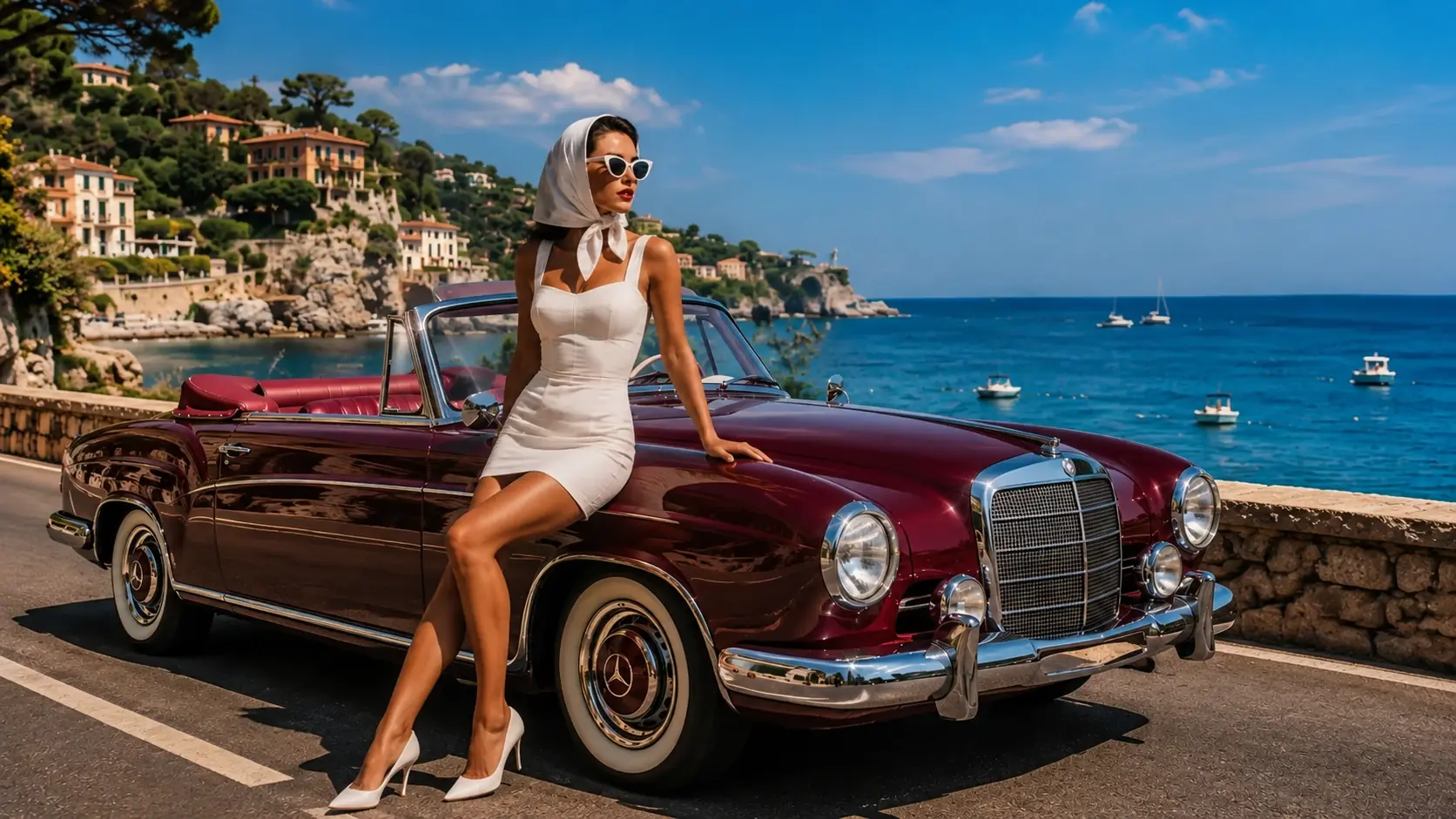
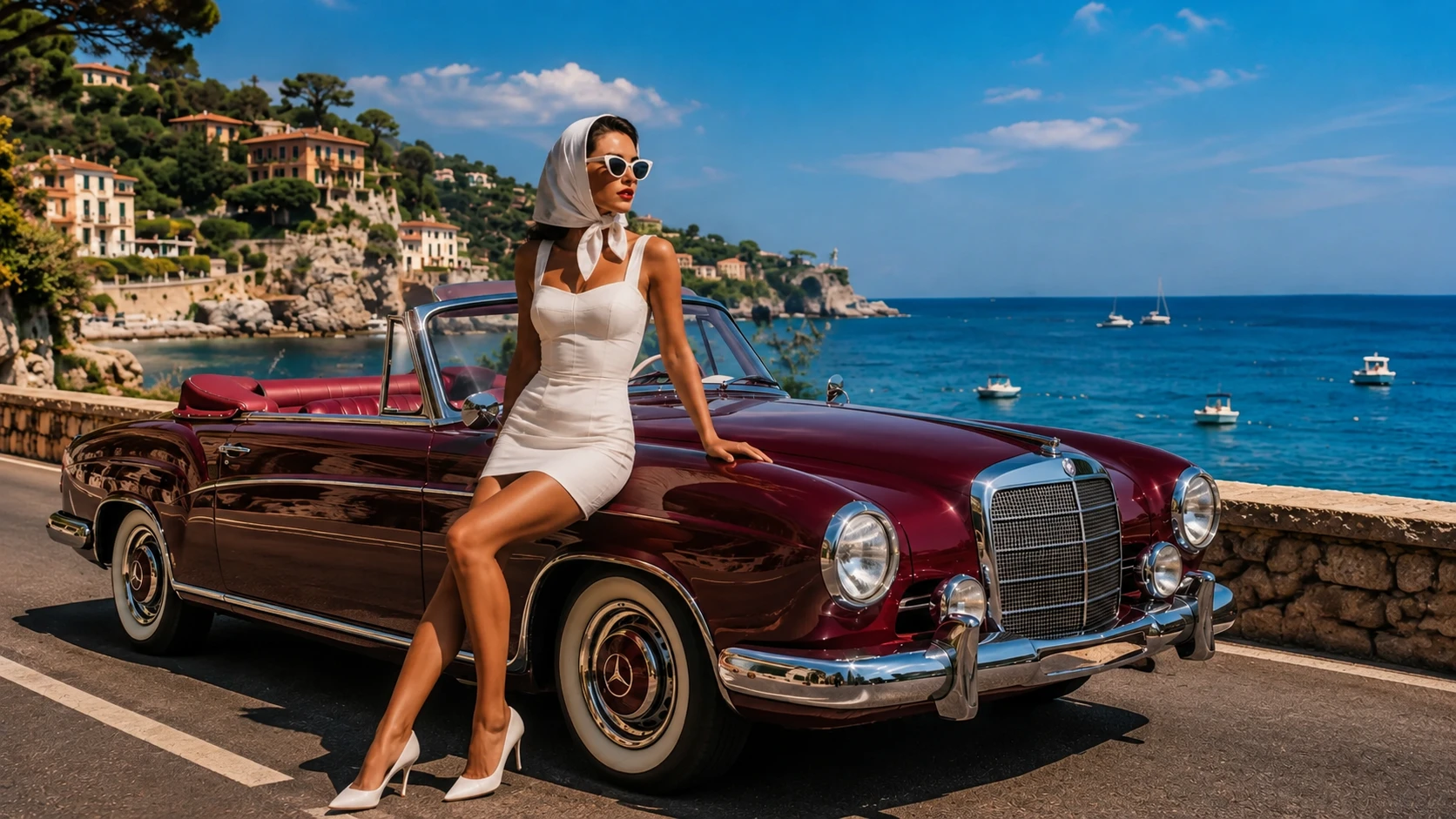
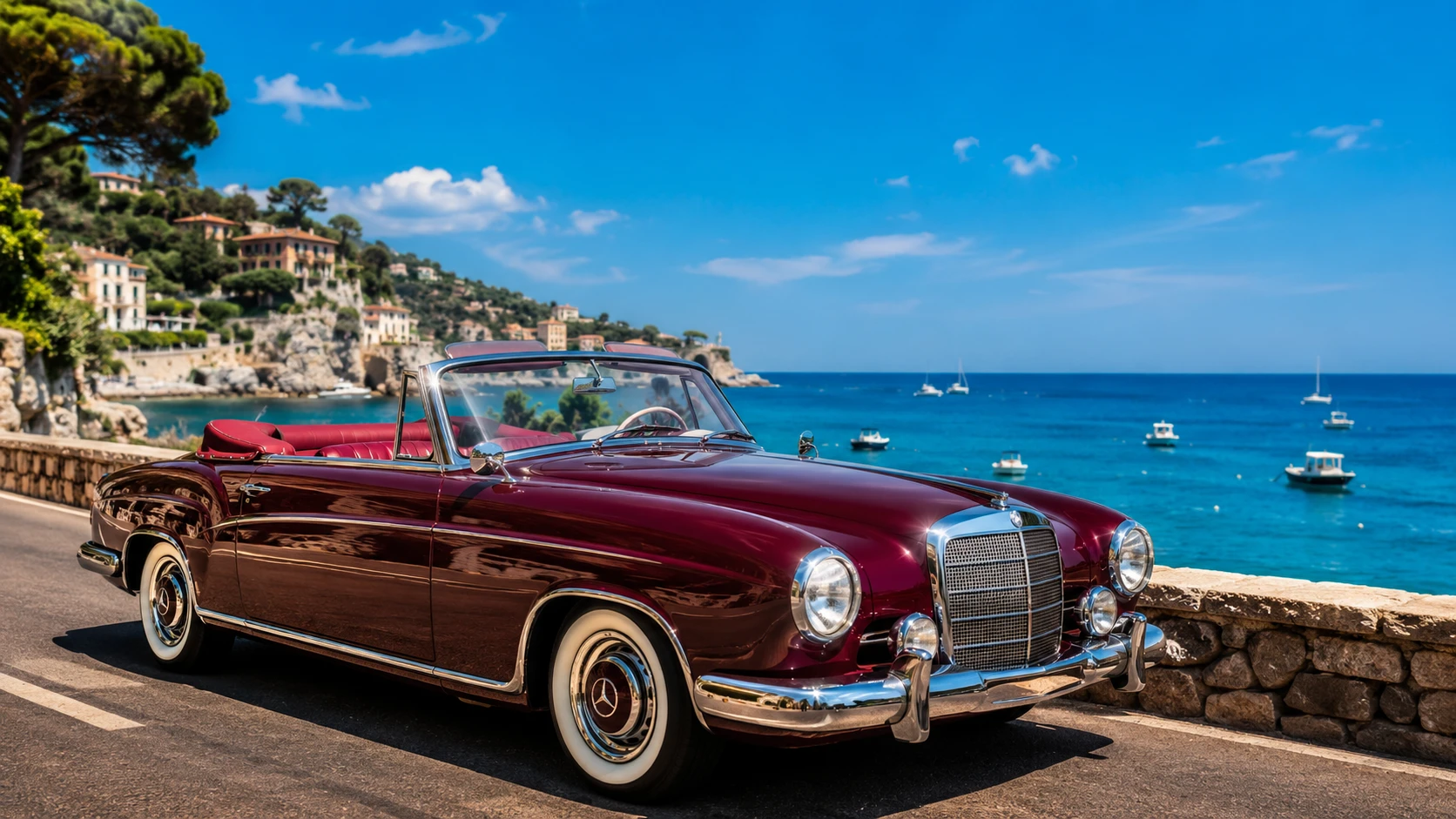
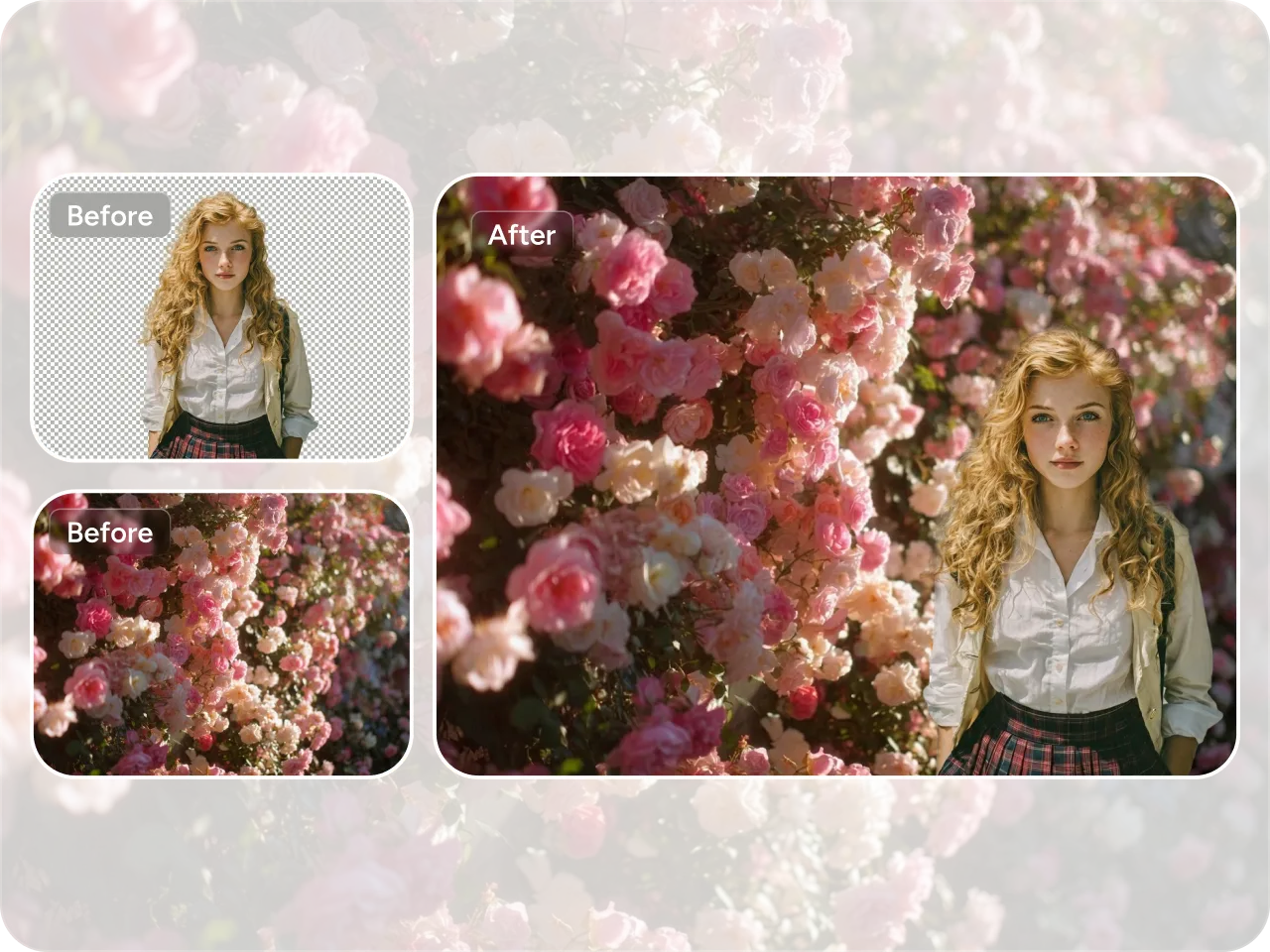
Seamlessly Combine Any Image Type
Easily merge different types of images into one cohesive visual, whether it’s product photos, lifestyle shots, backgrounds, or graphics. Piclumen's AI image maker blends elements together, preserving details while ensuring a natural look. You can create unified visuals in seconds without worrying about compatibility or technical limitations.
Effortless Product Photo Merging
Create professional-looking product images without complex tools like Photoshop. Simply upload your photos, and the AI handles composition, lighting balance, and alignment automatically. This feature is ideal for eCommerce sellers and marketers who want polished visuals quickly while saving time and maintaining a consistent, high-quality brand presentation.
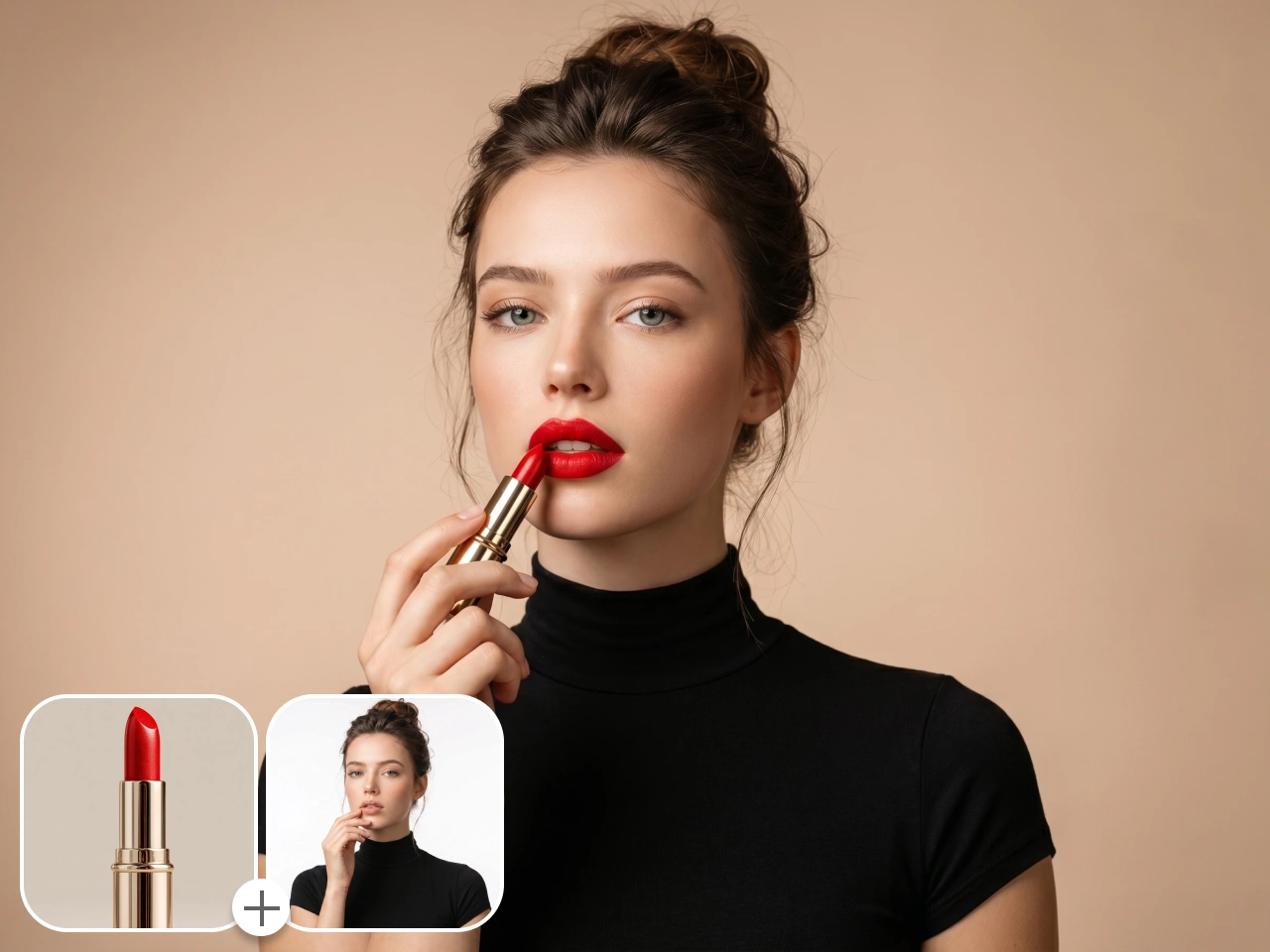
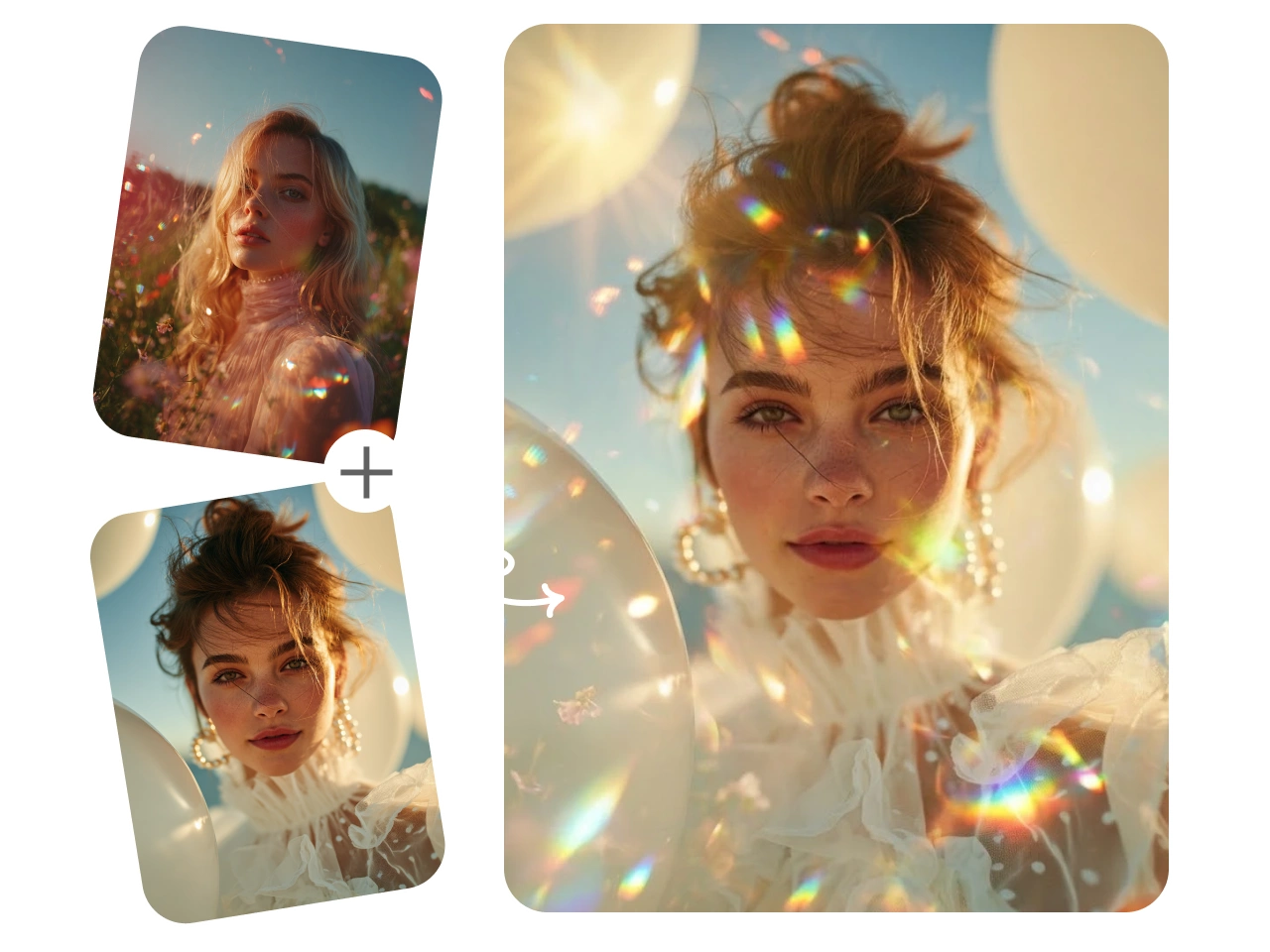
Instant Style Matching with AI
Achieve perfectly matched styles with advanced AI style blending. Simply upload a style reference image, and the tool will quickly generate visuals that match your desired tone, color palette, and overall aesthetic. This makes it easy to recreate specific styles on demand, ideal for branding, social media, and marketing use.
High-Quality Output in Multiple Aspect Ratios
Generate stunning, high-resolution images optimized for different platforms and use cases. You can choose from popular aspect ratios such as 1:1, 4:5, 9:16, and 16:9. Whether you’re creating content for social media, ads, or websites, your final images remain sharp, clear, and ready to publish anywhere.
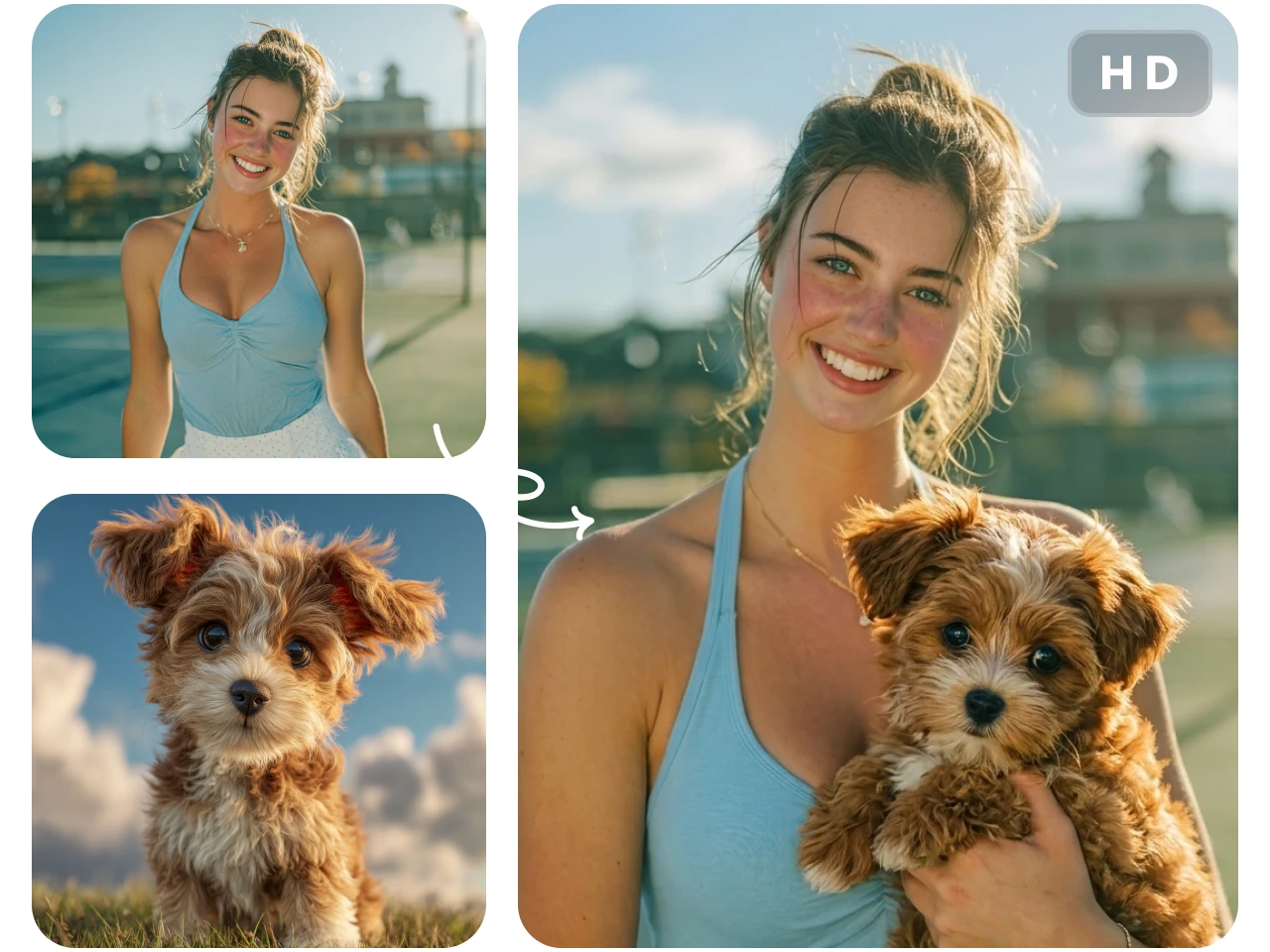
PicLumen’s AI Image Combiner for Creative Uses

Product Marketing & E-commerce Visuals
Create high-converting product images by combining models, products, and different scene backgrounds into one cohesive visual. You can quickly generate professional marketing images in seconds without photoshoots or manual editing. This is ideal for online stores that need fast, consistent, and high-quality visuals for product listings, ads, and campaigns while saving both time and production costs.

Social Media Content Creation
Design eye-catching visuals for Instagram, TikTok, and other platforms by blending multiple images into one cohesive post. Match styles, experiment with layouts, and quickly produce scroll-stopping content without manual editing. Whether you're a brand or creator, this tool helps you maintain a consistent aesthetic and publish engaging visuals more efficiently.

Creative Art & Design Projects
Explore new creative possibilities by combining different artistic elements, styles, and inspirations into a single image. From concept art to digital collages, the AI image combiner on PicLumen helps bring your ideas to life faster. Designers and artists can experiment freely, iterate quickly, and produce unique visuals without being limited by traditional design tools or workflows.

Meaningful Photo Merging
Turn everyday photos into meaningful keepsakes by merging special moments into one beautiful image. Combine travel pictures, family portraits, or memorable events into creative collages with a unified style. It’s an easy way to preserve memories, create personalized gifts, or share moments with loved ones in a more visually engaging format. For a portrait of you and your partner, try the AI couple photo maker to bring separate photos into a shared scene.
How to Combine Your Images on PicLumen
1 Upload Your Reference Images
1Start by uploading the images you want to combine. You can include product photos, backgrounds, or style references.
2 Describe Your Idea with Prompts
2Enter a simple text prompt to explain how you want the images to be combined. You can describe the layout, style, mood, or specific details.
3 Choose Size and Image Quality
3Select your preferred aspect ratio and resolution based on where you plan to use the image. Whether it’s for social media, eCommerce listings, or ads, you can customize the output to fit your needs.
4 Generate and Download
4Click the Generate button. Within seconds, your combined image will be ready to preview. Once satisfied, you can download the final high-resolution image and use it across your projects.


Loved by Creators Worldwide
Real feedback from designers, marketers, and hobbyists sharing their PicLumen experience on Trustpilot.
 Crispee
Easy to use.
Easy to use. Great layout love it!
Awesome program easy to use a little…
Awesome program easy to use a little disappointment in the fact you can’t buy lumies
 Scottie Grace
Very affordable and high quality
Very affordable and high quality
 Mubashir Ahmed
This web is very help and free
This web is very help and free
Alexsander Luíscool it's a good ai creator but create…
cool it's a good ai creator but create imagens for cinema
Nice creations and bright
Nice creations and bright
 Nikki Camou Timber and Torch
Love them
Love them! I’ve love working with the app so far!
 Federico Bidonde
Good app recién probando
Good app recién probando
 Samaneh Habibi
useful
useful. great for graphists
Mehdi Sohrabigood
🔥good best saite and good work and good good good
madhu choudharybest for AI 3d
best platform for making ai generation and easy to use
Amazing work!
Amazing work!! Love it already made some art and people love will be making more!
Frequently Asked Questions
What is an AI image combiner?
An AI image combiner is a smart tool that merges multiple photos into one cohesive image. PicLumen's version uses AI to detect edges, match lighting, and blend photos naturally — so you get seamless results without manual editing.
Is the AI image combiner free to use?
Yes. PicLumen offers a free trial so you can explore this tool at no charge. You receive daily lumen credits, and extra credits can be earned by completing simple tasks. Within your available credit limit, you can keep merging images without paying anything.
How does the AI merge two images?
PicLumen's AI analyzes both photos for edges, colors, and textures, then blends them using intelligent algorithms. You can guide the result with a text prompt or let the AI decide the best merge style automatically.
Explore More AI Tools
- Pixel Art Generator
- Chibi Maker
- AI Wallpaper Generator
- Album Cover Maker
- Random Image Generator
- Convert Photo to Coloring Page
- AI Icon Generator
- AI Texture Generator
- AI Clothes Changer
- AI Logo Generator
- Shirt Design Generator
- Barbie Selfie Generator
- AI Animal Generator
- AI Design Generator
- AI Hairstyle Changer
- Studio Ghibli Filter
- AI Neon Designer
- Prompt-Based AI Image Generator
- AI Garden Design Generator
- AI Fashion Model Generator
- AI Image Object Remover
- AI Product Staging
- Christmas AI Image Generator
- AI Background Generator
- PicLumen Beginner's Guide
- AI Cute Bow Wallpaper Maker
- Christmas AI Features
- Buzz Cut Filter