Free AI Tattoo Generator
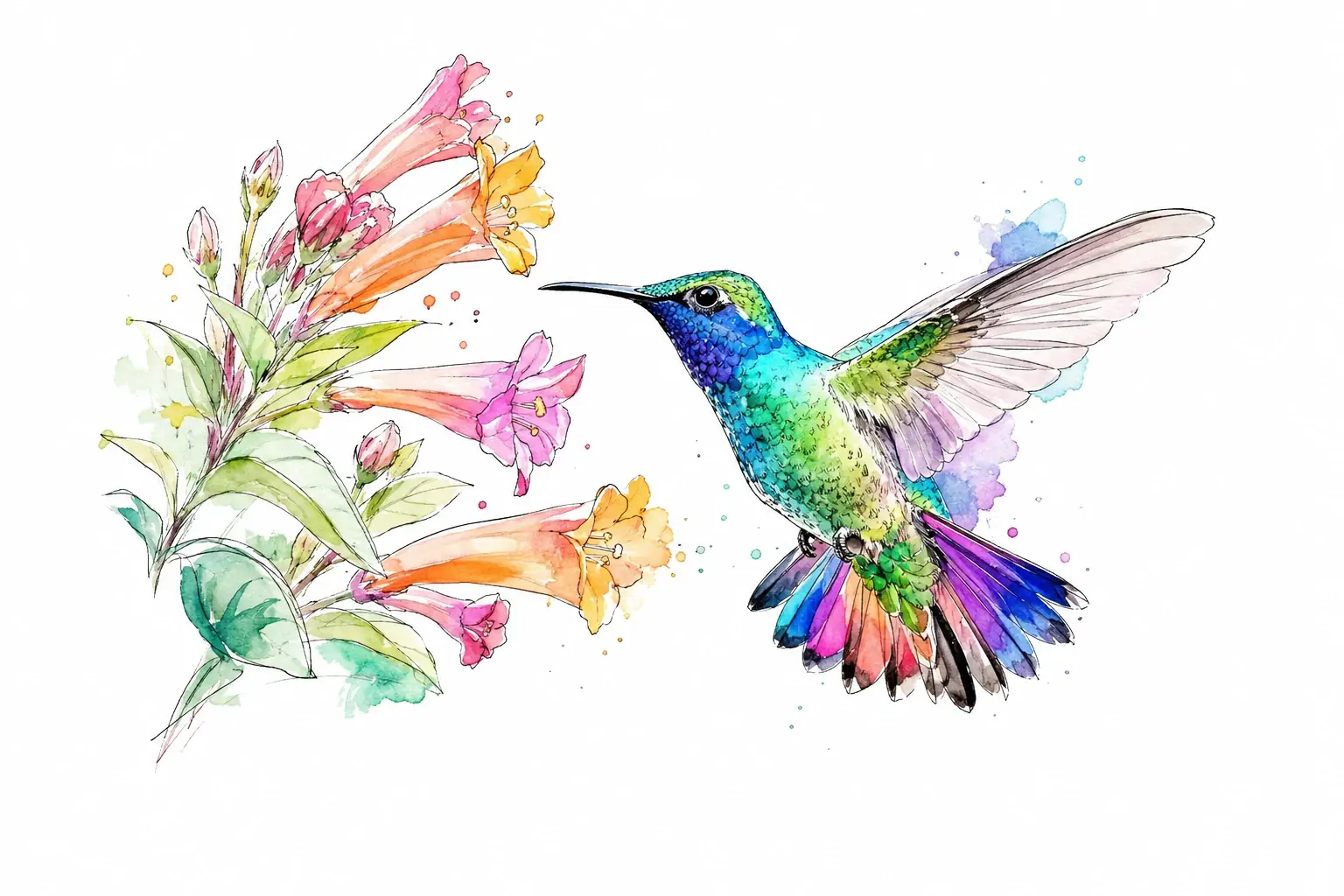
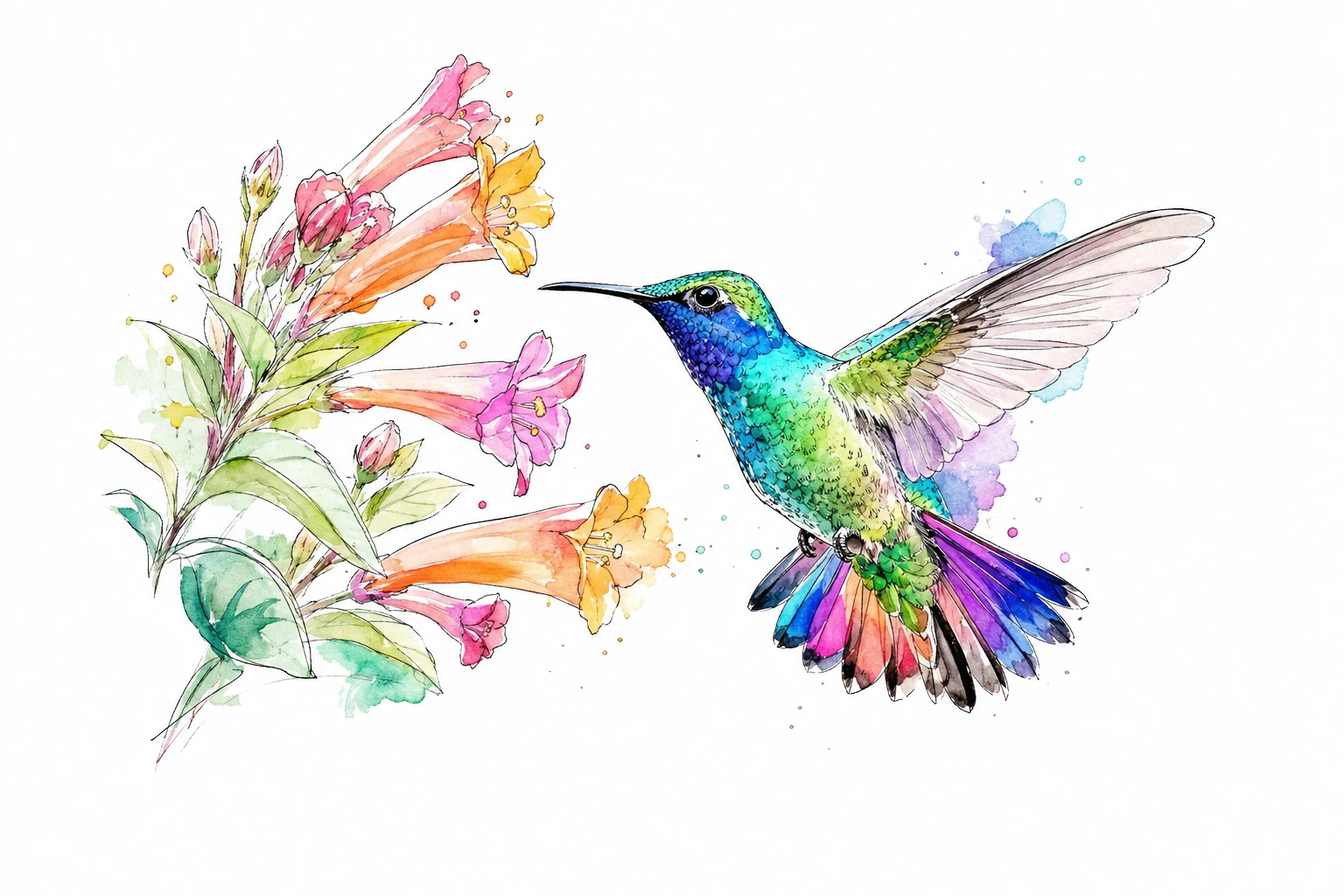
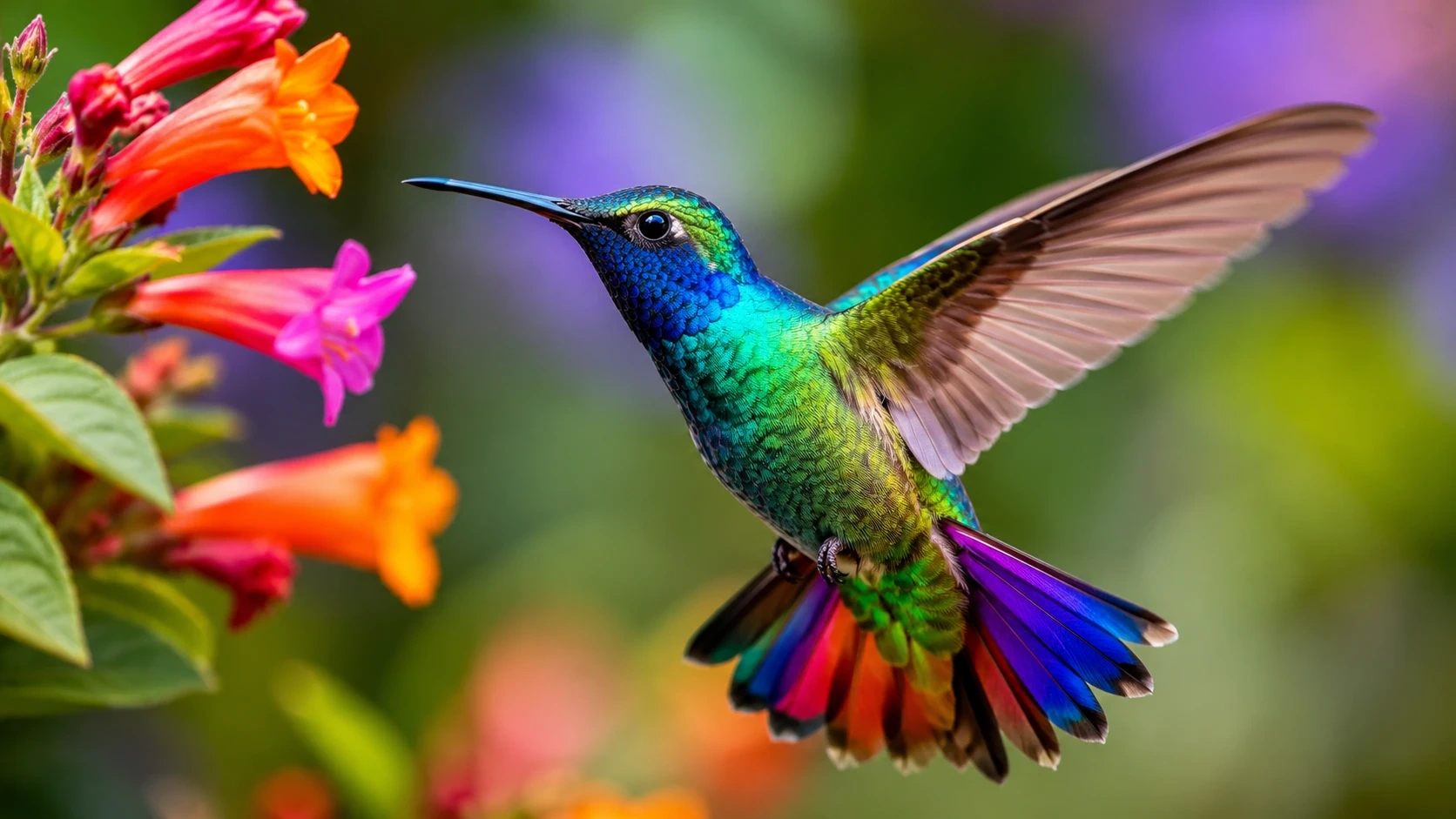
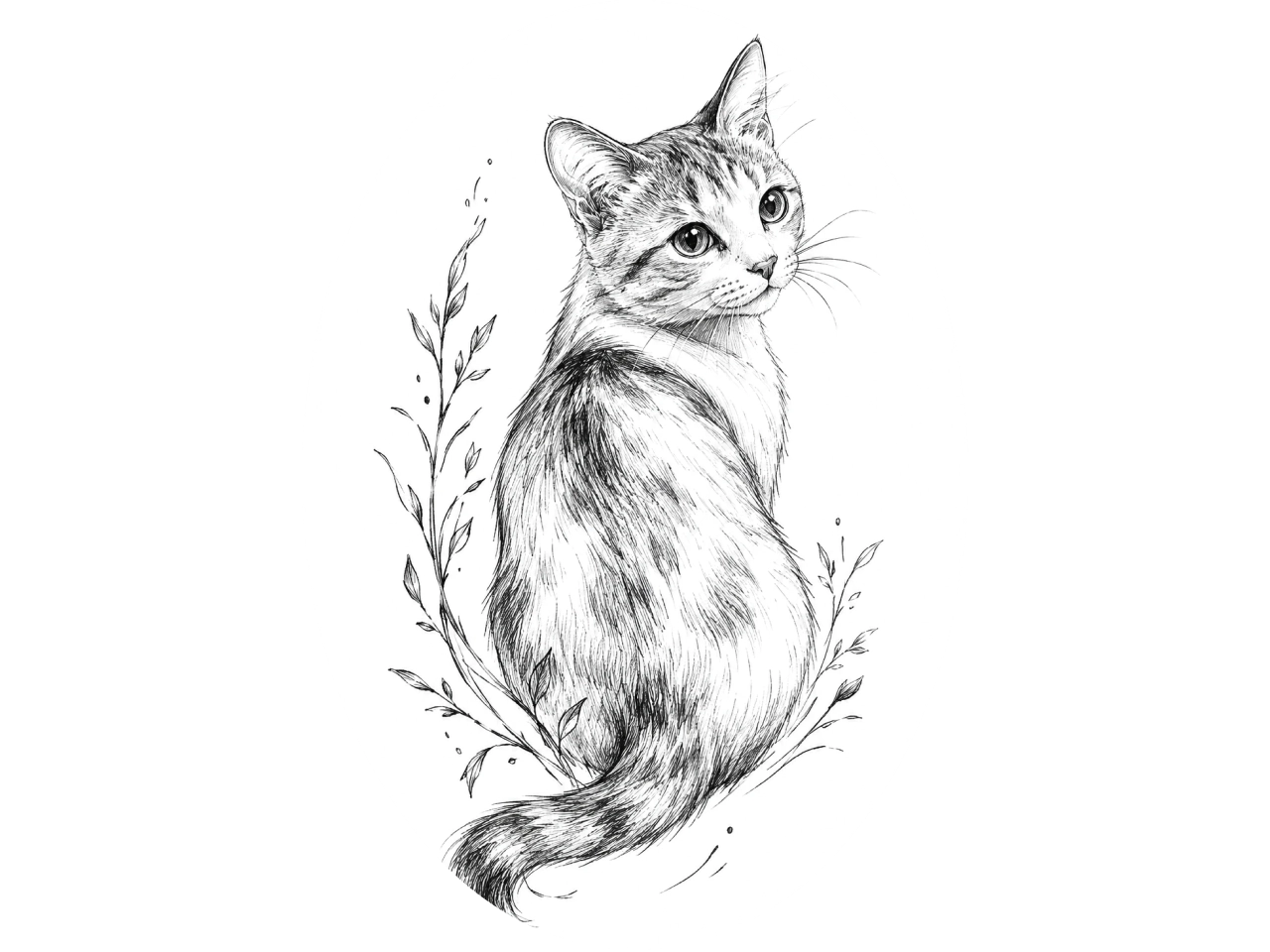
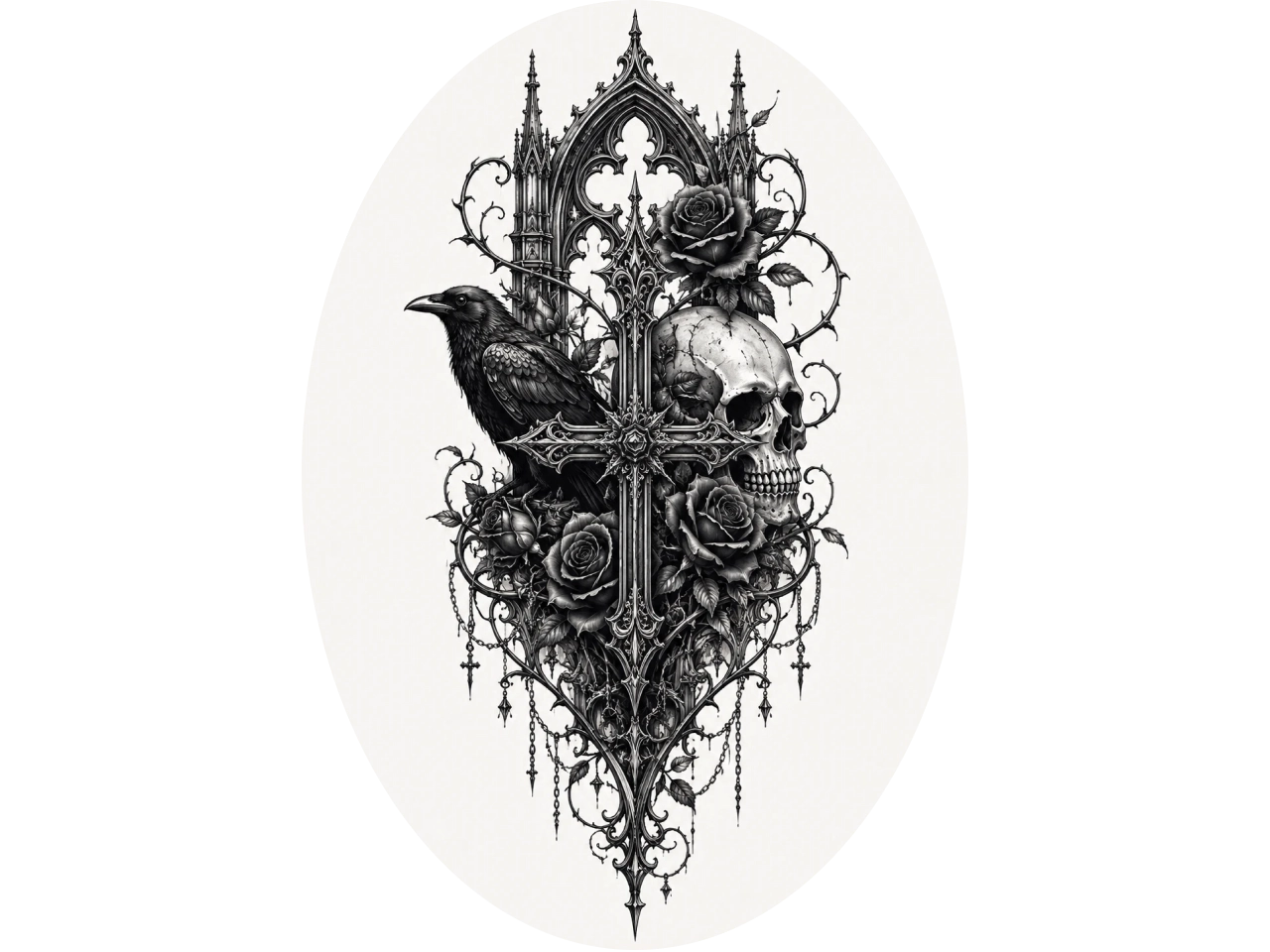
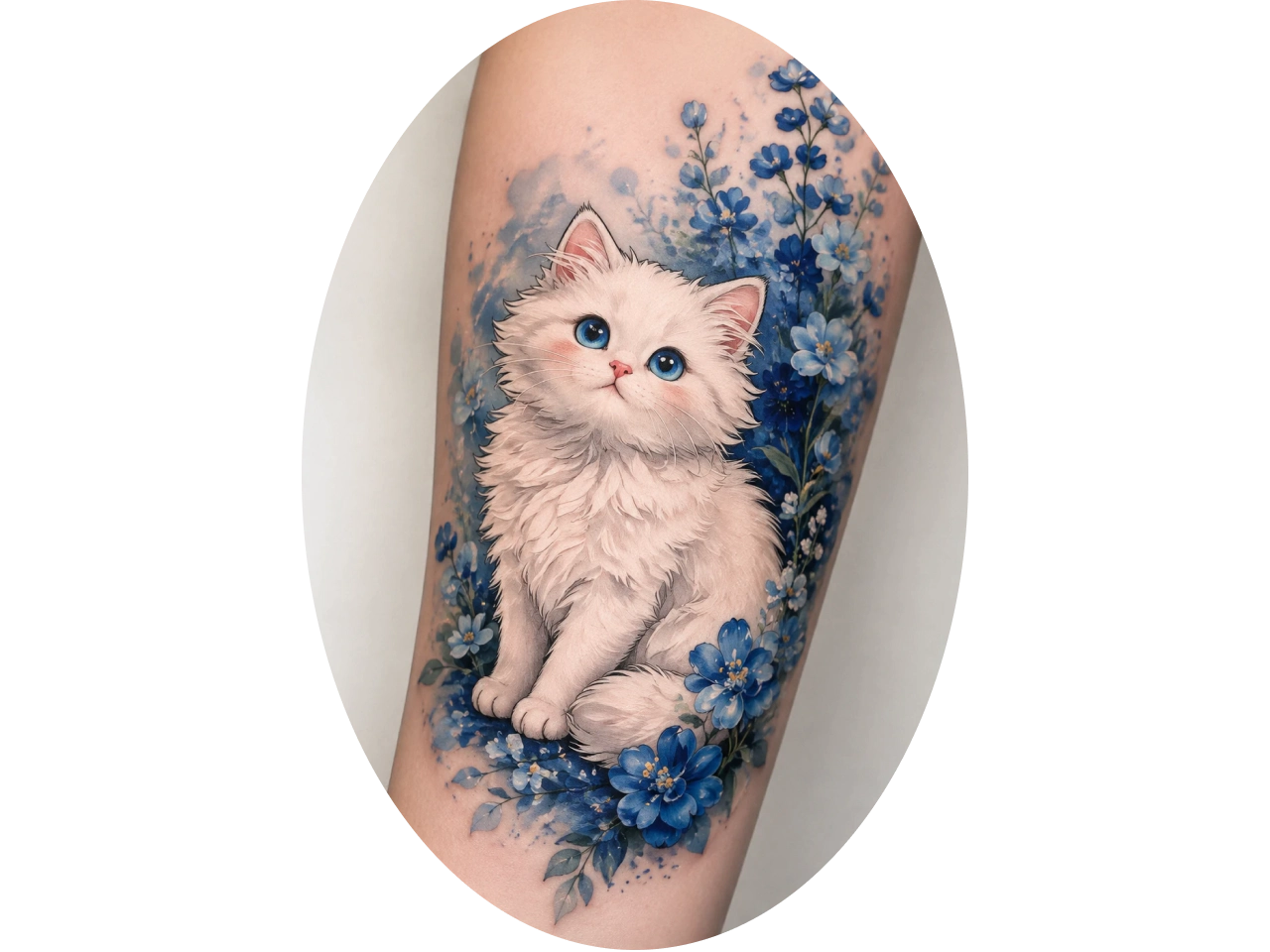
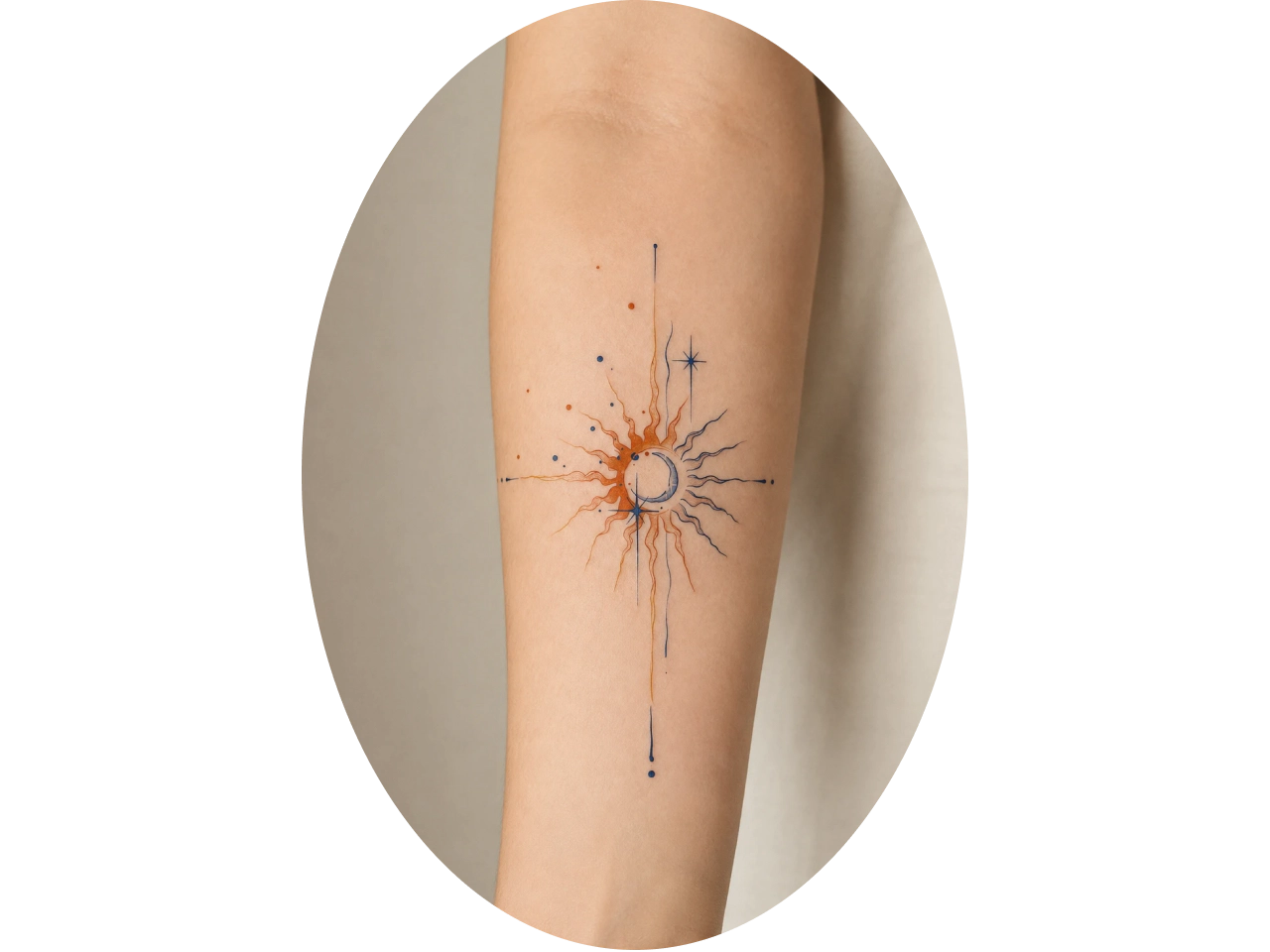
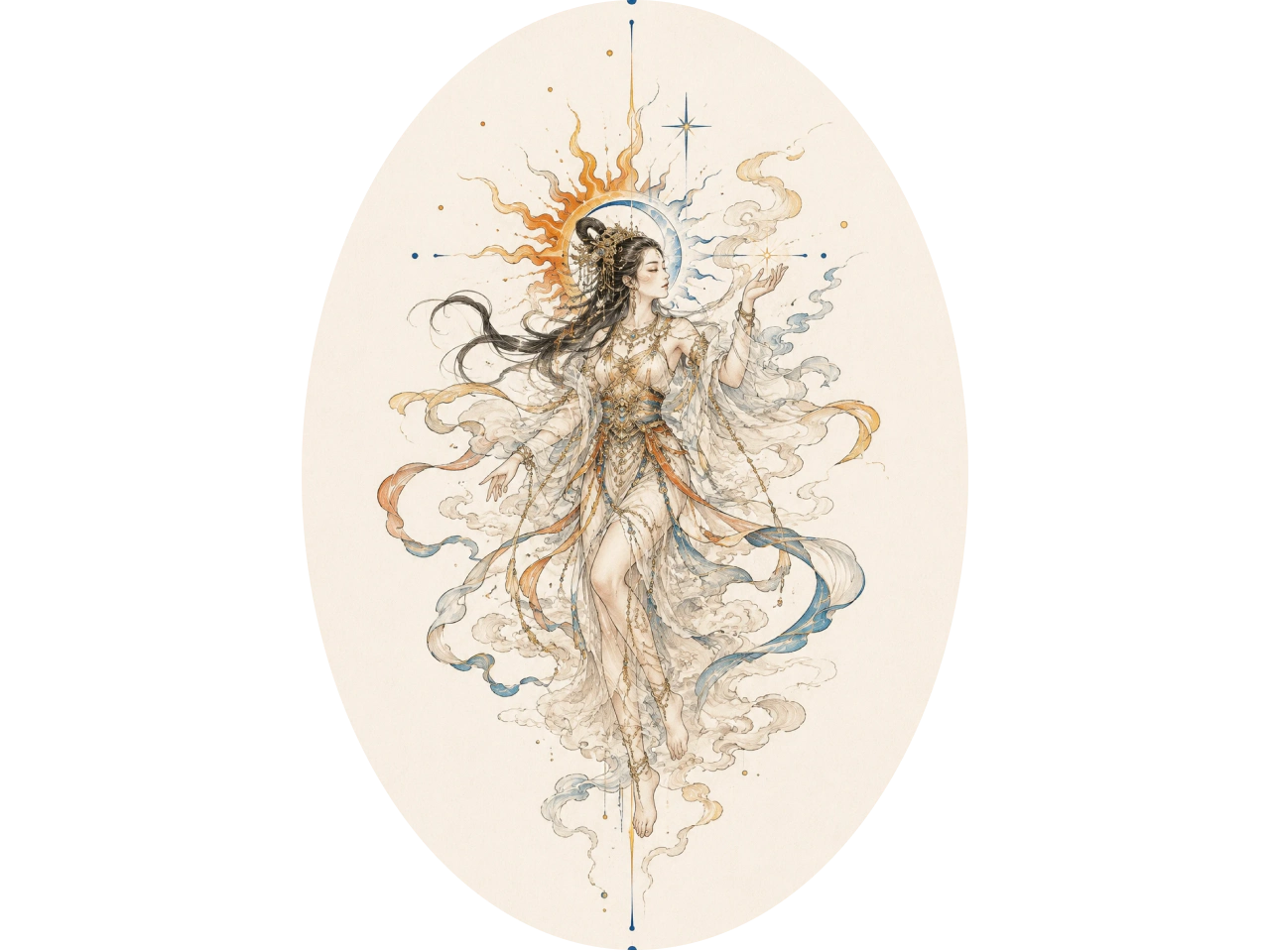
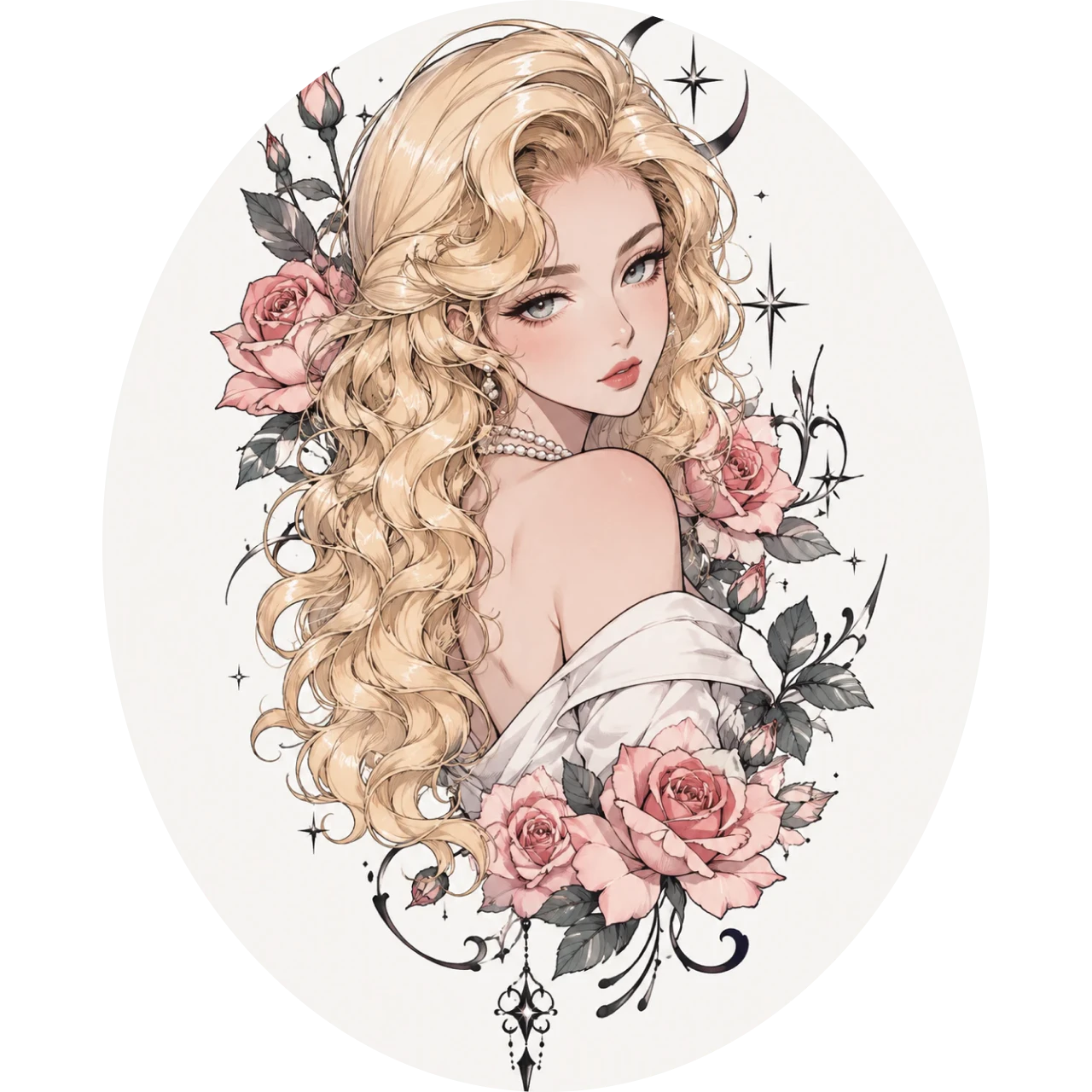
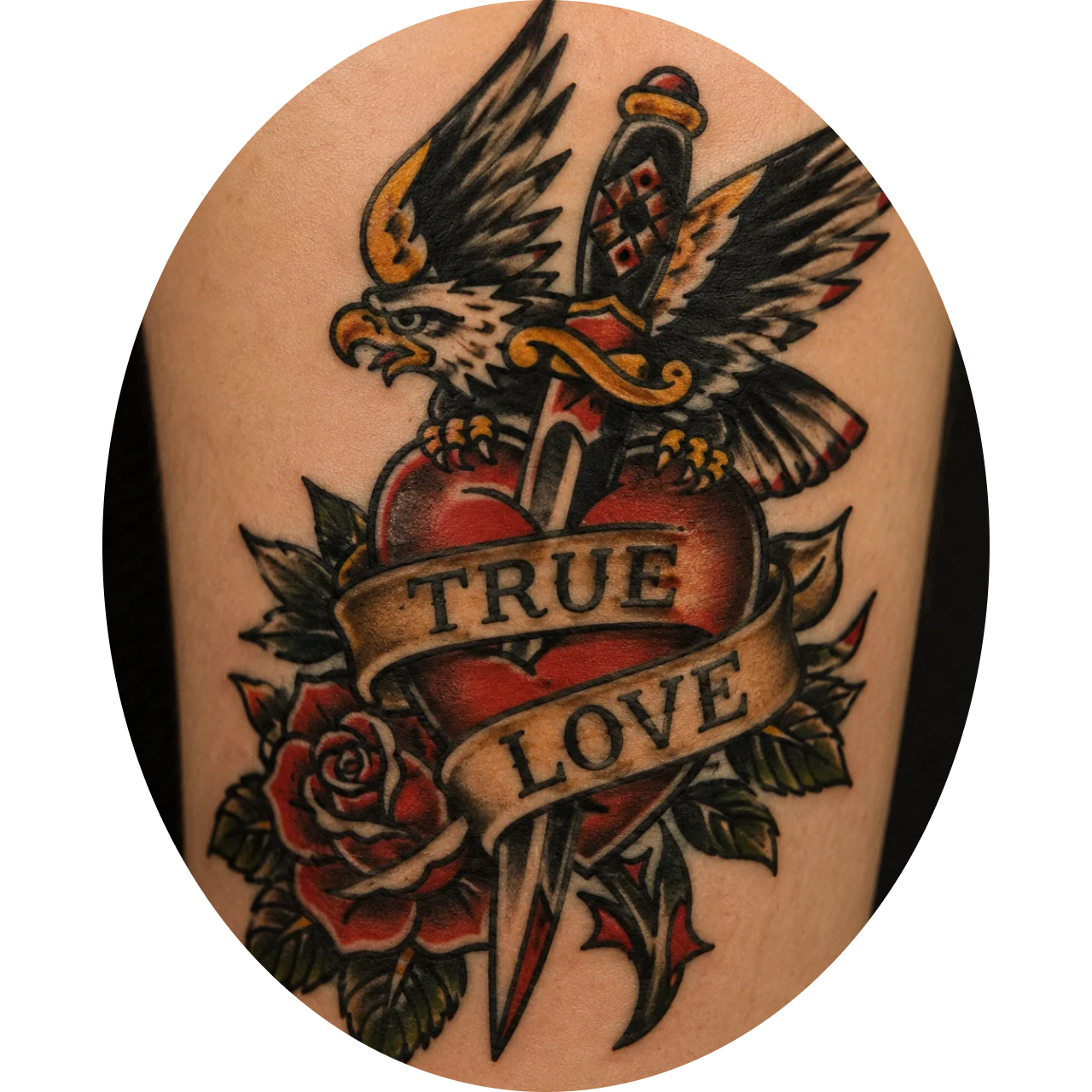
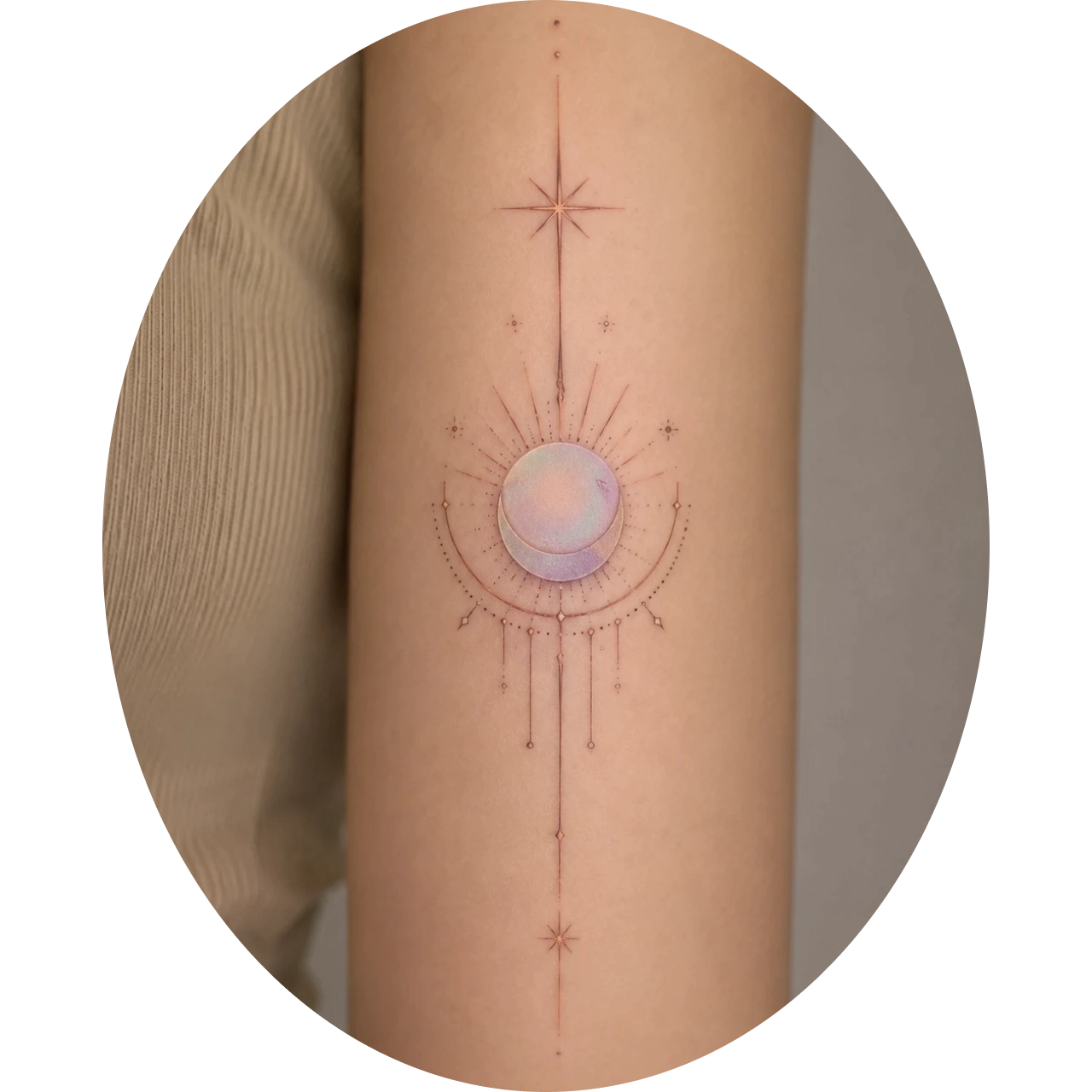
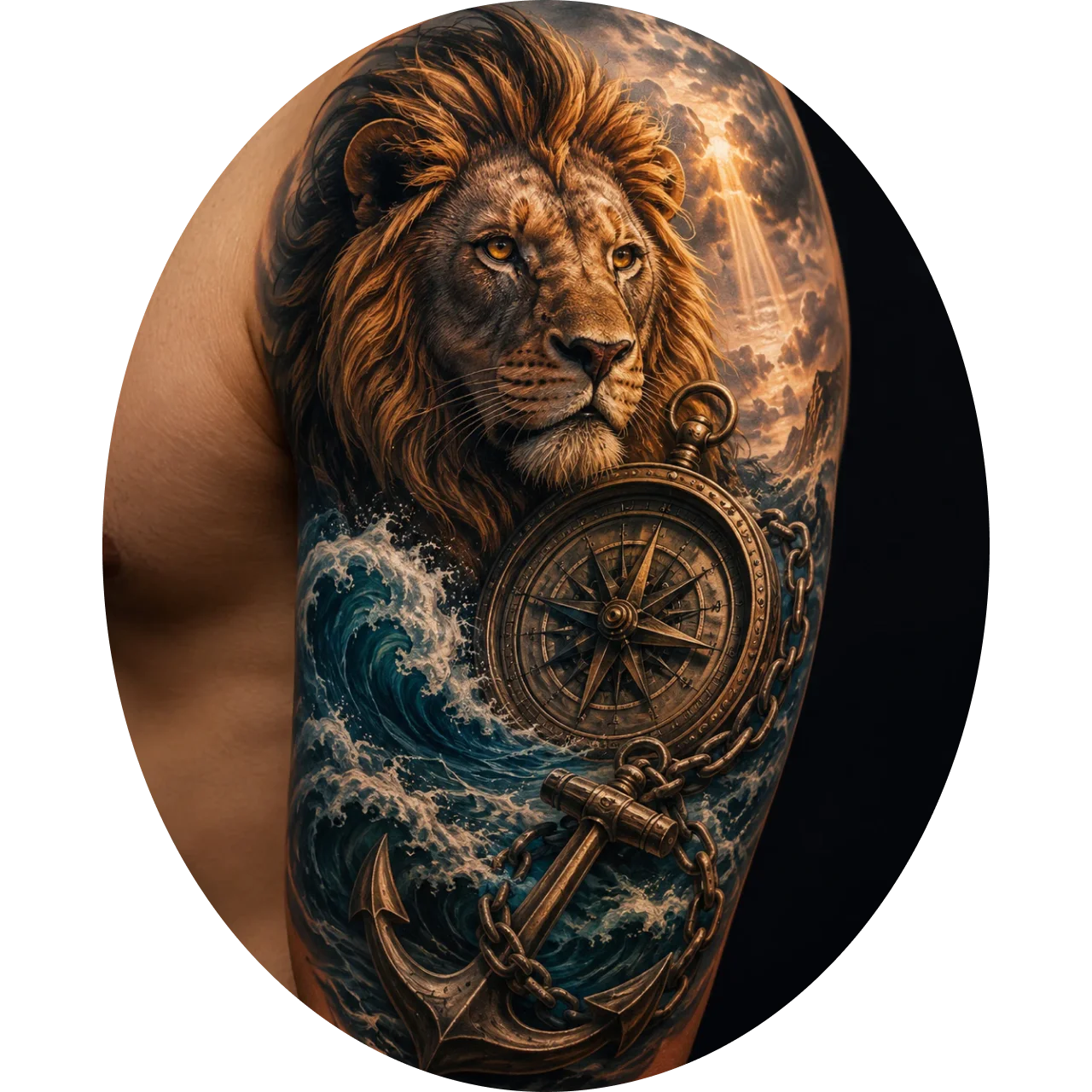
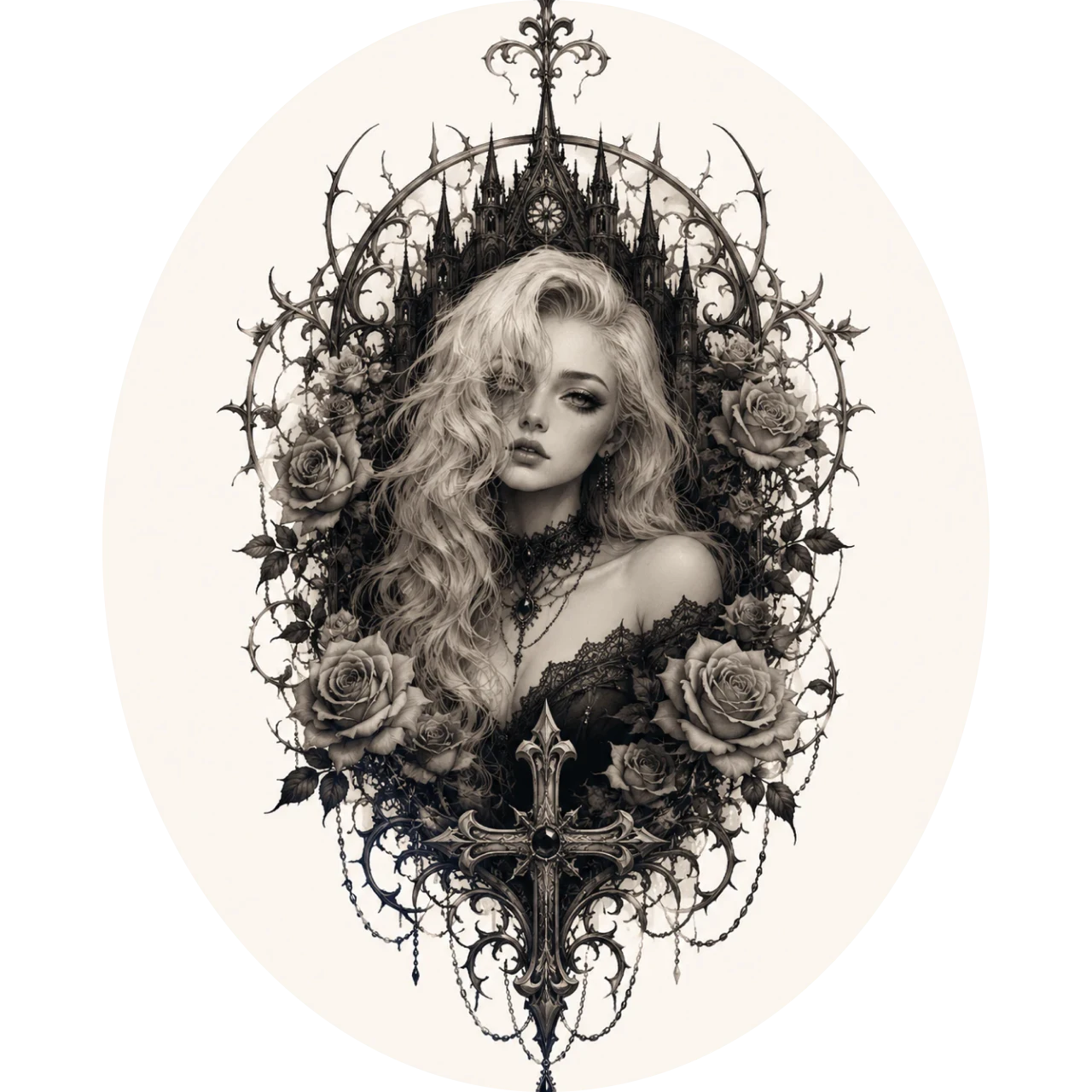
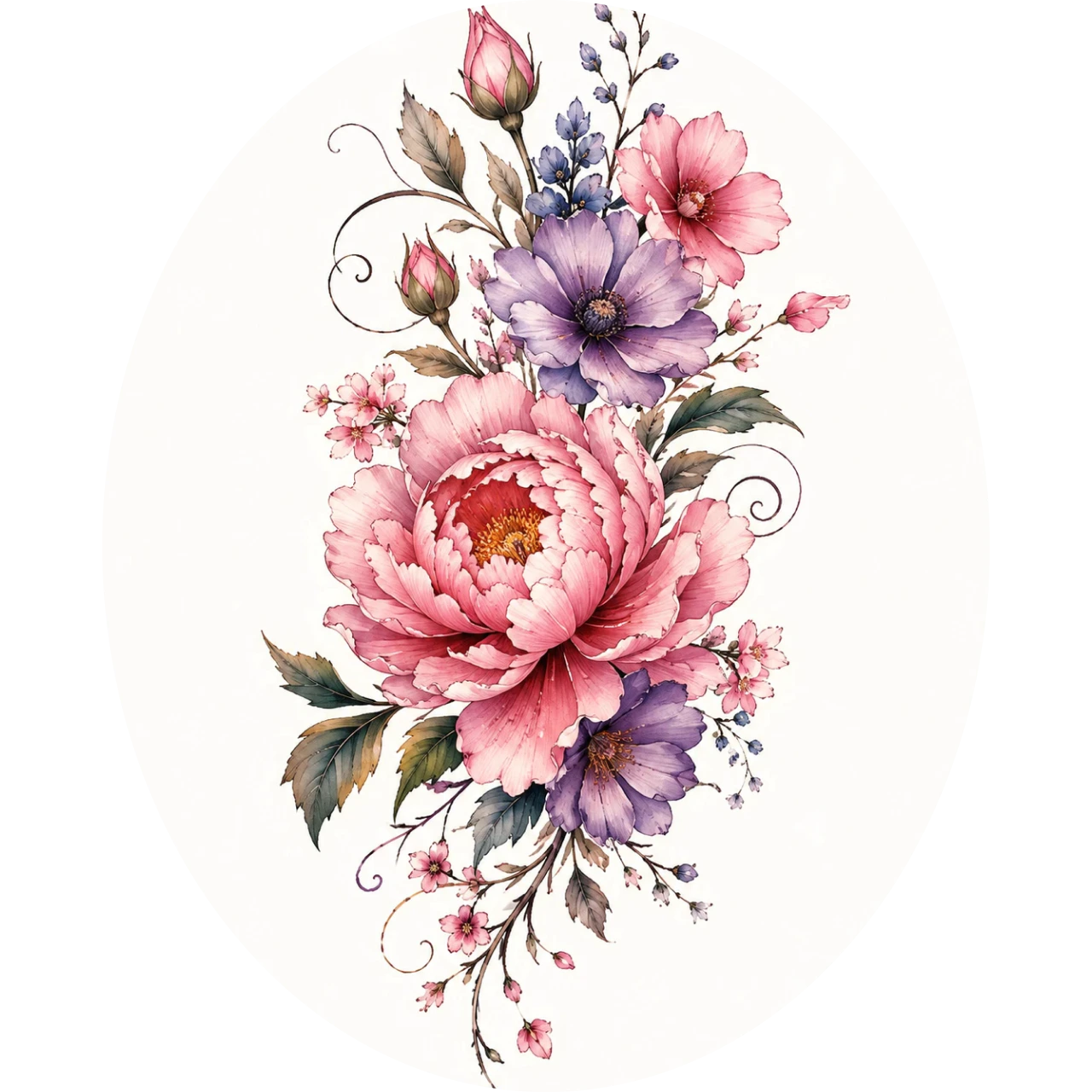
Explore Unique Tattoo Designs in Different Styles
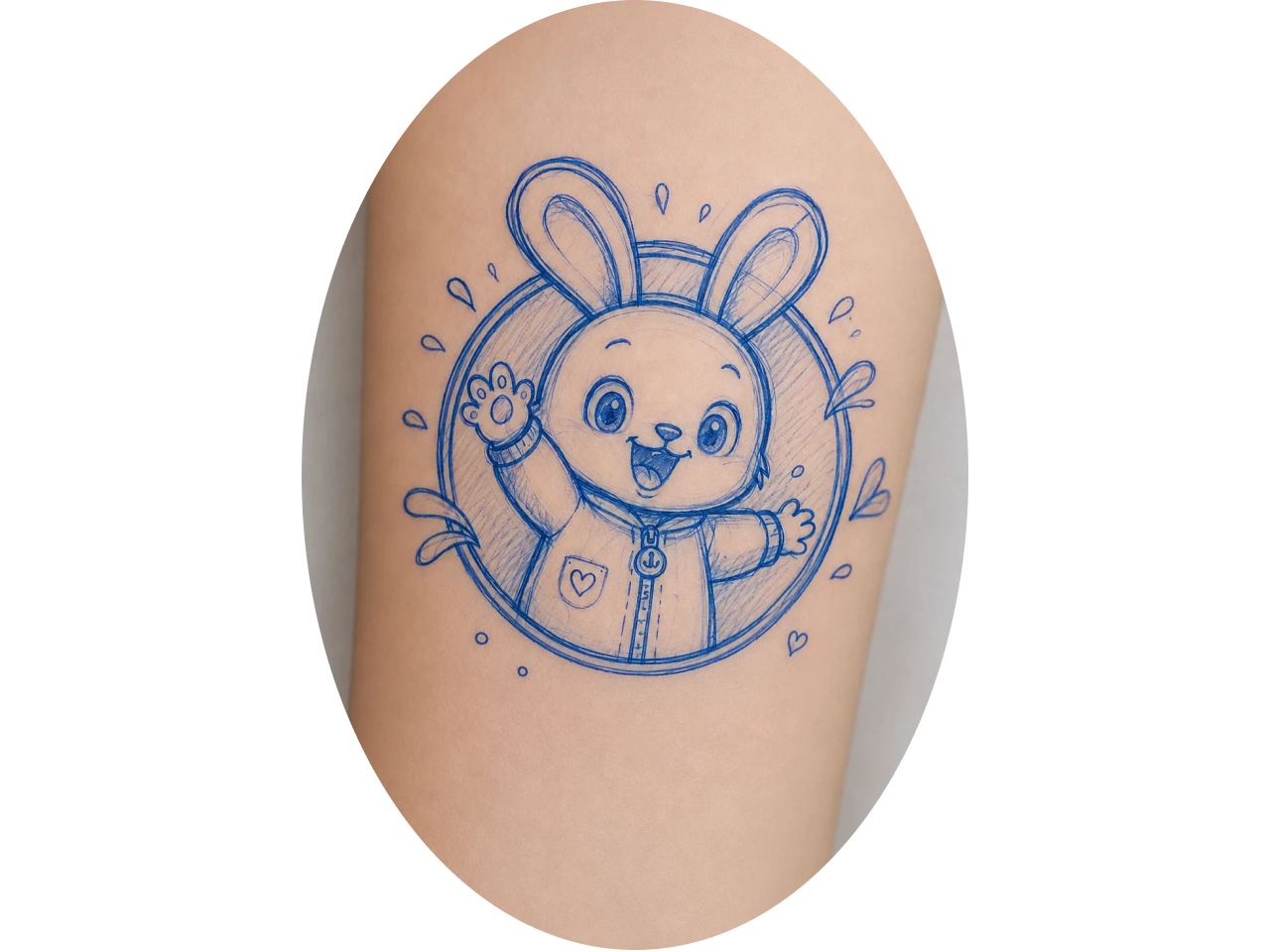
Who Is the AI Tattoo Generator For?

First-Time Tattoo Clients
Not sure what tattoo to get? Experiment with different concepts, placements, and artistic styles to discover a design you truly love before booking your first appointment.

Tattoo Enthusiasts
Explore original tattoo ideas, experiment with different styles, and preview designs before committing to your next piece. Find inspiration that reflects your personality and story.

Tattoo Designers
Speed up the creative process by generating multiple tattoo concepts from text or reference images. Refine ideas quickly and deliver customized designs for different client preferences.

Tattoo Artists
Visualize client ideas faster, create personalized tattoo mockups, and test different styles or placements before tattooing. Improve consultations and help clients make confident design decisions.

Content Creators
Create eye-catching tattoo concepts for social media, portfolios, marketing campaigns, or merchandise. Produce diverse visuals quickly without creating every design from scratch.
Turn Ideas Into Tattoo Designs in Seconds
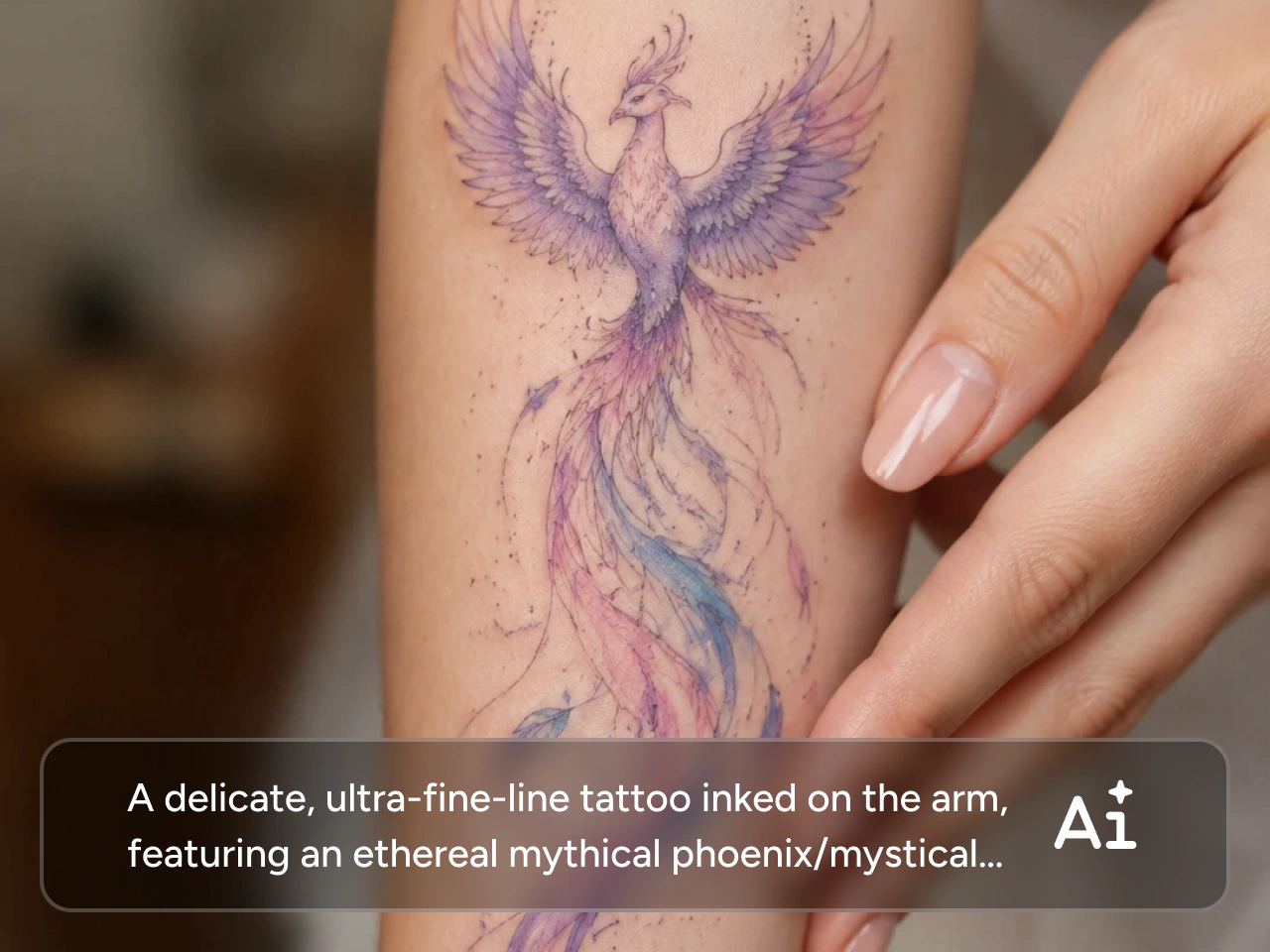
Got a tattoo idea but can't picture it? Simply describe your concept, and PicLumen's text to image generator transforms your words into original tattoo designs within seconds. Explore different layouts, symbols, and compositions without sketching by hand. Generate multiple creative options instantly, refine your favorite direction, and find a design that truly reflects your personality before making it permanent.
Transform Any Image into Tattoo Art
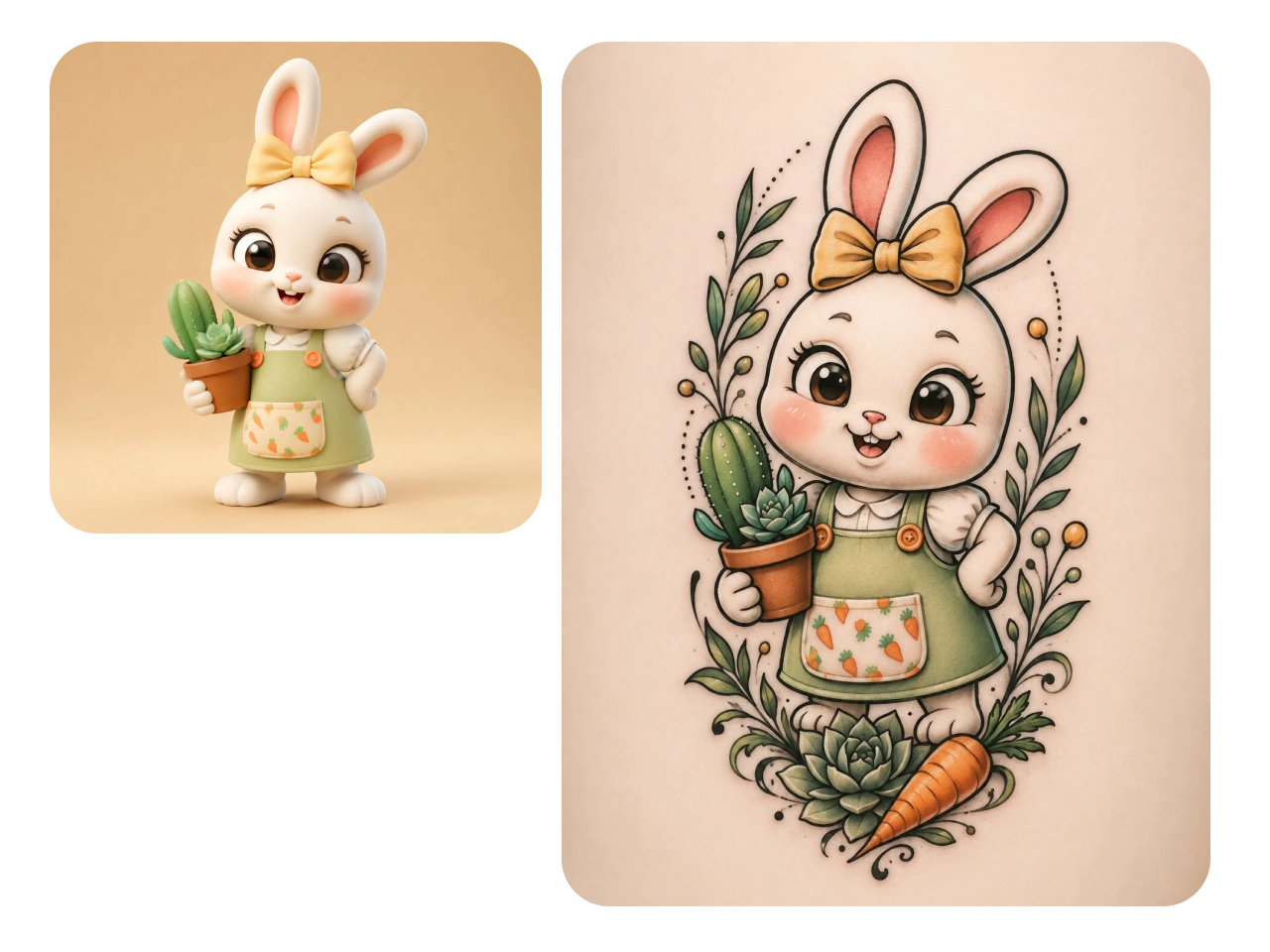
Found inspiration in a photo, artwork, or personal memory? Turn any image into a custom tattoo design with AI. Whether it's a pet portrait, a meaningful symbol, or a favorite landscape, PicLumen reimagines your reference as clean, wearable tattoo artwork. It's an easy way to preserve meaningful moments while exploring fresh artistic interpretations.
Explore Tattoo Styles That Match Your Vision
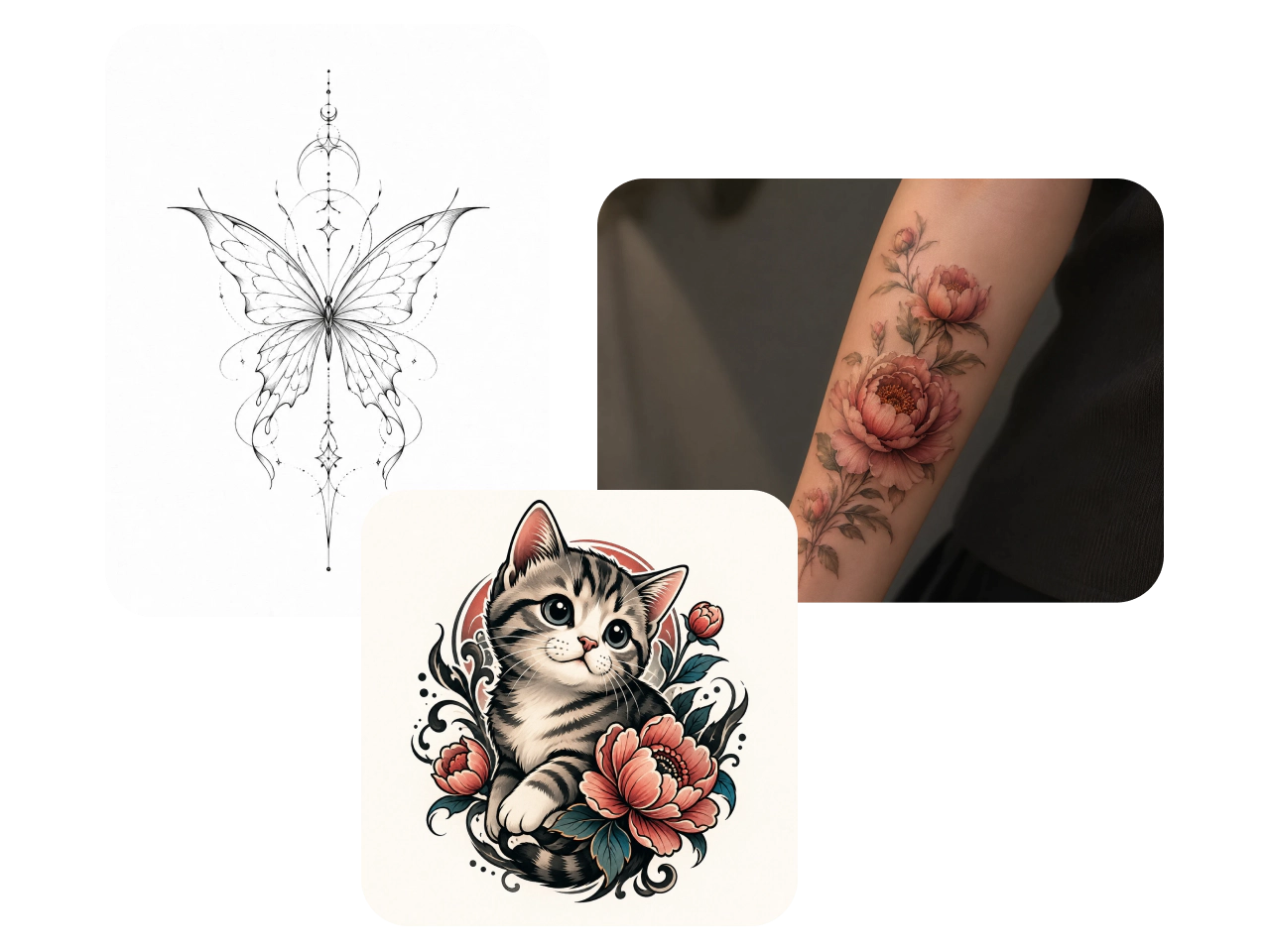
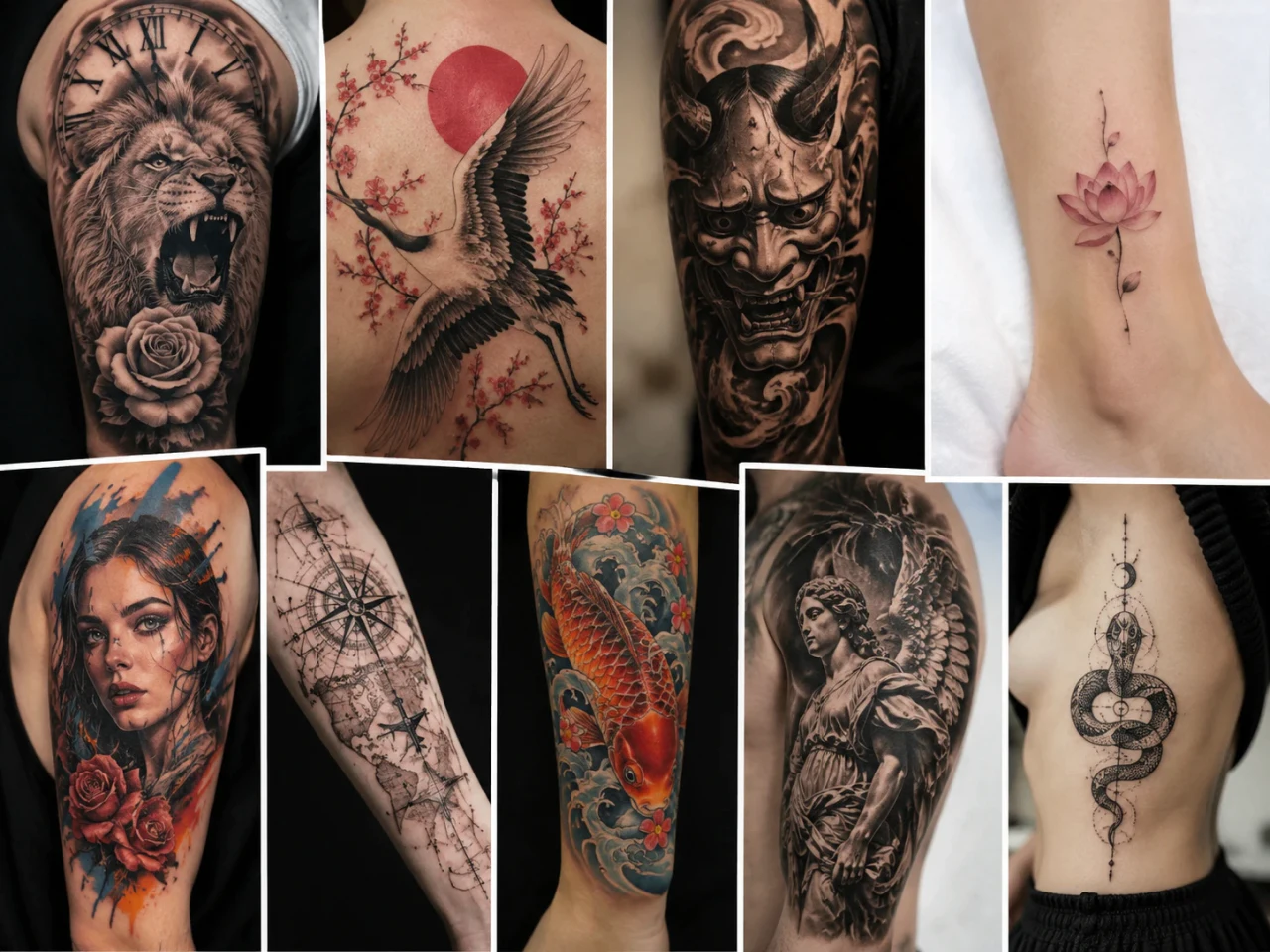
Not sure which tattoo style fits you best? Experiment with a wide range of styles, including fine line, blackwork, traditional, tribal, geometric, and more. Compare different artistic directions using the same idea and discover the look that best matches your personality, story, and aesthetic before committing to a final design.
Preview Tattoos with Virtual Try-On
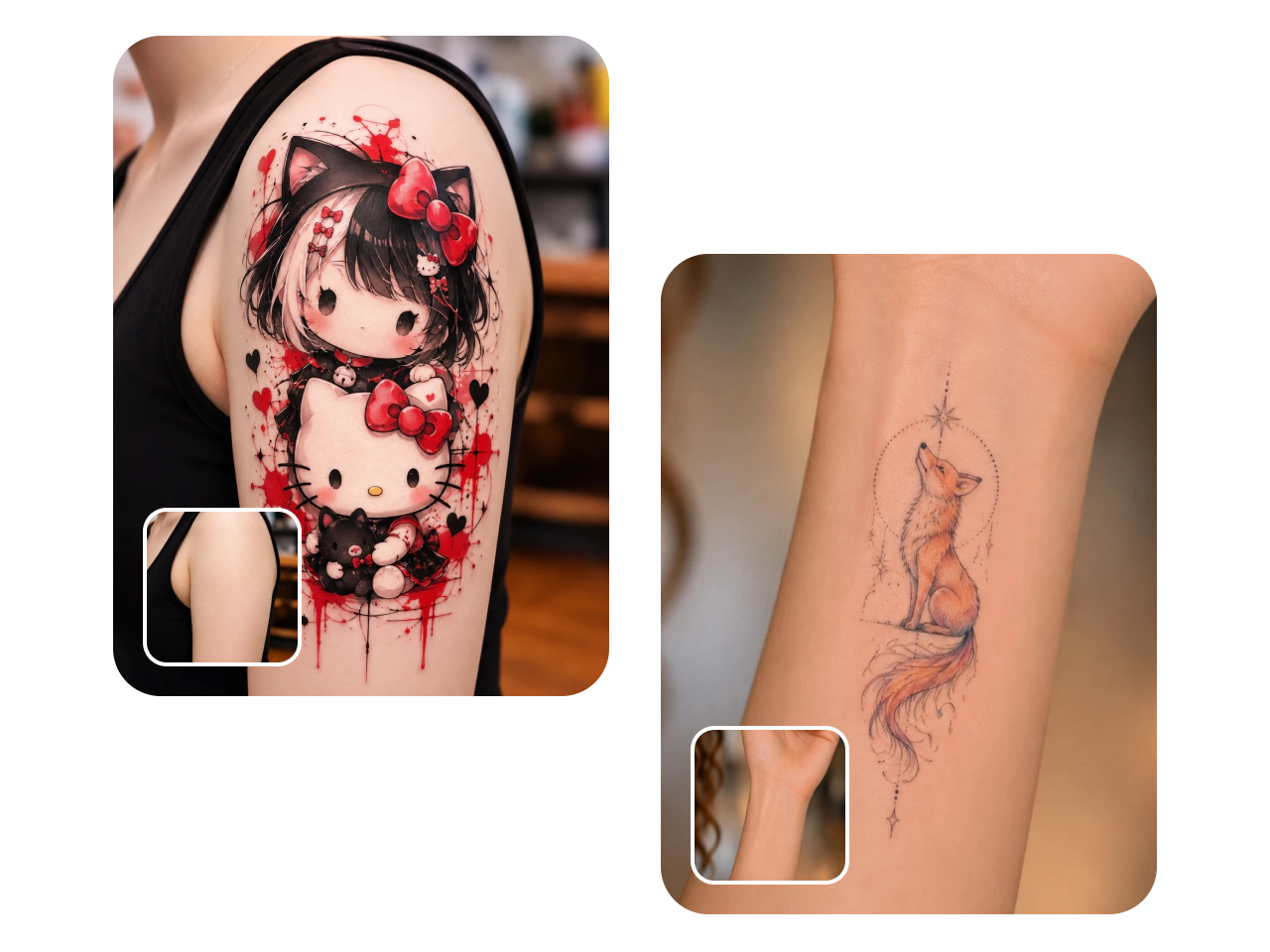
Wondering how your tattoo will look on your body? Use Virtual Tattoo Try-On to place your design on different body areas before getting inked. Preview the size, placement, and overall appearance on your arm, back, chest, leg, or other locations. Make more confident design decisions by seeing realistic previews before visiting your tattoo artist.
Remix, Edit, and Personalize Every Detail
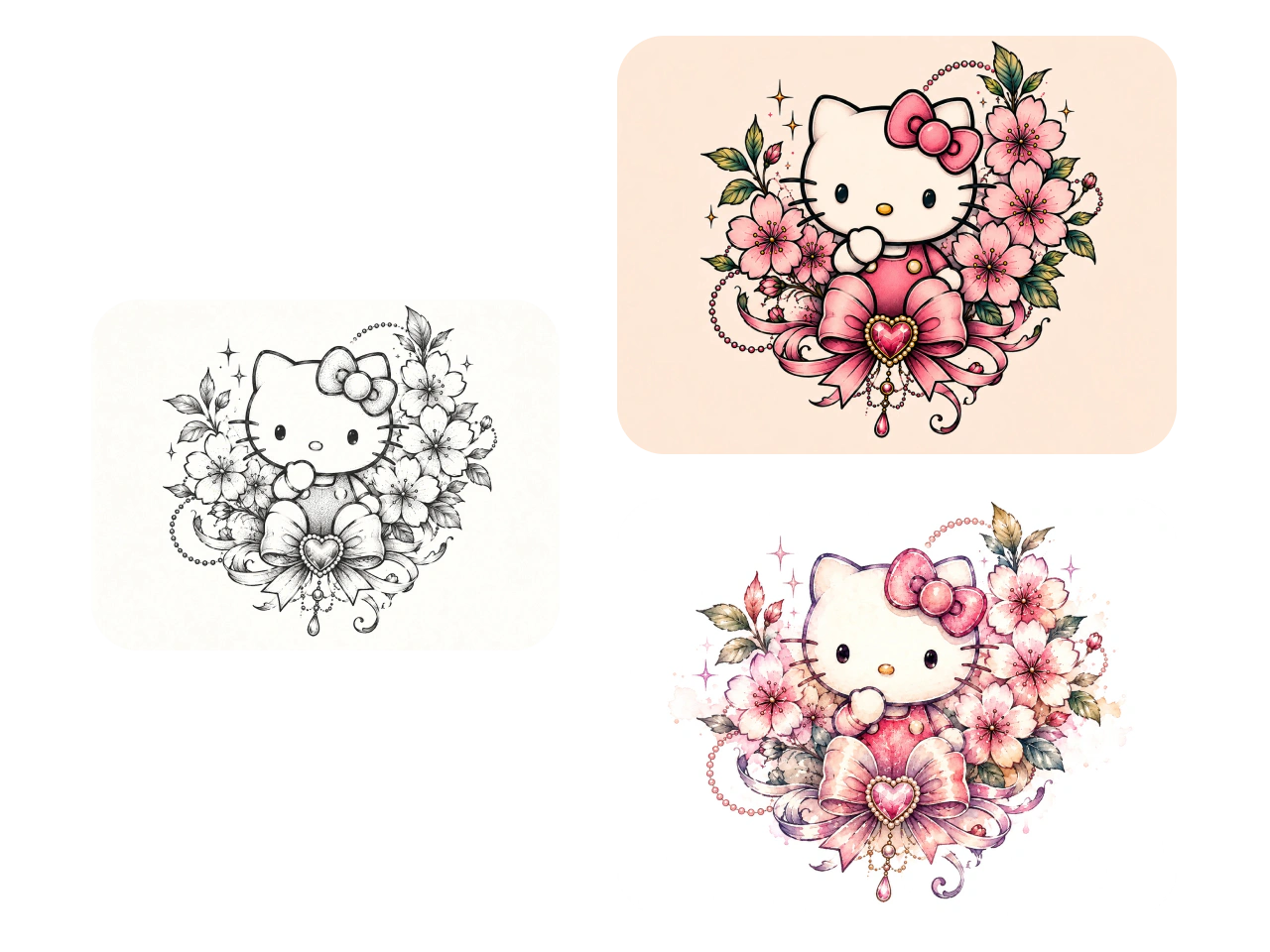
Almost perfect but needs a few changes? Remix any generated tattoo and customize it with powerful AI editing tools. Adjust the composition, replace elements, refine details, or create new variations without starting over. Continue improving your design until it feels uniquely yours, making every tattoo concept more personal and ready to share with your artist.
Why Creators Choose PicLumen for AI Tattoo Design
Endless Inspiration
Jump-start your creativity with AI-generated tattoo ideas based on your prompts or reference images. Discover fresh concepts for every style and meaning.

Fast Results
Generate unique tattoo designs in seconds instead of spending hours searching for inspiration or sketching ideas from scratch.
Private & Secure
Your uploaded images and generated tattoo concepts stay private, giving you a secure space to explore personal ideas with confidence.

Virtual Tattoo Try-On
Preview tattoo designs on different body areas to evaluate placement, size, and overall appearance before making a permanent decision.
Multiple Tattoo Styles
Create tattoos in a wide variety of styles, from fine line and realism to Japanese, tribal, geometric,
How to Create a Tattoo Design with PicLumen
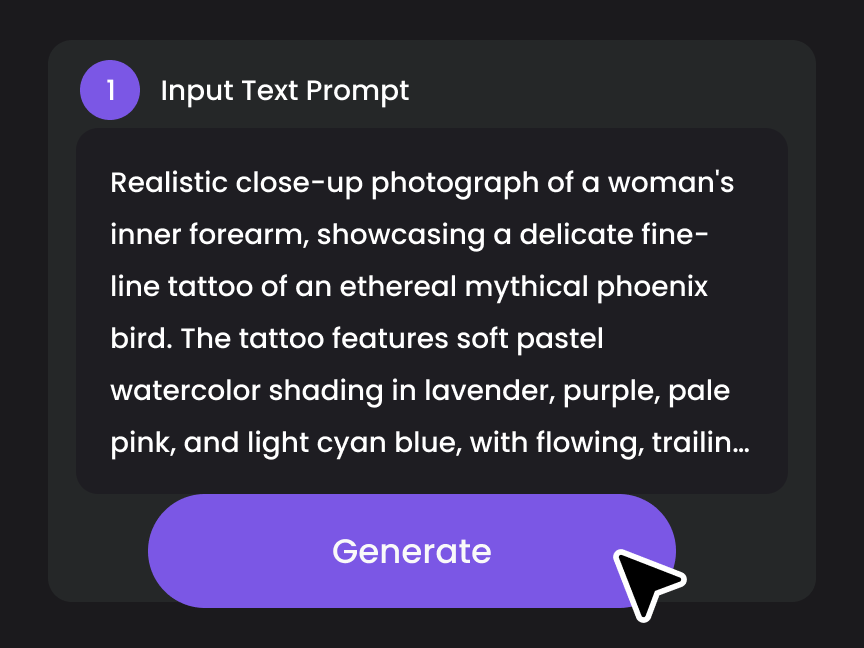
Step1. Enter Your Idea
Describe your tattoo concept with a text prompt, or upload a reference image to guide the AI. Add details like style, symbols, or placement for more accurate results.
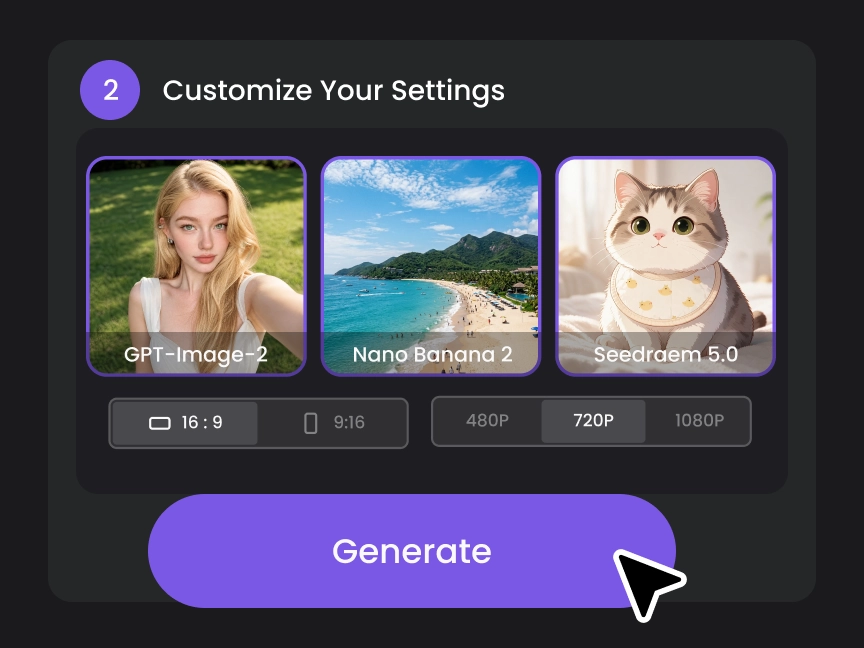
Step2. Choose Your Settings
Select your preferred AI model, tattoo style, aspect ratio, and other generation settings to match the look you want.
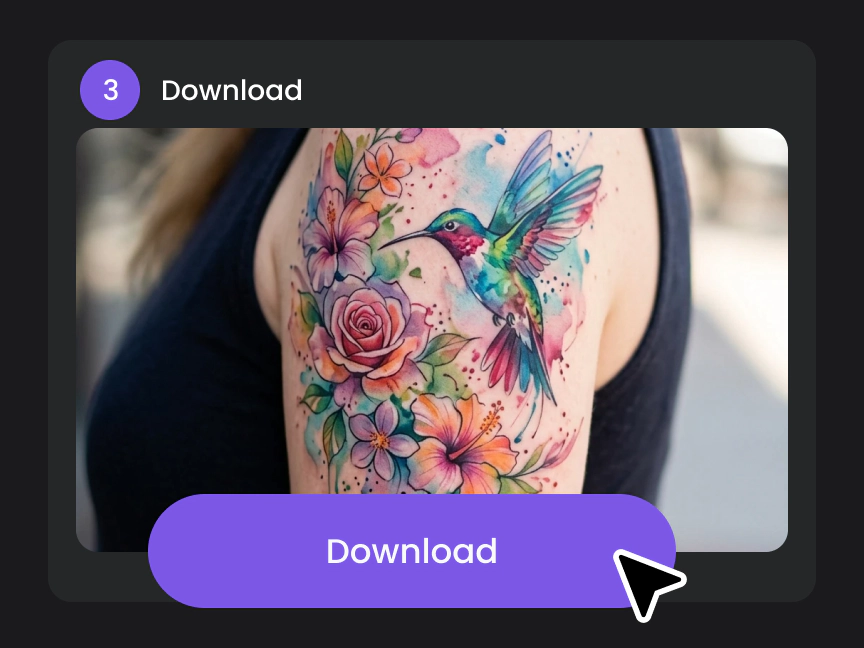
Step3. Generate & Download
Click Generate to create your image in seconds. Review the results, choose your favorite version, and download it in high quality for personal or professional use.
5 Tips for Creating Better AI Tattoo Designs
1. Start With a Clear Tattoo Concept
Begin with the main subject and meaning of your tattoo. Describe what you want to create, such as a wolf, flower, portrait, symbol, or meaningful quote.
2. Add Details That Shape the Design
Specify style, line quality, color, and composition. For example, try “a small fine-line wolf with subtle shading” instead of simply saying “wolf tattoo.”
3. Use a Reference to Guide the Look (Optional)
Have a sketch or image that captures your vision? Upload it to guide the subject and composition.
4. Check How It Looks on Your Body
Use AI Virtual Try-On to see how the design looks in size, placement, and orientation.
5. Refine Your Favorite Design
Use PicLumen's editing and remix tools to adjust details, replace elements, or explore new variations until the design feels right.


Loved by Creators Worldwide
Real feedback from designers, marketers, and hobbyists sharing their PicLumen experience on Trustpilot.
jsbsbsbs hdhdhshwhwVery cool i like it it's so smooth
Very cool i like it it's so smooth
Just amazing website a must try.
Just amazing website a must try.
I recently had some technical issues…
I recently had some technical issues that I was trying to work through, so I reached out to the team at PicLumen for support. They were incredibly open, responsive, and willing to discuss the challenges I was experiencing. I even sent them a video demonstrating some of the issues I came across, and they took the time to review everything carefully and work toward finding solutions. What really stood out to me was how friendly, approachable, and collaborative they were throughout the process. I never felt like I was just submitting a problem ticket — it felt like they genuinely cared about improving the experience and helping users succeed. I truly enjoy using the platform and appreciate the level of support and dedication behind it. I would absolutely recommend PicLumen to anyone interested in this type of creative work.
Ai HackGreat tool
I would really recommend this website to content creation
Excellent results
Excellent results, very supportive and helpful customer service. They have a great interface very friendly use and the prices are reasonable. I use it for personal stuff and I am just a beginner but it made my earning process very enjoyable. I might give a more technical review in the future but that is so far my experience. Thanks
Nice creations and bright
Nice creations and bright
Super shuper super ai
Super shuper super ai Thanks for wachong
Nikki Camou Timber and TorchLove them
Love them! I’ve love working with the app so far!
 John Cooper
Best Ai image generating website
Best Ai image generating website
 Adrienne Igo
I love PicLumen it is one of my…
I love PicLumen it is one of my favorite AI image generators!
Ts is so skibbidy dop dop yes yes
Ts is so skibbidy dop dop yes yes
 Nagavali Srinivas
excellent images are generated
excellent images are generated
FAQs About AI Tattoo Generator
What is an AI tattoo generator?
An AI tattoo generator creates original tattoo designs from text prompts or reference images. Simply describe your idea, and this tool generates unique tattoo concepts in seconds.
Is the AI tattoo generator free?
Yes. PicLumen offers 10 free Lumens every day, so you can create tattoo designs at no cost. Paid plans provide additional credits and advanced features.
Can I create tattoos from a photo?
Yes. Upload a photo, sketch, or artwork, and PicLumen can transform it into a tattoo-inspired design while preserving the key visual elements.
Can I preview the tattoo on my body?
Yes. With Virtual Tattoo Try-On, you can see how your tattoo design looks on different body areas before making a decision.
Can I edit my tattoo design after it's generated?
Yes. You can remix the design, adjust details, replace elements, and generate new variations until you're happy with the result.
Do I need design experience to use PicLumen?
No. PicLumen AI is designed for beginners and professionals alike. Simply enter a prompt or upload a reference image to get started.
Can I use my own sketch as a reference?
Yes. Upload your sketch, and the AI can refine it into a polished tattoo concept while keeping your original idea.
Can I create matching or sleeve tattoo designs?
Yes. You can generate coordinated tattoo concepts, including half sleeves, full sleeves, matching tattoos, and themed collections.
Can I download my tattoo designs?
Yes. Once your design is generated, you can download it in high quality for inspiration or to share with your tattoo artist.
Can I use AI-generated tattoo designs for commercial purposes?
Commercial use depends on your PicLumen plan. Paid plan users can use generated images commercially according to PicLumen's Terms of Service, while Basic plan users cannot.
Explore More Powerful Features of PicLumen
Explore More AI Tools
- AI Wallpaper Generator
- Album Cover Maker
- Funko Pop AI Generator
- AI Avatar Generator
- Convert Photo to Coloring Page
- AI Icon Generator
- AI Game Assets Generator
- AI Texture Generator
- Passport Photo Maker
- AI Illustration Generator
- AI Landscape Generator
- Pattern Generator
- AI Logo Generator
- DnD AI Art Generator
- Celebrity AI Image Generator
- AI Pop Art Generator
- Studio Ghibli Filter
- Tim Burton AI Character Generator
- AI Embroidery Generator
- AI Photo to Anime Converter
- AI Christmas Wallpaper
- AI Cute Bow Wallpaper Maker
- Christmas AI Features
- PicLumen Beginner's Guide
- AI Christmas Art Generator
- Create Christmas Coloring Pages with AI