
Remove Object from Video Online Free with Piclumen
Need to remove object from video without downloading software? PicLumen makes it easy to erase unwanted text, logos, and other distractions directly in your browser. Just upload your clip, type in the area you want to remove, and let AI clean up the scene in a fast and simple workflow with no sign-up required.
AI Remove Object from Video in Your Browser
PicLumen's AI object remover from video lets you delete photobombers, strangers, or any extra person that ruined your perfect shot. Simply brush over the unwanted element you want to remove from video and the AI fills in the background naturally with intelligent pixel reconstruction. Whether it's a tourist who wandered into your travel vlog or a bystander at a family event, PicLumen handles it smoothly. The result is clean footage that looks like the distraction never happened. This ai remove object from video feature works for any type of unwanted person in your clips.
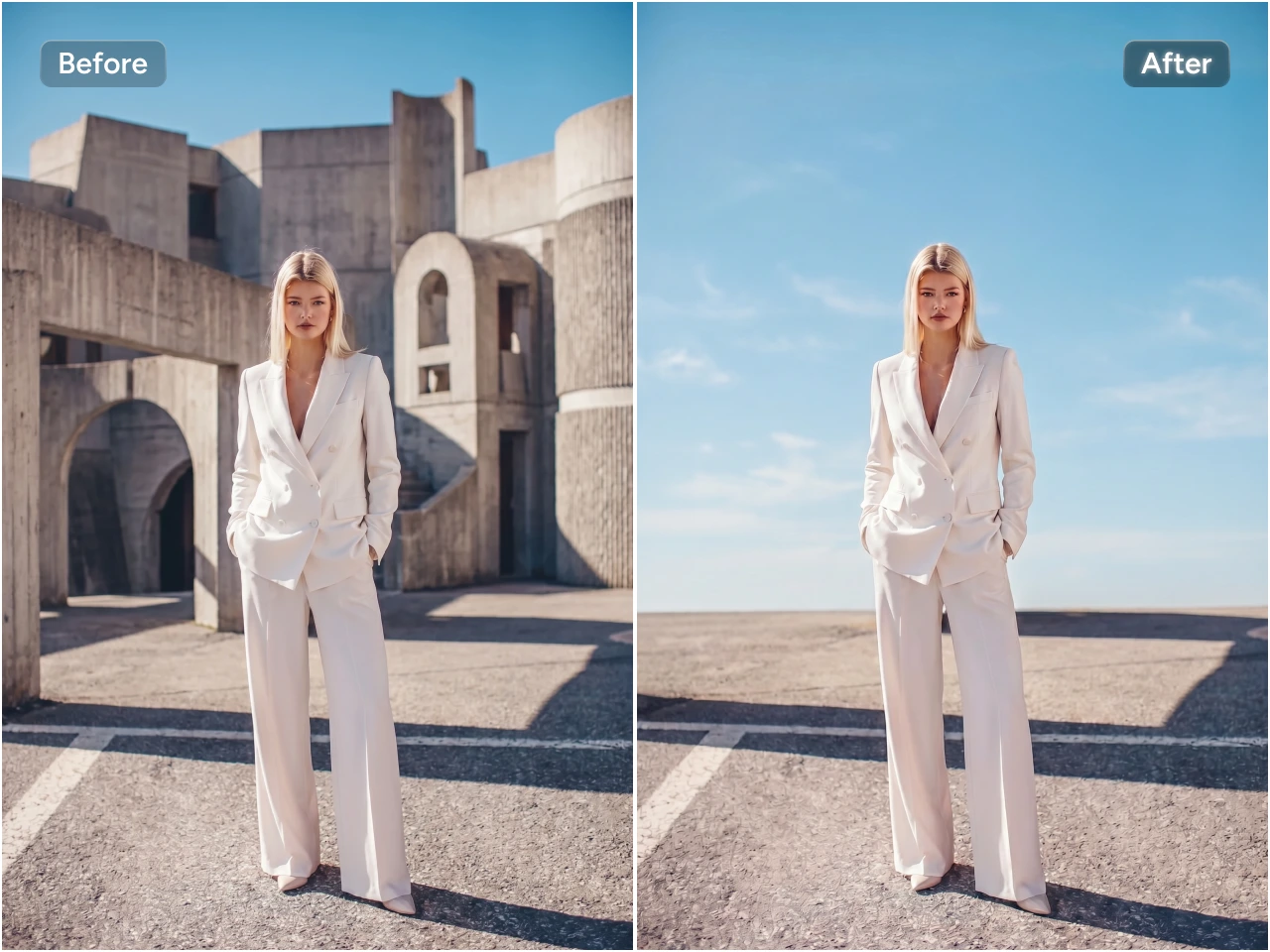

Remove Logos Watermarks and Brand Overlays
Erase logos, watermarks, and brand overlays effortlessly using PicLumen's object remover from video tool. Timestamp bugs, channel IDs, intrusive brand tags, or competitor logos appearing in your footage—no problem. The AI reconstructs the area pixel by pixel so the final clip looks clean and professional, ready for your own branding. Use PicLumen to remove object from video and get footage that looks completely polished. This object remover from video solution handles even tricky logo removals seamlessly.
Erase Text Hardcoded Subtitles and Timestamps
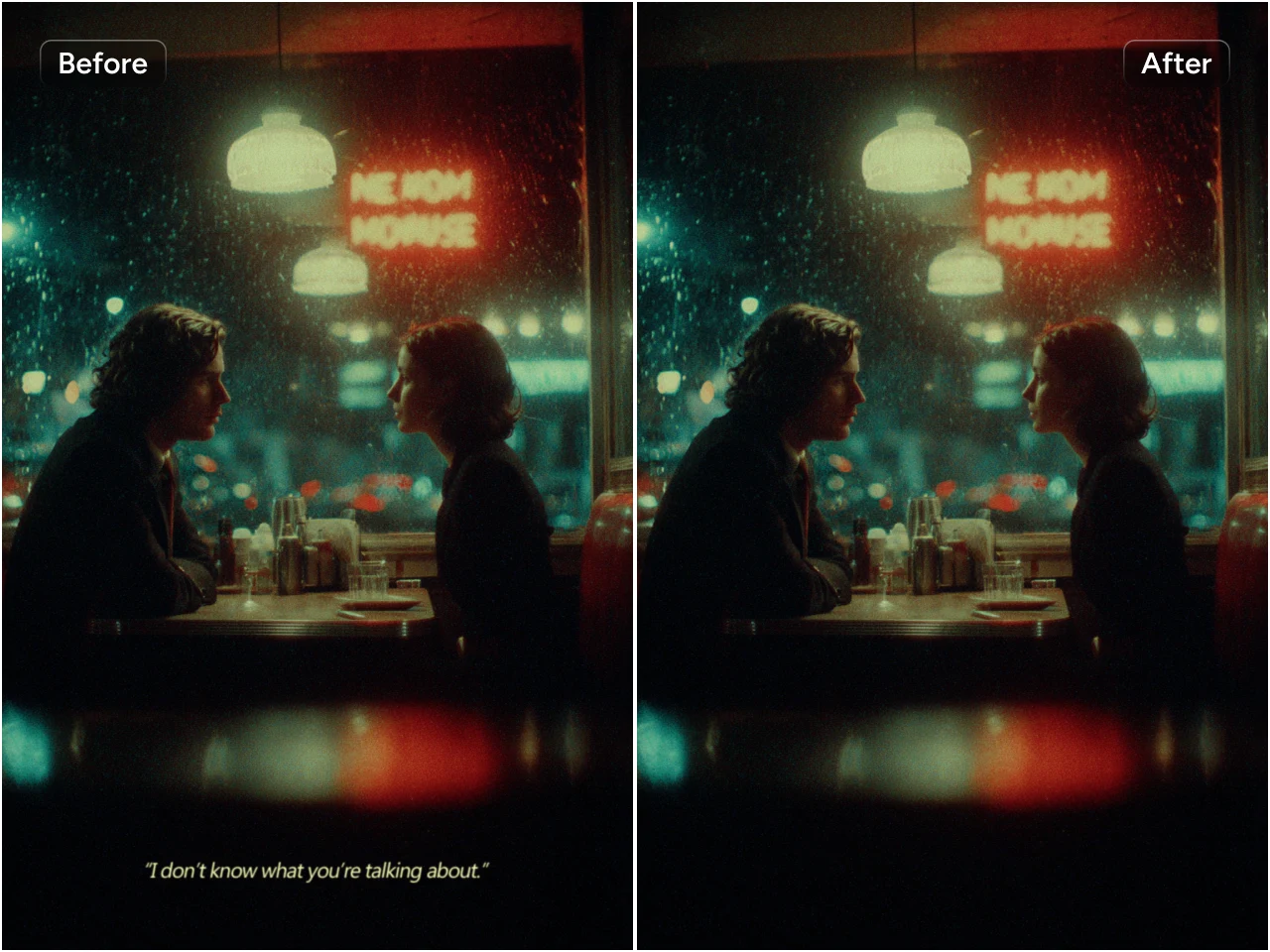
Hardcoded subtitles, timestamps, or on-screen text can now disappear with just one click using PicLumen's AI remove object from video capability. Burned-in captions you don't need, old timestamps, or unwanted annotations—all gone without re-recording. The AI inpaints the area so naturally that viewers will never suspect the text was there. PicLumen makes it easy to remove object from video and get clean results every time. This ai remove object from video tool handles text removal efficiently and is a great way to remove objects from video online free.
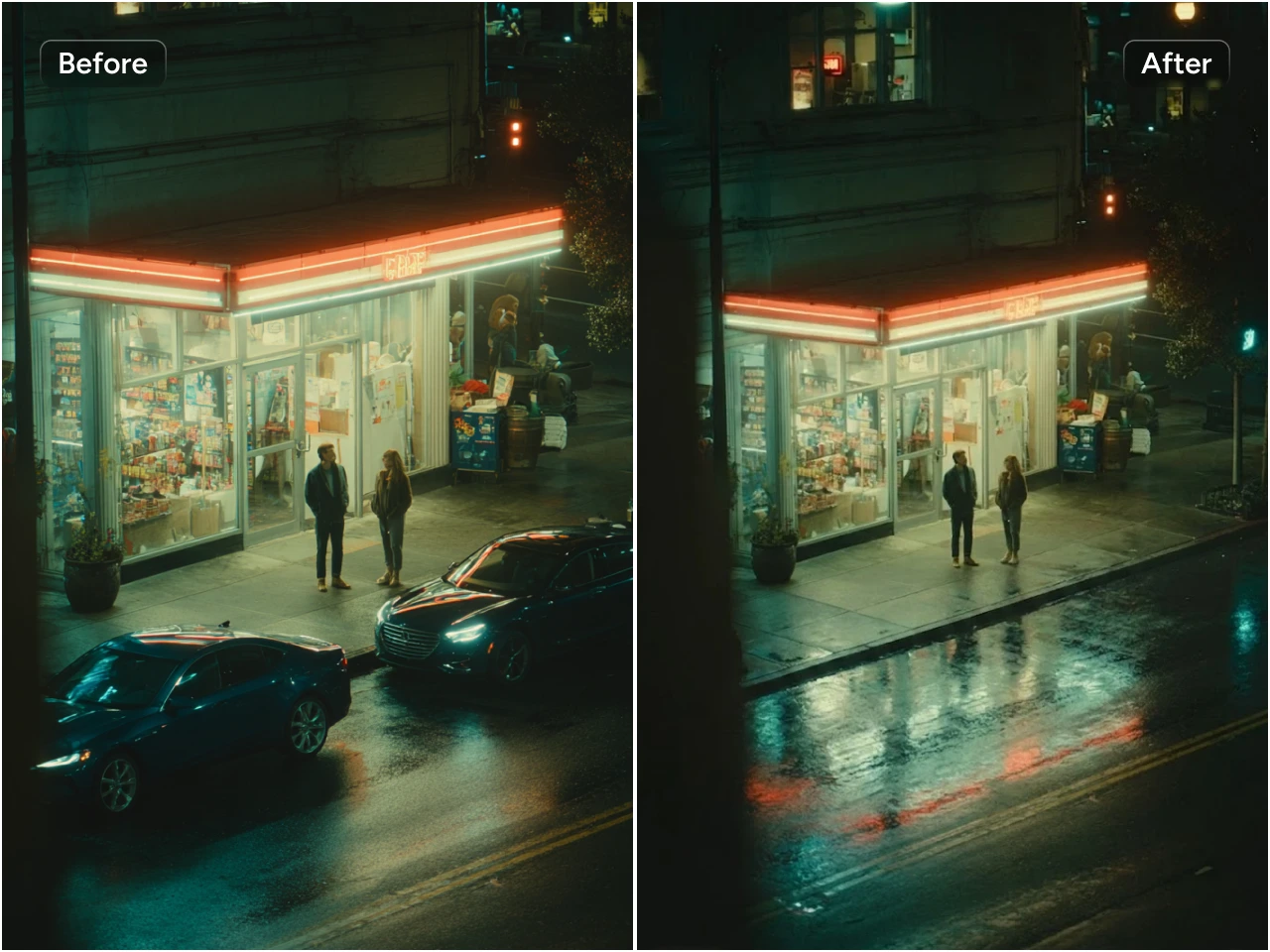
Track and Eliminate Moving Objects from Video
Moving objects are no match for PicLumen's ai remove object from video engine. The technology tracks unwanted elements across every single frame and removes them consistently while preserving natural motion throughout the entire scene. From passing cars and wandering pets to photobombing cyclists and unexpected background movement—you can remove objects from video online free while keeping the rest of the action intact and smooth. This remove unwanted objects from video online free feature handles dynamic scenes with ease.
Works Online No Download Required
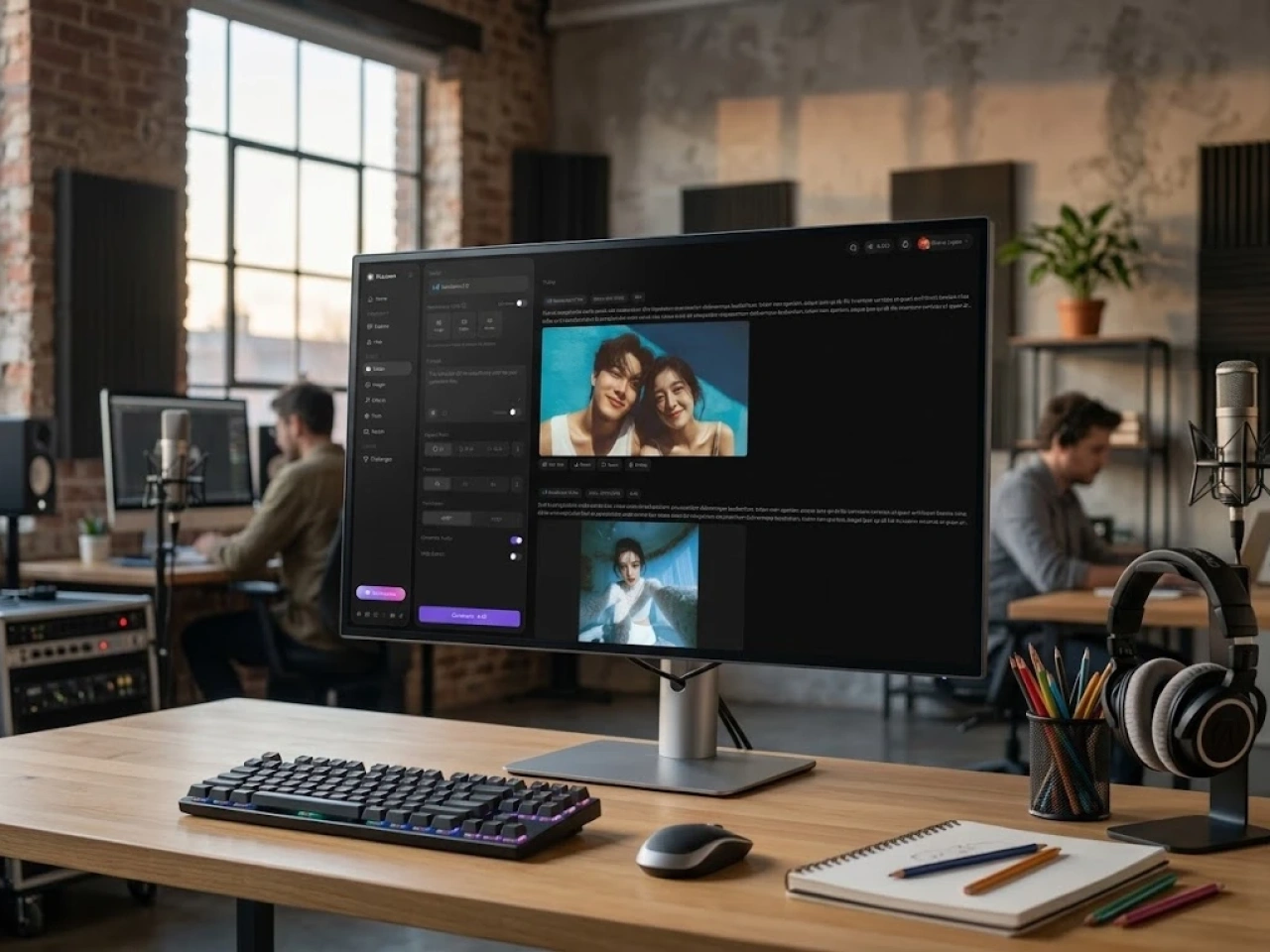
PicLumen runs entirely in your browser with zero software installation and no sign-up required. This free remove unwanted objects from video online tool works seamlessly on any device—desktop, tablet, or mobile. Just open the page, upload your clip, and start editing in seconds.
How to Remove Objects from Video
Step 1 Choose the AI Model for Object Removal
11. Select the AI model designed for object removal on PicLumen, such as Seedance 2.0 Fast.
Step 2 Upload Video Clips
22. Upload your video file directly and input the object you want to remove from video in the prompt area. The AI analyzes the footage and prepares the removal process so you can mark exactly what needs to go.
Step 3 Refine Scene Parameters
33. Set your preferred video aspect ratio and choose the output resolution. Adjust the aspect ratio for your target platform—16:9 for YouTube, 9:16 for TikTok and Reels, or 1:1 for Instagram. Then click Generate to remove object from video.
Step 4 Share Your Work
44. Share your final work with other creators in the community or on your social media!


Loved by Creators Worldwide
Real feedback from designers, marketers, and hobbyists sharing their PicLumen experience on Trustpilot.
Alfred Rangel RA wonderful range of options to create…
A wonderful range of options to create truly dreamlike visual effects with all those colors; only imagination is the limit.
 jordi Alcaraz
I have really enjoyed using this site…
I've had a really positive experience with Piclumen. The platform offers excellent features for creating AI images and videos, with impressive quality and a wide range of creative possibilities. It's very easy to use, even when experimenting with more complex ideas, and the whole process is both intuitive and enjoyable. excellent customer service. The team replies very quickly, is always friendly, and genuinely tries to solve any issues you may encounter they care about their users. Overall, Piclumen is an innovative, user-friendly, and exciting AI platform. I highly recommend it to anyone interested in AI image and video creation.
 J. Blaine
Regular PicLumen user experience
I've been using PicLumen since late summer 2024 and I've generated several thousand images, mostly image-to-image. There were 2 minor technical glitches in that period of time. In the first one, my library didn't load but after logging out and logging in again later that day I found my library back. The second glitch- the remixing and outpainting stopped working. I contacted the support team and the issue was fixed the next day. I also requested PicLumen to provide a PayPal payment method when they switched to subscription - and they listened and responded to my request. I appreciate their responsiveness and customer service. In my communication with their support team, I found them professional and polite. My general impression is that this is a dynamic and collaborative team that is worth supporting!
A New TV Episodes Of Ninja Sweetie On…
A New TV Episodes Of Ninja Sweetie On Paramount+
 Menu Lawrence
Very fantastic app
Very fantastic app. I love it. I will like everyone to use this App
 Bohdan Lesyk
Great and fast
Great and fast, would be much better with some more free credits
Super shuper super ai
Super shuper super ai Thanks for wachong
In terms of the customer service
In terms of the customer service, is outstanding, I will say if you had any doubts they clarified it, and the next day you have an answer. When it comes to the APP it is friendly to use, however there is not any box to tick ☑️ to allow the machine to stick to your character constantly.This allow that sometimes you upload your image and your prompt but the machine generates something completely different and you lost your credit 🙁 I think that this needs to be fixed this happens in a few PicLumen models.
 Headphonlessness Meditations
hi i am @VbsRedlof on twitter
hi i am @VbsRedlof on twitter
 Govind Aariya
Naic
Veri nice 👍 Bhot acha ap he
Noveltys bloger Noveltys blogeit was amazing
it was amazing, interesting, useful and very comfortable
Tim Olukayode AjayiAmazing Platform
Honestly, I was wowed the moment I land on PicLumen and tested their platform. I wanted to pay for the popular one before but had to stop and I am loving it all the way. I totally recommend PicLumen guys!
Frequently Asked Questions
What is the best free way to remove objects from a video
PicLumen offers the best free way to remove objects from video directly in your browser. Upload your clip, type in the object you want to remove in the prompt section, and let the AI reconstruct the background. No sign-up, no software, no cost—just open and start removing.
What types of unwanted objects can the AI remove
PicLumen's AI object remover from video handles a wide range of unwanted elements, such as logos, text, timestamps, watermarks, and more. Both static and moving objects can be removed effectively depending on the scene complexity.
Can the AI remove moving objects from video
Yes. The AI tracks moving objects across every frame and removes them consistently while preserving natural motion in the rest of the scene. You can remove objects from video online free even in dynamic clips with lots of movement.
Will video quality be lost after object removal
PicLumen's intelligent background inpainting technology reconstructs removed areas with high fidelity, minimizing quality loss. Choose higher resolution for the sharpest results when using the remove object from video feature.
What video file formats and sizes are supported
PicLumen supports common video formats including MP4, MOV, and AVI. File size limits depend on your usage tier. Check the platform guidelines for specific upload limits before starting your project.
Is the uploaded video secure and private
Yes. Videos uploaded to PicLumen are processed securely and never shared with third parties. Your content remains private and is only used to process your requested edits.
Can I remove objects from video on mobile device
Absolutely. PicLumen works entirely in your browser on any device—desktop, tablet, or mobile. There's no app to download, so you can remove objects from video directly on your phone or tablet.