Grok Imagine moved behind a paywall in March 2026. If you were using it for both image and video generation, you're now dealing with two separate gaps to fill — and most "alternatives" articles only address one of them. This breakdown covers both sides: the best tools to replace Grok Imagine's image generation, and the best tools to replace its video generation. Different use cases point to different answers.
Why People Are Looking for Grok Imagine Alternatives
Grok Imagine built a following for a few specific reasons: fast generation, decent photorealism, and a single platform that handled both images and videos. Once xAI locked it to paid SuperGrok subscribers, users on free tiers had to move on. The timing is actually fine. The tools that have come out in early 2026 — across both image and video — are more capable than what Grok Imagine was offering six months ago. You're not downgrading. You're just picking differently.
Best Alternatives to Grok Imagine for AI Image Generation
| Model | Best For | Key Strength | Key Limitation | Free Tier |
|---|---|---|---|---|
| GPT Image 2.0 | Photorealism, marketing assets | Prompt accuracy + text rendering | Tied to OpenAI ecosystem | Limited |
| Nano Banana 2 | Rapid iteration, volume output | Speed | Synthetic look at close range | Yes |
| SeeDream 5.0 Lite | Concept art, illustration | Stylized / painterly output | Not suitable for photographic needs | Yes |
| Qwen-Image | Text-heavy visuals, multilingual | Text rendering + non-Latin prompts | Narrow stylistic range | Yes |
| Flux 2 Pro | Architecture, product renders | Spatial detail and precision | Slower; weak on organic subjects | Limited |
GPT Image 2.0
What it does: GPT Image 2.0 is OpenAI's latest image model, built into the ChatGPT ecosystem. It's trained heavily on photographic data and takes natural-language prompts that can be long, layered, and conversational — you can refine an image by continuing the chat rather than starting over. Strengths: The closest thing to a direct Grok Imagine replacement for everyday realism. Text rendering inside images is noticeably accurate compared to most generators, making it reliable for anything that requires readable labels, signs, or UI elements. Handles complex, multi-element scenes without the usual compositional breakdown. Limitations: Tied to the OpenAI ecosystem — usage counts against your ChatGPT plan, which creates a ceiling if you generate at volume. Creative or stylized prompts produce decent but rarely surprising results; it tends to play it safe visually. Best for: Product visuals, editorial-style photography, marketing assets, and any workflow where prompt accuracy matters more than artistic unpredictability.

Nano Banana 2
What it does: Nano Banana 2 is built for speed above everything else. It's a lightweight model optimized for rapid iteration — the kind of tool you run when you need to see 15 variations of a concept before committing to one direction. Strengths: Generation is genuinely fast, and it doesn't throttle aggressively on free tiers. Output quality has improved significantly from earlier versions. Good enough for most draft and concepting work without burning through credits on a premium model. Limitations: Not the right choice when photorealism is the goal — outputs have a slightly synthetic look that becomes obvious in close-up detail. Prompt adherence on complex scenes is inconsistent. Best for: Rapid concept exploration, mood boarding, volume asset production, and any workflow where speed of iteration matters more than output polish.

SeeDream 5.0 Lite
What it does: SeeDream 5.0 Lite is trained toward stylized, illustrative, and painterly aesthetics rather than photorealism. It occupies a different lane from most models on this list — closer to concept art tools than photography simulators. Strengths: Produces hand-crafted visual results that are hard to replicate in photography-trained models. Handles imaginative and unusual prompts well, where other generators tend to produce anatomically broken or tonally flat output. Strong for character design and narrative illustration. Limitations: Not suitable if your output needs to pass as photographic. The stylization can feel heavy-handed on prompts that call for subtlety. Less control over exact visual output compared to realism-focused models. Best for: Concept art, character design, storyboarding, game asset development, and any creative work where illustrative quality is the goal.
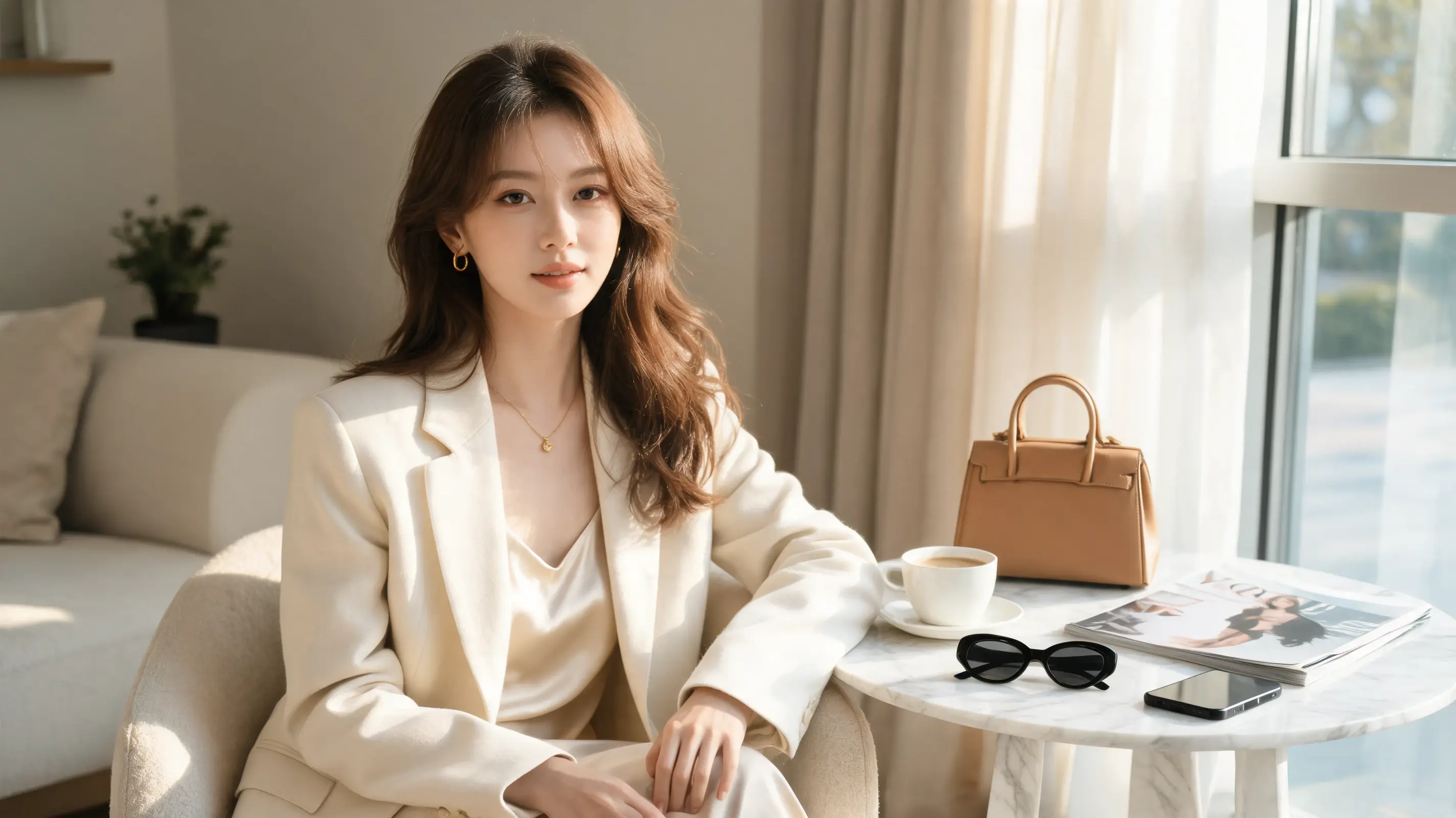
Qwen-Image
What it does: Qwen-Image is Alibaba's image generation model, with a specific focus on accurate text rendering and multilingual prompt comprehension. It understands and generates content from prompts written in Chinese, Japanese, Arabic, and other non-Latin scripts with noticeably better results than Western-trained models. Strengths: The most reliable text-inside-image rendering of any model on this list — longer strings, mixed languages, and stylized fonts all hold up better than the competition. A practical advantage if your audience or workflow spans multiple languages. Limitations: General image quality and stylistic range are narrower than dedicated creative models. Works best when text accuracy or language is the primary concern; less impressive for purely visual prompts. Best for: Infographics, UI mockups, social media graphics with text, multilingual marketing assets, and workflows that serve non-English-speaking audiences.
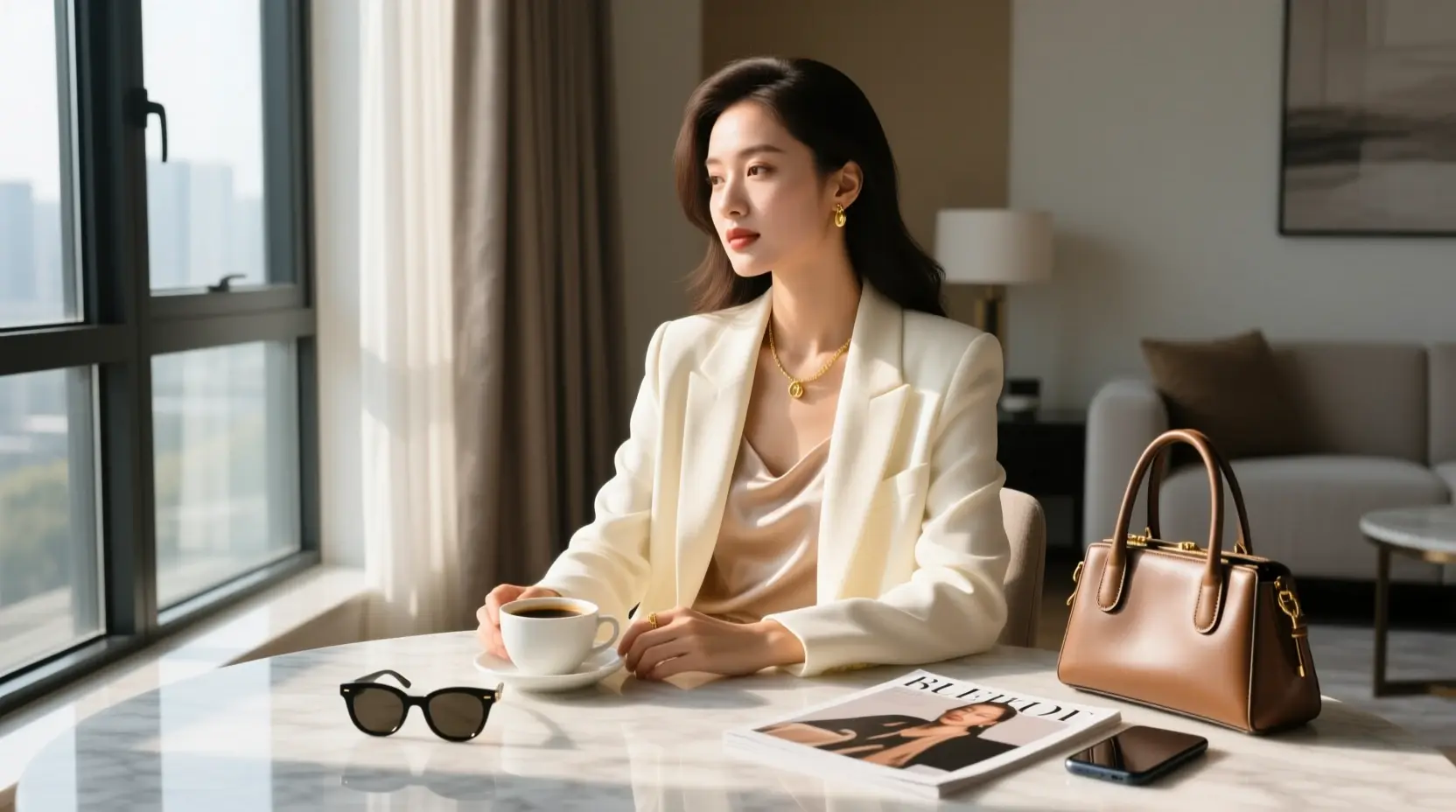
Flux 2 Pro
What it does: Flux 2 Pro is a specialist model built for structural, geometry-heavy imagery. Where most generators struggle with architectural precision and spatial coherence, Flux 2 Pro holds detail across complex scenes — buildings, interiors, product renders, and technical illustrations. Strengths: The level of fine detail in structured environments is genuinely impressive. Perspective and spatial logic stay coherent even in complex compositions. Output is clean enough for professional product and architectural presentations without heavy post-processing. Limitations: Less suited for organic, character-based, or emotionally expressive imagery. Stylistic range is narrower — it produces excellent technical output but doesn't do "painterly" or "cinematic" well. Slower generation compared to lighter models. Best for: Architectural visualization, interior design concepts, product renders, technical illustration, and design-adjacent workflows where spatial accuracy matters.

Best Alternatives to Grok Imagine for AI Video Generation
| Model | Best For | Key Strength | Key Limitation | Free Tier |
|---|---|---|---|---|
| Seedance 2.0 | Audio-visual social content | Built-in audio sync | Limited camera control | Yes |
| Kling 3.0 | Cinematic / branded video | Precise camera movement | Higher learning curve | Limited |
| Veo 3.1 | Realistic long-form scenes | Environmental realism | Less stylistic flexibility | Limited |
| Hailuo 2.3 | TikTok / Reels content | Fast + generous free tier | Short clip length only | Yes |
| Wan 2.6 | Developer / high-volume pipelines | Open-weight, no platform limits | Requires technical setup | Open-source |
Seedance 2.0
What it does: Seedance 2.0 generates video with synchronized audio — not just visuals with a soundtrack bolted on, but content where motion and sound are generated in relation to each other from the prompt stage. Strengths: The audio-visual synchronization is the main differentiator. Most video generation tools treat audio as an afterthought; Seedance builds it in. This meaningfully cuts down post-production work for content where sound matters. Motion is smooth and prompt adherence is reliable. Limitations: Less control over individual camera movements compared to dedicated cinematic tools like Kling. Not the best choice if you need precise shot control; better for scene-level generation than frame-level direction. Best for: Short-form social content, music-adjacent videos, product demos with voiceover, and any workflow where audio and visual need to feel built together rather than assembled afterward.
Kling 3.0
What it does: Kling 3.0 is built around camera control. Where most video generators give you a scene and limited ability to direct it, Kling lets you specify shot type, camera movement, angle, and transition — the vocabulary of filmmaking, applied to AI-generated video. Strengths: The most precise camera control of any model on this list. Dolly, pan, arc, crane — these behave predictably. Output has a cinematic quality that reads as intentional rather than algorithmically generated. Strong on motion coherence across longer clips. Limitations: Overkill if you don't need precise camera direction. The interface and prompt structure have a higher learning curve than simpler tools, and the control options can feel overwhelming for casual use. Best for: Ads, trailers, narrative video content, brand films, and any project where the camera movement is part of the creative brief.
Veo 3.1
What it does: Veo 3.1 is Google's video generation model. It's trained on a broad, high-quality dataset that shows in its realism — motion physics, lighting changes, and scene transitions hold up across longer clips in ways that most models struggle with. Strengths: The strongest overall realism of any model on this list, particularly for environmental and lighting coherence. Handles longer clip lengths without the motion drift or subject degradation that affects most generators past the 4–6 second mark. Google's infrastructure means generation is consistently fast. Limitations: Less stylistic flexibility — it defaults toward naturalistic output and doesn't do abstraction or stylization as well as purpose-built creative tools. Tighter content policies than some alternatives. Best for: Realistic scene generation, nature and environmental content, longer-form video where temporal coherence matters, and any project where Grok Imagine's realism was the main draw.
Hailuo 2.3
What it does: Hailuo 2.3 is optimized for short-form video — the format most social media content actually runs in. It generates fast, punchy clips that feel native to TikTok, Reels, and Shorts without requiring heavy prompt engineering. Strengths: Fast generation with a free tier that's more generous than most alternatives. Default output style is well-suited to social platforms without much adjustment. Low barrier to entry — useful results without a steep learning curve. Limitations: Short clip length is a hard constraint; not designed for longer-form content. Less precise than Kling for camera control, and less realistic than Veo for environmental scenes. Best treated as a social-first tool, not a general-purpose one. Best for: TikTok and Reels content, quick social media campaigns, product teasers, and high-volume short-form output where turnaround speed matters.
Wan 2.6
What it does: Wan 2.6 is an open-weight video generation model — meaning it can be downloaded and run locally on your own hardware or infrastructure, outside of any platform's credit system or content policies. Strengths: No rate limits, no credit systems, no platform dependency. For teams or developers generating at high volume, the cost structure is fundamentally different from any cloud-based tool. Full control over model weights means fine-tuning and workflow integration are possible in ways closed models don't allow. Limitations: Requires technical comfort to set up and run. Hardware requirements are significant for high-quality output. Not a realistic option for casual users or anyone without a development background. Best for: Developer workflows, high-volume production pipelines, teams that need full infrastructure control, and anyone whose frustration with Grok Imagine was specifically about platform restrictions rather than output quality.
Don't Want to Manage Five Different Accounts? Try PicLumen
Here's the practical problem with the list above: every tool on it is its own platform, its own login, its own credit system, and its own learning curve. If you're switching between Flux 2 Pro for product renders, Qwen-Image for text-heavy visuals, and Kling 3.0 for video — you're spending as much time managing tools as actually creating. PicLumen was built around exactly this problem. Every model covered in this article — GPT Image 2.0, Nano Banana 2, SeeDream 5.0 Lite, Qwen-Image, Flux 2 Pro, Seedance 2.0, Kling 3.0, Veo 3.1, Hailuo 2.3, and Wan 2.6 — is available inside one workspace. You switch models the same way you'd switch a setting, not the same way you'd open a new browser tab. A few things that make the workflow different in practice:
- No context-switching tax. Your prompt history, your style references, your project assets — they stay in one place regardless of which model you're running.
- Image and video in the same session. Generate a still with Flux 2 Pro, then feed it directly into Kling 3.0 for a motion version. No exporting, no re-uploading.
- Community gallery included. If you're not sure where to start on a new project, browsing what other creators have generated — and with which model — is a faster starting point than prompt engineering from scratch.
The Bottom Line
Grok Imagine was useful because it kept image and video generation in the same place. The tools that replace it individually are, in most cases, better at their specific job than Grok Imagine was. The real question is whether you want to manage them separately or find a platform that brings them back together. For most users, picking two or three tools — one image generator that fits your style and one video tool that fits your format — will cover 90% of what you were doing before. The options above give you a clear starting point for each.
FAQ
Q: What is the best free alternative to Grok Imagine?
For images, Nano Banana 2 and Qwen-Image both offer accessible free tiers. For video, Hailuo 2.3 is among the more generous options for free generation. If you want no platform limits at all, Wan 2.6 can be run locally without any credit system.
Q: What is the best alternative to Grok Imagine for realistic images?
GPT Image 2.0 and Nano Banana 2 are the strongest choices. GPT Image 2.0 is better for general photorealism and prompt accuracy; Nano Banana 2 is better when you need detailed spatial or architectural output.
Q: Is there a single platform that replaces both Grok Imagine's image and video generation?
Yes. PicLumen has integrated all of the models listed in this article into one workspace. If you want to avoid managing separate accounts, it's the most direct replacement for the "one place for everything" workflow that Grok Imagine offered.


.png)