
Naivideo: AI Image & Video App for iOS
Naivideo is PicLumen's iOS app for AI image generation, AI video generation, and fun video effects. Create visuals, animate photos, and make social-ready content on your iPhone.
Hot Video Effects
View All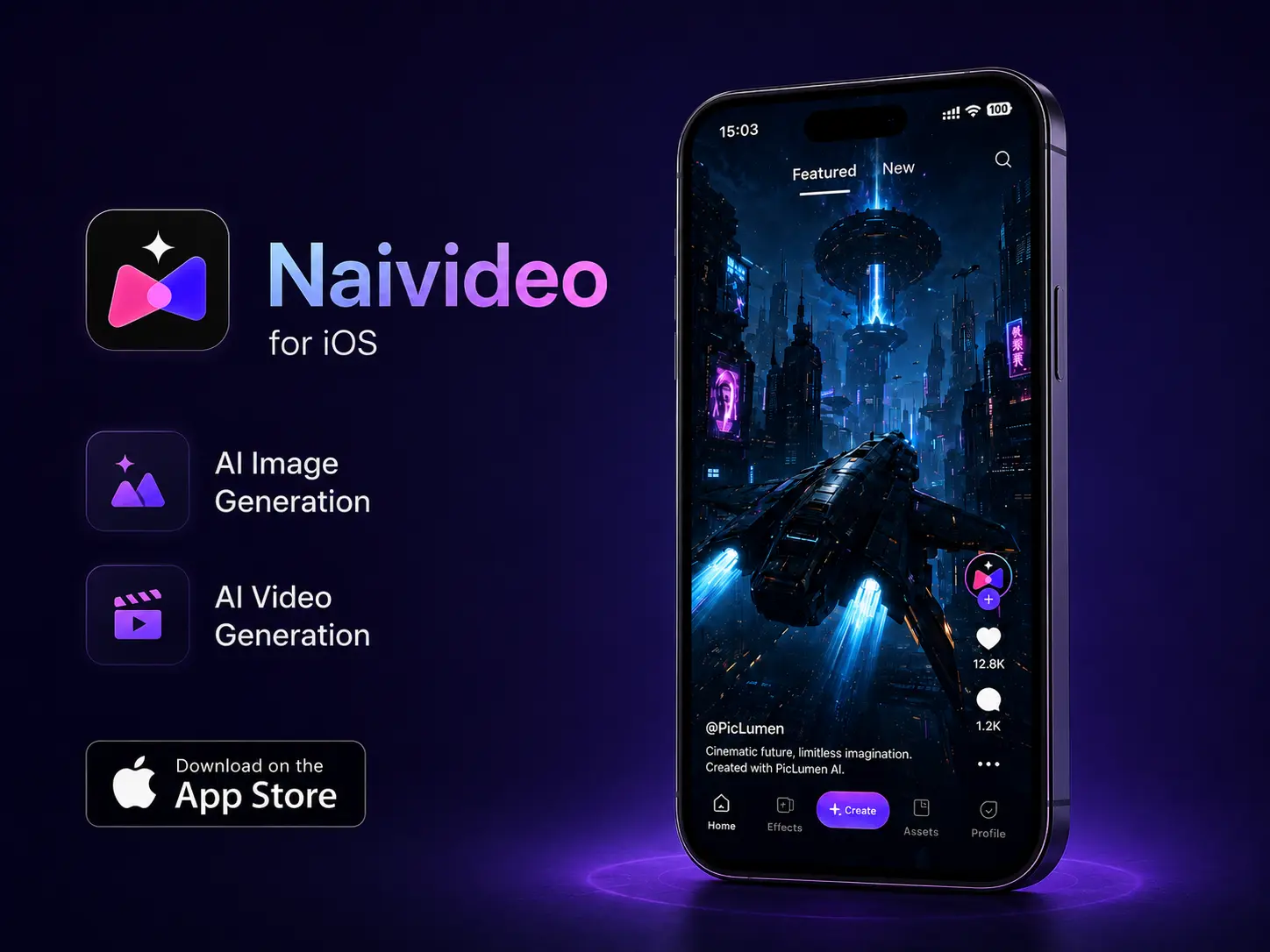
Naivideo for iOS: Create AI Images and Videos on Your iPhone
Naivideo makes creating viral videos and images fast, easy, and fun. Whether you're creating content for social media, marketing, or personal entertainment, Naivideo is your go-to choice.
Turn Photos into AI Videos Fast
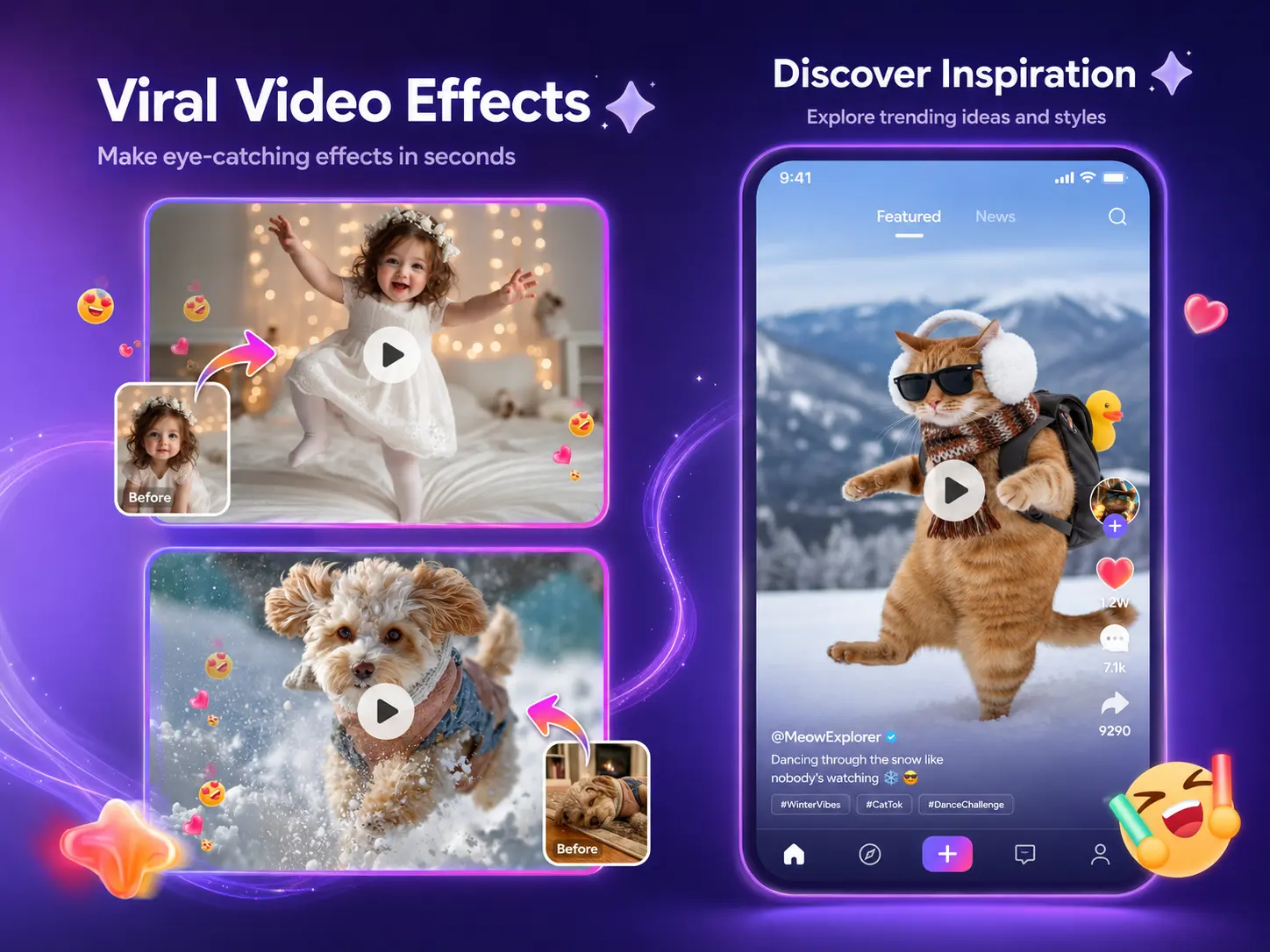
A still photo can become a more engaging video in just a few steps. With Naivideo, you can upload a portrait, pet photo, character image, or product picture and turn it into an AI video without a complex editing workflow. It is a faster way to bring your images to life on mobile.
Try Fun Video Effects on iOS
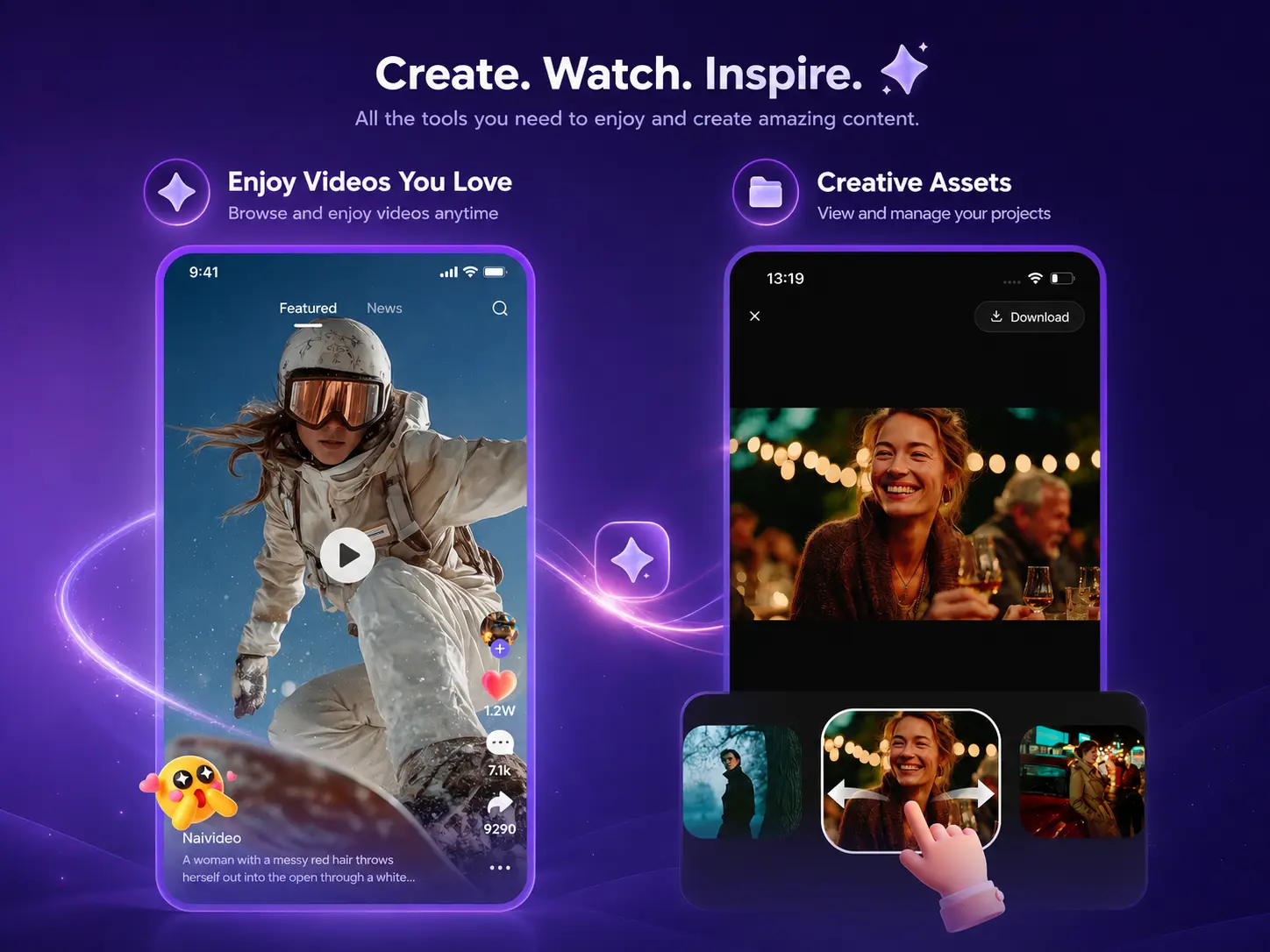
You may have the image, but still need the right motion idea. Naivideo gives you fun video effects for dance clips, pet videos, character moments, greetings, and social-ready content. Choose an effect, upload your image, and create a video that feels ready to share.
Create AI Images from Simple Ideas
You have an idea, but not always a finished image to start with. Naivideo lets you turn prompts into AI images directly on your iPhone, from portraits and characters to pets, social posts, and creative concepts. You can use the result as a final visual or continue turning it into an AI video.
What You Can Create with Naivideo

Social Media Posts
Create quick AI images or short AI videos for TikTok, Reels, Shorts, stories, and daily updates. It works well when you need fresh content without opening a desktop editor.

Photo Animation
Turn a selfie, pet photo, character image, or product picture into a moving video. You can make a still image feel more expressive in just a few steps.

Pet and Character Clips
Make pets, avatars, anime-style characters, or fantasy figures more fun to watch with playful video effects. This is a strong fit for light, shareable content.

Greetings and Moments
Create birthday clips, holiday greetings, friend messages, or surprise videos from a single image. It helps you make personal content feel more memorable.
How to Use Naivideo on iOS
Step 1 Download Naivideo
1Open the App Store on your iPhone and download Naivideo. Once installed, you can start creating images and videos from your phone.
Step 2 Choose Image or Video Creation
2Start with AI image creation if you want to generate a new visual from a prompt. Choose video creation if you want to animate a photo or try a video effect.
Step 3 Enter a Prompt or Upload an Image
3Input prompt or upload the photo, character, pet image, or generated visual you want to bring to life.
Step 4 Generate & Download
4Preview your result, save it to your iPhone. You can use your final content for social posts, messages, personal projects, or creative inspiration.


Loved by Creators Worldwide
Real feedback from designers, marketers, and hobbyists sharing their PicLumen experience on Trustpilot.
Jon JonVery good website
Very good website. Different models, good job
Bet AWNice good appp creat inmage
Nice good appp creat inmage
 Crispee
Easy to use.
Easy to use. Great layout love it!
 Ms. Bliss
Just getting started
Just getting started, thus far it's really good. Going to continue to review and will update.
 Mubashir Ahmed
This web is very help and free
This web is very help and free
 Menu Lawrence
Very fantastic app
Very fantastic app. I love it. I will like everyone to use this App
Elisa Likaperfect
i think they are very cool and do a great worl with AI
 Eddie Brown
Good render and community is 🔥
Good render and community is 🔥
The best app ever in history
The best app ever in history
 Ririn Nanas
Great
Great, I like Piclumen giving freedom to their work, both paid and free, to be used as content material for personal or commercial purposes.
I love it
I love it. amazing image generator.
 Rabbi Hasan
Nice application for all user
Nice application for all user
FAQs about Naivideo
What is Naivideo?
Naivideo is PicLumen's iOS creative app for AI image and video creation. You can generate images from prompts or pohtos, turn text or image into videos, and explore fun video effects on your iPhone.
Do I need editing skills to use Naivideo?
No. Naivideo is built for a simple mobile workflow. You can create images or videos without learning complex editing software.
What can you create with Naivideo?
You can create AI images, photo-to-video clips, pet videos, character videos, dance-style clips, greetings, social posts, and lightweight promo content.
Is Naivideo good for social media content?
Yes. Naivideo is a good fit for TikTok, Instagram Reels, YouTube Shorts, stories, and everyday social posts because it helps you create short visual content quickly.
What is the relationship between Naivideo and PicLumen?
Naivideo is connected to the PicLumen creative ecosystem. PicLumen offers broader AI image and video tools on the web, while Naivideo gives you a focused iOS experience for creating images and videos on mobile.