
Freepik used to be the place I went for stock assets, vectors, icons, PSD files, and quick design materials. I did not really think of it as a serious AI creative platform at first. That has changed.
Freepik is now part of the bigger Magnific AI platform, and the product has moved far beyond stock downloads. It now includes AI image generation, AI video generation, image editing, upscaling, mockups, audio tools, 3D tools, collaboration spaces, and a large stock library. That sounds powerful. It also sounds like a lot. So I tested Freepik AI from a practical creator's point of view. I wanted to know whether it actually helps with image and video work, or whether it feels too crowded for everyday use.
My short answer: Freepik AI is strong, especially for image generation and design-based workflows. But it is not the cleanest tool if your main goal is fast AI image-to-video creation. The model choices, credit system, and busy workflow can feel a little overwhelming.
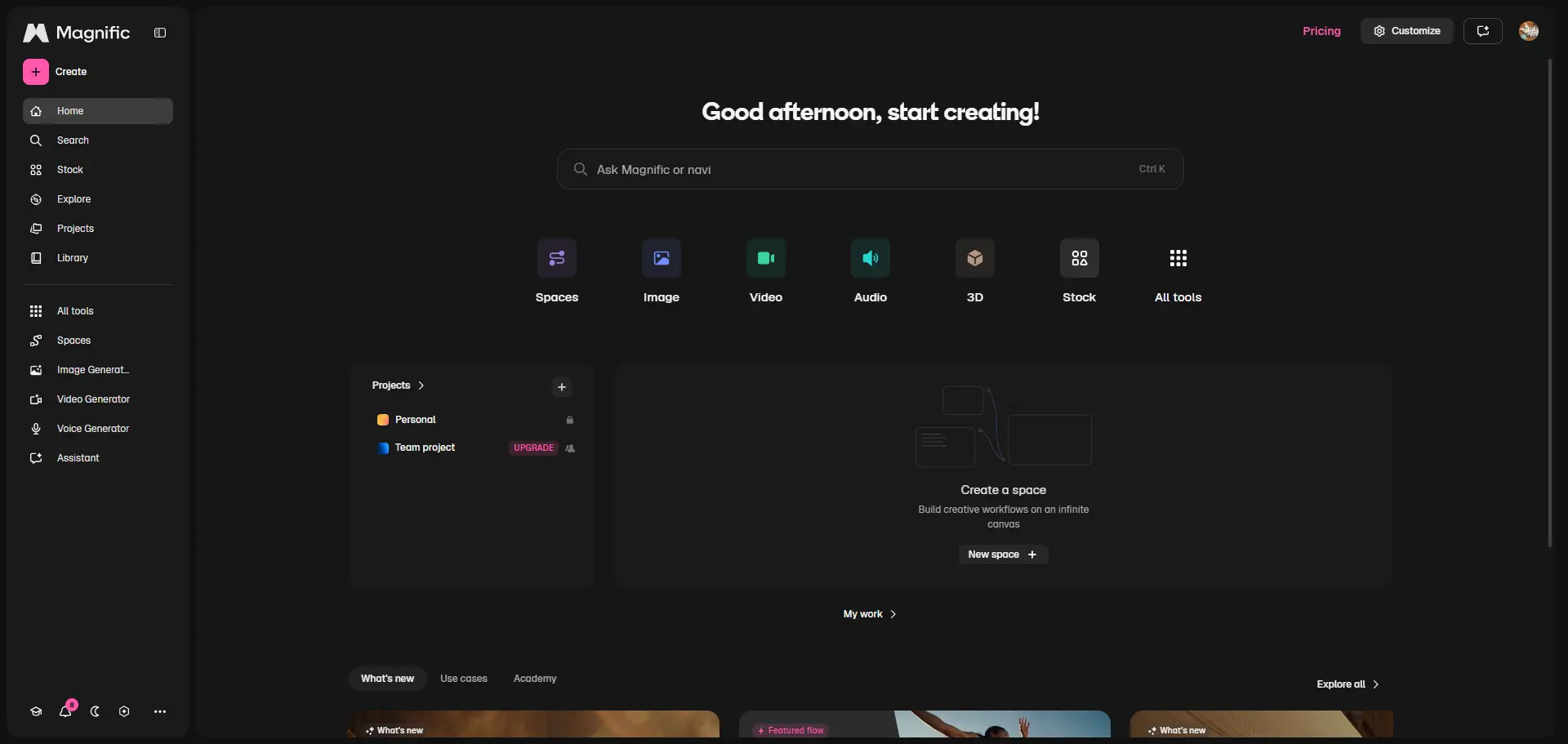
What Is Freepik AI / Magnific?
Freepik AI is now part of Magnific, a broader AI creative platform. It combines Freepik's stock content library with AI tools for images, video, audio, 3D, editing, upscaling, mockups, and collaboration. That makes Freepik/Magnific different from a simple AI image generator. It is not just "type a prompt and get a picture." It is closer to a full creative suite. You can generate an image, edit it, upscale it, place it into a mockup, use stock assets, or move into video generation. That is a real advantage if you work across design and content. But for new users, the platform can feel busy. There are many tools, models, and options. I did not find it hard to use, but I did feel like I needed a few rounds of testing before understanding where each feature fit.
Freepik AI Image Generator Review
I started with the AI image generator because that is probably the feature most people search for first. For my first test, I used a product-style prompt.
Prompt I used:
"A matte black skincare bottle on wet stone, soft morning light, shallow depth of field, premium editorial product photo, realistic shadows, subtle water droplets."
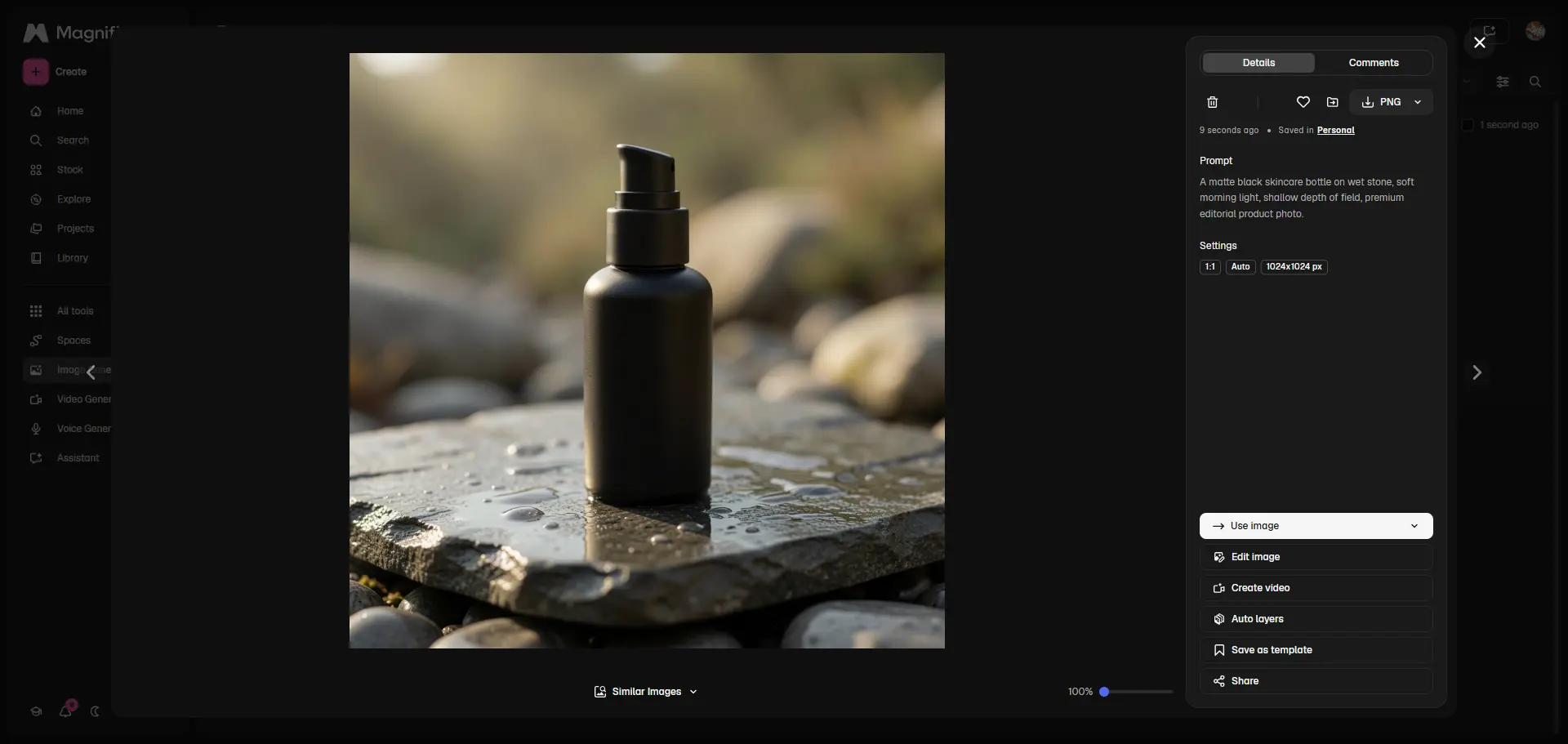
I chose this prompt because product images are a good stress test. The model needs to handle lighting, reflections, material texture, object shape, and composition. If the bottle melts into the background or the label area looks strange, the image is not really usable. The result was stronger than I expected. The image had a polished look, the lighting felt intentional, and the wet stone texture made it look like a real product campaign concept. The weak point was the product label area. It looked fine at first glance, but if this were a real skincare brand, I would not use it as-is. I would either edit the label separately or use the image as a background concept rather than a final product shot. So my first impression was positive, but not blind praise. Freepik AI can create strong product-style visuals, but you still need to art-direct the result.
My Creative Image Test
For the second test, I wanted to see how Freepik AI handled a more playful creative prompt. Prompt I used:
"A realistic orange cat riding a tiny bicycle through a sunny meadow, soft natural light, playful children’s book mood, detailed fur, cinematic composition."

This prompt is not very serious, but it is useful. It tests character detail, scene logic, expression, and whether the image feels charming instead of weird. The output was fun and visually clear. The cat had personality, the meadow looked bright, and the overall image had a storybook feeling. I also liked that the results did not all look identical. Some had better facial expressions, while others had better scene composition. That variety is helpful when you are looking for creative directions. But I still noticed small AI issues in some versions. A bicycle wheel might look slightly wrong. A paw might not sit naturally on the handlebar. Those details are not always obvious in a thumbnail, but they matter if you want a clean final image.
Model Choice: Powerful, But A Bit Overwhelming
Freepik/Magnific gives access to many AI models, and this is one of its biggest strengths. The benefit is obvious: you can try different visual directions without leaving the platform. Some models are better for realism. Some are better for illustration. Some are better for fast drafts. But the downside is decision fatigue. If you already know what each model is good at, this flexibility is great. If you are new, it can slow you down. I found myself spending extra time deciding which model to use instead of simply creating. For serious designers, that model variety is valuable. For casual users, it may feel like too much.
Freepik AI Editing Review
After generating the product image, I tested a simple editing task.
Instruction I used:
"Change the background to a warm beige studio wall, keep the product unchanged, preserve the lighting direction." This is the kind of edit I often need in real work. I do not want the whole image regenerated. I only want one part changed. The result was okay, but not perfect. Freepik understood the general instruction, but it did not always preserve the product exactly. Some versions changed small details that I wanted to keep. That is where the editing workflow felt less reliable than the image generator itself. For broad edits, Freepik AI is useful. For precise edits, I would still be careful. If I were working on a client visual, I would compare the original and edited image closely before using it.
Freepik AI Video Generator Review
Next, I tried video generation. This part is interesting because Freepik/Magnific gives access to many video models, including models built for different needs like realism, motion, audio, resolution, and cinematic output. For my text-to-video test, I used a simple scene.
Prompt I used:
"A slow dolly shot across a ceramic coffee cup on a wooden table, steam rising, morning window light, cozy cafe mood, realistic motion."

The result had the right mood. The lighting felt warm, and the camera movement was close to what I asked for. But small motion details still needed checking. Steam, reflections, and cup edges are exactly where AI video can start to wobble. The clip looked nice as a draft, but I would not call every version production-ready. That is not just a Freepik problem. It is still common across AI video tools. But if you are using credits for video, failed generations feel more expensive.
Text-to-Video vs Image-to-Video
I preferred image-to-video over text-to-video. When I started from an image I already liked, the video result felt more controlled. The model had a stronger visual anchor, so it did not need to invent the whole scene from scratch. For example, I used the product image from my first test and added this motion prompt:
"Slowly advance the camera to ensure image stability, with slight movement of light creating natural and harmonious light and shadow."
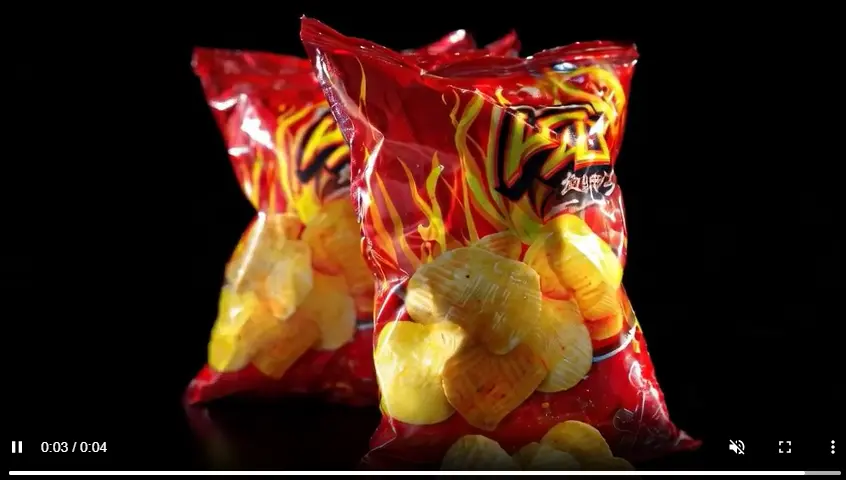
This gave me a better result than text-to-video. The product stayed closer to the original image, and the scene felt more usable. If I were using Freepik AI for product videos or short social clips, this would be my workflow: Generate a strong still image first.
Then animate it with a simple image-to-video prompt. That approach gave me more control.
Freepik AI Mockup Test
The mockup workflow is where Freepik’s design background really helps. After generating a fruit-style visual, I tried placing it into a product mockup. Prompt I used for the image:
"Surreal water splash with a green apple floating in the air, fresh green background, detailed fruit texture, natural light, bright and clean composition."

Then I applied the image to a hoodie mockup. This was one of the smoother parts of the whole test. It felt very natural to move from AI image generation into mockup presentation. For designers, this is useful because you can quickly see whether an image works on a real product. The mockup feature makes Freepik AI feel less like a toy and more like a practical design tool. If your workflow includes posters, apparel, packaging, social visuals, or merch concepts, this is one of Freepik AI’s strongest advantages.
Freepik AI Pricing and Credits: What I Would Watch
The biggest thing I would watch is credit usage. Freepik/Magnific has many tools and models, but not every generation feels equal. Image tests are easier to run casually. Video tests feel heavier because one weak clip can cost more time and credits. That does not mean Freepik AI is bad value. It just means you should understand your workflow before choosing a plan. If you mostly generate images, test mockups, and use stock assets, Freepik AI can make sense. If you mostly generate videos, you should check model cost, resolution, duration, and whether your plan fits that kind of usage. My personal rule: I would not subscribe just because the platform has many models. I would subscribe only after knowing which models I actually use often.
What I Liked About Freepik AI
Freepik AI has several strong points. The image quality can be very good, especially for product-style visuals and polished creative concepts. The model variety is useful if you know what you are looking for. The mockup workflow is genuinely practical. The stock asset library gives it an advantage over many standalone AI generators. The platform feels strong for designers who want to move from idea to presentation quickly.
What I Did Not Like
The platform can feel crowded. There are many tools, many models, and many possible workflows. That is powerful, but it also means the experience is not always simple. The editing tools did not always follow instructions precisely enough for detailed changes. Video generation can produce nice drafts, but I would still check motion stability carefully. Credit usage also needs attention, especially when testing video models. So I would not describe Freepik AI as the easiest AI creative tool. I would describe it as powerful, but a little heavy.
Who Should Use Freepik AI?
Freepik AI is a good fit for:
designers
social media creators
marketers
ecommerce teams
content creators who need mockups
people who already use Freepik stock assets
users who want many AI models in one platform
I would especially recommend it if your workflow includes both AI generation and design presentation. It may not be the best fit if you only want a clean image-to-video workflow, fast video drafts, or a simpler creative space with less setup.
Freepik AI Alternative: When I Would Use PicLumen Instead
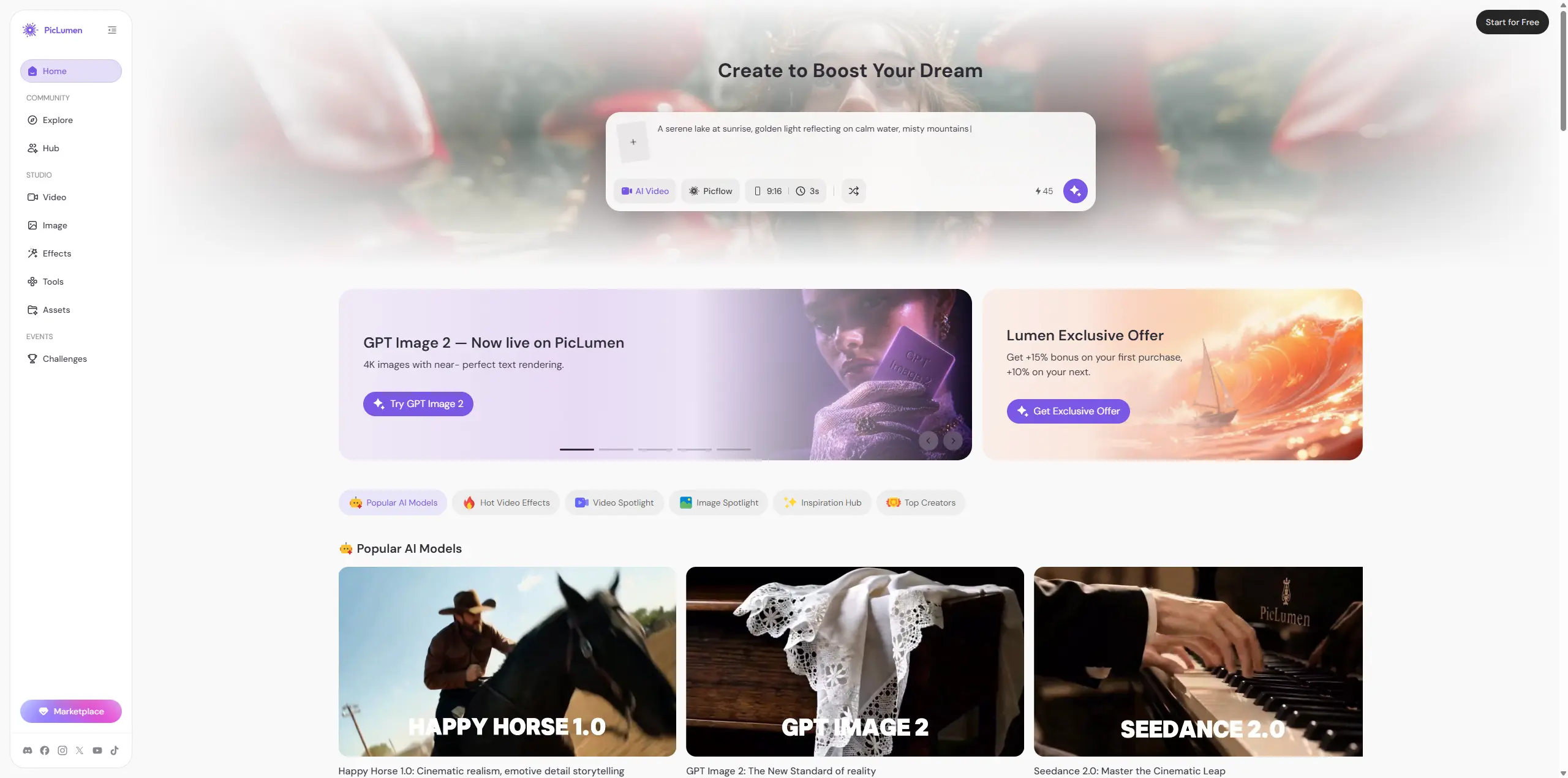
Freepik AI is strong, but I would not use it for every visual workflow. If I need stock assets, mockups, templates, and a design-heavy process, Freepik AI makes sense. But if my main goal is AI image generation, AI video generation, image-to-video creation, remixing, and creative exploration, I would compare it with PicLumen.
PicLumen feels more focused on the AI image-and-video loop. You can create images, animate them into videos, test different models, explore community ideas, and keep developing the same concept. That makes it useful when the project is not just "make one design asset." For example, if I want to create a character image, turn it into a short video, test another style, and remix the result, PicLumen feels more direct.
Freepik AI feels like a broad design platform. PicLumen feels like a more focused AI creative workspace.
Use case | Freepik | PicLumen |
|---|---|---|
Design assets and mockups | Stronger fit | Not the main reason I would choose it |
AI image generation | Strong, especially with many model options | Strong for creator-style visual exploration |
AI video generation | Powerful, but credits need watching | Useful if your image and video creation happen in the same creative loop |
Overall feel | Design suite with AI depth | AI multimedia creator platform with community energy |
Final Verdict: Is Freepik AI Worth It?
Freepik AI is worth trying. I would especially recommend it to designers, marketers, small teams, and content producers who already use stock assets, mockups, templates, and visual production workflows. The image generator is solid. The video generator is promising. The model selection is a real advantage. The mockup connection gives it a practical edge. But I would not call it the easiest tool for everyone. It is broad, and broad tools ask for more attention. You need to know what you want, choose models carefully, and keep an eye on credits. If that sounds fine, Freepik is a strong option. If you want a more AI-native creative platform for making, remixing, sharing, and moving between images and videos more freely, PicLumen is worth testing next.
FAQ
Is Freepik AI good?
Yes, especially for image generation, mockups, and design-heavy workflows. I would not judge it from one model or one prompt, though. The model choice changes the result a lot.
Is Freepik now Magnific?
The AI experience currently redirects to Magnific branding. People still search for Freepik AI, but the creative suite and pricing pages now appear under Magnific.
What is a good Freepik alternative?
If you want design assets and mockups, Freepik is hard to ignore. If you want AI image generation, AI video generation, effects, remixing, and a creator community in one place, PicLumen is a good alternative to compare.





