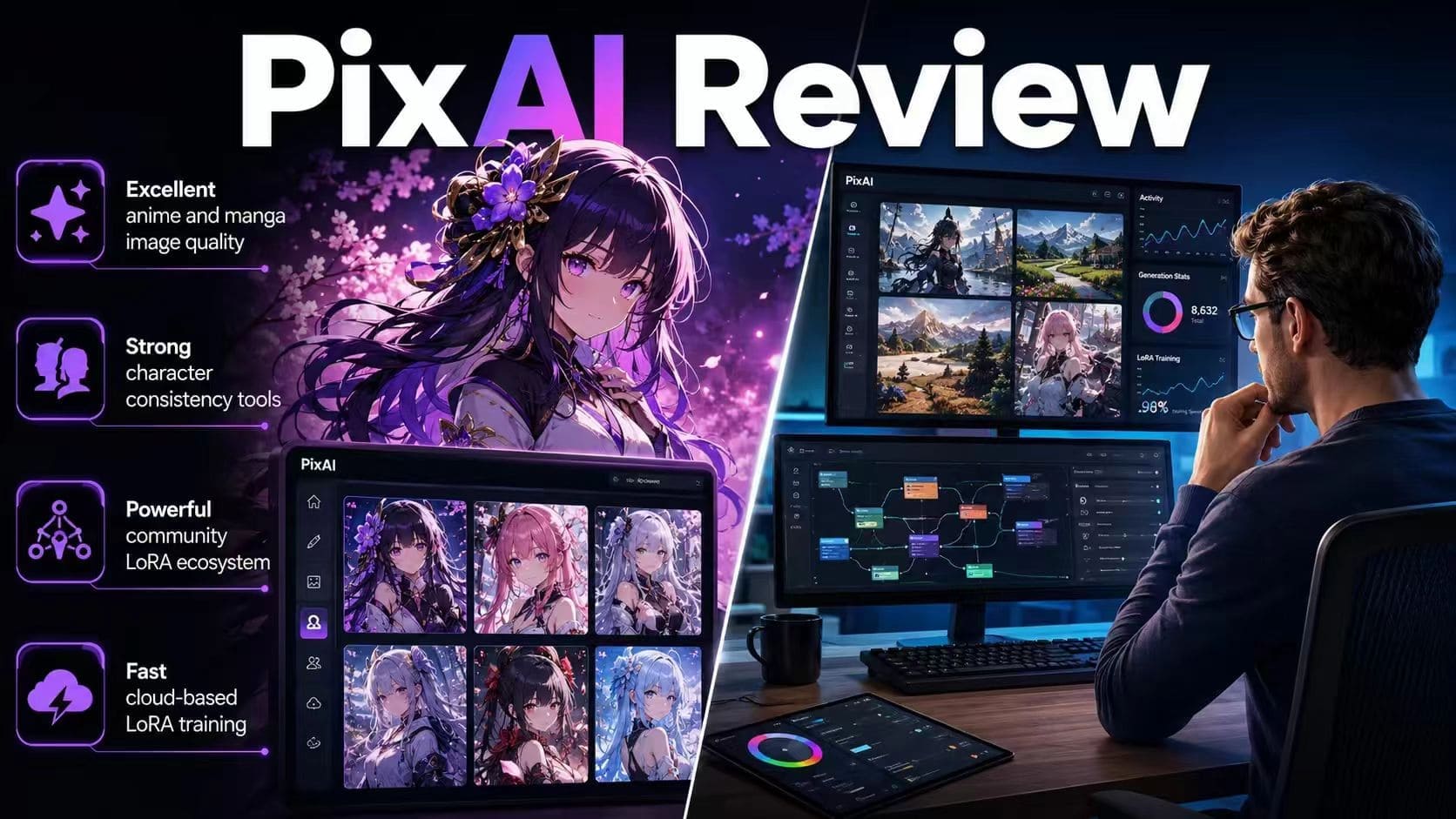
A game developer I know was struggling to create consistent character sheets for a visual novel. Same character, different outfits, different emotions, different poses. After spending weeks fighting local Stable Diffusion setups, GPU limitations, and endless troubleshooting, he finally tried PixAI. Two days later, he sent over a complete set of polished character assets. That result made me curious. So I spent the next two weeks testing PixAI extensively: text-to-image generation, community LoRAs, custom LoRA training, and ControlNet workflows. Here's where I landed: PixAI is the strongest cloud-based option I've found for anime and manga output. But if your work goes beyond that — photorealistic images & video, a broader creative toolkit — you'll run into its limits pretty quickly.
What Is PixAI?
PixAI is a web-based AI image generator built specifically for anime and manga artwork. PixAI focuses on helping users create anime characters, illustrations, concept art, and visual novel assets. What makes it stand out isn't just image generation. PixAI combines powerful Stable Diffusion-based models with a massive community ecosystem, cloud LoRA training, ControlNet support, and thousands of user-created models.
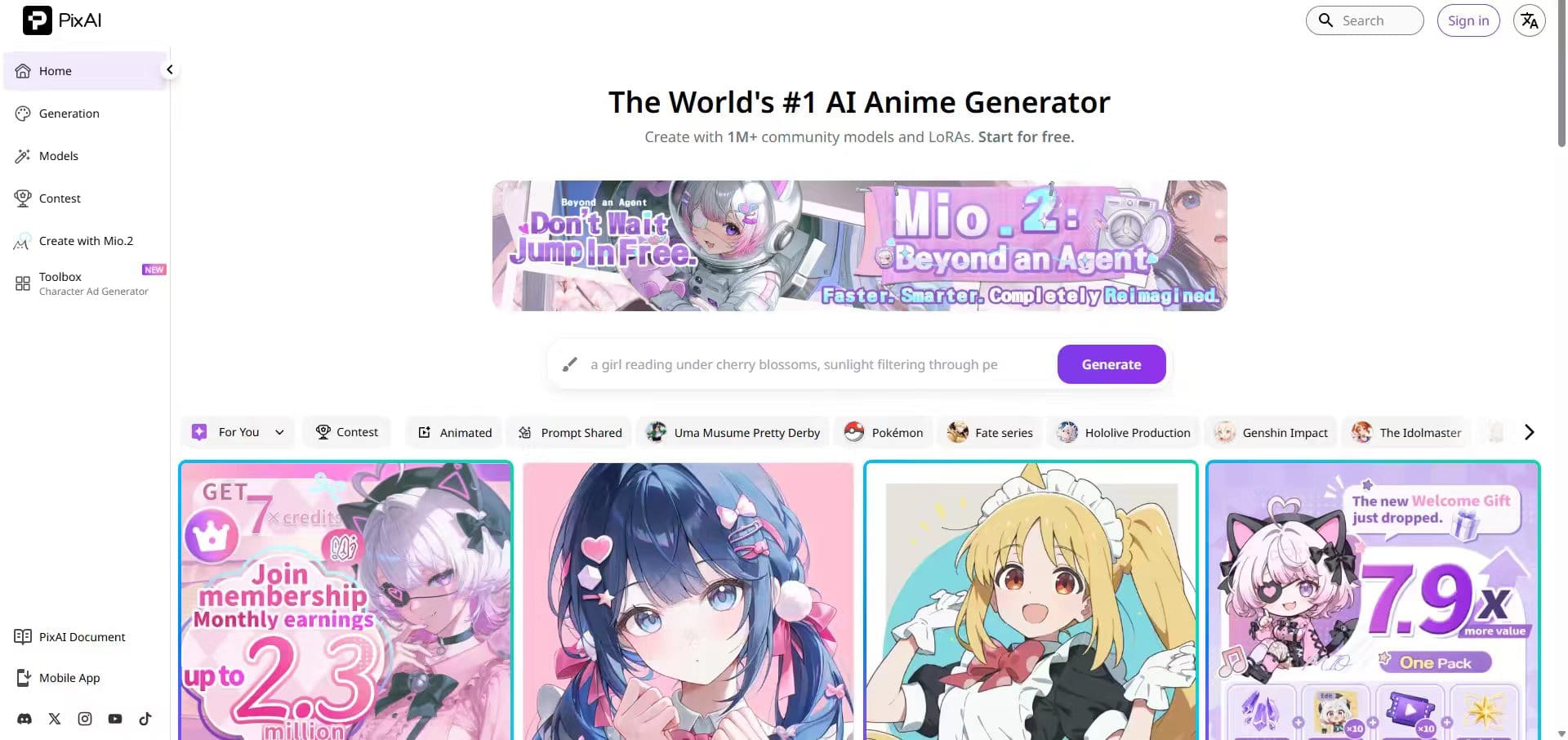
If you're a roleplayer who needs a reliable original character, a game dev building assets, or a digital artist who wants SD-level controls without dealing with local setup — this is genuinely built with you in mind. If you need photorealistic renders, AI video, or a broad creative suite, look elsewhere.
PixAI Features: What I Actually Tested
🎨 Anime Image Generation (Text-to-Image)
The generation flow is simple enough: type a prompt, optionally add a negative prompt to push out unwanted elements, pick a base model, and hit generate. The base models handle anime anatomy well — clean line work, proportions that hold up at standard sizes, consistent stylization. There are two modes worth knowing about. Quick Generation is basically prompt-in, image-out — good when you just want to iterate fast. Professional Generation opens up negative prompts, VAEs, face refiners, and sampler controls.
🧩 Model Market & Community LoRAs
I think that it's one of PixAI's biggest advantages, which is exactly why I ended up spending the most time there. The Model Market organizes community-uploaded fine-tunes by Character, Style, Pose, and Concept. If you're trying to generate a consistent original character — or match a specific visual aesthetic — browsing here is the practical approach, not trying to engineer your way there through prompts alone. In practice, there's a lot here. I found LoRAs covering specific character designs, niche styles like 90s retro anime and cyberpunk glow aesthetics, and action pose packs. Being able to apply them with one click — without downloading multi-GB files locally — is a genuine time-saver over standard SD workflows.
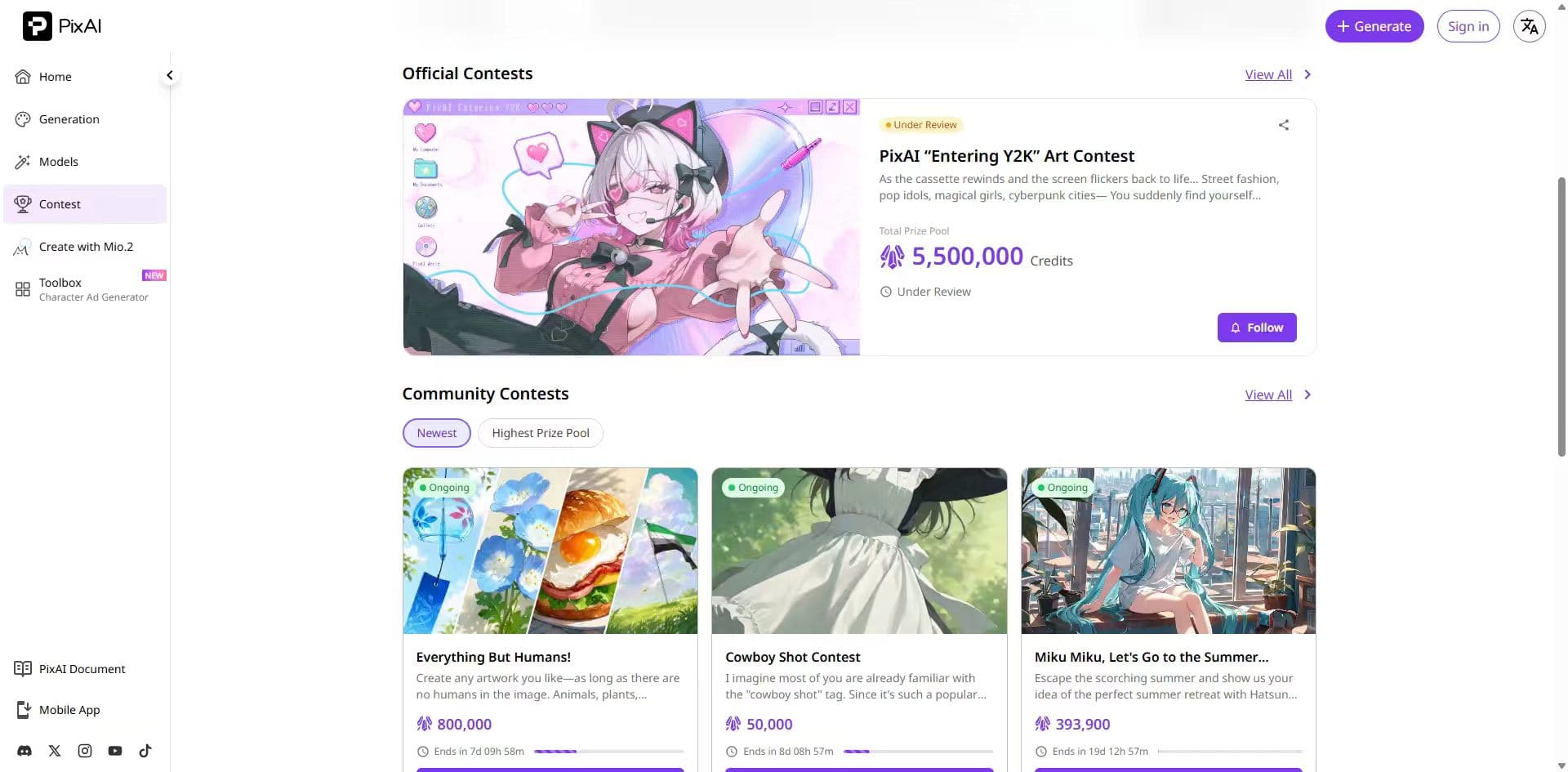
One thing to watch out for: SDXL models need XL-specific LoRAs. Pair the wrong LoRA with the wrong base model and the output is a mess. PixAI does flag this in their documentation, but it's the kind of thing you'll probably learn the hard way at least once.
🏋️ Cloud LoRA Training
The basic idea: upload 15–30 images of a character or art style, and PixAI handles training on their infrastructure. Most model types finish in under 20 minutes. I tested this with a 20-image set of an original character. The resulting LoRA held up — same face structure, recognizable style — from the first few generations. For creators who need character consistency, this feature alone can justify the subscription.
📐 ControlNet (Pose & Composition Guidance)
PixAI's ControlNet covers the main types: OpenPose, Canny, Depth, Scribble, HED, and a few others. For character-focused anime work—where pose, framing, and consistency are everything—ControlNet is an absolute must-have. In testing, Canny and Depth were precise enough to handle detailed hand gestures with reasonable reliability. I used OpenPose to match a specific action sequence reference and landed usable results within two or three refinement passes.
🖌️ Image-to-Image & Inpainting (Flow Edit)
Flow Edit handles img2img work, inpainting for fixing hands, faces, and background elements without restarting the entire generation process. Inpainting solves a specific, common problem: an AI output with solid overall composition but one broken element. Instead of regenerating from scratch and hoping the same issue doesn't come back, you mask the problem area and regenerate just that section. process.
PixAI Pricing
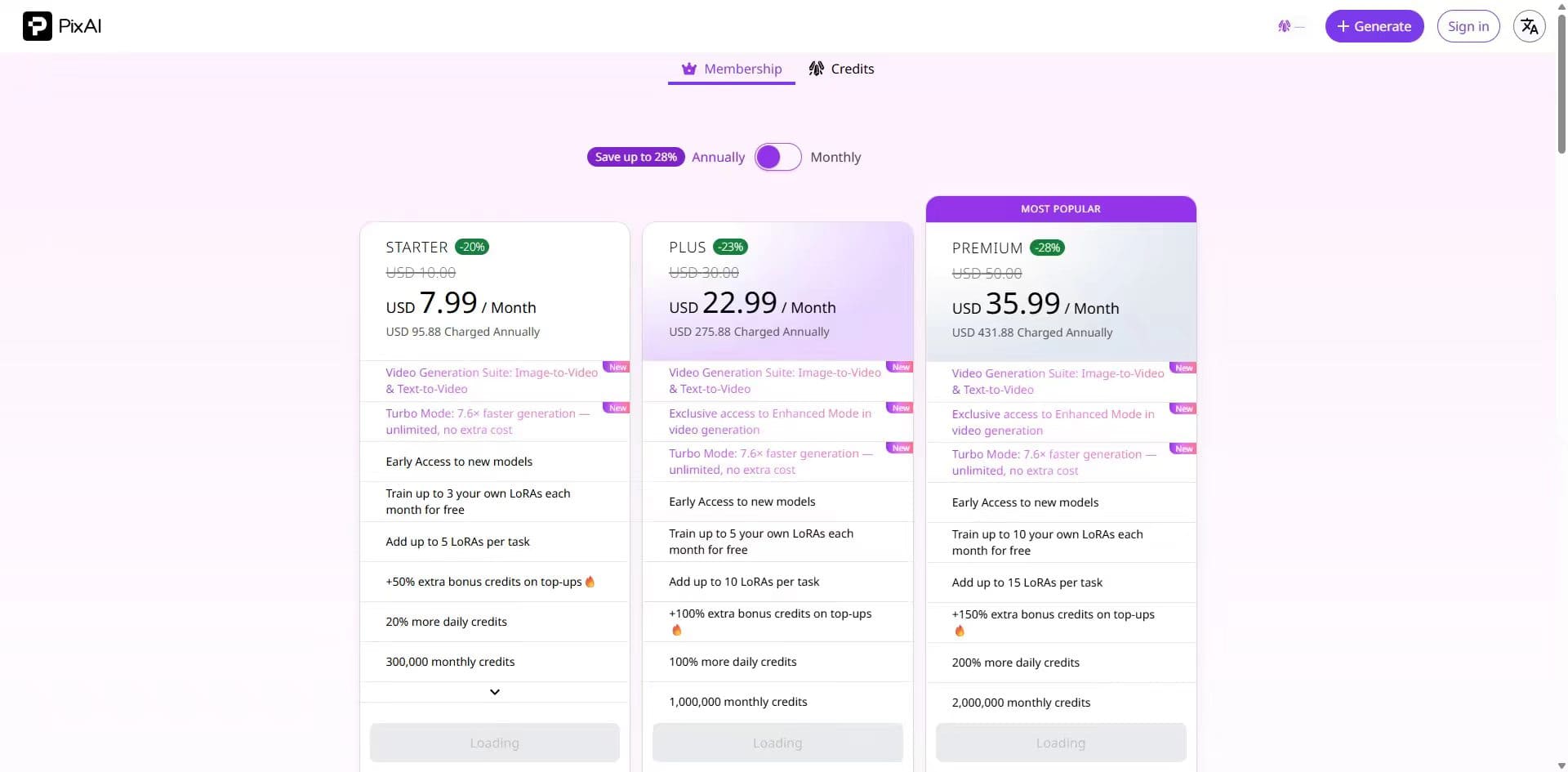
PixAI offers a genuinely usable free plan, making it easy to test before spending money. Paid plans mainly increase monthly credits, LoRA training allowances, and access to premium features. For casual users, the Starter plan provides a reasonable entry point. Heavy creators generating large volumes of content will benefit most from the Plus or Premium tiers.
👉I've summarized its strengths and limitations here:
What PixAI Does Well — And Where It May Feel Limited
Strengths: ✔️Excellent anime and manga image quality ✔️Strong character consistency tools ✔️Powerful community LoRA ecosystem ✔️Fast cloud-based LoRA training ✔️Affordable entry-level pricing ✔️Active community with daily content rankings, Discord channels, and shared model resources Limitations: ❌Limited appeal outside anime-focused workflows ❌Photorealistic and cinematic styles are not what this platform was built for ❌No strong video generation ❌ControlNet unavailable on the free plan ❌Credit consumption increases quickly on advanced models
PixAI Alternative: Why Some Creators Are Looking Elsewhere
After running PixAI alongside other tools for those two weeks, the pattern I kept hearing from other creators was pretty consistent: PixAI is the go-to for anime work. However, many creators today need more than anime artwork. They may create marketing visuals, social content, product photography, cinematic artwork, AI videos, and short-form content for multiple platforms. That's where PicLumen has stood out as the alternative I prefer — one I've been running alongside PixAI throughout this whole testing period. Where PixAI focuses on anime, PicLumen is built for broader range: photorealistic images through GPT Image 2, Midjourney V8.1, and Seedream 4.5; video generation via Veo 3.1, Kling 3.0, Seedance 2.0, and Sora 2.
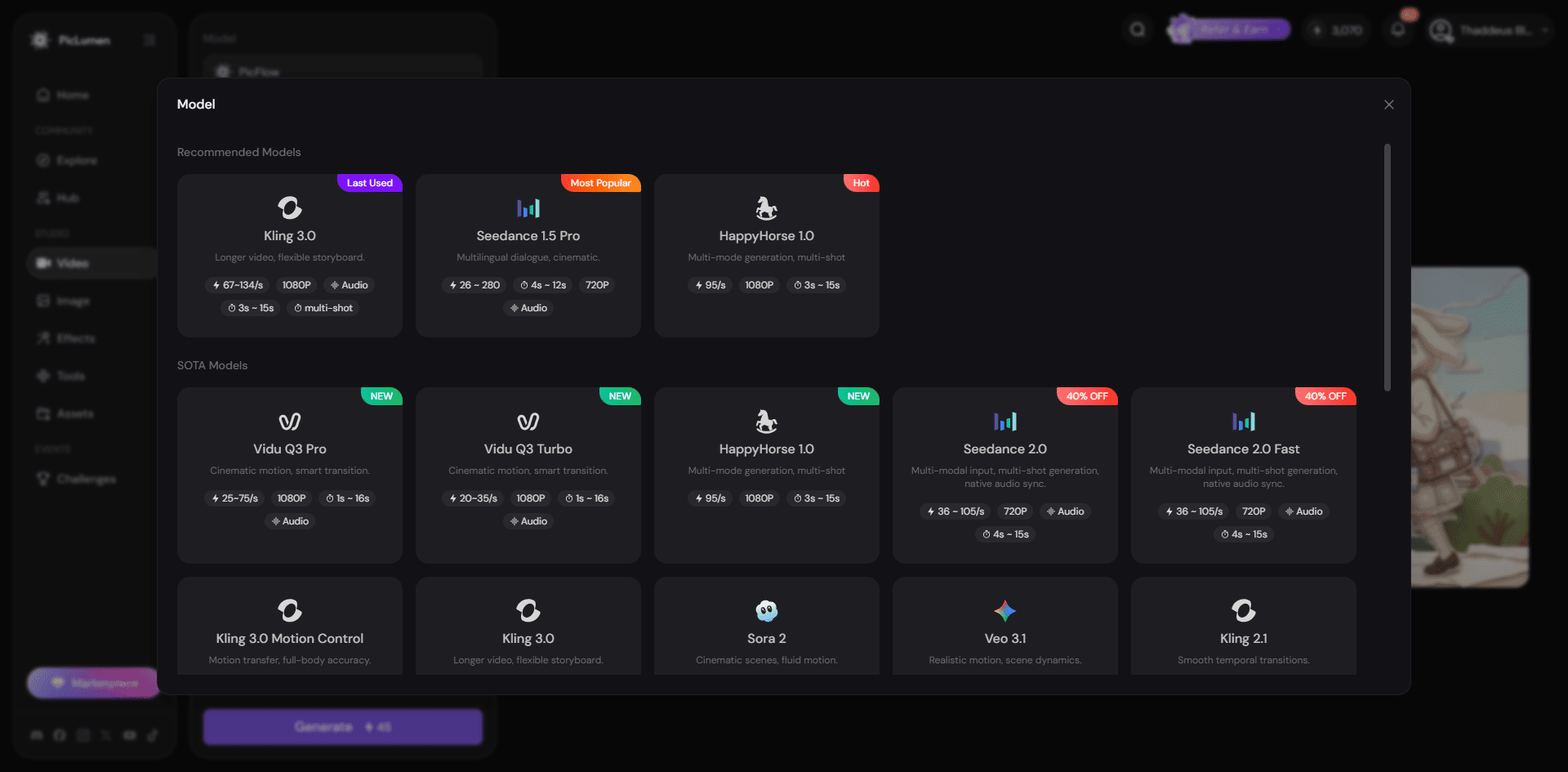
What stood out most during my testing was flexibility. Instead of switching between multiple tools, PicLumen allows creators to handle a wider variety of creative tasks in one ecosystem.
Key advantages of PicLumen:
✅Wider model selection for photorealistic, cinematic, and various creative styles ✅Integrated excellent AI video generation capabilities ✅Rich one-click Video Effects for social media content ✅Active creator community and discovery ecosystem
PixAI Review: Final Verdict
PixAI is one of the strongest anime-focused AI image generators available in 2026. Its combination of cloud LoRA training, ControlNet support, community models, and generous free plan makes it a powerful platform for anime creators. If your workflow revolves around anime characters, visual novels, manga artwork, or character consistency, PixAI is easy to recommend. However, creative needs rarely stay inside a single category forever. If you also create photorealistic images, marketing assets, AI videos, or social content, a broader platform such as PicLumen may provide greater long-term value.
Choose PixAI if: 🔅 Anime and manga art are your primary focus 🔅Character consistency is critical 🔅You need LoRA training and ControlNet workflows
Choose PicLumen if: 🔅You need both AI images and videos generation 🔅You create across multiple visual styles outside anime — photorealistic, cinematic, creative, or product imagery 🔅You make social content and want a Video Effects library with rich one-click motion styles
FAQ
Is PixAI free?
Yes. PixAI offers a free plan with daily credits, allowing users to test the platform before upgrading.
What kind of art does PixAI generate?
PixAI is built specifically for anime and manga. The base models handle clean line art, consistent character stylization, and proportions that hold up for the genre.
Can I train my own AI model on PixAI?
Yes. PixAI supports cloud-based LoRA training using your own reference images.
Does PixAI support ControlNet?
Yes, but ControlNet features are available on paid plans.
What is the PixAI alternative for broader creative range?
PicLumen is worth a look if you need range beyond anime. You get access to GPT Image 2, Midjourney, Seedream 4.5, and AI video models including Veo 3.1, Kling 3.0, and Sora 2.