I needed a fast way to put a client's headshot into some product mockups without booking an actual photoshoot, and someone on a Discord server mentioned SwapFaces AI as one of the quicker options out there. So I spent about a day testing it — face swap, image-to-video, image-to-image — and kept notes on what actually happened, versus what the landing page promises. This is that write-up.
What SwapFaces AI Actually Is
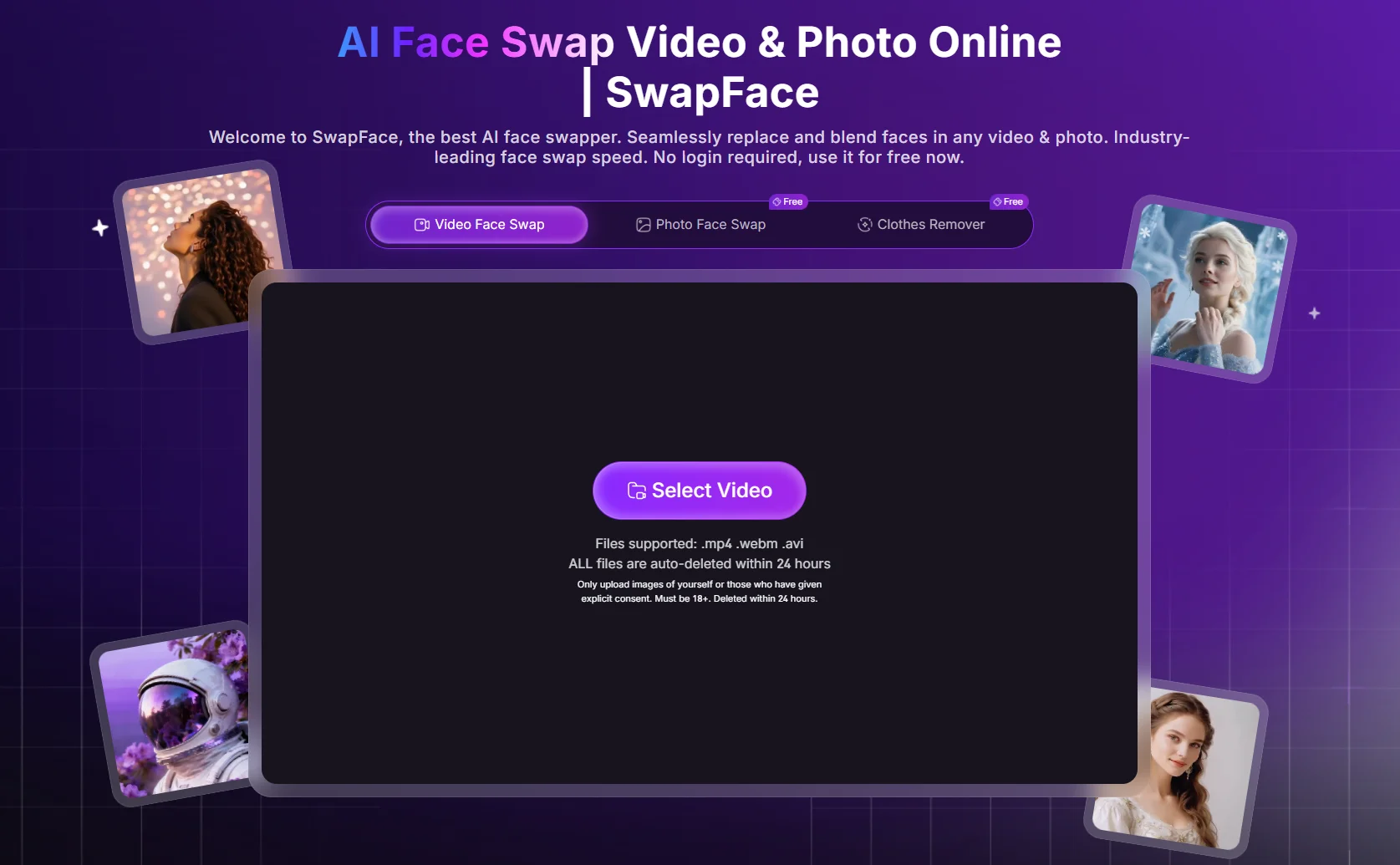
SwapFaces AI (swapfaces.ai), operated by TecNeon Limited, is essentially a face-swap suite with a few extra tools layered on, including image-to-video, image-to-image, and hair or clothing swapping. Everything runs in the browser, no app required, and the navigation is split into Swap Face, AI Tools, Funny, and AI Undress. It's built as a quick, single-purpose tool rather than a full creative workflow, and that becomes fairly clear once you start using it.
SwapFaces AI Face Swap Review
This is the core of the product, so I tested it in three ways.
SwapFaces AI Image Face Swap
I uploaded a portrait of a woman sitting by a window along with a replacement face, then hit Swap. The first attempt returned a generic error with no explanation. I retried the exact same upload a minute later, and it went through without issue.
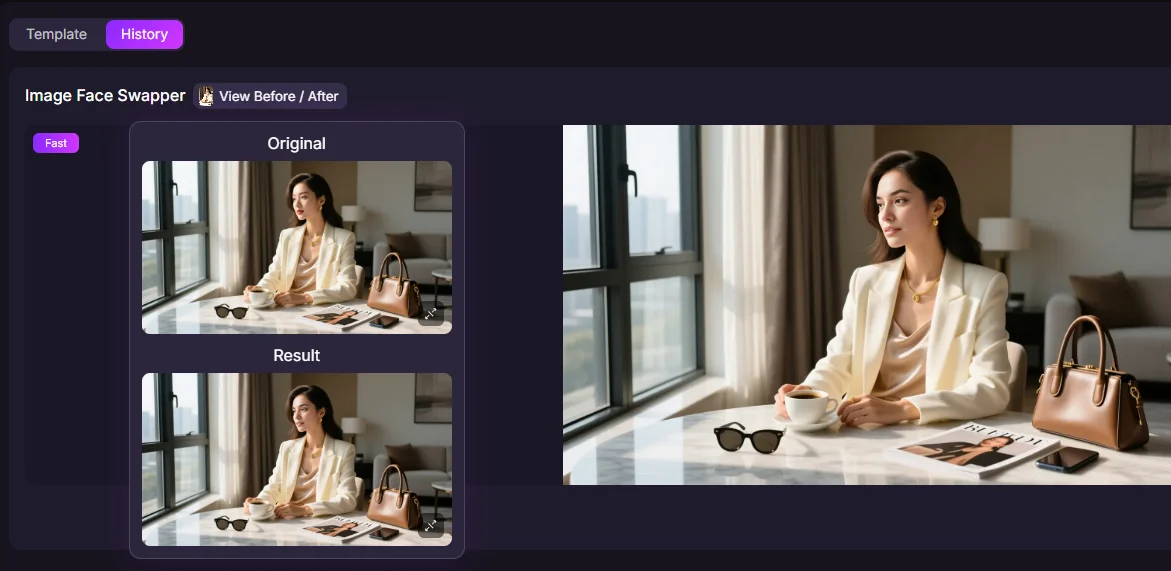
The result was genuinely decent — the skin tone and lighting matched well enough that it reads as one continuous photo rather than a pasted-on face. My one complaint is that there's no way to zoom into the output inside the tool, so I couldn't check the hairline or finer detail before downloading. For anything client-facing, I'd want that closer look available.
SwapFaces AI Video Face Swap
I tried a short walking clip, selected the 0–3 second segment, and swapped in a new face.
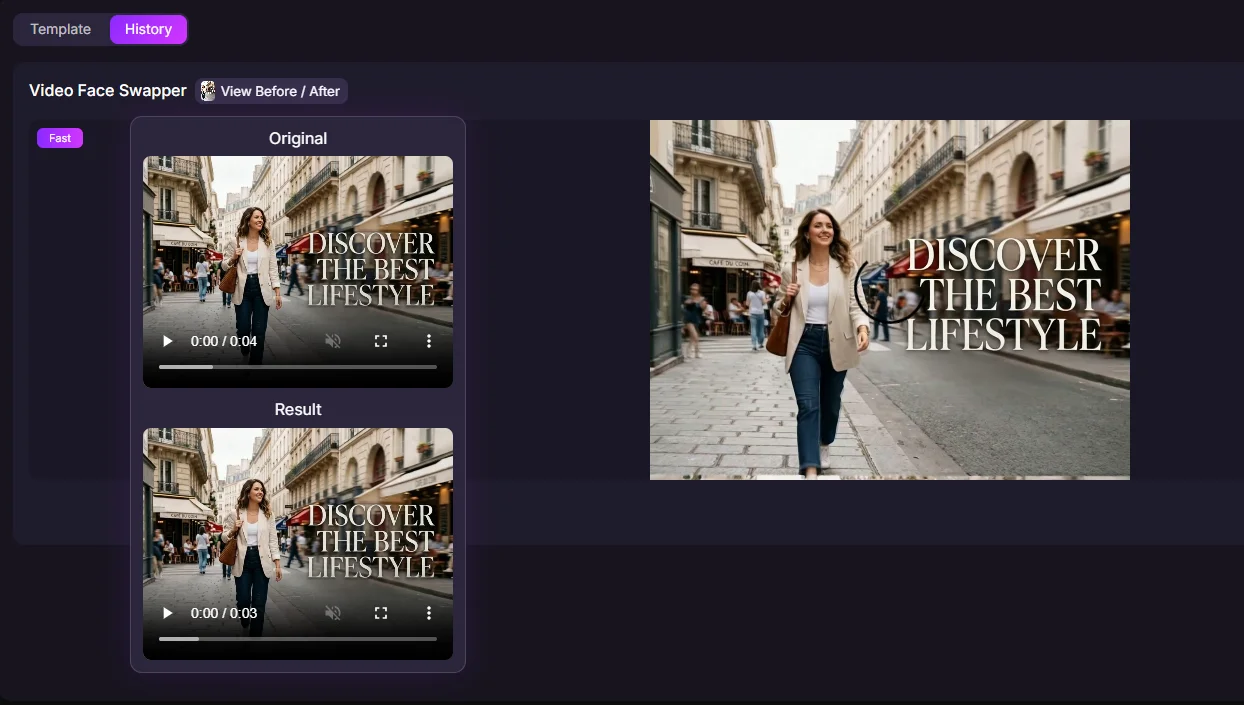
Tracking held up reasonably well while the face stayed mostly still, but the moment she smiled or turned her head, the swap didn't quite sit flush against the jawline — a small seam, but a noticeable one if you look closely. It's fine for casual clips, though I'd be cautious about relying on it for anything with a lot of talking or expression changes.
SwapFaces AI GIF Face Swap
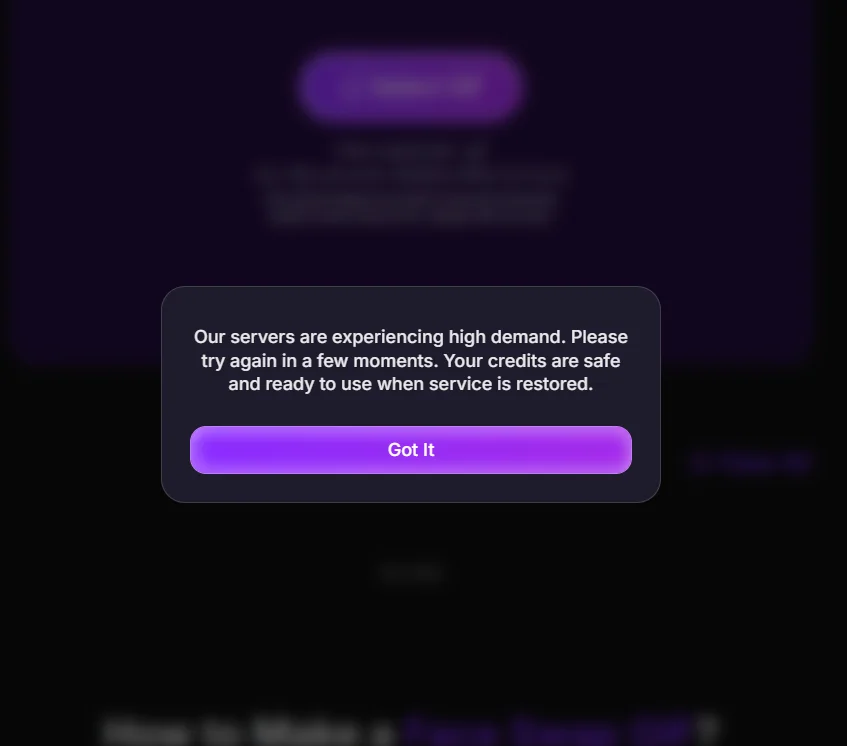
I saved this one for last, expecting it to be a quick test. Instead I got this message: "Our servers are experiencing high demand. Please try again in a few moments. Your credits are safe and ready to use when service is restored." I retried over the next hour with no luck. I couldn't actually complete a test on this feature, which is worth flagging if it's the specific tool you're after.
SwapFaces AI Image and Video Generation, Briefly
Two more tools worth mentioning, since they aren't the headline feature but are part of the platform. For image-to-video, I used a photo of someone at a pottery wheel with the prompt "Have the girl in the image naturally work with her clay."
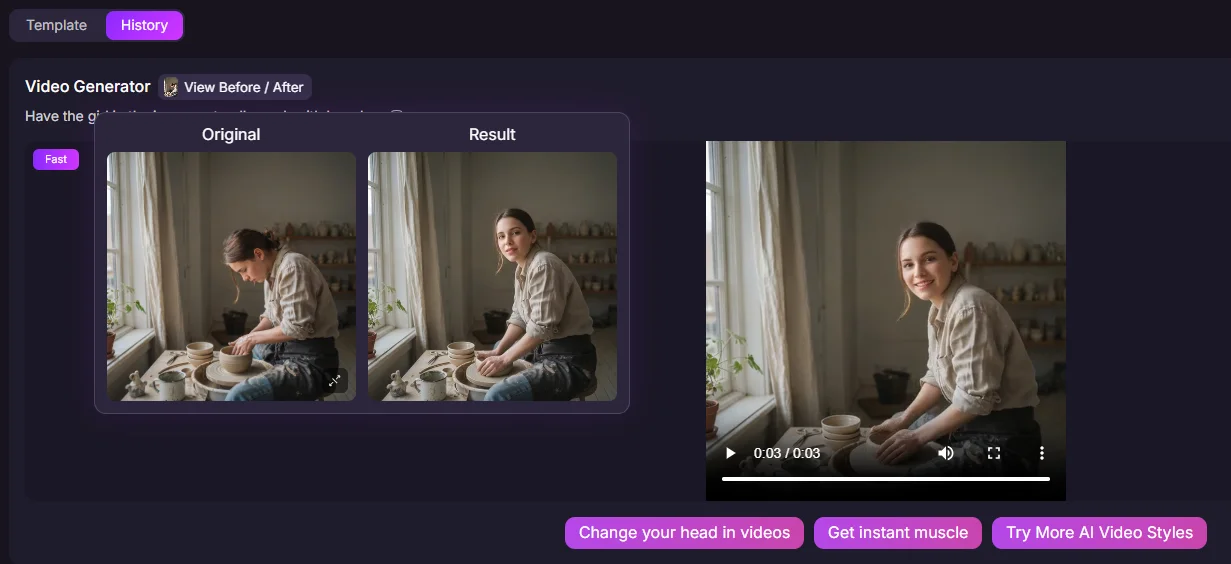
The head and shoulder motion looked reasonable, but the hand movement on the clay was stiff and didn't quite track where it should. There's also only one underlying video model available, so there's no way to try a different motion style if the first result isn't right. For image-to-image, I used the prompt "Transform the 2D character in the image into a real-life person" on a vintage-style photo of a woman on a bike outside a café.
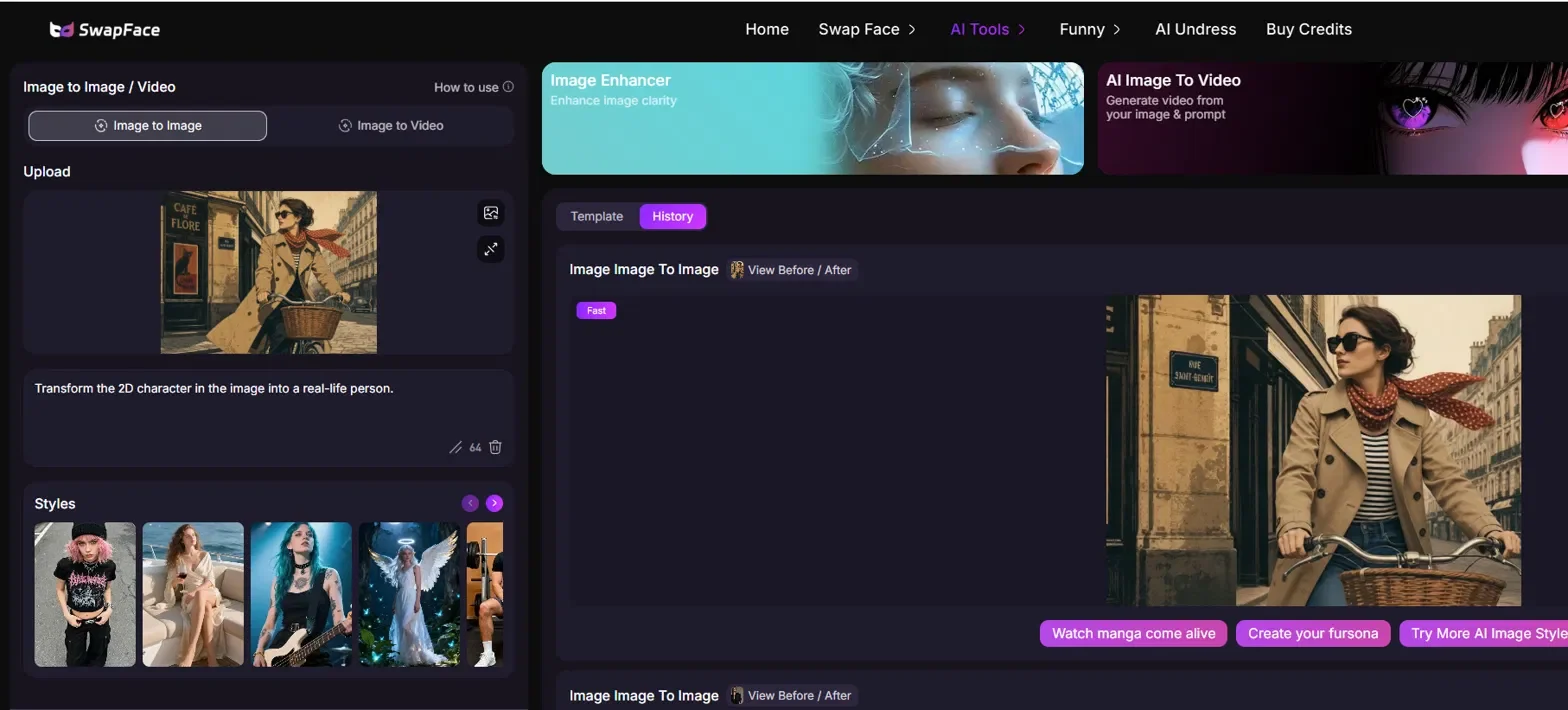
Generation was fast and the character conversion itself looked fine, but the café signage and background wall detail from the original were cropped out entirely. It's worth comparing your output against the source image each time, since the full scene isn't always preserved.
SwapFaces AI Pricing Review
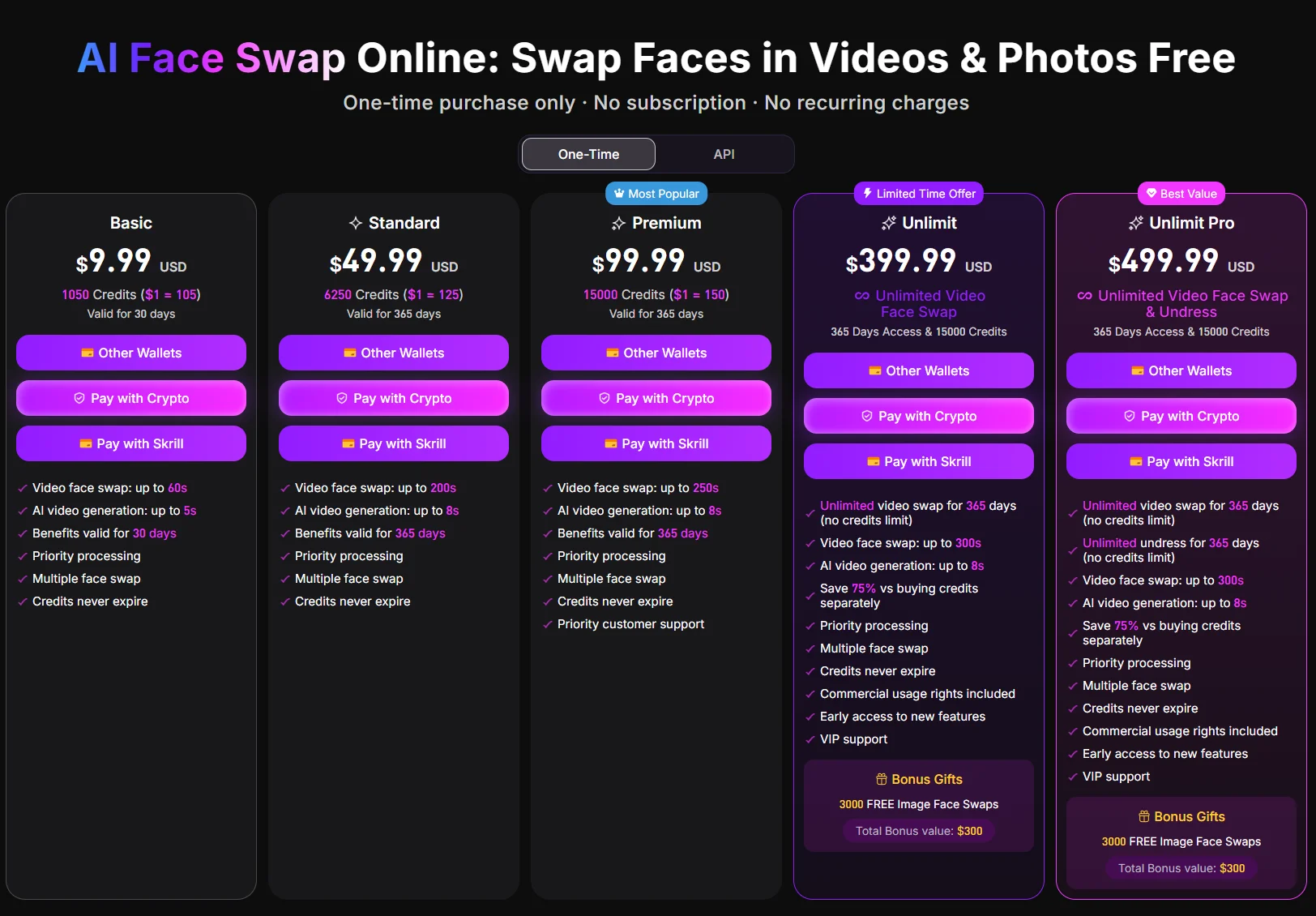
I want to correct myself here after checking the actual pricing page directly. SwapFaces runs on one-time credit purchases with no subscription, and credits don't expire. Also, to be fair to them: the unexplained error I hit on my first image swap attempt likely didn't cost me anything, since their own FAQ states that credits generally aren't deducted when a generation fails. There's a 30-day refund window if you've used less than 20% of your credits, and you can earn free credits by signing in daily, with a bonus after a 7-day streak. Premium tiers add unlimited video face swap and unlimited "undress" processing, plus priority queue speed, for the length of your plan — this is separate from your credit balance. Basic tools like image swap and image-to-video still draw from credits even on paid plans. For a light, occasional user, the free daily credits plus maybe one small top-up should cover it. For heavier use, it's worth checking the live pricing page, since exact credit costs per tool can change.
Pros and Cons
Pros
Image swap looks natural at normal viewing size
No subscription, credits never expire
Failed generations generally don't cost credits
Fast on image tools
Cons
No zoom/detail view on results
Video swap slips during facial expressions
Only one video model for image-to-video
Image-to-image can crop out background detail
GIF swap hit capacity issues during my test
Random unexplained errors on first attempts
How It Compares to PicLumen
SwapFaces does one job — face swapping — reasonably well, with video and GIF swap added as extras. If that's genuinely all you need, it's a fair option. But throughout the week, I kept running into the same limitation: once you want to go beyond swapping a single face, the toolset thins out quickly. One video model, no way to inspect fine detail, background elements getting lost in image-to-image. That's roughly where PicLumen fits differently. It's an all-in-one multimedia creative platform combining AI image generation, AI video generation, and community sharing, built for creators, designers, marketers, and anime fans. It's connected to several well-known models rather than a single in-house engine — GPT Image 2.0, Grok Imagine, Midjourney v8.1, Nano Banana 2, and Seedance 2.0 are among them — so you're not limited to one look or one motion style the way I was with SwapFaces' image-to-video tool. For the specific gap I ran into, limited model choice and imprecise motion, having more options available actually matters, and that flexibility is part of what a broader platform is built around.
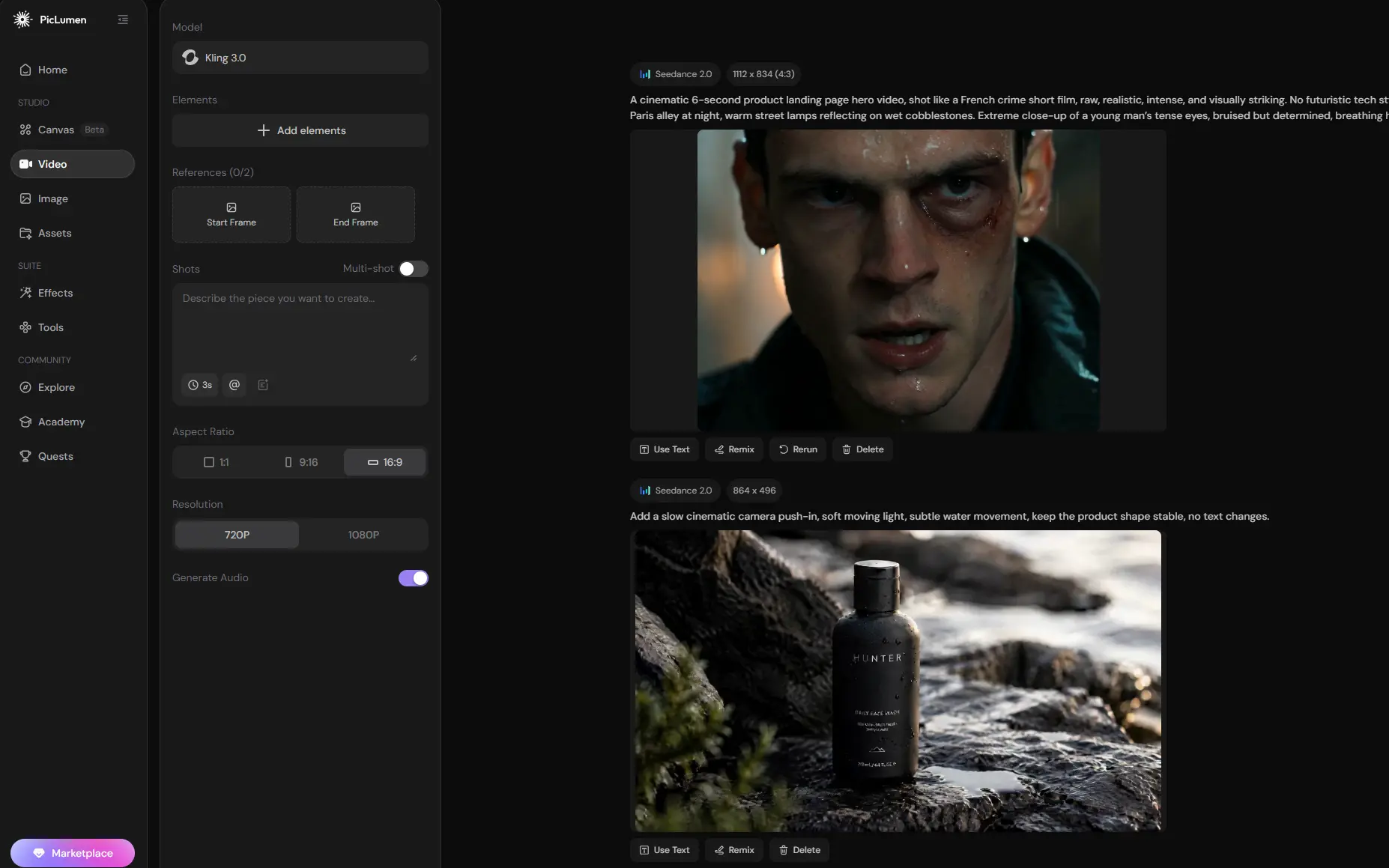
If your task really is putting one face onto one photo, SwapFaces handles that fine. If you're producing more than that — original artwork, anime-style pieces, short video clips, or drawing inspiration from a community feed — it's worth testing PicLumen alongside it and comparing the results for yourself.
Who It's For (And Who Should Skip It)
Makes sense if you want casual, quick face swaps for memes or one-off social posts and don't need pixel-perfect control. Less of a fit if you're doing regular client work, anime/illustration generation, or need a proper end-to-end creative pipeline instead of a single-purpose swap tool.
Conclusion
SwapFaces AI does the core job — image and video face swapping — at a decent level, and the pricing model is fair to light users. But the rough edges (server errors, expression tracking slipping, cropped backgrounds, one video model) mean I'd treat it as a narrow utility rather than a creative platform. If your needs grow past just swapping a face, it's worth testing something like PicLumen alongside it before committing to one tool.
FAQ about SwapFaces AI
Is SwapFaces AI free to use?
You get free credits daily just for signing in, plus a bonus after a 7-day streak. Beyond that it's pay-per-use, no subscription — one-time credit purchases that don't expire
Does SwapFaces AI lose credits if a generation fails?
According to their own FAQ, no — in most cases credits aren't deducted when processing fails. If you think you were charged for a failed run, you can check your credit history or contact support.
Is SwapFaces AI safe to use with my photos?
The platform says uploaded files are auto-deleted within 24 hours and aren't used for AI training. As with any face-swap tool, only upload images you actually have rights to use.
How does SwapFaces AI compare to a platform like PicLumen?
SwapFaces focuses narrowly on face and GIF swapping. PicLumen combines AI image generation, AI video generation, and community sharing, with access to several different underlying models — better fit if you need more than just face swapping, like original artwork or varied video styles.





