Seed Audio 1.0: Bring Every Video Scene to Life With Sound
Seed Audio 1.0 is ByteDance's AI audio model for generating speech, dialogue, music, ambience, and sound effects from text prompts and references. Coming soon to PicLumen, it will help you turn silent visuals into complete video scenes with voices and sound that match the action.
Hot Video Effects
View All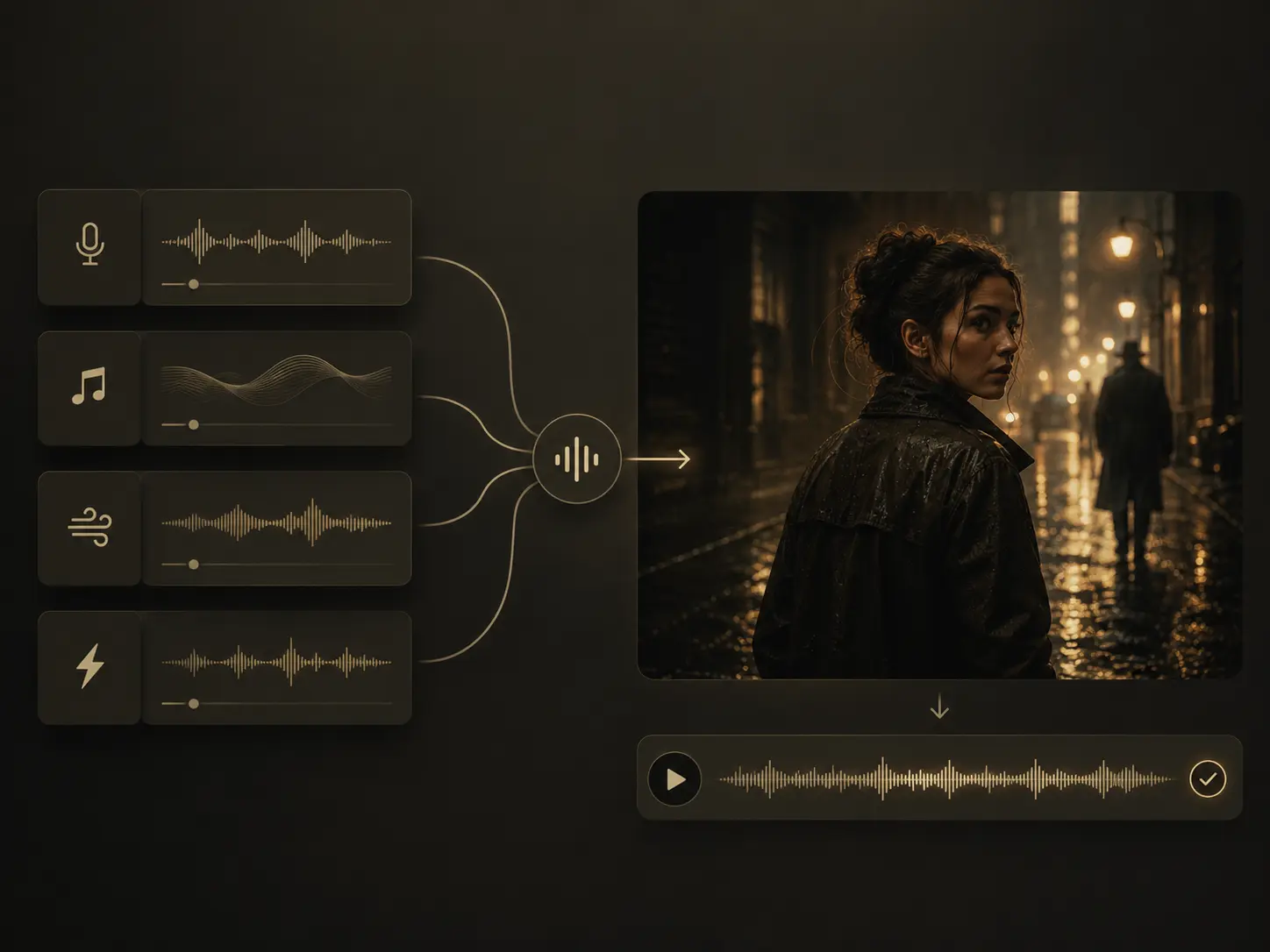
Generate Dialogue, Music, and Sound Effects Together
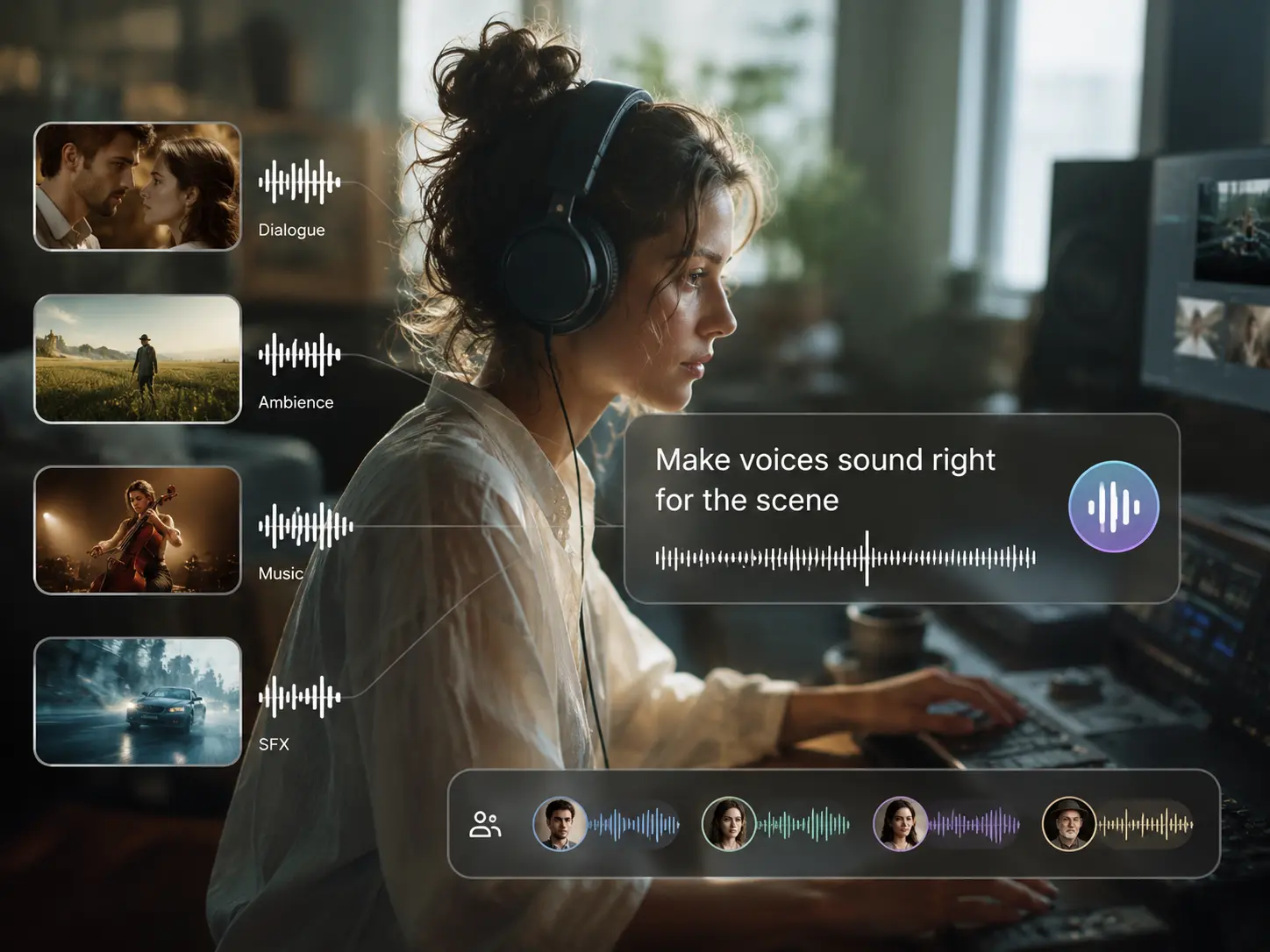
Tired of creating a voiceover first, then searching for music and adding effects one track at a time? Seed Audio 1.0 can combine spoken dialogue, background music, ambience, and distinct sound events within one generation. You can describe a complete moment, such as two people talking in a busy café while soft jazz plays and cups clink in the background. This Seed Audio 1.0 AI voice generator makes it easier to move from a written idea to a video-ready sound direction without building every element separately.
Shape Voices Around Character and Emotion
A technically clear voice is not enough when the delivery feels flat. You can tell Seed Audio 1.0 who is speaking, how the character should sound, which language to use, and what emotion the line should carry. That gives you more control over whether a scene feels warm, tense, playful, confident, quiet, or dramatic. You can give each speaker a clear role and emotional direction so the dialogue fits the story rather than sounding like a generic script reading.
Guide the Result With Reference Audio or an Image
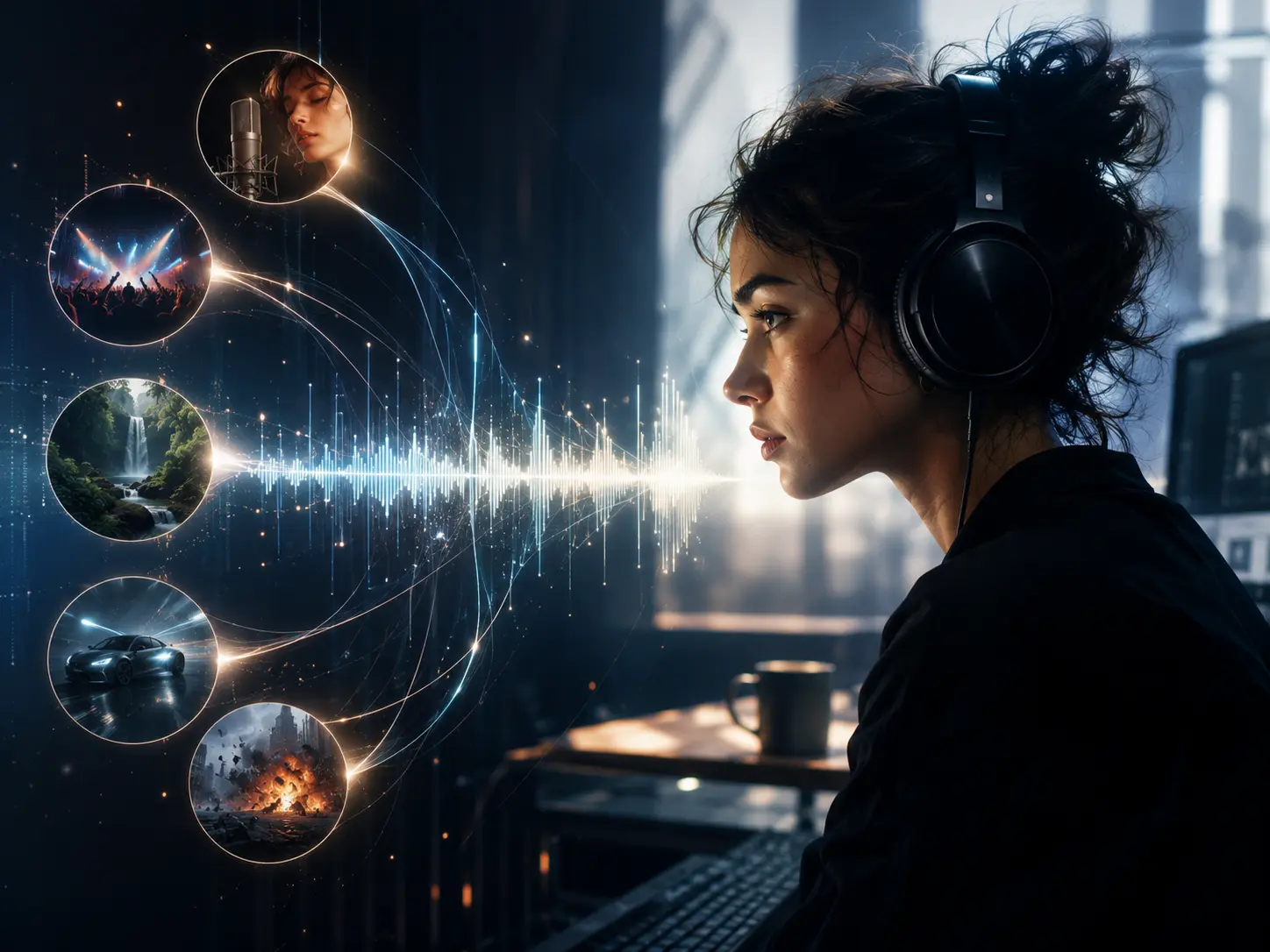
Have a voice, mood, or visual style in mind but find it difficult to explain with text alone? Seed Audio 1.0 AI voice generator can accept reference material alongside your prompt. You can use reference audio to guide voice characteristics or delivery, while an image can help establish the mood, character, location, or overall scene context. Instead of starting from a vague description, you can give the model a clearer creative anchor and produce audio that better supports the content you are building.
Build Audio That Matches the Story Behind Your Video
Sound effects often feel disconnected when they are added only after the visuals are finished. With Seed Audio 1.0 on PicLumen, you can describe the entire sound scene in natural language. Include the location, characters, dialogue, emotional tone, music direction, environmental noise, and important sound events in the same prompt. This scene-level workflow helps you create audio around the intended story rather than treating speech, music, and effects as unrelated outputs.
What Can You Create With Seed Audio 1.0?

Cinematic Scenes
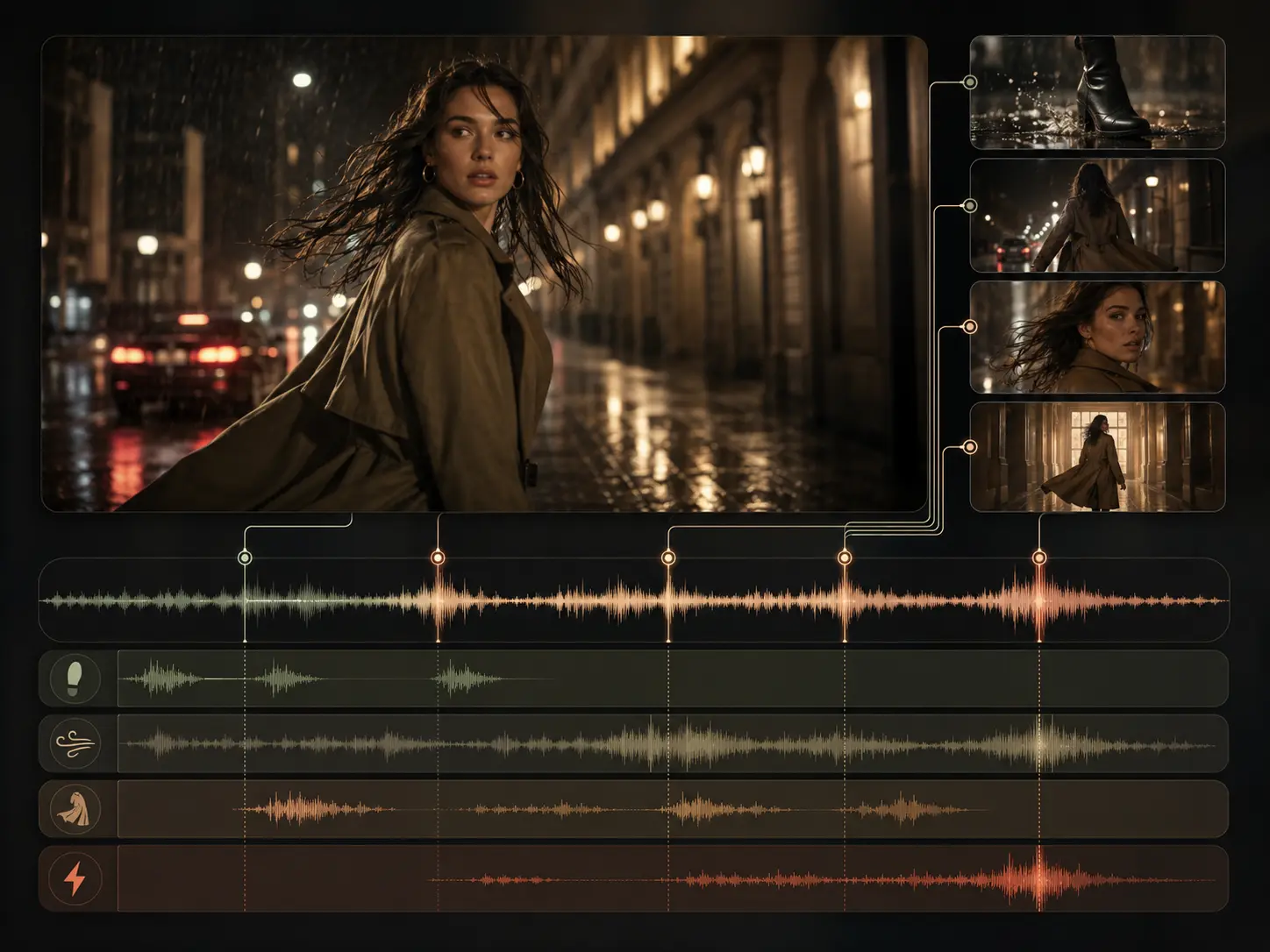
Add dialogue, room tone, background music, footsteps, weather, traffic, impacts, and other scene sounds to short films or AI-generated video clips. You can describe the atmosphere and action together to make the final video feel more complete.

Product Ads
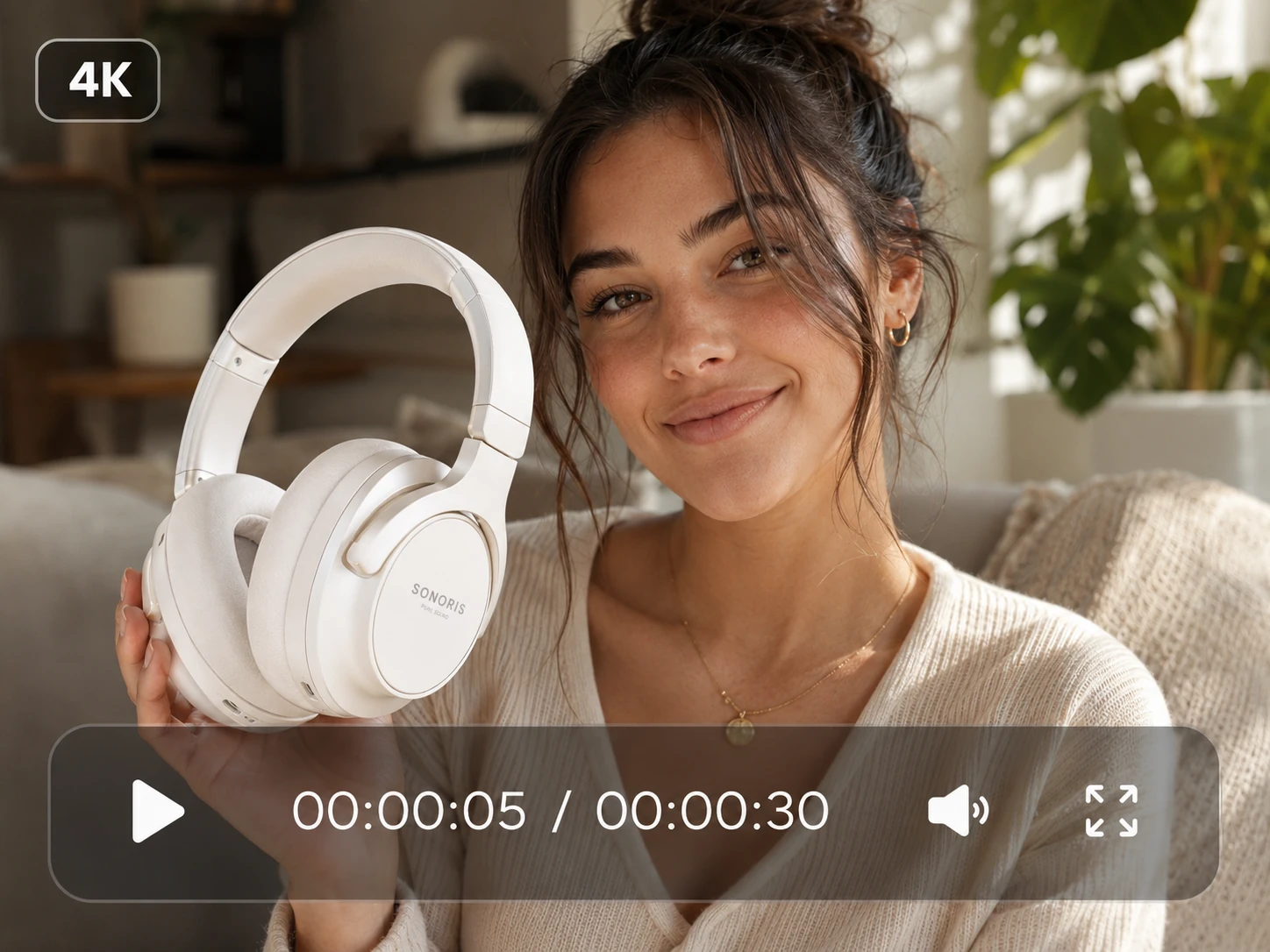
Plain narration is often not enough to make a product clip feel like a real campaign. Seed Audio 1.0 can help you create voiceovers, background music, and product sounds that fit beauty, food, fashion, technology, and lifestyle videos.

Character Dialogue
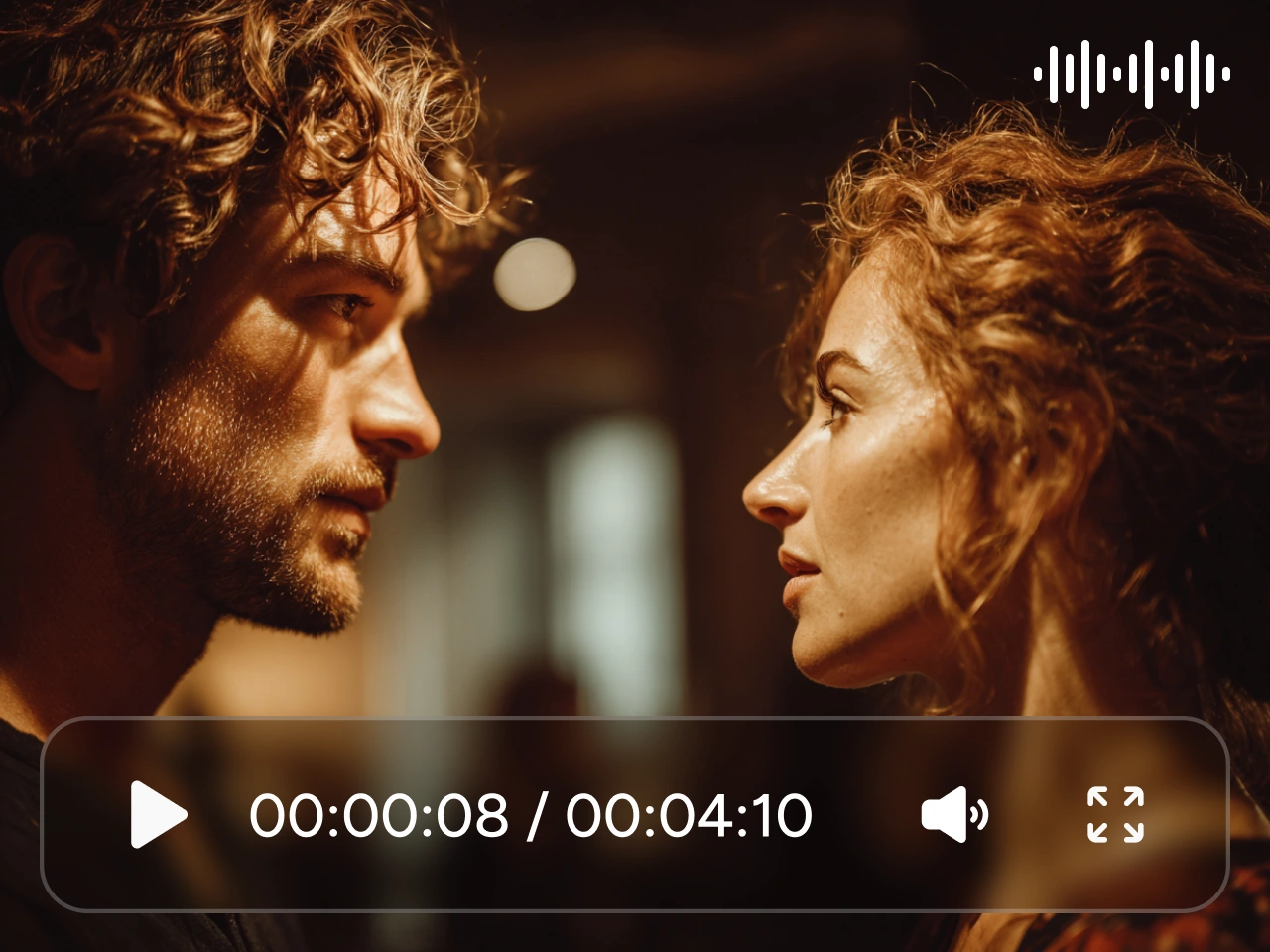
Generate multi-character dialogue for animated stories, comedy scenes, visual novels, or social videos. Give each speaker a role, personality, emotion, and speaking style so the conversation feels easier to follow.
Social Videos
Short-form content needs to make an impact fast. Seed Audio 1.0 lets you add stronger opening lines, reactions, music, and sound effects to TikTok videos, Instagram Reels, and YouTube Shorts.

Game Worlds
Visuals can show the world, but sound makes it feel alive. Create dialogue, environmental audio, music, and scene effects for game trailers, character intros, fictional locations, and interactive stories.

Explainer Content
Turn written information into clearer narration supported by suitable music or light background sound. You can adjust the delivery for tutorials, demonstrations, learning content, onboarding videos, or product explainers.


Loved by Creators Worldwide
Real feedback from designers, marketers, and hobbyists sharing their PicLumen experience on Trustpilot.
Easy to use app!
Easy to use app!
Kyle Murrayits a good sige
its a good sige
 Rishiprasanth BR
This is a great site to create images…
This is a great site to create images as per our mind's wish. Such a great site, loved its response
Vood
Experince was great
KIDSCARTOONThis ap great and amazing generate pic
This ap great and amazing generate pic
 Ibrahim Onuh
So very powerful and interesting
So very powerful and interesting
 rockstar gaming
Value For Money
its value for money i fully recommend you to try this one time you will like it...
Incredibly detailed and actually…
Incredibly detailed and actually creates what I want. Absolutely love. Just wish I could get more free coin things.
Great experience and very nice app
Great experience and very nice app. Thank you very much.
Ibrahim FaisalThis is best app for image generate
This is best app for image generate
Great AI
PicLumen is awesome
 argjira berisha
i like it
i like it fast real
FAQs about Seed Audio 1.0
What Is Seed Audio 1.0?
Seed Audio 1.0 is ByteDance's AI audio model for creating speech, dialogue, music, ambience, and sound effects from text prompts and references. It is designed for complete sound scenes, not just simple voice generation.
Is Seed Audio 1.0 Only a Text-to-Speech Model?
No. Seed Audio 1.0 goes beyond a standard text-to-speech workflow. Its text-to-audio mode can generate dialogue, music, ambience, and sound effects as part of the same scene.
Can Seed Audio 1.0 Create Multiple Character Voices?
Yes. You can describe multiple speakers and give each one a role, tone, emotion, and line of dialogue. Clear speaker labels help the conversation remain easy to follow.
Can Seed Audio 1.0 Generate Music and Sound Effects Together?
Yes. You can describe dialogue, music, ambience, and sound effects in the same prompt. This lets you build a more complete audio scene in one generation rather than creating every layer separately.
How Do I Write a Good Seed Audio 1.0 Prompt?
Include the setting, speakers, dialogue, emotion, language, background music, ambience, sound effects, and timing. Focus on the most important sounds and clearly explain how the scene should feel.
Can I Use Seed Audio 1.0 on PicLumen?
Seed Audio 1.0 is coming soon to PicLumen. Once available, you will be able to generate audio for your video scenes directly from prompts and references, then continue working within your PicLumen creative workflow.