Seedream 5.0 Pro: Controlled AI Image Creation for Real Work
Seedream 5.0 Pro is now live on PicLumen. As a new ByteDance AI image model, it is built for high-quality image generation, precise image editing, multilingual text rendering, and more controlled visual creation.
Hot Video Effects
View All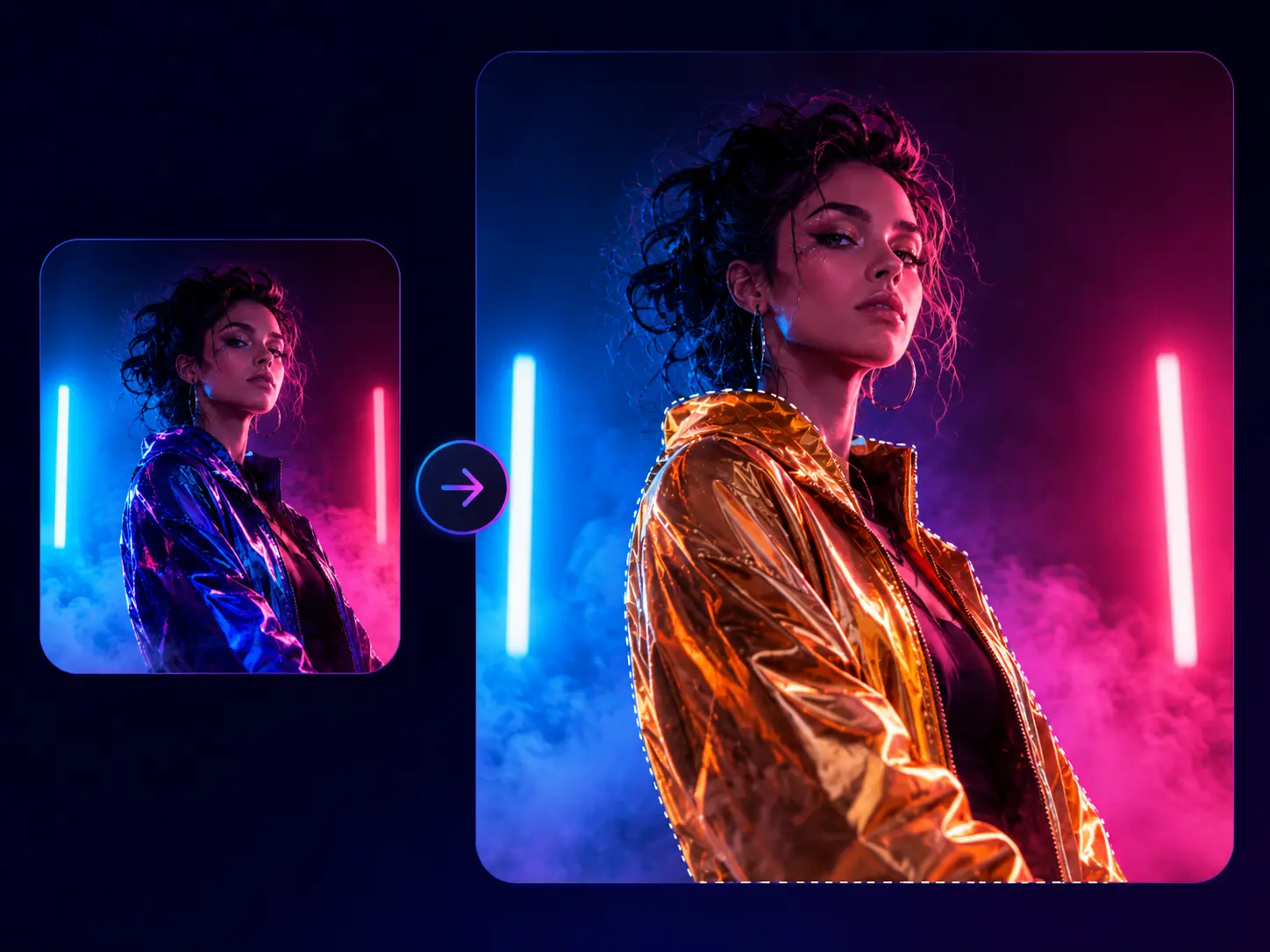
Edit Exact Areas Without Recreating the Whole Image
A strong image can still fail because of one wrong detail. Seedream 5.0 Pro is built for precise local editing, so you can adjust a selected object, color, label, or background area without changing everything else. This AI image generator gives you more room to polish the final result instead of restarting every time a small part feels off.
Control Complex Images Layer by Layer
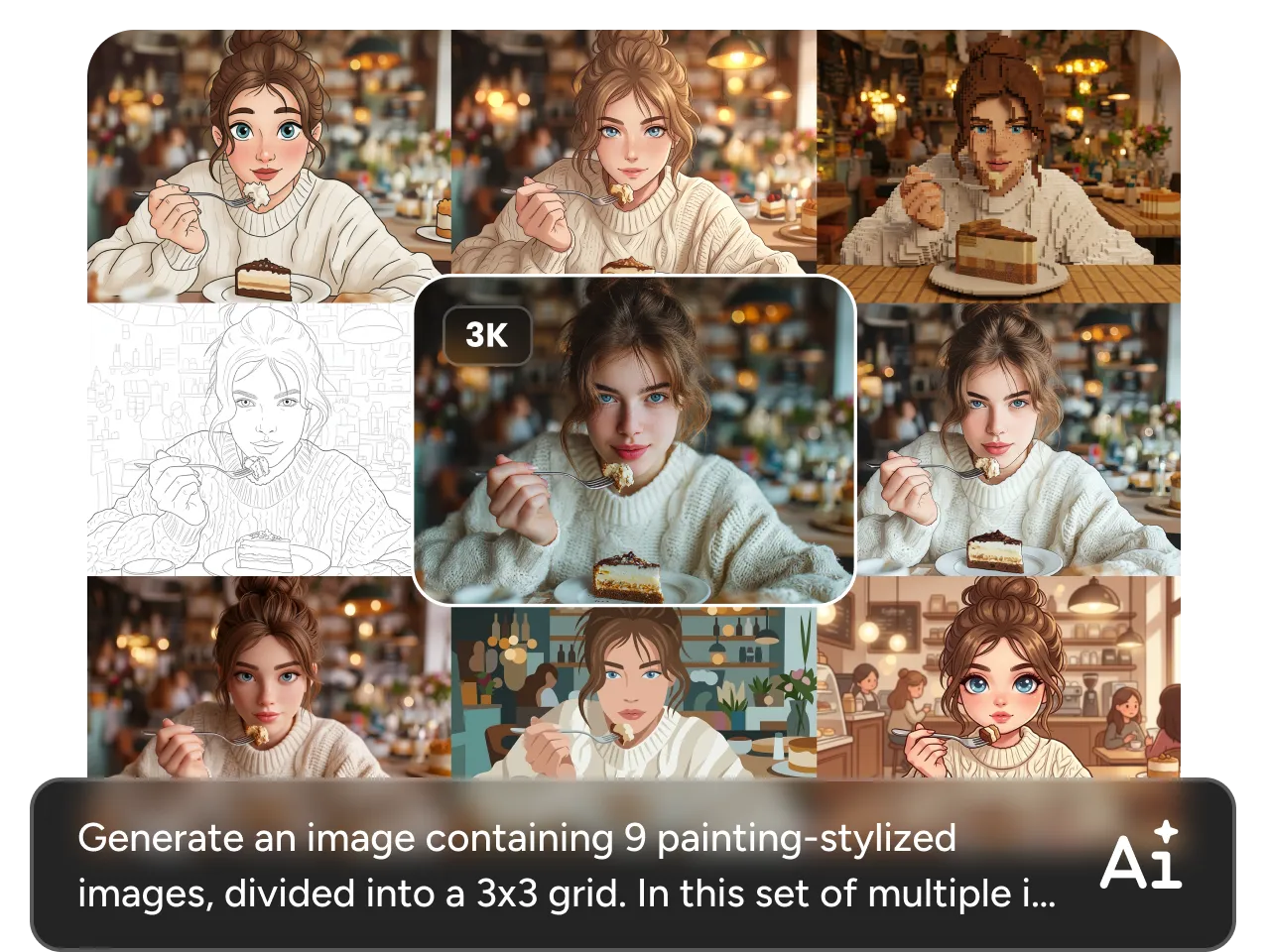
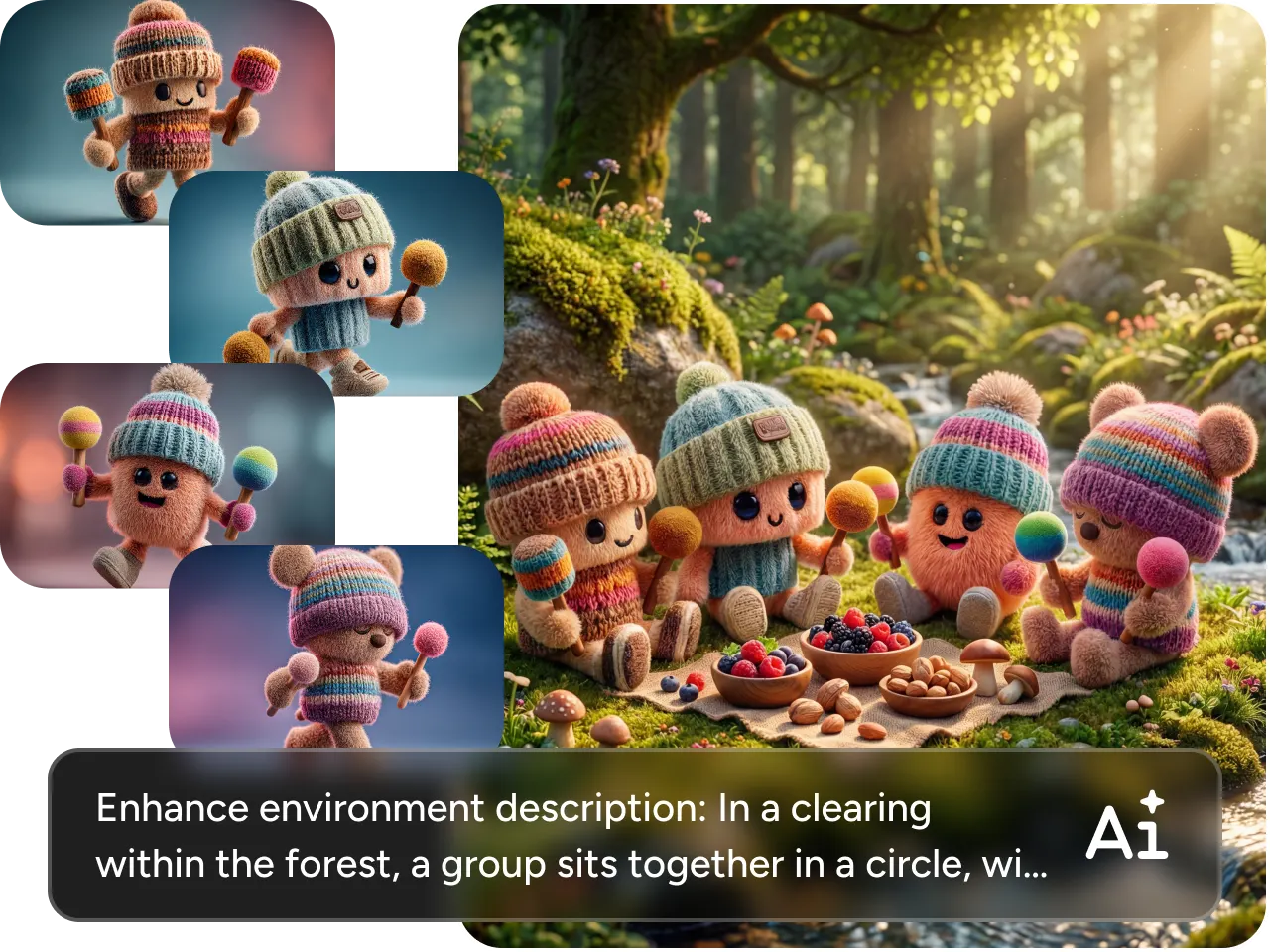
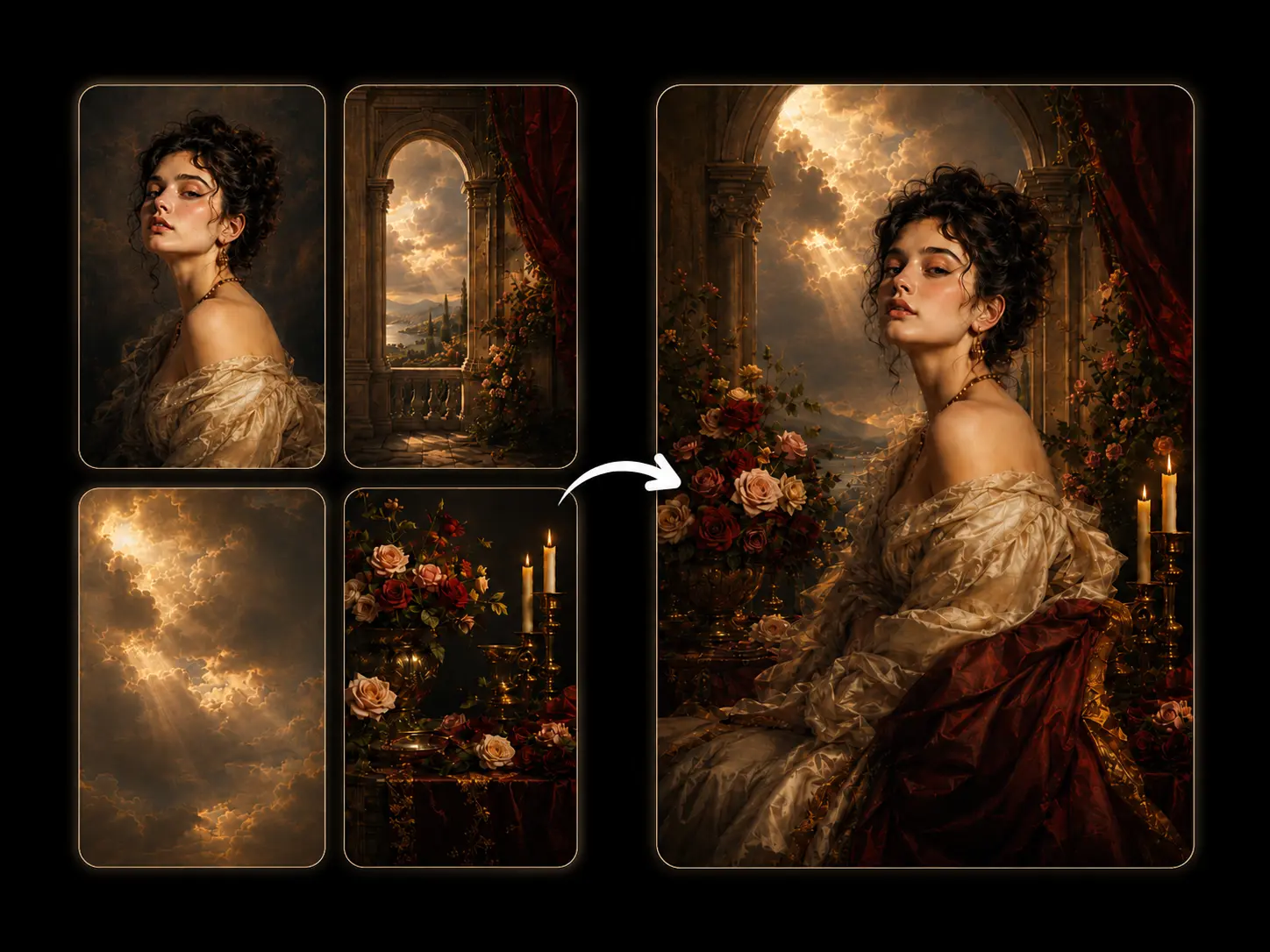
When too many elements compete in one image, the result can look messy fast. Seedream 5.0 Pro gives you stronger layered control, helping the subject, background, text area, lighting, and visual effects stay better separated. It also supports up to 10 reference images in a single generation, so you can guide different objects, materials, styles, or visual details with more precision. On PicLumen, this helps you shape more organized images before you refine, download, or continue into an image-to-video workflow.

Create Text-Rich Images in 14 Languages
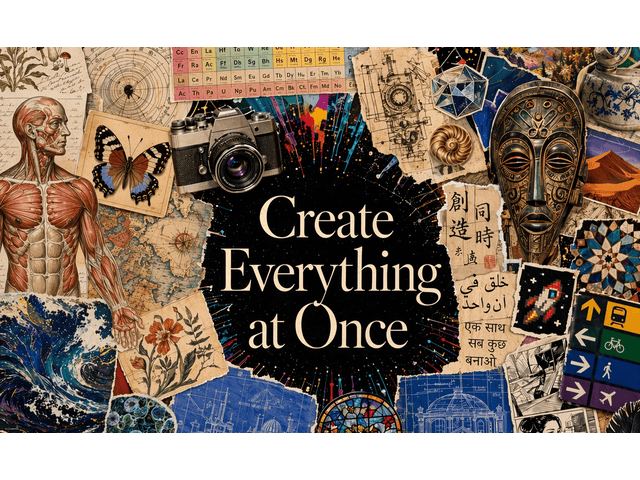
Text inside AI-generated images often looks close, but still not ready to use. Seedream 5.0 Pro supports native text generation across 14 languages, including Spanish, Arabic, French, Portuguese, Russian, Indonesian, German, Japanese, Vietnamese, Turkish, Korean, Malay, Thai, and Tagalog. This helps headlines, product names, labels, captions, and short marketing lines appear more naturally within the design, instead of looking like text pasted on afterward.
Turn Detailed Prompts Into Polished Visuals
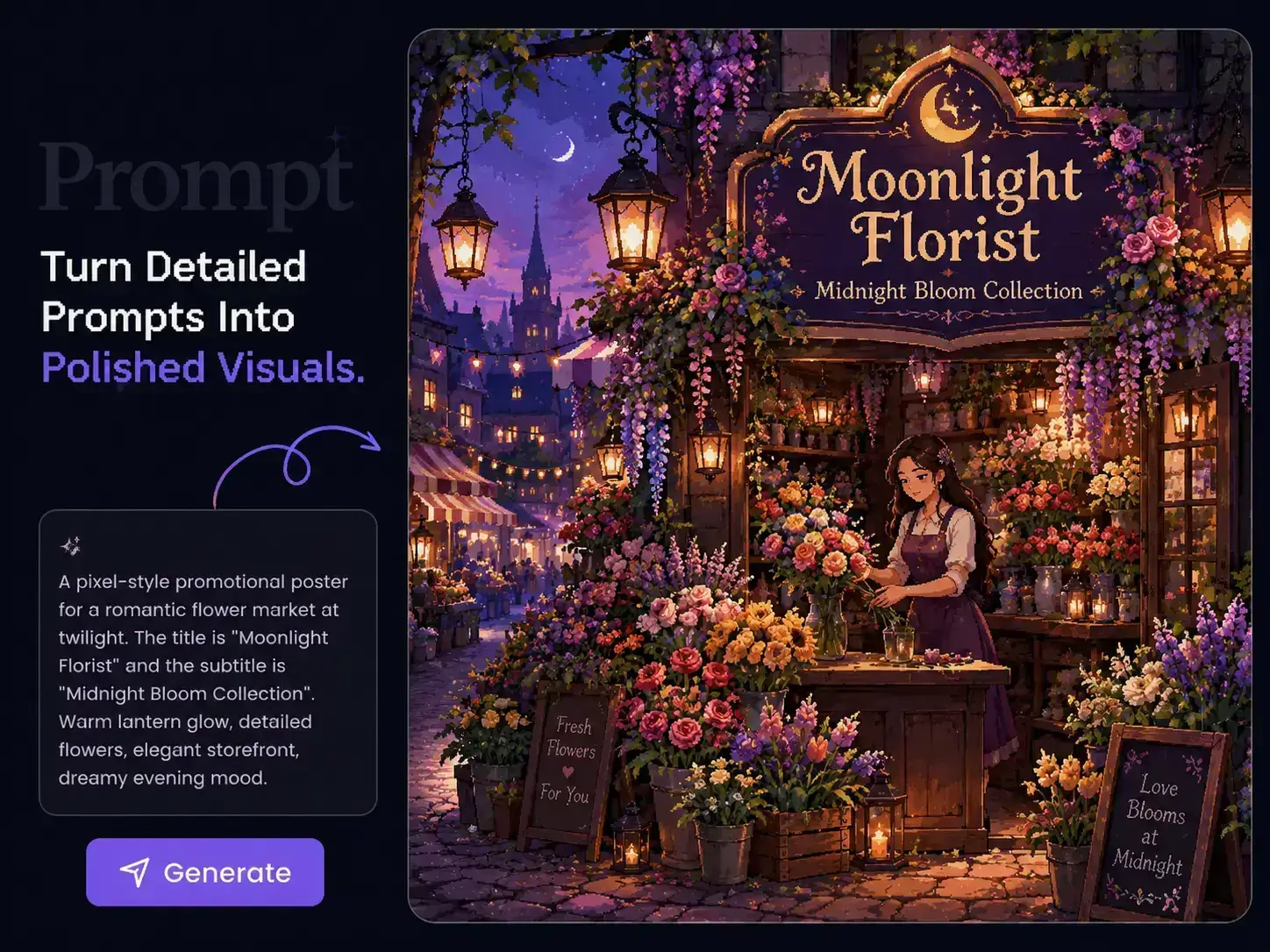
Some models need overly simple prompts to stay stable. Seedream 5.0 Pro is designed to handle more specific direction, including subject relationship, composition, atmosphere, lighting, and style. With PicLumen, you can test sharper visual ideas faster and move from rough concept to usable image with fewer prompt resets.
What You Can Create With Seedream 5.0 Pro on PicLumen

Product Images
Create clean product shots for e-commerce, ads, landing pages, catalogs, and launch campaigns. You can control the product scene, background, lighting, label, color tone, and overall visual style.

Social Media Graphics
Generate scroll-ready visuals for Instagram, TikTok covers, Pinterest pins, YouTube thumbnails, X posts, and short-form content covers. Use text, mood, and composition to make the image work as a hook.

Posters and Campaign Visuals
Create AI posters, event graphics, seasonal campaign images, promo banners, and brand visuals with clearer layouts and better text placement.

Brand and E-Commerce Assets
Build consistent visuals for product drops, online stores, creator brands, newsletters, paid ads, and website sections. You can test multiple styles before choosing the strongest version.

Concept Art and Story Images
Turn rough ideas into cinematic images, character scenes, location concepts, fantasy visuals, editorial shots, or mood-driven creative pieces.

Image-to-Video First Frames
Seedream 5.0 Pro is an image model, but its outputs can still support video creation. You can create a strong first frame, then use PicLumen’s AI video tools to turn that image into motion.
How to Use Seedream 5.0 Pro AI Image Generator on PicLumen
- STEP 1Choose Seedream 5.0 Pro
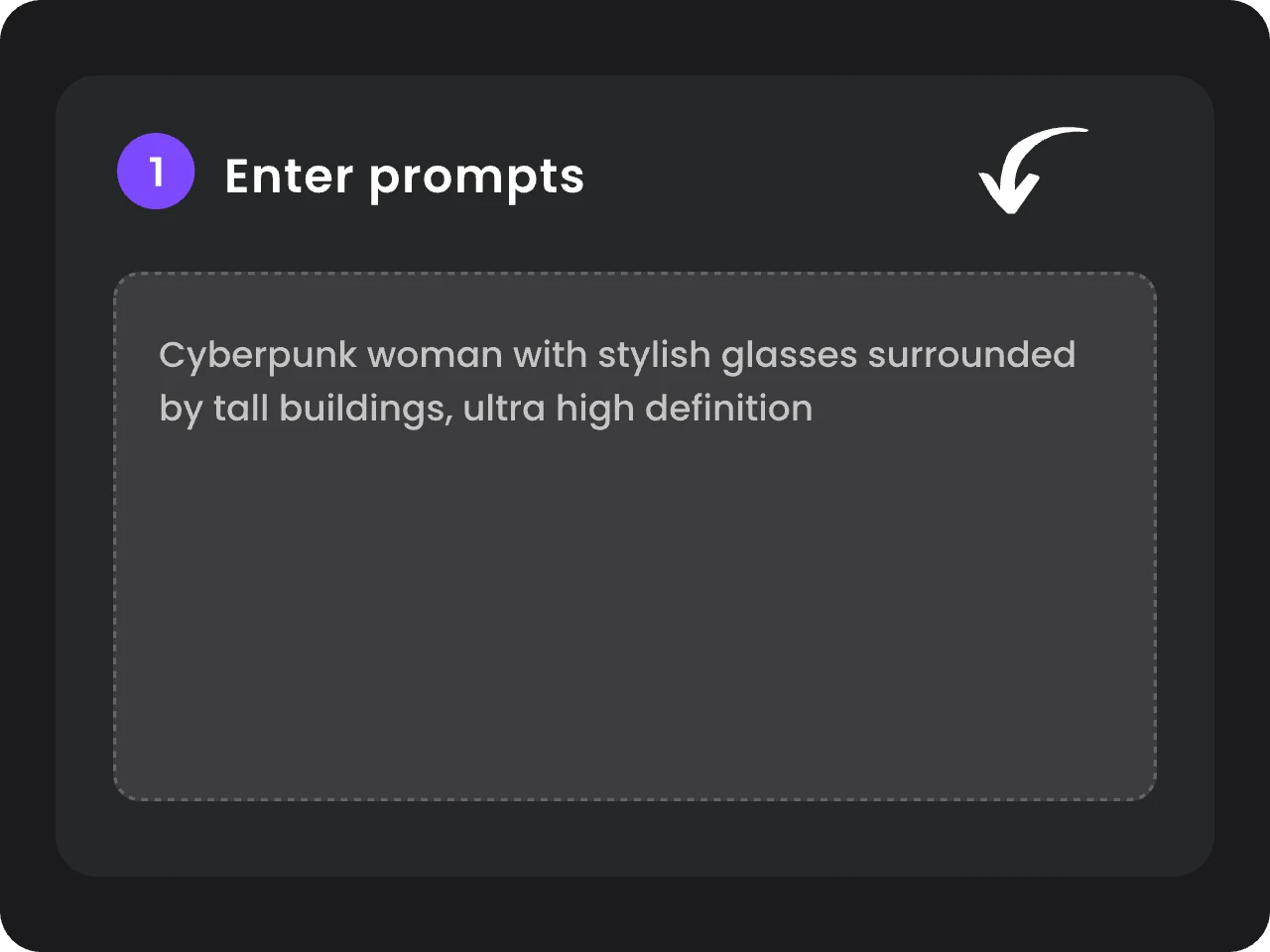
You can select Seedream 5.0 Pro model from the AI image model options and start a new image generation or editing task.
- STEP 2Add Your Prompt or Reference Image
- STEP 3Generate, Edit, and Export


Loved by Creators Worldwide
Real feedback from designers, marketers, and hobbyists sharing their PicLumen experience on Trustpilot.
 Zaine Jutt
Amazing 😍😍😍😍😍😍 freee 😍😍
Amazing 😍😍😍😍😍😍 freee 😍😍
 Alfred Rangel R
A wonderful range of options to create…
A wonderful range of options to create truly dreamlike visual effects with all those colors; only imagination is the limit.
 jsbsbsbs hdhdhshwhw
Very cool i like it it's so smooth
Very cool i like it it's so smooth
 George Price
PicLumen's support team replies quickly…
PicLumen's support team replies quickly to your help requests and they are clear in what they require of you for them to help you. They usually diagnose your problem and offer a solution in less then 24 hours. Stellar service!
Prabhat Ranjan Singh ChauhanVery smooth and very helpful for…
Very smooth and very helpful for everyonr who have creative mind. Thank you 👍
Excellent results
Excellent results, very supportive and helpful customer service. They have a great interface very friendly use and the prices are reasonable. I use it for personal stuff and I am just a beginner but it made my earning process very enjoyable. I might give a more technical review in the future but that is so far my experience. Thanks
Great AI program
Great AI program, easy to work with.
Andreas Ruffy NilssonAwesome!
great way to create for your own usage and your social platforms!
 Tufail Khan
I love it this helps me to create all i…
I love it this helps me to create all i want ai videos ai images thanks piclumen
 Ghulam E Hur
Application is very good
Application is very good but improvement needed
 Sheikh
very user friendly
very user friendly, easy to use.
Jayden GGood it was great I loved making my oc…
Good it was great I loved making my oc Saiyan
FAQs About Seedream 5.0 Pro AI Image Generator
What is Seedream 5.0 Pro?
Seedream 5.0 Pro is a ByteDance AI image generation and editing model. It focuses on precise image control, multi-layer visual editing, smart prompt understanding, and native text generation in 14 languages.
What makes Seedream 5.0 Pro different?
Its key strengths include native text support in 14 languages, precise local editing, multi-layer visual control, and smarter prompt understanding for high-quality image generation.
Is Seedream 5.0 Pro good for product images?
Yes. It is suitable for product visuals because you can create polished scenes, adjust selected details, test backgrounds, and refine product presentation without rebuilding the full image every time.
How many reference images can Seedream 5.0 Pro handle?
Up to 10 in a single generation, each one able to guide a different part of the final image.