I needed 20 product visuals for a client pitch. No photographer, no stock budget, two-day deadline. A colleague sent me a Krea AI link on Sunday night. By Tuesday afternoon the client had approved the entire deck. That was enough to make me take Krea seriously. So I spent two weeks pushing it — image generation, video, upscaling, finetuning, all of it. This is what I actually found, including the parts their homepage doesn't mention.
What Is Krea AI?
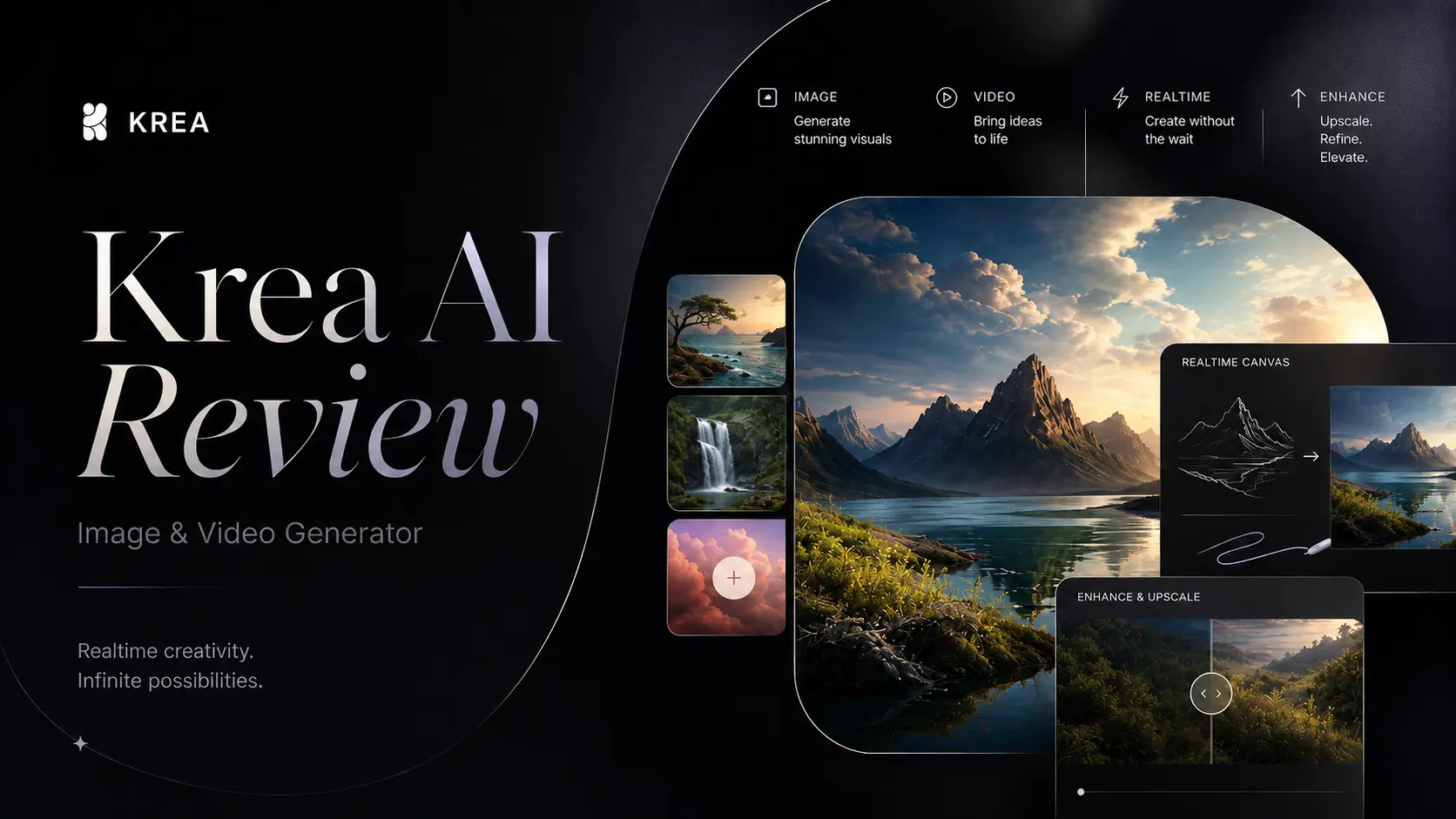
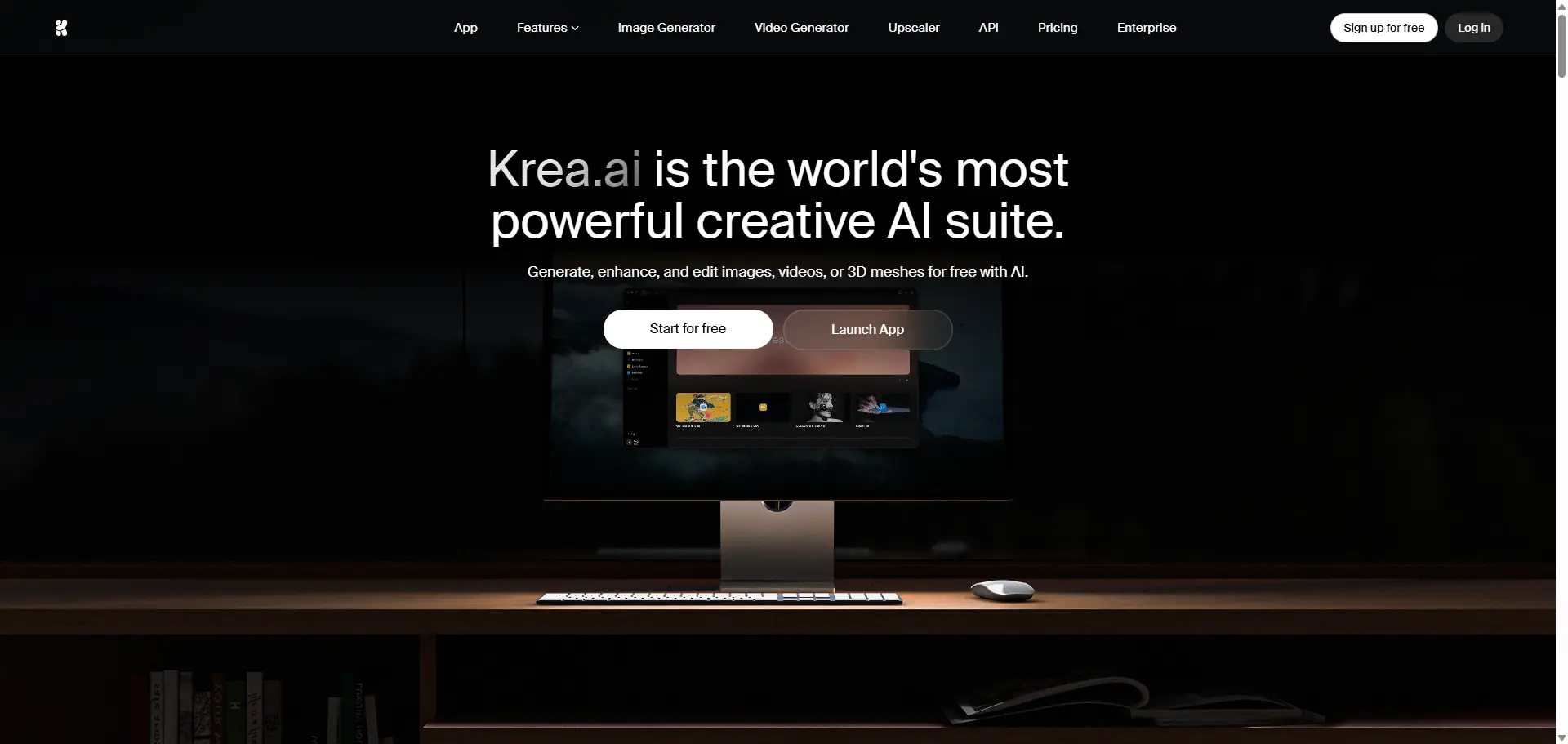
Krea AI is a browser-based creative suite that lets you generate, edit, and enhance images, videos, and 3D assets using AI. It's not a single model — it's closer to a control room. You get Flux, Veo 3.1, Kling, Runway, Luma, Ideogram, and 60+ other models accessible from one interface, without juggling separate accounts and billing.
What makes it stand out from most tools I've used: Krea builds its own models alongside aggregating third-party ones. Their flagship Krea 2 image model launched in 2026 and was built from scratch with a specific focus on aesthetic diversity and style control. They also released Krea 2 Turbo in June 2026 for faster generations. The numbers behind it are hard to argue with. Krea claims over 30 million users across 191 countries — and the investor list includes a16z, Google Gradient, and Pebblebed. This isn't a weekend project. It's backed by serious infrastructure, and you can feel that the moment the interface loads.
Krea AI Features: What I Actually Tested
📷Image Generation
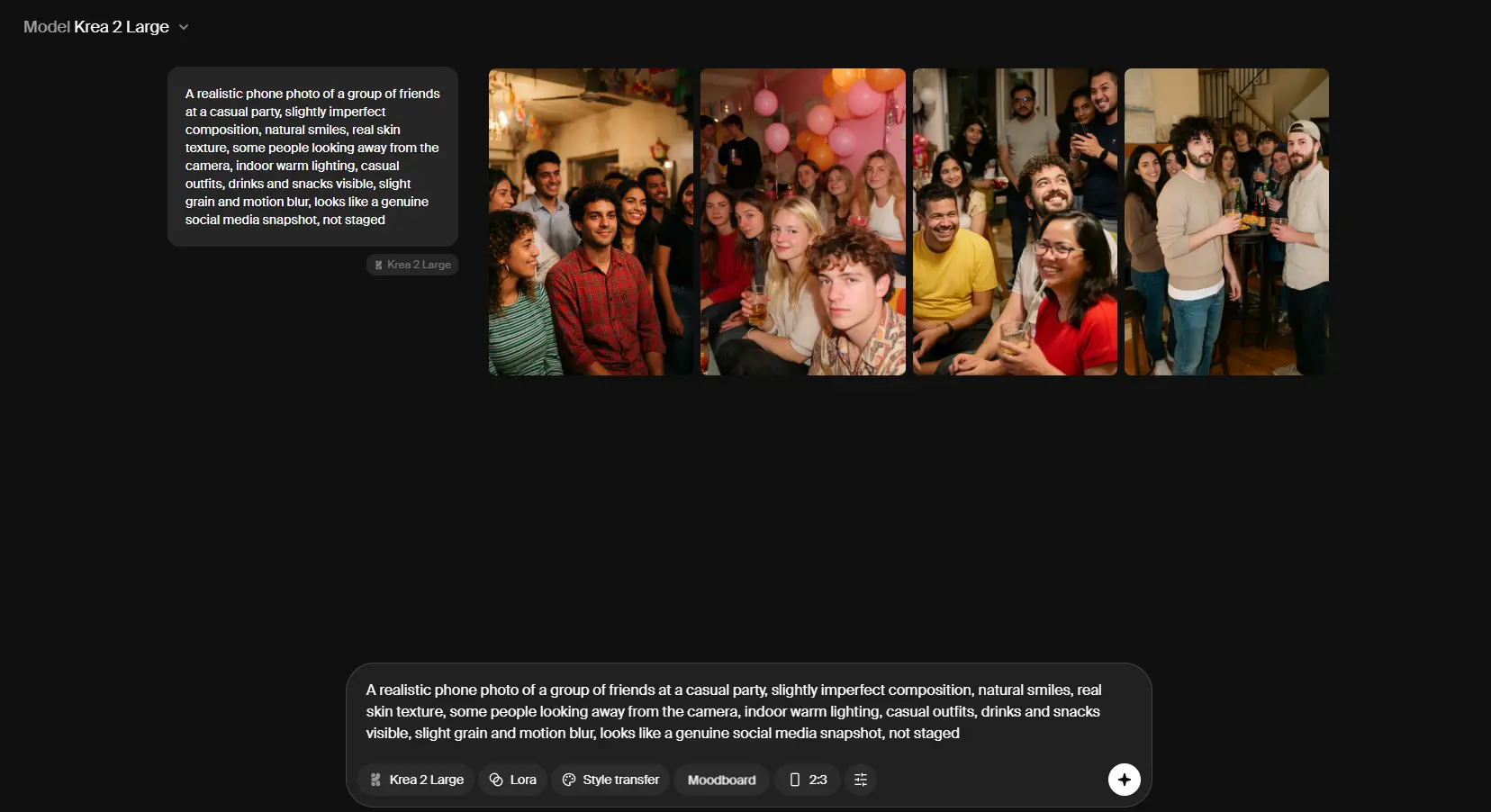
The core tool is clean. You type a prompt, pick a style from 1,000+ presets, choose your aspect ratio, and hit generate. Krea 2 outputs native 4K, and the platform claims a 3-second generation speed for a 1024px Flux image at FP16 — which tracks with what I experienced. Most generations came back in under 5 seconds even during peak hours. The Realtime Canvas is the feature that surprised me most. You sketch something rough — really rough — and Krea renders a photorealistic interpretation in under 50ms. It updates in real time as you draw. I used it to explore composition options for a campaign before committing to a full prompt. For visual thinkers, this alone might justify the subscription. Style transfer also works well. You can feed it a reference image and have it apply that aesthetic to new generations — useful for maintaining brand consistency across a batch of assets. Where it's less impressive: very specific anatomical prompts, complex multi-character scenes, and text within images still need several regenerations to land right. That's not unique to Krea, but worth knowing.
🎥Video Generation
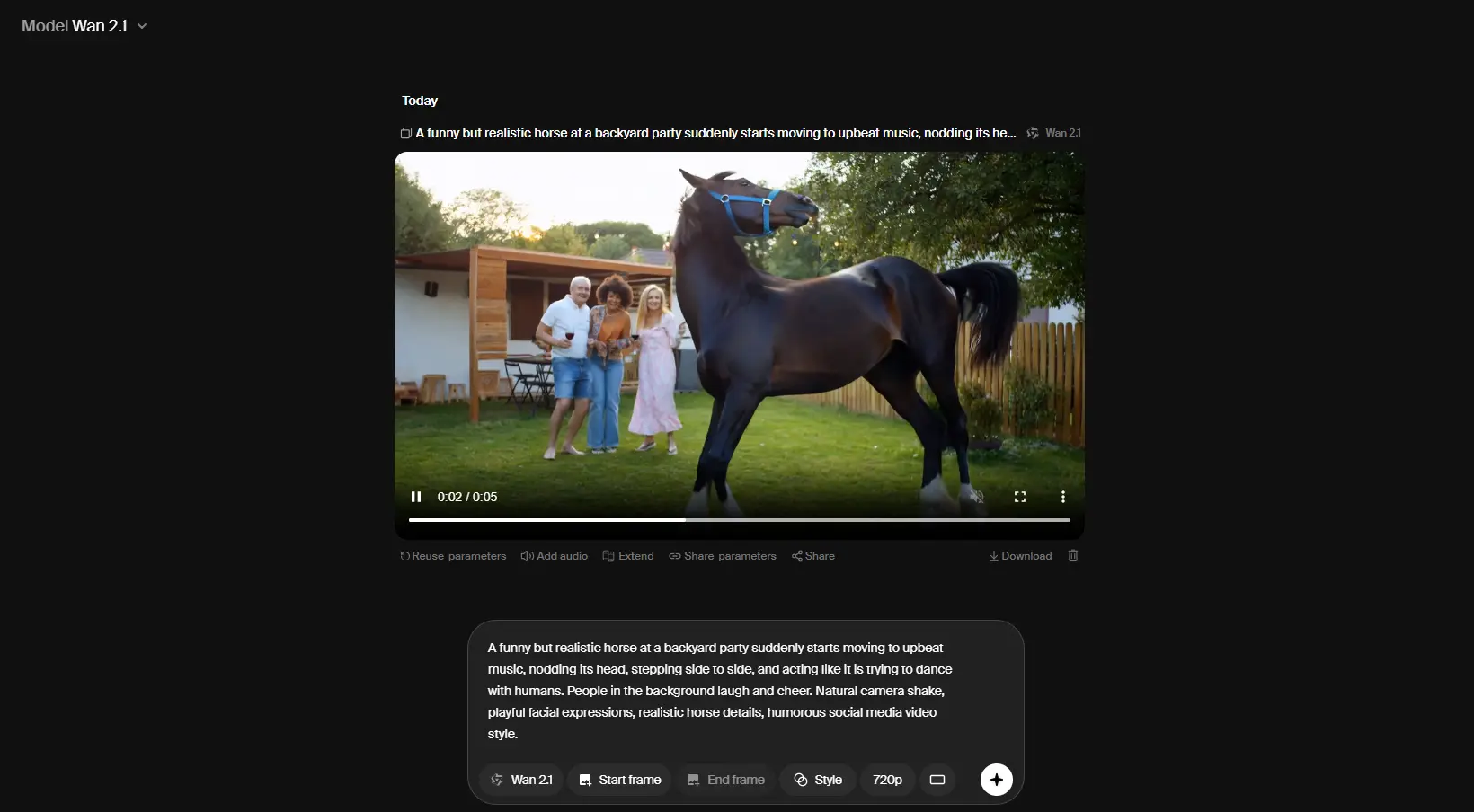
Krea pulls in the major video models — Veo 3.1, Kling, Hailuo, Wan, and Runway — and wraps them in what is genuinely one of the simpler interfaces I've used for AI video. No intimidating timeline, no 12-step setup. You describe what you want, pick a model, generate. Motion Transfer is a differentiator: you can take movement from one video clip and apply it to a static image. I tested it with a product photo and a reference walk cycle. The output wasn't broadcast-ready, but it was usable for social content with some light editing. One honest caveat: because Krea doesn't own the video models, the output quality ceiling is set by whoever built Veo or Runway. Krea controls the interface experience, not the model performance. That matters when things go wrong — Krea can't fix a Kling quality issue, they can only pass feedback upstream.
📈Upscaling & Enhancement
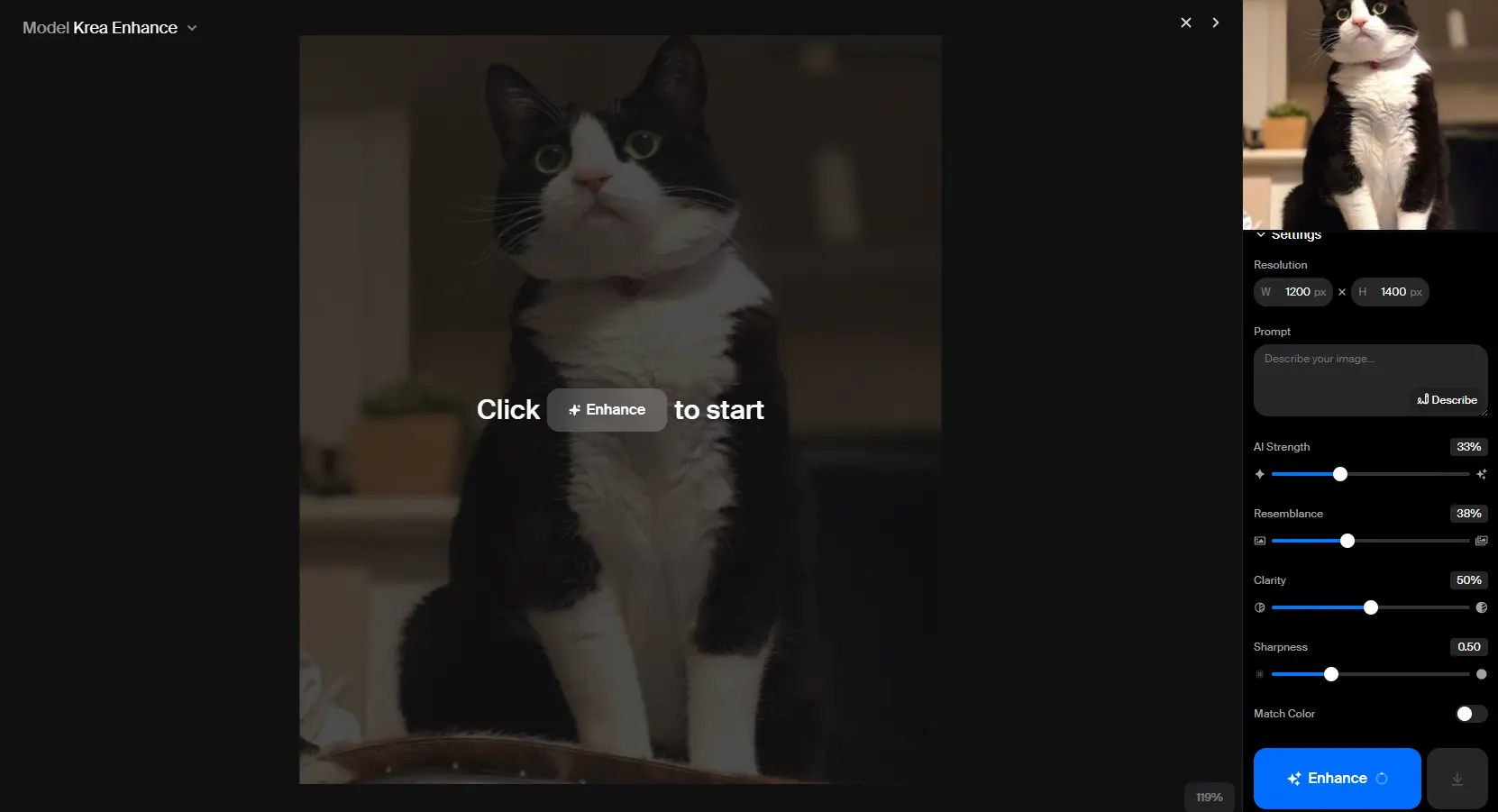
This is where Krea genuinely impressed me beyond my expectations. The enhancer supports images up to 22K resolution and integrates Topaz Photo AI and Topaz Gigapixel — both of which are professional-grade tools that cost $199 standalone. Getting them bundled into a Krea subscription is real value. I ran a 512px product render through the 8K upscaler. The output had detail that the original simply didn't contain — sharper edges, recovered texture, no visible artifacts at normal viewing distances. For architecture visualization or product photography, this feature alone could justify the cost. Video upscaling goes to 8K with 120fps frame interpolation. I tested it on some old 720p footage — the result wasn't perfect, but it was significantly more watchable than the source.
📍LoRA Finetuning
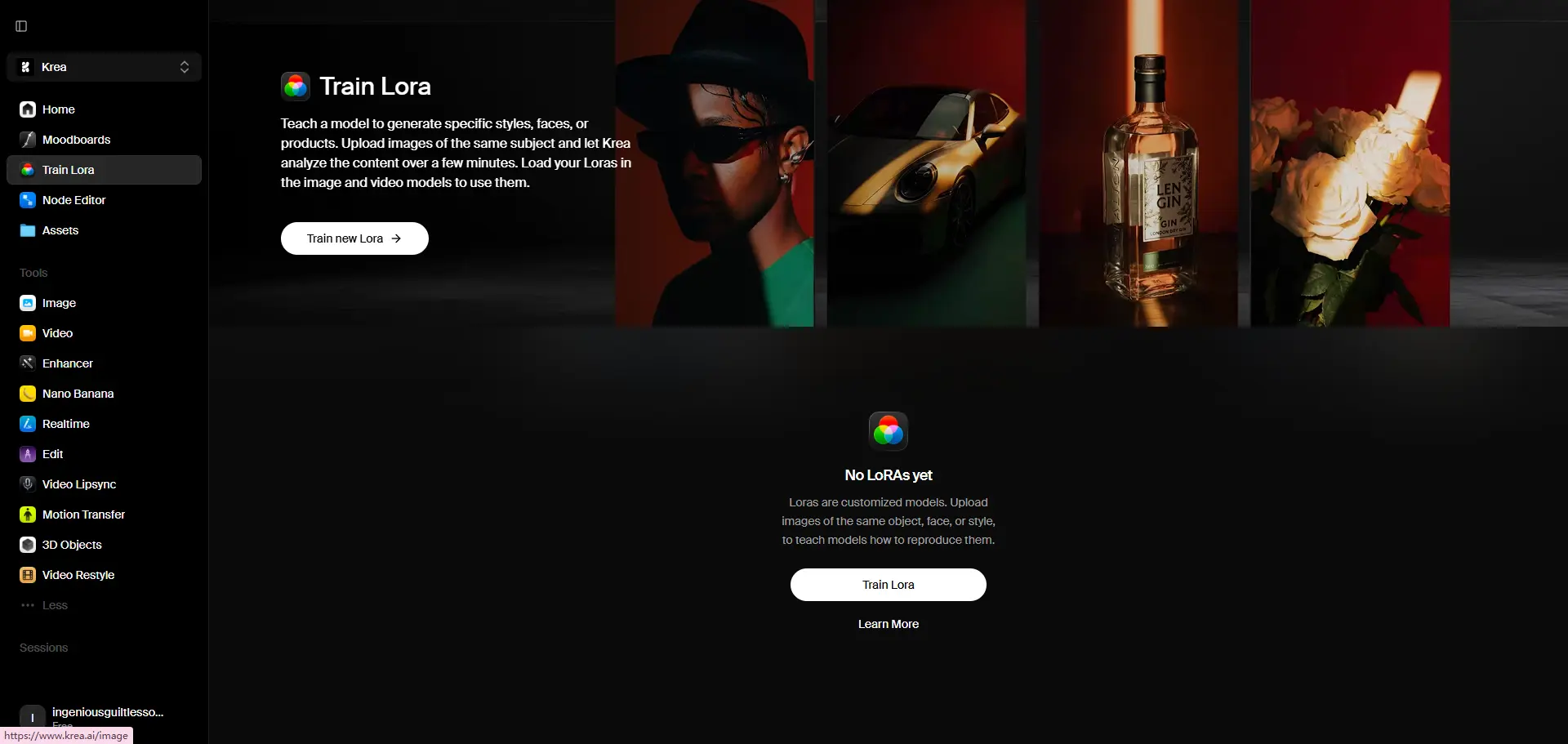
On Pro and above, you can train a custom model on your own images. Upload 10–50 photos of a face, product, or visual style, and Krea learns to generate it on demand. I didn't have enough time to fully evaluate output quality across different use cases, but the interface is straightforward. The Max plan supports finetuning with up to 2,000 files, which opens this up for serious commercial brand work. If you're in ecommerce, real estate, or gaming and need consistent visual output, this is worth testing.
Krea AI Pricing
Krea uses a compute unit system — different actions consume different amounts. Here's the current pricing structure (as of June 2026):
Plan | Monthly Price | Compute Units | Best For |
|---|---|---|---|
Free | $0 | 100 units/day | Testing the basics |
Basic | $9/month | 5,000/month | Solo creators |
Pro | $35/month | 20,000/month | Active designers |
Max | $105/month | 60,000/month | Heavy daily use |
Business | $200/month | 80,000/month | Teams up to 50 seats |
Enterprise | Custom | Custom | Large organizations |
Annual billing saves 40% across all paid plans. The Free tier is actually usable for image generation and real-time tools. The limit bites when you move into video — a single 10-second Veo 3.1 generation can drain a meaningful chunk of your daily allowance. My honest take on pricing: Basic at $9 is a reasonable entry point if your workflow is primarily image-based. The jump to Pro at $35 is where video becomes properly accessible. The compute unit system is flexible in theory, but in practice I found myself second-guessing whether to run another generation — which is a mild but real friction point.
What Krea AI Does Well — And Where It Falls Short
▪️Strengths:
One subscription covering 60+ models across image, video, and 3D
Realtime Canvas is genuinely unique and fast
Topaz integration in the enhancer is outstanding value
Clean, minimal interface with very little learning curve
Krea 2 image quality holds up well against standalone generators
▪️Limitations:
Compute unit system can be opaque — it's not always obvious how much a task will cost until you run it
Video quality depends entirely on third-party model performance
Free tier disappears quickly once you move beyond basic image generation
LoRA training requires Basic or above; meaningful volume requires Max at $105/month
No offline or API-first mode for developers who want deeper integration
Krea AI Alternative: Why Some Creators Are Looking Elsewhere
Krea is genuinely good. But "all-in-one" platforms have a natural tradeoff: you get range, but you sometimes sacrifice depth or simplicity in specific areas. After two weeks, the feedback I kept coming back to from other creators in my network: "The compute unit system stresses me out." When you're in a creative flow, you don't want to be calculating token costs. You want to make things. That's where PicLumen stands out as a serious alternative — and one I've been running alongside Krea for the past few weeks.
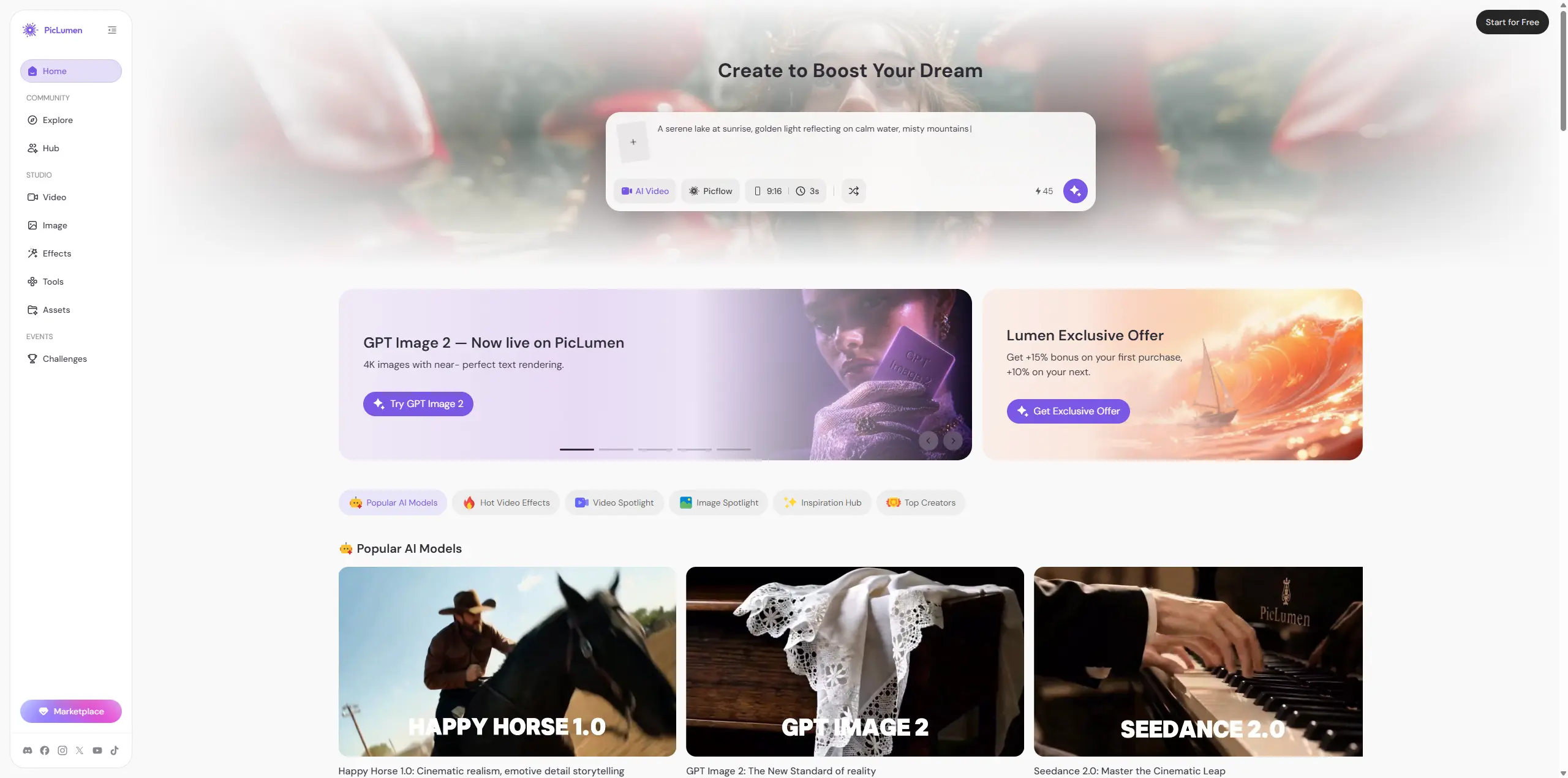
Unlike Krea's compute unit model, PicLumen uses Lumens with clearly tiered plans starting from free. You get 10 free Lumens every day with no credit card required, and paid plans are considerably cheaper than Krea's:
Plan | Monthly Price (Annual) | Lumens/Month | Key Perk |
|---|---|---|---|
Basic | Free | Daily refresh only | Try before you pay |
Mini | $2.40/mo | 600 | Entry-level generations |
Standard | $6.30/mo | 2,000 | 15% bonus on top-ups |
Pro | $11.00/mo | 5,000 | 25% bonus + unlimited relaxed video |
The cost difference is real: PicLumen's Pro plan at $11/month covers a workflow that would run $35/month on Krea. For solo creators and small teams watching budgets, that gap matters. But pricing isn't the only reason I kept coming back.
A few things stood out in practice:
📌Model breadth that actually rivals Krea. PicLumen gives you access to GPT Image 2, Midjourney V8.1, Nano Banana 2, Seedream 4.5, Vidu Q3 Pro, Seedance 2.0, Kling 3.0, Veo 3.1, Sora 2, and more — across both image and video. It's not the stripped-down alternative you might expect. 📌Video Effects library. This is something Krea doesn't offer. PicLumen has a dedicated effects catalogue — Big Guy Dance, Orbit Shot, Mecha Transformation, and 80+ others — that let you apply pre-built motion styles to any image with a single click. For social content creators, this feature alone is worth the sign-up.
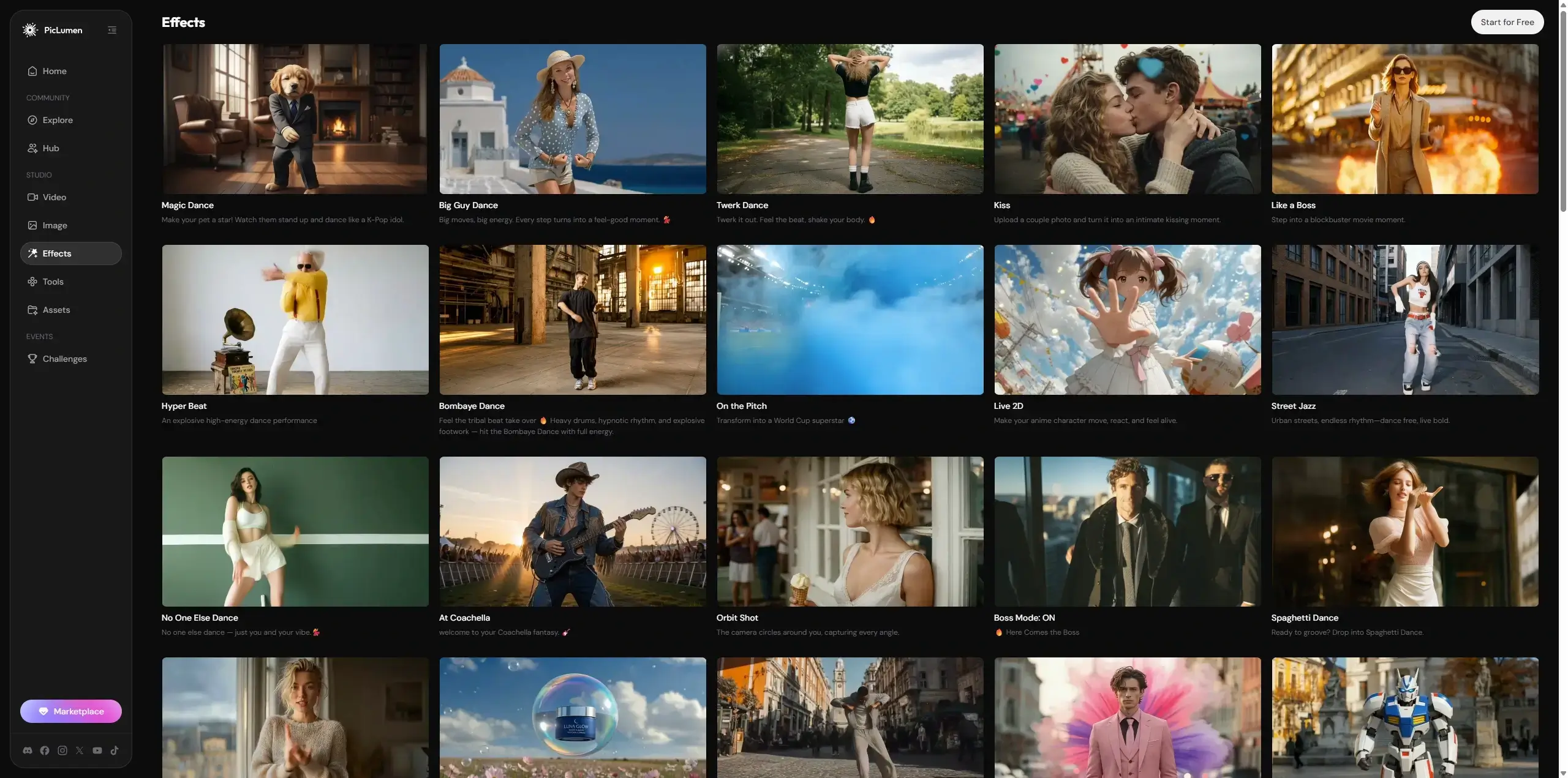
📌Built-in creator community. PicLumen pairs the studio with an Explore feed, creator Hub, and creative challenges with Lumen prize pools, where you can see what prompts and models are producing the best results right now and remix work that catches your eye. Krea has nothing equivalent. Relaxed mode for when Lumens run out. On Standard and above, you can keep generating with PicLumen's own models even after your monthly allocation is exhausted — it just queues at lower priority. That's a real safety net when you're deep in a deadline.
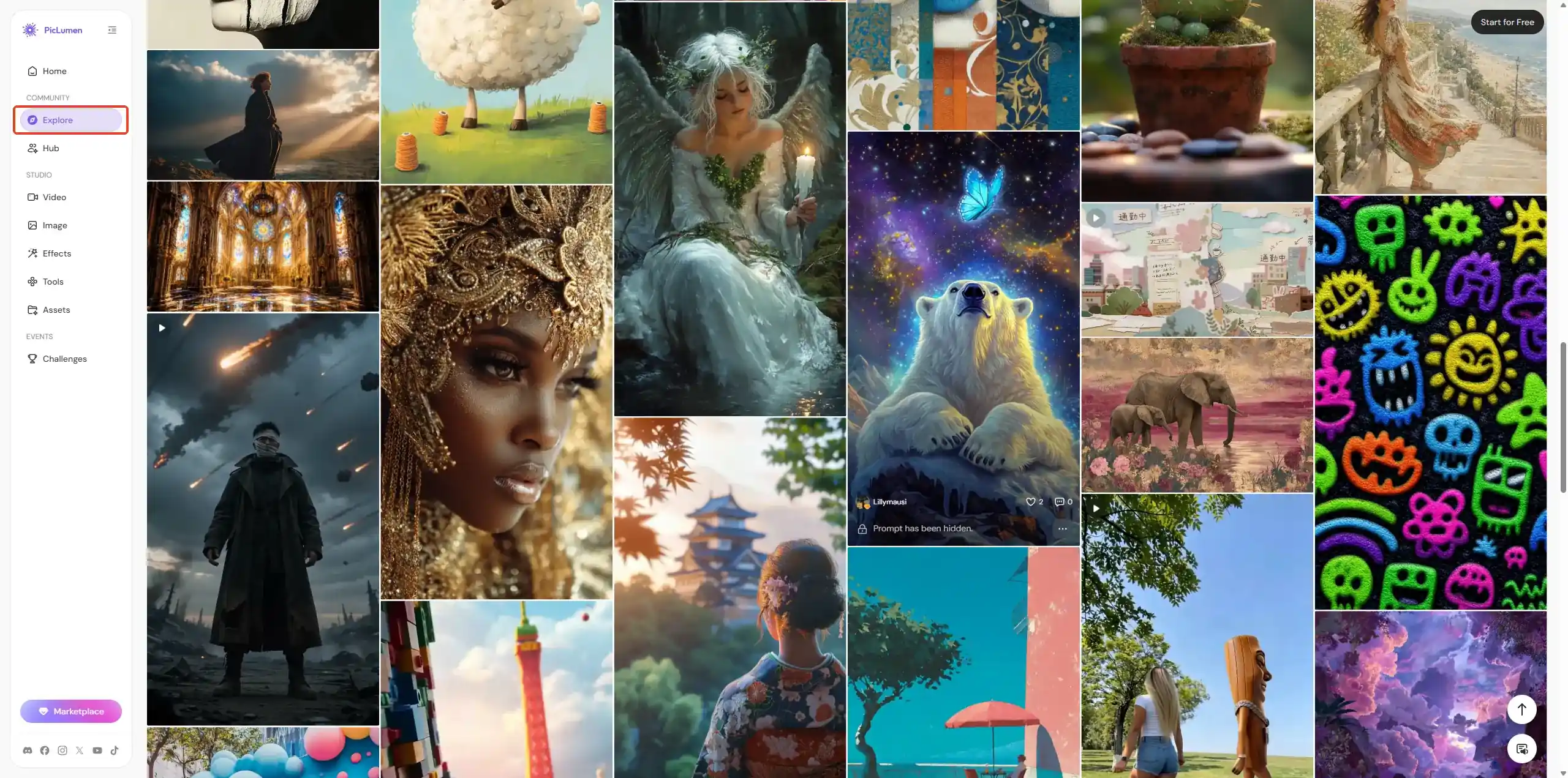
The honest comparison: Krea wins on upscaling depth and its Realtime Canvas. PicLumen wins on pricing, video effects, model variety, and the community layer. For most individual creators who aren't doing heavy 22K upscaling or 3D work, PicLumen covers the same creative ground at a fraction of the cost.
Krea AI Review: Final Verdict
Krea AI is one of the most capable AI creative platforms available right now. The model breadth is unmatched, the upscaling tools are genuinely professional-grade, and the Realtime Canvas is a feature I haven't seen executed as well anywhere else.
▪️Use Krea if you:
Want access to 60+ image and video models in one interface
Do serious upscaling or image enhancement work
Need LoRA finetuning for brand or product consistency
Work across image, video, and 3D in the same workflow
▪️Consider PicLumen instead if you:
Want image and video generation at a much lower price point (Pro from $11/month vs $35)
Need a Video Effects library for social content (80+ one-click motion styles)
Want a creator community built into the platform for inspiration and remixing
Are a solo creator who wants unlimited relaxed generations as a safety net
The right tool depends entirely on your workflow. For mine — mostly product imagery and social content — I ended up using both: Krea for upscaling and the Realtime Canvas when I need those specific features, and PicLumen for daily image and video generation where the pricing and effects library make more practical sense.
FAQ
Is Krea AI free to use?
Yes. Krea offers a free plan with 100 compute units per day. No credit card is required to sign up. The free tier gives you access to real-time image tools, limited image generation, and basic upscaling.
Is Krea AI good for beginners?
More than most. The interface is intentionally minimal and the Realtime Canvas makes it easy to get usable output without writing perfect prompts. The main learning curve is understanding how compute units work across different models.
Can I use Krea AI images commercially?
Commercial use requires at least the Basic plan ($9/month). The Free tier does not include a commercial license.
What is the best Krea AI alternative for image and video generation?
PicLumen is a strong alternative with comparable model access (GPT Image 2, Midjourney, Kling, Veo 3.1, Seedance 2.0, and more), a dedicated Video Effects library, and plans starting from free. The Pro plan at $11/month is significantly cheaper than Krea's equivalent tier.
Does Krea AI support video generation?
Yes. Krea integrates Veo 3.1, Kling, Runway, Hailuo, and Wan for video. Full access to all video models requires the Pro plan ($35/month) or higher.