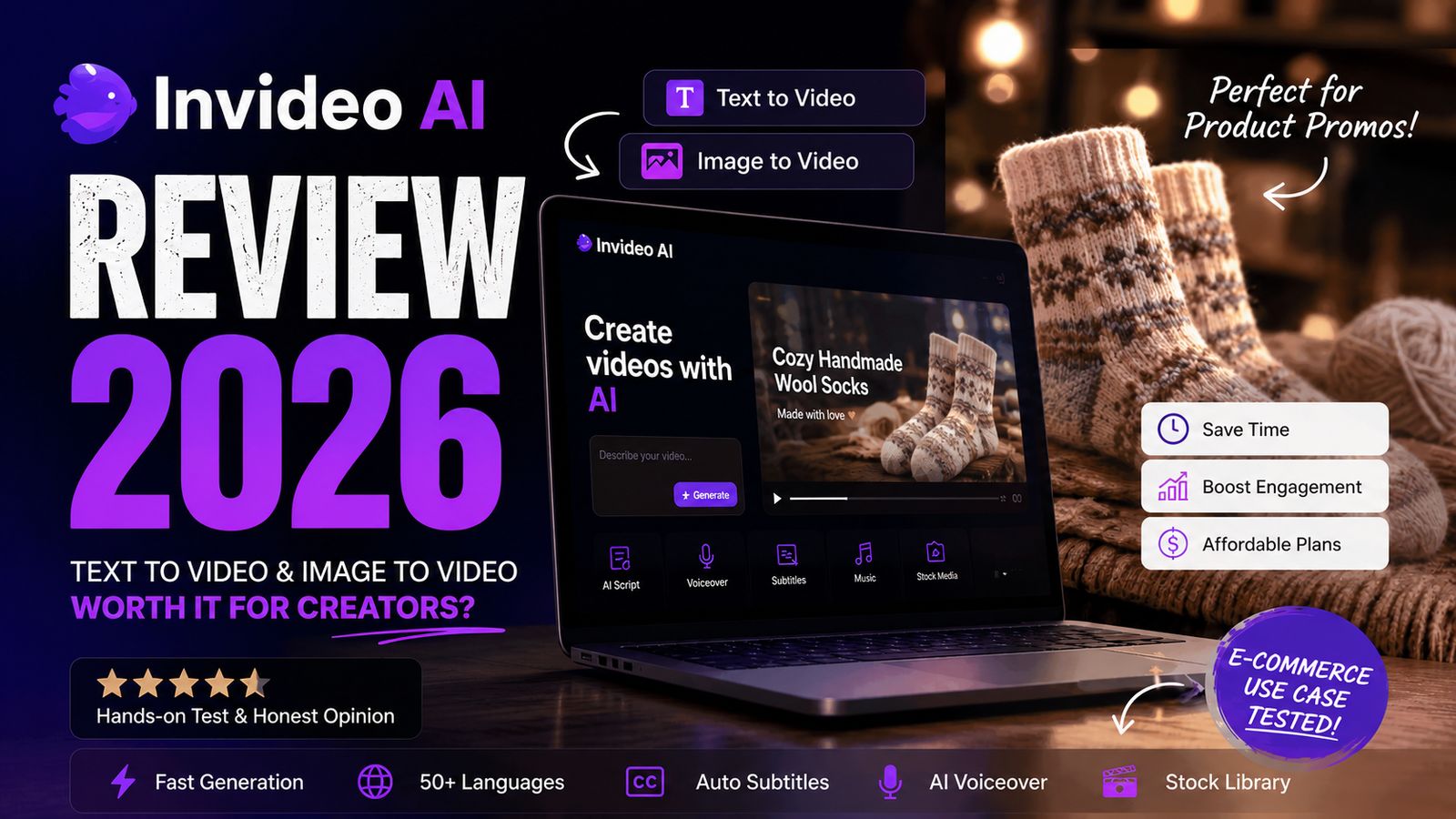
Launching a new product is always exciting. Creating the marketing content around it is the hardpart. Creating videos for social media is one of the main use cases invideo agent is built for. It's designed to help marketers, small businesses, and content creators turn ideas into promo videos quickly, without spending hours in a timeline editor.
To test it properly, I ran invideo agent through a realistic e-commerce marketing scenario: creating promotional videos for a new collection of handmade knitted wool socks.
Instead of following a tutorial, I tested it in a real workflow. First, I used invideo agent to create a product promo from a simple prompt. Then I tried turning a product photo into a video. My goal wasn't just to make something that looked nice; it was to find out whether invideo agent could genuinely help prepare content for a real product launch.
What Is Invideo Agent?
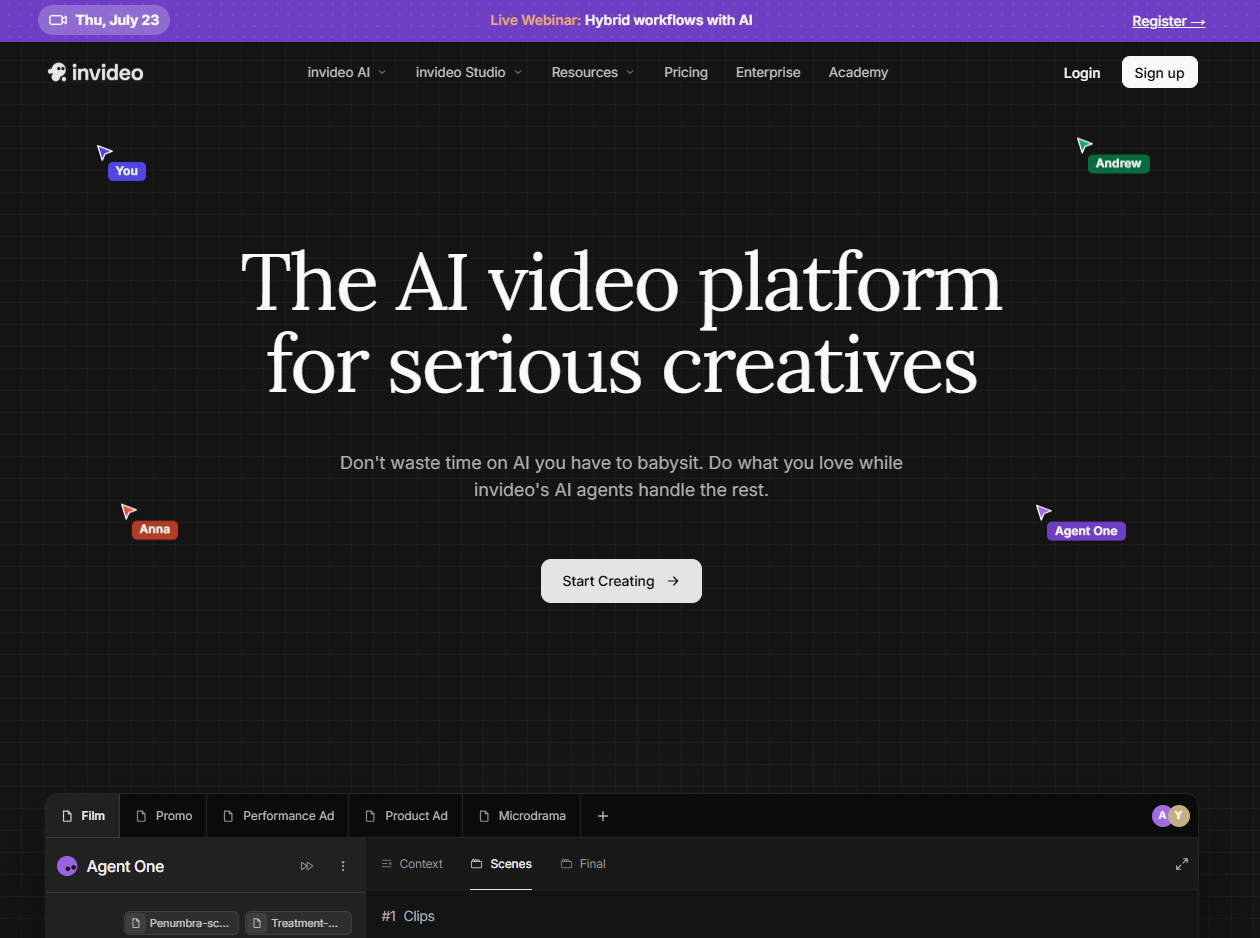
Invideo agent is a conversational AI filmmaking agent, not a template-based editor. Instead of picking a template and dropping in your own footage, you describe what you want in plain language, and the agent handles scripting, sourcing or generating visuals, voiceover, subtitles, music, and pacing as one connected process. It also supports features like character consistency, camera control, shot continuity, and lip-sync, which matter once you're producing more than a single one-off clip.
One of its biggest strengths is speed. Rather than spending hours writing, editing, and hunting for footage, you can get a usable first cut in a few minutes. It also handles image-to-video, which makes it a strong option for creators who need to publish content regularly and don't want every video to start from a blank page. On paper it sounded like a solid fit for my workflow. But features are one thing and real results are another, so I put it through two separate tests.
Test 1: Can Invideo Agent Create a Product Video from Text?
Unlike many AI video tools, invideo agent asks for more than a one-line prompt. To get a better result, it recommends specifying where the video will be published, the topic, the length, the tone of voice, and the voiceover style. The more specific the input, the more accurate the output tends to be. So instead of a short sentence, I gave it the full context from my actual workflow.
Prompt Used:
Category | Input |
|---|---|
Platform | Instagram Reels & TikTok |
Topic | Promote a new collection of handmade knitted wool socks |
Goal | Create a short product video that highlights warmth, comfort, and handmade craftsmanship while encouraging people to visit my Etsy shop |
Target Audience | Women aged 20–40 who love cozy, handmade, and slow-living products |
Video Length | Within 15 seconds |
Visual Style | Warm, cozy, minimal, soft lighting, lifestyle aesthetic |
Tone of Voice | Friendly, conversational, and inspiring |
Voiceover | Female, natural English |
My Thoughts on the Result
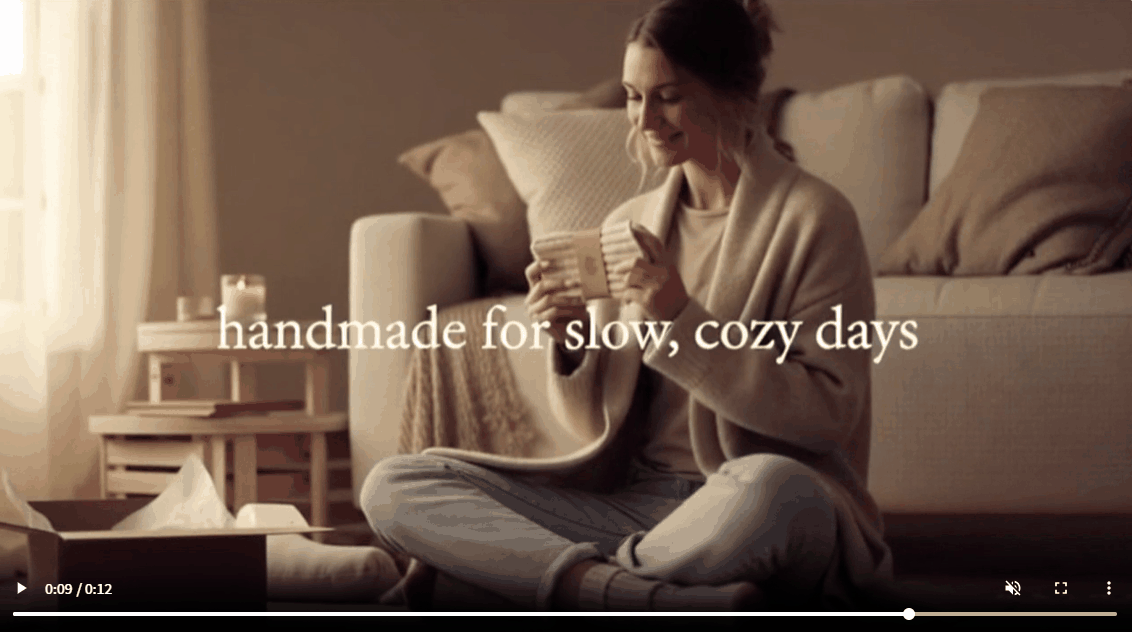
Honestly, I was really surprised by the first draft. The video captured the warm, cozy feeling I was looking for, and the music, subtitles, and pacing all worked well together. It looked like a lifestyle Reel, and there was no need for me to use the Invideo AI video editor anymore.
But I also realized that most of the scenes relied on stock footage, so the handmade socks never became the real focus. The video sold the feeling of a cozy lifestyle, but not the unique details that make the products different. For social media inspiration, the result was great. For promoting a real product, I would still need to add more clips with detailed images or videos.
Test 2: Can Image-to-Video Keep the Focus on the Product?
The first video didn't really showcase the handmade socks. To fix that, I decided to use the product photo and test Invideo AI's Image to Video feature. My goal this time was simple: create a video where the product became the main focus.
Prompt Used
Category | Input |
|---|---|
Platform | Instagram Reels & TikTok |
Source Image | One product photo of handmade knitted wool socks |
Goal | Turn my product photo into a short promotional video that keeps the socks as the main focus |
Video Length | 10–15 seconds |
Camera Movement | Slow zoom, gentle pan, close-up shots, smooth cinematic movement |
Product Focus | Highlight the knitted texture, handmade details, softness, and warmth |
Style | Realistic and subtle movement, avoid dramatic effects |
Music | Soft acoustic background music |
My Thoughts on the Result
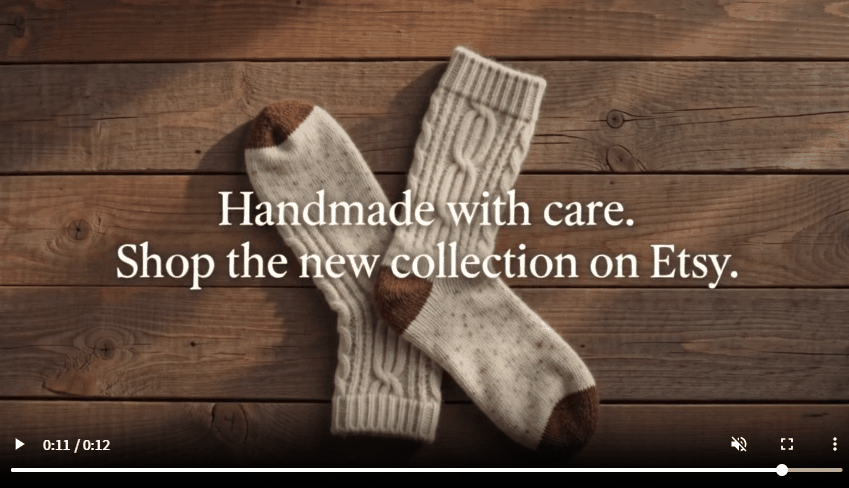
Compared with the Text to Video test, this result was much closer to what I wanted. The camera stayed focused on the handmade knitted wool socks, so it was much easier to see the texture, pattern, and small details. The animation was generated quickly, and the background music and text matched the cozy style without much effort. For a small business owner who needs content every week, this could save a lot of time.
However, after watching the video carefully, I found it still wasn't perfect. Some of the text overlays didn't match exactly what I wanted, so I had to edit them manually. I also noticed that every new generation or revision used credits, which can add up quickly if you're trying different versions.
Pricing: Is Invideo AI Worth the Cost?
After testing both Text to Video and Image to Video, I also found that pricing isn't really about the monthly fee—it's about how quickly you use your credits, which is one of the most common complaints from real users. Before subscribing, it's worth understanding Invideo AI pricing and what each plan includes and whether it matches your content needs.
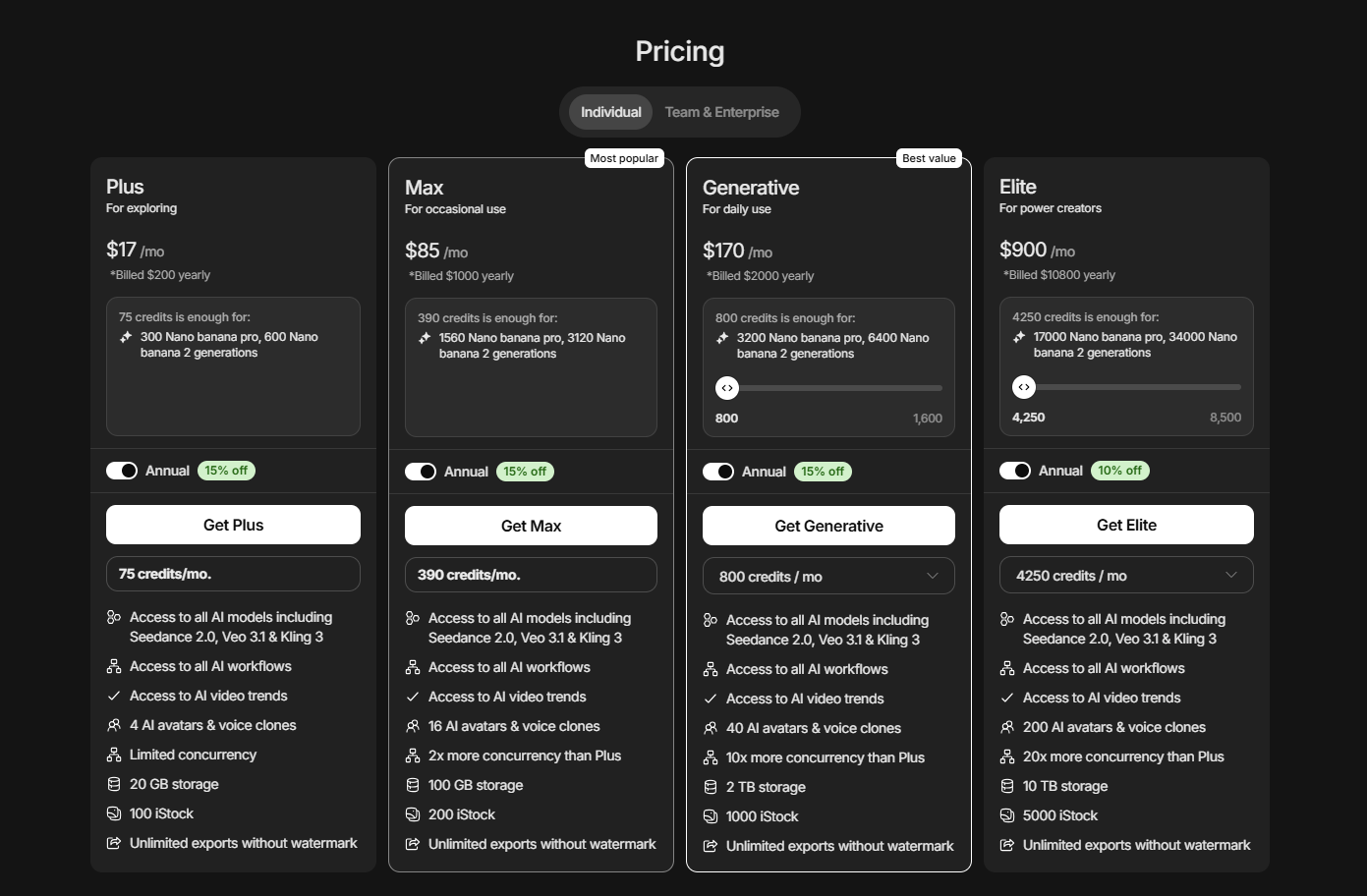
Plan | Price (Annual) | Credits / Month | Best For | Verdict |
|---|---|---|---|---|
Free | $0 | 5 | First-time users | ⭐ Good for testing |
Plus | $17/mo | 75 | Casual creators | ⚠️ Credits go fast |
Max | $85/mo | 390 | Weekly creators | ✅ My recommendation |
Generative | $170/mo | 800 | Heavy users | 👍 Worth it if daily |
Elite | $900/mo | 4250 | Enterprise teams | 💼 Enterprise only |
My take: For a typical e-commerce social media workflow, Plus is a good place to start, but Max is the better long-term value if you publish new products regularly. Since AI video generation often requires a few rounds of refinement, having extra credits makes the creative process much less stressful.
Invideo AI Pros and Cons
Pros
1. Create social media videos in just a few minutes.
2. Image to Video keeps real product photos more consistent than Text to Video.
3. Automatically adds subtitles, background music, and AI voiceovers, saving editing time.
4. Beginner-friendly interface with almost no learning curve.
5. A good choice for marketers and small businesses creating content regularly.
Cons
1. Generated videos often need manual editing before they're ready to publish.
2. Every generation and revision consumes credits, making experimentation more expensive.
3. Creative control is limited compared with professional video editing software.
4. AI-generated videos may start to feel repetitive if you create a large amount of content.
5. Not the best choice for cinematic storytelling or premium brand campaigns.
Who Should (and Shouldn't) Use Invideo AI?
After using Invideo AI in a real product launch workflow, I found that it's not a tool for everyone. If your priority is creating videos quickly, it can save you a lot of time. But if you want full creative control, you may still prefer a traditional video editor. This matches what many long-term users and reviewers have found: Invideo AI works best as a fast first-draft tool, not a complete replacement for professional editing.
Invideo AI is a good fit if you... | Invideo AI may not be the best choice if you... |
|---|---|
Create social media videos every week | Need pixel-perfect editing and full creative control |
Run a small business, Etsy shop, or online store | Produce premium brand campaigns or client work |
Want to turn ideas into videos quickly | Expect AI to generate a perfect video on the first try |
Prefer AI to handle scripts, subtitles, music, and voiceovers | Frequently regenerate videos and have a limited budget for credits |
Don't have much video editing experience | Need highly original storytelling instead of stock-based visuals |
Need to create content consistently across multiple platforms | Enjoy editing videos manually in tools like Premiere Pro or CapCut |
Invideo AI vs. PicLumen: Which One Fits Your Workflow Better?
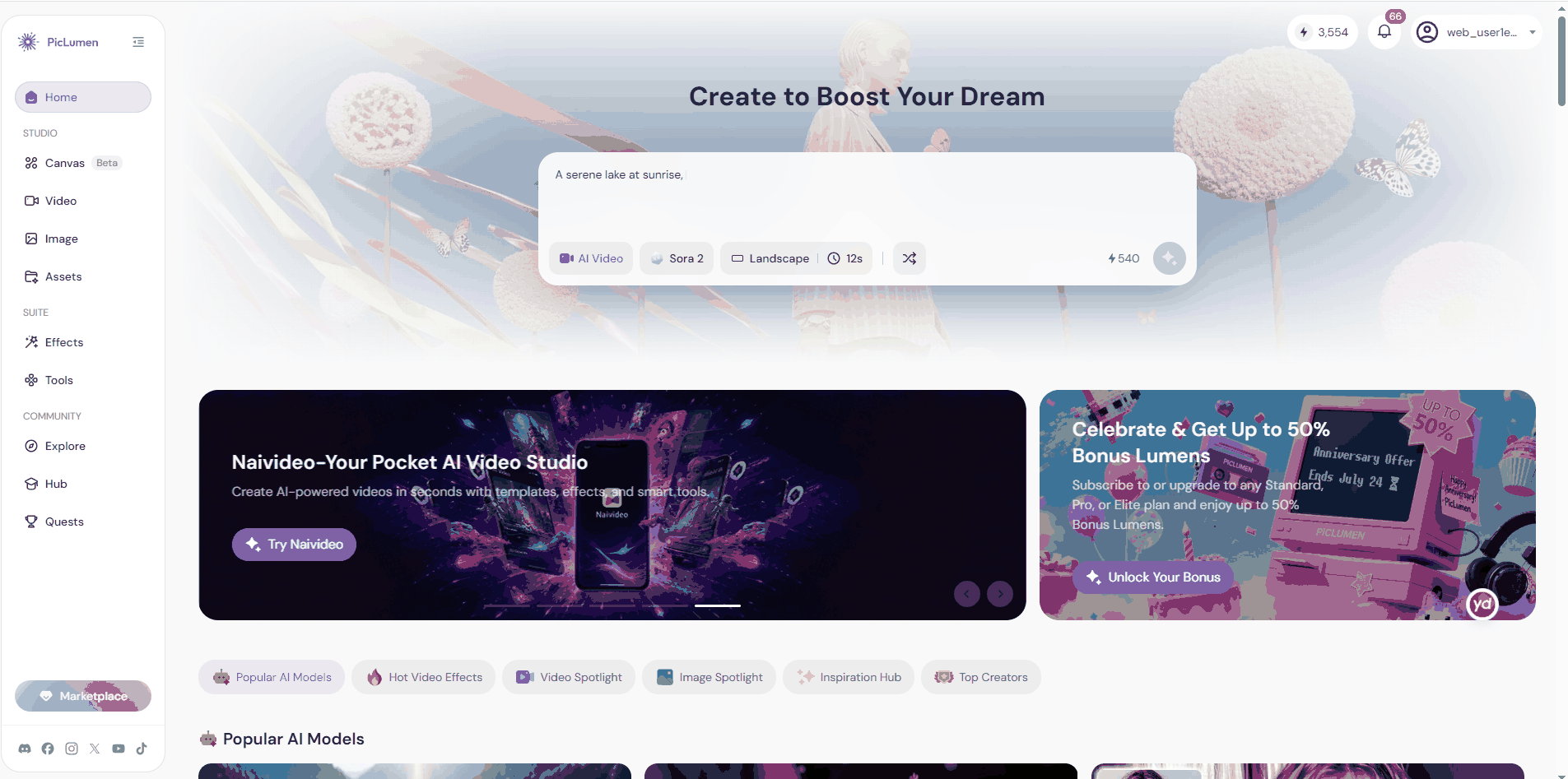
After finishing my tests, I realized that Invideo AI solved only part of the workflow. It helped me turn prompts and photos into videos, but I still needed to prepare the product image myself. If you're starting with nothing more than an idea, you first need to create the image before making a video.
That's where PicLumen offers something Invideo AI doesn't: AI image generation. Rather than asking which tool is "better," I think it's more useful to ask which workflow fits your needs.
Category | Invideo AI | PicLumen |
|---|---|---|
Main Strength | AI video generation from text or images | AI image generation, image-to-video creation, text-to-video generation and Canvas workflow |
Biggest Advantage | Creates complete social media videos in minutes with music, captions, and narration | Lets you create the product image first, then animate it into a video, fulfilling the complete workflow |
Pricing | Credit-based plans starting at $17/month | More affordable, with a free plan and lower-cost paid options |
Best For | Marketers, content creators, agencies, and businesses that publish videos regularly | Designers, creators, e-commerce sellers, and anyone starting with an idea instead of an image |
Final Verdict: Is InVideo AI Worth It?
Yes, if speed matters more than creative control. InVideo AI is great for quickly producing social media videos from prompts or product photos. It automates most of the editing process, making it a practical choice for marketers and small businesses. If your workflow starts with creating product images rather than editing videos, PicLumen is a more natural choice. It offers stronger AI text-to-image generation and a smoother image-first workflow before moving into video creation.
Invideo AI Review FAQs
What is Invideo AI?
Invideo AI is an AI video generator that creates videos from text prompts or images. It can automatically add scripts, voiceovers, subtitles, music, and stock footage, making video creation much faster.
Is Invideo AI free?
Invideo AI has a free plan that lets you try its main features. However, it comes with limited credits and usage, so frequent creators will likely need a paid plan.
How to use Invideo AI?
Simply enter a prompt or upload an image, then choose your video settings. Invideo AI generates a draft that you can edit before exporting.
What is the best Invideo AI alternative?
It depends on your workflow. If you need AI image generation as well as video creation, PicLumen is a strong alternative because it supports both Text to Image and Image to Video in one platform.