Create Your AI Talk Dirty Dance Video
Hot Video Effects
Turn your photos into fun dance clips, surprising transformations, and shareable moments with trending AI video effects.
How to Create an AI Talk Dirty Dance Video
Make Your Talk Dirty Dance Video in Four Steps
Open the Talk Dirty Dance Effect
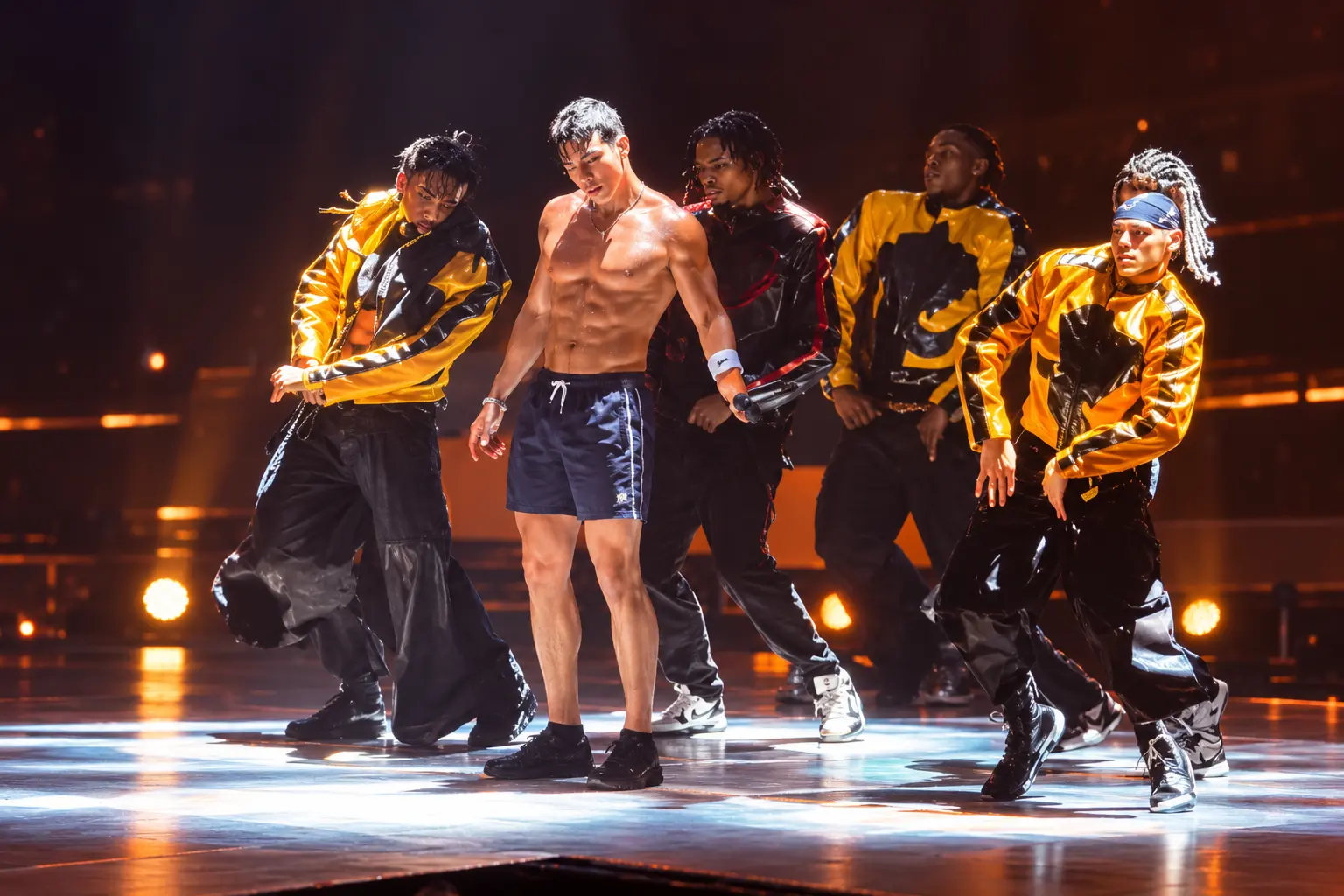
Visit PicLumen and select the AI Talk Dirty Dance effect. The effect is designed around a recognizable hip-hop concert performance, with a central lead dancer and supporting performers. Review the input requirements displayed in the generation interface before uploading your image.
Upload Your Character Photo
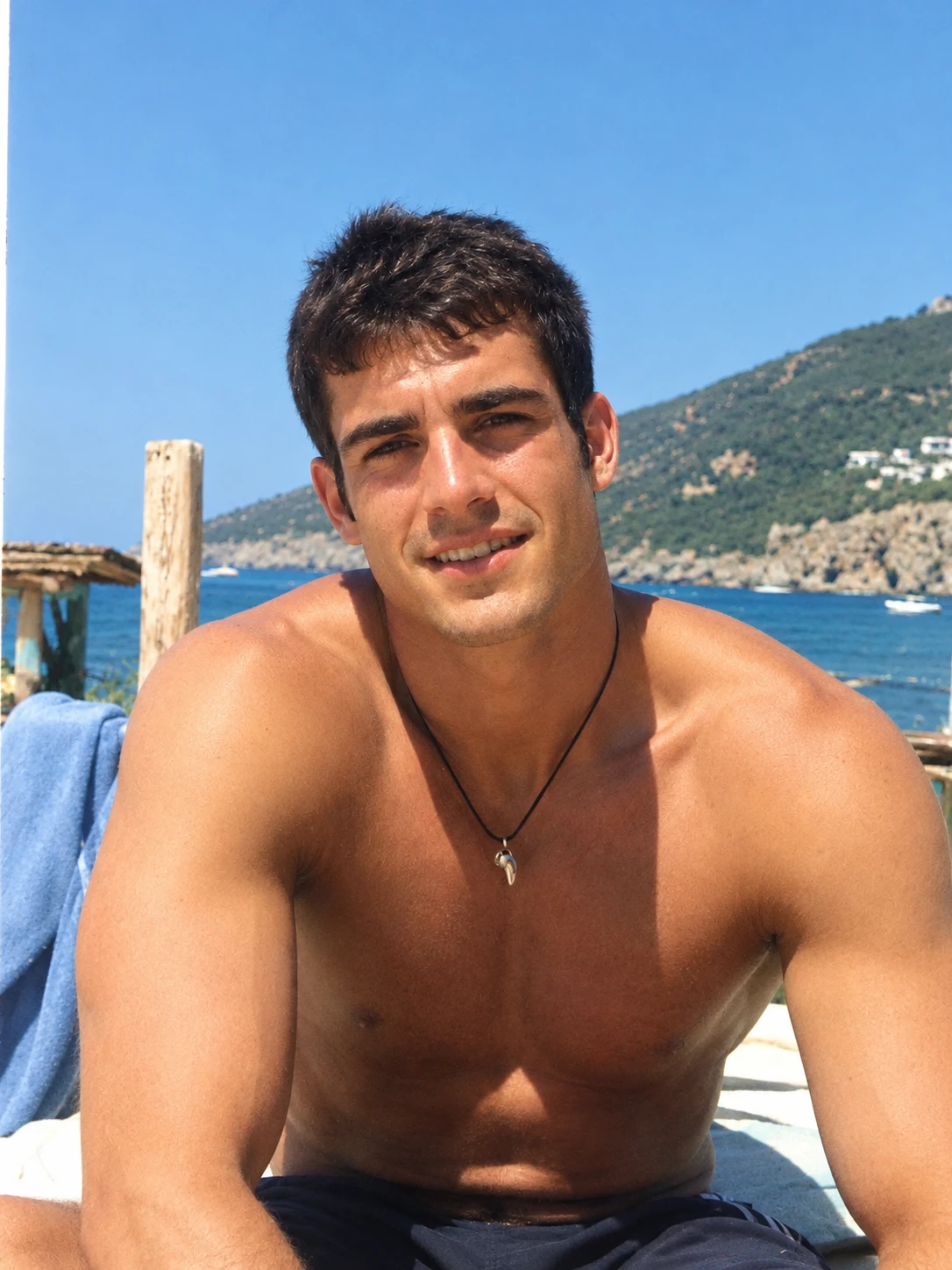
Choose a clear photo of the person or character you want to feature in the performance. A full-body image with one visible subject is a useful starting point for dance animation. Make sure the face is recognizable and the body is not heavily obscured. If the outfit is important to your concept, choose a photo that clearly shows the clothing. Avoid blurry images, overlapping people, or extreme filters that make the subject difficult to identify.
Generate Your Talk Dirty Dance
Start the generation process using the selected Talk Dirty Dance effect. The intended result places your chosen character into the lead role of the recognizable stage performance, surrounded by concert lighting and backup dancers. Follow any available settings or template instructions. If the effect uses a prepared dance sequence, you do not need to write a detailed choreography prompt. Generation time and available controls depend on the selected workflow.
Preview and Download Your Video
Watch the generated video from beginning to end. Check the lead dancer's facial appearance, clothing, body proportions, and movement consistency. Pay particular attention to the arms, hands, and legs during faster choreography. Also review the relationship between the main dancer and supporting performers to make sure the intended character is clearly in the leading role. If necessary, try a clearer source photo or regenerate using the available options. Download the finished video and prepare it for your preferred social platform.
Why Create an AI Talk Dirty Dance Video with PicLumen?
Turn a Simple Photo into a Full Dance Performance
Replace the Lead Dancer with Your Photo
The main attraction of the Talk Dirty Dance AI effect is character replacement. Instead of creating a completely unrelated dance animation, the workflow uses your uploaded image to introduce a new main performer into the recognizable stage sequence. This gives the familiar concert scene a personalized twist. Viewers see the dramatic spotlight, supporting dancers, and hip-hop performance, but the central dancer now features your chosen character. The result is particularly effective when the uploaded person has a recognizable appearance or an unexpected outfit.
Experience a Concert-Style Dance Scene
The Talk Dirty dance trend is recognizable because of its performance setting. The central dancer is surrounded by backup performers, dramatic lighting, and an energetic stage environment. These elements help distinguish the effect from a simple animation of a person dancing against a plain background. The concert atmosphere gives the generated clip a sense of scale and excitement, making it suitable for character performances, playful edits, and music-inspired visual content.
Create Dynamic Hip-Hop Choreography
Hip-hop choreography combines expressive gestures, rhythmic body movement, and coordinated footwork. The Talk Dirty dance format uses these elements to create a confident, high-energy performance. An AI dance effect allows you to explore this type of movement without learning or recording the choreography yourself. The exact motion and visual consistency depend on the selected generation workflow. Review the finished video carefully, especially during fast movements and changes in body position.
Explore Unexpected Outfit Combinations
One of the most entertaining aspects of the trend is seeing a character perform energetic choreography while wearing an outfit that contrasts with the concert setting. A person in a business suit, a formal dress, or a distinctive everyday outfit can create a humorous visual combination. Choose a clear reference image that shows the clothing you want the AI to interpret. Outfit preservation can vary, so check the generated result rather than assuming every detail will remain unchanged.
Make Dance Content Without Filming
Creating a traditional concert-style dance video requires performers, choreography, lighting, a suitable location, and multiple recording takes. An image-based AI dance workflow offers a simpler creative starting point. Instead of arranging a physical performance, you can experiment with a photo and a prepared dance effect. This makes the format accessible to people who want to create entertaining dance content without appearing in front of a camera.
Create Shareable Short-Form Entertainment
The Talk Dirty dance effect is suited to short-form entertainment because the concept is easy to recognize: an unexpected person becomes the lead performer of a dramatic hip-hop routine. The combination of movement, recognizable stage elements, and character replacement provides a useful foundation for TikTok, Instagram Reels, and YouTube Shorts edits. Add captions, licensed music, or other editing elements as needed before publishing.
Become the Star of the AI Talk Dirty Dance Trend
Transform your photo into a viral hip-hop dance performance with energetic choreography, concert lighting, and a stage full of backup dancers.
Bring Your Character into the Spotlight
Experience the excitement of the Talk Dirty Dance AI trend with a personalized stage performance, powered by Enzo Fernandez Celebration AI Effects. Inspired by the recognizable hip-hop concert aesthetic associated with Jason Derulo's "Talk Dirty," this effect places your chosen character at the center of the action. The surrounding dancers, dramatic lighting, and synchronized movements create an energetic performance atmosphere, while your uploaded photo determines who takes the leading role. Whether you're making a funny dance meme, a personalized performance, or a creative character remix, turn an ordinary image into an entertaining AI-generated dance video.
Take Center Stage with Your Own Character
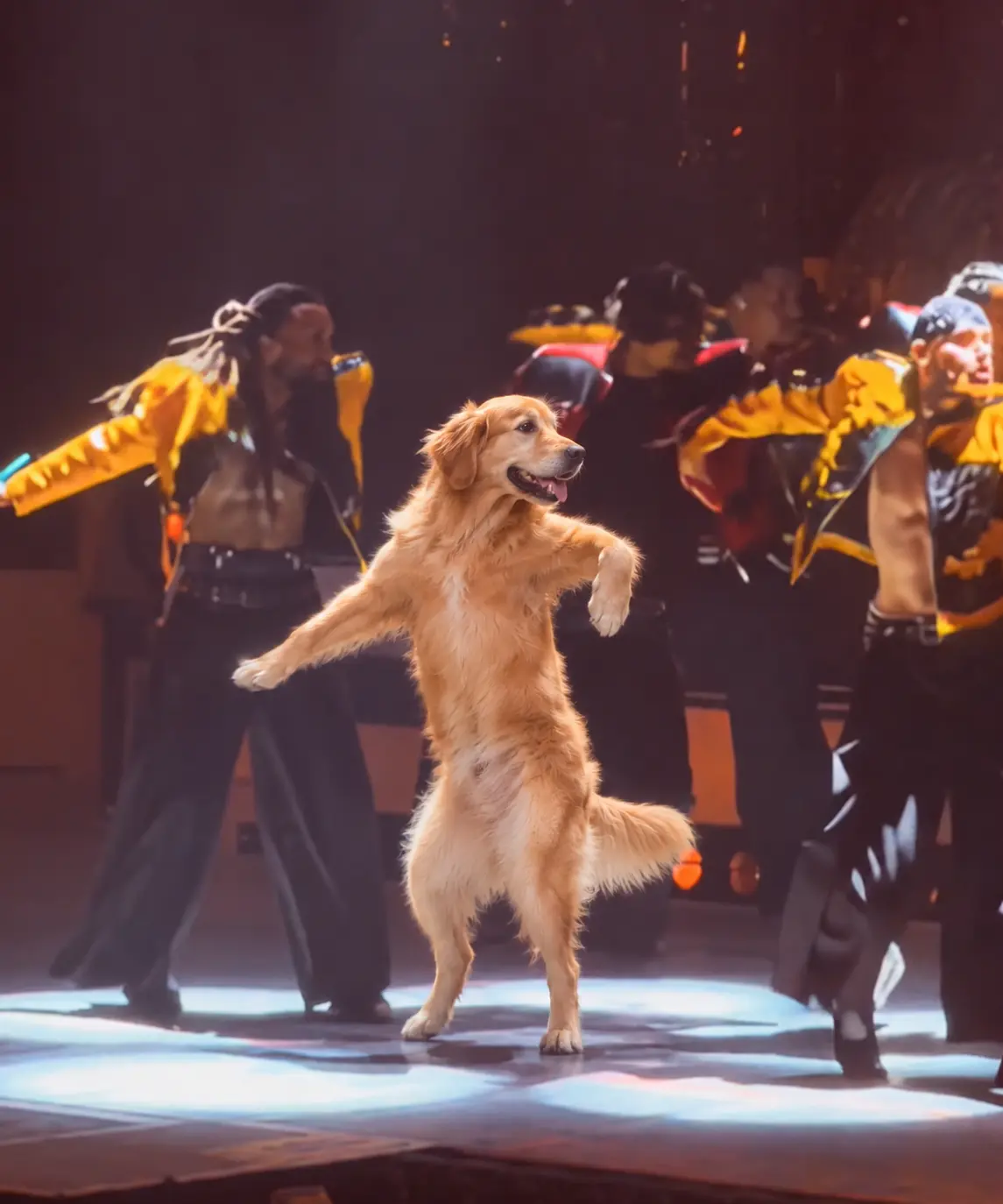
Put yourself in the spotlight and become the main performer of the Talk Dirty dance. Watch your chosen character take the central position in a lively concert setting, surrounded by colorful lights and supporting dancers. The contrast between an everyday photo and a confident stage performance makes this effect especially entertaining for personal AI videos and social media remixes.
Recreate the High-Energy Hip-Hop Performance
Experience a dynamic stage sequence built around expressive arm movements, rhythmic footwork, and confident hip-hop choreography. The main dancer performs in front of a coordinated group, creating the atmosphere of a live music performance. This scene emphasizes the recognizable movement and stage arrangement that make the Talk Dirty dance trend visually distinctive.
Turn Unexpected Characters into Dance Stars
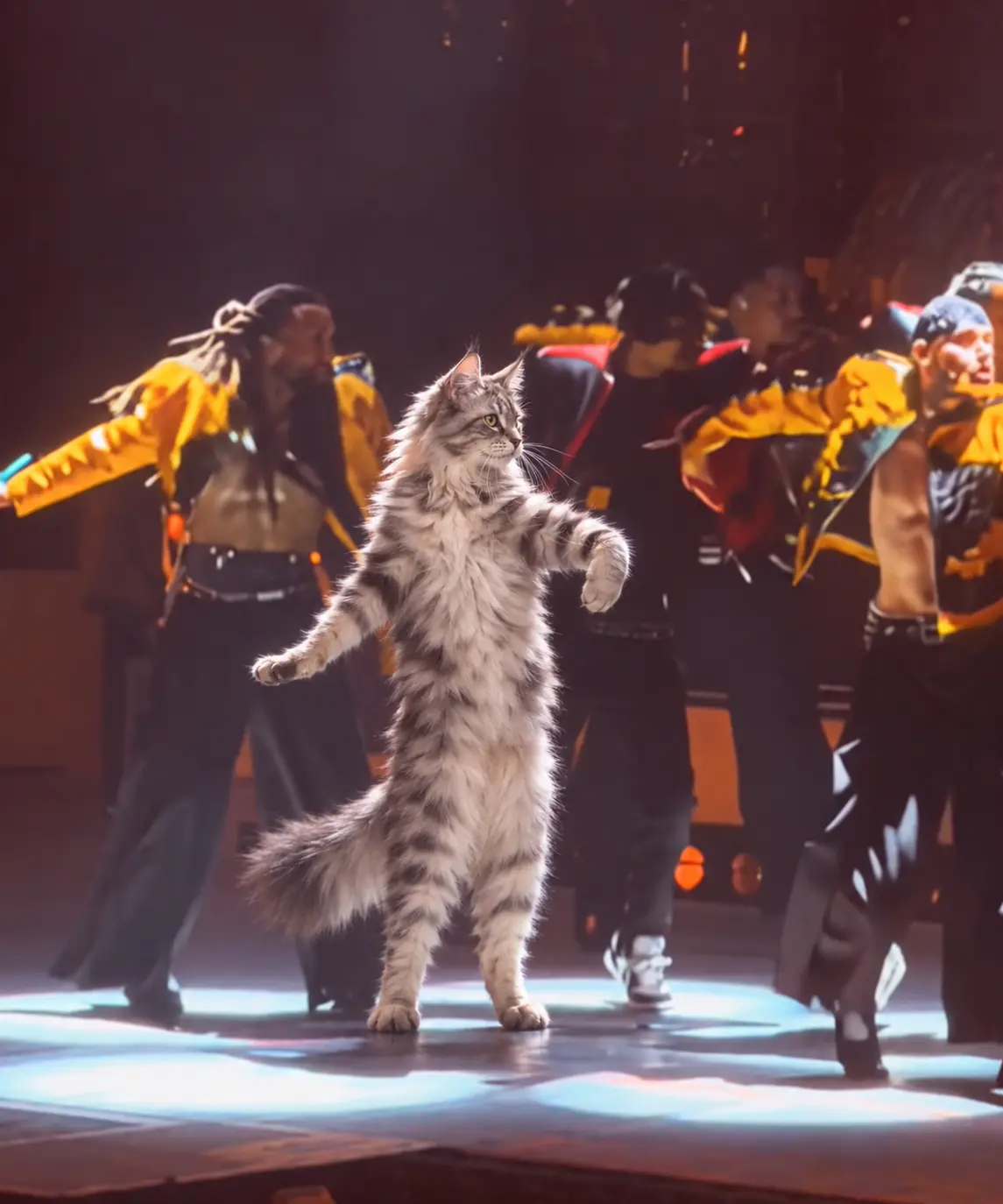
Bring a surprising character into the concert spotlight. Imagine an original cartoon character, a formally dressed friend, or an everyday personality performing a confident hip-hop solo in front of professional-looking backup dancers. The unexpected contrast creates a playful dance meme that can be shared in group chats, reaction edits, and short-form entertainment.
Personal Hip-Hop Dance Videos
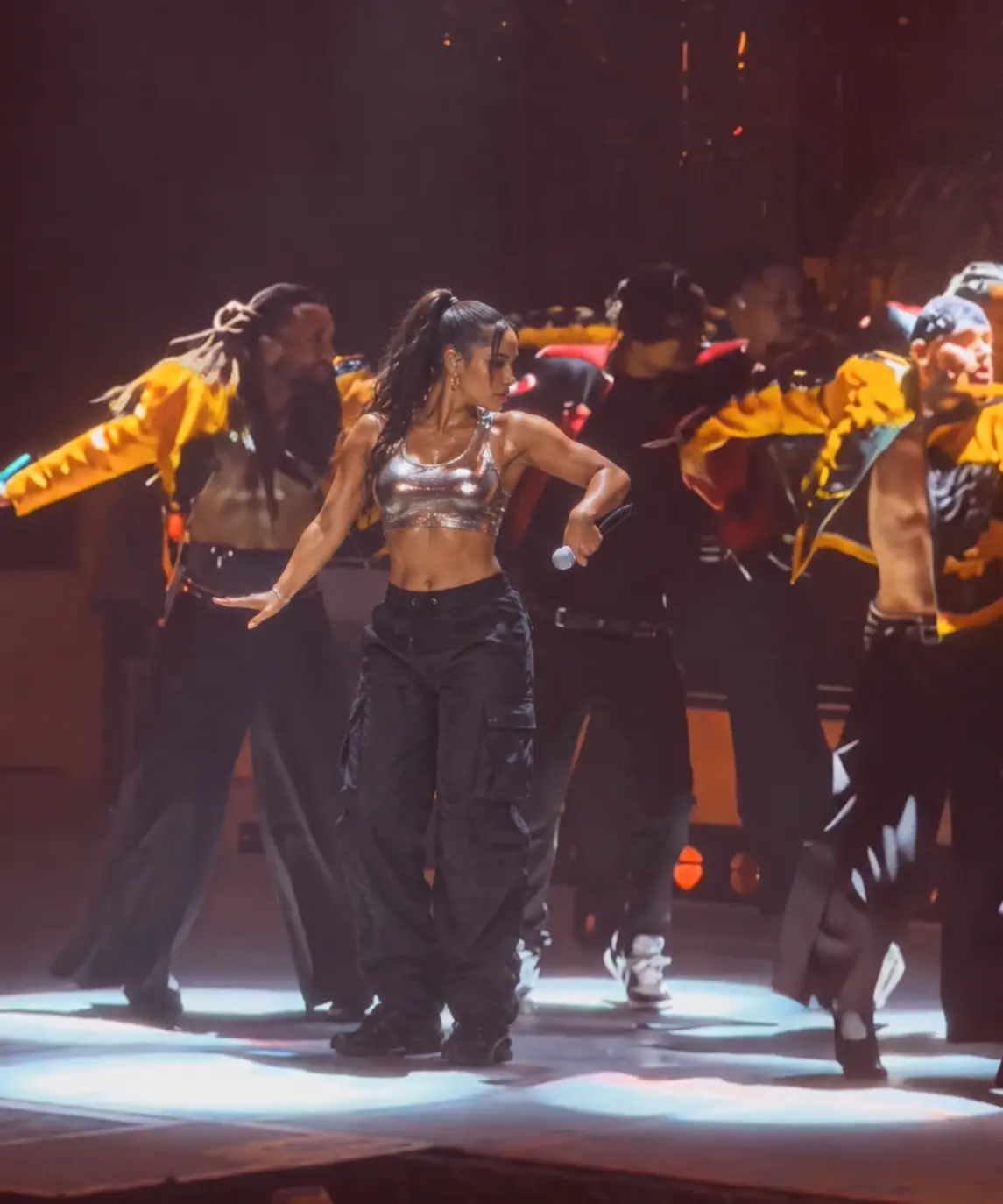
Imagine yourself performing a confident hip-hop routine under a bright concert spotlight. Use a clear photo as the starting point for a personalized AI dance video and explore how your appearance translates into a dynamic performance. This is a playful option for people who enjoy dance trends but do not want to record themselves performing complicated choreography. You can share the result with friends, use it as a humorous social post, or incorporate it into a longer personal video edit.
Funny Friend Dance Memes
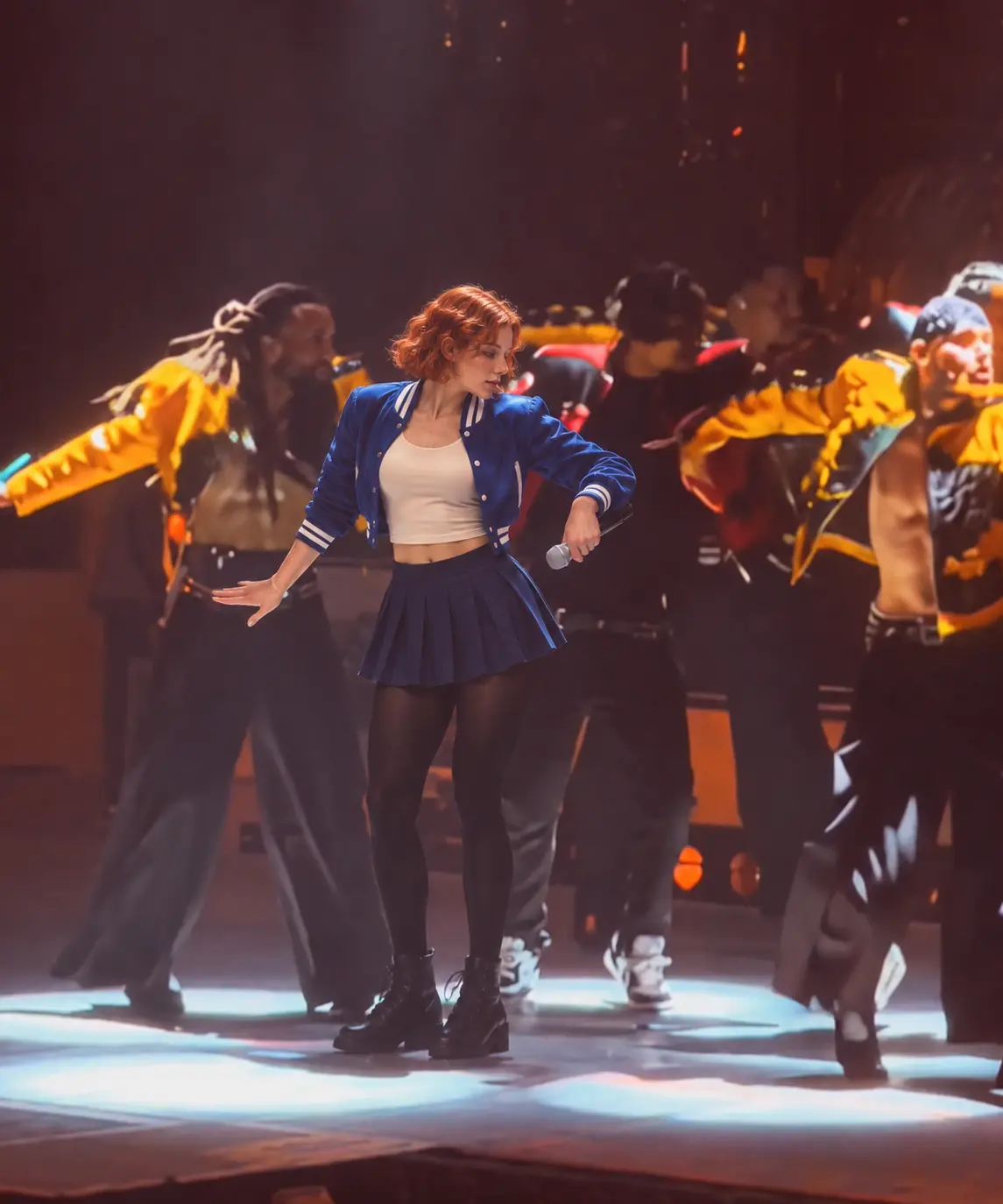
Turn a permitted photo of a friend into an unexpected concert performance. The contrast between someone's everyday personality and a dramatic stage routine can make the result particularly amusing. Try pairing the video with captions such as "When the quiet friend gets the spotlight" or "POV: Your friend finally joins the dance floor." Use images of real people only with their permission, especially when creating content intended for public sharing.
Office and Everyday Character Remixes
The Talk Dirty dance format can turn familiar everyday situations into playful entertainment. Imagine a formally dressed character suddenly becoming the lead dancer in a concert-style performance. A serious-looking portrait or professional outfit can create an amusing contrast with the energetic choreography. This type of visual joke works well for lighthearted team entertainment, personal social media posts, and fictional workplace characters. Avoid creating misleading or embarrassing videos of real colleagues without their consent.
Original Character Dance Animations
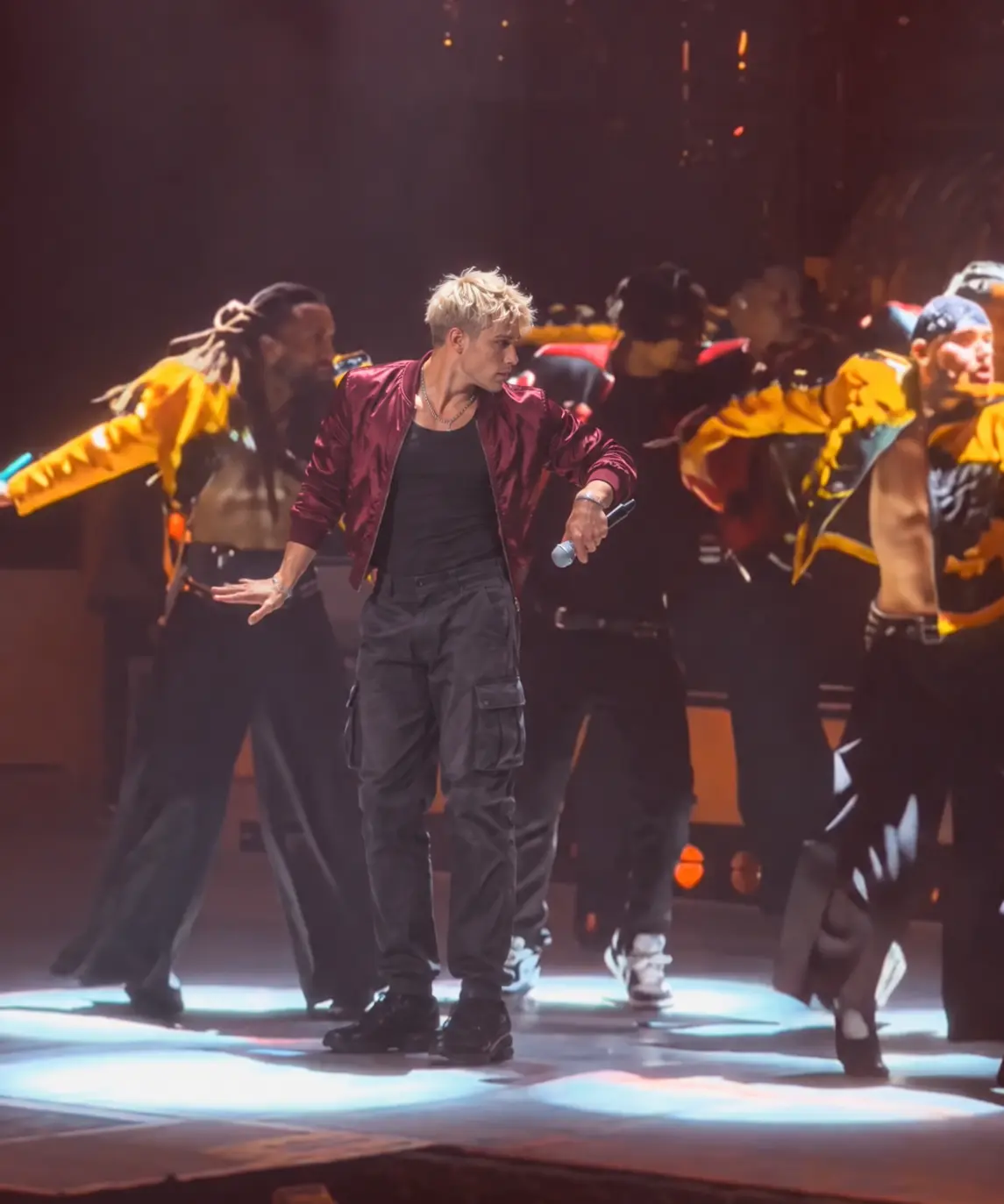
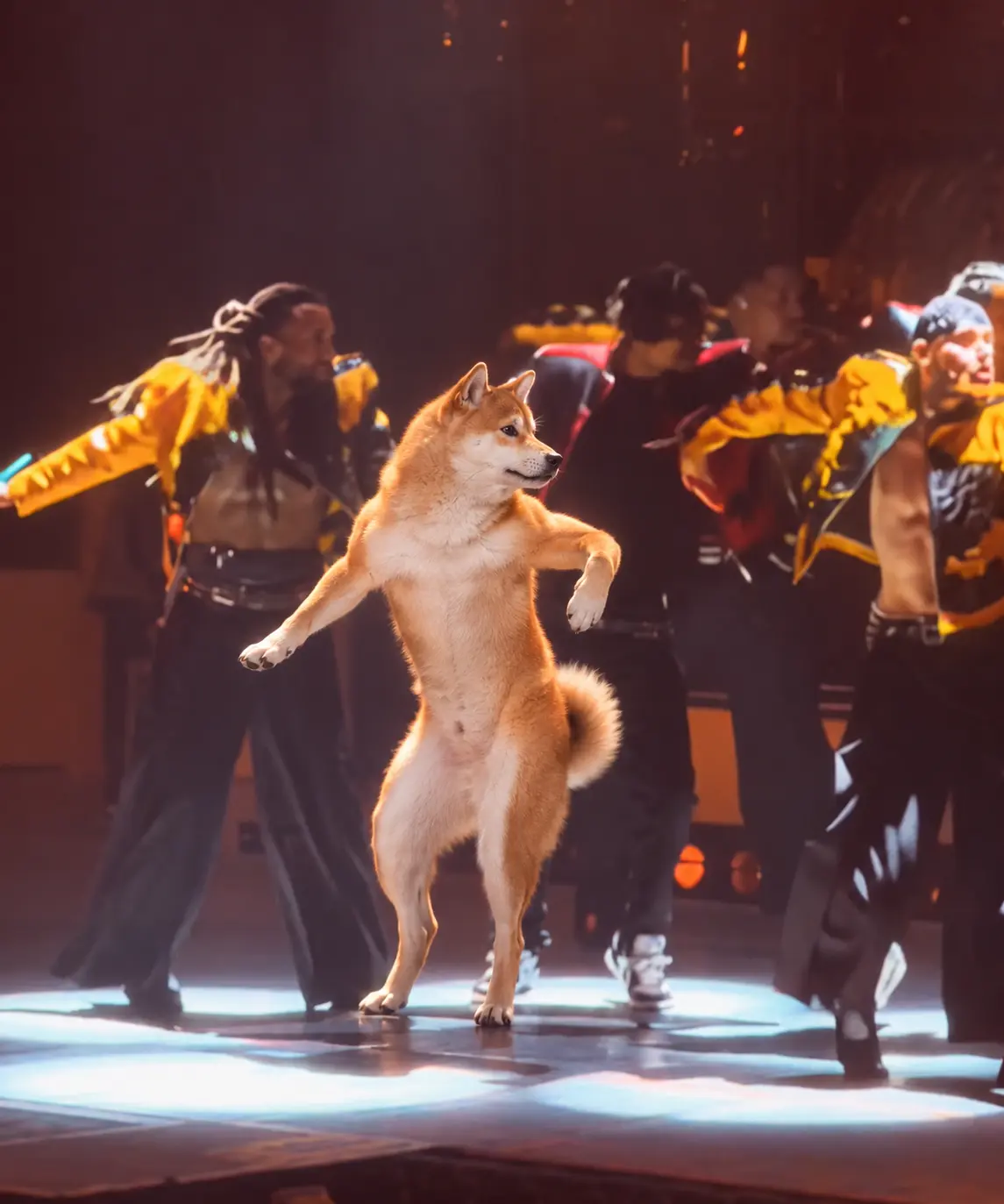
Give an original character a new role as a hip-hop performer. Whether your character comes from an illustration, digital artwork, or creative story, a dance effect can offer another way to experiment with character-based video content. The contrast between the character's original visual style and the realistic concert environment may create a memorable remix. Use a clear character reference and review the result for consistency in facial features, clothing, and proportions.
TikTok and Instagram Dance Content
Create a short-form dance edit featuring your chosen character in the recognizable Talk Dirty stage setting. The video can work as a standalone AI meme or as part of a larger edit with captions, transitions, and reaction footage. For social media, make sure the main performer remains visible on a mobile screen. Avoid placing captions over the face or important choreography. If you want to use the original song, add it through an authorized music source or the platform's available audio library.
Tips for Better Talk Dirty Dance AI Results
Get a More Recognizable Hip-Hop Performance
Use a Full-Body Reference Photo
Dance videos involve more body movement than ordinary portrait animations. A standing, full-body photo can provide useful visual information about the subject's proportions, clothing, and posture. Choose an image where the arms and legs are reasonably visible. Avoid extreme cropping that removes important body details.
Choose One Clear Main Character
The Talk Dirty stage already includes multiple performers, so the uploaded image should make the intended lead character easy to identify. A single-person photo with a clear face is preferable to a crowded group image. If the source contains several people, the generation process may have difficulty interpreting which person should become the lead dancer.
Make the Outfit Easy to Recognize
Distinctive clothing can make a character-replacement video more entertaining. A business suit, colorful jacket, casual outfit, or recognizable costume may create an interesting contrast with the concert environment. Choose an image that shows the outfit clearly, and check the result for changes to colors, patterns, and clothing details.
Avoid Heavy Blur and Obstructions
Strong motion blur, low resolution, dark shadows, and objects covering the face can reduce the usefulness of the source image. Use a sharp photo with balanced lighting whenever possible. If the generated dancer's face changes noticeably during the performance, try a cleaner reference image.
Check Fast Dance Movements Carefully
Hip-hop choreography may involve rapid arm gestures, footwork, turns, and changes in body position. These movements can be challenging for AI video generation. Review the hands, legs, facial features, and body proportions throughout the clip. A result that looks convincing in the opening frame may still contain motion inconsistencies later.
Keep the Lead Dancer in Focus
The supporting dancers and concert background are important parts of the visual effect, but the uploaded character should remain the main attraction. When reviewing or editing the video, make sure the lead dancer stays easy to identify. Avoid crops, captions, or visual overlays that hide the central performance.


Loved by Creators Worldwide
Real feedback from designers, marketers, and hobbyists sharing their PicLumen experience on Trustpilot.
 Alfred Rangel R
A wonderful range of options to create…
A wonderful range of options to create truly dreamlike visual effects with all those colors; only imagination is the limit.
Just amazing website a must try.
Just amazing website a must try.
 Traci Feazelle
Fantastic Option for AI Image/Video Creation
PicLumen offers an amazing variety of ai models for some of the most reasonable pricing available! The app layout also affords ease of use.
 Rishiprasanth BR
This is a great site to create images…
This is a great site to create images as per our mind's wish. Such a great site, loved its response
 KIDSCARTOON
This ap great and amazing generate pic
This ap great and amazing generate pic
Alexsander Luíscool it's a good ai creator but create…
cool it's a good ai creator but create imagens for cinema
Great experience and very nice app
Great experience and very nice app. Thank you very much.
 Ibrahim Faisal
This is best app for image generate
This is best app for image generate
Danial DaoudGreat customer support
It's easy to use, they have different AI models, good prices, and a nice community page. I contacted them regarding a bug issue and wasn't expecting much tbh. But they responded within a few hours and hade the issue fixed immediately! Great customer support!
It's very fun to use
It's very fun to use. You can get daily rewards
Federico BidondeGood app recién probando
Good app recién probando
 Mehdi Sohrabi
good
🔥good best saite and good work and good good good
Frequently Asked Questions
What Is the AI Talk Dirty Dance Trend?
The AI Talk Dirty Dance trend is a character-replacement dance video format inspired by a concert-style hip-hop performance associated with Jason Derulo's "Talk Dirty." The recognizable scene features a central dancer, supporting performers, dramatic lighting, and energetic choreography. AI-generated versions replace the lead performer with someone from an uploaded photo.
How Do I Make a Talk Dirty Dance AI Video?
Open the Talk Dirty Dance effect in PicLumen, upload a clear photo of your intended character, and follow the generation instructions. The effect creates a personalized version of the dance performance. Preview the result, check the character's appearance and movement, and download the video when you're satisfied.
Can I Make My Own Photo Do the Talk Dirty Dance?
Yes. The intended image-based workflow uses your photo as a reference for the lead dancer. Choose a clear image with one recognizable subject, preferably showing the full body, and follow the input requirements displayed in PicLumen. The quality of the result depends on the source image and generation process.
Do I Need to Learn the Dance or Record a Video?
No. The purpose of an AI dance effect is to create a dance-inspired performance from an image without requiring you to perform the choreography yourself. A prepared Talk Dirty Dance template can provide the stage and movement concept, while your uploaded photo supplies the character reference.
What Photo Works Best for the Talk Dirty Dance AI Effect?
A sharp, well-lit, full-body photo featuring one person or character is a practical starting point. The face should be visible, and the clothing should be easy to distinguish. Avoid heavily filtered portraits, overlapping subjects, and images where important body details are hidden.
Does the AI Talk Dirty Dance Video Include the Original Song?
Audio availability depends on the selected PicLumen workflow and its current settings. Check the generated result to confirm whether sound is included. If you want to use Jason Derulo's "Talk Dirty," obtain the necessary rights or use an authorized music library. Music availability does not automatically grant commercial usage rights.
Is PicLumen's AI Talk Dirty Dance Generator Free?
Access to the Talk Dirty Dance effect, generation credits, output duration, and export options depend on PicLumen's current plans and supported workflow. Check the generation interface for the latest pricing and requirements before creating your video.