
Kling 4.0 AI Video Generator — Coming Soon
Meet the next generation of Kling AI video generation on PicLumen. Create longer, more controlled video sequences with 30-second native generation, multi-keyframe direction, expanded multimodal references, 4K output, 10-bit HDR, and synchronized audio—coming soon to PicLumen.
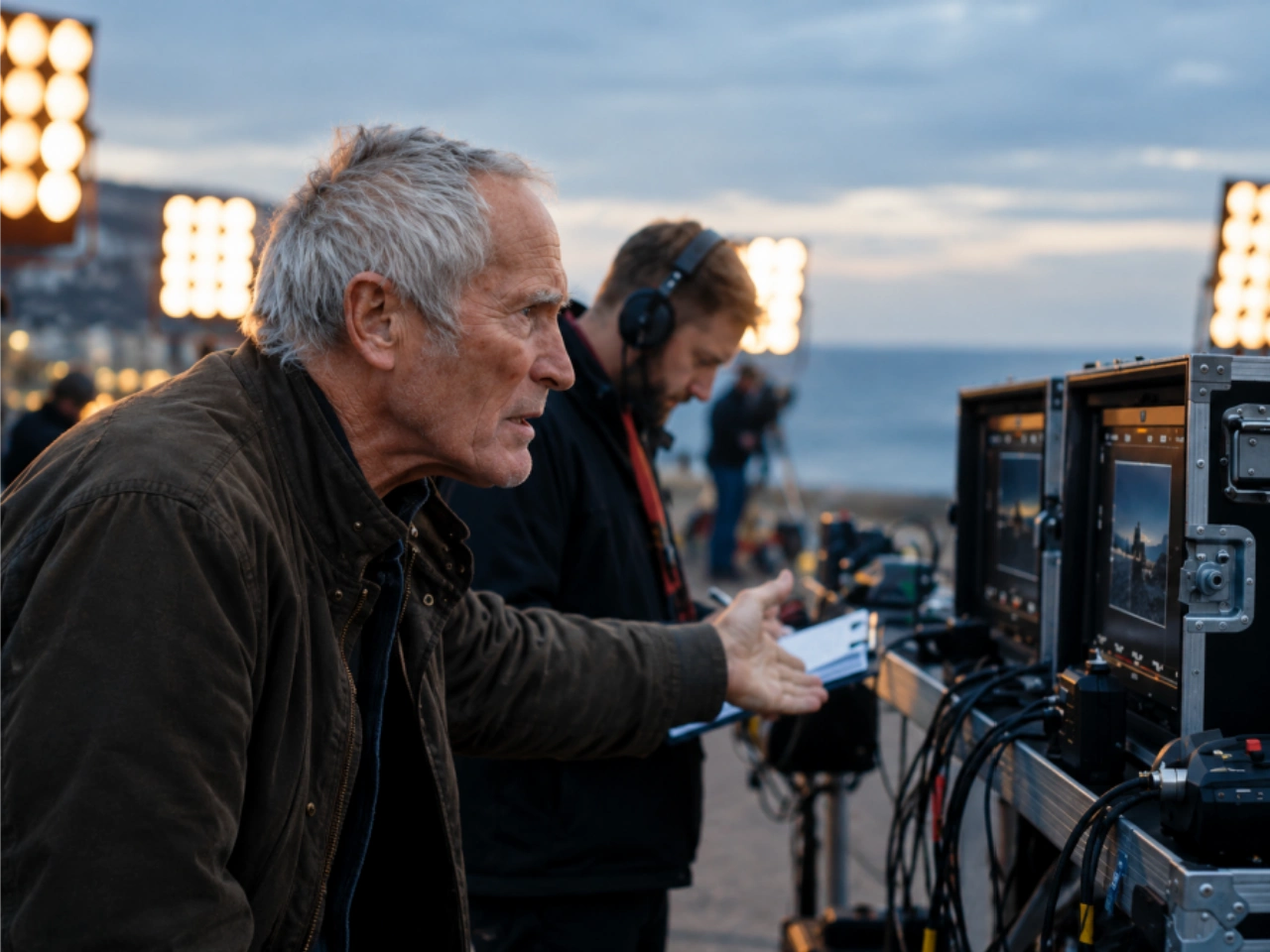
30-Second Native Generation with Extended Video Workflows
Kling 4.0 supports native video generation of up to 30 seconds in a single generation, giving creators more room to develop a scene from setup to action and payoff without breaking it into multiple short clips. With video extension workflows, a generated sequence can be continued beyond the initial 30 seconds, making it easier to build longer scenes while preserving visual and narrative continuity. Experimental long-video workflows may extend sequences further, giving creators more flexibility for short-form stories, cinematic sequences, product demonstrations, and multi-scene narratives with fewer visible transitions and less manual stitching.
10-Keyframe Direction for More Controlled Video Sequences
Kling 4.0 supports up to 10 keyframes, giving creators more control over the structure and progression of a video. Set the opening and ending frames, then add key moments to guide composition, subject position, action, scene changes, and transitions throughout the sequence. This makes it easier to plan a specific visual progression instead of relying on repeated generations to achieve the right sequence. Kling 4.0 can also use reference-based generation to adapt the structure and pacing of an existing video to new characters, products, or creative assets, when supported by the workflow.


15-Element Omni Reference with Voice and 4K Output
Kling 4.0 supports up to 15 Omni Reference elements, allowing creators to combine images, video clips, subjects, and voice references within a single generation. Each reference can provide a different type of direction: images define appearance and visual details, video clips guide movement and performance, while voice references help maintain vocal identity. Multiple references can be used together to keep characters, products, environments, motion, and sound consistent across a sequence. This makes Omni Reference useful for character-driven stories, product videos, cinematic scenes, and other projects that require several visual or audiovisual elements to stay connected from shot to shot.
Native 4K, 10-Bit HDR, and Stereo Audio
Kling 4.0 supports native 4K output at 3840 × 2160, together with 10-bit HDR for richer color, smoother tonal transitions, and greater detail across highlights and shadows. Stereo audio, improved lip sync, and multilingual speech capabilities extend video generation beyond visuals, helping dialogue, character performance, and sound work together within the same sequence. With native 4K, HDR, and synchronized audio, Kling 4.0 can support cinematic storytelling, product demonstrations, music videos, character-driven scenes, and other audiovisual content where both visual fidelity and coherent sound matter.
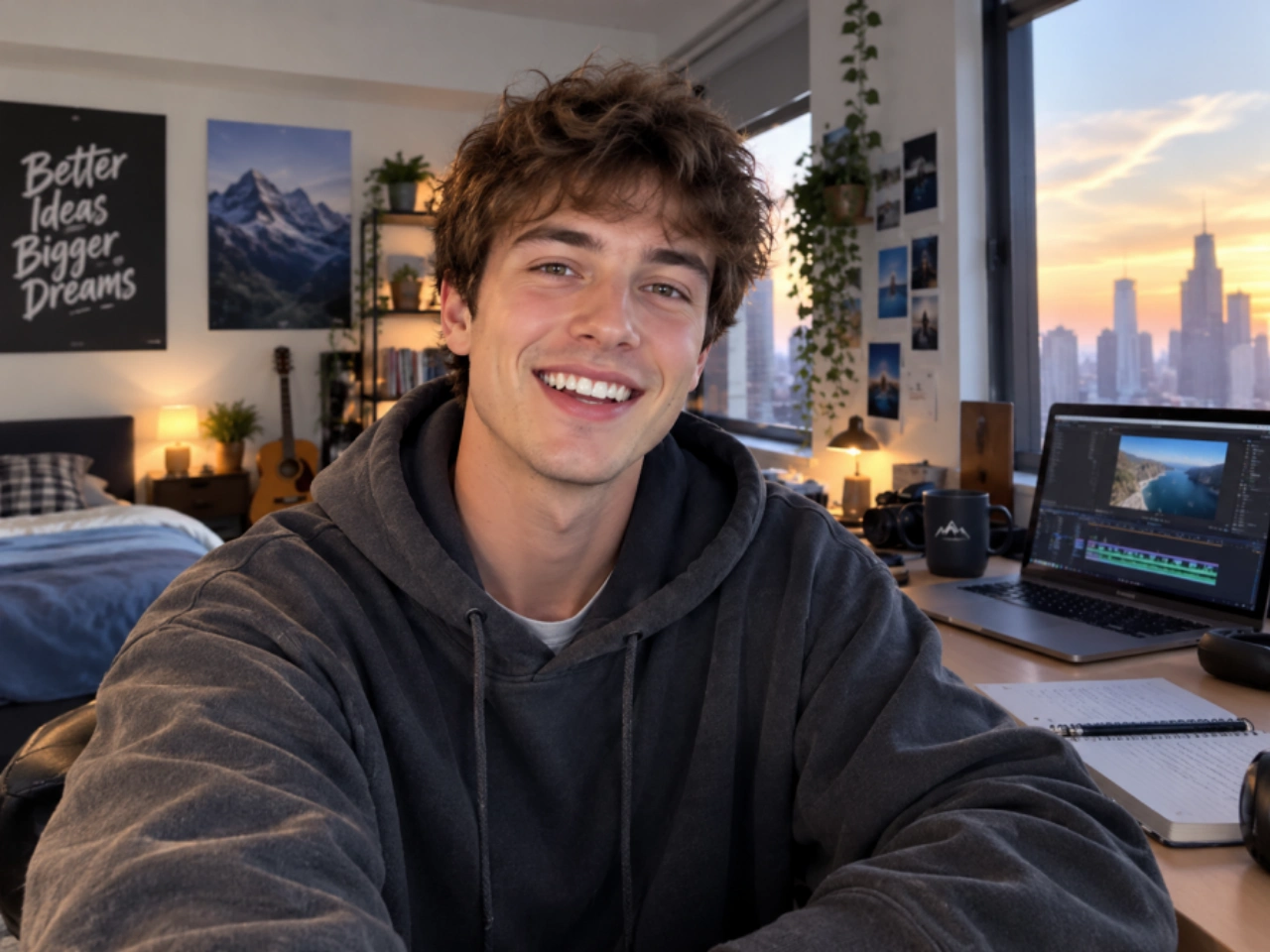
What Can You Create with Kling 4.0?

Cinematic Scenes
Build longer scenes with keyframes that define how the action and camera direction develop from one moment to the next.

Product Videos
Combine product images and visual references to create structured product showcases, demonstrations, and promotional clips.

Character Stories
Use multiple references to guide characters, environments, and visual details across a continuous sequence.

Social Media Content
Create longer-form clips for short-form platforms, campaigns, storytelling, and creative posts without limiting every idea to a few seconds.
How to Create Videos with Kling 4.0
1 Prepare Your Prompt and References
1Start with a clear description of the scene, action, camera movement, and visual style you want to create. Depending on the workflow available at launch, you can also prepare image, video, subject, or voice references to provide additional context for the generation.
2 Plan the Key Moments
2Use keyframes to map out important moments in the sequence, from the opening frame and major story beats to the final scene. Add relevant references to help guide character appearance, products, environments, movement, or other visual elements that need greater consistency.
3 Generate, Review, and Extend
3Once Kling 4.0 becomes available in PicLumen, generate the video from your selected prompt and references, then review the motion, composition, continuity, and audio. Refine the direction when needed and use video extension workflows to continue the sequence when the story requires more time.


Loved by Creators Worldwide
Real feedback from designers, marketers, and hobbyists sharing their PicLumen experience on Trustpilot.
 Ayan Samanta
Awesome experience just looking wow
Awesome experience just looking wow
Ms. BlissJust getting started
Just getting started, thus far it's really good. Going to continue to review and will update.
Ibrahim OnuhSo very powerful and interesting
So very powerful and interesting
Excellent results
Excellent results, very supportive and helpful customer service. They have a great interface very friendly use and the prices are reasonable. I use it for personal stuff and I am just a beginner but it made my earning process very enjoyable. I might give a more technical review in the future but that is so far my experience. Thanks
It’s way easier to use then these other…
It’s way easier to use then these other apps
Great platform
Ease of use,and great models
 Fatjon Xhoka
Super app for photo and video
Super app for photo and video
Great experience and very nice app
Great experience and very nice app. Thank you very much.
Best app i have ever seen
Best app i have ever seen
 Nikki Camou Timber and Torch
Love them
Love them! I’ve love working with the app so far!
Yasir AliMy exprienxe was geat.This compony was…
My exprienxe was geat.This compony was good.
 Mohamed Rashad Rumaiz
This is an excellent website for free…
This is an excellent website for free users
Frequently Asked Questions About Kling 4.0
What is Kling 4.0?
Kling 4.0 is the next generation of Kling AI’s video generation model, developed by Kuaishou for more controlled and complete AI video creation. It introduces native 30-second video generation, up to 10 keyframes, up to 15 multimodal references, 10-bit HDR, stereo audio, improved lip sync, and video extension. These capabilities are designed to give creators more control over visual continuity, scene progression, character references, and audiovisual output.
When is Kling 4.0 expected to launch?
Kling announced Kling 4.0 on September 28, 2026, and has stated that the full model is expected to launch in October 2026. An exact release date has not been announced. Kling 4.0 Flash has already begun limited availability, while the full Kling 4.0 model is still being rolled out.
What is the maximum video length in Kling 4.0?
Kling 4.0 supports up to 30 seconds of native video generation in a single generation. Longer sequences can be developed through video extension workflows, allowing creators to continue an existing scene instead of starting a new clip from scratch. Some extended-duration capabilities are still marked as coming soon or experimental, so final limits may vary by implementation.
How do keyframes work in Kling 4.0?
Kling 4.0 supports up to 10 keyframes to define important moments within a video sequence. Keyframes can be used to establish the opening and ending states, intermediate story beats, subject positions, or major visual changes. This gives creators a more structured way to guide how a scene develops across the generated clip.
What are Omni References used for in Kling 4.0?
Omni Reference lets creators provide multiple types of reference material to guide a generation. Kling 4.0 supports up to 15 multimodal reference elements, which can include images, video clips, subjects, and other supported reference inputs. These references can help define the appearance of characters, products, environments, movement, and other elements that need to remain recognizable throughout a sequence.
Does Kling 4.0 generate audio and support lip sync?
Yes. Kling 4.0 supports stereo audio and improved lip sync, extending video generation beyond visuals and motion. Kling also highlights support for multiple languages, accents, and dialects, making the model suitable for dialogue-driven scenes, character performances, music content, and multilingual video production.
Does Kling 4.0 support 4K and HDR video?
Yes. Kling 4.0 supports output up to 4K resolution, with 10-bit HDR available as part of its announced capabilities. While Kling 3.0 already supported 4K generation, Kling 4.0 adds HDR to provide greater color depth, smoother tonal transitions, and more detail across bright and dark areas. Some HDR availability is still marked as coming soon, so supported settings may depend on the final implementation.
How is Kling 4.0 different from Kling 3.0?
Kling 4.0 expands several parts of the video generation workflow. It increases native generation from up to 15 seconds in Kling 3.0 to 30 seconds, adds up to 10 keyframes, expands multimodal reference control to up to 15 references, and introduces 10-bit HDR, stereo audio, improved lip sync, and enhanced video extension. Kling 3.0 already offered features such as 4K generation and native audio, so the difference is broader control over video length, references, visual quality, and audiovisual production.