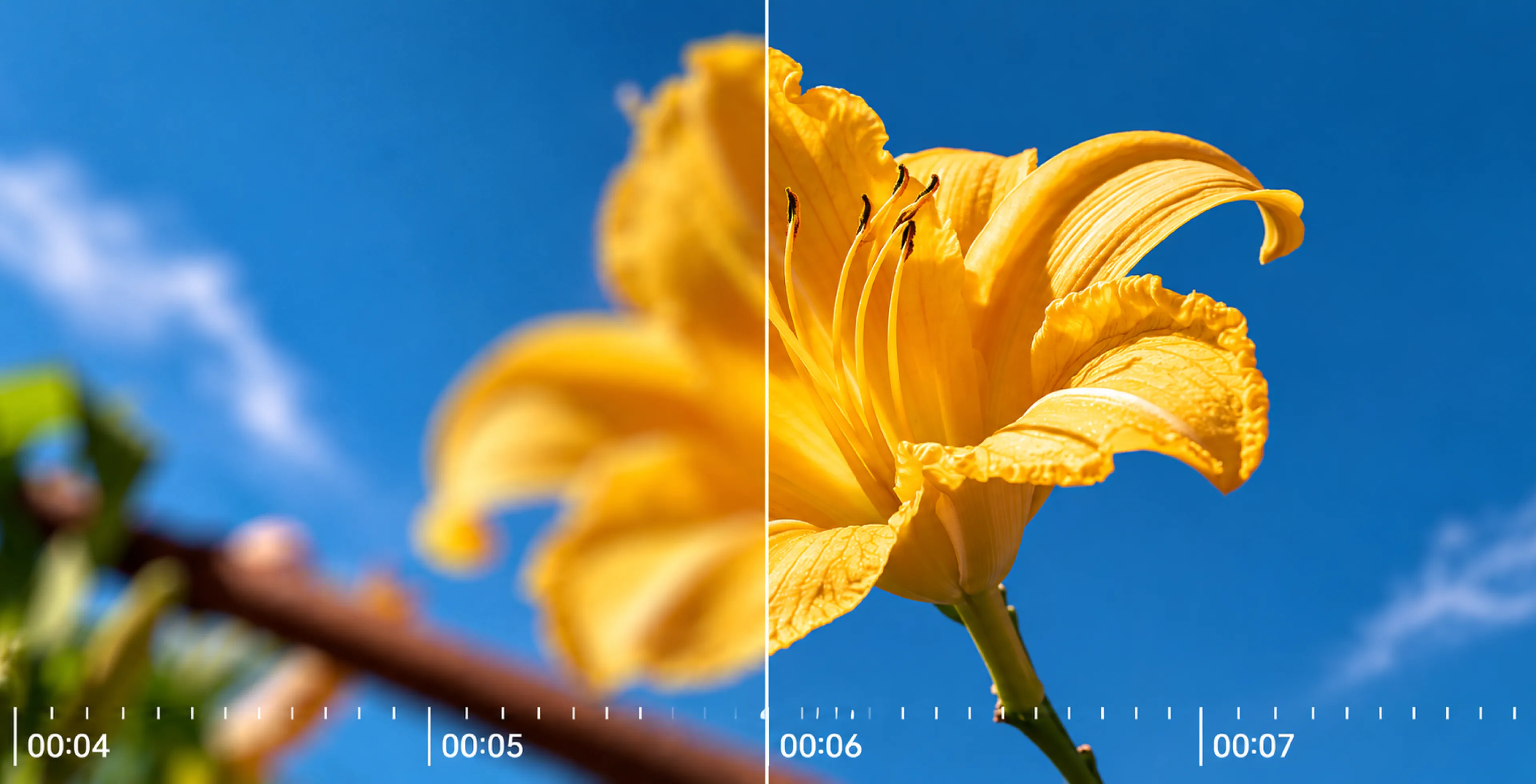
AI Video Upscaler Online
Turn blurry, grainy, or low-resolution footage into clearer, smoother video with PicLumen. Upscale videos to 4K, restore old footage, reduce noise, and bring out more visible detail.
Hot Video Effects
View AllWhy Use PicLumen’s Video Upscaler

Easy AI Video Enhancement
Enhance video quality through a simple online tool. Upload your footage, choose your preferred settings, and let PicLumen automatically improve clarity, sharpness, and motion. No advanced editing skills are required.

Upscale Videos to 4K
Increase video quality up to 4K for clearer playback on larger screens. The AI video upscaler improves resolution and brings out finer details in product videos, personal recordings, social content, and more.

Multiple Video Formats
Upload videos in popular formats, including MP4, MOV, and WEBM. PicLumen makes it easy to enhance footage from different devices and platforms without converting your files first.

Secure Video Processing
Your uploaded videos are protected with encryption during processing. PicLumen handles your files securely, allowing you to use AI video enhancement with greater confidence.

Upscale Videos Online
Access the video quality booster directly from your browser. Upload and enhance videos online wherever you work, with no software installation required. It is a convenient way to improve footage across different creative workflows.
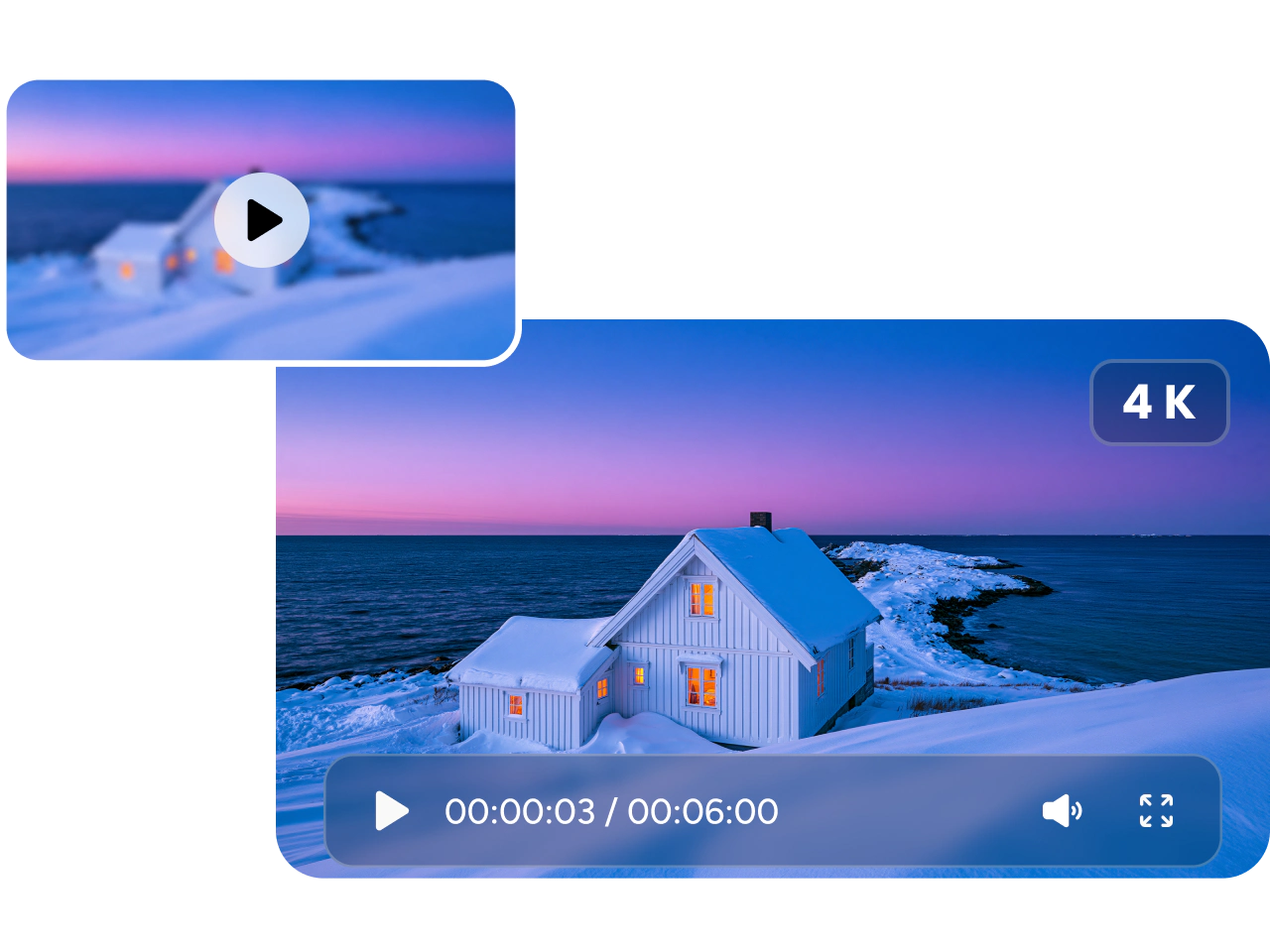
Upscale Any Video to 4K
Increase video quality up to 4K with PicLumen’s AI video upscaler. It improves resolution and refines visible details, helping low resolution footage look sharper on larger screens. Enhance product videos, social content, personal recordings, and creative projects with clearer textures, cleaner edges, and a more polished appearance.
Improve Blurry and Compressed Footage
Give soft, grainy, or compressed footage a clearer look with AI video enhancement. PicLumen reduces noise and compression artifacts, sharpens visible details, and helps fix blur in a video. Use it for blurry video enhancement, downloaded clips, or old and damaged video restoration without manually editing every frame.
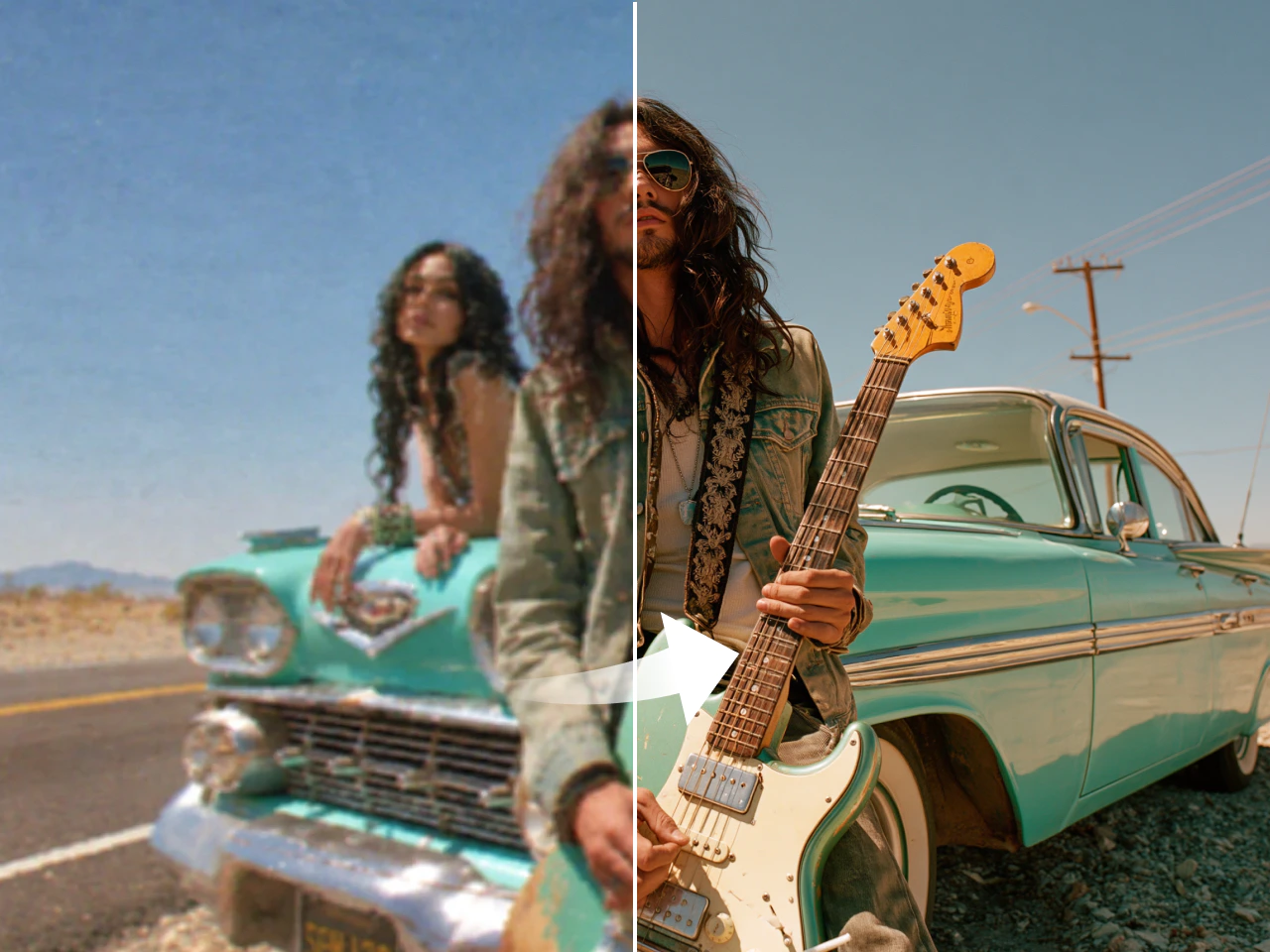
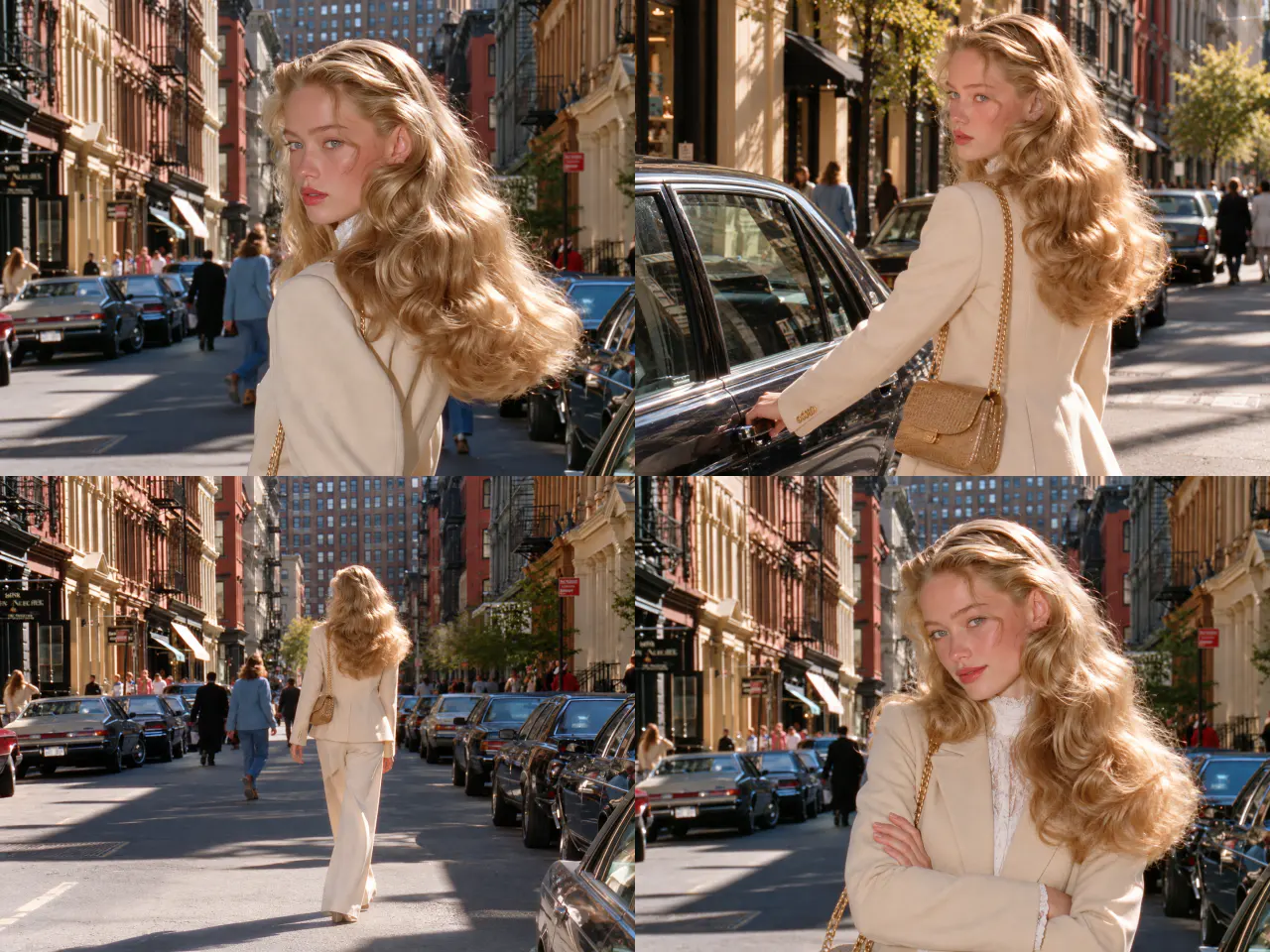
Keep Faces and Details Consistent
Preserve recognizable faces, clothing textures, products, and other important details throughout your video. PicLumen improves quality across frames while maintaining visual consistency, helping people and objects retain their natural appearance. The result is clearer footage that remains faithful to the source from the opening frame to the last.
Explore What You Can Enhance

Restore Old and Low Resolution Footage
Refresh old recordings, family videos, and low resolution clips with AI video upscaling. Improve clarity, reduce blur, and recover visible details from aged or compressed footage. PicLumen makes old and damaged video restoration easier without requiring professional editing experience.

Improve Social Media Videos
Give short videos, reels, and promotional clips a clearer and smoother look before publishing. Use the AI video upscaler to increase video quality, reduce compression blur, and improve motion, helping your content look polished across social media platforms.

Upgrade Ecommerce Product Videos
Enhance product demos, unboxing videos, and lifestyle clips with sharper details and smoother movement. Upscale ecommerce videos to 4K so shoppers can see product textures, features, and finishes more clearly across online stores, advertisements, and social campaigns.

Enhance Gaming and Streaming Videos
Improve recorded gameplay, livestream highlights, and gaming clips with sharper details and smoother motion. Use AI video upscaling and frame interpolation to make fast action, game environments, and on-screen elements clearer for YouTube, Twitch, social media, and other platforms.
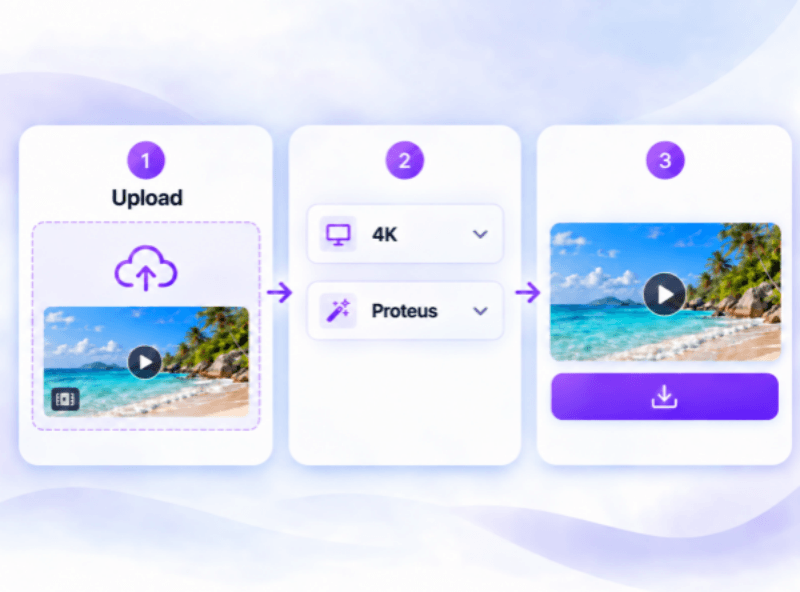
How to Upscale a Video with PicLumen
- STEP 1Upload Your Video
Choose the video you want to improve and upload it to PicLumen. You can enhance blurry, compressed, old, or low resolution footage.
- STEP 2Choose the Output Resolution
- STEP 3Upscale and Download


Loved by Creators Worldwide
Real feedback from designers, marketers, and hobbyists sharing their PicLumen experience on Trustpilot.
 Alfred Rangel R
A wonderful range of options to create…
A wonderful range of options to create truly dreamlike visual effects with all those colors; only imagination is the limit.
amazing
amazing! this is just so good! WOWOW!!
 by Neefa
i love it and easy to use
i love it and easy to use
KIDSCARTOONThis ap great and amazing generate pic
This ap great and amazing generate pic
Ai HackGreat tool
I would really recommend this website to content creation
Love this app it helps my ideas come to…
Love this app it helps my ideas come to life
 Its aarohi
This is a great app for creating images…
This is a great app for creating images and ai videos i just love this app
 Amy Crawford
Pic Lumen ai is a bright star in a galaxy of money hungry jabas.
I've been using Pic Lumen ai for a little over a year now. The first thing that stood out to me was the level of quality of the photos. Very realistic, brilliantly clear, vibrant. They've done a lot of expansion in the past year as well ie; using the top of the line image and video generators, adding features like upscaling, I paint, out paint, and editing. And the best thing about this platform is the incredibly affordable prices. If you are new this platform is perfect because they offer a free level allowing you to generate 50 images a day. They have an incredible community of artists and also offer tutorials. Two thumbs up!!
Ghulam E HurApplication is very good
Application is very good but improvement needed
 Chad Lewallen
Great Job
I really like the app because it doesn’t change much of the image if I don’t tell it to. I like that. When I don’t want it to do something and it does it anyway, it frustrates me. This doesn’t do that. I like that.
Amazing work!
Amazing work!! Love it already made some art and people love will be making more!
 Hash Kaz
literally can't complain about…
literally can't complain about anything. Honest to God - amazing
Video Upscaler FAQs
What is a video upscaler?
A video upscaler uses AI to increase video resolution and improve visual clarity. PicLumen sharpens details, reduces visible noise, and produces cleaner footage for larger screens, social media, and other digital platforms.
Can AI fix a blurry video?
AI can make mildly blurry or soft footage clearer by improving edges and visible details.
Can I restore an old video?
Yes. PicLumen can reduce grain, blur, noise, and compression artifacts in older footage. Proteus is a good choice for old, grainy, or heavily compressed videos.
Will the enhanced video still look natural?
PicLumen is designed to improve video quality while maintaining natural textures, faces, and important visual details. Choosing the mode that best matches your footage can help produce a more natural result.
Can I improve videos compressed by social media?
Yes. AI video enhancement can reduce visible compression artifacts, improve sharpness, and make reposted or downloaded social media videos look cleaner. Results depend on how heavily the original clip was compressed.
Can I enhance ecommerce product videos?
Yes. You can upscale product demos, unboxing videos, lifestyle clips, and video ads. Clearer footage can make product textures, materials, features, and finishes easier for shoppers to see.
Do I need video editing experience?
No. Simply upload your video, choose an upscale mode and output settings, and start processing. PicLumen handles the video enhancement automatically.
Are my uploaded videos secure?
Yes. PicLumen uses encryption to protect your uploaded videos during processing, so you can enhance your footage online with greater confidence.
Explore More AI Video Tools
Take your enhanced footage further with PicLumen’s AI video tools. Generate new clips, improve existing videos, and create polished content for social media, ecommerce, marketing, and more.
- Text to Video
- Image to Video
- Video to Video
- AI Wedding Video Maker
- Realistic AI Video Generator
- AI YouTube Video Maker
- Talking Avatar Video Generator
- AI Music Video Generator
- Lip Sync Video Generator
- Celebrity Video Generator
- AI Birthday Video Maker
- AI ASMR Generator
- Ai Anime Video Generator
- AI Animation Generator
- AI UGC Video Generator
- Faceless Video Generator
- AI Explainer Video Generator
- Slow Motion Video Maker