GPT Image 2.5: Faster Image Creation with Better Editing Control
Create from text, reference images, or an existing visual with GPT Image 2.5 on PicLumen. Use Flare when you want faster iteration, or Sunburst when your final image needs more precise control. Keep important reference details more consistent, make focused edits, and refine the same image across multiple steps.

Create Faster with Flare, Refine with Sunburst
Not every image needs the same balance of speed and control. GPT Image 2.5 Flare is a better fit for fast exploration, everyday creation, and producing more variations when you are still testing ideas. GPT Image 2.5 Sunburst is designed for detailed editing and polished visual work where finer control matters more. On PicLumen, you can choose the mode based on what you are making rather than forcing every project through the same workflow.
Keep Key References More Consistent
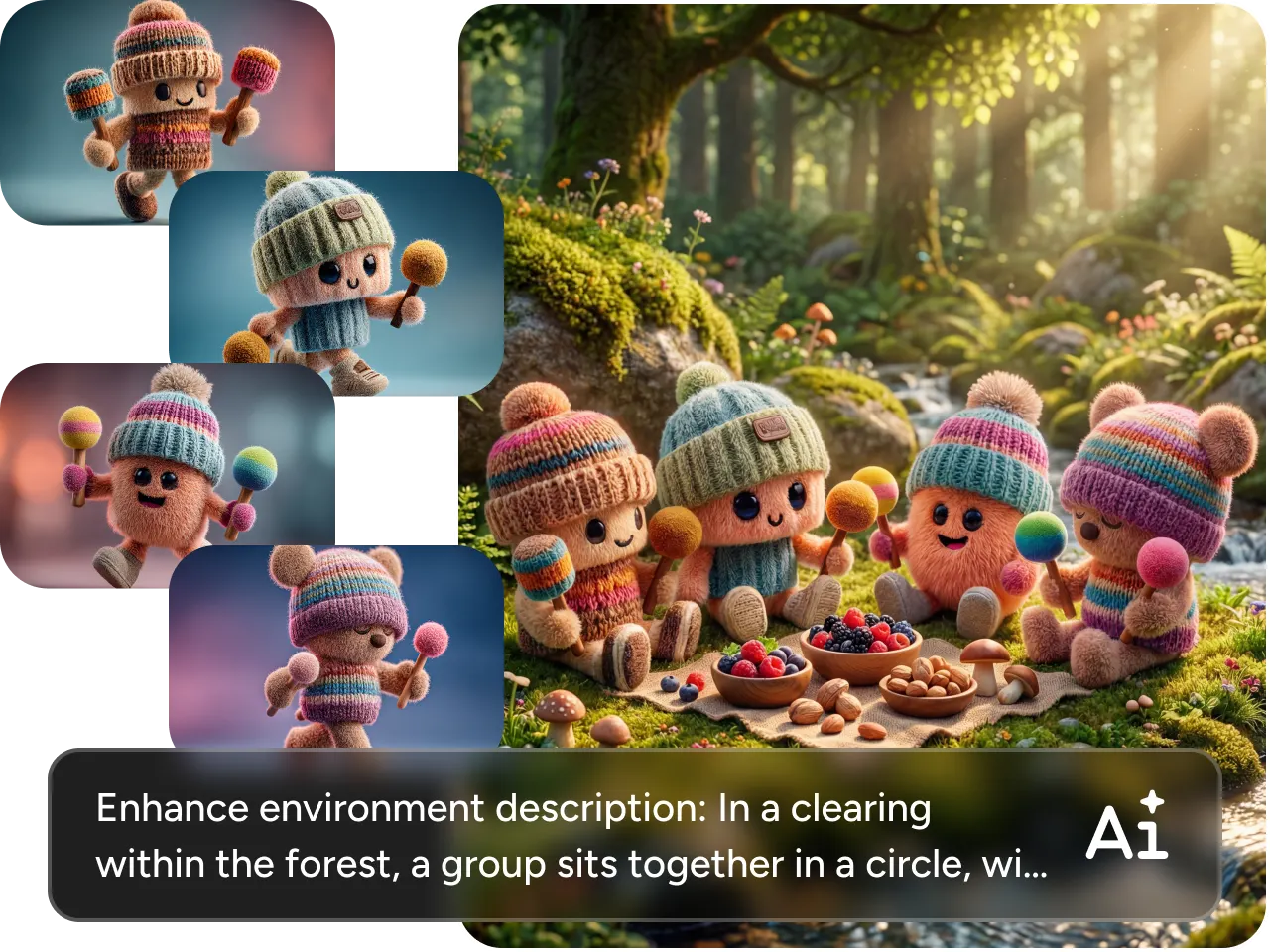
Changing the setting or style should not mean losing the person, product, or visual identity you started with. GPT Image 2.5 AI Image Generator improves reference fidelity, helping recognizable faces, products, clothing, and other important details stay closer to the source as the composition changes. PicLumen lets you work with up to 16 reference images in one creation, giving you more room to combine subjects, products, outfits, environments, and other visual cues when one reference is not enough.


Make Precise Edits with Less Rework
Got the overall image right but one detail still feels off? GPT Image 2.5 gives you more control over targeted edits, so you can replace an object, adjust clothing, change a background, revise text, or remove an unwanted element while telling the model what should stay untouched. You can focus on the part that needs attention instead of repeatedly regenerating an image that already works.
Turn Complex Prompts into Stronger Visuals
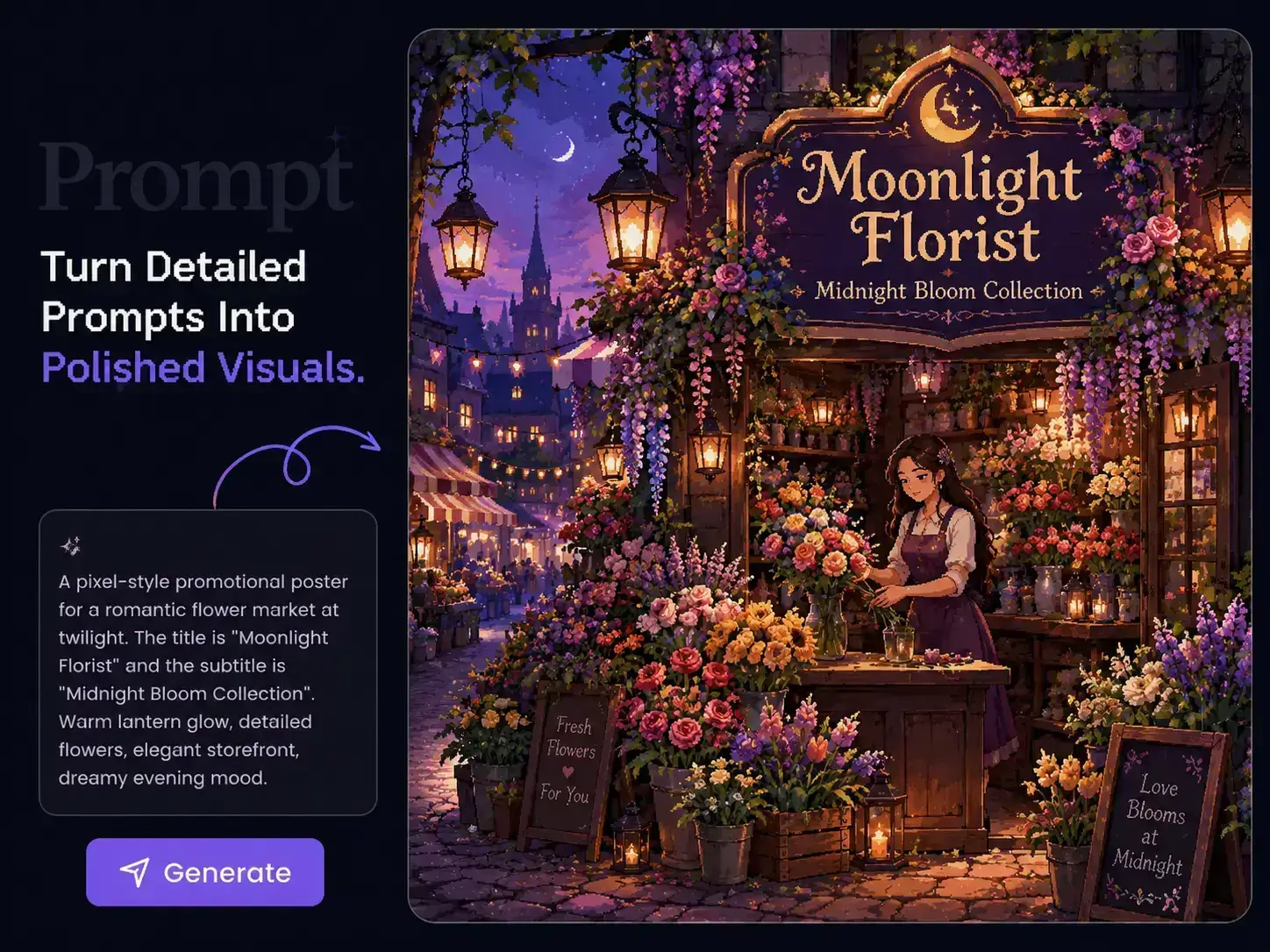
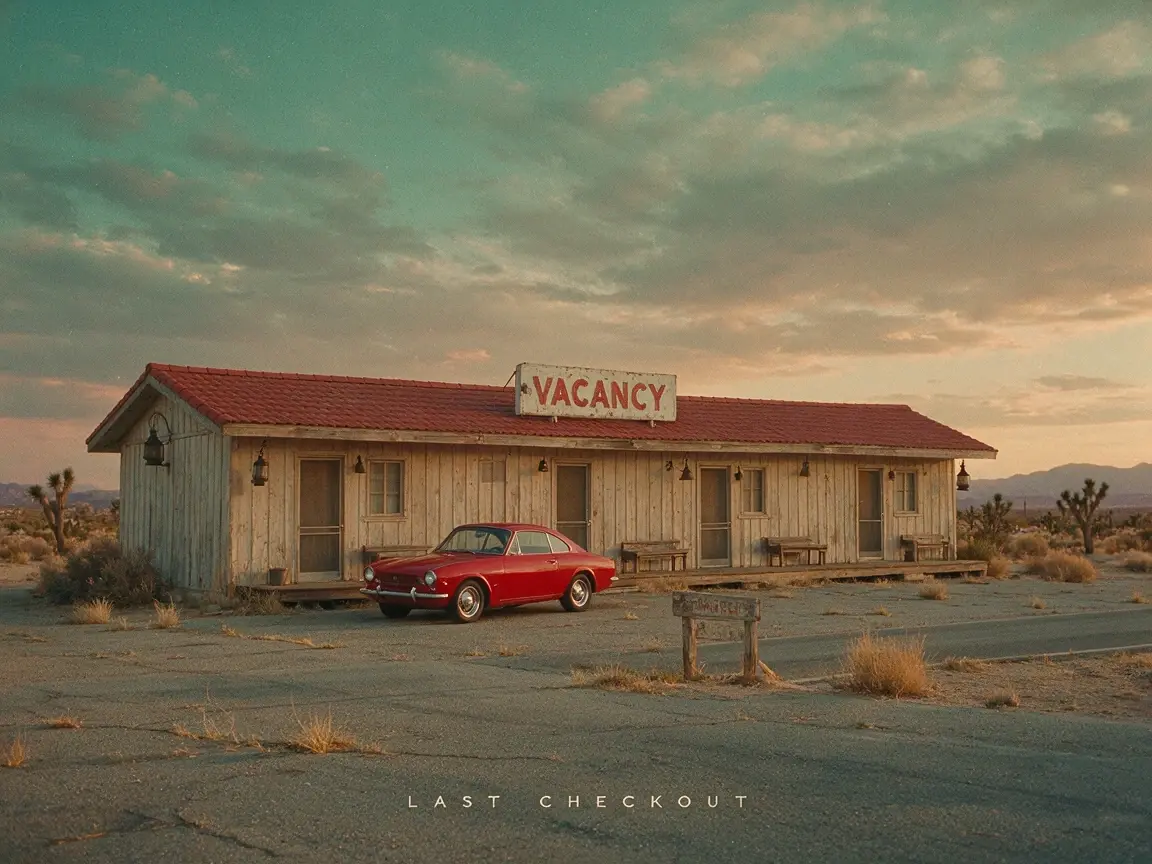
Some ideas depend on several details working together: composition, lighting, camera direction, materials, typography, object placement, and the parts that must remain unchanged. GPT Image 2.5 is better suited to following these layered instructions while keeping the overall visual direction coherent. On PicLumen, you can take detailed creations through to up to 4K output, giving fine textures, graphic details, and complex compositions more room to hold up in the final image.

Why Use GPT Image 2.5 on PicLumen?

High-Quality Results
Create polished visuals with clearer details, richer textures, and stronger overall presentation. The output is well suited to campaigns, product pages, social content, and design work where image quality matters.

Faster Creative Workflow
Generate, compare, and adjust different visual directions in one place. You can move through early ideas more efficiently and spend more time refining the concepts that are actually worth keeping.

Flexible Creation Options
Work from text prompts, reference images, or existing visuals depending on what your project needs. You can switch between different creation paths without rebuilding your workflow from scratch.
What You Can Create with GPT Image 2.5
Product & Ecommerce Visuals
Turn product references into studio shots, lifestyle scenes, launch visuals, or new campaign settings. Keep the product as the visual anchor while changing the background, lighting, composition, or surrounding environment.
Ads & Campaign Creative
Create visuals for paid ads, brand campaigns, landing pages, and product launches. Explore different concepts early, then develop the strongest direction into a more polished campaign asset.
Social Media Content
Create posts, promotional graphics, thumbnails, and visual series for different platforms. Change the style, framing, or composition to build multiple versions around the same idea without starting from zero each time.
Portrait & Fashion
Start from an existing portrait and change clothing, styling, location, or editorial direction while keeping the subject recognizable. You can build fashion editorials, lifestyle scenes, or more stylized portrait concepts from the same reference.
Posters & Graphic Design
Create exhibition posters, event graphics, editorial layouts, covers, and typography-led compositions. Give clear directions for hierarchy, spacing, image placement, text treatment, and overall art direction.
Illustration & Concept Art
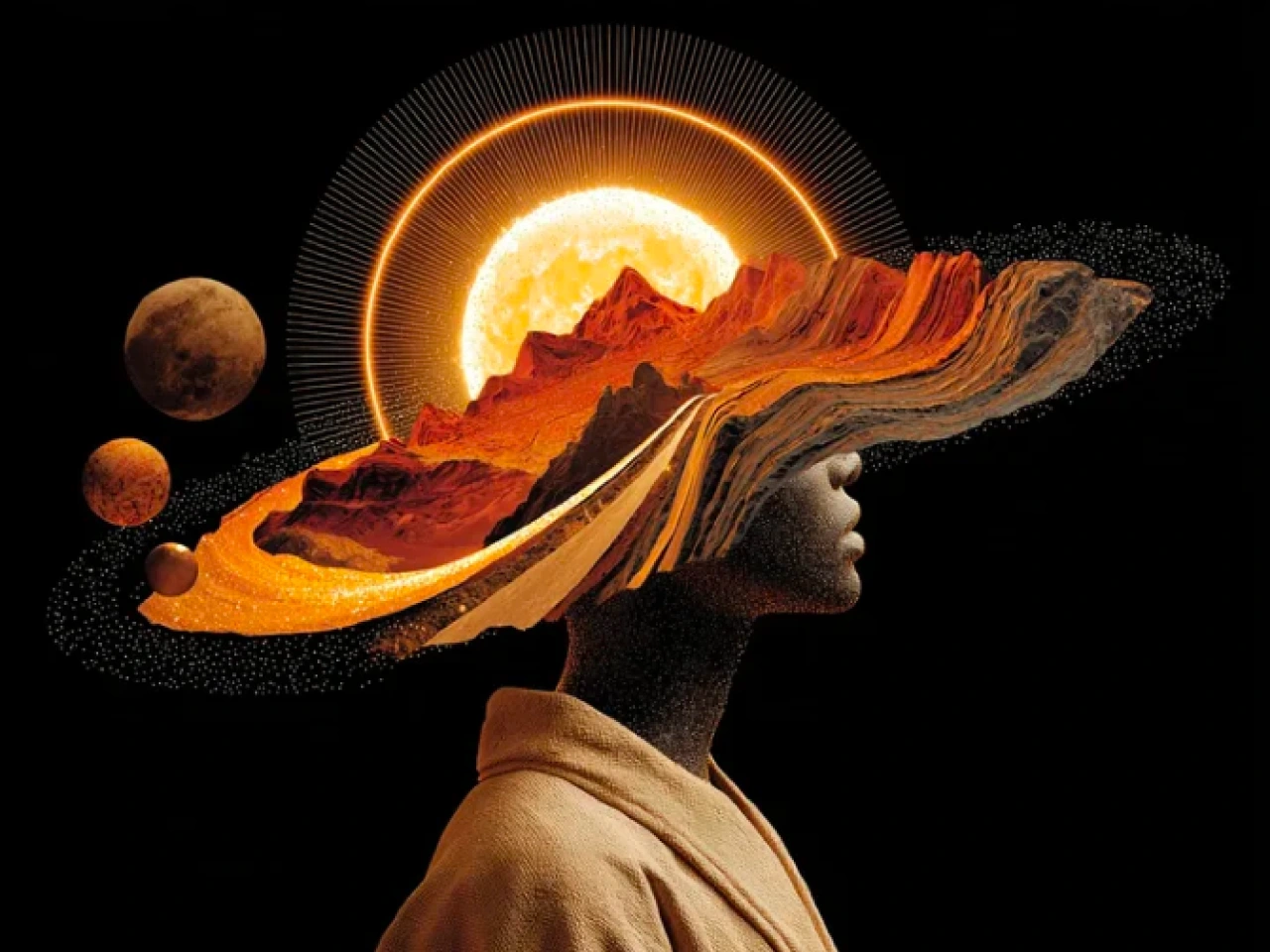
Move beyond photographic styles with gouache, collage, printmaking, paper art, mixed media, surreal illustration, and other visual approaches. Use detailed prompts to shape characters, scenes, editorial concepts, and more experimental artwork.
How to Use GPT Image 2.5 on PicLumen
Step 1 Open GPT Image 2.5
1Go to the PicLumen AI Image Generator and select GPT Image 2.5. Choose Flare when you want faster generation and more variations, or Sunburst when your image needs closer attention to detail and editing control.
Step 2 Add Your Prompt or References
2Describe the image you want to create, including the subject, composition, lighting, style, materials, or other details that matter. If you already have visual references, upload them and make each image's role clear, such as the person, product, clothing, or environment you want to use.
Step 3 Set Your Output
3Choose the aspect ratio and image quality that fit your final use. You can create square, portrait, landscape, or wider compositions and select the resolution you need before generating.
Step 4 Generate and Review
4Check your prompt, references, and settings, then click Generate. Review the result closely, especially faces, products, text, materials, and other important details. If something needs changing, use the generated image as a new starting point and give a more focused editing instruction.


Loved by Creators Worldwide
Real feedback from designers, marketers, and hobbyists sharing their PicLumen experience on Trustpilot.
 Isuru Nilanka
It's easy to use
It's easy to use, they have different AI models, good prices, and a nice community page.
Jon JonVery good website
Very good website. Different models, good job
Just amazing website a must try.
Just amazing website a must try.
My experience
Itis a really good website n really ideal to use theres only one con and that the AIS sometimes create wrong images but that doesnt happen frequently
Awesome program easy to use a little…
Awesome program easy to use a little disappointment in the fact you can’t buy lumies
ClashOf ClansExcellent platform to fantasy
Excellent platform to fantasy
 Elisa Lika
perfect
i think they are very cool and do a great worl with AI
 John Cooper
Best Ai image generating website
Best Ai image generating website
Final ProjectReally good image generation Tool
Really good image generation. I love the way they have daily reward system that help beginners to make creative content before spend money on it. 100% recommended.
 Yfad
YfadBest AI generator of all times
Best AI generator of all times
Nice app ever
Nice app ever, like it when I needed
 Buzás Lili
Im only doing this for the free stuff
Im only doing this for the free stuff
Frequently Asked Questions GPT Image 2.5
What is GPT Image 2.5?
GPT Image 2.5 is OpenAI's latest image generation and editing model, available on PicLumen for text-to-image creation, reference-based generation, and precise image editing. It improves reference fidelity, visual detail, editing control, and the handling of more complex creative instructions.
What is the difference between GPT Image 2.5 and GPT Image 2.0?
GPT Image 2.5 improves reference consistency, precise editing, visual detail, and complex instruction following compared with GPT Image 2.0. It also introduces Flare for faster generation, with up to 50% lower latency, while Sunburst focuses more on detailed creative control.
Should I choose GPT Image 2.5 Flare or Sunburst?
Choose Flare when you want faster generation, more variations, or quick concept testing. Choose Sunburst when detailed editing and finer creative control matter more, such as polished product visuals, campaign assets, or complex compositions.
How many reference images can I use with GPT Image 2.5?
On PicLumen, you can use up to 16 reference images in one creation. You can assign different references to the subject, product, clothing, environment, or other visual elements instead of trying to describe everything in one prompt.
Can GPT Image 2.5 keep a face or product consistent?
GPT Image 2.5 has stronger reference fidelity, helping recognizable faces, products, clothing, and other important details stay closer to the source when you change the setting, composition, or style. Because image generation is still generative, check identity-sensitive details before using the final image.
Can I change just one part of an existing image?
Yes. GPT Image 2.5 image editing supports more focused changes, such as replacing a product, removing an object, changing clothing, updating text, or switching the background while keeping more of the surrounding image intact. For better results, clearly state what should change and what should remain unchanged.
What aspect ratios does GPT Image 2.5 support?
GPT Image 2.5 on PicLumen supports 1:1, 3:2, 2:3, 3:4, 4:3, 16:9, 9:16, and 21:9, covering square, portrait, landscape, and ultrawide formats. The latest 8:9 and 9:8 options give you more flexibility for near-square portrait and landscape compositions.
How do I write a better GPT Image 2.5 prompt?
Start with the result you want, then add the visual details that affect it most: subject, composition, lighting, materials, style, text, and object relationships. For editing, describe what to change first, then specify what to preserve. Use a reference image when a visual detail is easier to show than describe.