
Denoise Video: Remove Noise & Grain for Clear, Professional Footage
Reduce grain, low-light noise, color noise, flickering pixels, and compression artifacts from your videos online. PicLumen AI video denoiser helps clean noisy footage while preserving natural details and smooth motion. Whether you're working with low-light shots, high-ISO recordings, or old footage, our denoise video tool delivers clean, professional results with just one click.
Reduce Grain from Video
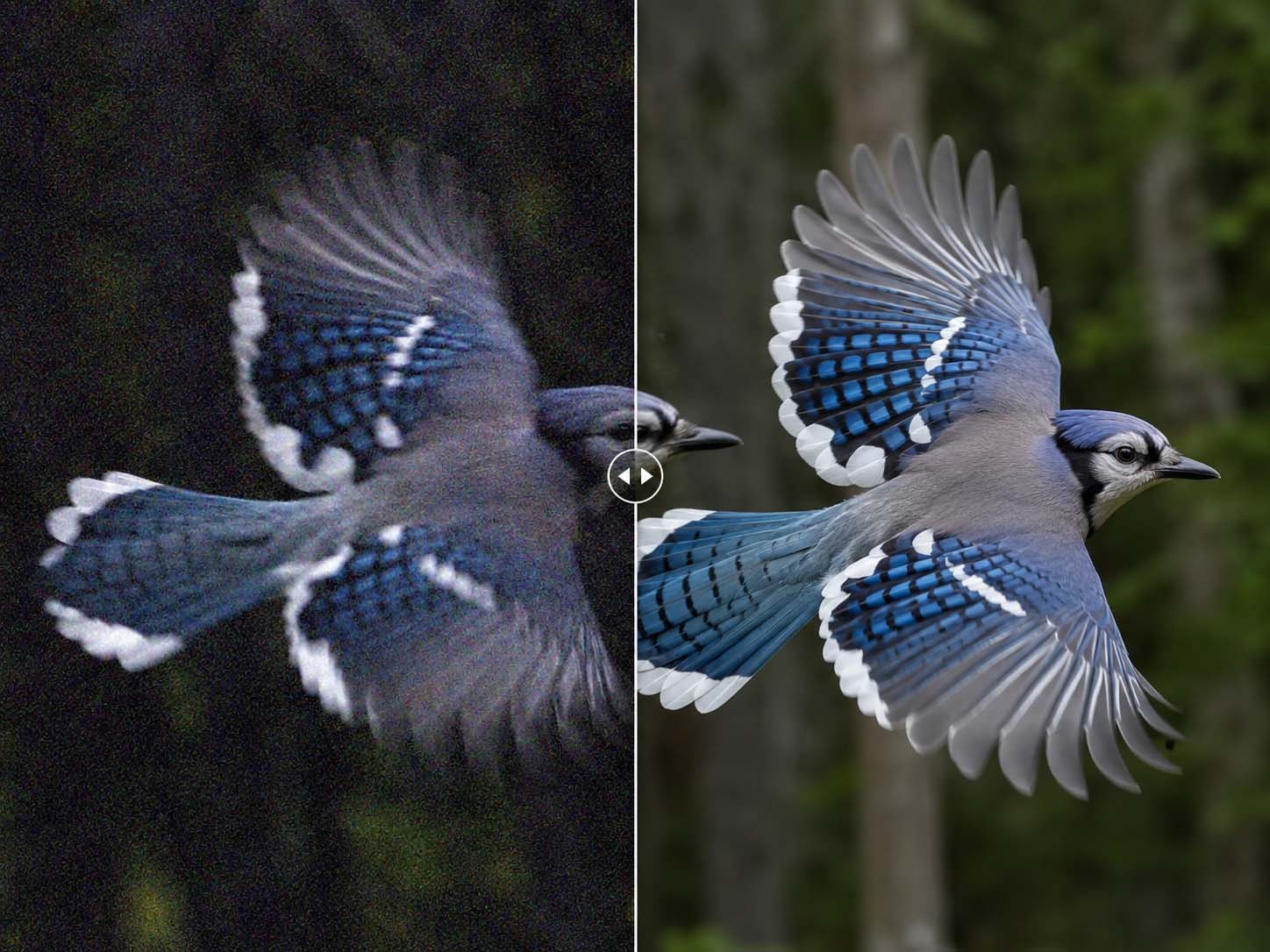
Remove visible grain and rough visual texture from your footage with PicLumen AI. Grain often appears in low-light videos, old clips, or videos recorded with lower-quality cameras. PicLumen helps smooth out noisy areas while keeping the video natural and watchable.
Denoise Low-Light Videos
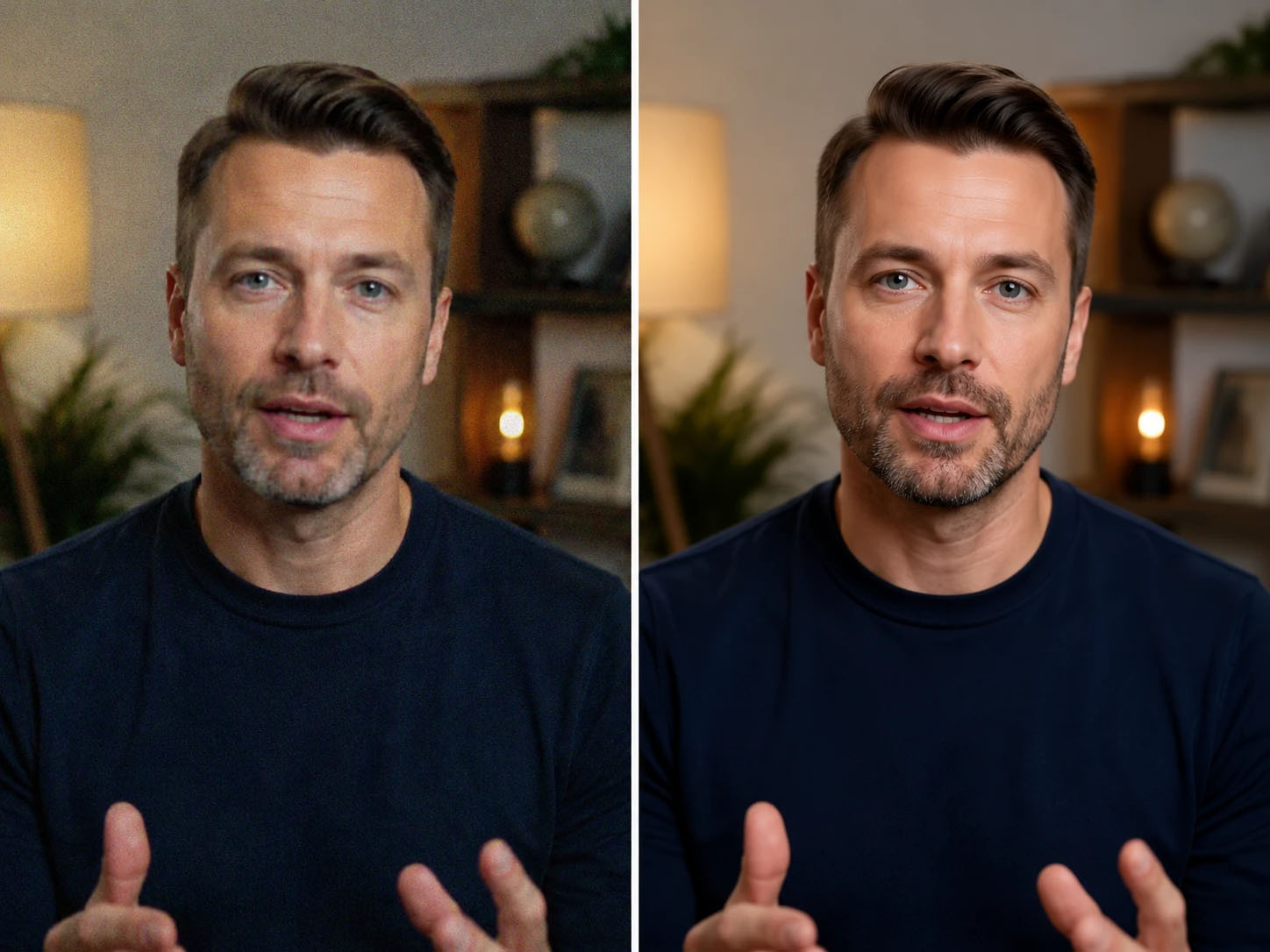
Videos shot at night or in dim indoor environments often contain heavy noise in shadows and dark areas. PicLumen helps denoise low-light video footage by reducing grain and noise while keeping the original atmosphere, lighting, and scene details.
Remove Flickering Pixels and Artifacts
Low-quality videos may contain flickering pixels, unstable details, and distracting artifacts between frames. PicLumen helps stabilize the visual appearance of your footage by reducing these unwanted noise patterns and making the video look smoother.
Denoise Video Online
PicLumen lets you denoise video directly in your browser. There is no need to download complicated editing software, install plugins, or manually adjust advanced noise reduction settings. Upload your video, apply AI denoising, and get a cleaner result online.
Use Cases
Low-Light & Night Footage
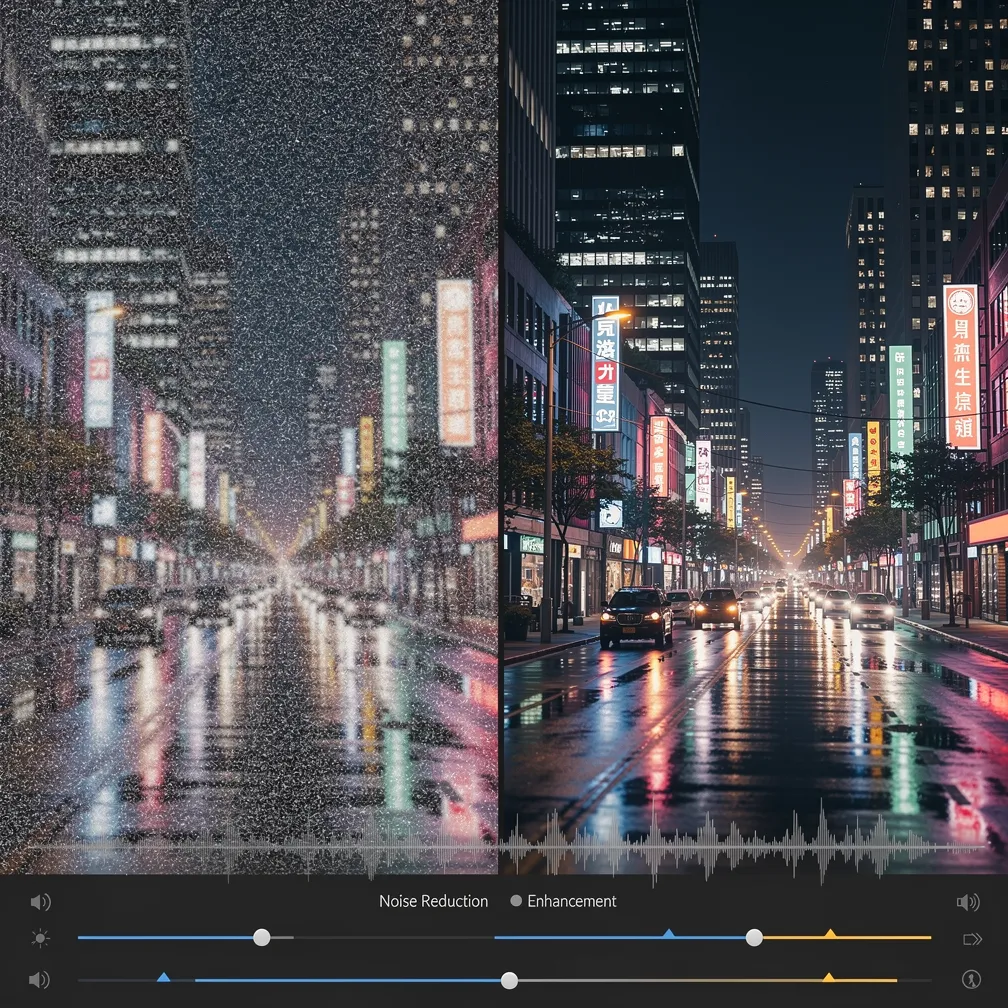
Shot some amazing night scenes but the grain is killing the vibe? Use PicLumen's AI video denoiser to clean up low-light footage without losing detail. Upload your clip, apply the right intensity level, and export footage that looks like it was shot in broad daylight.
High-ISO Recordings
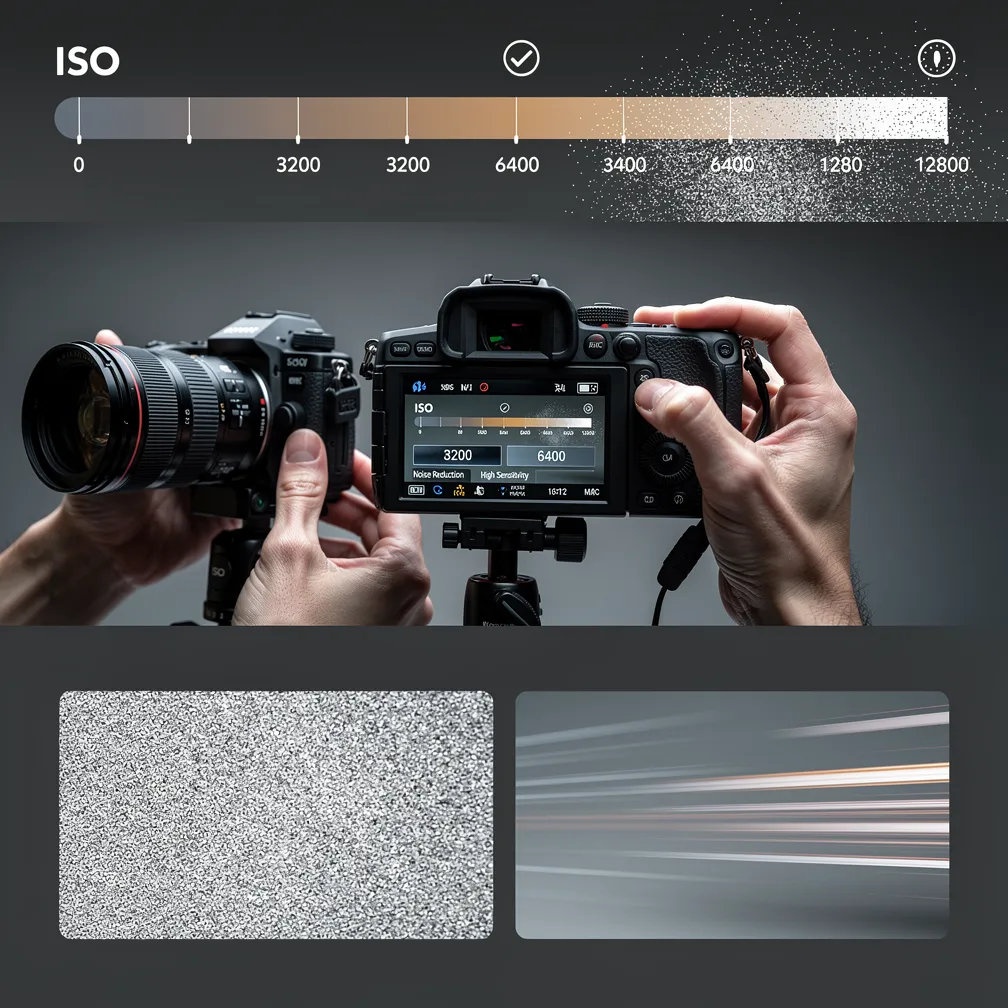
High ISO settings can introduce unwanted noise, especially on older sensors. With PicLumen's denoise video tool, you can rescue those grainy high-ISO clips and bring them back to life. The AI intelligently distinguishes between noise and real texture, so your footage stays sharp where it matters.
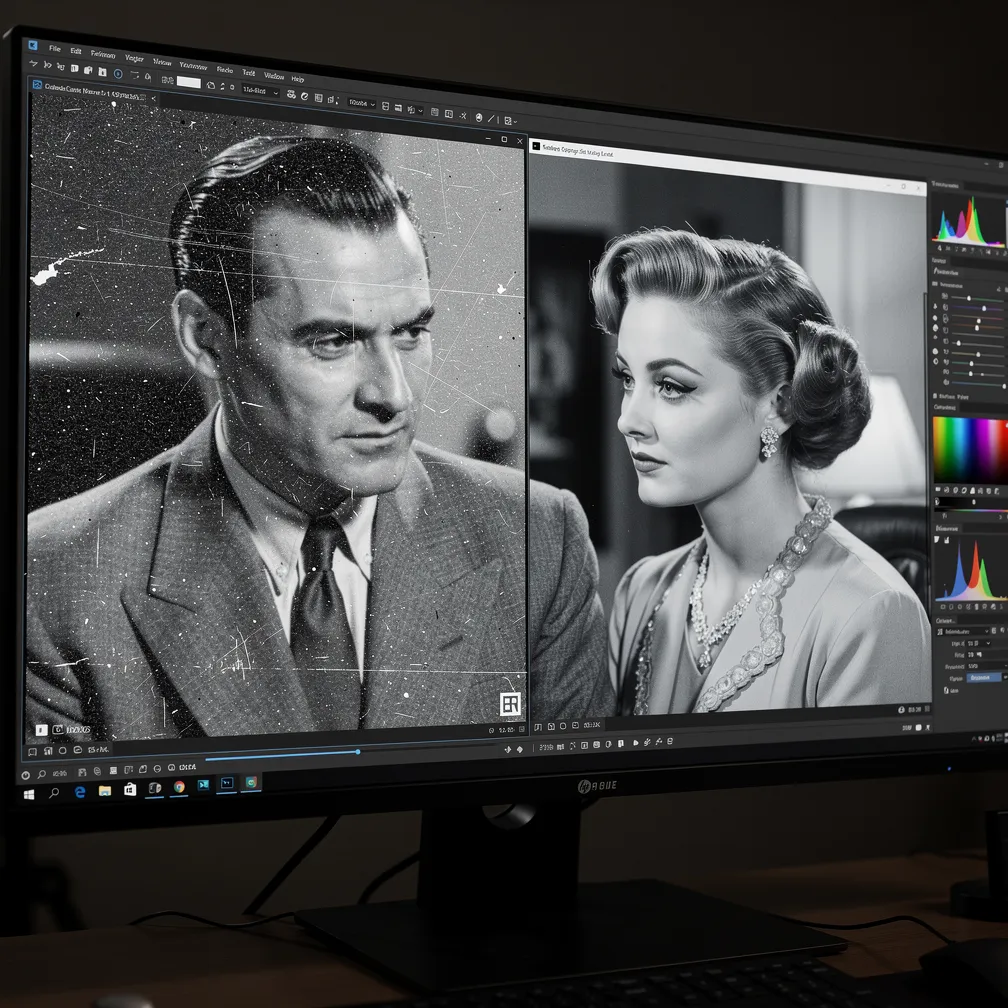
Old or Restored Footage
Old home videos and vintage footage often suffer from noise, scratches, and degradation over time. PicLumen's free video denoise tool can help you restore these memories by smoothing out artifacts while preserving the original character. Upload scanned or captured old footage, let the PicLumen process it, and download a cleaner version you can share or re-edit.
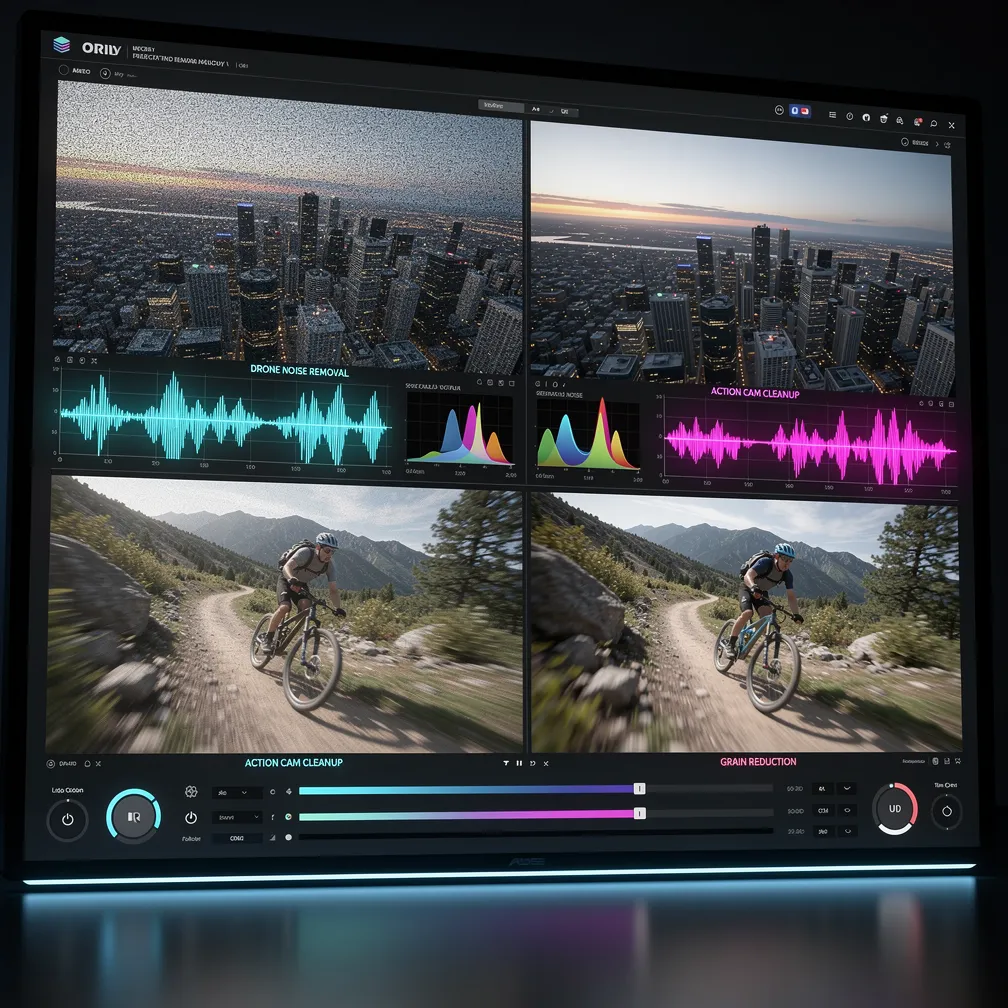
Drone & Action Camera Footage
Drone and action camera footage is often shot in changing light and high motion—conditions that introduce noise. Whether you're working with 4K drone shots or 1080p action cam clips, PicLumen's AI video denoiser handles the cleanup so you can focus on the edit.
How to Denoise Video on PicLumen
Step 1 Choose AI Denoise Model
1Choose the AI video model that can enhance or denoise to improve your footage. PicLumen offers a wide list of advanced video models, including Seedance 2.0, Kling 3.0, Wan 2.6, etc.
Step 2 Upload Your Video File
2Start by uploading the video you want to clean. PicLumen works well for footage that looks grainy, noisy, pixelated, low-light, or heavily compressed.
Step 3 Describe the Denoise Effect You Want
3Use the prompt box to describe how you want PicLumen to clean your video. You can ask AI to reduce visible grain, smooth rough-looking footage, clean low-light noise, remove compression artifacts, or improve overall clarity while keeping the video natural.
Step 4 Export Clean Video
4Export your clean video in your preferred format and resolution. Download and use it in DaVinci Resolve, premiere pro, or any platform. The whole process takes just minutes.


Loved by Creators Worldwide
Real feedback from designers, marketers, and hobbyists sharing their PicLumen experience on Trustpilot.
 jordi Alcaraz
I have really enjoyed using this site…
I've had a really positive experience with Piclumen. The platform offers excellent features for creating AI images and videos, with impressive quality and a wide range of creative possibilities. It's very easy to use, even when experimenting with more complex ideas, and the whole process is both intuitive and enjoyable. excellent customer service. The team replies very quickly, is always friendly, and genuinely tries to solve any issues you may encounter they care about their users. Overall, Piclumen is an innovative, user-friendly, and exciting AI platform. I highly recommend it to anyone interested in AI image and video creation.
J. BlaineRegular PicLumen user experience
I've been using PicLumen since late summer 2024 and I've generated several thousand images, mostly image-to-image. There were 2 minor technical glitches in that period of time. In the first one, my library didn't load but after logging out and logging in again later that day I found my library back. The second glitch- the remixing and outpainting stopped working. I contacted the support team and the issue was fixed the next day. I also requested PicLumen to provide a PayPal payment method when they switched to subscription - and they listened and responded to my request. I appreciate their responsiveness and customer service. In my communication with their support team, I found them professional and polite. My general impression is that this is a dynamic and collaborative team that is worth supporting!
My experience
Itis a really good website n really ideal to use theres only one con and that the AIS sometimes create wrong images but that doesnt happen frequently
ClashOf ClansExcellent platform to fantasy
Excellent platform to fantasy
 George Price
PicLumen's support team replies quickly…
PicLumen's support team replies quickly to your help requests and they are clear in what they require of you for them to help you. They usually diagnose your problem and offer a solution in less then 24 hours. Stellar service!
 next frame
best ai web creation site
best ai web creation site
This is one of the best videos ai…
This is one of the best videos ai generator
The best app ever in history
The best app ever in history
Boma HallidayGREAT QUALITY FOR THE PRICE
GREAT QUALITY FOR THE PRICE. ARGUABLY THE MOST AFFORDABLE IMAGE GENERATION SITE THERE IS WITH THE BEST OPTIONS.
 Its aarohi
This is a great app for creating images…
This is a great app for creating images and ai videos i just love this app
 PrintWiz Designs
All in one platform
I love it as it become more sn all in one platform , great generations, high value , generous free plan ....
 Qadeer Khan
Piclumen is one of the best ai image…
Piclumen is one of the best ai image generator
FAQs
What types of noise can AI video denoiser remove?
PicLumen's AI video denoiser can handle various noise types, including luminance noise, color noise, grain from high-ISO shooting, compression artifacts, and noise from low-light conditions. The AI distinguishes between actual image detail and unwanted noise to preserve quality while cleaning the footage.
Does AI video denoiser work on all types of footage?
It depends on the video model you choose. PicLumen's free video denoise tool works on most footage types, including DSLR recordings, smartphone clips, drone footage, action camera videos, screen recordings, and scanned old footage. Whether you need to denoise video from a mirrorless camera or an older camcorder, the AI handles it. Results may vary depending on the initial noise level and footage resolution.
Will using a video denoiser make my video blurry?
No, PicLumen's AI video denoiser is designed to remove noise while preserving detail. Unlike basic filters that blur everything, our AI intelligently separates noise from real texture, keeping your denoised video sharp where it matters. You can also control the intensity level to find the right balance between cleanup and clarity for your project.
Can I denoise videos online for free?
Yes, you can use PicLumen's free video denoiser directly in your browser with a free account. PicLumen provides daily lumen credits, and you can earn extra lumen by completing tasks. Within your credit limit, you can keep denoising video files without paying.
What is the best free video denoise software?
PicLumen offers one of the best free video denoise solutions available online. Our AI video denoiser combines powerful noise reduction with an easy-to-use interface—no complex settings, no software installation required. It's a top choice if you need to denoise video quickly and reliably.