Qwen Image 3.0: Create Sharper, More Detailed AI Images in Up to 2K
Turn your ideas into polished visuals with Qwen Image 3.0 on PicLumen. Generate in up to 2K resolution, use 1–3 reference images for more control, create text in 12 languages, and generate up to 6 images at once. From product visuals and posters to realistic scenes and infographics, you can create more in fewer steps.
Hot Video Effects
View All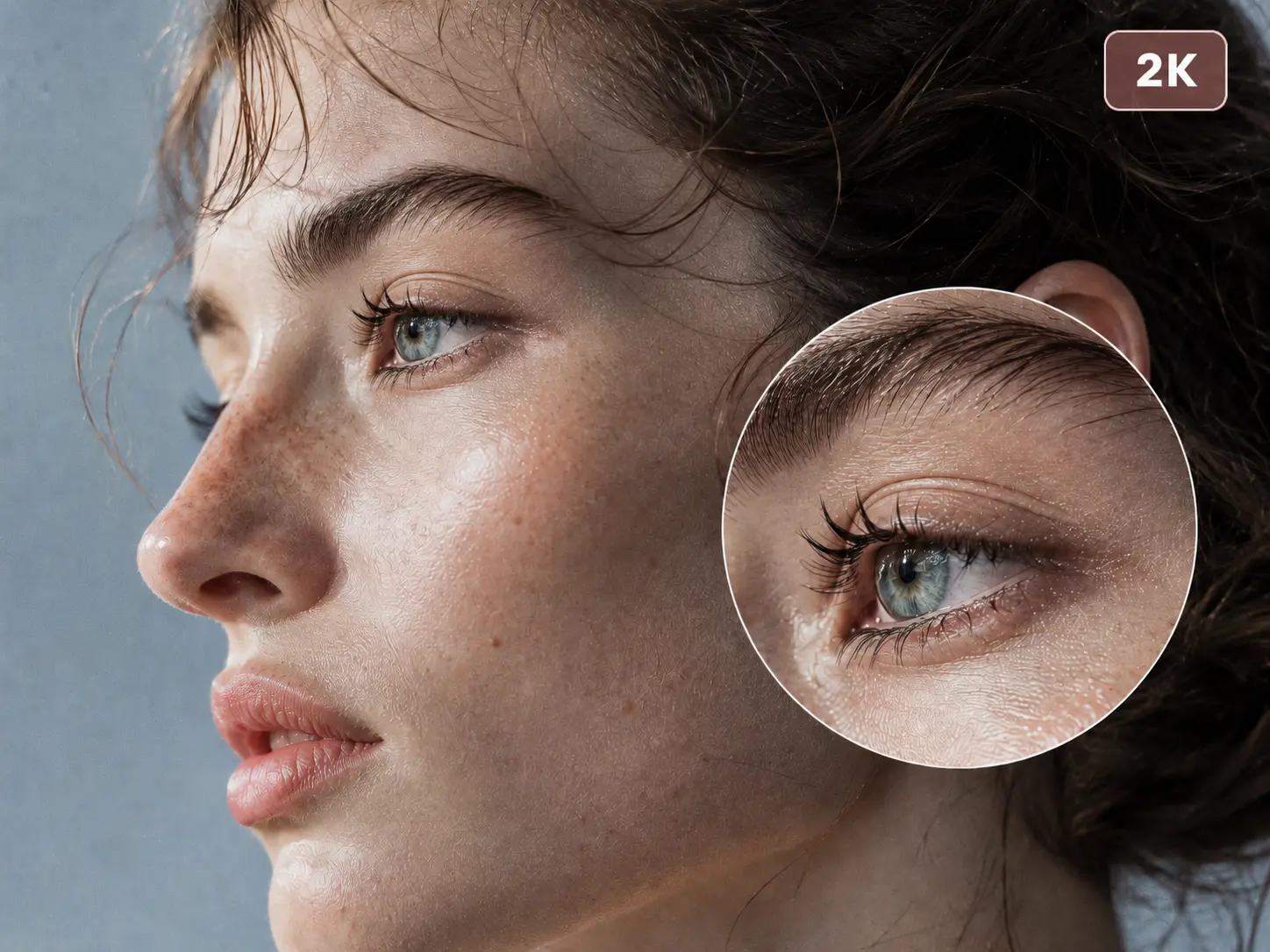
Create Sharper Images in Up to 2K
Want more detail in the final image? With Qwen Image 3.0 on PicLumen, you can generate in up to 2K resolution, with clearer definition across faces, hair, fabrics, products, paper, and other fine elements. This level of detail gives you more room to create realistic scenes, product creatives, illustrations, and polished design assets.
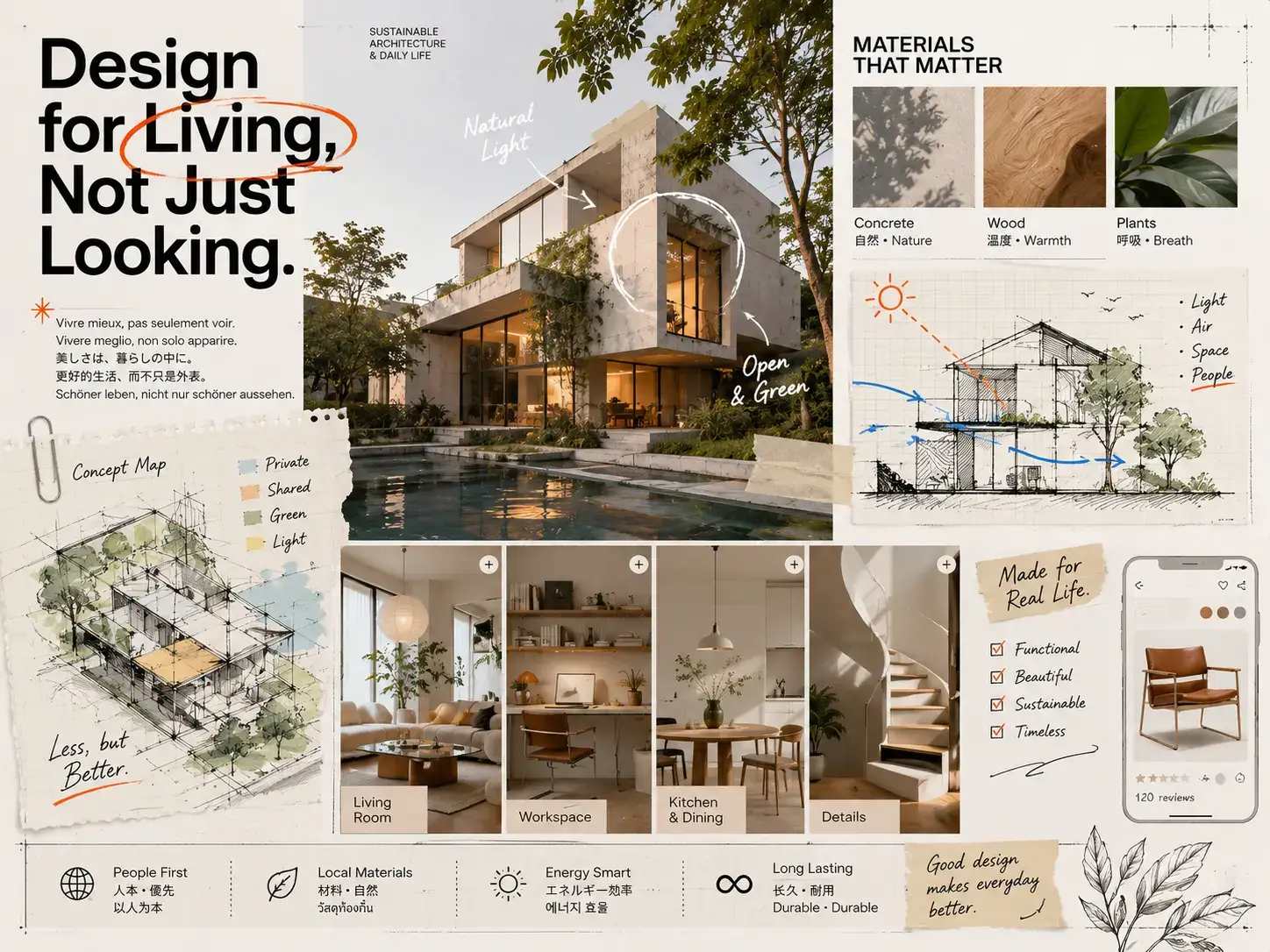
Fit More Into a Single Image
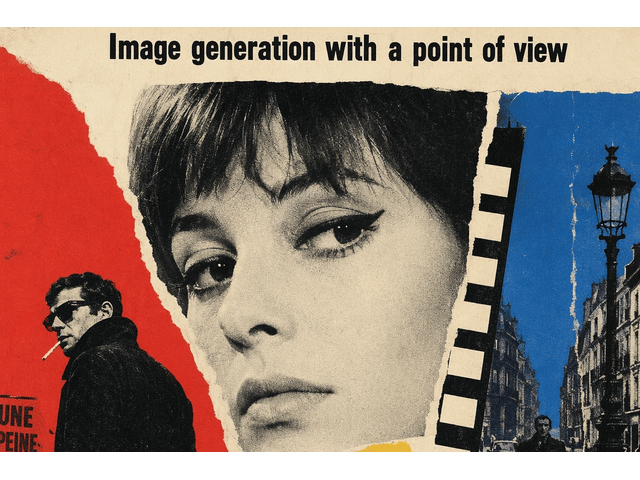
Some ideas need several subjects, sections, labels, and text blocks to appear together. Qwen Image 3.0 can handle complex compositions while keeping the layout clear and connected. You can create infographics, storyboards, newspaper-style pages, educational graphics, product grids, and UI concepts in one generation. On PicLumen, describe the structure you want in the prompt and let the model build the full composition around it.
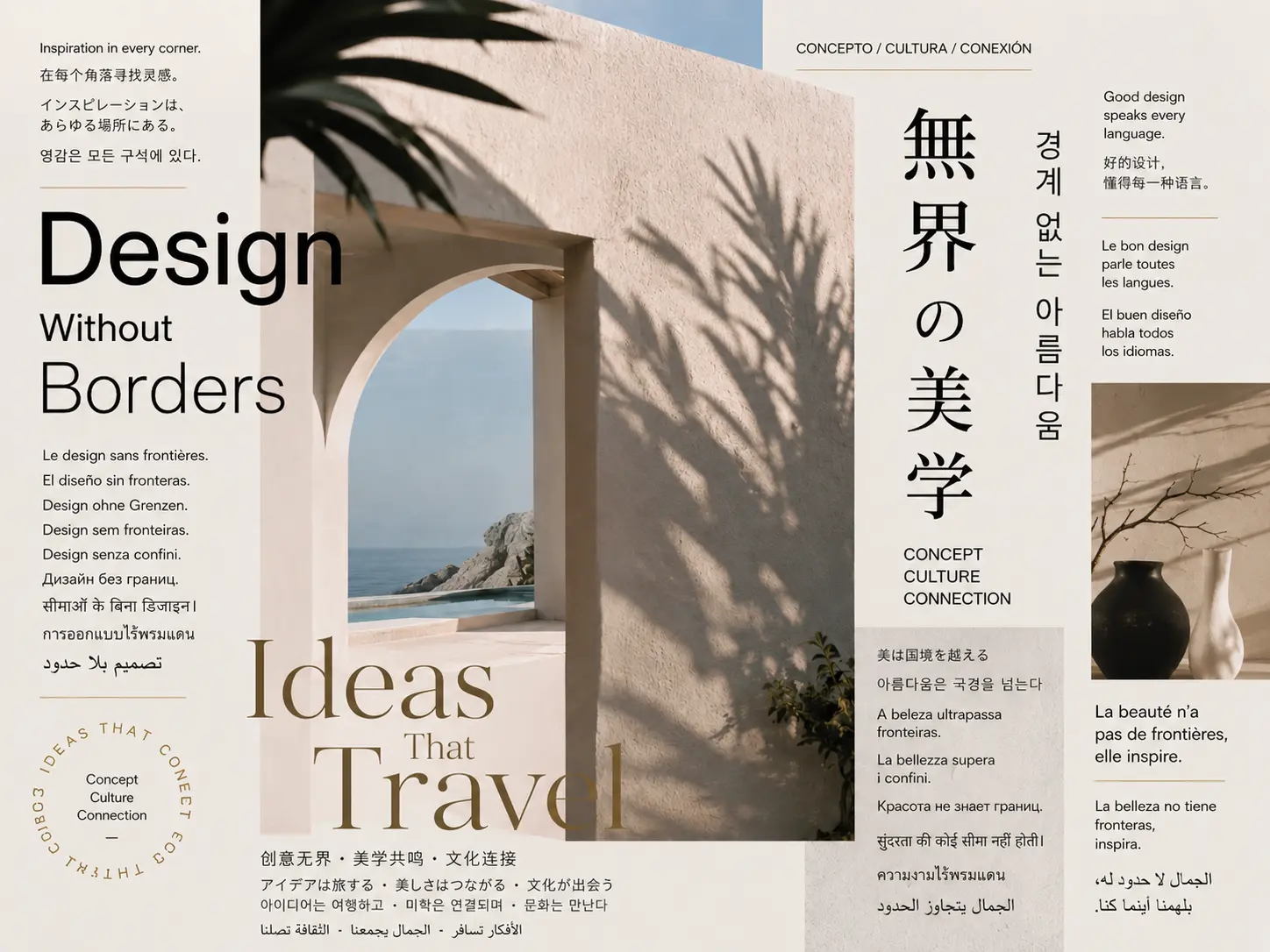
Create Clear Text in Multiple Languages
Need the text inside your image to stay readable? Qwen Image 3.0 can handle smaller text and denser layouts, with official examples showing text at around 10 px. It also supports native text rendering across 12 languages, giving you more flexibility for posters, menus, social graphics, infographics, interfaces, and localized campaign visuals. Text and imagery can be created together as part of the same composition.
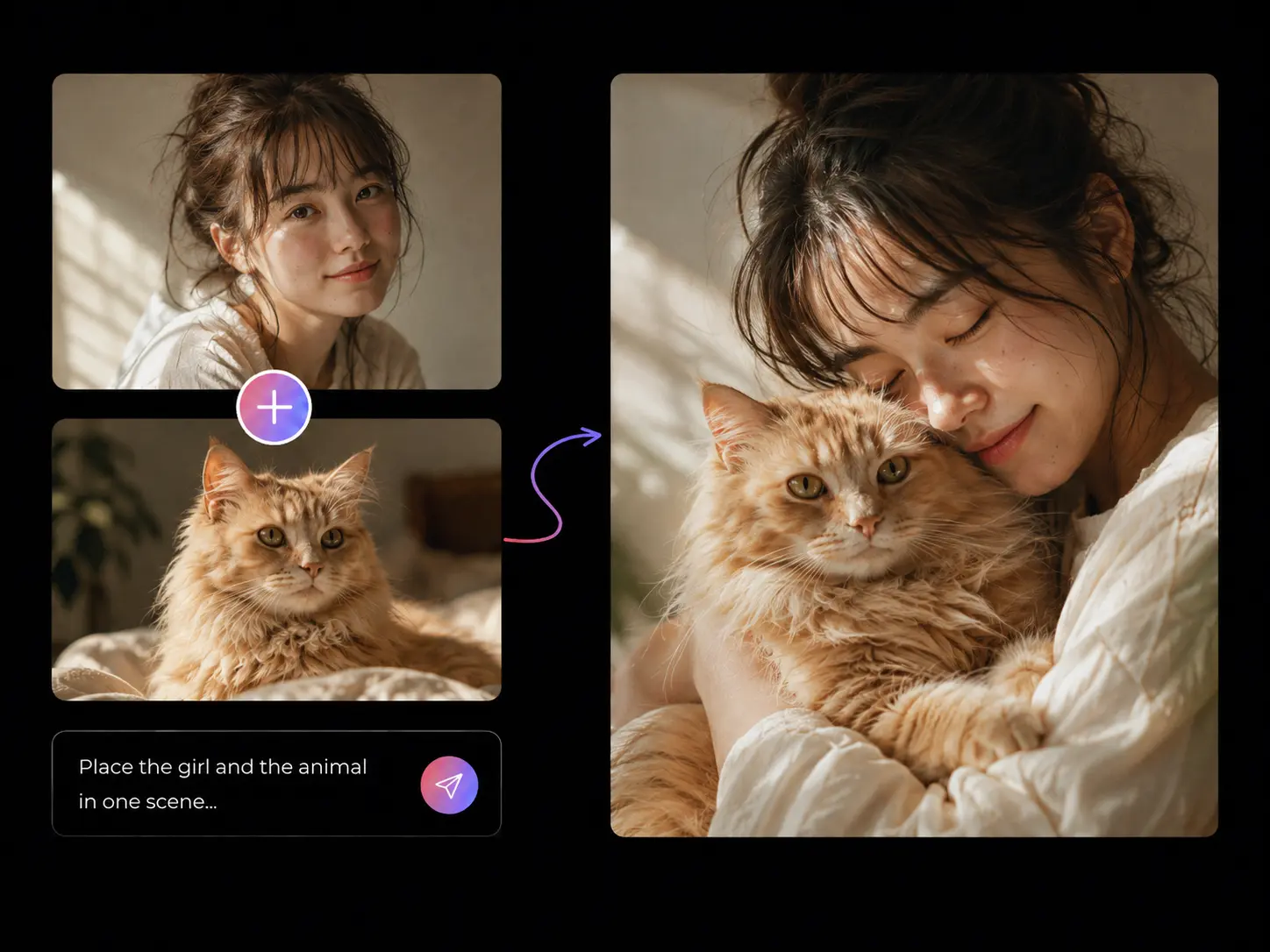
Guide Your Results With Reference Images
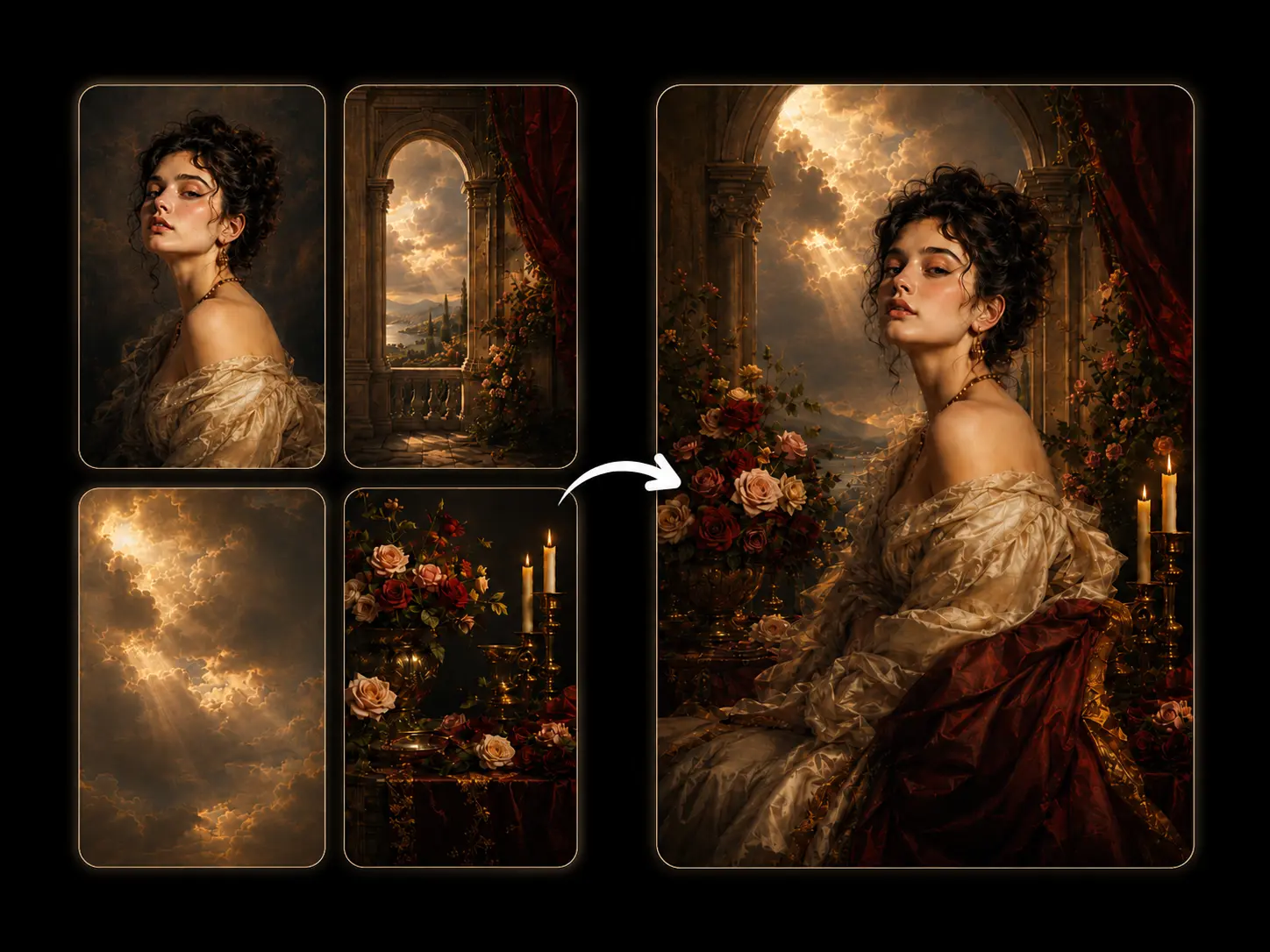
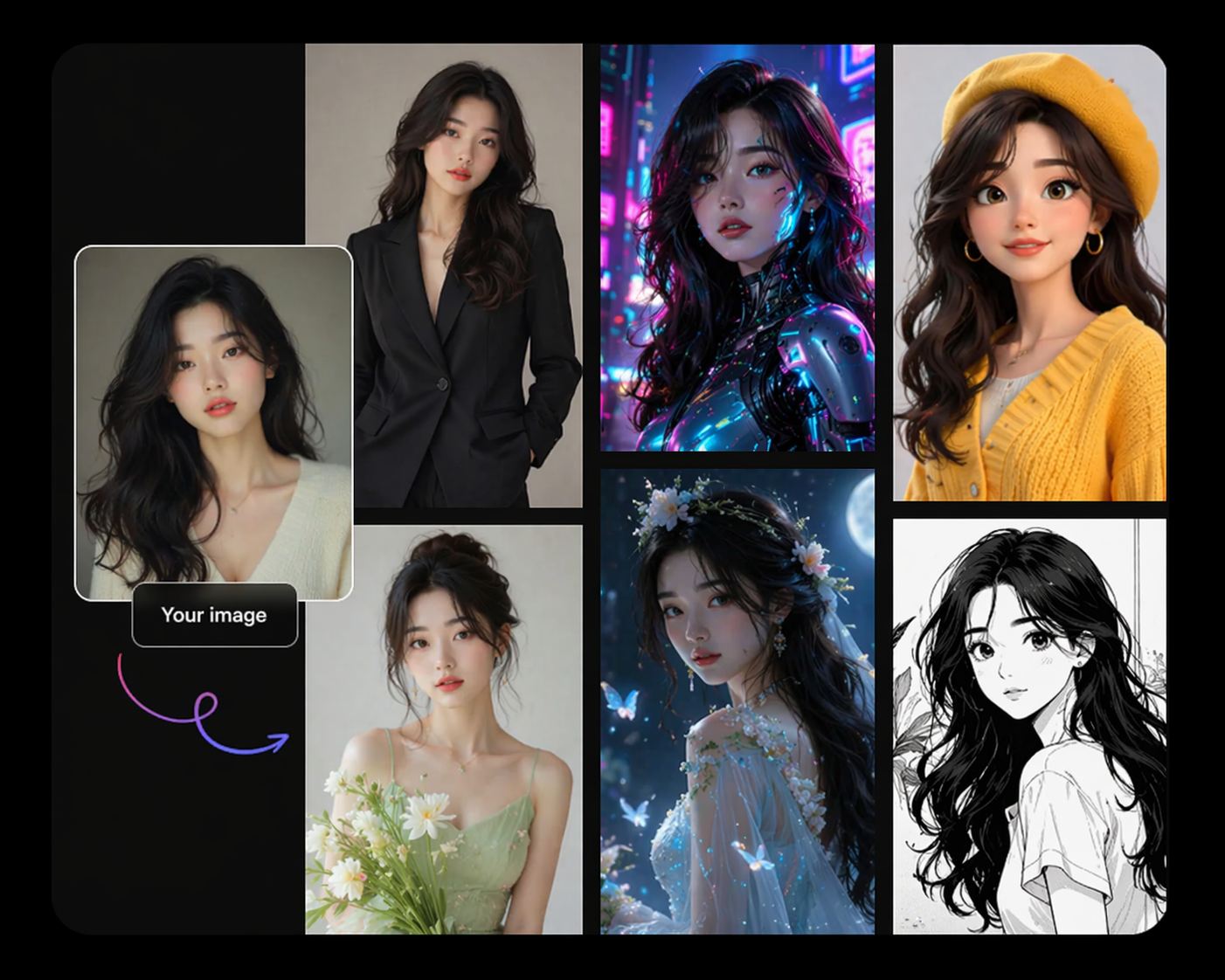
Have a product shot, character, composition, or visual direction you want to carry into the next image? On PicLumen, you can upload 1–3 reference images and tell Qwen Image 3.0 which visual elements you want to keep, adjust, or combine. You can use references to create product variations, place subjects in new settings, refine an existing concept, or explore a different visual direction with more control.
What Can You Create With Qwen Image 3.0 AI Image Generator?

E-commerce
Create product ads, listing visuals, campaign banners, lifestyle scenes, and promotional graphics for online stores. You can use product references to explore new settings, compositions, and seasonal concepts while keeping the main product visually consistent.

Marketing
Build posters, social media graphics, campaign creatives, event visuals, and branded content with imagery and text in the same composition. You can also create localized versions with text across supported languages for different markets.

Education
Turn information into diagrams, learning graphics, illustrated explainers, worksheets, and presentation visuals. Qwen Image 3.0 can handle labels, multiple sections, and text-heavy layouts when you need more structure in a single image.

Media & Publishing
Create editorial illustrations, magazine-style layouts, covers, news graphics, storyboards, and visual concepts for digital or print content. You can describe the layout, headline placement, supporting images, and other elements directly in your prompt.

UI & Product Design
Generate app screens, website concepts, dashboards, interface mockups, and early product visuals. You can define sections, cards, buttons, text, and overall layout to quickly explore different directions before moving into detailed design work.

Entertainment
Develop characters, comics, storyboards, game concepts, environments, and promotional artwork for creative projects. You can combine several subjects and scenes in one composition or use reference images to keep important visual elements consistent.
How to Use Qwen Image 3.0 on PicLumen
- STEP 1Choose Qwen Image 3.0
Open the PicLumen image generator and select Qwen Image 3.0 from the available models.
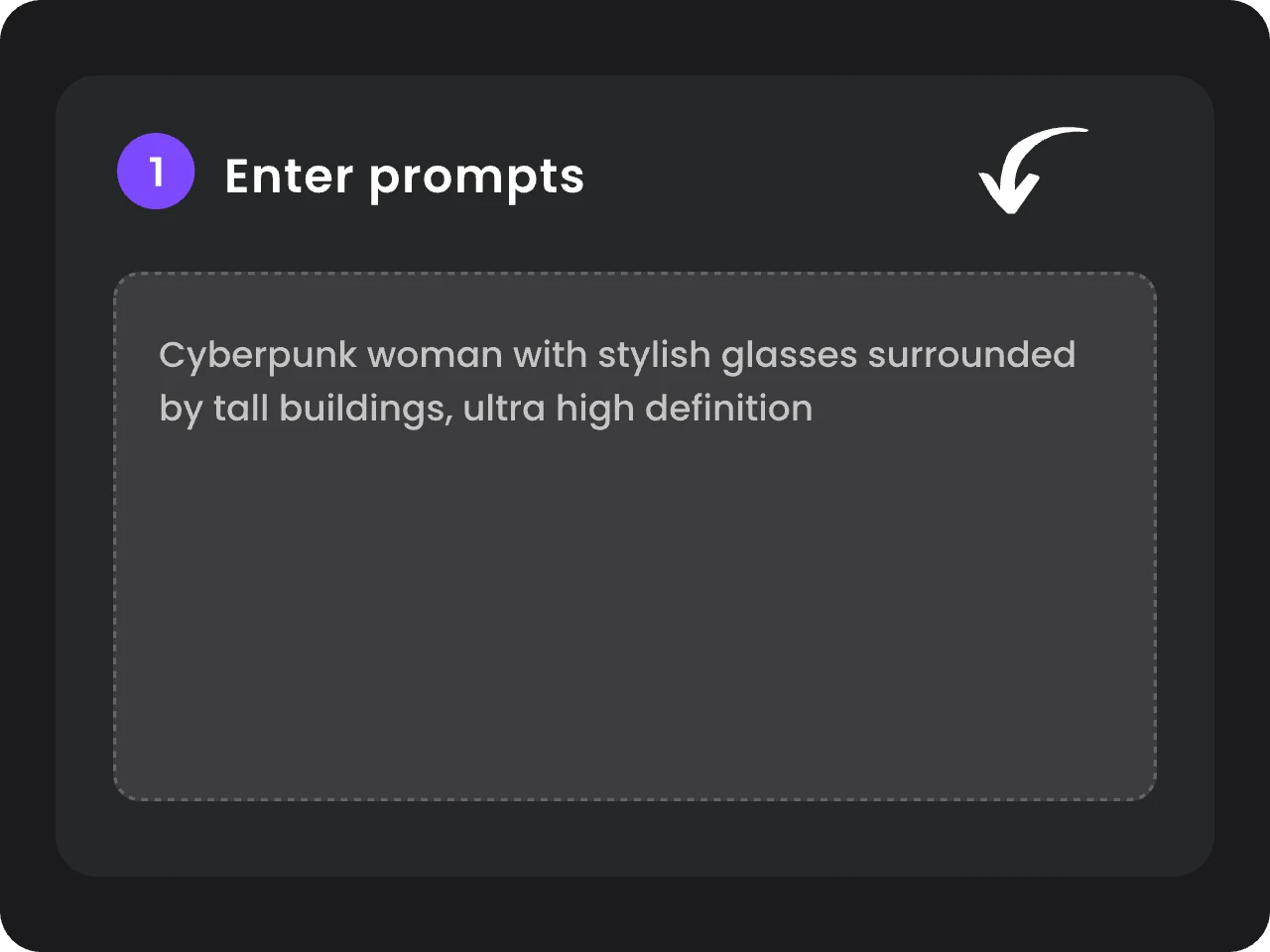
- STEP 2Add Your Prompt and References
- STEP 3Choose Your Settings and Generate


Loved by Creators Worldwide
Real feedback from designers, marketers, and hobbyists sharing their PicLumen experience on Trustpilot.
 J. Blaine
Regular PicLumen user experience
I've been using PicLumen since late summer 2024 and I've generated several thousand images, mostly image-to-image. There were 2 minor technical glitches in that period of time. In the first one, my library didn't load but after logging out and logging in again later that day I found my library back. The second glitch- the remixing and outpainting stopped working. I contacted the support team and the issue was fixed the next day. I also requested PicLumen to provide a PayPal payment method when they switched to subscription - and they listened and responded to my request. I appreciate their responsiveness and customer service. In my communication with their support team, I found them professional and polite. My general impression is that this is a dynamic and collaborative team that is worth supporting!
Just amazing website a must try.
Just amazing website a must try.
 Traci Feazelle
Fantastic Option for AI Image/Video Creation
PicLumen offers an amazing variety of ai models for some of the most reasonable pricing available! The app layout also affords ease of use.
Good 👍 perfomense web site good images…
Good 👍 perfomense web site good images good
by Neefai love it and easy to use
i love it and easy to use
Alexsander Luíscool it's a good ai creator but create…
cool it's a good ai creator but create imagens for cinema
 Ibrahim Faisal
This is best app for image generate
This is best app for image generate
Great platform to create awesome…
Great platform to create awesome content and see other imaginations come to life
 Phogat Pradeep
People passing by without noticing them.
People passing by without noticing them.
 Shantell Jordan
LOVE THIS TOOL
Love this app. Its allowed my vision to come to life.
 KHILADI
Now i started using of piclumen in…
Now i started using of piclumen in starting it looks perfect
Ririn NanasGreat
Great, I like Piclumen giving freedom to their work, both paid and free, to be used as content material for personal or commercial purposes.
Frequently Asked Questions
What is Qwen Image 3.0?
Qwen Image 3.0 is the third-generation image model from Alibaba’s Qwen team. It focuses on detailed image generation, complex layouts, clearer in-image text, multilingual content, and reference-guided creation. On PicLumen, you can use Qwen Image 3.0 to create up to 2K images for product visuals, posters, infographics, UI concepts, illustrations, and more.
Does Qwen Image 3.0 support image editing?
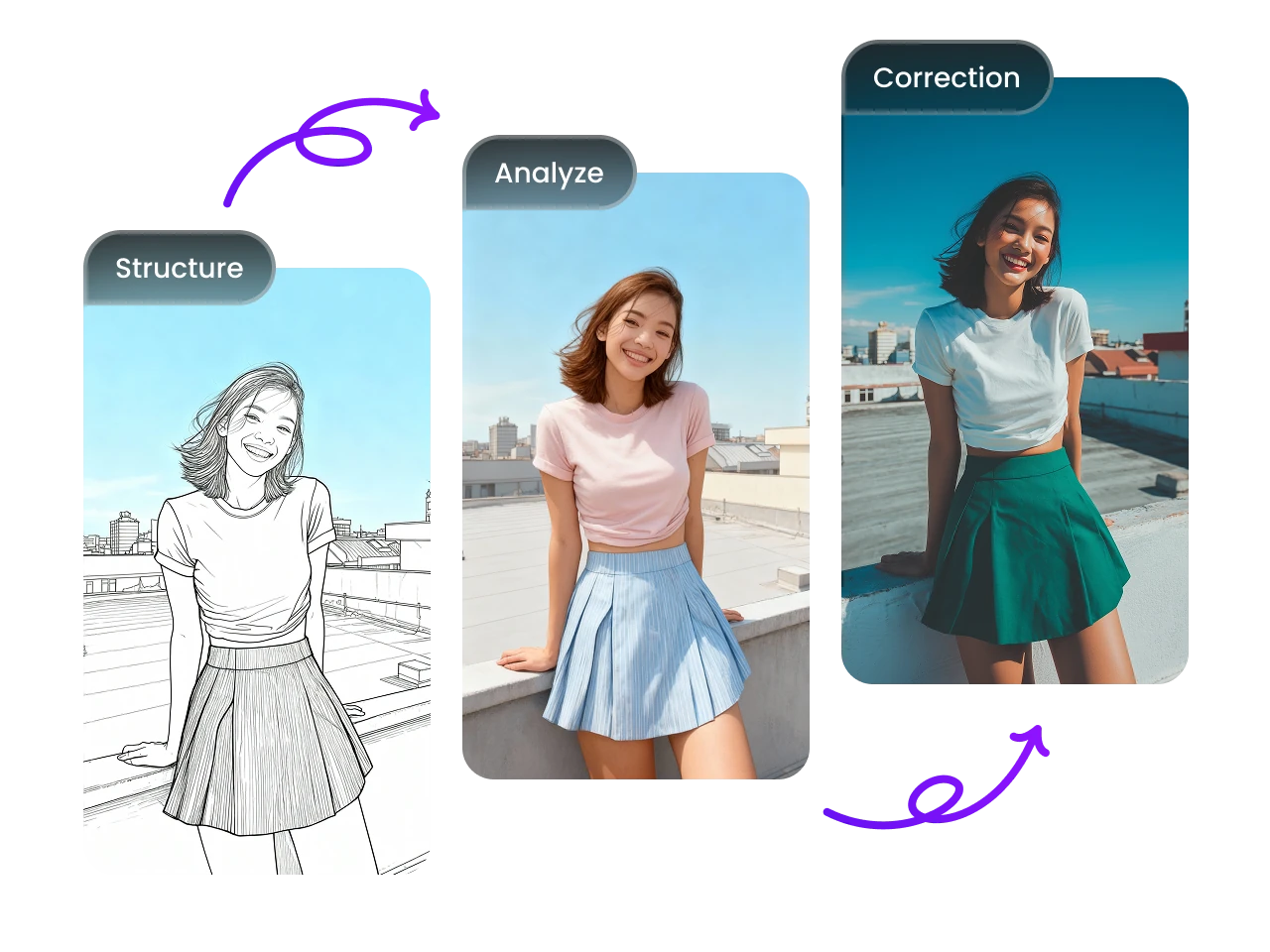
Yes. You can upload 1–3 reference images and describe what you want to change or carry into the new result. This can include the subject, setting, clothing, product presentation, composition, style, or other visual details.
What resolution does Qwen Image 3.0 support?
Qwen Image 3.0 supports image generation at up to 2K resolution. You can use the higher resolution when your image needs finer details in faces, products, materials, typography, or other small elements.
Which languages does Qwen Image 3.0 support?
Qwen Image 3.0 supports native text rendering across 12 languages, including Chinese, English, Japanese, Korean, and Spanish. This gives you more options when creating localized posters, social graphics, marketing materials, and other multilingual designs.
What is the difference between Qwen Image 3.0 and Qwen Image 2.0?
Qwen Image 3.0 builds on the image generation and editing capabilities of Qwen Image 2.0 with stronger handling of dense layouts, small text, multilingual content, and fine visual details. You get more flexibility when creating information-rich graphics, interfaces, storyboards, posters, and other images with many elements on the same canvas.