Free AI Floor Plan Generator
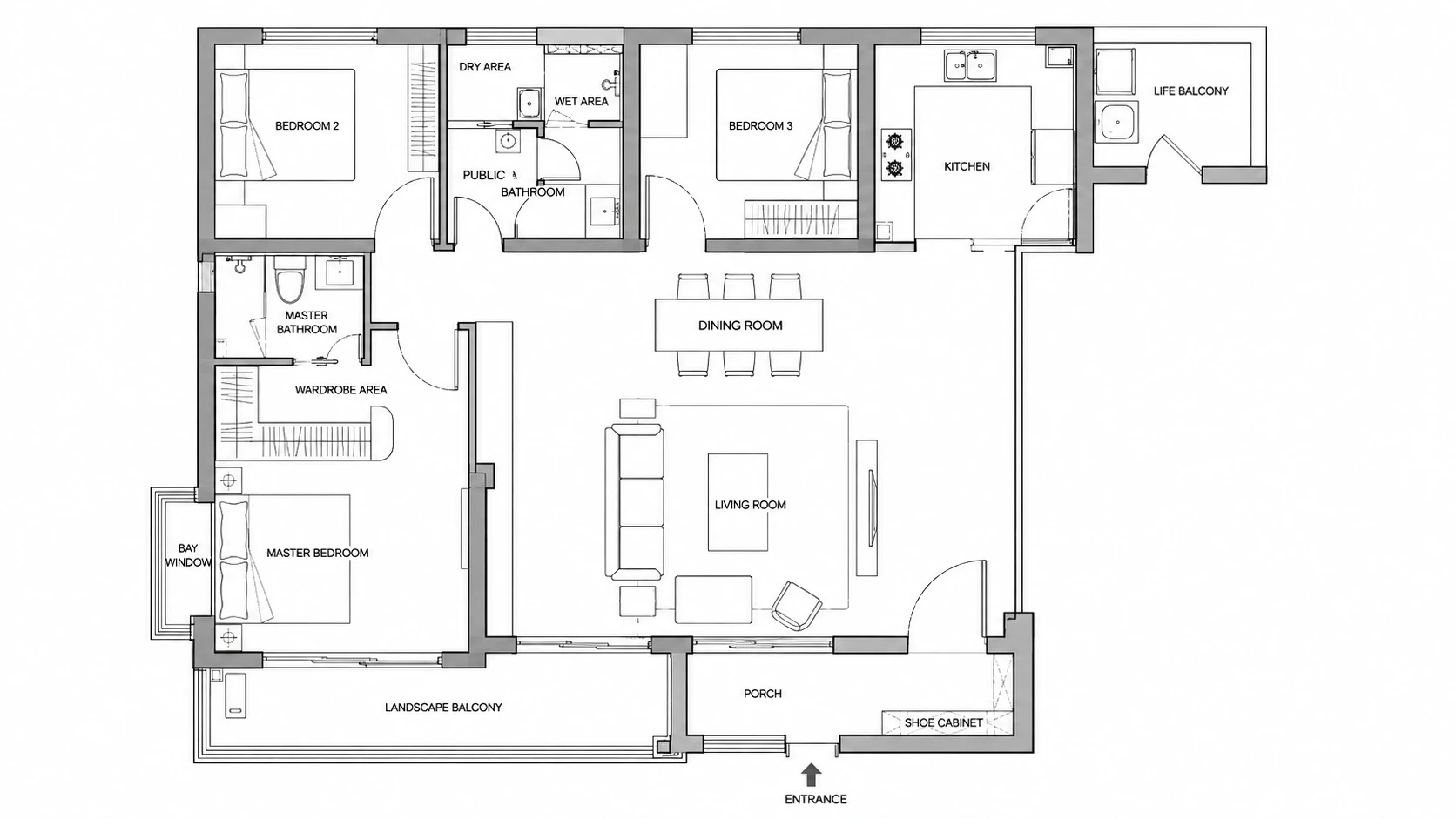
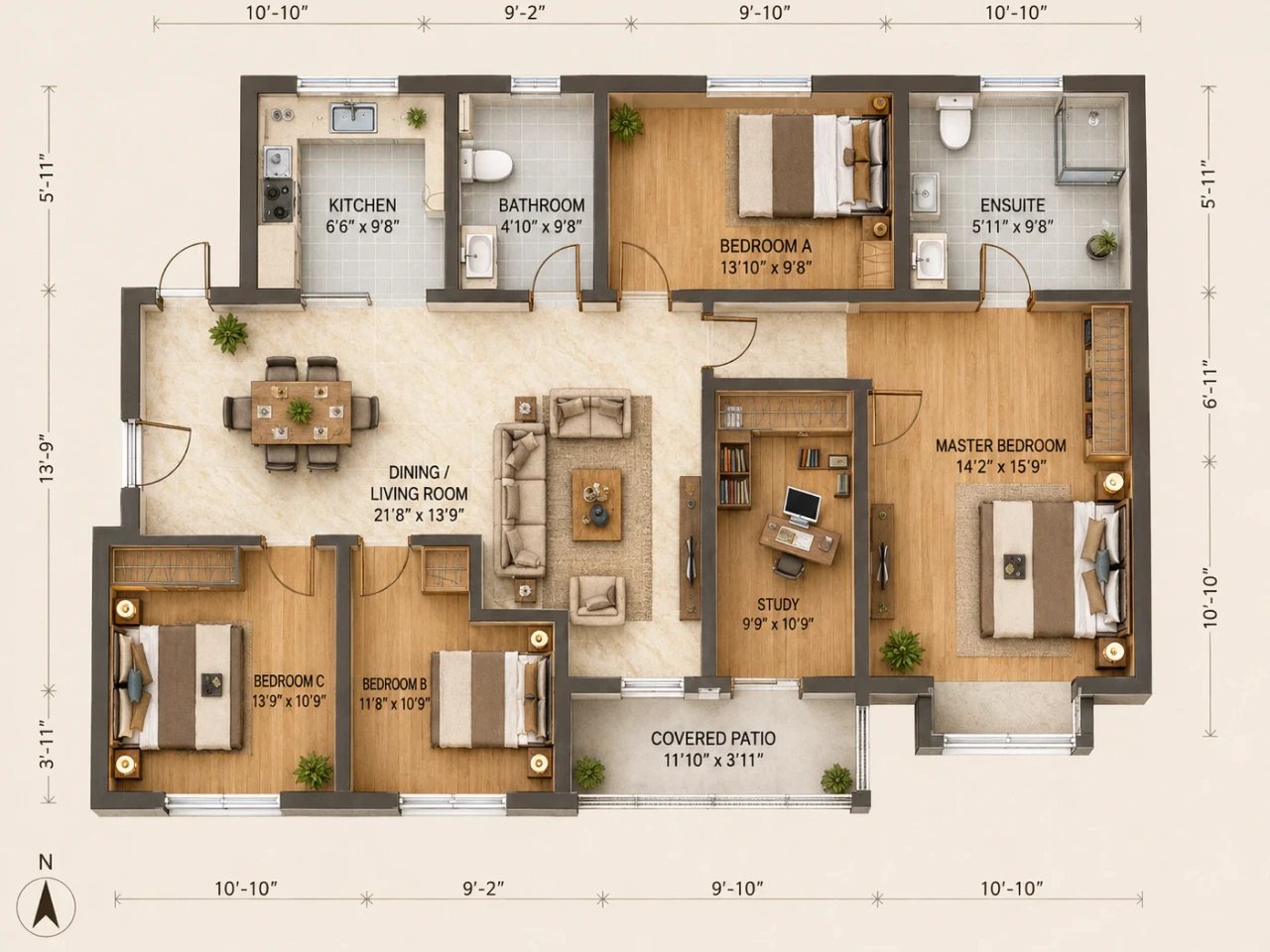
Create a Floor Plan from a Simple Text Prompt
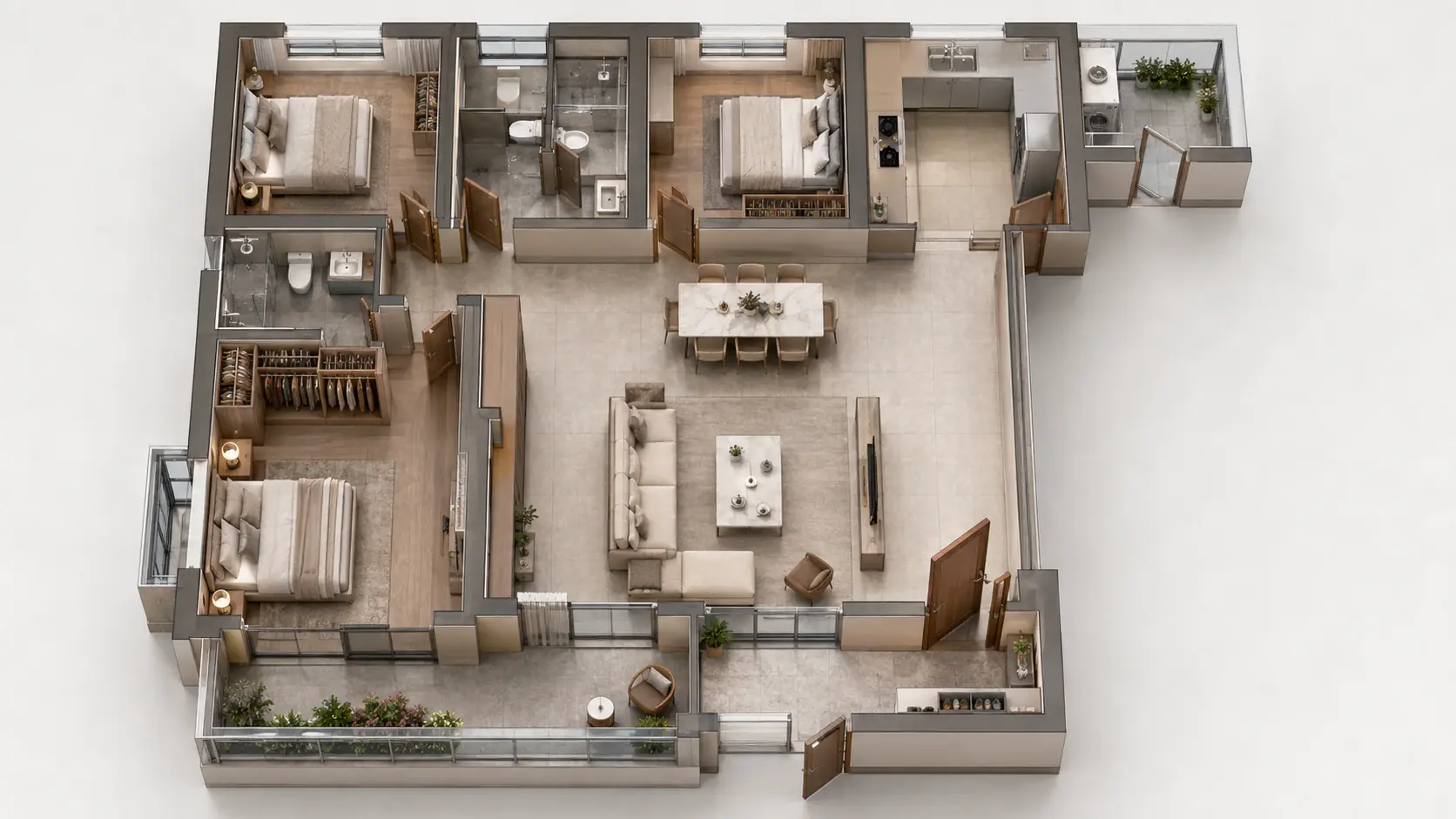
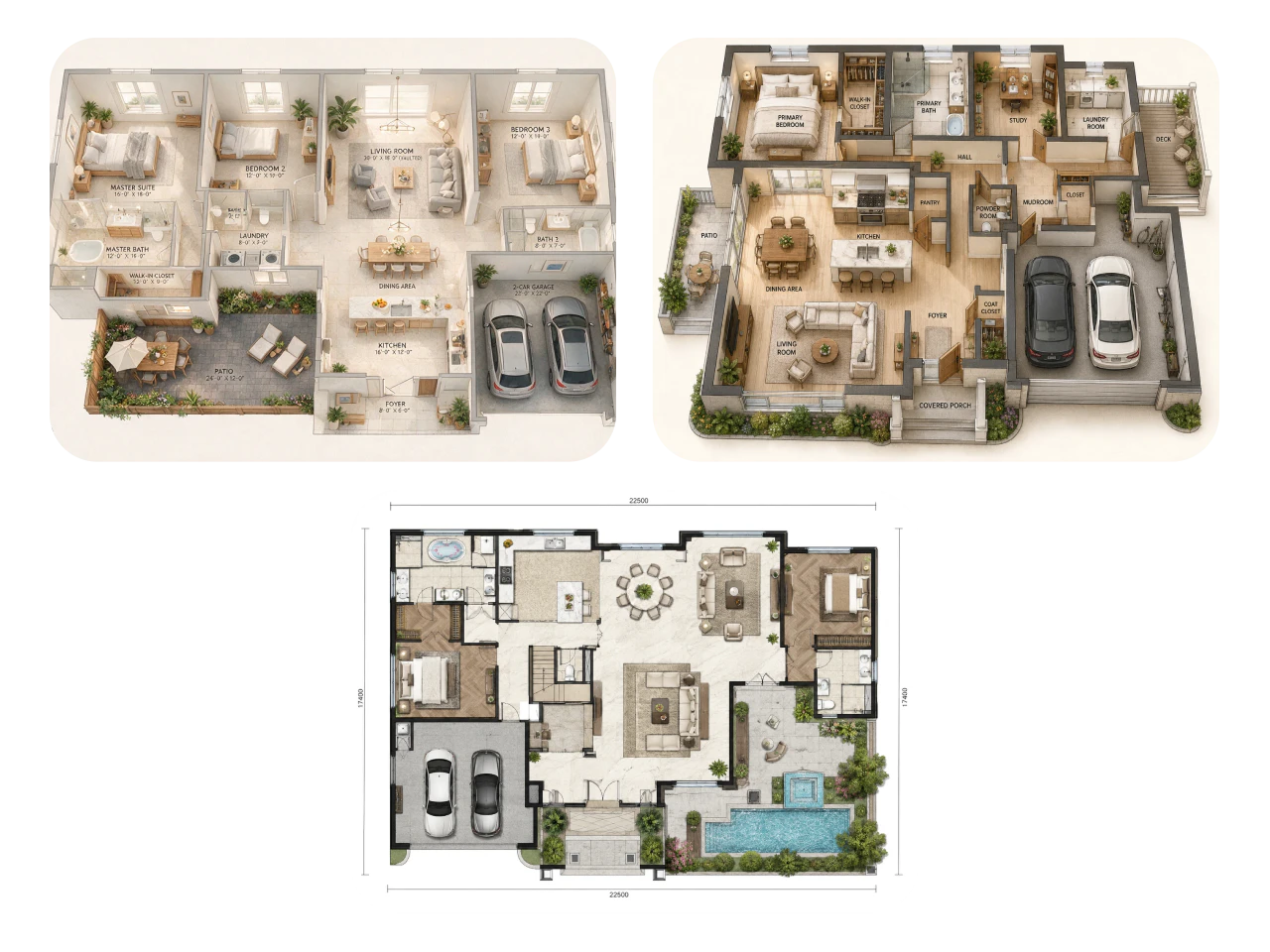
Not sure where to start? Just describe the space you have in mind, and PicLumen AI design generator turns your ideas into a detailed floor plan in seconds. Add details like room count, layout preferences, or building type to generate a plan that's ready to review, refine, or share for your next project.
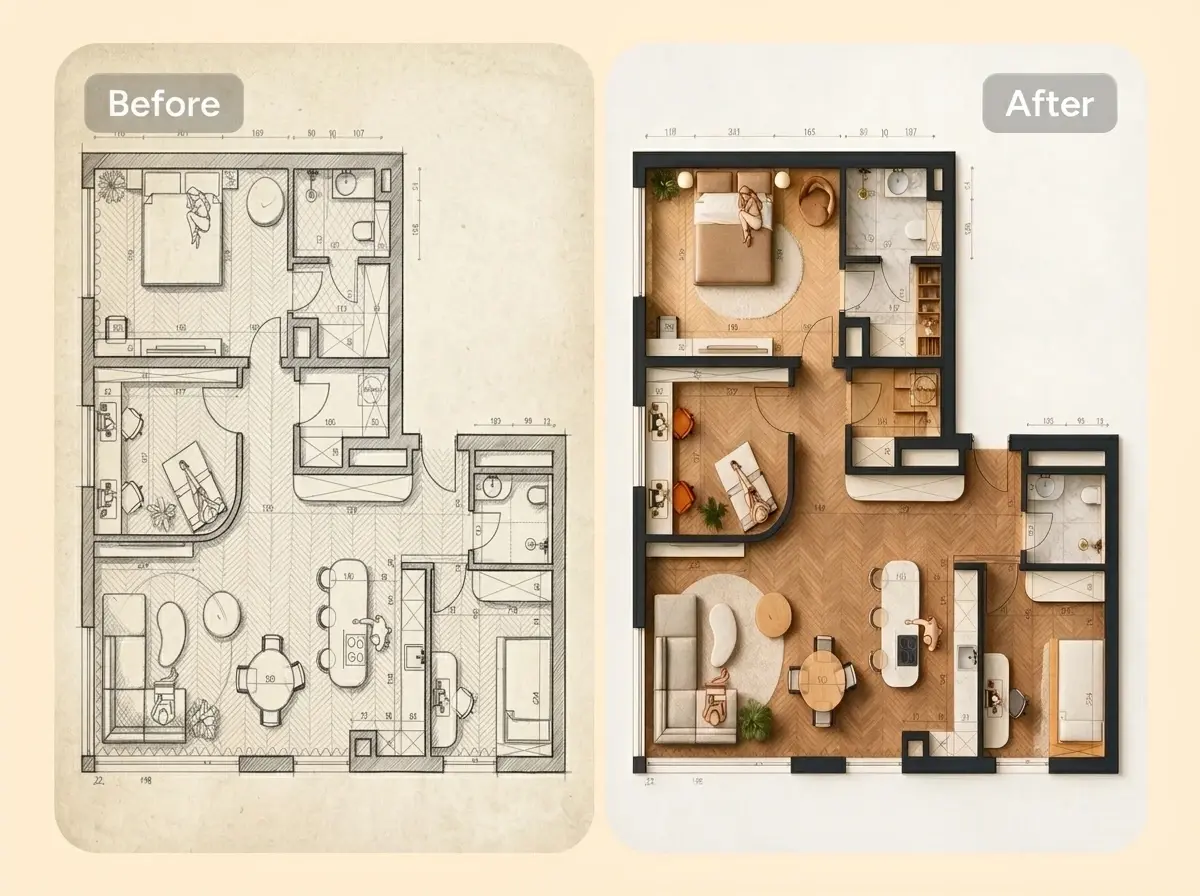
Turn Any Image into a Clean Floor Plan
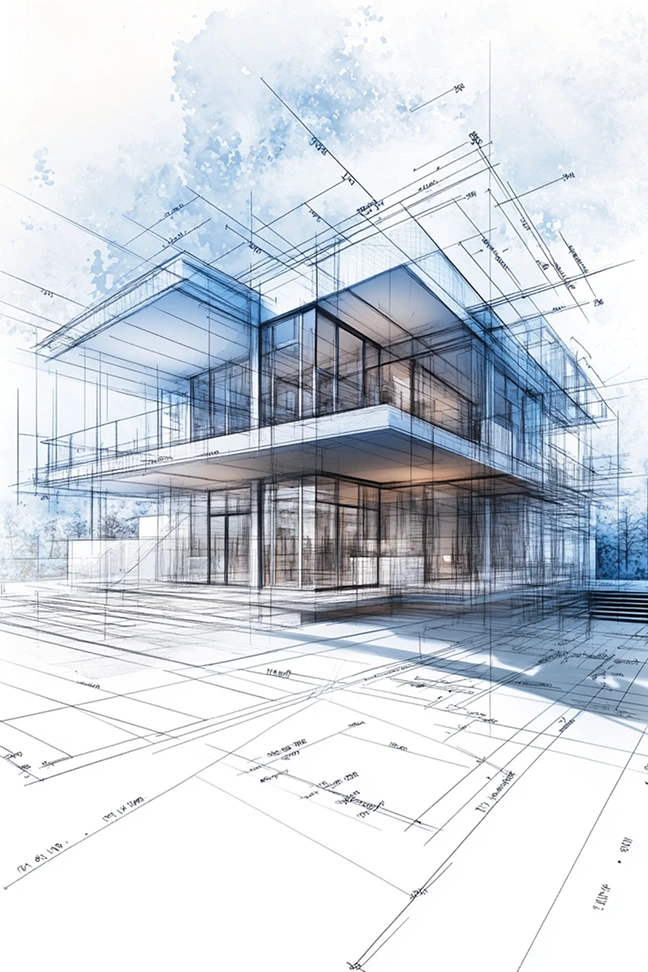
Have a hand-drawn sketch or an old blueprint? Upload it, and our AI architecture floor plan generator transforms it into a polished digital floor plan in minutes. You can also redraw outdated layouts for remodeling or property documentation without recreating everything from scratch.
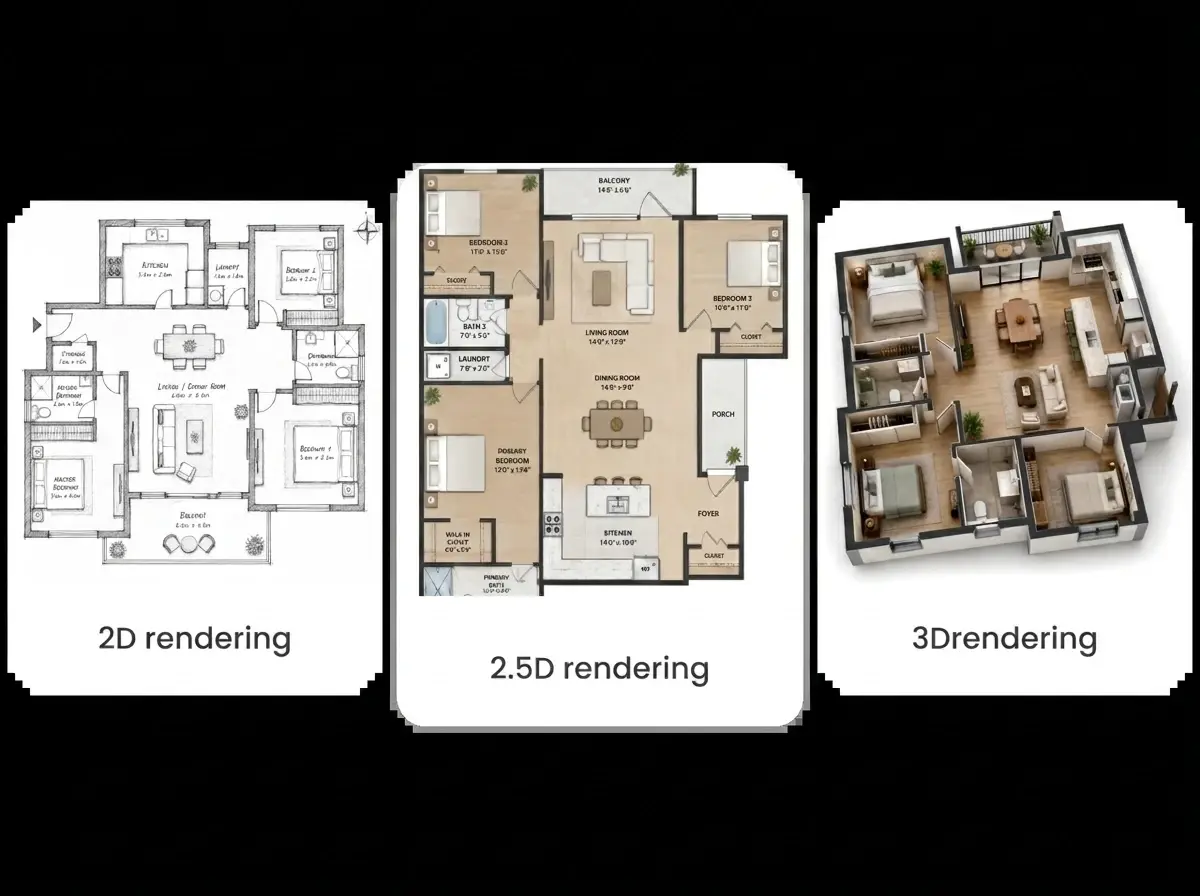
View Your Floor Plan in 2D, 2.5D, and 3D
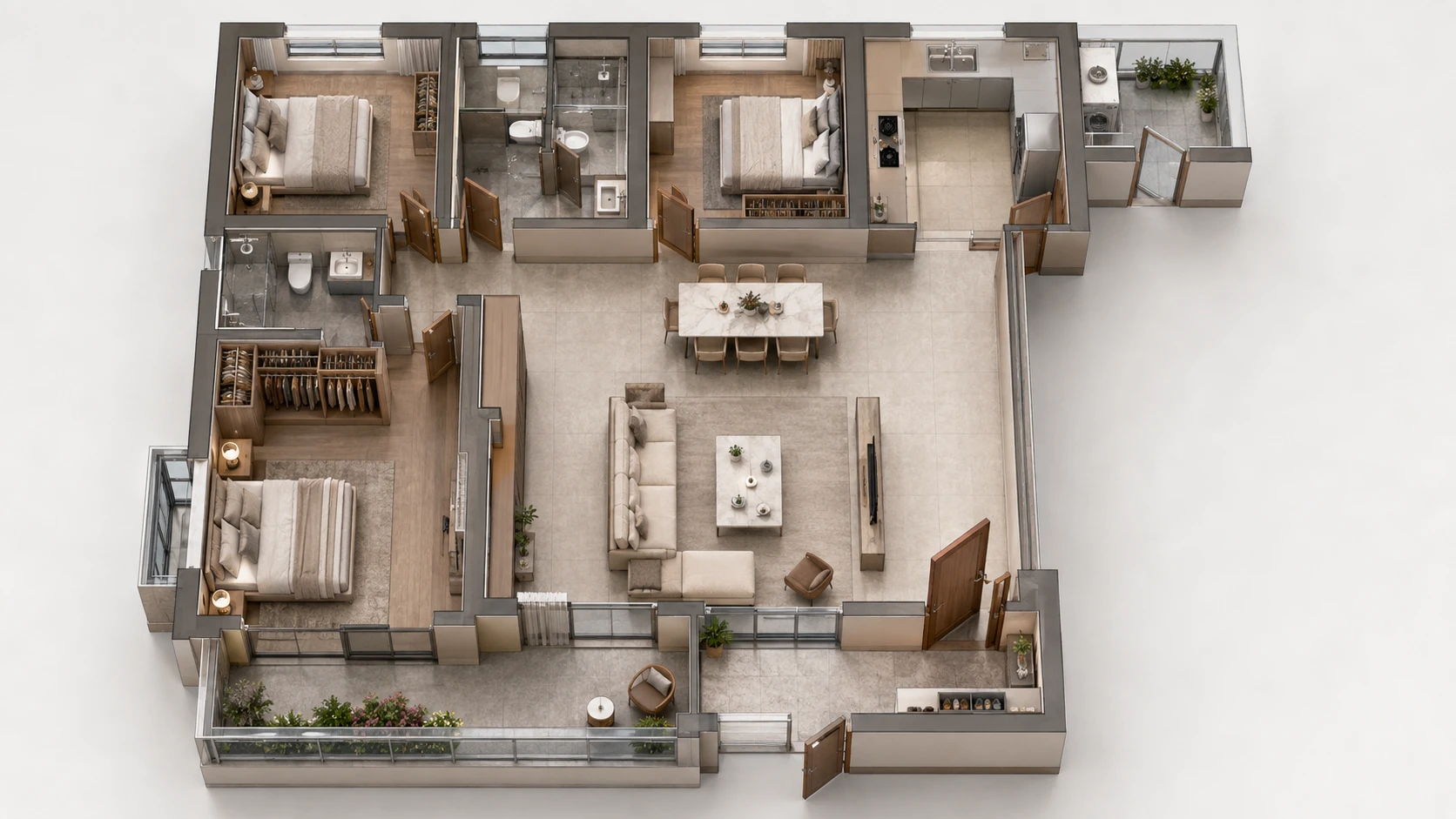
Want a better sense of your space? Instantly switch between 2D, 2.5D, and 3D views to understand room sizes, layout flow, and overall design. From technical planning to client presentations, every view helps you visualize your project with greater clarity and confidence.
Generate Multiple Floor Plan Ideas in Seconds
Can't decide on the best layout? Generate several floor plan variations from the same prompt or sketch and compare them side by side. Explore different room arrangements, improve space efficiency, and find the layout that works best before making any design decisions.
Who Can Benefit from PicLumen AI Floor Plan Generator?

Homeowners & Renovators
Plan your dream home or remodeling project with confidence. Generate floor plans from simple ideas, compare different layouts, and visualize your space before construction begins. Save time, reduce costly revisions, and communicate your vision more effectively with contractors.

Interior Designers
Create floor plan concepts in minutes instead of hours. Turn rough sketches into polished layouts, explore multiple design options, and present professional visuals that help clients make faster decisions.

Real Estate Developers
Generate floor plans for residential and commercial projects in minutes. Compare different layout ideas, visualize spaces more clearly, and create professional floor plans for presentations or marketing materials.

Remodeling & Construction Companies
Digitize existing floor plans and create updated layouts for renovation projects. AI simplifies planning, speeds up proposal creation, and helps teams communicate design changes clearly with clients.

Furniture Companies
Visualize furniture layouts inside realistic floor plans before production or installation. Test different room configurations, showcase product collections in context, and help customers choose the right furniture for their space with greater confidence.

Architecture Students
Explore design concepts faster and strengthen your space-planning skills. Generate floor plans from text or sketches, experiment with different layouts, and create professional visuals for coursework, presentations, and portfolios.
How to Create a Floor Plan with AI
- STEP 1Step 1. Enter a Prompt or Upload a Sketch
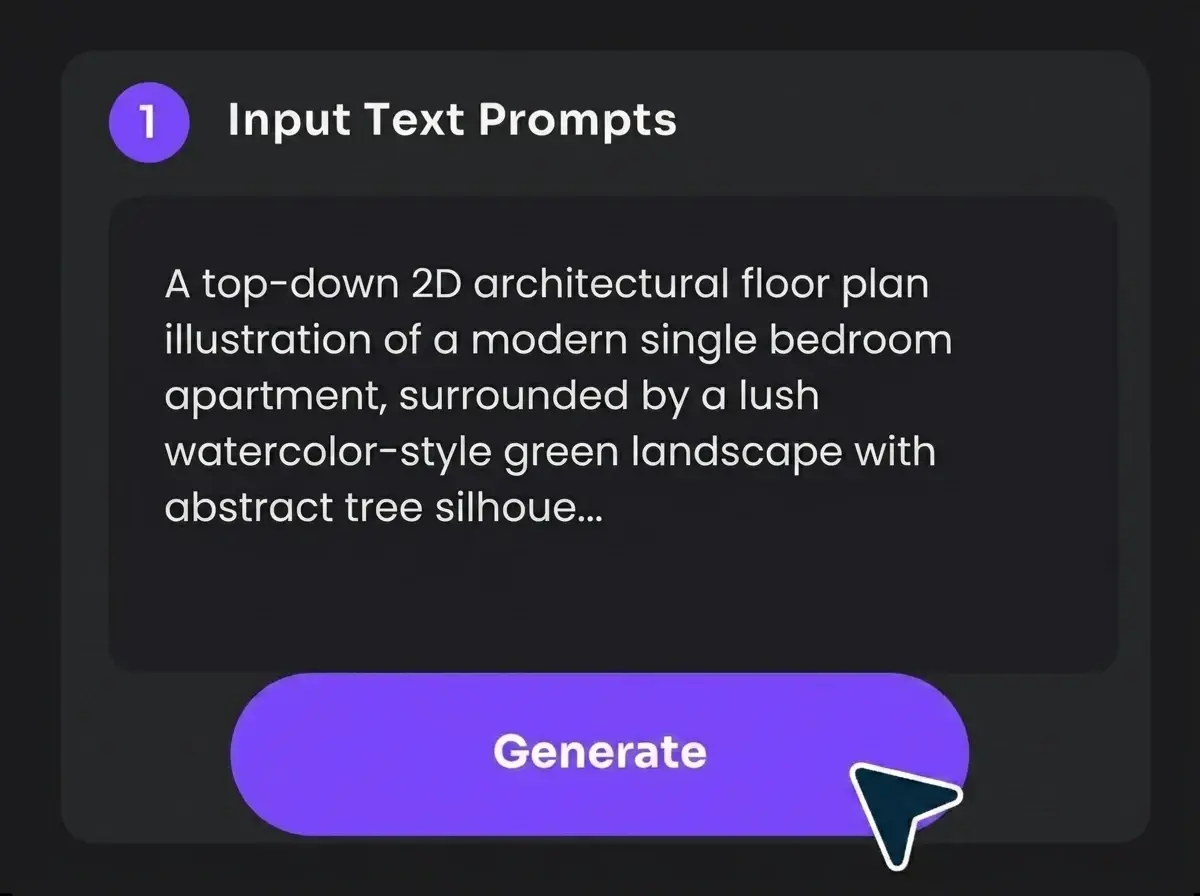
Describe the layout you want, or upload a hand-drawn sketch, blueprint, or existing floor plan as a reference. Include details such as room count, dimensions, or preferred layout for more accurate results.
- STEP 2Step 2. Choose Your AI Model and Settings
- STEP 3Step 3. Generate and Download


Loved by Creators Worldwide
Real feedback from designers, marketers, and hobbyists sharing their PicLumen experience on Trustpilot.
 Isuru Nilanka
It's easy to use
It's easy to use, they have different AI models, good prices, and a nice community page.
 Crispee
Easy to use.
Easy to use. Great layout love it!
ClashOf ClansExcellent platform to fantasy
Excellent platform to fantasy
Scottie GraceVery affordable and high quality
Very affordable and high quality
KIDSCARTOONThis ap great and amazing generate pic
This ap great and amazing generate pic
 Zara
ZaraPiclumen still remains the best…
Piclumen still remains the best with image references. I don't have any complains using Piclumen. It makes my work easier
Can’t go wrong using this one
Can’t go wrong using this one
PicLumen is a powerful and completely free AI image generatio
PicLumen is a powerful and completely free AI image generation platform that offers a wide range of features, you can text to images, images to images, image to video, the image quality is very high, the most important, it is totally free, you can get many rewards by creating your jobs, like other's creation, welcome to joint and create your job, a goog platform for making money using the best ai tool
Everything
Everything, keep up the good work
 Sheikh
very user friendly
very user friendly, easy to use.
 Zain Ali
This is the best ai in the world
This is the best ai in the world
 Aditya Yadav
“A tired Indian farmer standing beside…
“A tired Indian farmer standing beside his small dry farmland at sunrise, wearing a simple dhoti-kurta and turban, holding a rusted plough. The field is cracked and dry. Soft golden light, realistic r
FAQs About AI Floor Plan Generator
Is PicLumen AI Floor Plan Generator free?
Yes. You can create AI floor plans for free with PicLumen's 10 daily free Lumens. More credits and advanced features are available with paid plans.
Can I turn a sketch into a floor plan?
Yes. Upload a hand-drawn sketch, blueprint, or existing floor plan, and PicLumen can convert it into a clean digital floor plan. You can also generate multiple layout variations from your reference.
Can I use AI-generated floor plans commercially?
Yes, but commercial use depends on your PicLumen plan. Paid plan users can use AI-generated floor plans for commercial projects, while Basic plan users cannot. Please refer to our Terms of Service for complete details.
What makes a good prompt for generating floor plans?
Include details such as the building type, number of rooms, desired dimensions, layout preferences, and architectural style.
Can I redesign an existing floor plan with AI?
Yes. Upload your current floor plan or blueprint, and we can help you create updated layouts, test new room arrangements, or generate renovation ideas without redrawing everything manually.
What types of buildings can I create floor plans for?
Whether it's a home, office, restaurant, or hotel, PicLumen can generate a floor plan for almost any type of space.
Do I need design experience to use PicLumen?
No. PicLumen is designed for both beginners and professionals. Simply describe your ideas or upload a sketch, and AI will generate floor plans in minutes.
Can I customize the generated floor plan?
Yes. You can modify your prompt, upload a new reference image, or use our AI editing tools to refine your design and generate updated floor plan concepts.
How long does it take to generate a floor plan?
Most floor plans are generated in just a few seconds. Generation time may vary depending on the AI model and image settings.