
Free AI Cinematic Video Generator Online
Transform your ideas into stunning cinematic videos with PicLumen's AI Cinematic Video Generator. Create professional-quality films from simple text prompts or images — in minutes, without any filming equipment or editing skills. Experience the power of AI video generation with cinematic quality that rivals traditional production.
Hot Video Effects
View AllTransform Any Input into Cinematic Masterpieces
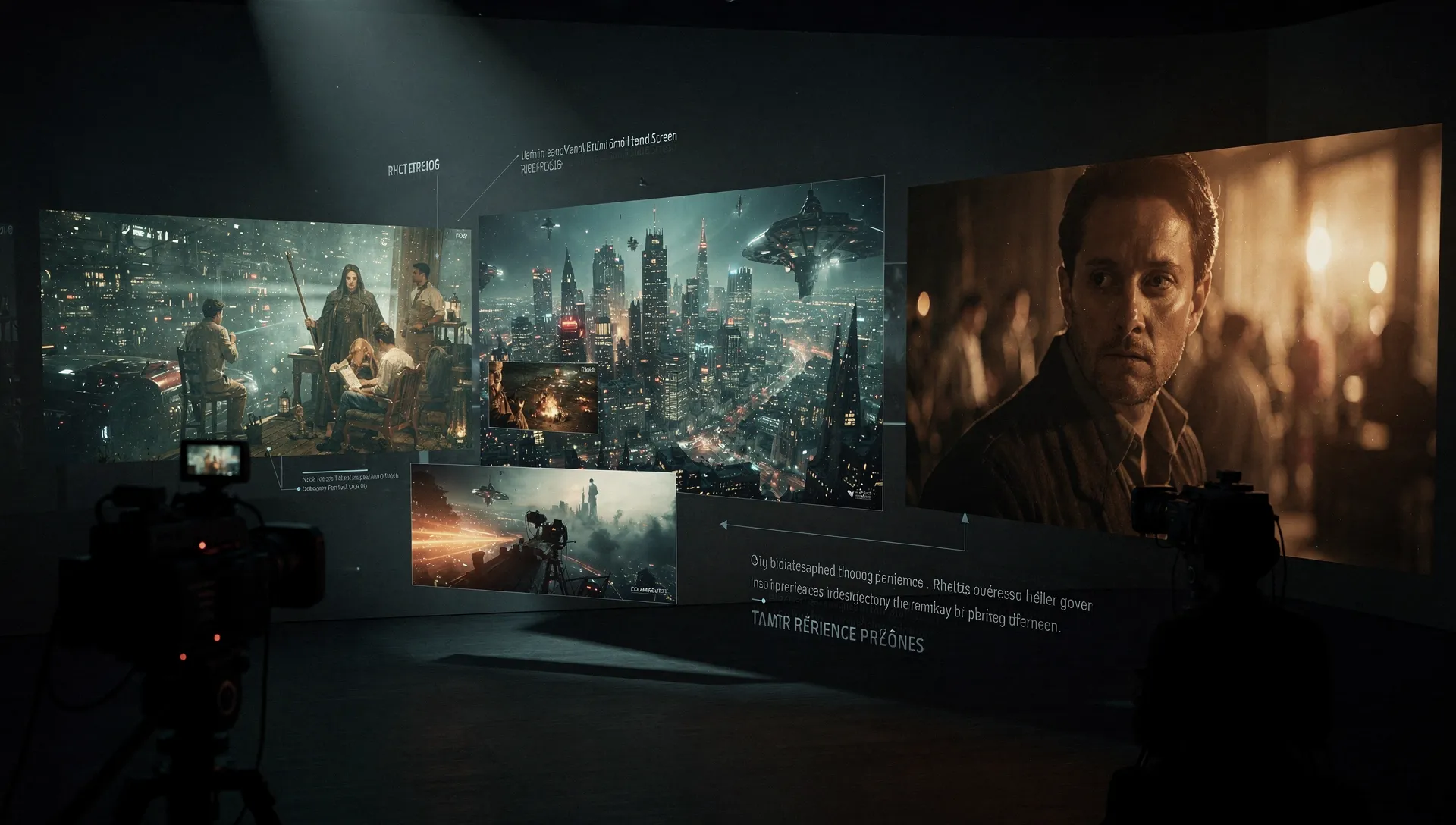
PicLumen's AI Cinematic Video Generator turns your text prompts and reference images into breathtaking 21:9 cinematic scenes. The generator produces ultra-sharp, wide-screen content with dramatic lighting, rich color grading, and stunning visual depth. Whether you describe a sweeping landscape, a moody close-up, or an action-packed sequence, PicLumen delivers cinematic-quality video that looks professionally lit and graded in every frame. As a powerful AI video generator with cinematic quality, PicLumen gives you Hollywood-style production value without a single piece of filming equipment.
Professional-Grade Camera & Production Controls
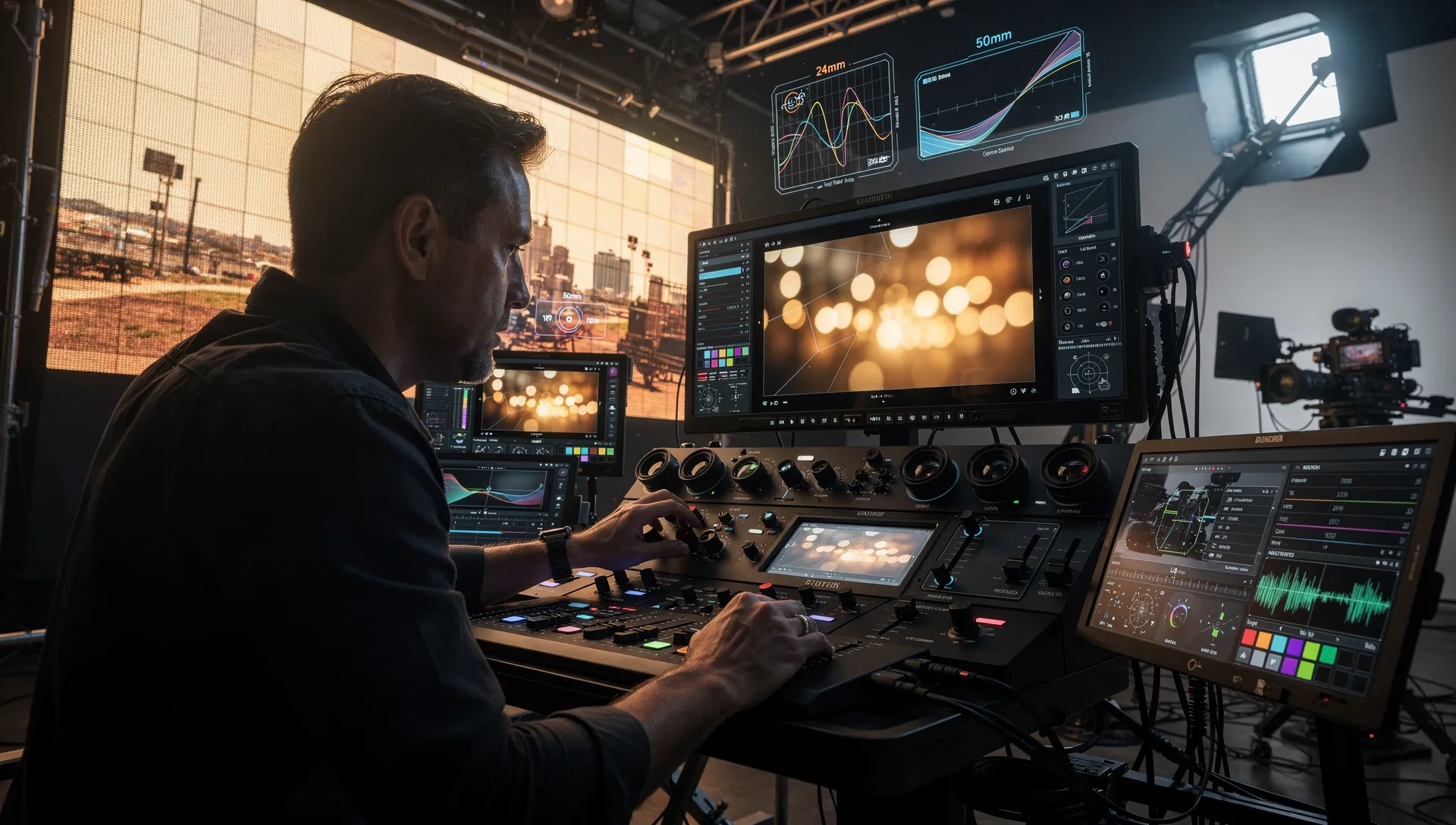
Take full creative control of every frame with PicLumen's professional camera rig settings. Choose from a selection of virtual camera bodies, dial in your lens type and focal length, and control depth of field to isolate subjects exactly the way you envision. These controls let you frame shots the way a professional cinematographer would — wide establishing shots, tight emotional close-ups, or dramatic low-angle perspectives. PicLumen puts Hollywood-grade camera direction at your fingertips, so every scene hits the right tone.
AI Actors & Character Consistency
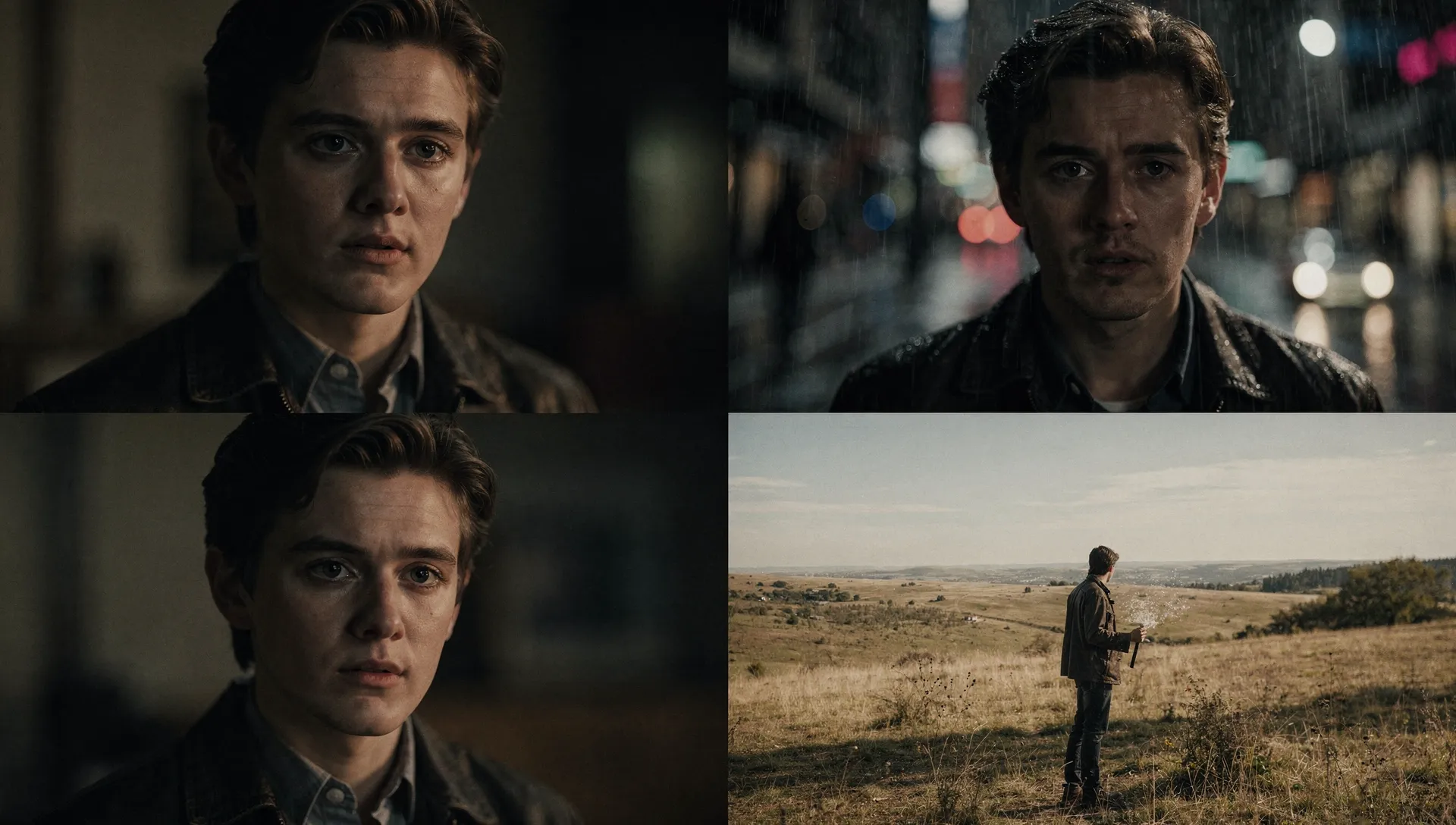
When you generate video with PicLumen's AI Cinematic Video Generator, the platform keeps your characters looking truly consistent across every shot. The AI maintains coherent faces, body proportions, and expressions throughout every scene—no flickering faces or suddenly changed identities mid-sequence. This character consistency is essential for strong storytelling, and PicLumen handles it automatically so you can focus on directing the narrative rather than spending time fixing visual glitches in post.
Who Uses AI Cinematic Video Generator?
Content Creators & Social Media
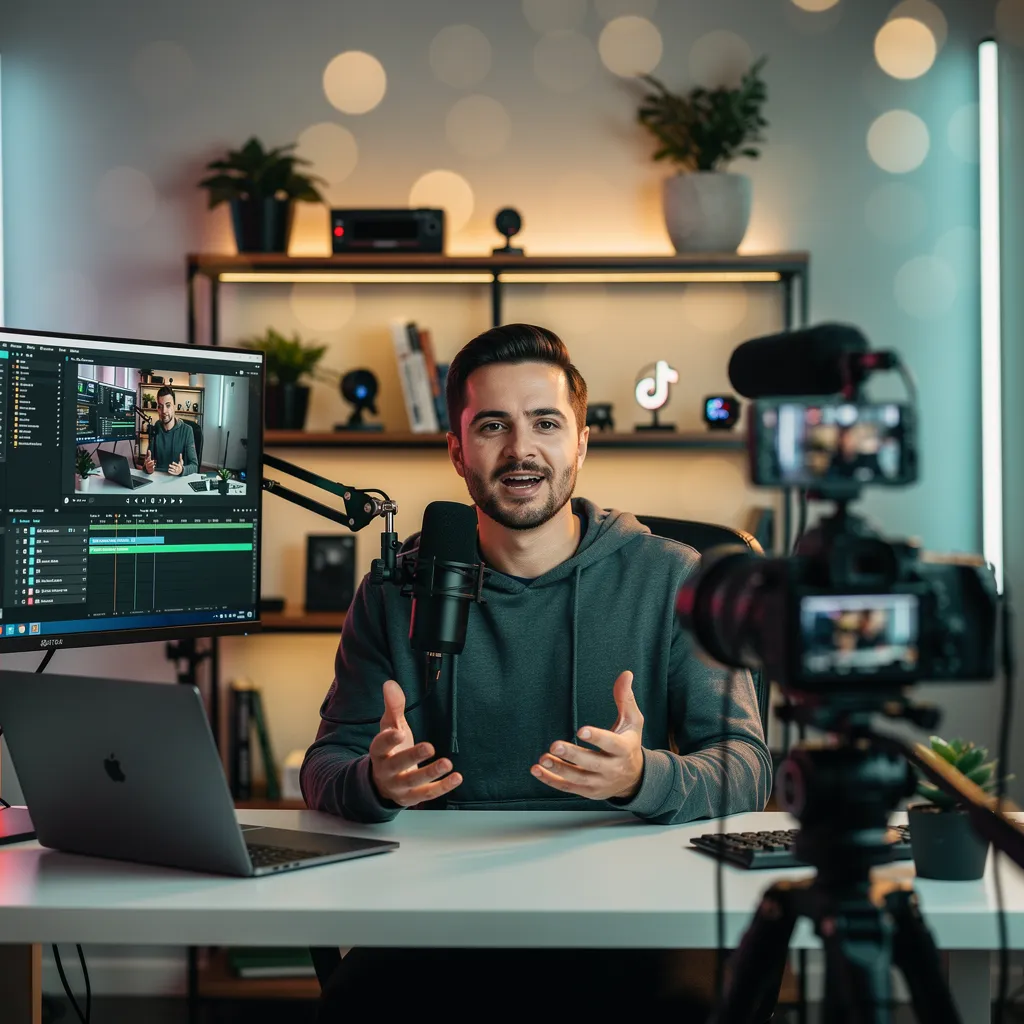
YouTubers, TikTok creators, and Instagram influencers use PicLumen as the best cinematic AI video generator to produce polished content fast. The 21:9 wide-screen output makes your videos stand out in feeds. Whether you are creating vlogs, story highlights, or promotional clips, you can generate AI cinematic video that looks high-end — from your desk.
Marketers & Advertisers
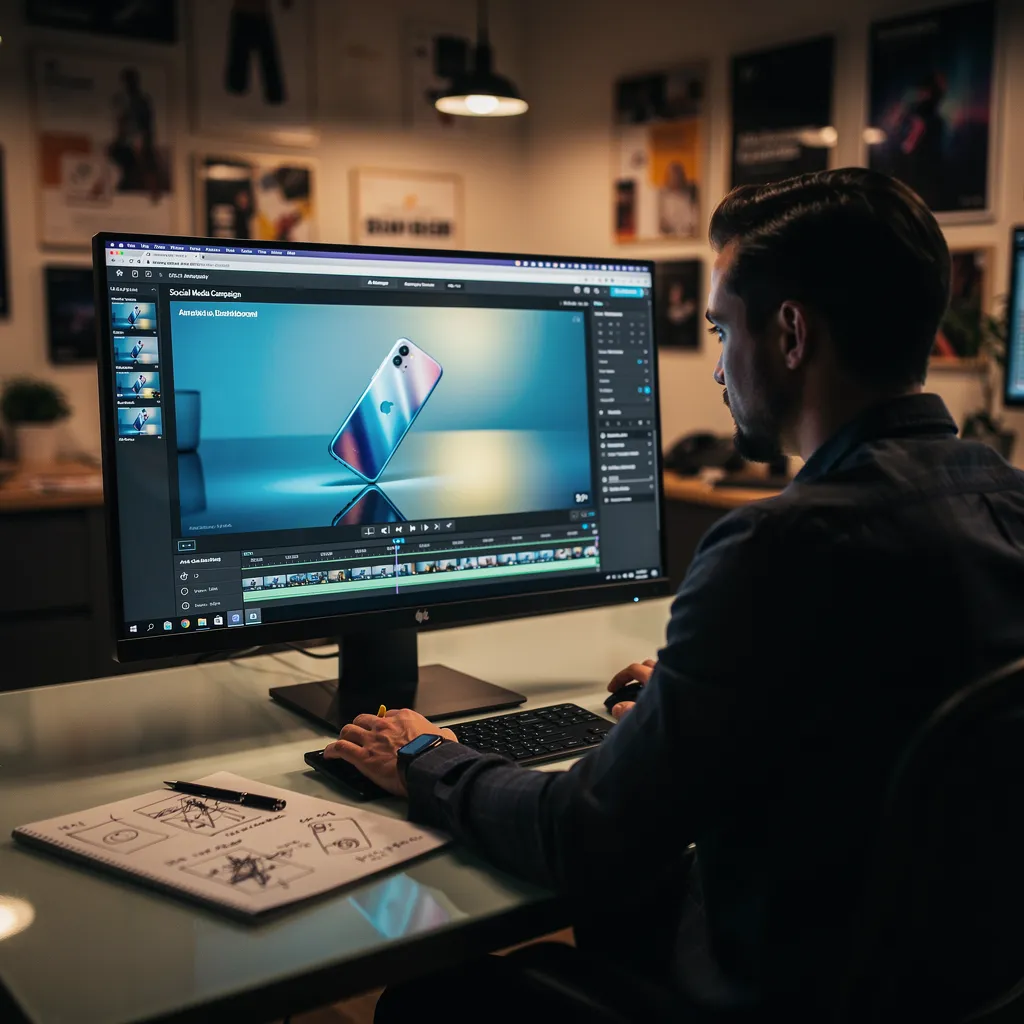
Marketing teams and advertisers use PicLumen's AI cinematic video generator to create product demos, social ads, and brand stories without production crews. Input a product image or text description and get AI video with cinematic quality in minutes. This cuts time and cost for visual ads, helping you iterate faster without a video setup.
Filmmakers & Creative Professionals
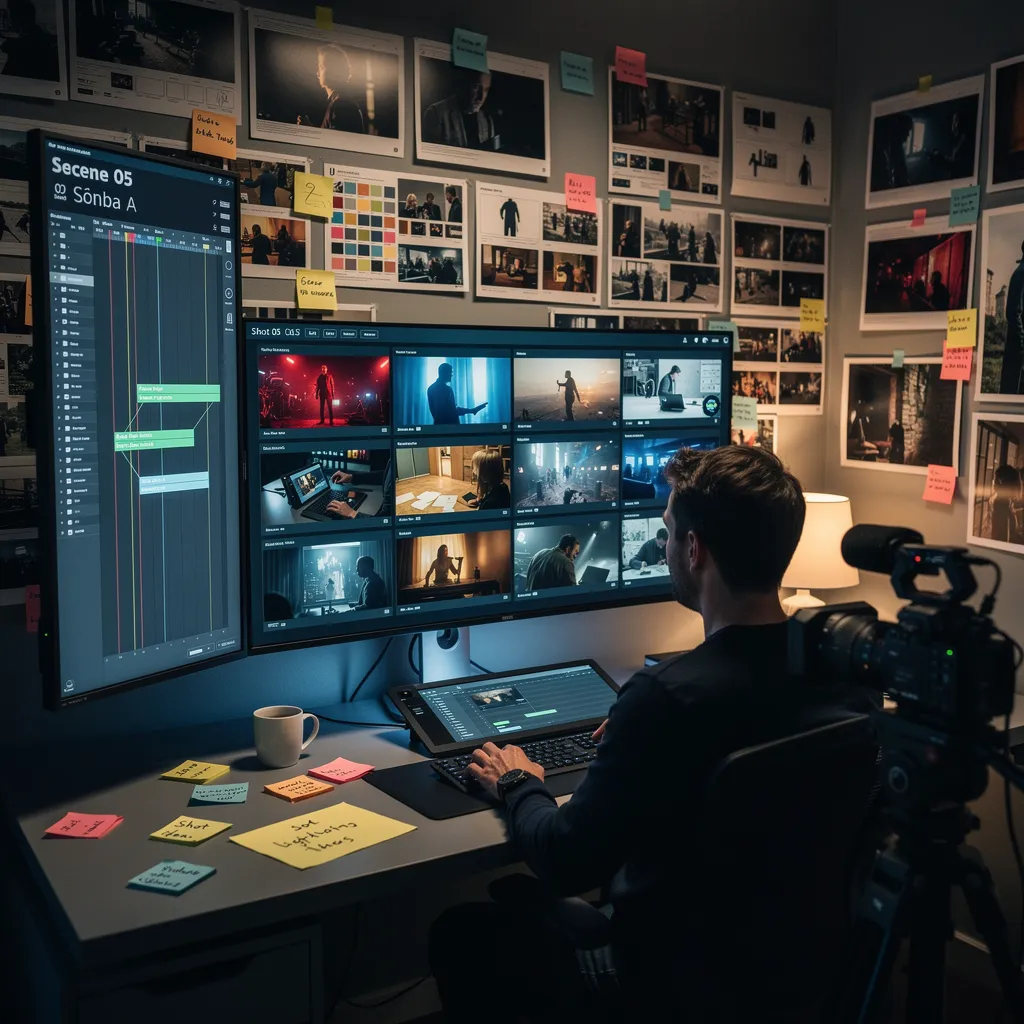
Filmmakers and creative professionals use PicLumen's AI Cinematic Video Generator to visualize scenes or generate title sequences. You can describe a location, character, or action sequence and see it come to life as cinematic video. Understanding how to create cinematic video drafts is simple with PicLumen. This helps bridge pre-visualization and final production.

Small Businesses & E-Commerce
Small business owners and e-commerce sellers use PicLumen to generate AI cinematic video that showcases products compellingly. Upload a product image, describe the scene, and PicLumen turns it into a premium-looking cinematic video. This is one of the best cinematic AI video generators available for small businesses — without needing a video team.
How to Use Cinematic AI Video Generator on PicLumen
1 Choose the Right Video Model
1Start by choosing the video model that best matches the style, motion, and result you want. You can pick the one that fits your creative goal and helps you get a stronger final cinematic video.
2 Add a Prompt or Reference Image
2Enter a text prompt or upload a reference image to shape your video. The more clearly you describe the scene, action, or visual style, the easier it is to generate a result that feels closer to what you have in mind.
3 Set the Settings of Your Video
3Choose the video duration and aspect ratio that fit your use case. Whether you want to create cinematic videos for social posts, chats, or community sharing, selecting the right format helps your final result look more polished and more ready to use.
4 Generate and Get Your Video
4Once everything is set, click Generate and let PicLumen turn your idea into motion. In just a short time, you will get a cinematic video that is ready to preview, download, and share across your favorite platforms.


Loved by Creators Worldwide
Real feedback from designers, marketers, and hobbyists sharing their PicLumen experience on Trustpilot.
Ayan SamantaAwesome experience just looking wow
Awesome experience just looking wow
Just amazing website a must try.
Just amazing website a must try.
 Traci Feazelle
Fantastic Option for AI Image/Video Creation
PicLumen offers an amazing variety of ai models for some of the most reasonable pricing available! The app layout also affords ease of use.
 Rishiprasanth BR
This is a great site to create images…
This is a great site to create images as per our mind's wish. Such a great site, loved its response
It’s been great so far
It’s been great so far, I think the limitations are me not the app.
Really good app and generates good…
Really good app and generates good images!
They make anything that u could imagine…
They make anything that u could imagine and it’s so amazing
 Phogat Pradeep
People passing by without noticing them.
People passing by without noticing them.
 Tyler
TylerIt’s a great ai app perfect for making…
It’s a great ai app perfect for making your imaginations come true
 Govind Aariya
Naic
Veri nice 👍 Bhot acha ap he
Qadeer KhanPiclumen is one of the best ai image…
Piclumen is one of the best ai image generator
basem trialsWorks like charm .
Works like charm .. I love this app
Frequently Asked Questions
Do I need video editing skills to use PicLumen?
Not at all. Using the AI cinematic video generator from text or images, PicLumen handles the heavy lifting for you. No technical editing experience is needed. You simply describe what you want, adjust a few settings, and generate.
Can I use the videos I create for commercial purposes?
Yes, the content you generate with PicLumen can be used for commercial projects, including marketing videos, advertisements, and business content. Just make sure any third-party materials you incorporate do not create copyright issues.
What inputs does PicLumen's AI video generator support?
PicLumen's AI Cinematic Video Generator supports text-to-video and image-to-video inputs. You can enter a detailed text prompt describing your scene, or upload a reference image to guide the generation. Both methods produce cinematic-quality video output.
What makes PicLumen different from other AI video generators?
PicLumen integrates various popular AI video models, such as Seedance 2.0, Kling 3.0, and Veo 3.1. These models are highly professional in AI cinematic video generation. Therefore, with PicLumen you can get cinematic video output and have complete control over the lens, focus, and camera movement.