AI Dance Video Generator for Viral Clips
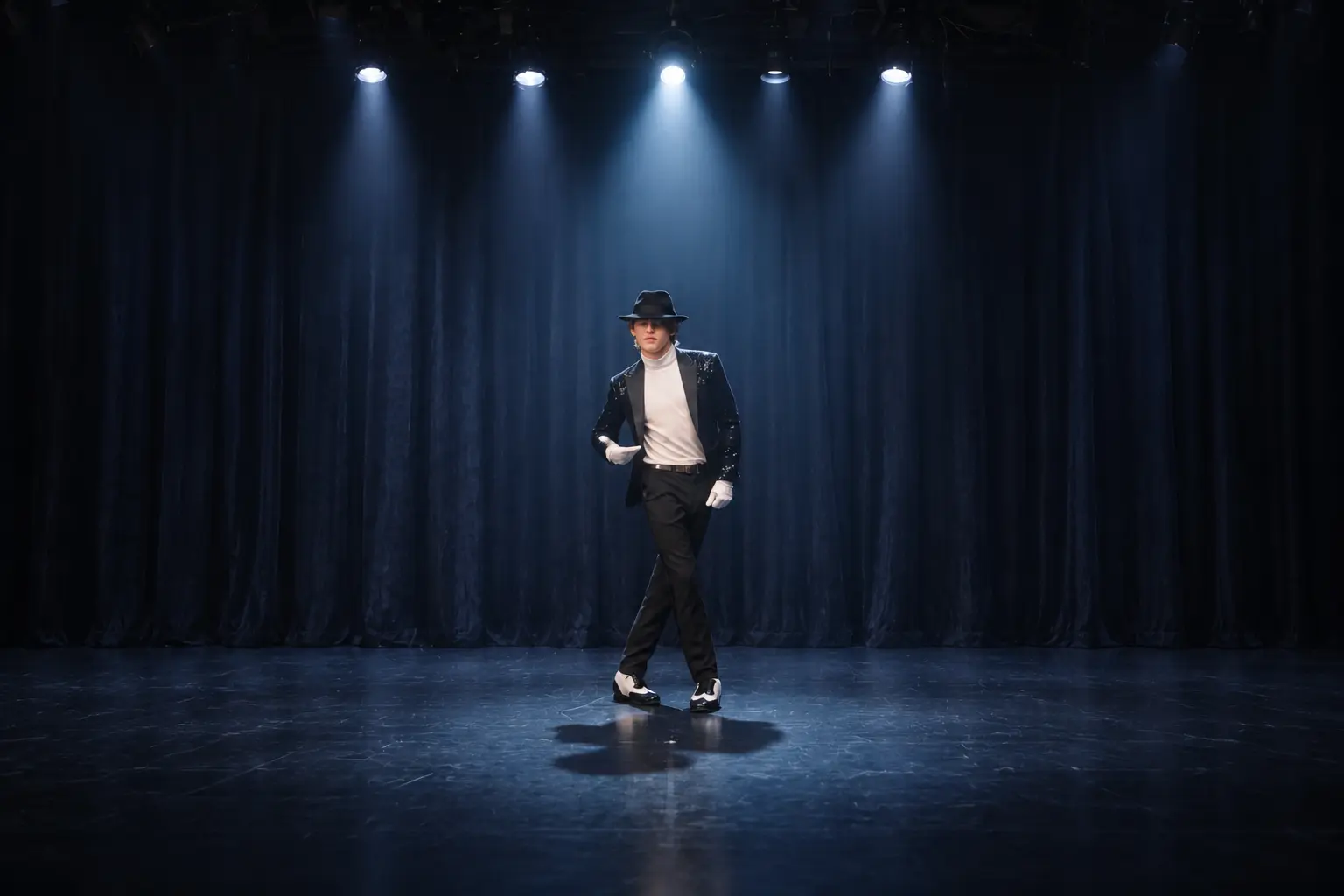
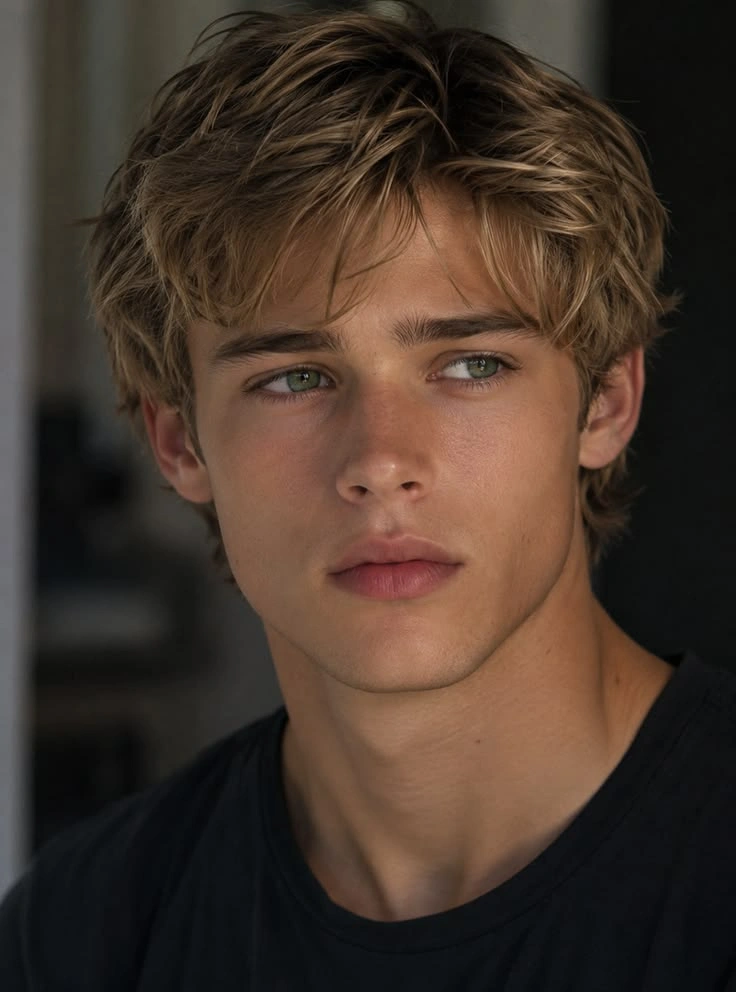
Hot Video Effects
View AllTrending Dance Templates, Instant Results
Skip the prompt writing and start creating instantly. Choose from trending dance video templates, upload a photo, and generate smooth, share-worthy dance videos with one click.
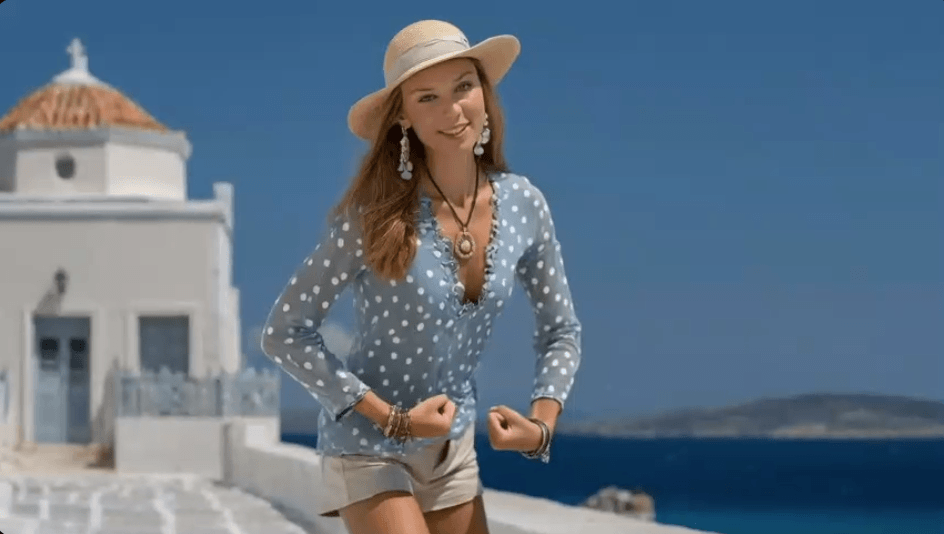
🔥 AI Dance Trends You Can’t Miss
.webp)
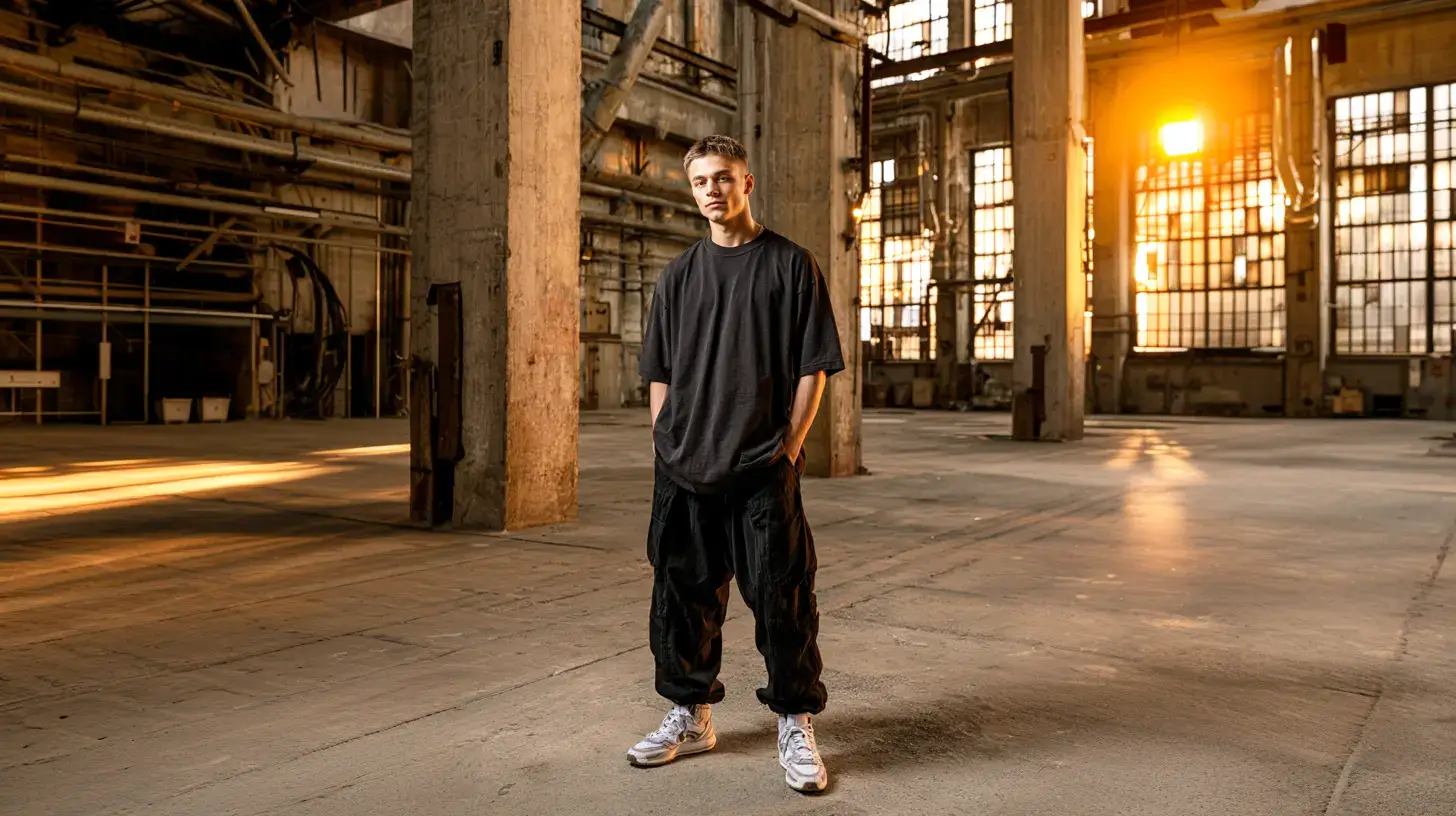
Easily Create Dance Videos from Text or Images
Have a dance idea but no footage to start with? PicLumen's AI dance video generator lets you turn a prompt or uploaded image into a dance video in just a few steps. You can describe the dancer, style, mood, and scene, or use a photo to create a more personal result. It is a faster way to test funny clips, character dances, or an AI dance video generator from photo workflow without filming anything yourself.
Make Movement Look Smooth and Natural
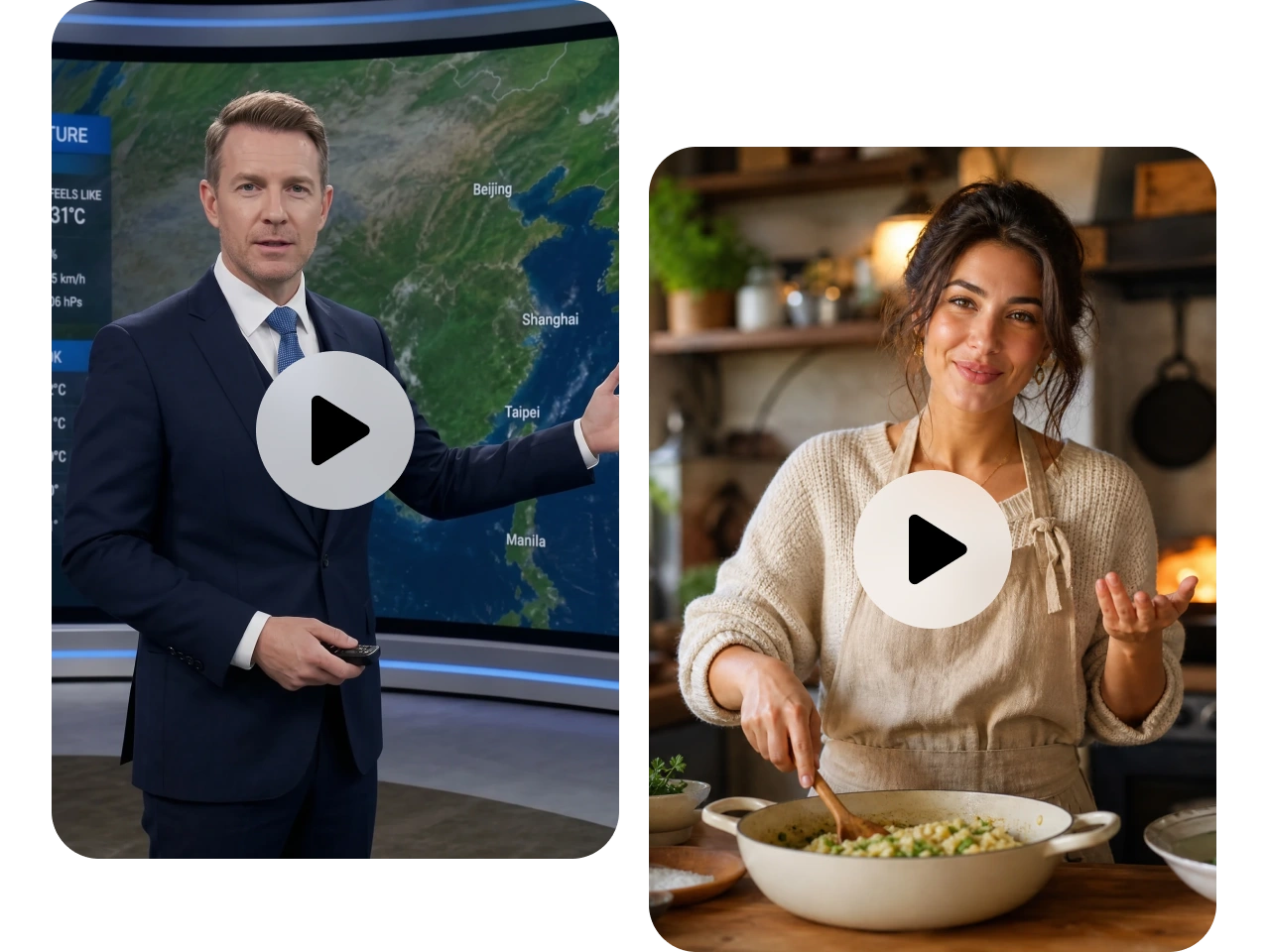
A dance video falls flat when the body movement looks stiff or broken. PicLumen connects its AI video creation with natural motion generation, helping you create clips with smoother rhythm, cleaner transitions, and more natural energy. You can also explore popular professional models such as Kling 3.0 Motion Control, Seedance 2.0, and Veo 3.1 to match the motion quality and visual style you want.
Create Viral Dance Videos for Social Media
Want a clip that feels ready for TikTok, Reels, or Shorts? PicLumen helps you turn simple ideas into short, high-energy dance videos built for social sharing. Use it as an AI viral dance video generator to create meme dances, character edits, or trend-inspired videos that feel fun, quick, and easy to post.
Make Pets and Characters Dance
Pet videos are fun, but a pet that dances like a person is even easier to remember. With PicLumen's AI dance video generator, you can turn cats, dogs, mascots, avatars, or illustrated characters into playful dance videos. Choose a cute, funny, cinematic, cartoon, anime, or surreal style, and create dance clips that feel more surprising than a standard template.
Why Choose PicLumen’s AI Dance Video Generator

High-Quality Motion
PicLumen helps you create smoother dance movement, cleaner details, and more natural-looking clips with support from professional AI video models.
Fast Creation
You can turn a prompt or photo into a dance video without filming, editing, or learning animation tools.

Flexible Editing
Refine your prompt, adjust the style, change the scene, or test different models to get closer to the result you want.
AI Dance Video Generator Use Cases

TikTok and Reels Dance Clips
You can create short vertical dance videos for TikTok, Reels, Shorts, and other social platforms. Start with a prompt or photo, then turn it into a quick, fun clip that feels made for scrolling, reacting, and sharing.

Funny Photo-to-Dance Memes
Turn a portrait, character image, or everyday photo into a funny dance video. This works well for reaction posts, birthday messages, group chat jokes, and meme-style edits where the surprise factor matters.

Pet Dance Videos
Make cats, dogs, or other pets dance like little performers. PicLumen helps you create cute, playful pet dance videos that feel more memorable than a static pet image and are easy to use for social content.

Character and Brand Mascot Videos
Bring avatars, illustrated characters, fantasy figures, or brand mascots into motion. You can use them for creator content, community posts, promotional clips, or lighthearted brand storytelling without filming a real performer.
How to Make AI Dance Videos with PicLumen
Step 1 Pick a Model
1Choose a video model that fits your idea, such as a realistic dance, cute pet dance, viral-style clip, or character performance.
Step 2 Add a Prompt or Photo
2Enter a text prompt, upload a photo, or use both. Describe the dancer, dance style, mood, outfit, and scene to guide the result.
Step 3 Set Ratio and Generate
3Choose the right aspect ratio and quality for your platform, then generate the dance video.
Step 4 Download and Share
4Review the result, make small prompt adjustments if needed, then download your video for social posts, edits, campaigns, or personal sharing.


Loved by Creators Worldwide
Real feedback from designers, marketers, and hobbyists sharing their PicLumen experience on Trustpilot.
Alfred Rangel RA wonderful range of options to create…
A wonderful range of options to create truly dreamlike visual effects with all those colors; only imagination is the limit.
CrispeeEasy to use.
Easy to use. Great layout love it!
Awesome program easy to use a little…
Awesome program easy to use a little disappointment in the fact you can’t buy lumies
 Brijesh Chikhaliya
very good
very good , Excellent Experience
Excellent results
Excellent results, very supportive and helpful customer service. They have a great interface very friendly use and the prices are reasonable. I use it for personal stuff and I am just a beginner but it made my earning process very enjoyable. I might give a more technical review in the future but that is so far my experience. Thanks
It’s way easier to use then these other…
It’s way easier to use then these other apps
The best app in the place
The best app in the place
Sndhjks Bwjskbfranchement c formidable
franchement c formidable
Very easy to use
Very easy to use, great quality
Nice app ever
Nice app ever, like it when I needed
Ts is so skibbidy dop dop yes yes
Ts is so skibbidy dop dop yes yes
 Hesham Zohny
it is super easy and UI/UXis perfect
it is super easy and UI/UXis perfect
Frequently Asked Questions
What Is an AI Dance Video Generator?
An AI dance video generator is a tool that helps you create dance videos from prompts, photos, or character images. Instead of filming a real person or animating manually, you describe the scene or upload an image, then let AI generate the dance motion.
Can I Create an AI Dance Video from a Photo?
Yes. You can use an image as the starting point and turn it into a dance clip. This makes PicLumen useful as an AI dance video generator from photo, especially when you want to animate a person, avatar, pet, or character while keeping the subject recognizable.
Can I Make Viral Dance Videos for TikTok?
Yes. PicLumen can help you create short, vertical, trend-friendly videos for TikTok-style posts. If you are searching for a free AI dance video generator TikTok option, focus on short prompts, clear subjects, and strong visual hooks such as funny pets, dramatic character dances, or unexpected meme scenes.
What Kind of Dance Videos Can I Create?
You can create social dance clips, funny memes, pet dance videos, avatar dances, anime-style dance scenes, character performances, birthday dance clips, and short promotional videos.
Do I Need Editing Skills to Use It?
No. You do not need video editing or animation experience. You only need to upload an image or describe what you want.