GPT-5.5 Free: Ask Anything and Get Answers Online
Try GPT-5.5 for free on PicLumen. Ask questions, draft content, and get help with coding, research, and planning. Share your goal, add the details that matter, and guide the tone, length, and format to get a response that fits the way you work.
What Are the Key Features of GPT-5.5?
From drafting content to working through complex questions, GPT-5.5 on PicLumen helps you turn ideas and information into useful responses. Start with a simple request or share a detailed brief to guide the result. Whether you’re writing for your brand, exploring a technical topic, or organizing research, you can shape the tone, structure, and level of detail to fit your task.
Reduced Hallucinations for More Reliable Answers
Keep important details at the center of your work. GPT-5.5 can work from the context and reference text you provide, helping you turn detailed material into clear summaries, explanations, and drafts. Guide it to use your sources, highlight missing information, and make assumptions clear. This is useful when you need to summarize a product brief, review project notes, or organize research. You get a focused starting point for your work, with details that are easier to trace back to the original material.
Turn Simple Prompts into Strong Results
Turn everyday requests into useful results with GPT-5.5. Start with a rough idea, a few notes, or a short brief, and describe what you want to achieve. Ask for a campaign outline, a clearer explanation, or a practical project plan. GPT-5.5 works well with prompts that focus on the outcome, so you can get started without writing a long set of instructions. Add your audience, priorities, and any essential context to help shape the response around the task you have in mind.
Get Responses That Follow Your Instructions
Get responses shaped around the way you want to work. Tell GPT-5.5 your preferred tone, audience, word count, and format, and it can use those requirements to guide the answer. Write a concise product description, organize a comparison into a table, or explain a topic for beginners. You can also specify details to preserve and points to leave out. Its ability to follow detailed instructions helps keep complex requests on track, giving you a draft that is easier to review and refine for your intended use.
Explore Multiple Fields with One AI Assistant
Move from creative work to technical questions with one flexible AI assistant. GPT-5.5 can help you draft content, explore code, organize research, and break down complex problems. Use it to develop a marketing angle, understand a technical concept, or turn a detailed brief into a practical plan. You can ask for a quick overview when a topic is new, then explore specific questions as your work develops. This makes it a useful starting point for creators, students, and professionals handling different kinds of tasks throughout the day.
Put GPT-5.5 to Work Every Day
Explore practical ways to use GPT-5.5 on PicLumen for work, learning, and creative projects. From drafting marketing content to exploring code and organizing research, get help turning your ideas, questions, and reference material into useful results.
Create Content for Your Brand and Campaigns
Turn a product brief, a few notes, or a rough idea into content for your website, emails, ads, and social media. GPT-5.5 can help you explore campaign angles, draft copy, and rewrite existing text for different audiences. Share your brand voice, key selling points, and content requirements to guide the result. Whether you’re preparing a product launch or planning a week of posts, you can develop a first draft, compare different versions, and refine the wording to fit each channel before you publish.
Write Code and Solve Technical Problems
Get help with coding tasks, from writing a simple script to understanding an error in your project. Share your code, describe the problem, and explain what you want to achieve. GPT-5.5 can help you understand the logic, explore possible fixes, and draft code for you to review and test. Ask for clear explanations as you go, whether you’re learning a new concept or working through a technical challenge. It’s a practical way to keep developing your ideas when you get stuck.
Make Research and Learning Easier to Follow
Make unfamiliar topics easier to understand with explanations that match your background. Share a passage, a set of notes, or a question, then ask GPT-5.5 to explain the key ideas in plain language. You can compare concepts, organize information into a study outline, or explore specific points in more detail. For research based on your own material, ask it to summarize findings and identify questions worth investigating. It’s useful for building a clearer understanding before you move on to deeper reading or your next task.
Turn Business Ideas into Practical Plans
Bring structure to a new business idea, a team project, or an upcoming launch. Tell GPT-5.5 what you want to achieve, who is involved, and which constraints matter. It can help you outline priorities, break a larger goal into manageable tasks, and draft a plan for discussion. You can also compare approaches, consider potential obstacles, and prepare questions for your team. Use the response as a starting point to review, adjust, and develop into a plan that reflects your resources and deadlines.
Write Clearer Emails and Everyday Documents
Spend less time deciding how to phrase everyday messages and documents. GPT-5.5 can help you draft a professional email, rewrite an unclear paragraph, or turn meeting notes into a structured recap. Describe your audience and the tone you want, then add the details that need to be included. You can ask for a shorter version, a friendlier response, or a more formal draft. This is useful for keeping routine communication clear when you’re working with clients, colleagues, or people outside your team.
Develop Stories and Explore Creative Ideas
Give a new story, script, or creative project a place to start. Share a character, setting, theme, or rough concept, and ask GPT-5.5 to help you explore possible directions. Develop a plot outline, draft dialogue, or experiment with a different narrative voice. You can also bring an unfinished scene and ask for ideas to improve its pacing or structure. Whether you’re planning a short story or shaping a video script, use the response to explore possibilities and develop the version that best fits your creative direction.
How to Use GPT-5.5 on PicLumen
Enter Your Question
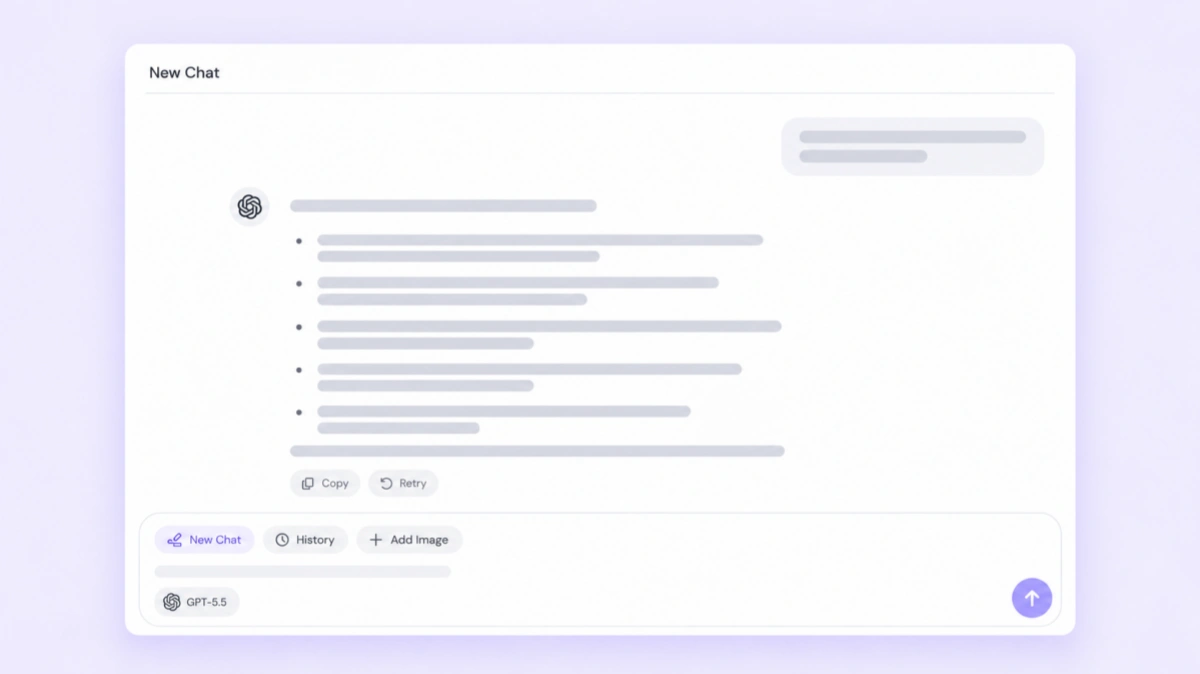
Type your question or describe what you need help with. Add relevant background, your preferred format, or specific requirements to guide the response.
Generate the Answer
Submit your question and let GPT-5.5 generate a response. Review the answer and refine your request if you need more detail or a different approach.
Copy the Answer
Copy the answer and paste it into your document, email, or project. Make any final edits to fit your needs.
Who Can Benefit from GPT-5.5?
Marketing Teams
For marketers managing several campaigns at once, getting started can take as much effort as refining the final copy. GPT-5.5 helps you work from a shared brief, explore different messaging angles, and adapt drafts for your audience. Add your brand voice, product details, and campaign goals to keep the response relevant. Use it when you need a fresh headline direction, a clearer content outline, or a second version of an existing draft. Your team can then review the options and develop the ideas that fit the campaign.
Developers
Developers can use GPT-5.5 as a practical assistant when working through unfamiliar code or a task that needs another approach. Share the relevant snippet, describe the expected behavior, and explain where you need help. Ask it to clarify a function, suggest an implementation, or identify possible causes of an error. You can adjust the explanation to your experience level and explore alternatives before making changes. It fits both independent developers handling varied tasks and teams that need a clearer way to discuss technical problems.
Students and Researchers
Students and researchers can use GPT-5.5 to make dense material easier to work through. Bring your own reading notes, an unfamiliar concept, or a question that needs a clearer explanation. Ask for a summary, a comparison, or an outline that helps you organize what you know. You can explore follow-up questions and identify areas that need more reading. It’s a useful companion when you want to understand a subject more deeply, prepare for a discussion, or shape a research question around the material you’re studying.
Business Owners
Business owners often move between planning, customer communication, and day-to-day decisions. GPT-5.5 gives you a place to work through those tasks when you need help organizing your thoughts. Describe your goal, available resources, and main constraints to explore possible next steps. You can prepare a project outline, draft a customer response, or organize ideas before a team meeting. This is especially useful for small teams where one person handles several responsibilities and needs a flexible assistant that can follow the context of each new task.
Working Professionals
If your work involves frequent emails, meeting notes, reports, and internal updates, GPT-5.5 can help you organize information and express it clearly. Share your main points and explain who will read the result. Ask for a concise summary, a more professional tone, or a structure that makes a longer document easier to follow. You can use it to prepare a first draft before a meeting or polish a message before sending it. It’s useful for keeping everyday communication clear across different projects and audiences.
Writers and Creators
Writers and creators can use GPT-5.5 when an idea needs more shape or a draft feels stuck. Bring a character, theme, scene, or unfinished outline, then explore different ways to develop it. Ask for dialogue variations, alternative openings, or feedback on the flow of a passage. You can define the tone and details you want to preserve as you experiment. It works as a creative partner for exploring options, helping you find a direction you want to develop in your own voice.


Loved by Creators Worldwide
Real feedback from designers, marketers, and hobbyists sharing their PicLumen experience on Trustpilot.
ClashOf ClansExcellent platform to fantasy
Excellent platform to fantasy
Ai HackGreat tool
I would really recommend this website to content creation
 Mubashir Ahmed
This web is very help and free
This web is very help and free
 rockstar gaming
Value For Money
its value for money i fully recommend you to try this one time you will like it...
Nice creations and bright
Nice creations and bright
 Zara
ZaraPiclumen still remains the best…
Piclumen still remains the best with image references. I don't have any complains using Piclumen. It makes my work easier
It’s easier to use on a computer instead of a phone
Being able to generate my own art
 Federico Bidonde
Good app recién probando
Good app recién probando
 Its aarohi
This is a great app for creating images…
This is a great app for creating images and ai videos i just love this app
 Alishba Mukhtar
Wonderful experience I’ve ever had
Wonderful experience I’ve ever had
Edwin CapdepomtStrong aesthetic ability.
Piclumen gives the impression of being a capable and expressive image generator with a refined aesthetic. If it maintains this level of quality in other types of scenes, it will become one of the most interesting visual tools available today.
 Muhammad Hafiz
i rate this app five star
i rate this app five star
FAQs About GPT-5.5
What is GPT-5.5?
GPT-5.5 is an AI model developed by OpenAI for coding, reasoning, writing, and complex professional tasks. On PicLumen, you can enter a question or describe a task to generate a text response.
What kinds of questions can I ask GPT-5.5?
You can ask for help with writing, coding, explanations, planning, brainstorming, and summarizing information. Describe your task in everyday language and include the background needed to make the answer useful.
What should I include in my prompt?
Include your question, relevant background, and the result you want. You can also specify the audience, tone, length, and format. For example: “Write a friendly, 100-word product description for a reusable water bottle.”
Can GPT-5.5 handle complex questions?
Yes. GPT-5.5 is designed for tasks that involve reasoning, planning, and multiple constraints. Give it a clear goal and the relevant information so it can work through the question and organize its response.
How do I copy an answer from PicLumen?
Once the answer is ready, copy the response text and paste it into your document, email, or project. You can then adjust the wording, formatting, or length to suit your needs.