Free AI Couple Photo Maker: Create Realistic Photos Together
Why Choose PicLumen’s AI Couple Photo Maker?

Easy AI Generation
Upload your photos and describe the couple portrait you want. PicLumen makes it simple to create personalized images without photography or editing experience.

Fast Results
Explore different couple portraits without planning outfits, finding a location, or booking a photoshoot. Generate new versions and refine your favorites in minutes.

High-Quality Photos
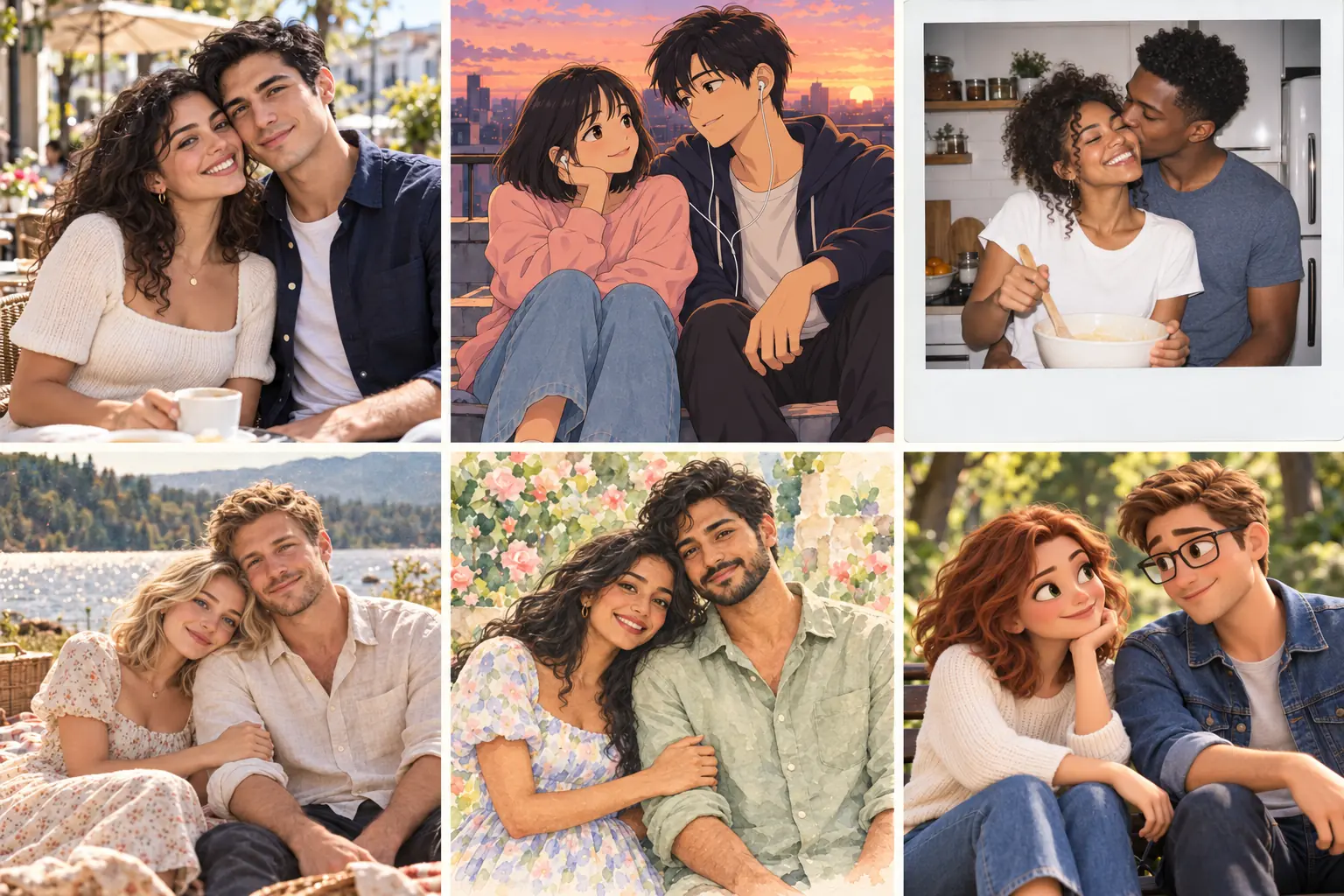
Create couple portraits at up to 4K resolution with clear facial details, rich colors, and natural textures. From realistic photography to stylized illustrations, make polished images for profile pictures, personalized wallpapers, and meaningful keepsakes.

Consistent Facial Features
Use reference photos to preserve both people’s facial features and hairstyles. Create portraits that remain recognizable across different scenes and styles.

Flexible Creative Control
Customize the pose, setting, clothing, lighting, and mood. Add meaningful details such as a favorite café, travel destination, or coordinated outfits.
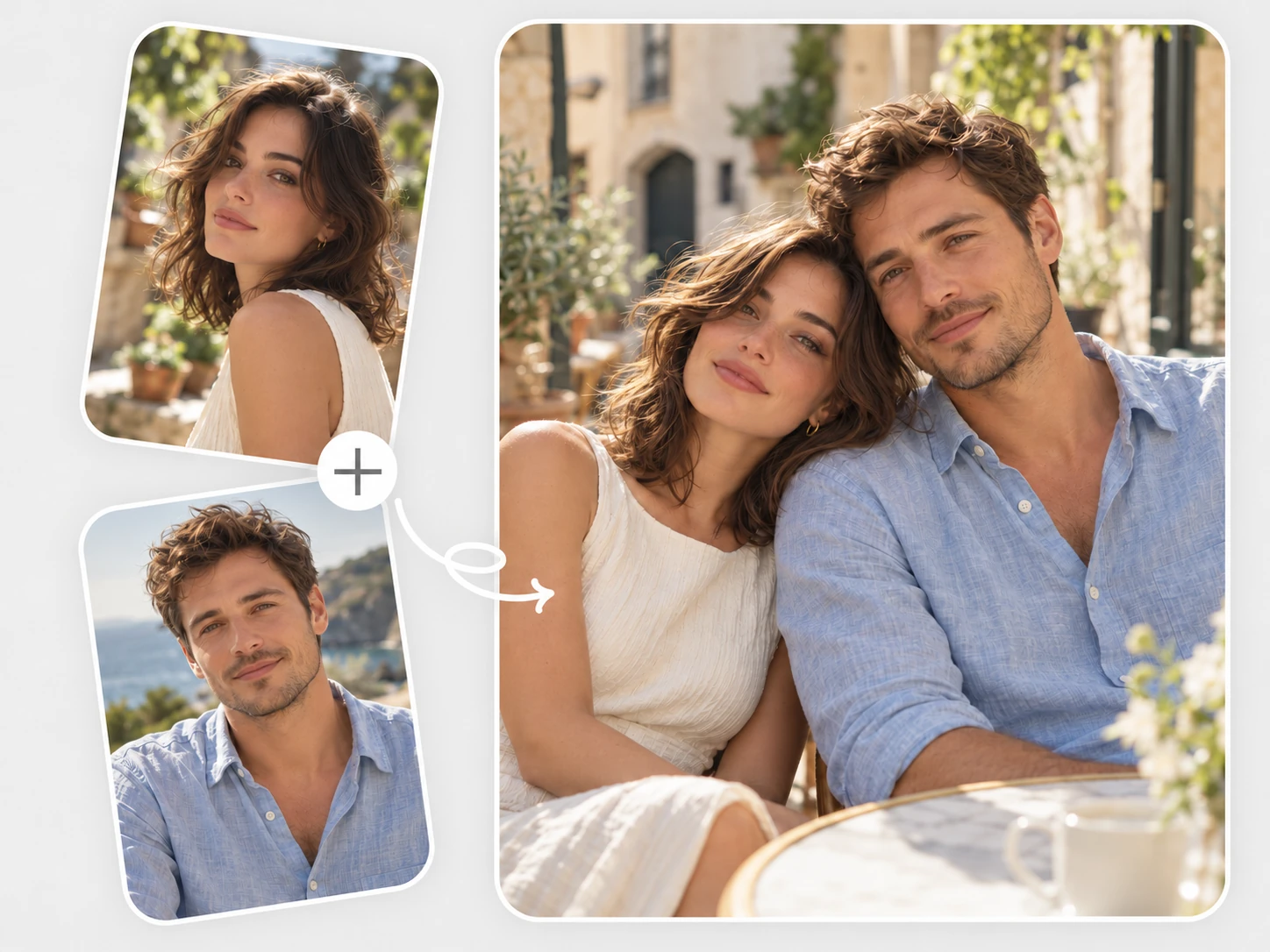
Create Realistic Couple Photos
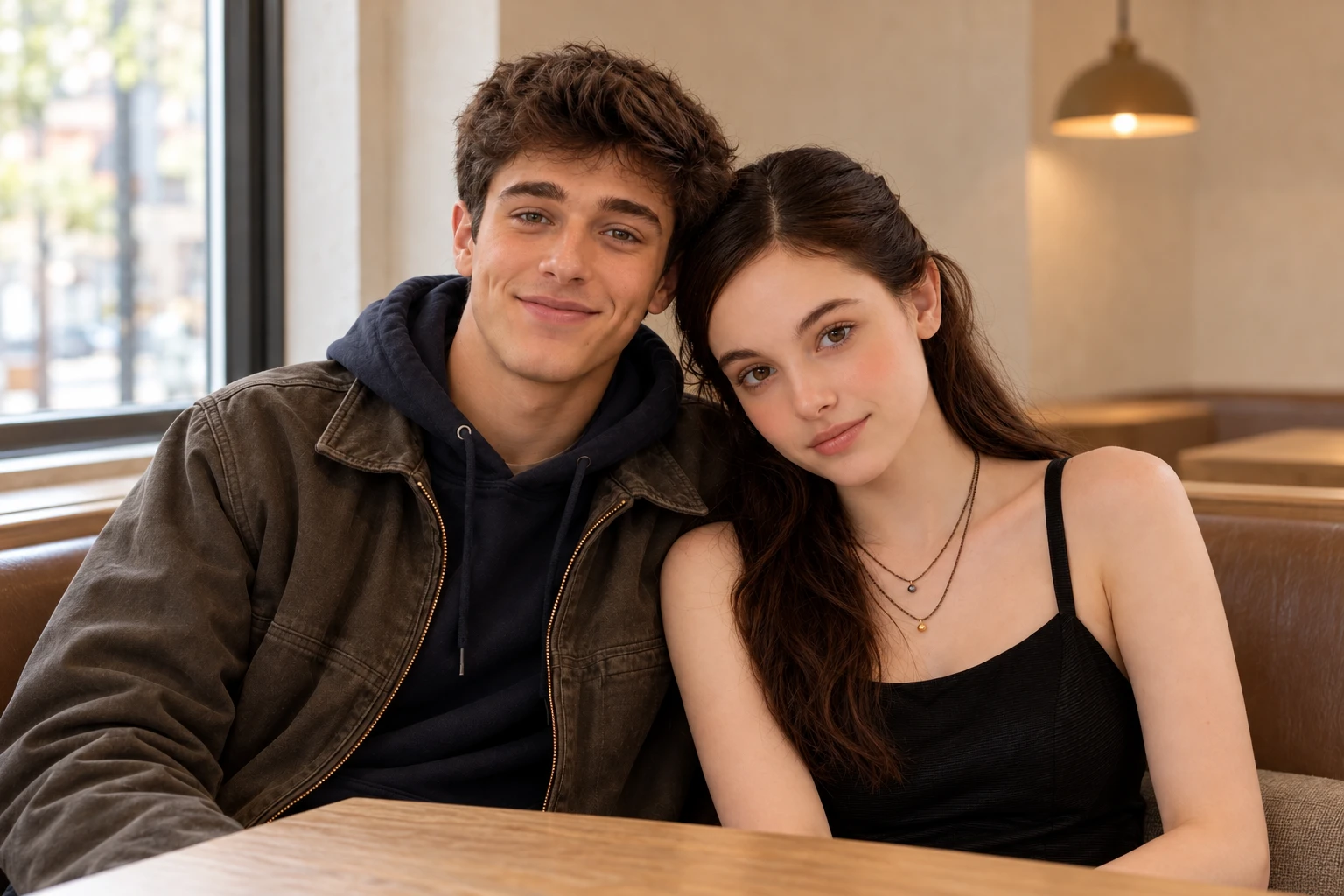
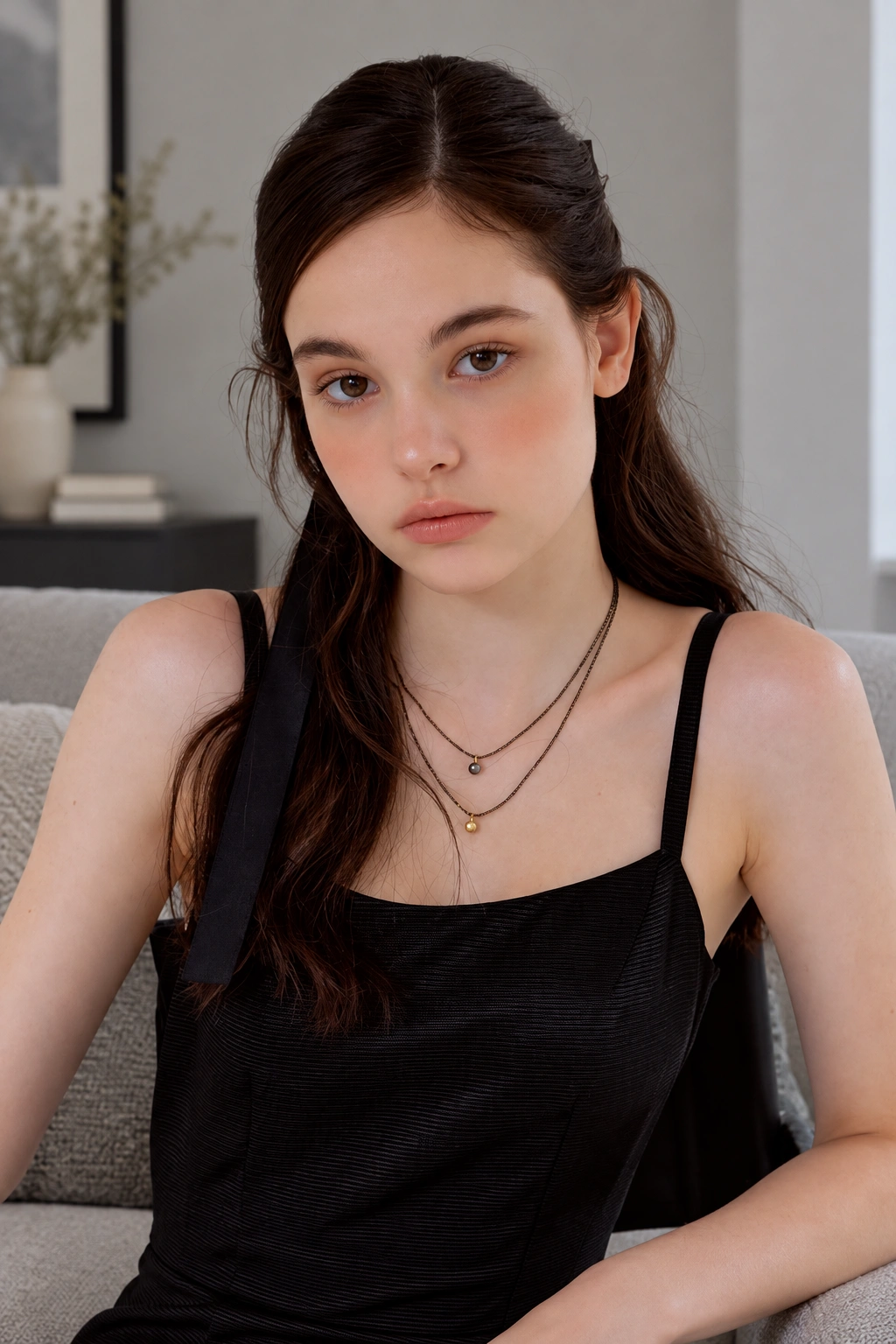
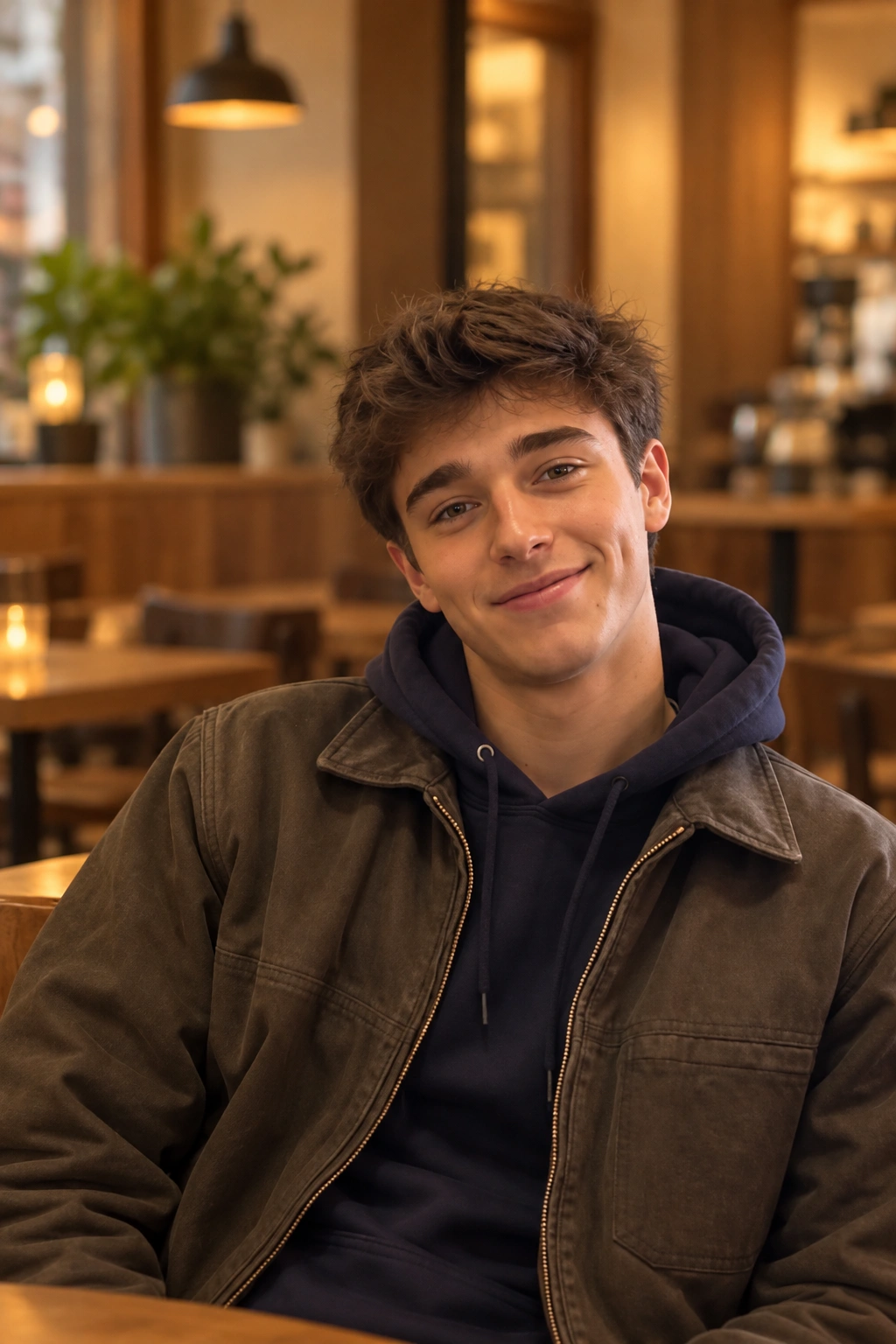
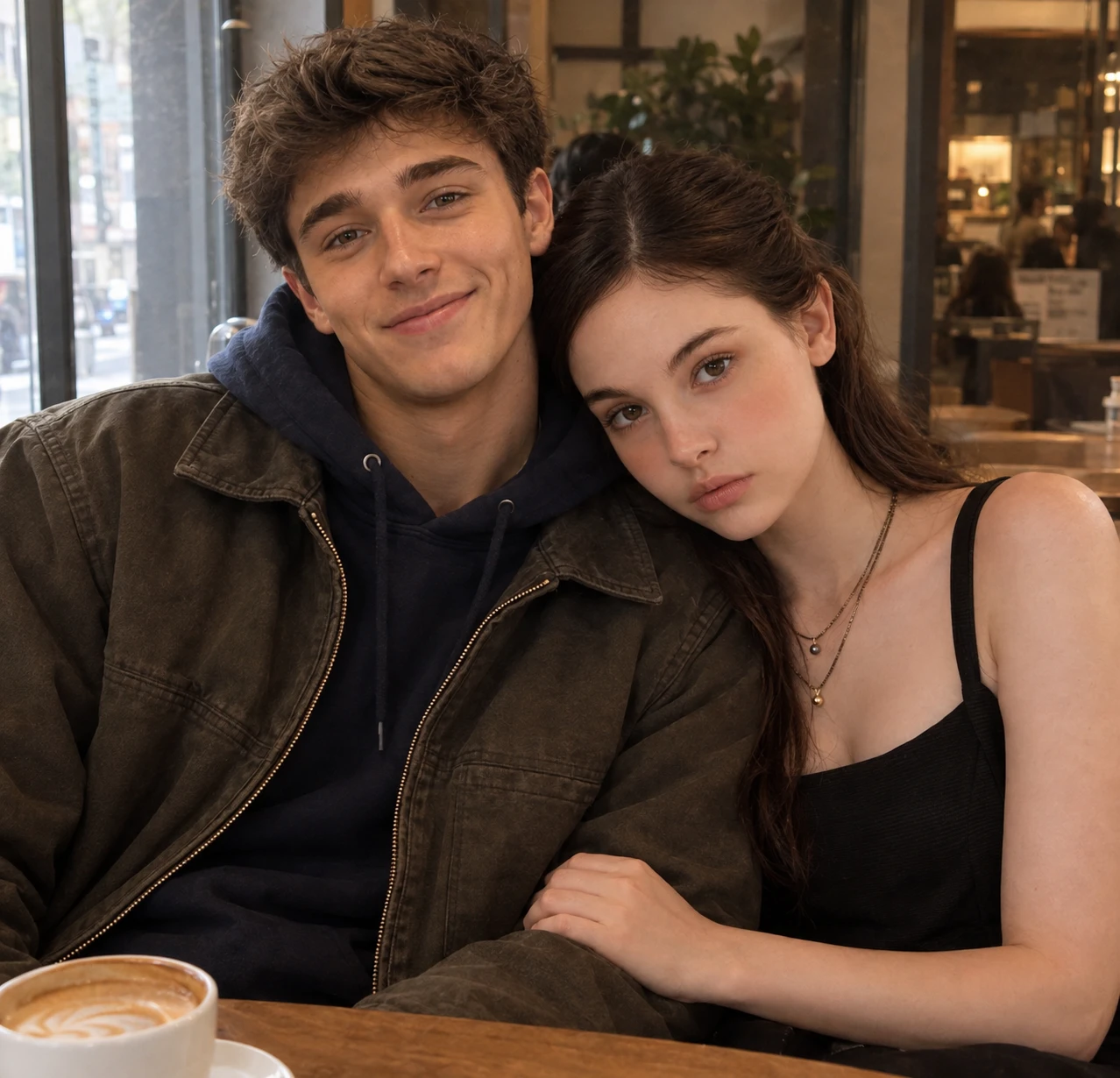
Create a photo together, even when you don’t have one. Upload a photo of each person and use PicLumen’s AI couple photo maker to bring you both into a realistic portrait. Natural expressions, balanced lighting, and lifelike details help the scene feel believable. The AI image combiner brings your individual photos into a shared setting for romantic keepsakes, anniversary gifts, or everyday couple photos.
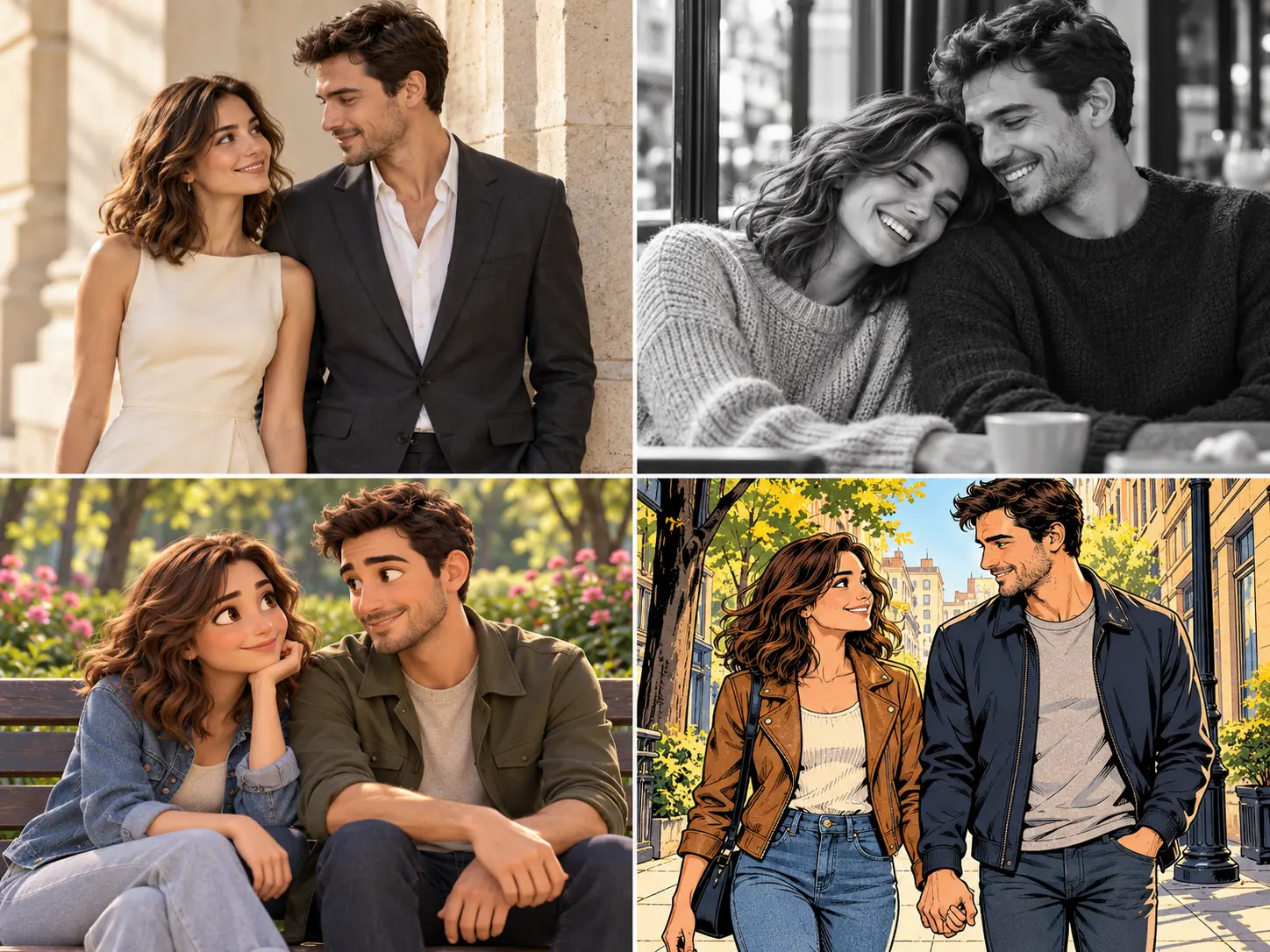
Try Different Couple Photo Styles
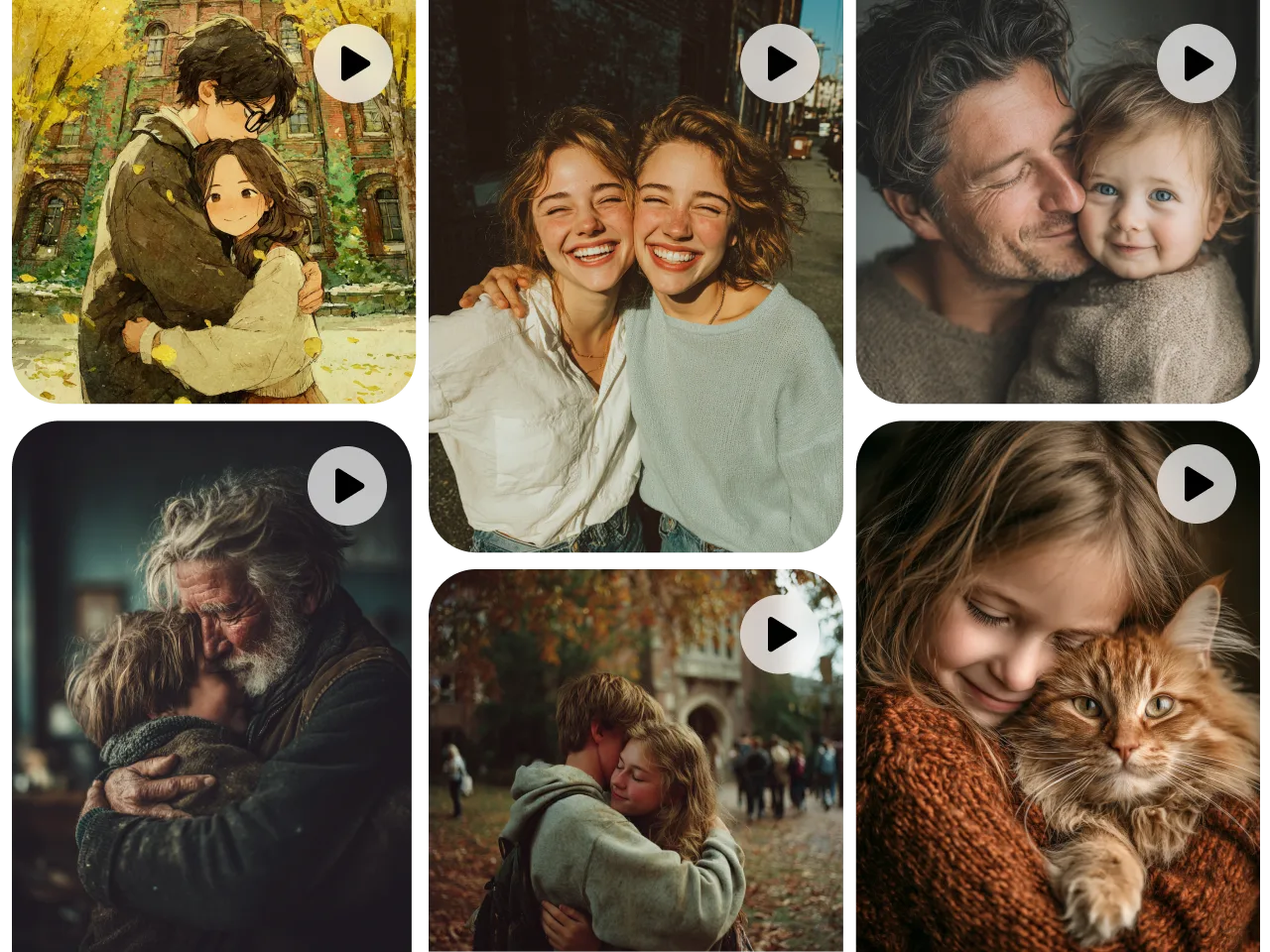
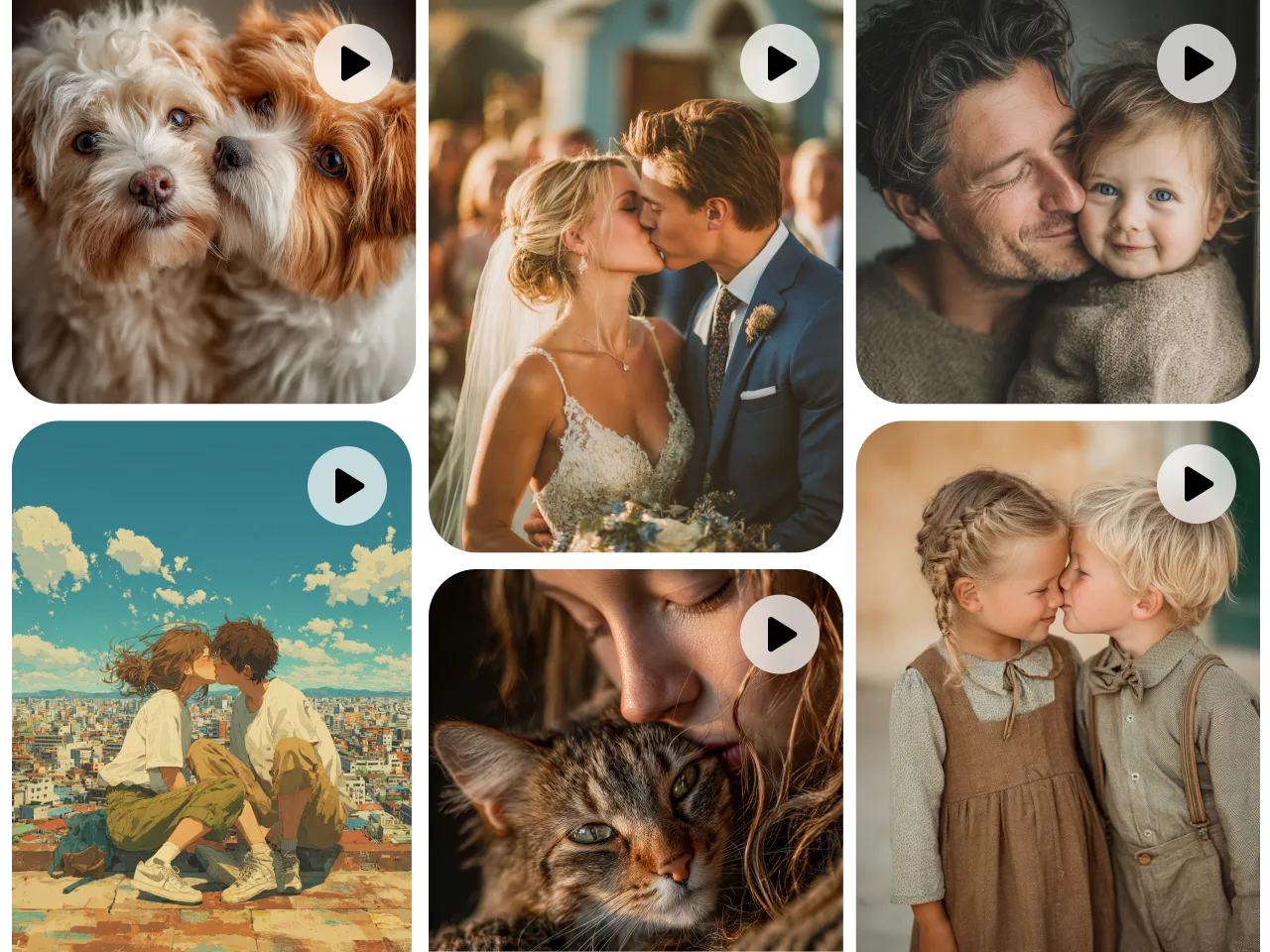
Find a style that suits your relationship, from elegant wedding portraits and cozy film snapshots to playful anime art and dreamy illustrations. PicLumen’s AI couple photo generator lets you explore different looks with your uploaded photos and a simple description. Create something timeless for an anniversary, fun for social media, or unique for a personalized keepsake.
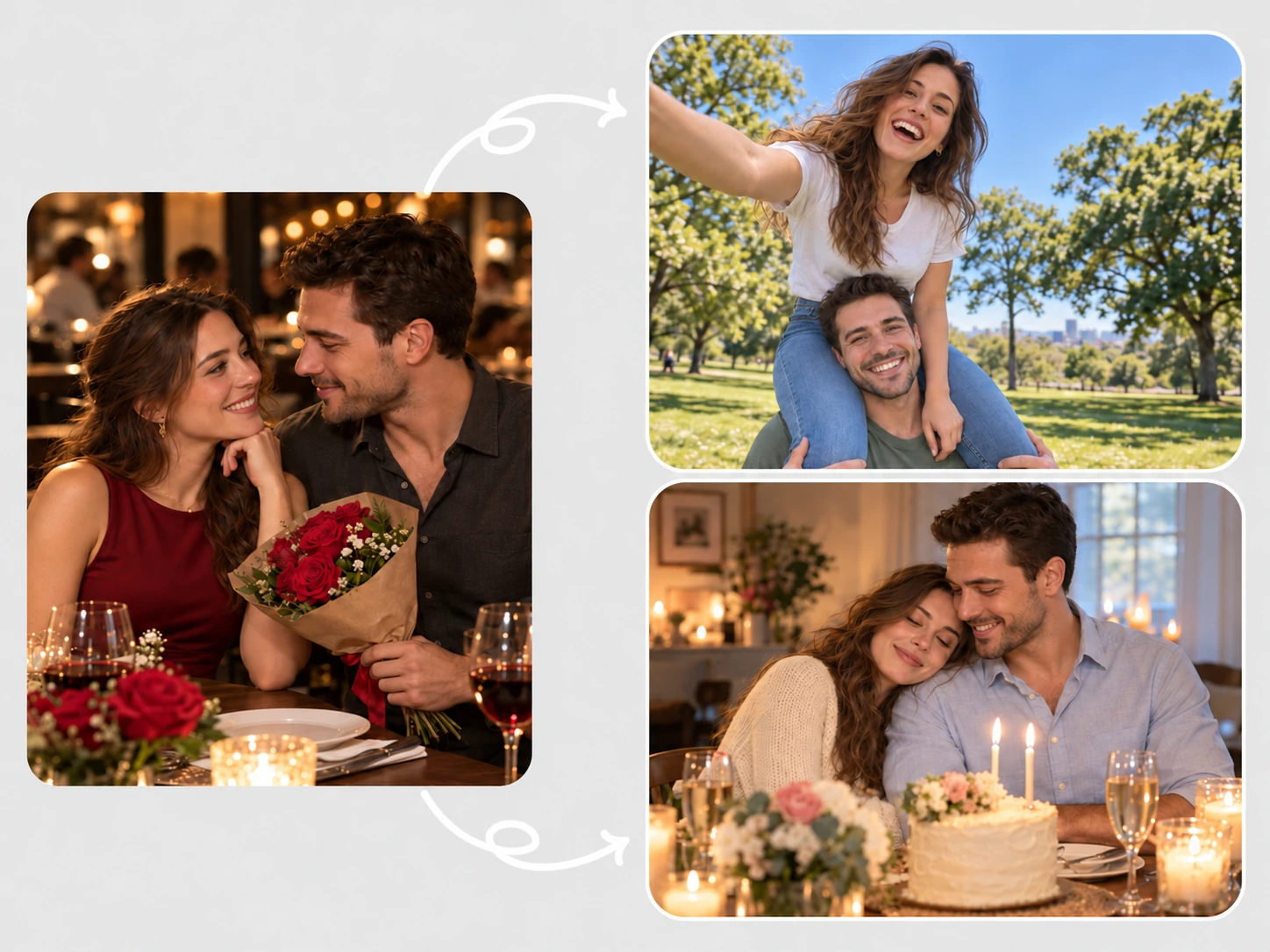
Customize Poses and Scenes
A sunset walk on the beach, a quiet moment in a café, or a dance beneath the city lights—create the couple photo you have in mind. Customize your poses, expressions, and surroundings with a prompt. Make AI generated couple photos with a relaxed, candid feel or a polished photoshoot style.
Change Backgrounds and Outfits
Give your couple portrait a fresh look by changing the details around you. Replace a busy background with a flower-filled garden, swap casual clothes into formal outfits, or try a cozy winter setting with matching sweaters. Describe what you want to edit and refine your couple photo in the same workflow.
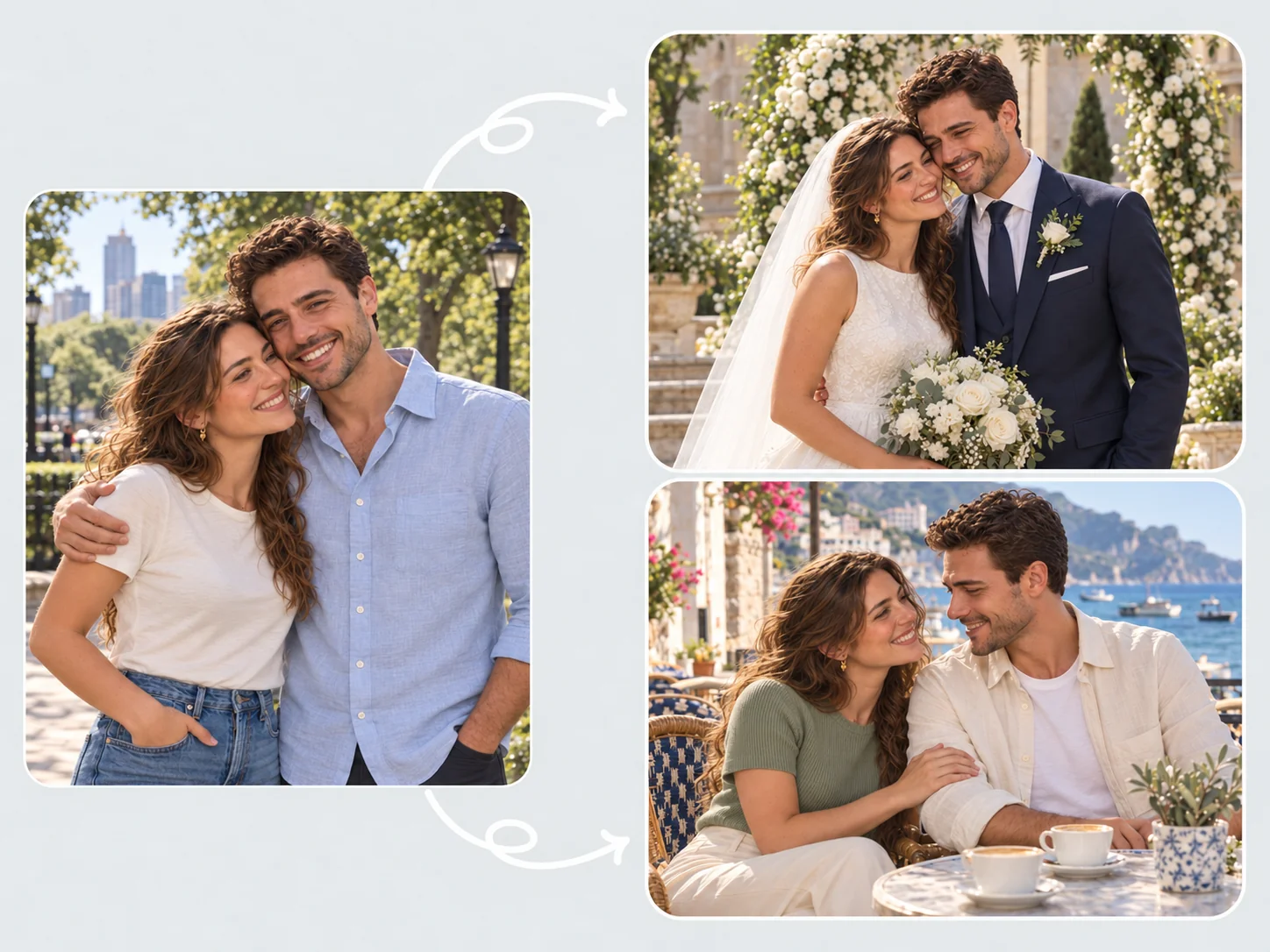
Couple Photos for Every Special Moment
Celebrate a milestone, feel closer from afar, or try a fun new look together. Create personalized couple photos for wedding portraits, anniversary keepsakes, matching profile pictures, wallpapers, and more.
Celebrate Your Love
Create wedding, engagement, and anniversary photos that celebrate your story. Explore elegant wedding looks, romantic settings, or scenes inspired by your favorite memories. Customize the outfits, background, and mood to create personal keepsakes you can share, print, or give as a thoughtful gift.
Photos for Long-Distance Couples
Feel closer wherever you are. Upload a photo of each person and create AI couple photos in the same scene. Picture yourselves sharing coffee, walking through a favorite city, or enjoying a quiet evening together.
Celebrity Looks and Movie Posters
Recreate a favorite influencer’s aesthetic, explore a celebrity-inspired photoshoot, or imagine yourselves on a romantic movie poster. Experiment with dramatic lighting, coordinated outfits, and cinematic settings to create a photo worth sharing.
Photos with Your Crush or Idol
Imagine a photo with someone you admire. Combine your photo with a suitable reference image to create a fictional portrait with your crush, favorite actor, or music idol. Try a café scene, red carpet look, or playful photo booth moment.
Matching Couple Profile Pictures
Create matching profile pictures that feel like you. Choose realistic portraits, anime characters, or playful illustrations, then coordinate the colors, outfits, and backgrounds for social media and messaging apps.
Personalized Couple Wallpapers
Create a wallpaper made for your screen. Explore a dreamy landscape, a cozy everyday scene, or a simple composition with space for app icons. Customize the aspect ratio for your phone or desktop.
How to Make AI Couple Photos
2 Upload Your Photos
1Upload a clear photo of each person. Choose images with visible facial features and good lighting to help create a natural-looking couple portrait.
2 Describe Your Couple Photo
2Write a prompt describing the scene, poses, outfits, and style you want. Try a romantic beach portrait, cozy café moment, or elegant wedding photo.
3 Choose Your Settings
3Select a model and aspect ratio to suit your idea. Use a square format for couple profile pictures or a vertical layout for phone wallpapers.
4 Generate and Download
4Generate your couple photo and preview the result. Refine your prompt or edit specific details, then download your favorite version.
AI Tools You May Also Like
How to Write a Good Prompt for AI Couple Photos
Start with the style you want, then build the scene with outfits, a background, and poses. Add lighting and personal details to help your AI couple photos match your vision.
1. Choose Your Style
Decide on the overall look, such as realistic photography, anime, Polaroid, or vintage film. Name the style at the beginning of your prompt to set a clear visual direction.
2. Add Outfits and a Background
Describe what each person is wearing and where the photo takes place. Try formal outfits in an elegant garden, casual clothes at a café, or matching sweaters in a cozy living room.
3. Describe Poses and Expressions
Explain how you interact, such as holding hands, sharing a hug, or sitting shoulder to shoulder. Add relaxed smiles, a playful glance, or another expression that suits the moment.
4. Add Lighting and Important Details
Specify the lighting, accessories, or other finishing touches. When using reference photos, ask to keep both people's facial features and hairstyles recognizable. For edits, clearly state what to change and what to keep.
Try the couple photo prompt examples below for inspiration.
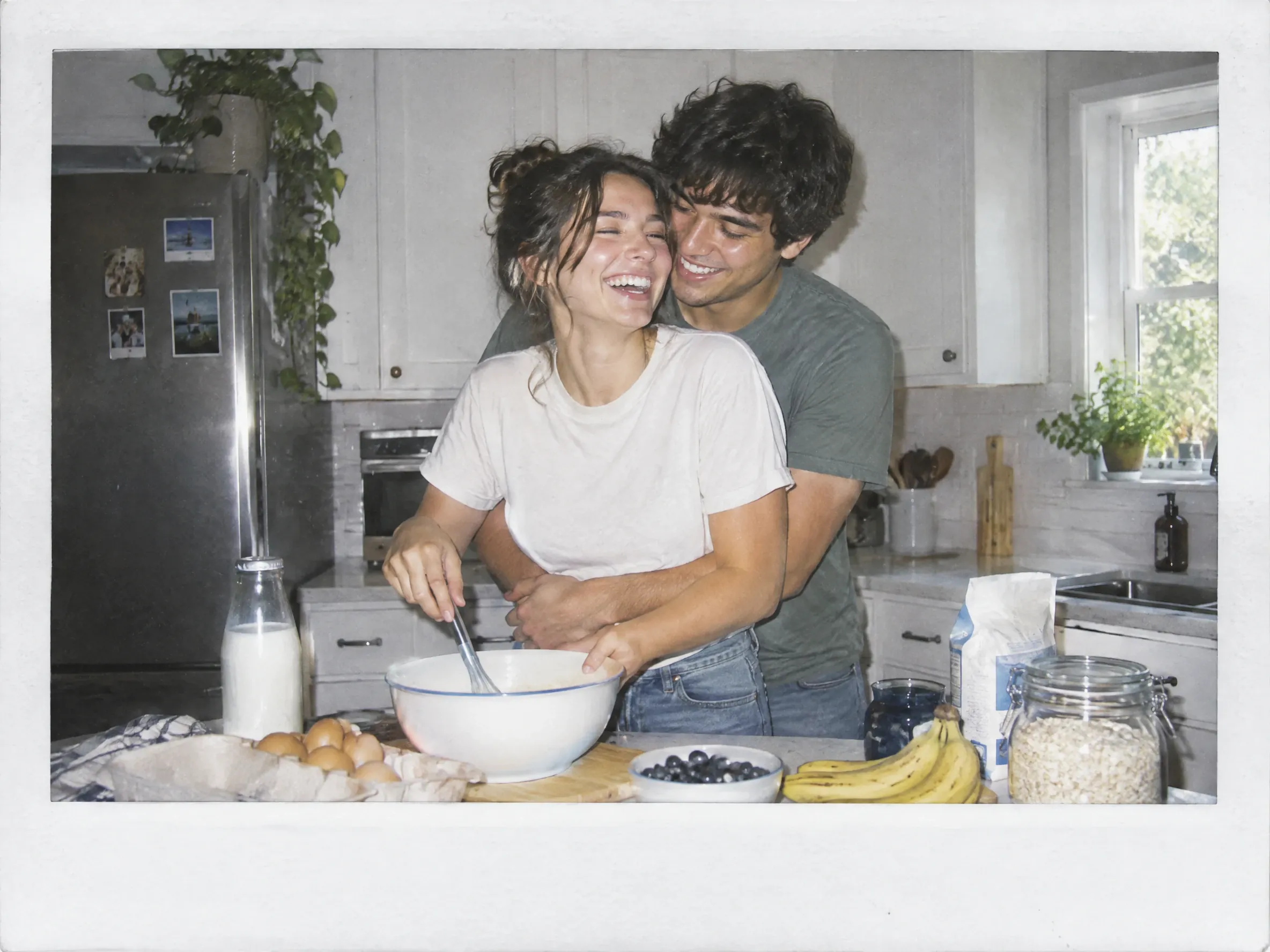
A Playful Kitchen Polaroid
Generate a Polaroid-style couple photo from the two uploaded references. Show them wearing comfortable T-shirts and jeans in a bright kitchen with breakfast ingredients on the counter. One person hugs the other from behind as they laugh together. Use direct flash, slightly faded colors, subtle grain, and a white instant-photo border without text. Preserve both people’s facial features and hairstyles.
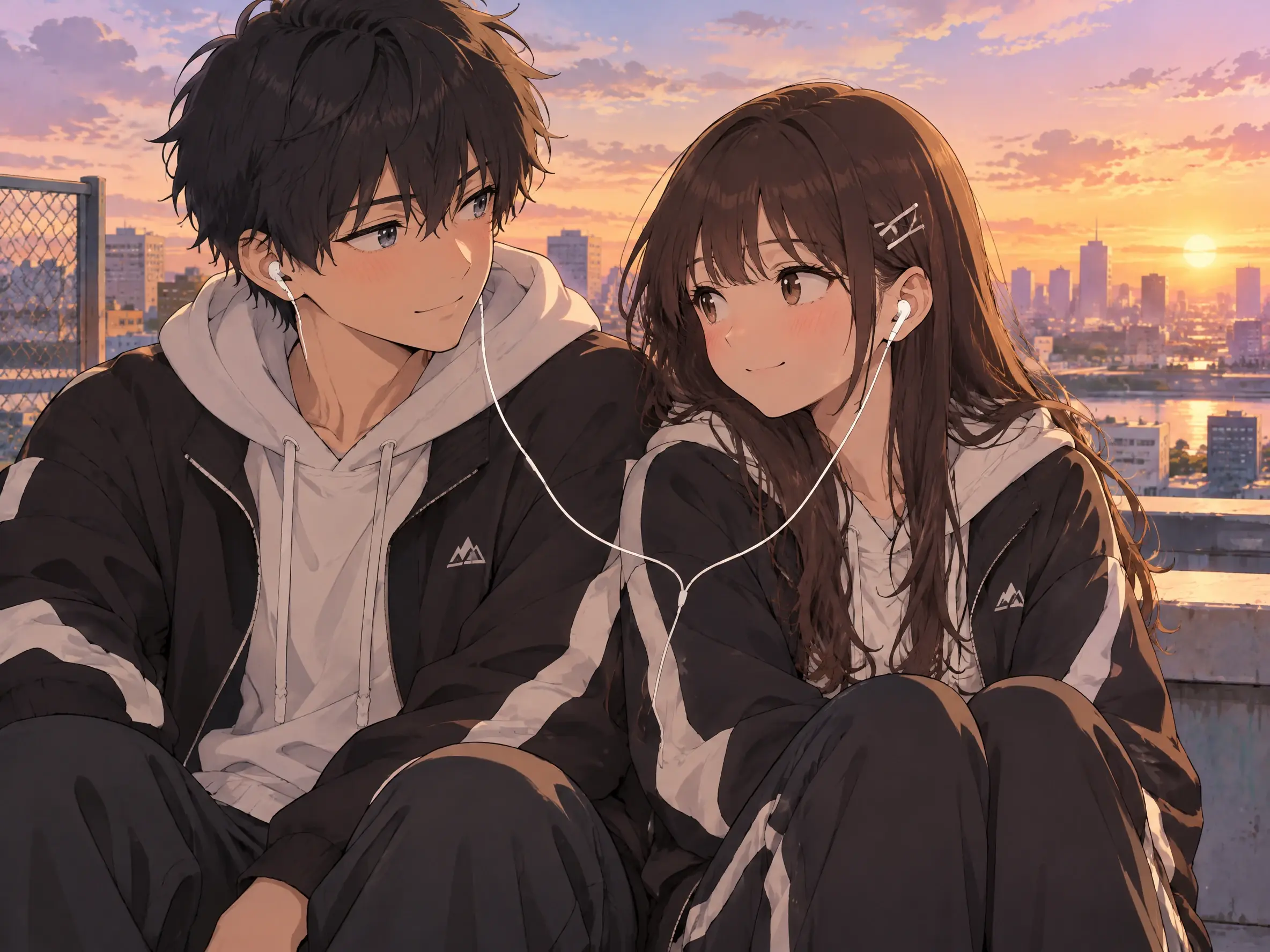
Anime Romance Above the City
Create a Japanese anime-style couple portrait using the two uploaded photos. Dress them in coordinated casual streetwear on a rooftop overlooking the city. Show them sitting shoulder to shoulder, sharing earbuds and exchanging shy smiles. Add a pastel sunset sky, warm golden light, clean linework, and soft cel shading. Keep both people’s hairstyles, hair colors, and distinctive facial features recognizable.
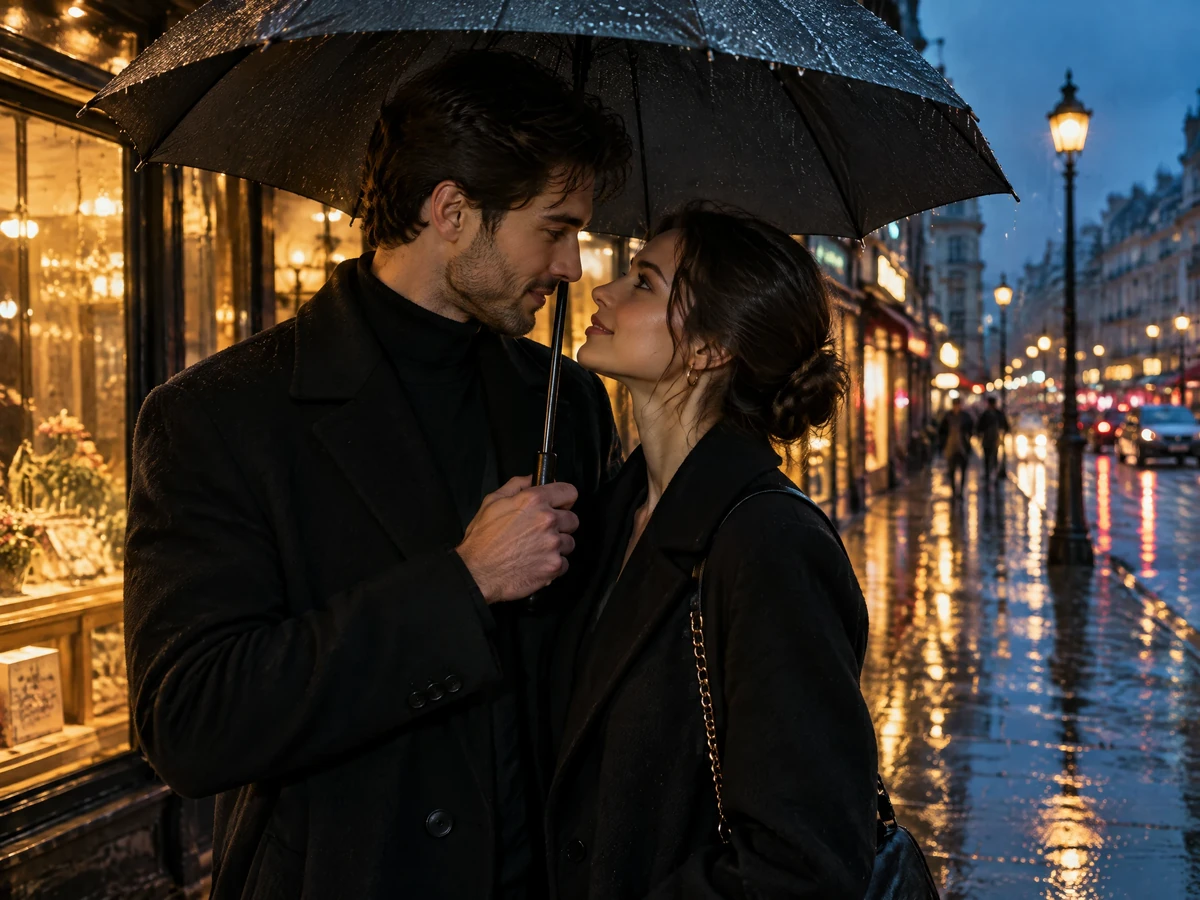
Cinematic Romance in the Rain
Create a cinematic couple photograph using the two uploaded photos. Dress them in elegant dark coats on a rain-soaked city street lined with glowing storefronts. Show them standing close beneath one umbrella, looking affectionately at each other. Add warm amber light against cool blue surroundings, reflections on the pavement, and realistic skin texture. Keep both faces recognizable and use a widescreen composition without text.
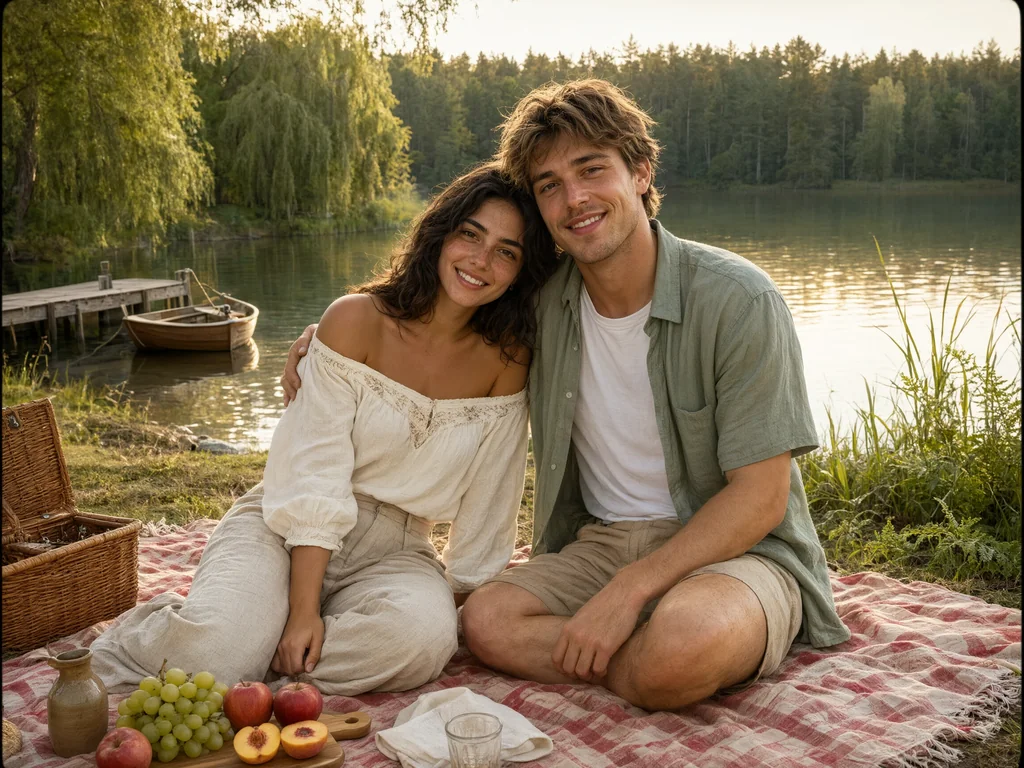
A Vintage Film Summer Picnic
Make a vintage 35mm film photograph featuring the two people in the uploaded references. Dress them in relaxed linen outfits at a lakeside picnic with a gingham blanket, wicker basket, and fresh fruit. Show one person leaning against the other’s shoulder as they smile toward the camera. Use soft afternoon sunlight, warm muted colors, fine film grain, and gently faded contrast. Preserve both people’s facial features and hairstyles.


Loved by Creators Worldwide
Real feedback from designers, marketers, and hobbyists sharing their PicLumen experience on Trustpilot.
 Jon Jon
Very good website
Very good website. Different models, good job
 J. Blaine
Regular PicLumen user experience
I've been using PicLumen since late summer 2024 and I've generated several thousand images, mostly image-to-image. There were 2 minor technical glitches in that period of time. In the first one, my library didn't load but after logging out and logging in again later that day I found my library back. The second glitch- the remixing and outpainting stopped working. I contacted the support team and the issue was fixed the next day. I also requested PicLumen to provide a PayPal payment method when they switched to subscription - and they listened and responded to my request. I appreciate their responsiveness and customer service. In my communication with their support team, I found them professional and polite. My general impression is that this is a dynamic and collaborative team that is worth supporting!
 by Neefa
i love it and easy to use
i love it and easy to use
 Kura Aditya
The best experience ever w
The best experience ever w
Mubashir AhmedThis web is very help and free
This web is very help and free
 Alexsander Luís
cool it's a good ai creator but create…
cool it's a good ai creator but create imagens for cinema
sakura cherryVery good Free ai photo
Very good Free ai photo, thanks, i wish consistency ,
 Richard Lemos
good site
good site, nice pictures, good quality
 Sndhjks Bwjskb
franchement c formidable
franchement c formidable
 Yfad
YfadBest AI generator of all times
Best AI generator of all times
Yasmen MohsenLove it
Love it ,, coool ,, amazing
 lourdes mayorga
IT IS A GREAT TOOL AND IT HELPS YU A…
IT IS A GREAT TOOL AND IT HELPS YU A LOT I WOULD RECOMEND THIS TOIEVERYBODY
Frequently Asked Questions
What is an AI couple photo maker?
An AI couple photo maker creates portraits of two people using reference photos and text prompts. You can bring separate photos into one scene and explore different poses, outfits, backgrounds, and styles.
How do I make AI couple photos with PicLumen?
Upload a clear photo of each person, describe the couple photo you want, choose your settings, generate the image, and download the image.
Is PicLumen’s AI couple photo maker free?
Yes. PicLumen provides daily free Lumens to create AI couple photos. If you’d like to generate more images, you can upgrade to a paid plan for additional Lumens.
Do I need photography or editing experience?
No. You can describe the pose, clothing, setting, and mood in everyday language without technical skills.
Can I combine two separate photos?
Yes. Upload a photo of each person and describe how you want them to appear together.
What photos should I upload?
Use clear, well-lit photos with visible faces. Avoid heavy filters, sunglasses, strong shadows, or anything covering important facial features.
What couple photo styles can I create?
You can explore endless styles for your couple photos, from realistic portraits and anime illustrations to unique looks of your own. Simply describe the style you want in your prompt.
Can long-distance couples create photos together?
Yes. Each person can upload a separate photo and use both references to create a shared portrait.
Can I make matching couple profile pictures?
Yes. Create a shared portrait or complementary images with coordinated styles, colors, and backgrounds.
Can I create couple wallpapers?
Yes. Choose a vertical format for phones or a landscape format for desktop wallpapers.