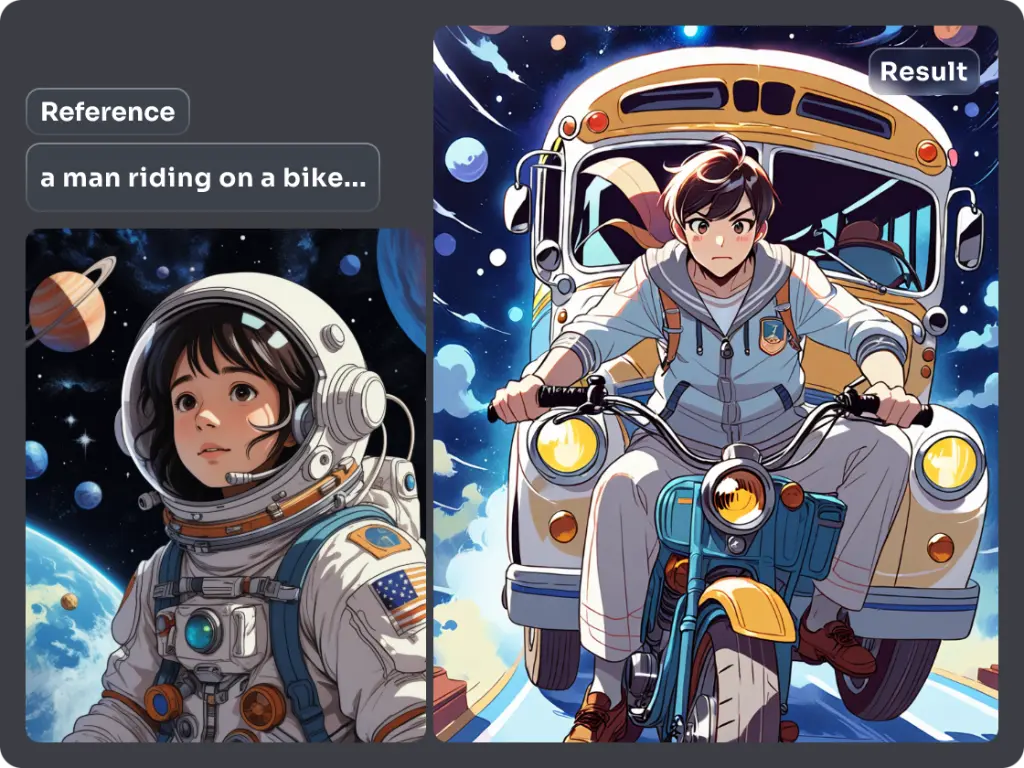
Free AI Avatar Generator to Turn Your Selfie into a Character
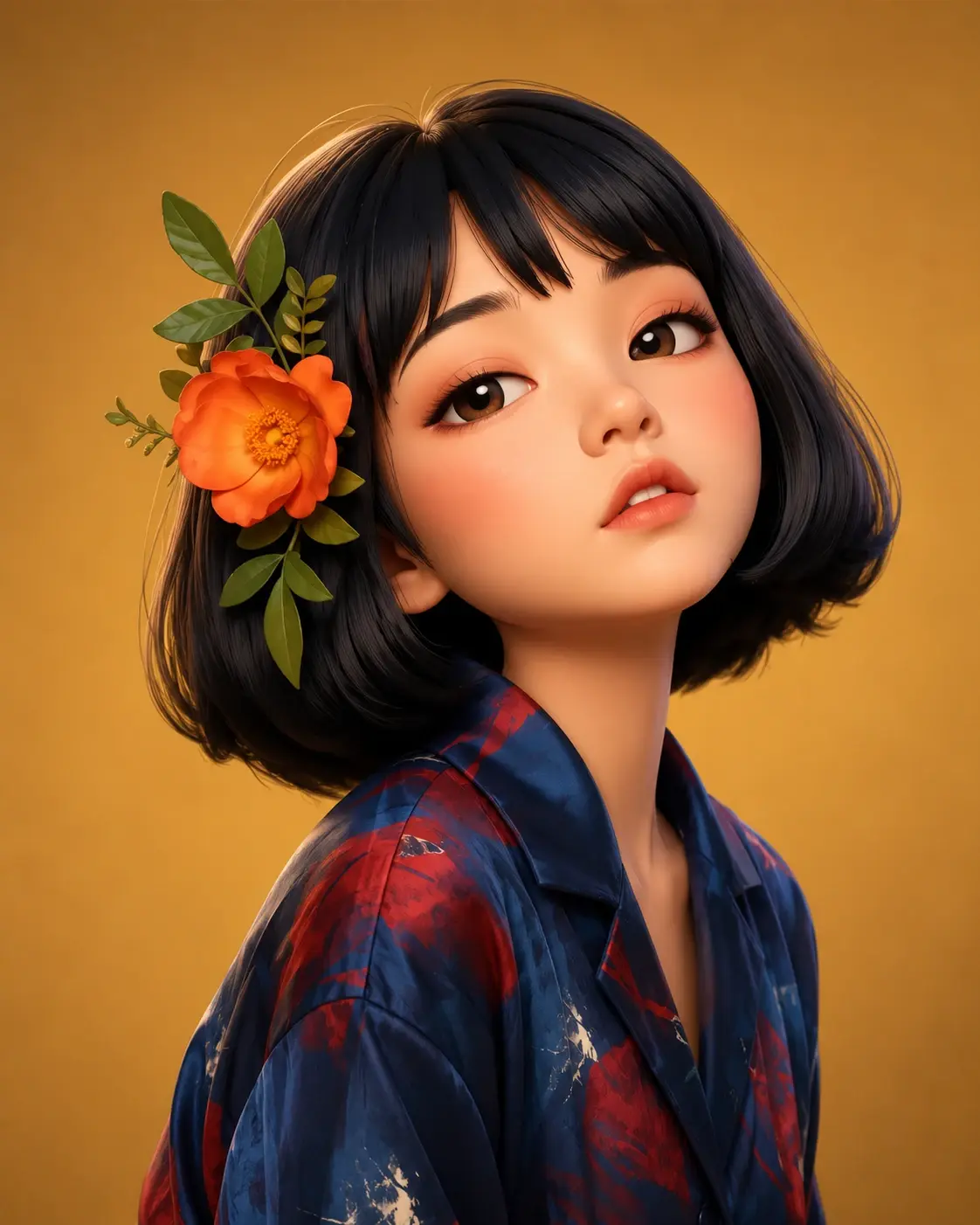
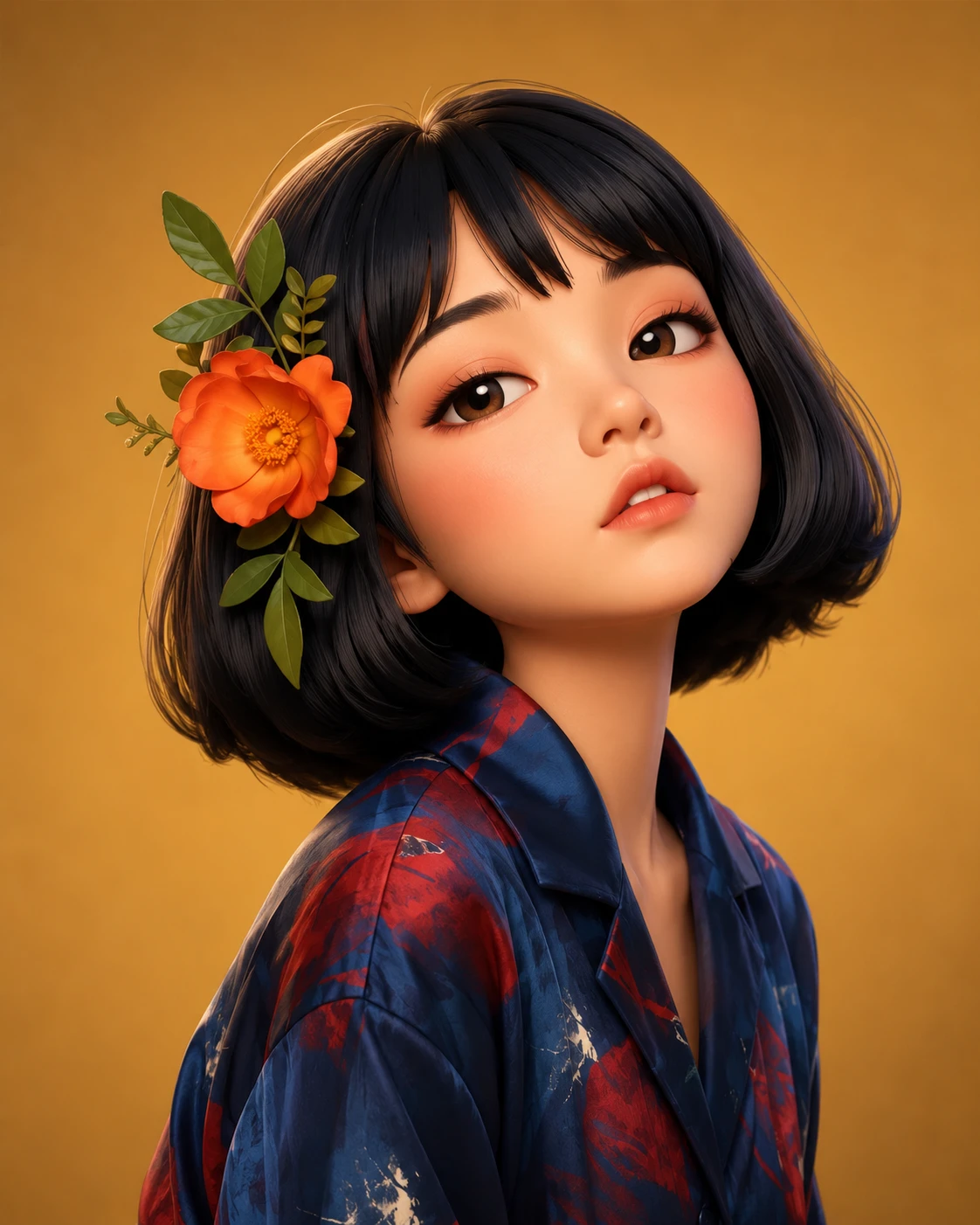
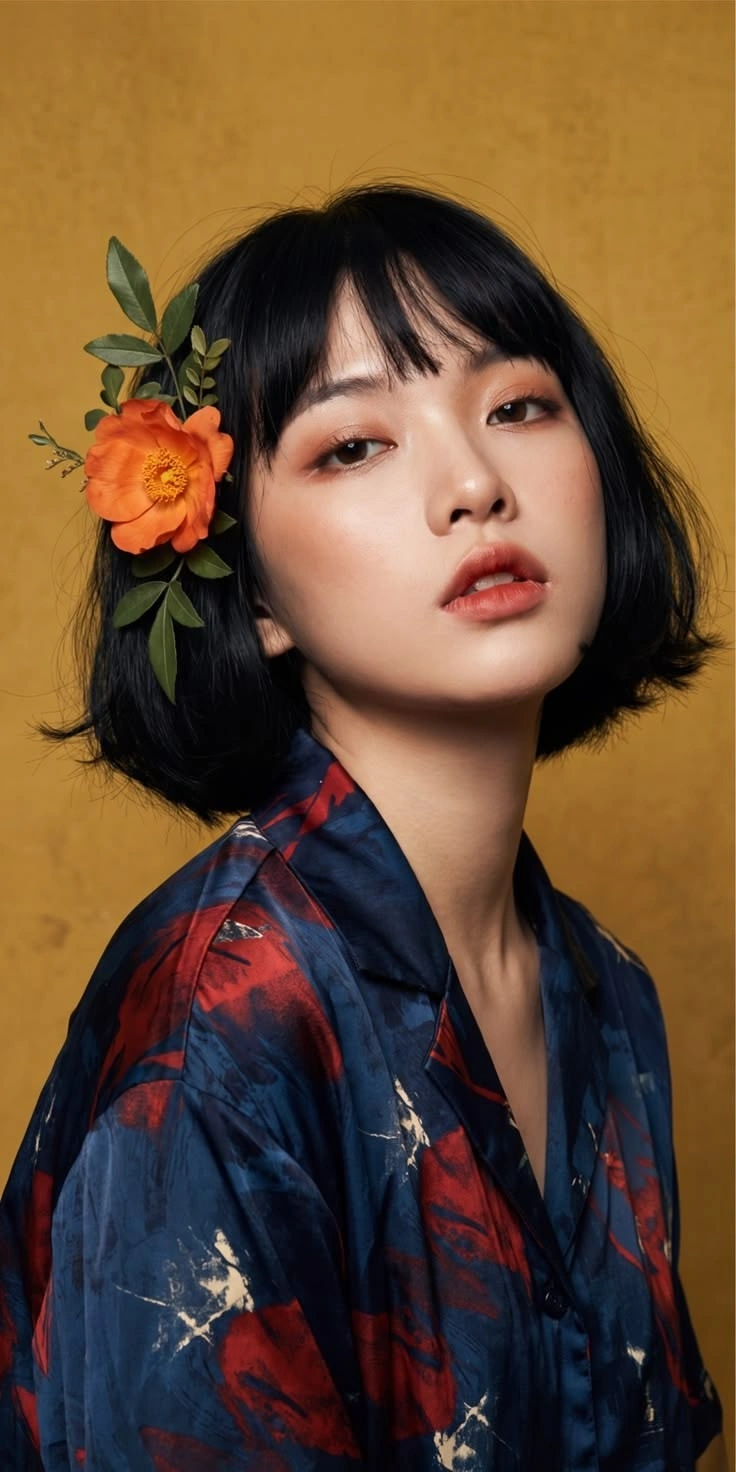
Explore Diverse AI Avatar Looks
Your imagination knows no limits, and neither do we. From realistic portraits to full-body 3D avatars, PicLumen helps you create any look from just a photo or text. Explore the endless possibilities of avatar styles that perfectly match your personality and needs:


Why Use PicLumen to Create and Refine Your AI Avatar?

Try Your Avatar Ideas for Free
Try PicLumen’s AI avatar generator for free and see how your idea translates into an image. Start with a selfie or a simple prompt, explore a visual direction that interests you, and check whether the result suits your profile or project.

Explore Multiple Image Models in One Place
PicLumen brings image models such as GPT Image 2.6 and Qwen Image 3.0 into one platform. Explore how different models interpret your character, style, and composition, then choose a direction to develop further. You can compare different approaches to your avatar idea without moving between separate generation services.

Keep Refining Your Avatar After Generation
Your first result can be a starting point for further edits. Use the background remover to isolate your avatar, AI Replace to rework a selected detail, or the image upscaler to create a larger version. Continue shaping the image within PicLumen as you prepare it for your profile or creative project.
How to Create an AI Avatar from a Photo or Text Prompt
1 Choose Your Starting Point
1Open PicLumen and select an image model. To make an avatar based on your appearance, choose a model that supports reference images and upload a clear portrait. For an original character, start with a written description instead. A single-person photo with even lighting and an unobstructed face gives the model a clearer reference.
2 Describe the Look and Generate
2Enter the avatar style, expression, clothing, and background you want, then click Generate. For a profile picture, describe a centered head-and-shoulders composition with space around the head. When using a photo, specify which visible features you want the model to retain.
3 Review, Refine, and Download
3Check the face, expression, and framing before downloading your favorite result. If the avatar needs a different background or a closer resemblance to your photo, adjust the prompt and generate another version. Preview it at a small size, too, so you can see whether the face remains clear as a profile picture.

Turn Your Selfie into a Personalized AI Avatar
PicLumen’s AI avatar generator uses your photo as a visual reference for a personalized portrait. Upload a clear selfie and describe an anime, realistic, or 3D cartoon style. Visible details such as your hairstyle, face shape, and glasses help guide the result, giving you a way to explore a new interpretation of yourself for a social profile, gaming account, or creator page.
Create an Original Character from a Text Description
Describe the character you have in mind, including their facial features, expression, and visual style. You might imagine a silver-haired explorer, a friendly illustrated host, or a cyberpunk persona with neon accents. PicLumen turns those details into avatar artwork without a reference photo, making it a useful starting point for an original gaming identity, fictional profile, or channel character.


Customize Expressions, Outfits, and Backgrounds with Your Prompt
Guide the details with a prompt: a relaxed smile, a favorite jacket, soft studio lighting, or a background in your brand colors. You can describe a centered head-and-shoulders portrait for profile pictures or a full-body composition for character artwork. Adjusting these choices helps you explore versions suited to different accounts, moods, and creative projects.


Loved by Creators Worldwide
Real feedback from designers, marketers, and hobbyists sharing their PicLumen experience on Trustpilot.
I recently had some technical issues…
I recently had some technical issues that I was trying to work through, so I reached out to the team at PicLumen for support. They were incredibly open, responsive, and willing to discuss the challenges I was experiencing. I even sent them a video demonstrating some of the issues I came across, and they took the time to review everything carefully and work toward finding solutions. What really stood out to me was how friendly, approachable, and collaborative they were throughout the process. I never felt like I was just submitting a problem ticket — it felt like they genuinely cared about improving the experience and helping users succeed. I truly enjoy using the platform and appreciate the level of support and dedication behind it. I would absolutely recommend PicLumen to anyone interested in this type of creative work.
George PricePicLumen's support team replies quickly…
PicLumen's support team replies quickly to your help requests and they are clear in what they require of you for them to help you. They usually diagnose your problem and offer a solution in less then 24 hours. Stellar service!
Prabhat Ranjan Singh ChauhanVery smooth and very helpful for…
Very smooth and very helpful for everyonr who have creative mind. Thank you 👍
 Mubashir Ahmed
This web is very help and free
This web is very help and free
Really good app and generates good…
Really good app and generates good images!
It’s way easier to use then these other…
It’s way easier to use then these other apps
 Piye Chauhan
Nice app generate to google
Nice app generate to google
It’s easier to use on a computer instead of a phone
Being able to generate my own art
Great platform to create awesome…
Great platform to create awesome content and see other imaginations come to life
 Boma Halliday
GREAT QUALITY FOR THE PRICE
GREAT QUALITY FOR THE PRICE. ARGUABLY THE MOST AFFORDABLE IMAGE GENERATION SITE THERE IS WITH THE BEST OPTIONS.
Khalid IsmailExcellent and it very very good great
Excellent and it very very good great
Everything
Everything, keep up the good work
Everything You Need to Know Before Creating Your AI Avatar
Can I Try PicLumen’s AI Avatar Generator for Free?
Yes. Sign up to try PicLumen’s AI avatar generator for free. You can start with a photo or a text prompt and explore a style that interests you. Generation uses Lumens, with the amount depending on your selected model and settings. Visit the pricing page for current plans and additional Lumen options.
What Kind of Photo Should I Upload for the Best Results?
Choose a clear photo of one person with the face visible and evenly lit. A front-facing portrait or a slight three-quarter view gives the model a useful reference. Avoid heavy filters, deep shadows, or objects covering important facial features. If you want the avatar to include your glasses or a particular hairstyle, make sure those details are easy to see.
Can I Create an Avatar Without Uploading a Photo?
Yes. Describe the person or character you want to create, including their appearance, hairstyle, expression, clothing, and visual style. Add a background and framing preference to make the result more specific. PicLumen’s text-to-image tool lets you build an original avatar without using a real person’s photo as the starting point.
Will My AI Avatar Look Exactly Like Me?
A reference photo guides the result, but it does not guarantee an exact match. The model, source image, prompt, and strength of the requested style can all affect the likeness. For a closer interpretation, use a clear portrait and describe the features you want to retain. Compare several results, especially when trying exaggerated cartoon or anime styles.
How Do I Turn My Photo into a 3D Cartoon Avatar?
Upload your portrait through a model that supports reference images, then describe a 3D cartoon style. Mention rounded facial features, soft lighting, stylized shading, and the clothing or background you want. Ask the model to use your hairstyle, glasses, or other visible details as a reference. Generate a few versions and choose the interpretation you like best.
What Composition Works Best for a Profile Picture?
A square composition is a useful starting point because many profile images appear in square or circular frames. Keep the face near the center and leave space above the hair and around the shoulders. Simple backgrounds and clear contrast make the avatar easier to recognize at small sizes. Check the destination platform’s current image requirements before uploading.
Does This Tool Create 3D Models or Talking Avatar Videos?
This page creates static avatar images, including pictures with a 3D-rendered appearance. A 3D cartoon avatar here is an image with depth, lighting, and shading. Editable three-dimensional models and talking avatar videos are different outputs that require separate workflows. Use the downloaded image as a profile picture, character illustration, or visual reference.
Can I Use My AI Avatar for a Business or Brand?
Commercial use depends on your subscription plan and the conditions that apply to the model or tool. Review the current plan details and Terms of Service before using an avatar for a business or commercial project. Make sure you have the necessary rights to any reference photos and other material you upload.