Wan 3.0 AI Video Generator: Create Up to 30 Seconds in One Generation
Create longer, more complete videos with Wan 3.0 on PicLumen. Generate up to 30 seconds in one go, work with images, videos, audio, files, and webpages as references, and create up to 1080P video with native sound. Give your ideas more room to unfold and turn more of your creative direction into a finished scene.
Hot Video Effects
View AllCreate Up to 30 Seconds in One Generation
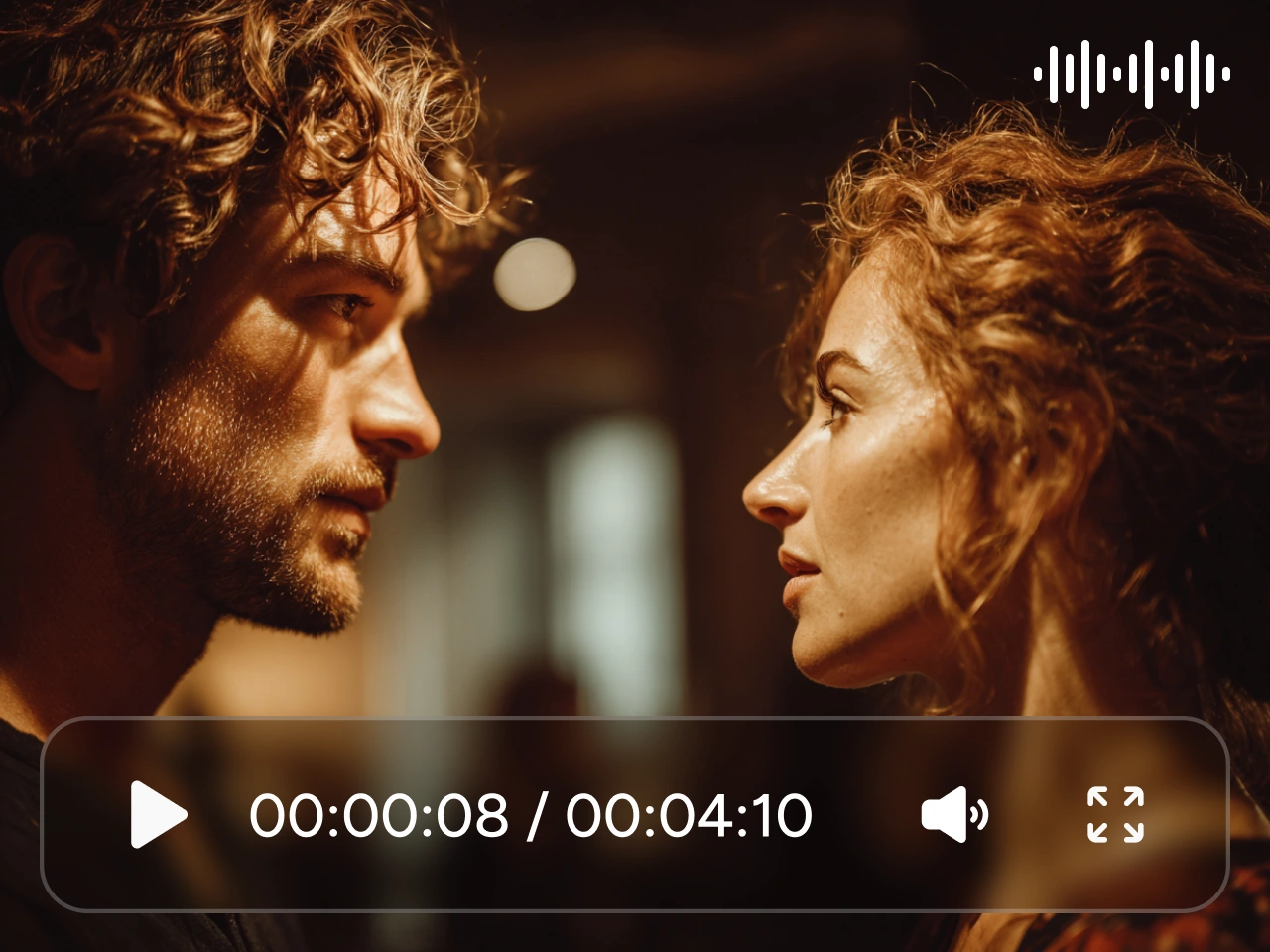
A few seconds may not be enough for dialogue, several actions, or a full product sequence. Wan 3.0 lets you generate up to 30 seconds at once, giving the scene more time to develop without stitching several short clips together. On PicLumen, you can use the longer runtime for product demos, conversations, multi-shot scenes, social stories, and other ideas that need a clear beginning and ending.
Turn Files and Webpages Into Video
Already have the content in a presentation, report, spreadsheet, or webpage? Wan 3.0 can use a reference file or public webpage as source material, so you do not need to rewrite everything into a long prompt. You can work with PDF, Word, PowerPoint, Excel, TXT, Markdown, Keynote, Pages, Numbers, and supported public webpages. Bring existing content into PicLumen and turn it into explainers, product videos, report recaps, or other visual content.
Generate 1080P Video With Native Audio
Do not want to create a silent video and add the sound later? Wan 3.0 can generate visuals and audio together, including dialogue, music, ambience, and sound effects. On PicLumen, you can choose 480P, 720P, or 1080P output depending on your project, from quick social clips to more polished ads and cinematic scenes.
Work With Up to 20 Multimodal References
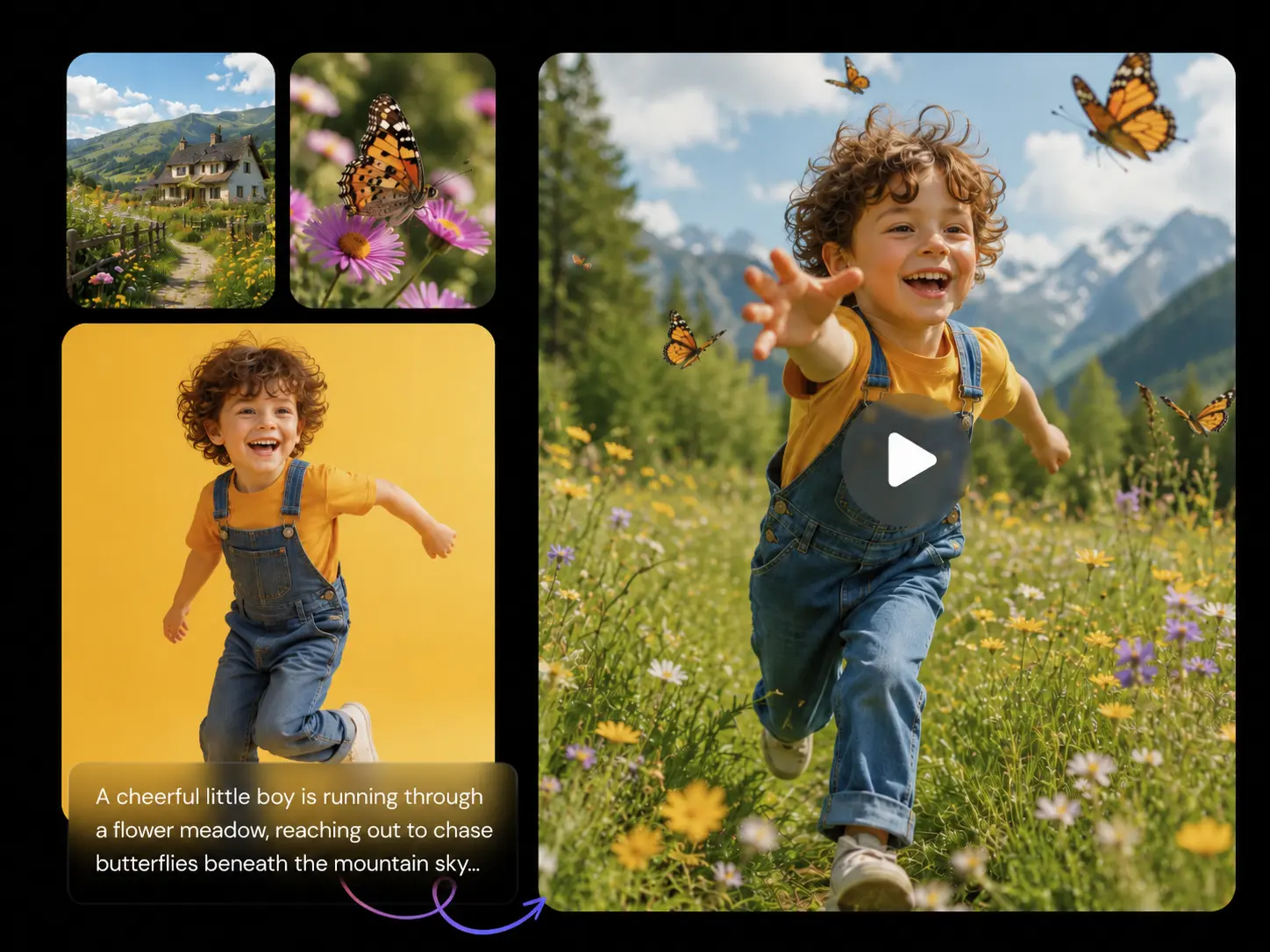
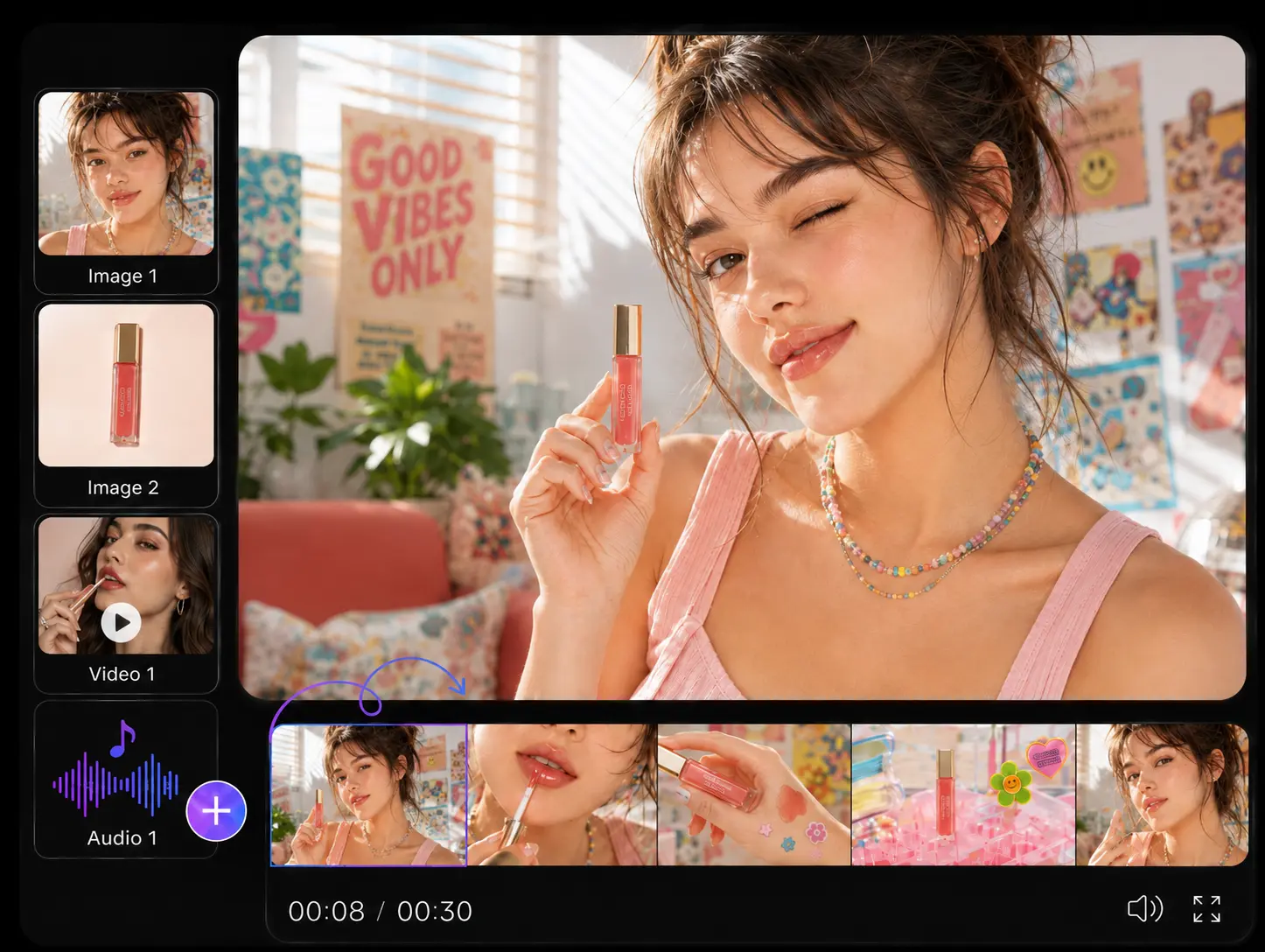
One prompt cannot always show exactly how a character should look, how a product should appear, or how an action should move. Wan 3.0 supports up to 10 images, 5 videos, and 5 audio clips as references. Use images for characters, products, props, and locations. Add video to guide motion or performance, and audio to define voices or sound. On PicLumen, these references give Wan 3.0 more context without forcing every detail into your prompt.
Keep Characters and Details More Consistent
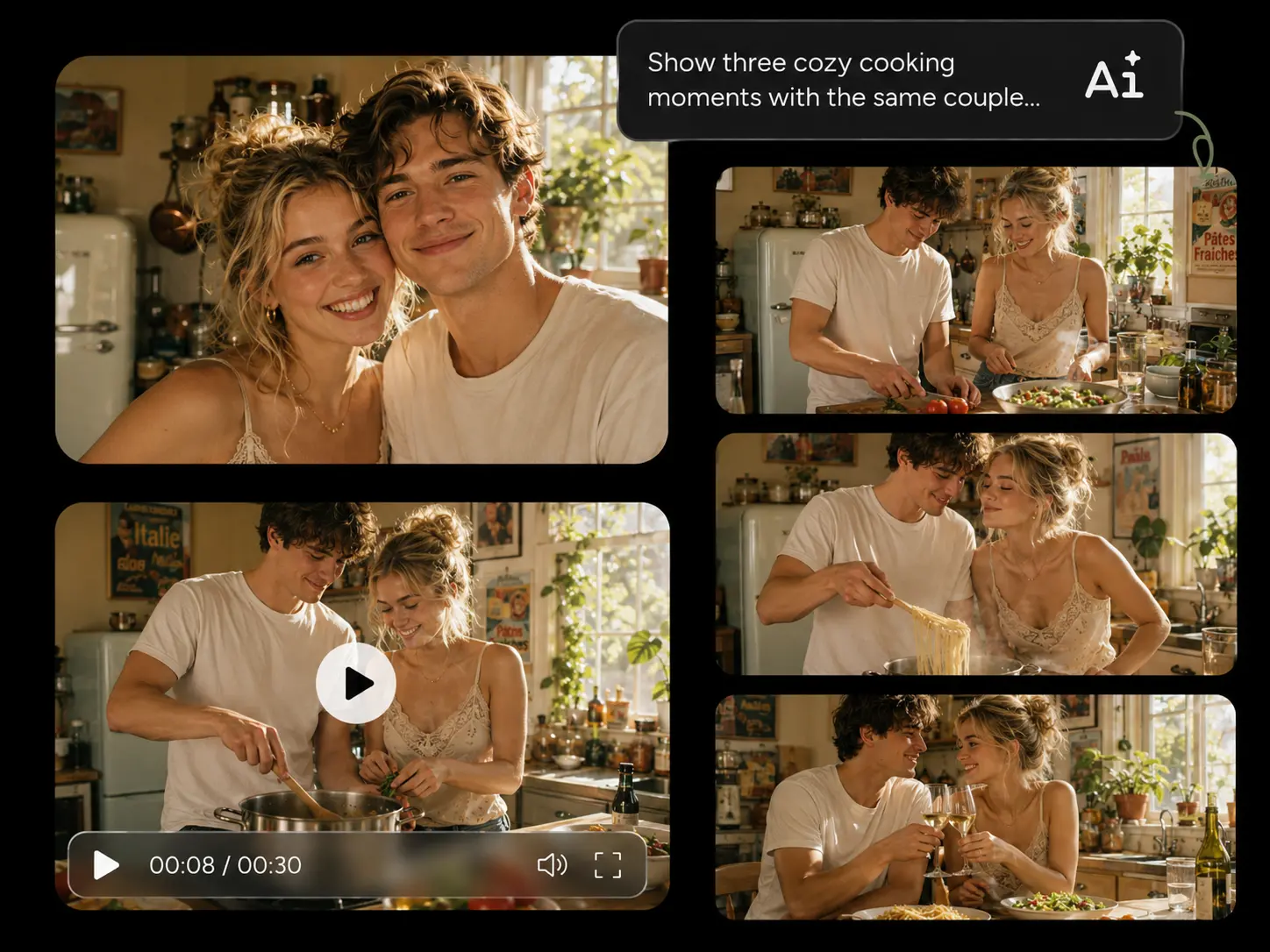
Your subject still needs to look right once the scene starts moving. Wan 3.0 improves reference consistency across characters, objects, environments, voices, and visual style. You can keep a character or product closer to its reference while changing the action, camera angle, or setting. This works well for product ads, recurring characters, branded content, and longer scenes where recognition matters.
What Can You Create With Wan 3.0?

Product Ads
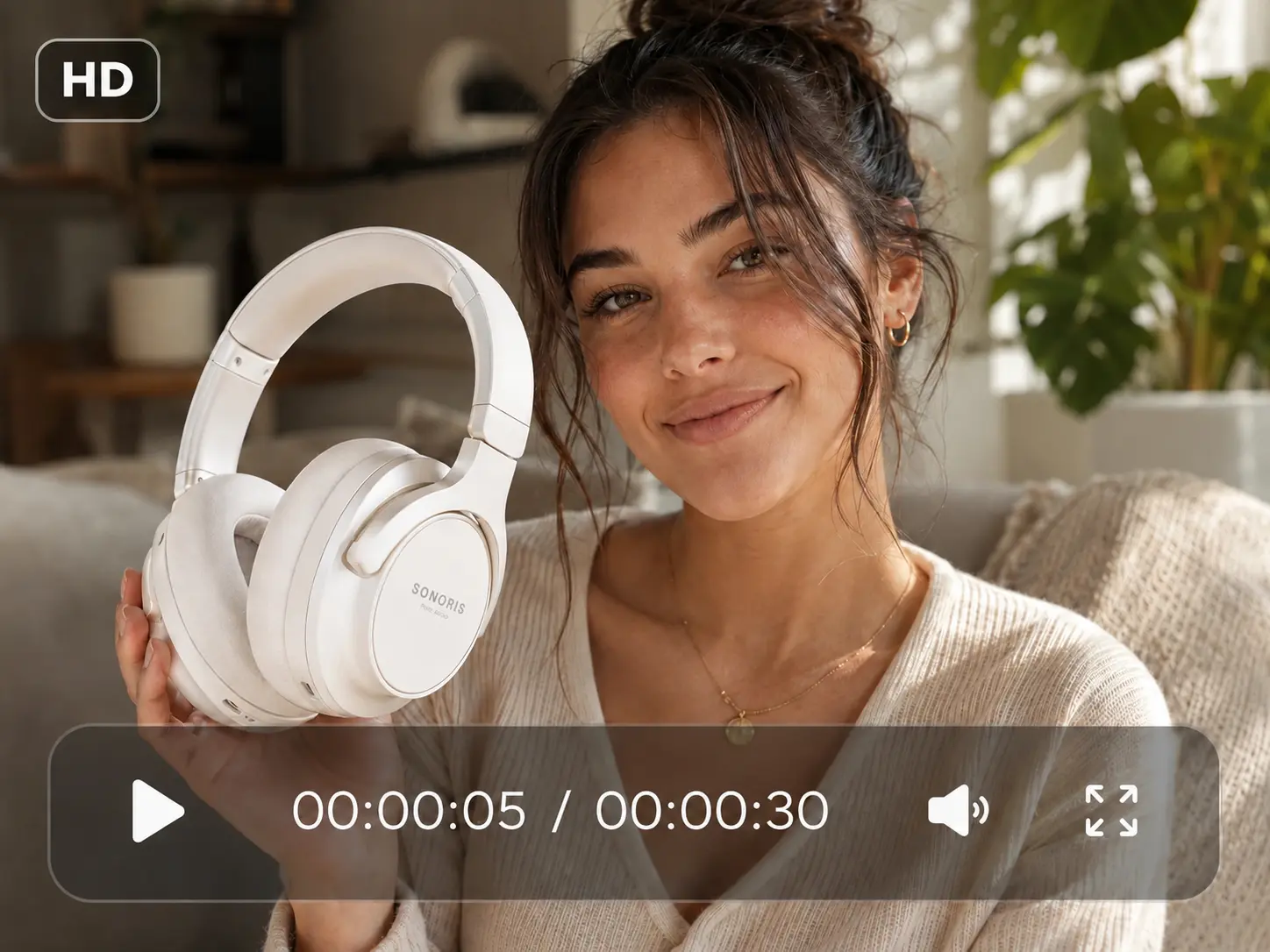
Turn product images and campaign materials into fuller video ads. Show the product, add close-ups or usage scenes, change camera angles, and include sound within the same sequence. With up to 30 seconds available, you have more room for a hook, demonstration, and closing shot.

Social Media Videos
Create TikToks, Reels, Shorts, and other vertical content with more than one quick action. You can build a hook, interaction, reaction, and ending into the same video while using references to guide the subject, movement, or sound.

Character Stories
Use reference images to establish a character, then place them in new actions, settings, or conversations. Wan 3.0 can help you create recurring characters, virtual creators, short dramas, branded characters, and other content where the same person needs to stay recognizable.

Document-to-Video Content
Turn information you already have into something easier to watch. Use presentations, PDFs, spreadsheets, reports, or public webpages as reference material for explainers, visual summaries, educational videos, product introductions, and business content.

Cinematic Scenes
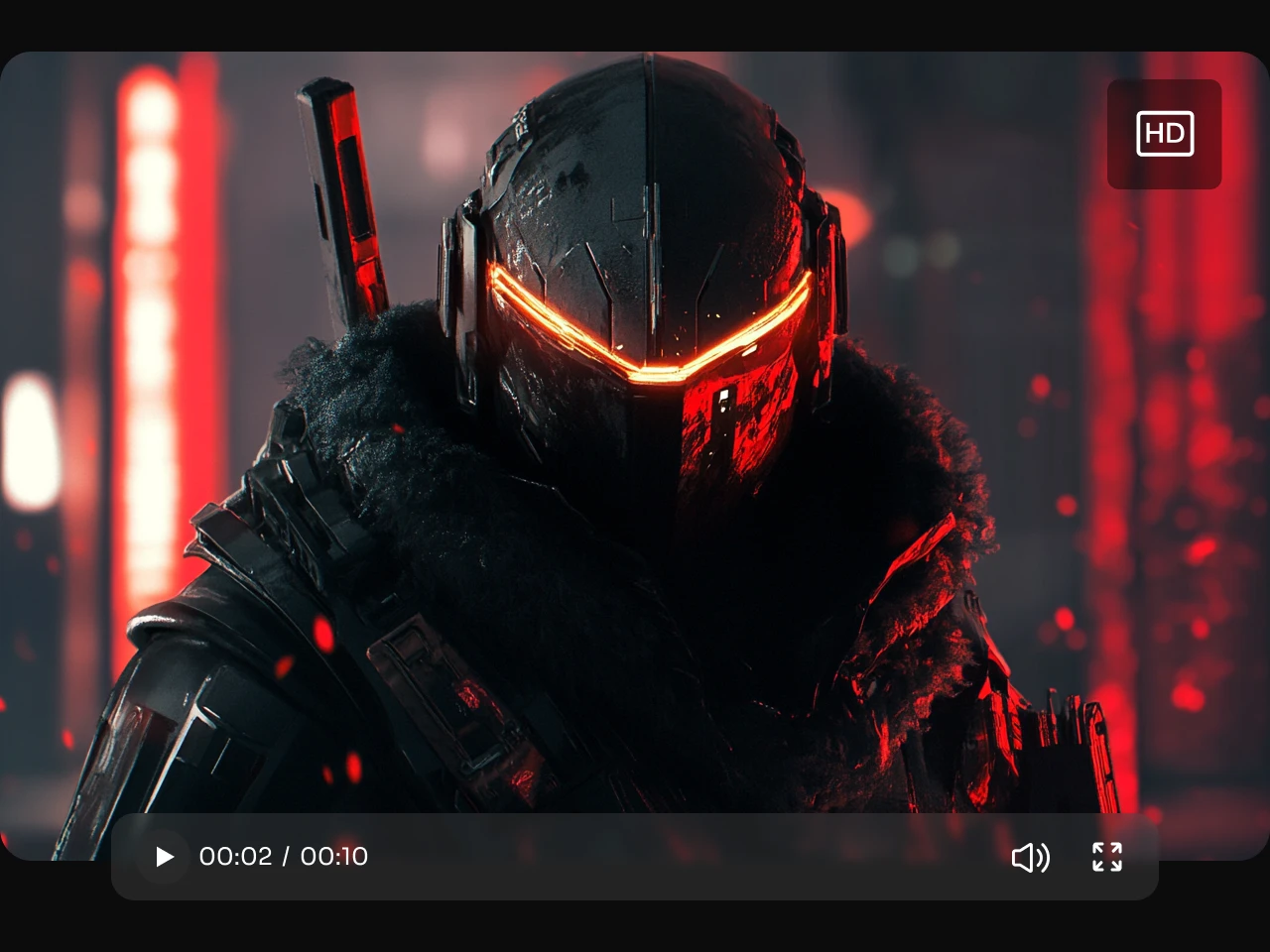
Give a scene enough time for several connected actions, dialogue, camera changes, and environmental details. Add character, object, or location references when you want tighter visual continuity throughout the sequence.

Music and Performance Videos
Combine visual and audio references for dance clips, music videos, fashion films, artist performances, or other performance-led content. You can guide the subject, movement, location, camera work, music, and overall atmosphere from the same creative setup.
How to Use Wan 3.0 on PicLumen
- STEP 1Select Wan 3.0
Open the PicLumen AI Video Generator and choose Wan 3.0 from the model list.
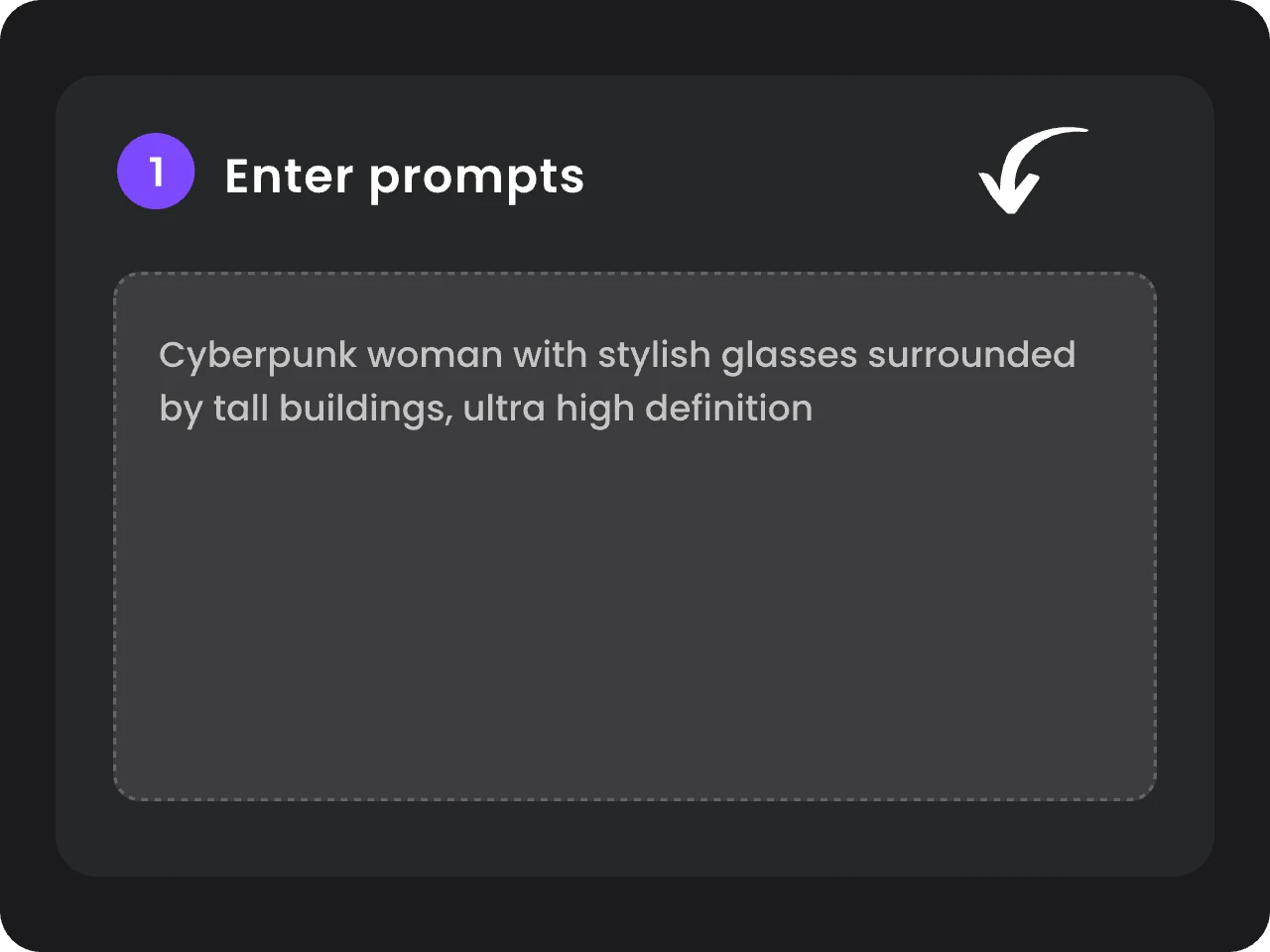
- STEP 2Add Your Prompt and References
- STEP 3Choose Your Settings and Generate


Loved by Creators Worldwide
Real feedback from designers, marketers, and hobbyists sharing their PicLumen experience on Trustpilot.
CrispeeEasy to use.
Easy to use. Great layout love it!
My experience
Itis a really good website n really ideal to use theres only one con and that the AIS sometimes create wrong images but that doesnt happen frequently
Scottie GraceVery affordable and high quality
Very affordable and high quality
 Narender Khatana
I love this app I love this very very…
I love this app I love this very very much this is help in make a videos
 Menu Lawrence
Very fantastic app
Very fantastic app. I love it. I will like everyone to use this App
It’s way easier to use then these other…
It’s way easier to use then these other apps
Best app i have ever seen
Best app i have ever seen
 John Cooper
Best Ai image generating website
Best Ai image generating website
 Harris Styles
Amazing quality!!
Amazing quality!!! We at Nufangled studios love how this product elevated our brand quickly. This is the most user friendly software out their and well worth the money!!!! I love the ecosystem you they have created as well. Wonderful business model we will take note.
 Mohamed Rashad Rumaiz
This is an excellent website for free…
This is an excellent website for free users
Govind AariyaNaic
Veri nice 👍 Bhot acha ap he
 Tadhg Reidy
Really good
Really good, I like the way it recharges every day
Frequently Asked Questions
What Is Wan 3.0?
Wan 3.0 is an AI video model that supports text, images, frames, and multimodal references for video creation. You can use it to generate videos up to 30 seconds long with native audio and up to 1080P output.
How Long Can I Make a Video With Wan 3.0?
You can generate videos up to 30 seconds long with Wan 3.0. The longer duration works well for product ads, dialogue scenes, short stories, and other videos that need several connected actions instead of one quick shot.
Can Wan 3.0 Keep the Same Character or Product Consistent?
Wan 3.0 is designed to follow reference characters, objects, environments, voices, and visual style more closely across a scene. For better consistency, use clear reference images and keep important details such as clothing, product appearance, and character features visible in your source materials.
Can Wan 3.0 Generate Video With Sound?
Yes. Wan 3.0 can generate video and audio together. You can include dialogue, music, environmental sound, footsteps, traffic, or other audio cues in your prompt instead of generating a silent video first and adding all the sound later.
How Should I Write a Prompt for a 30-Second Wan 3.0 Video?
For longer videos, describe the scene in the order you want it to happen. A simple structure is: Subject + Action + Setting + Camera + Visual Style + Audio. If your video has several moments, write them as a sequence: what happens first, what changes next, and how the video should end. This gives Wan 3.0 a clearer timeline to follow.