AI Virtual Try On
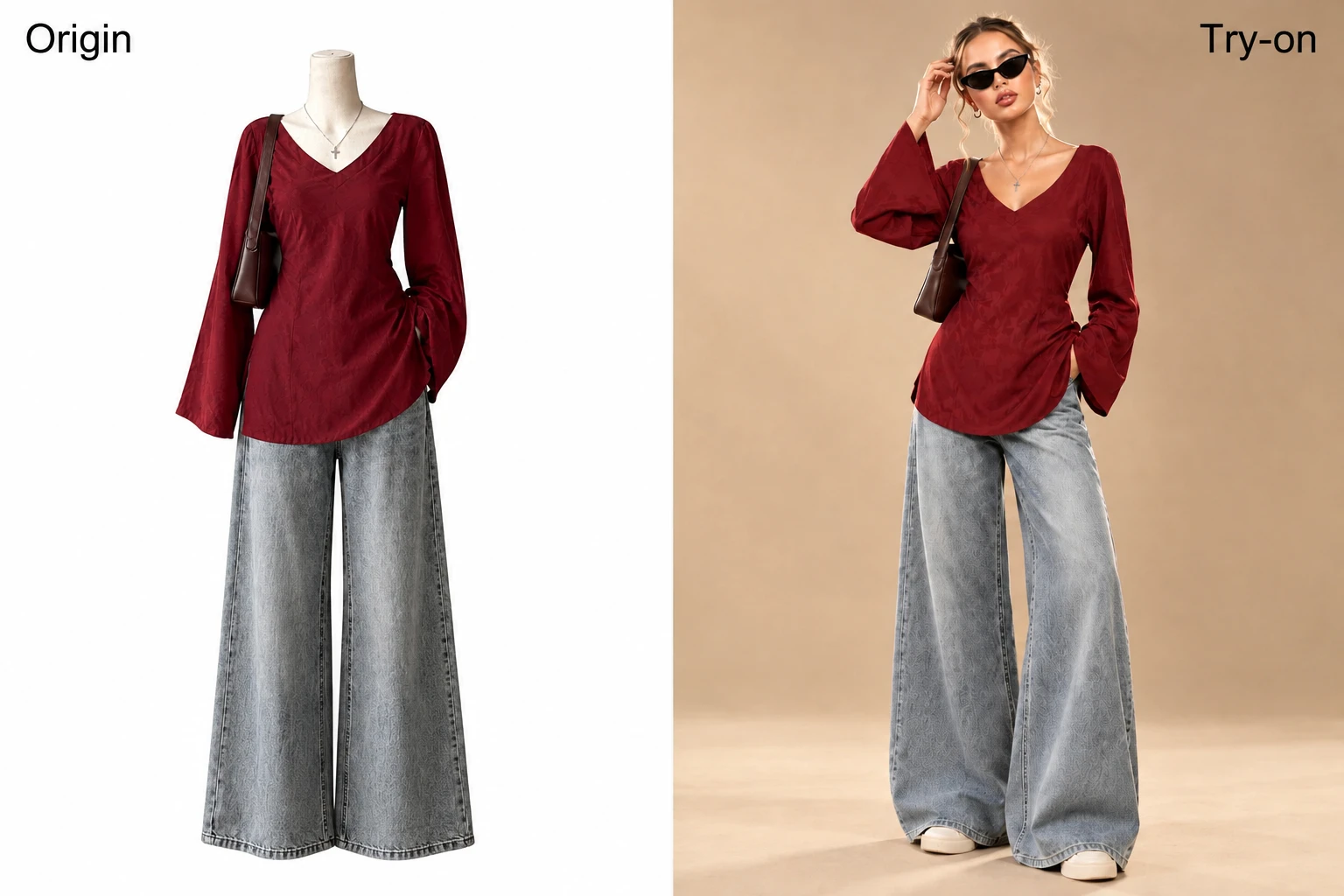
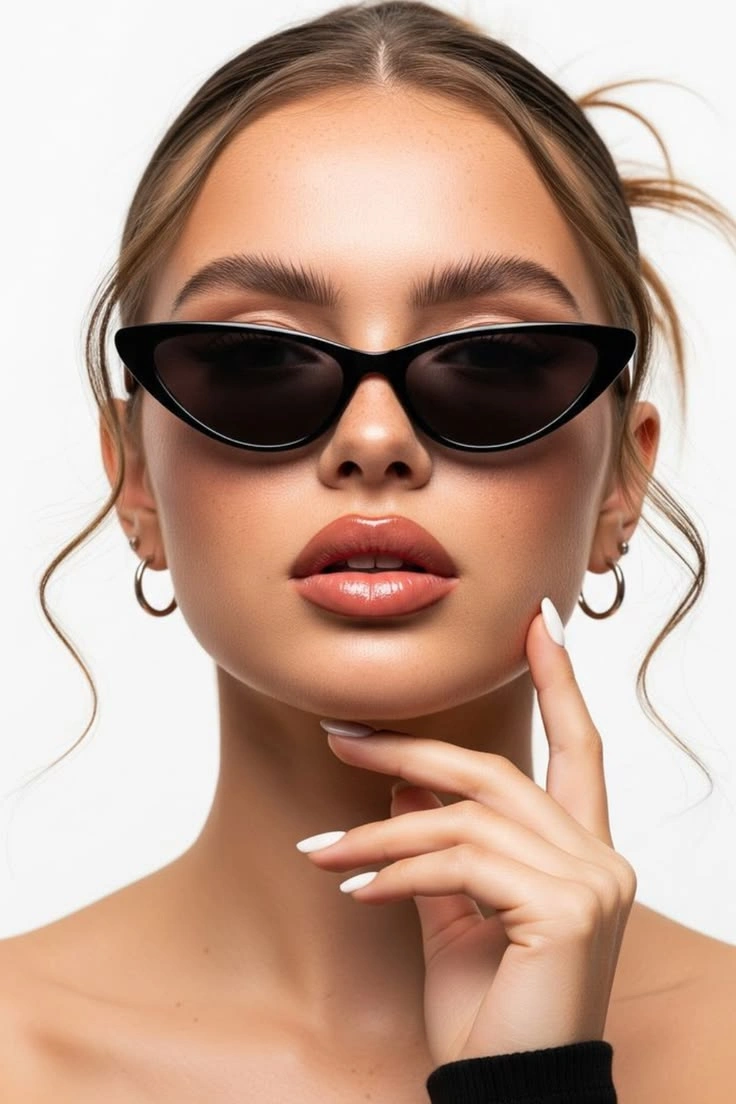
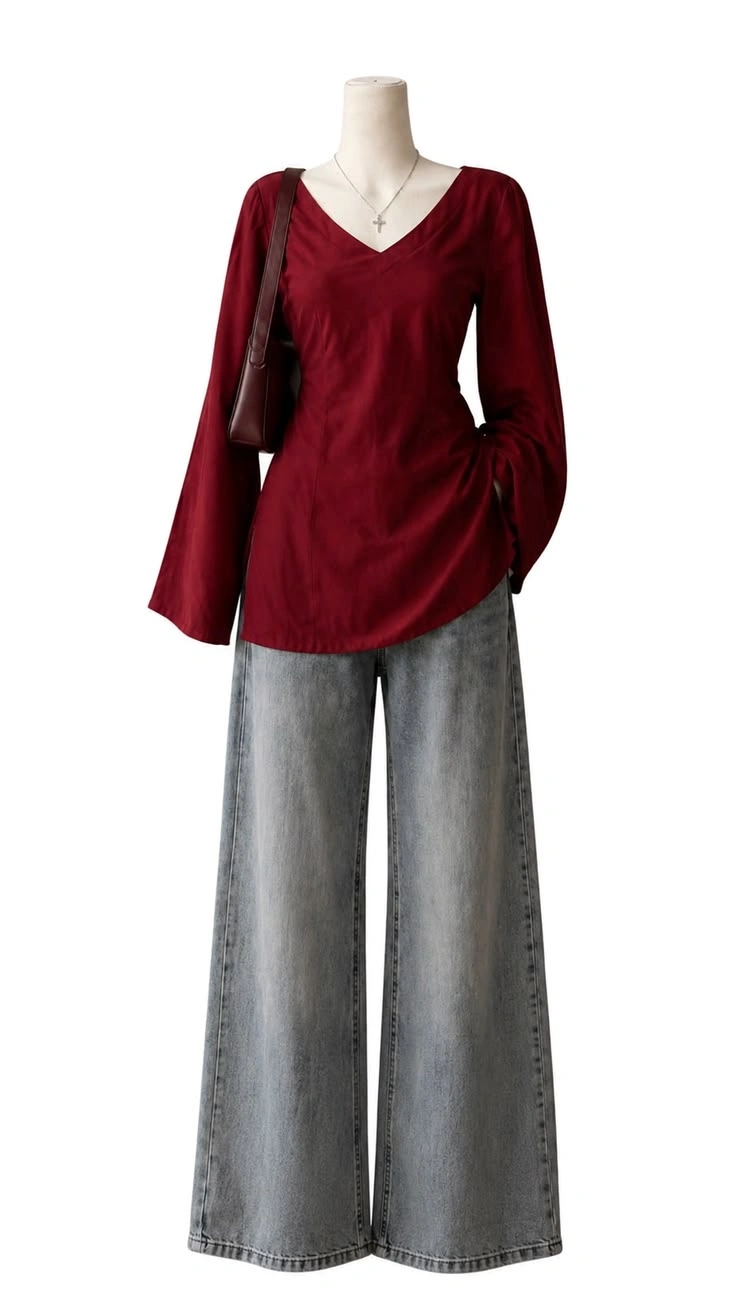
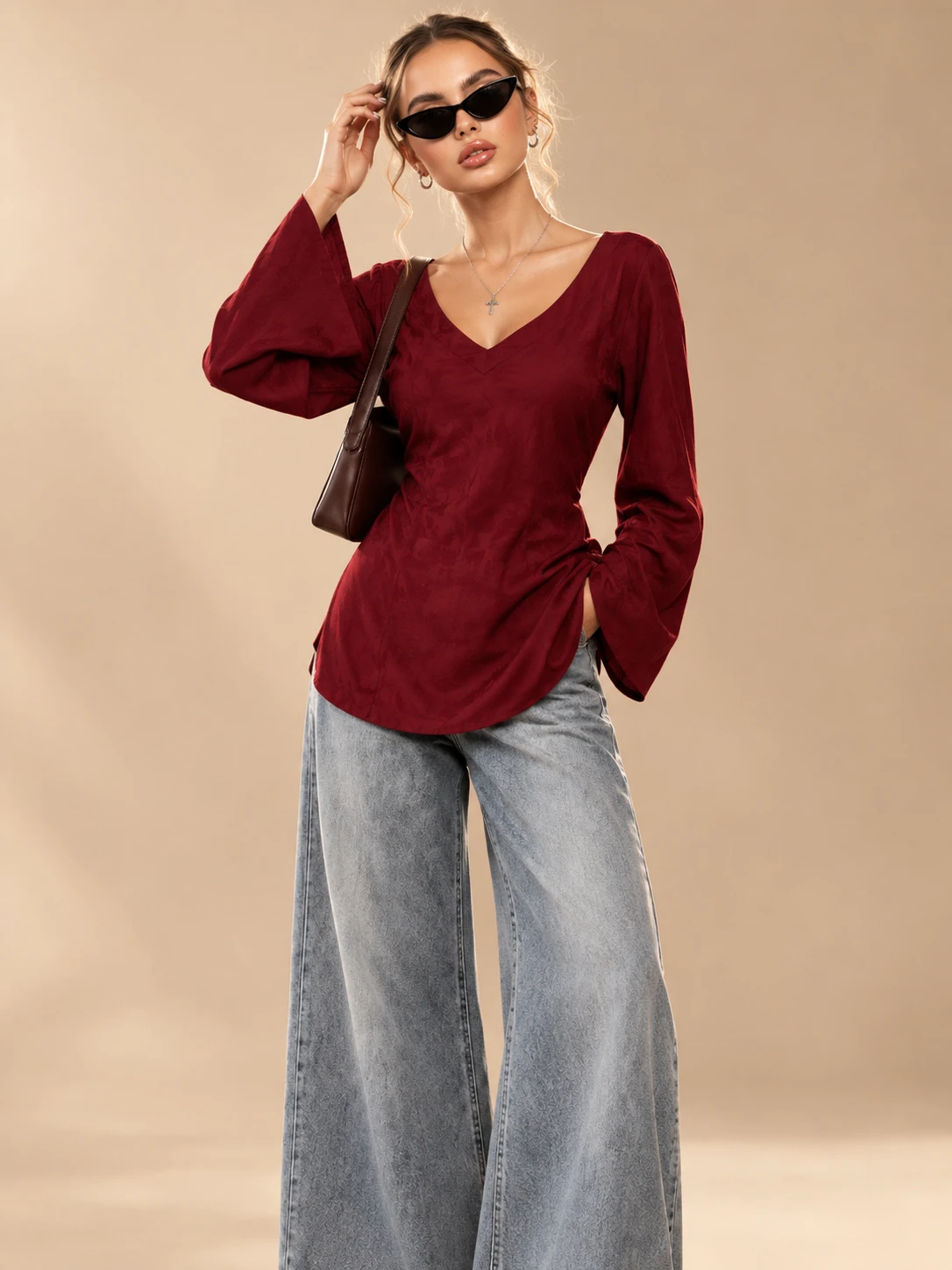
Discover What You Can Try On
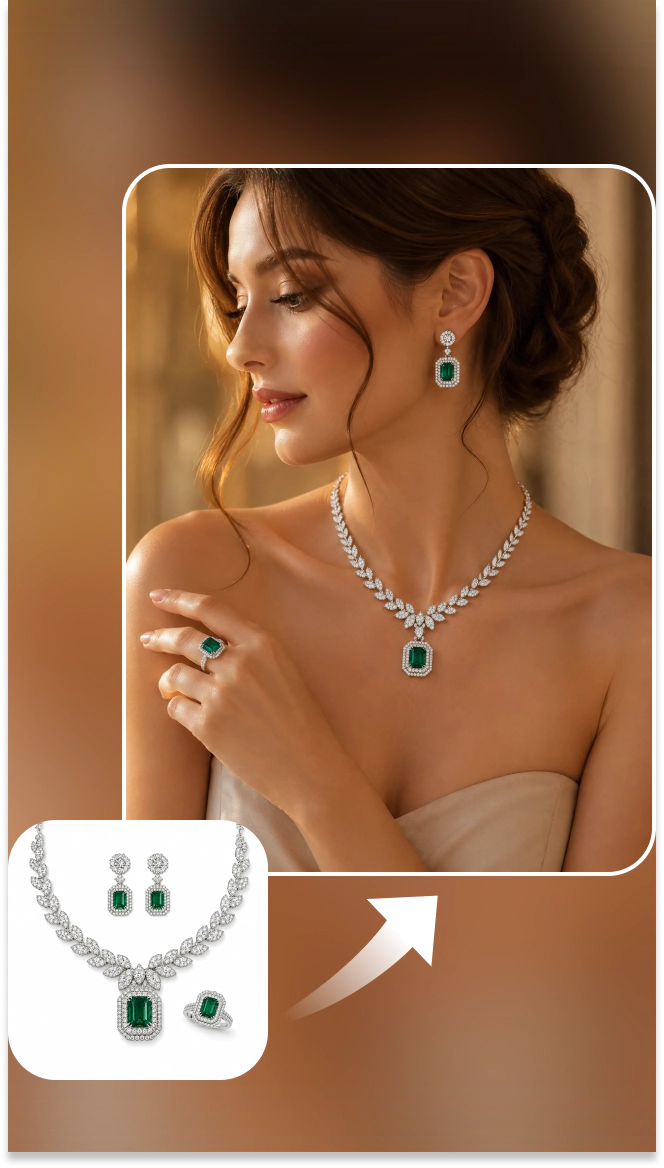
Jewelry Try On
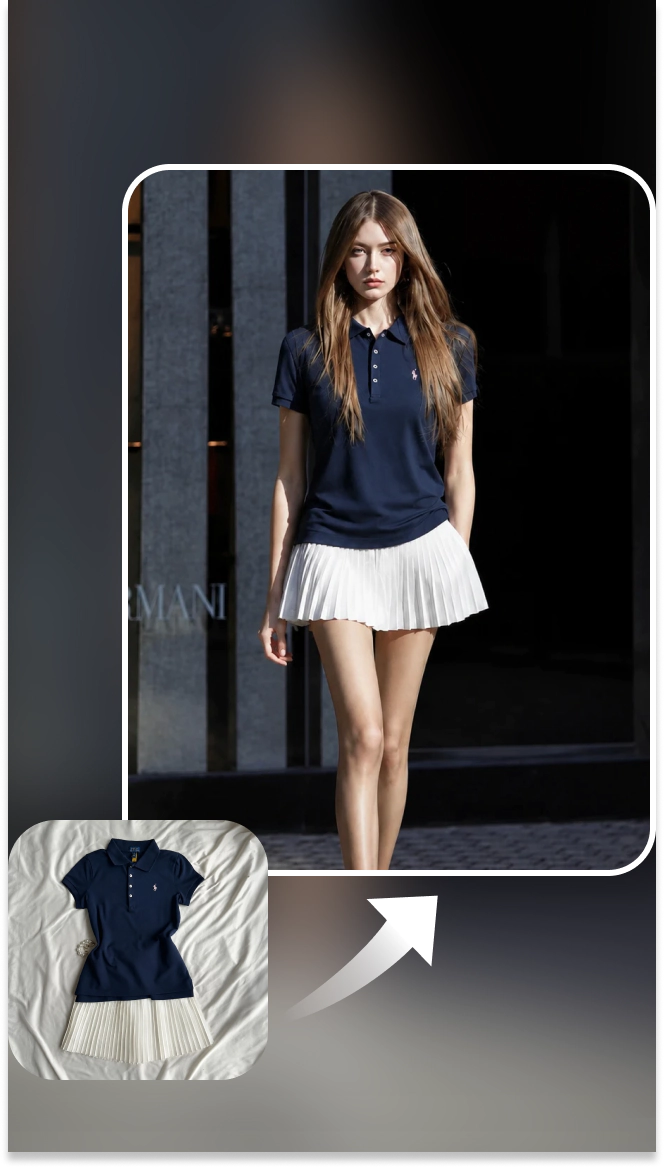
Clothes Try On
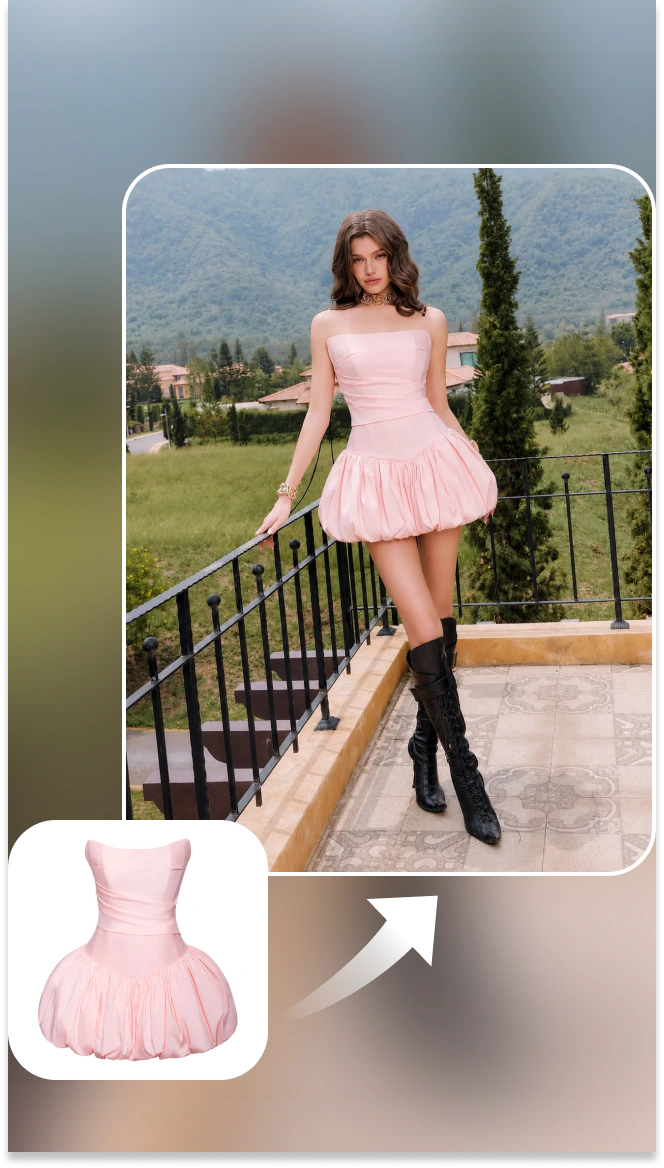
Dress Try On
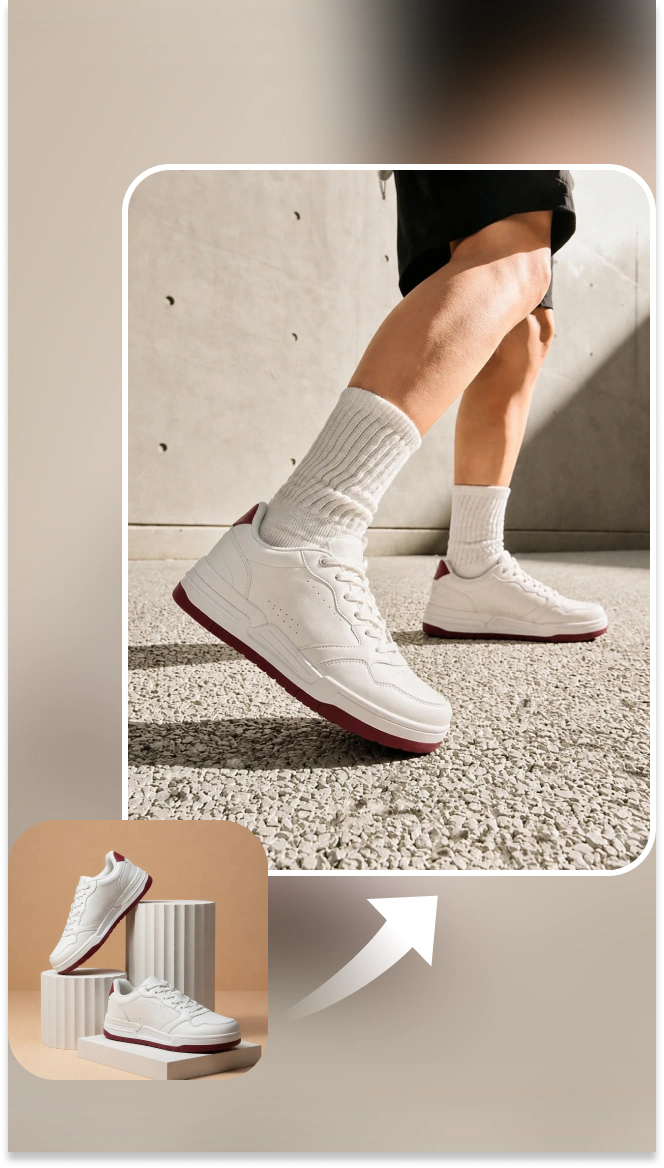
Shoes Try On
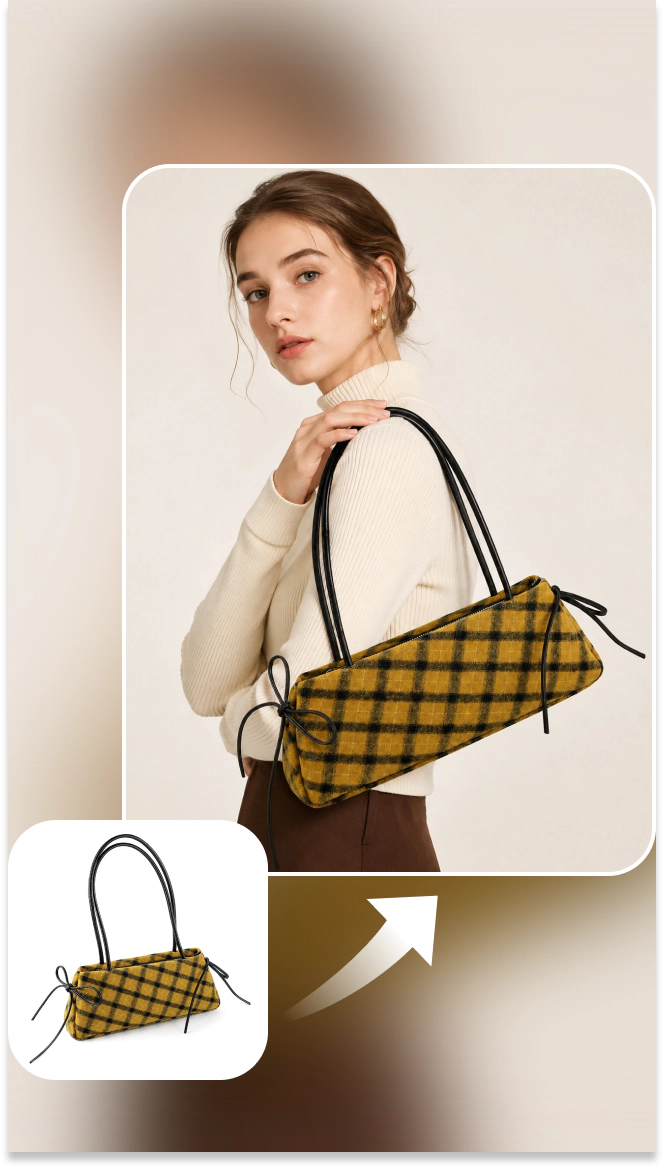
Handbag Try On
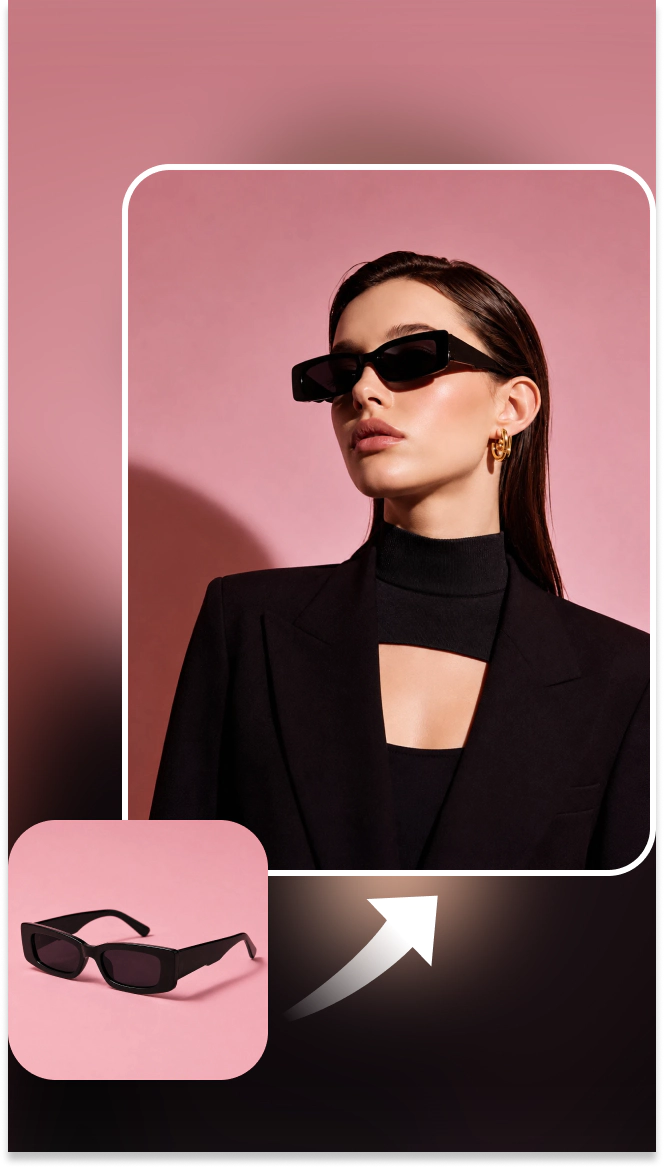
Sunglasses Try On
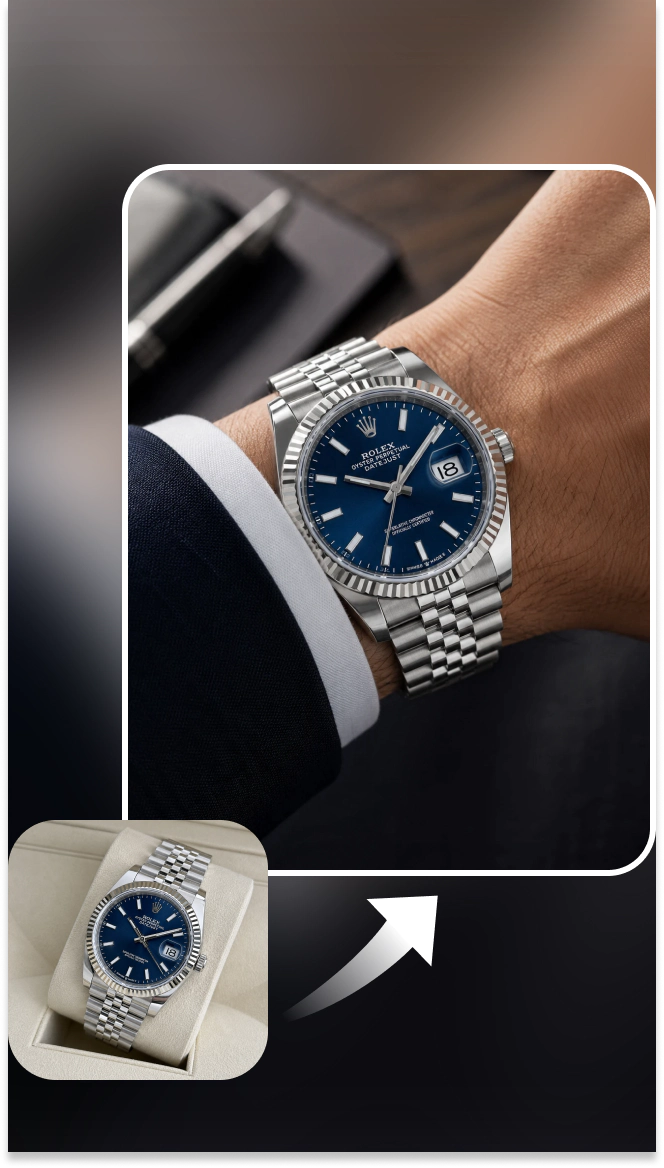
Watch Try On
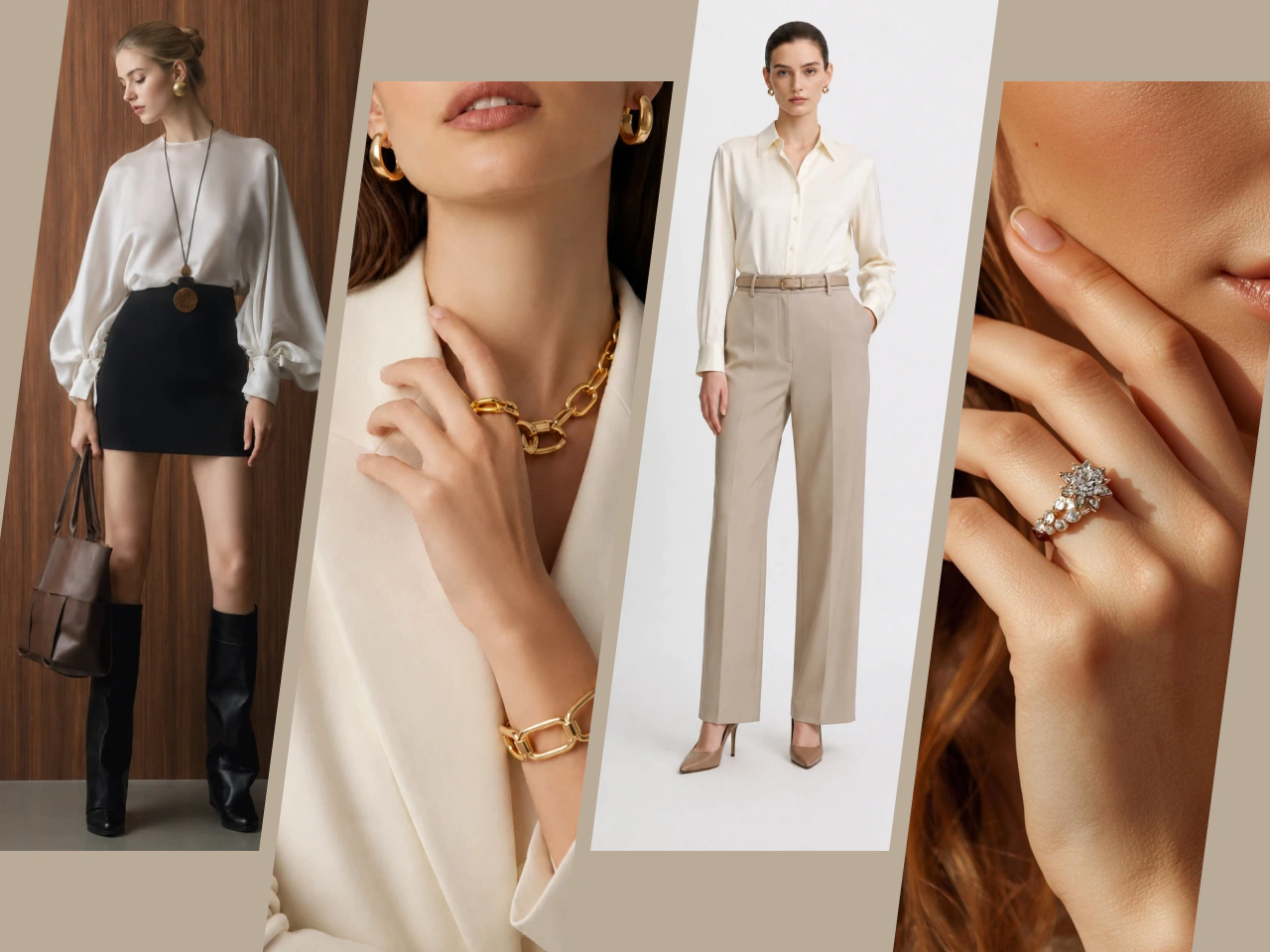
Virtual Try On Made for Ecommerce
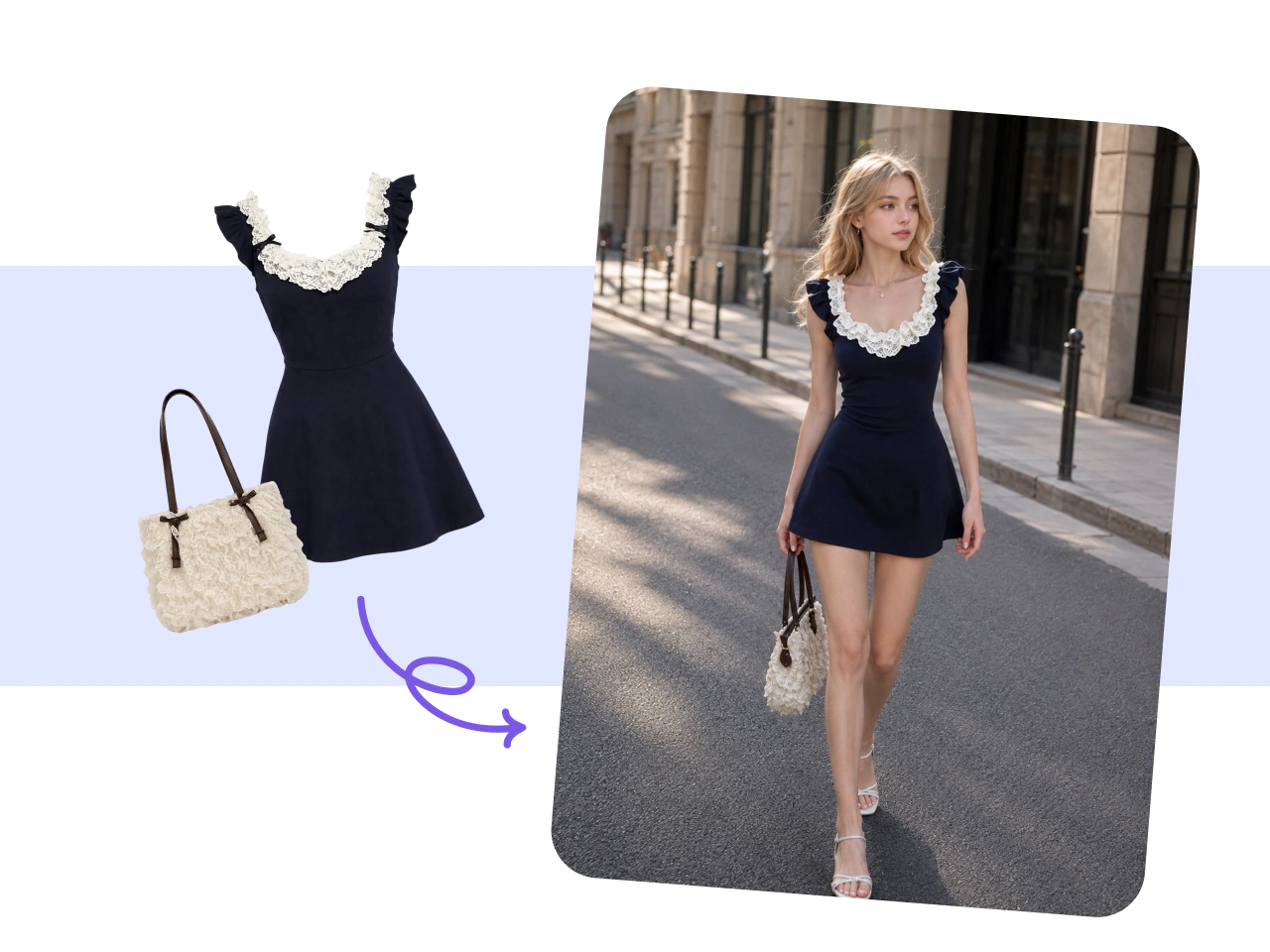
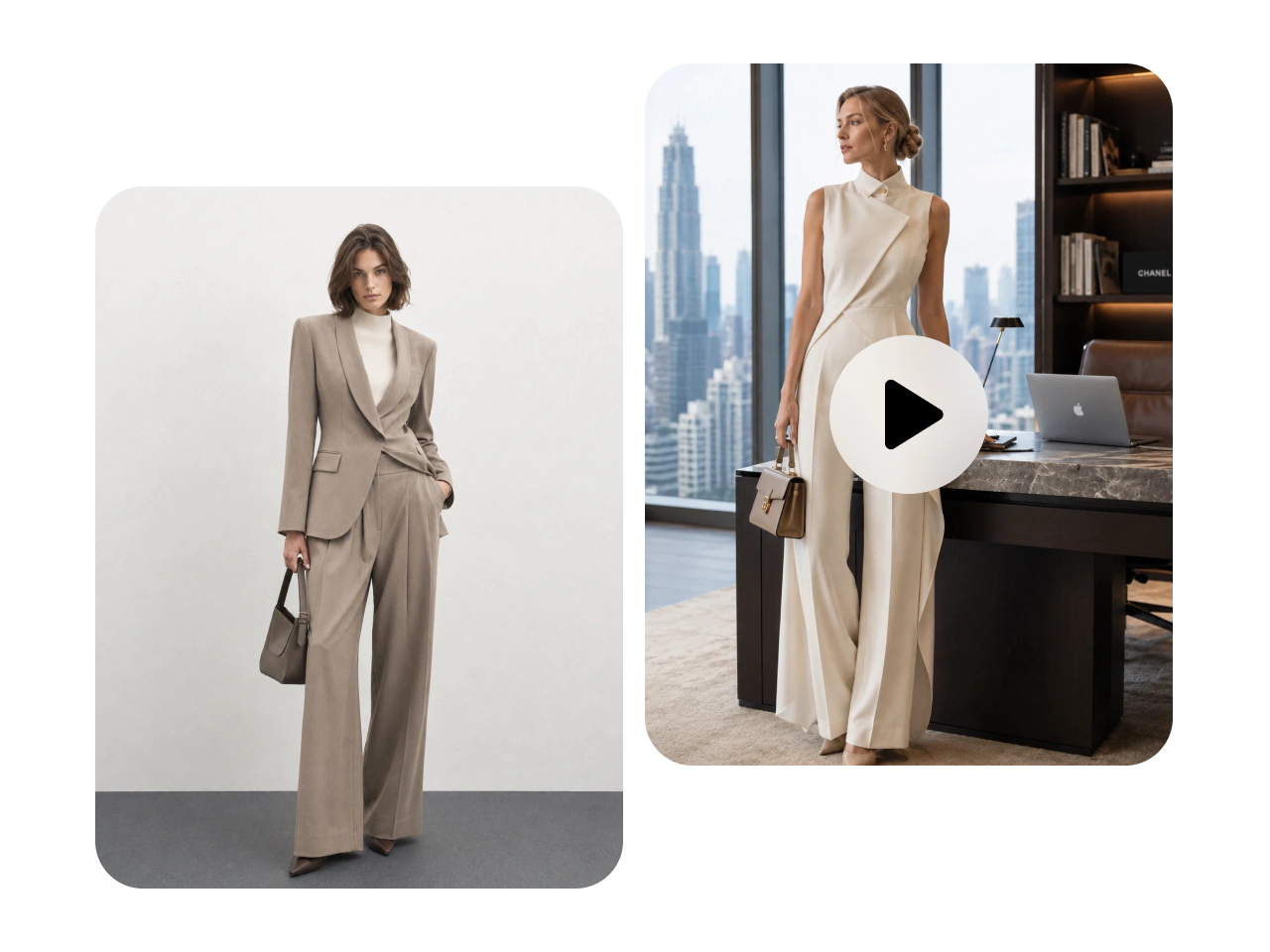
Create virtual try-on content for your online store without traditional photoshoots. Upload your products and show them on models in realistic settings. It’s an easy way to create fresh visuals for new arrivals, seasonal collections, and growing catalogs. Use the results across product pages, campaigns, and social media while keeping your ecommerce content production faster and more flexible.
Create Try-On Visuals Without the Learning Curve
You don’t need editing experience or a complex setup to get started. Upload your product and model images, and let PicLumen's AI image generator create the try-on result. The workflow is simple and quick to learn. Whether you’re testing one product or creating content for an entire collection, you can produce polished visuals with fewer manual steps.
Create Custom AI Models That Fit Your Brand
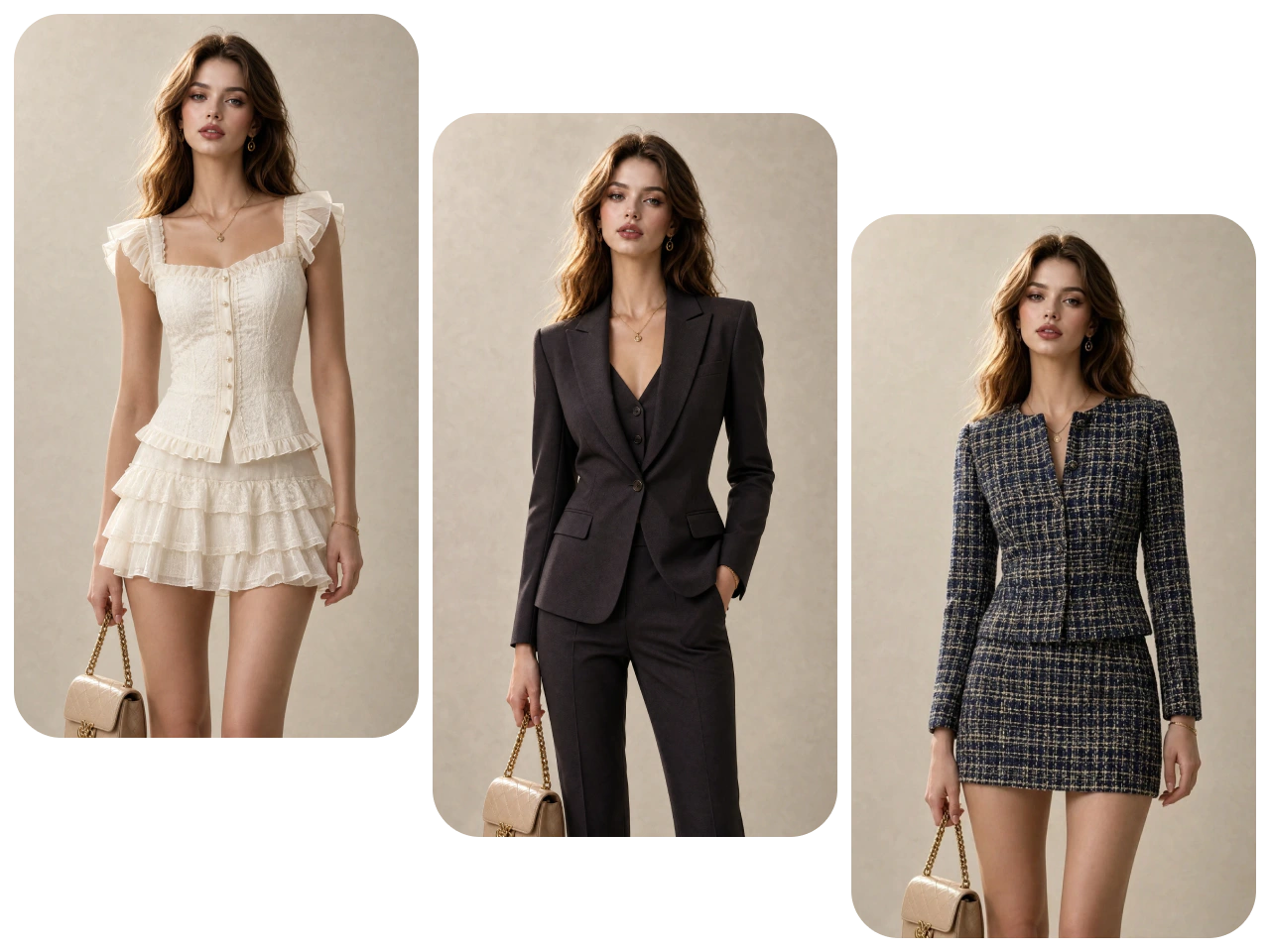
Create custom AI models that match the look and feel of your brand. Choose the appearance and style that speak to your audience. Then keep that model identity consistent across products and collections. This gives your store a more recognizable visual style and makes it easier to create cohesive content without arranging a new model shoot every time.
Create Realistic Try-On Results
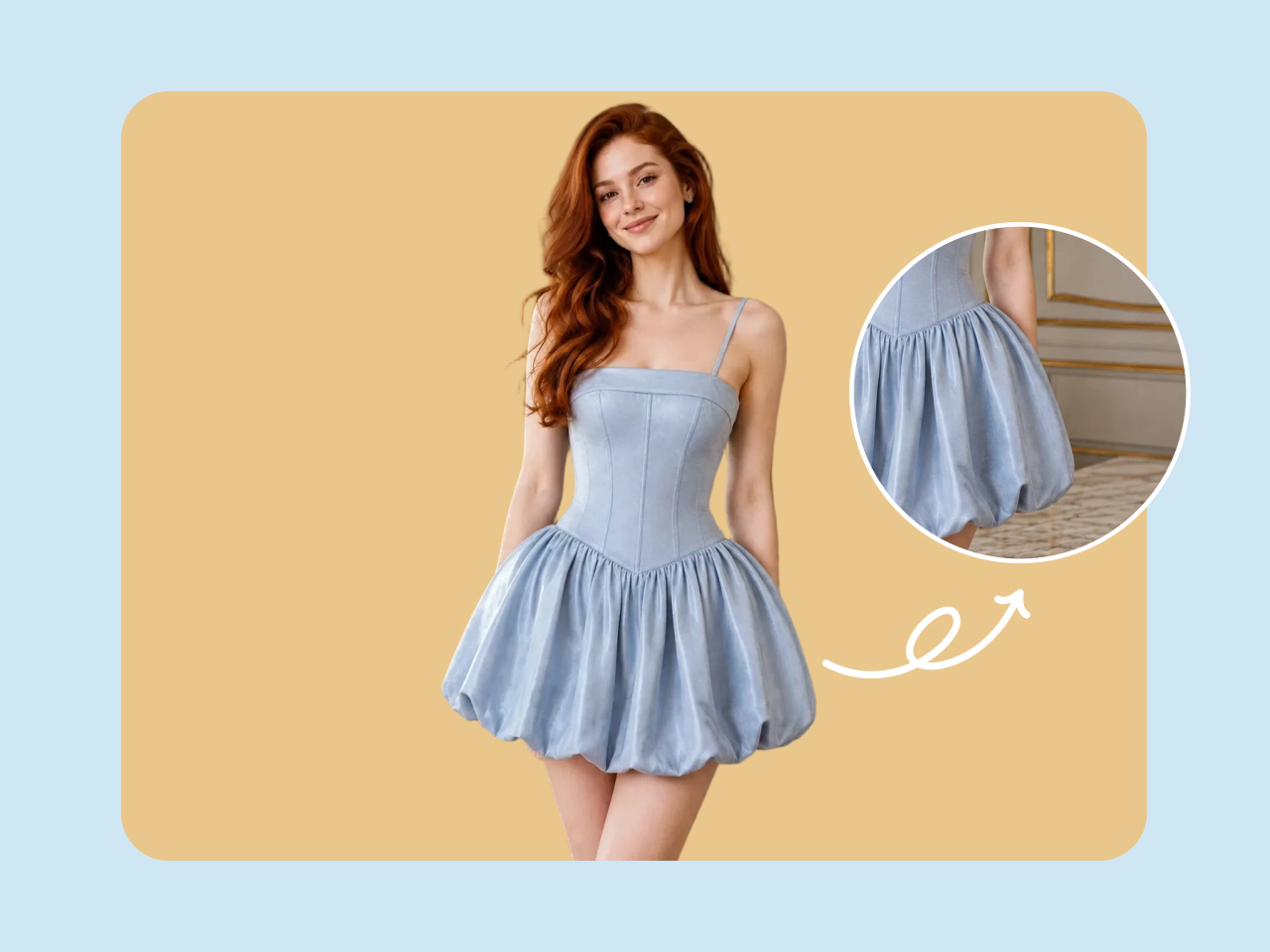
Make products look naturally worn instead of digitally placed on a model. AI works to preserve key details such as shape, texture, proportions, and overall appearance. The final image feels more like a real product photo. Shoppers get a clearer view of how an item may look when worn, while your product pages stay polished and visually convincing.
Give Shoppers More Confidence to Buy
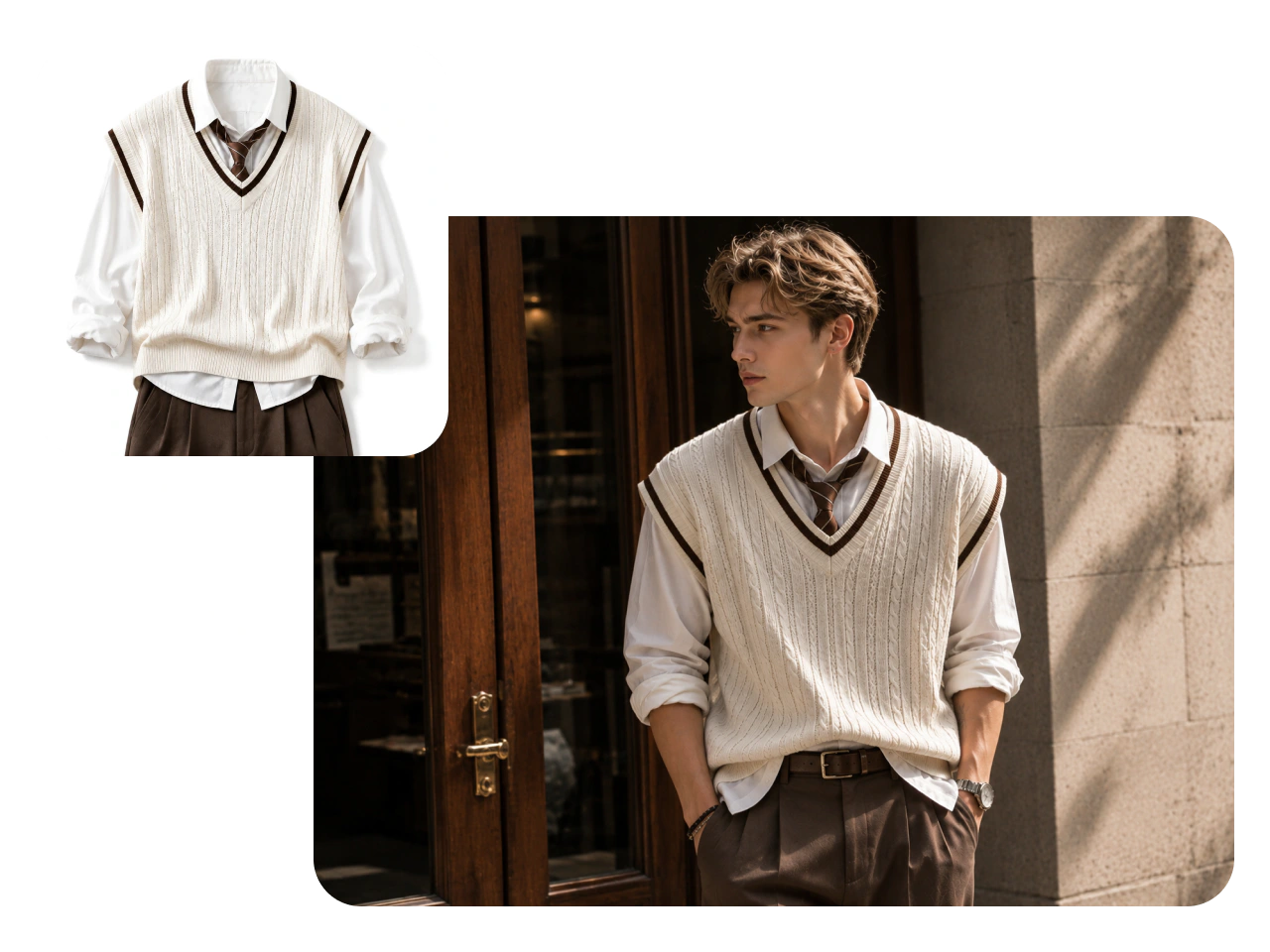
Give shoppers a better way to explore products online. Virtual try-on shows items on a model, adding real-world context that standard product photos may not provide. Shoppers can see how different products work with a complete look and get a more useful visual reference as they browse, compare, and decide what feels right for them.
Create Try-On Images and Videos
Turn your products into more than static try-on photos. Create images for product pages and campaigns, then generate try-on videos for more engaging content. Video adds movement and gives shoppers another way to experience the product visually. Use both formats across your ecommerce store, social media, ads, and product launches without building separate production workflows.
Why Choose PicLumen AI Virtual Try On?

Easy to Use
No professional editing or design experience is required. PicLumen keeps virtual try-on simple, from uploading your images to generating the final result. Ecommerce teams, marketers, designers, and independent sellers can get started with minimal setup.

High-Quality Results
Preserve the details that make each product unique. PicLumen keeps patterns, textures, colors, and other key garment features clear in your virtual try-on results. From subtle fabric details to bold prints, your products stay visually recognizable and closer to the original design.

Fast Generation
Get virtual try-on results in seconds without the wait of traditional content production. Quickly test different products and looks, create visuals for new arrivals, and keep up with frequent catalog updates or marketing campaigns.
Privacy Protection
Your uploaded images and generated content are protected throughout the creative process. PicLumen uses data encryption to help safeguard your product assets and personal information, so you can create virtual try-on content with greater confidence.

Commercial Use
Paid PicLumen users can use generated virtual try-on content for commercial purposes, subject to PicLumen’s Terms of Service. Create visuals for ecommerce listings, marketing campaigns, ads, social media, and other branded content.
How to Create a Virtual Try On with PicLumen
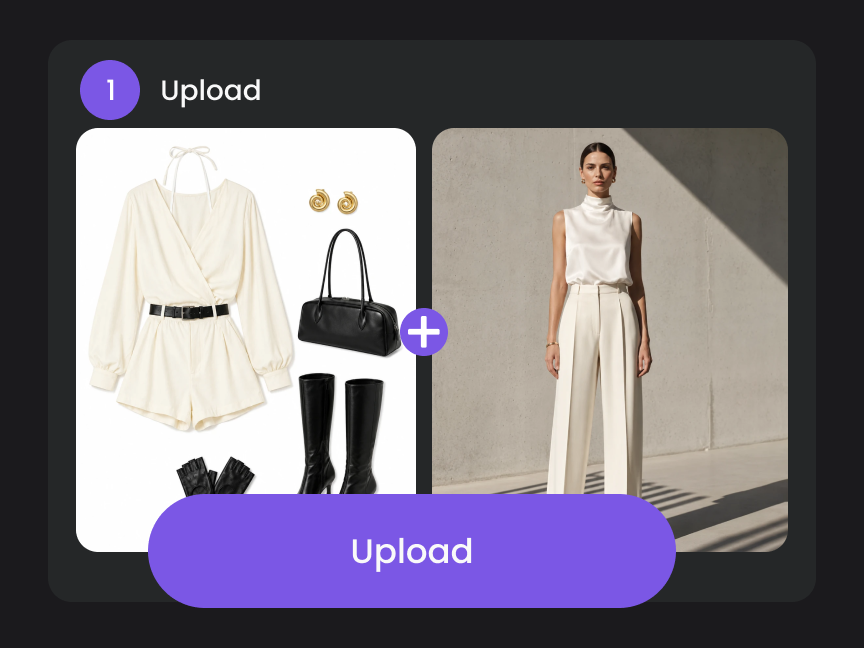
- STEP 1Step 1: Upload Your Model and Product
Upload a clear image of your model and the product you want to try on. PicLumen uses both images to create a virtual try-on, showing how the selected product looks on your model.
- STEP 2Step 2: Add Your Prompt
- STEP 3Step3: Customize Your Output
- STEP 4Step 4: Get Your Result
Explore More Tools on PicLumen
- AI Product Staging
- AI Background Generator
- Image to Image AI
- Text to Image
- Business Card Maker
- AI Poster Generator
- AI Clothes Changer
- AI Fashion Model Generator
- AI Design Generator
- AI Clothing Generator
- AI Embroidery Generator
- Social Media Post Generator
- AI Food Image Generator
- AI Hair Color Changer
- AI Hairstyle Changer
- AI Logo Generator
- AI Icon Generator
- AI Transparent Background Maker
- AI Product Photography


Loved by Creators Worldwide
Real feedback from designers, marketers, and hobbyists sharing their PicLumen experience on Trustpilot.
 Bet AW
Nice good appp creat inmage
Nice good appp creat inmage
Awesome program easy to use a little…
Awesome program easy to use a little disappointment in the fact you can’t buy lumies
Scottie GraceVery affordable and high quality
Very affordable and high quality
Sara FrandsenExcellent customer service
Excellent customer service! The support team was incredibly fast, polite, and helpful. They handled my request quickly and professionally without any hassle. It is rare to see such great and honest support these days. Highly recommended!
Brad the BibliothecaryGreat service with ease of use and…
Great service with ease of use and generous free offerings.
 Bohdan Lesyk
Great and fast
Great and fast, would be much better with some more free credits
I like this app its a veey good…
I like this app its a veey good experience
 Its aarohi
This is a great app for creating images…
This is a great app for creating images and ai videos i just love this app
Very easy to use
Very easy to use, great quality
Very cool and love the events
Very cool and love the events
 Hazard Lion
Best project in ai
Best project in ai , creating images 👌
Nice app for creating videos
Nice app for creating videos
Virtual Try On FAQs
What is an AI virtual try on?
An AI virtual try on uses artificial intelligence to show how a product may look on a person without a traditional photoshoot. You upload model and product images, and AI creates a new visual that combines them into a realistic try-on result.
What can I use virtual try on for?
You can use virtual try on to create visuals for ecommerce product pages, online stores, marketing campaigns, social media, ads, lookbooks, and other creative projects.
Can I create my own AI model for virtual try on?
Yes. PicLumen lets you create custom AI models that better match your brand’s look and visual style. This can also help you maintain a more consistent model identity across different products and campaigns.
Can I use the same model for different products?
Yes. Using the same model across multiple products can help create a more consistent visual identity for your store, collection, or campaign. It’s especially useful for brands that want their product imagery to share a recognizable look.
Does virtual try on preserve product details?
PicLumen works to retain key details from the original product, including its colors, patterns, textures, and overall appearance. Using a clear product image with good lighting can help produce a more accurate result.
Can I create virtual try-on videos?
Yes. In addition to static images, you can create video content from your virtual try on visuals. This gives you more ways to showcase products across social media, ads, campaigns, and other marketing channels.
Can I customize the virtual try on image size?
Yes. You can adjust available output settings such as image size and aspect ratio before generating. This makes it easier to create visuals for different placements, from ecommerce product pages to social media content.
What images work best for virtual try on?
Use clear, high-quality images with good lighting and minimal visual obstruction. The model should be easy to see, while the product image should clearly show its shape, design, and important details.
Do I need photo editing skills?
No. PicLumen virtual try on is designed to be easy to use without professional photo editing or design experience. Upload your images, choose your settings, and let AI handle the main generation process.
Can I use AI virtual try on images for commercial purposes?
Yes, if you’re on a paid plan that includes commercial rights. Virtual try-on images you create with PicLumen can be used for commercial purposes, subject to applicable laws and PicLumen’s Terms of Service. Please note that Basic plan users do not have commercial rights.
Can brands use virtual try on for product campaigns?
Yes. Brands can create try on visuals for product launches, seasonal collections, ads, social media campaigns, and ecommerce promotions. Custom models can also help maintain a consistent visual style across different campaign assets.
Can I use virtual try on for social media content?
Yes. You can create virtual try on images and videos for social platforms and adjust the output format for different placements. This makes it easier to turn product assets into content for posts, campaigns, and paid social ads.