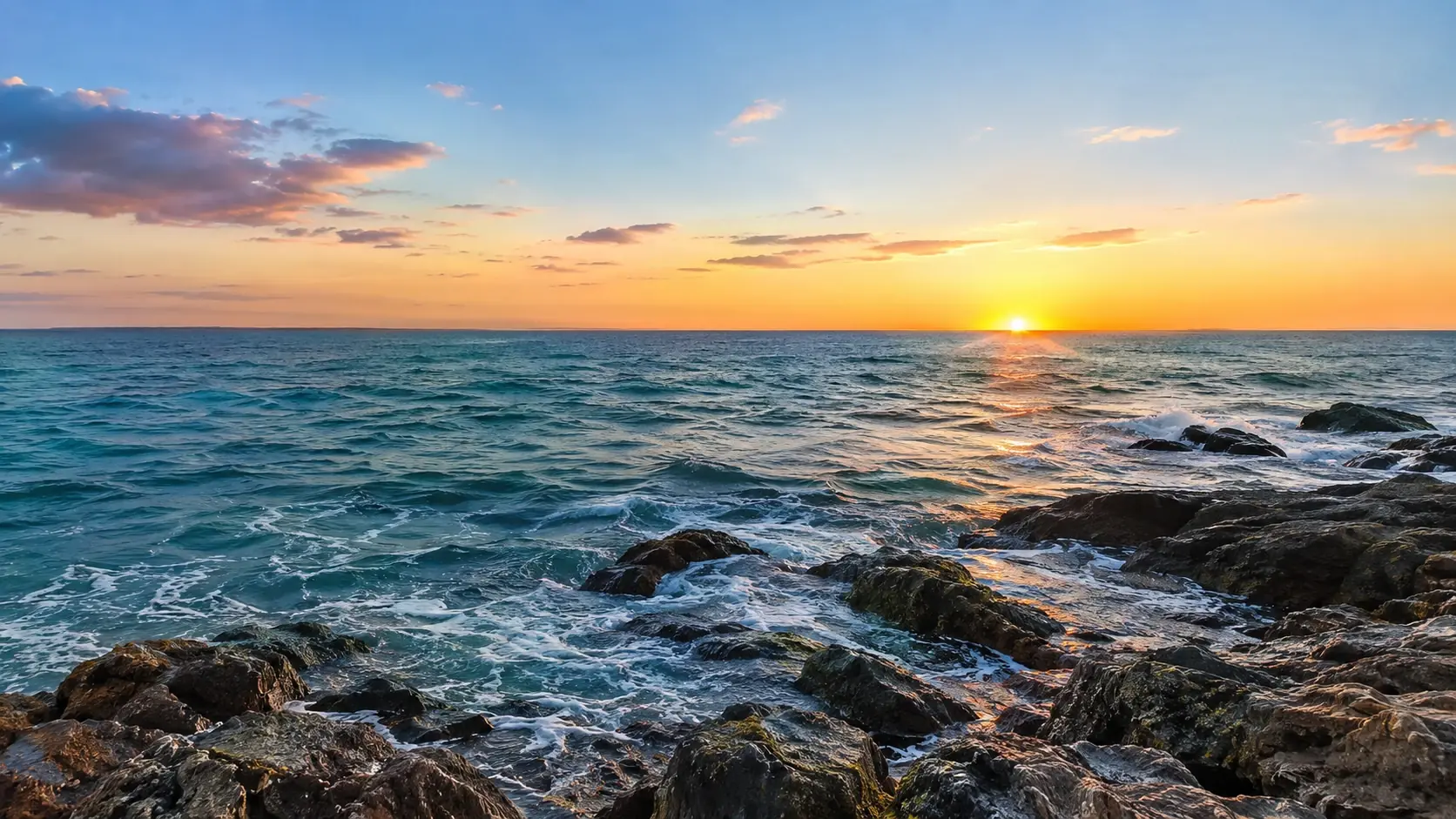
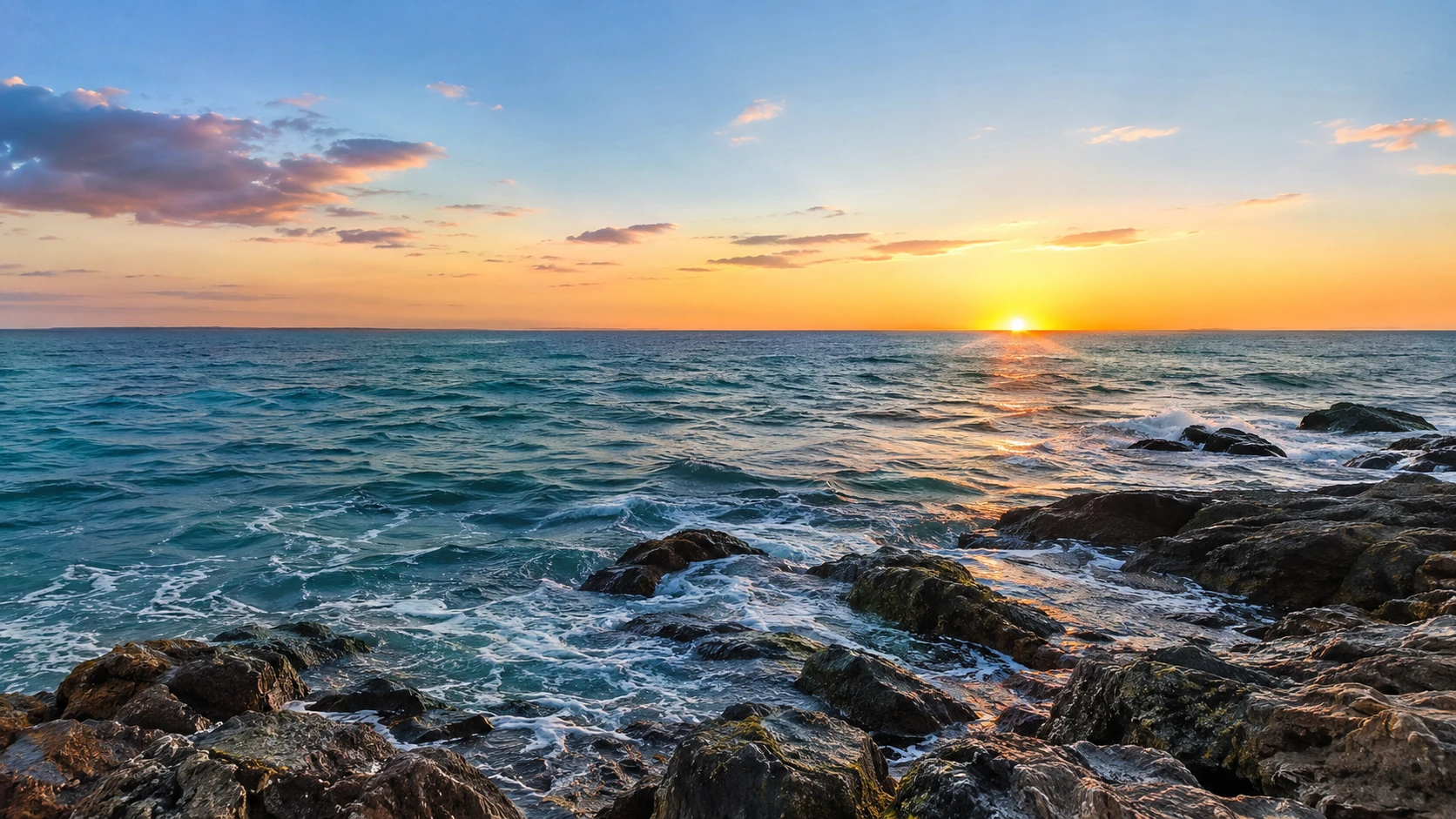
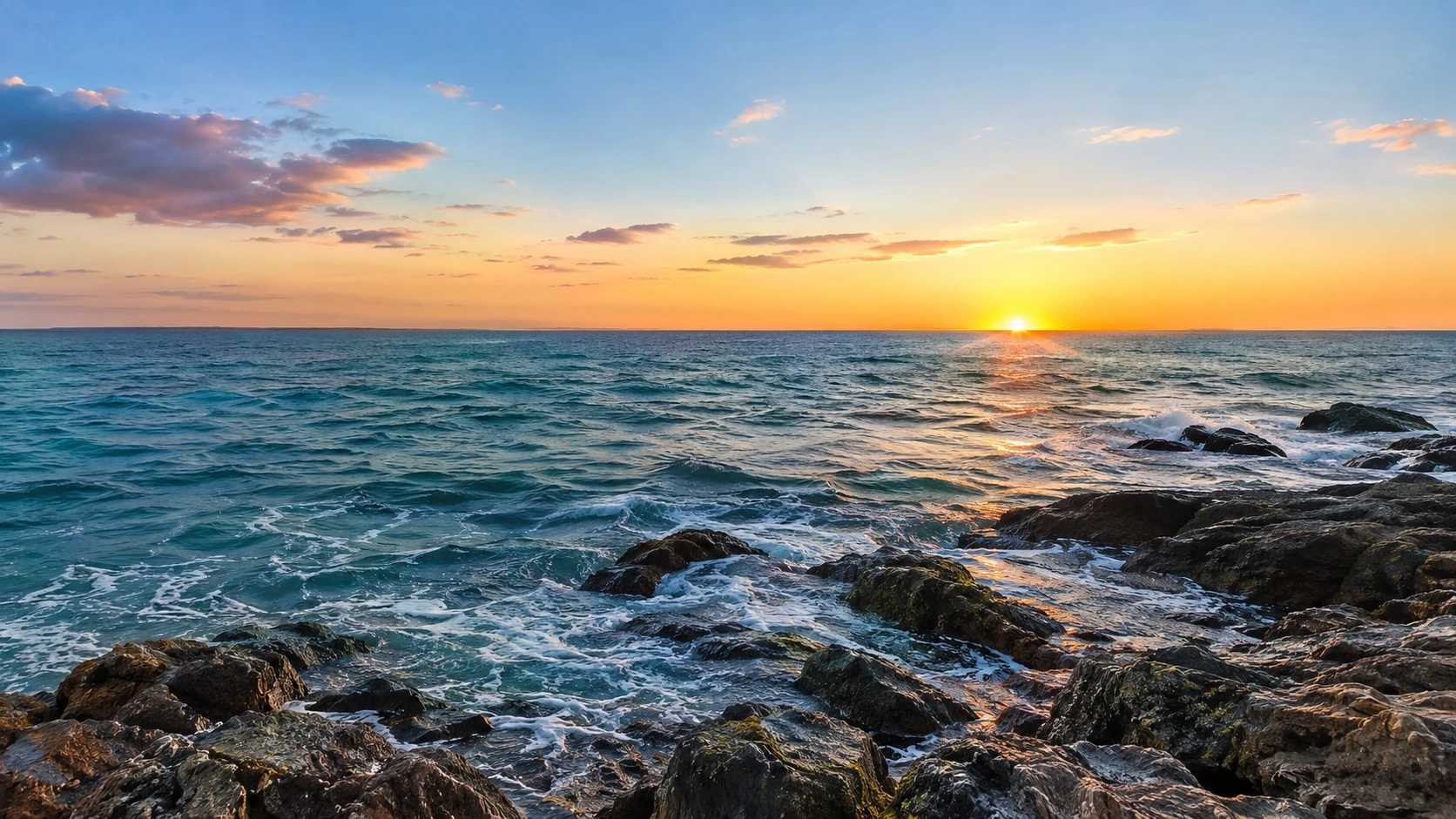
Explore What You Can Create With Realistic AI
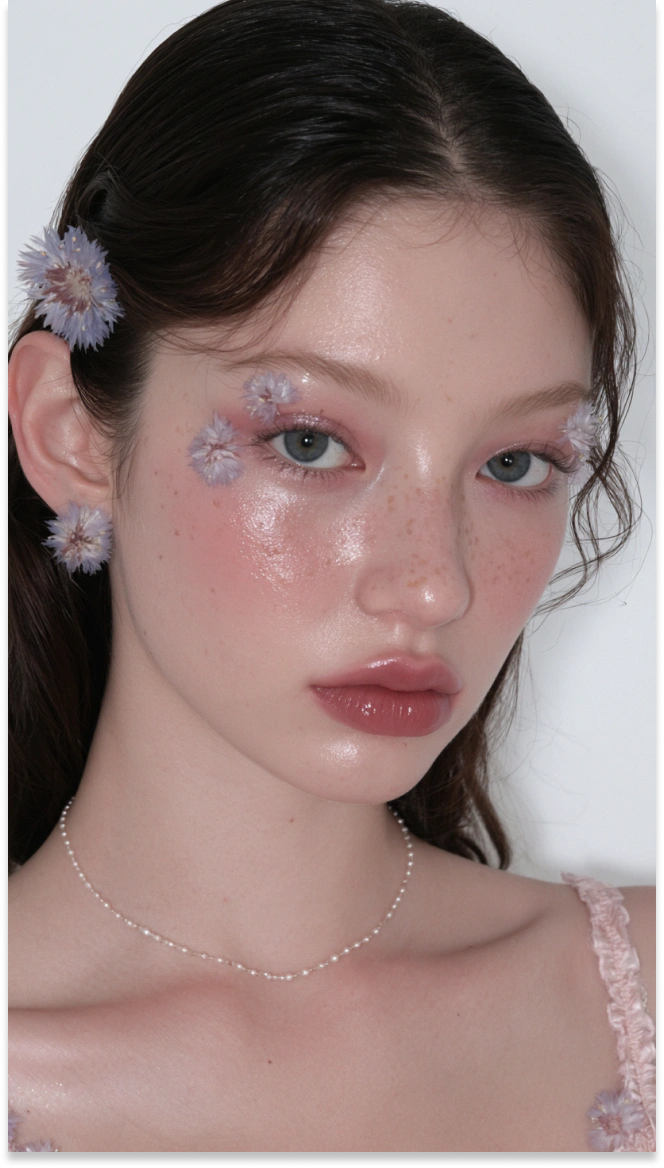
Realistic Portraits
Create detailed portraits with natural skin texture, balanced lighting, and expressive features for profiles, campaigns, character concepts, and creative projects.
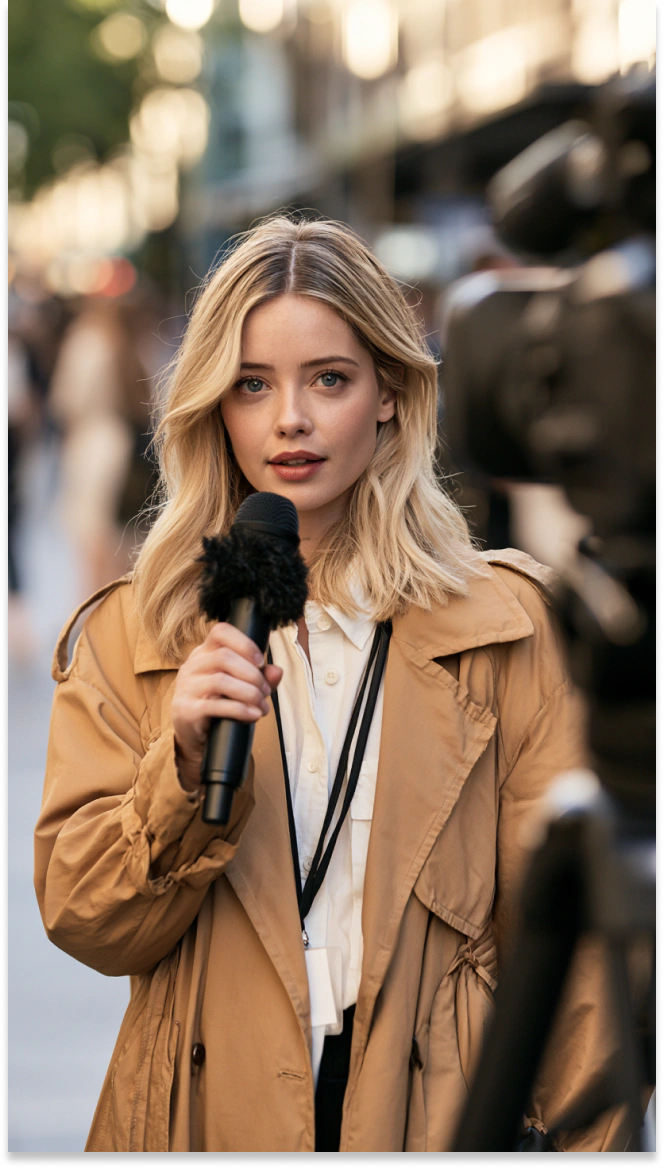
AI Virtual Presenters
Design camera-ready virtual presenters for interviews, news-style content, branded videos, livestream graphics, and other digital media projects.
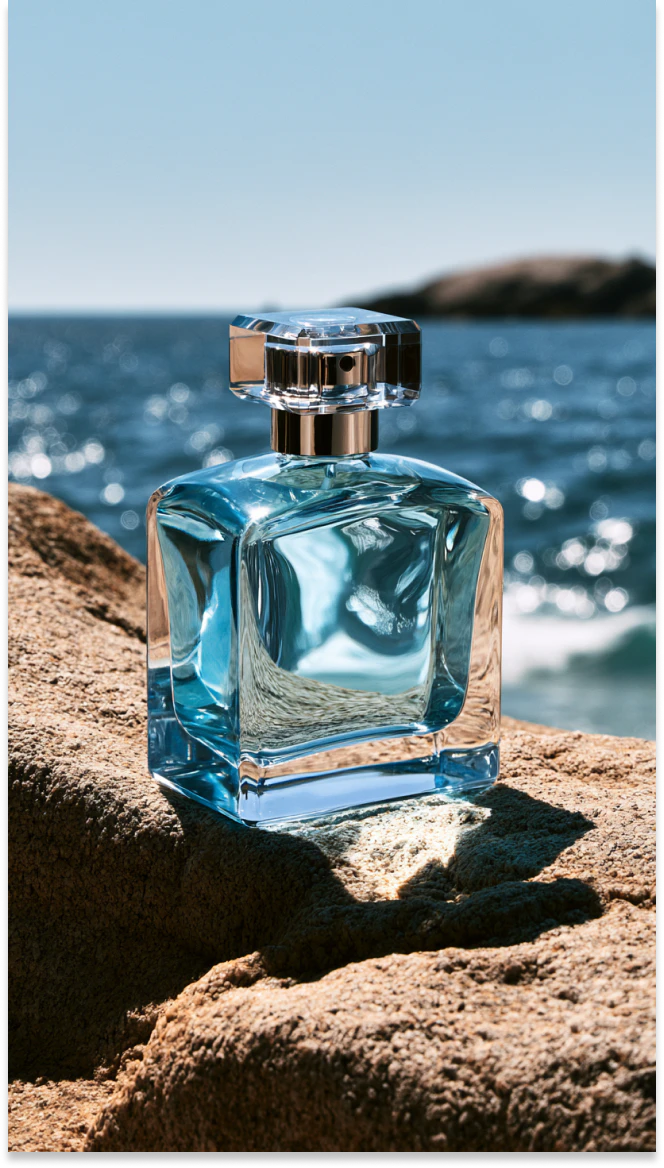
Lifestyle Product Photos
Place products in realistic settings with controlled lighting and polished compositions for ecommerce listings, advertisements, launches, and social campaigns.
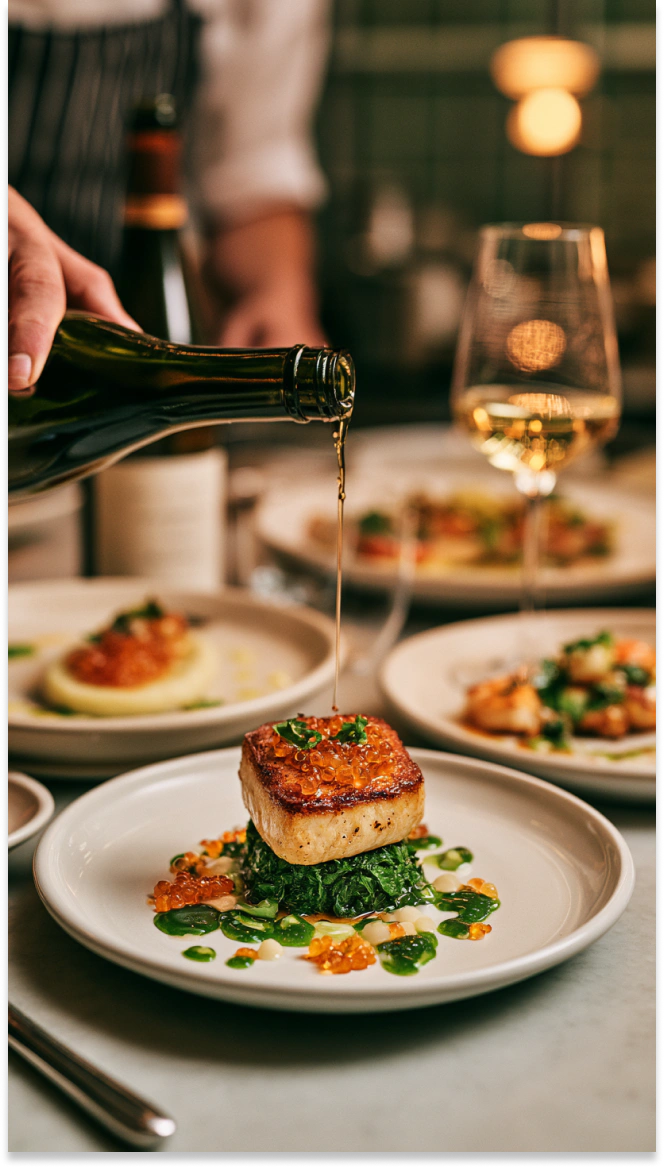
Restaurant Food Photos
Present dishes with natural colors, detailed textures, and appetizing compositions for restaurant menus, delivery platforms, advertisements, and social content.
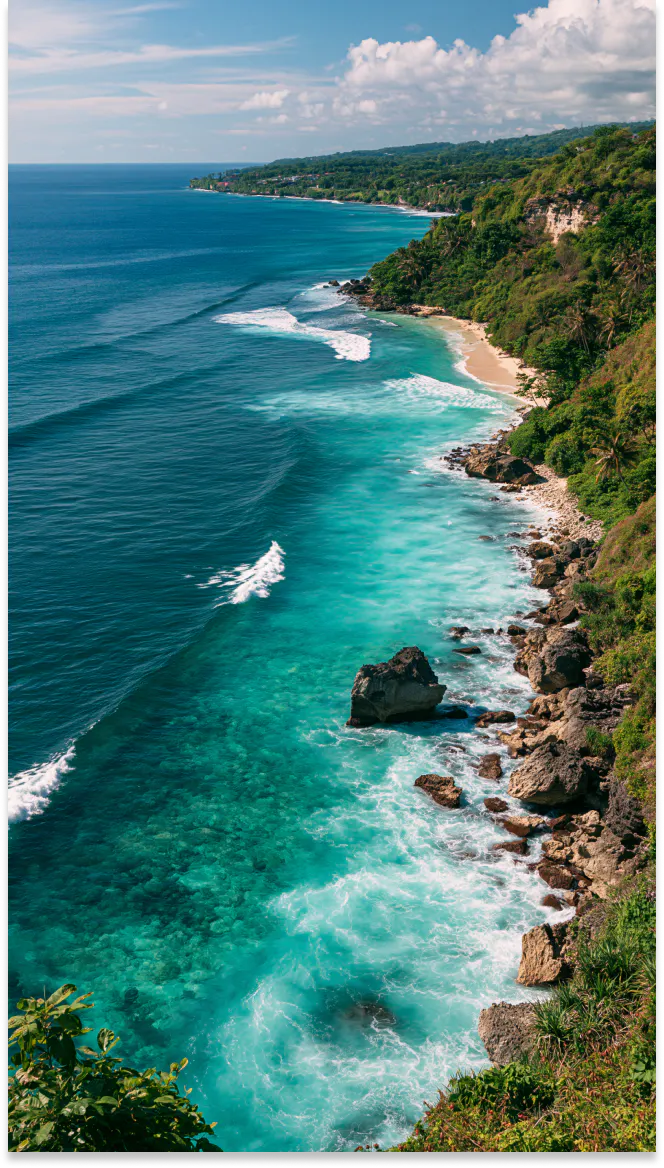
Scenic Landscapes
Create coastlines, mountains, forests, and other environments with realistic lighting and atmosphere for backgrounds, campaigns, concept art, or visual storytelling.
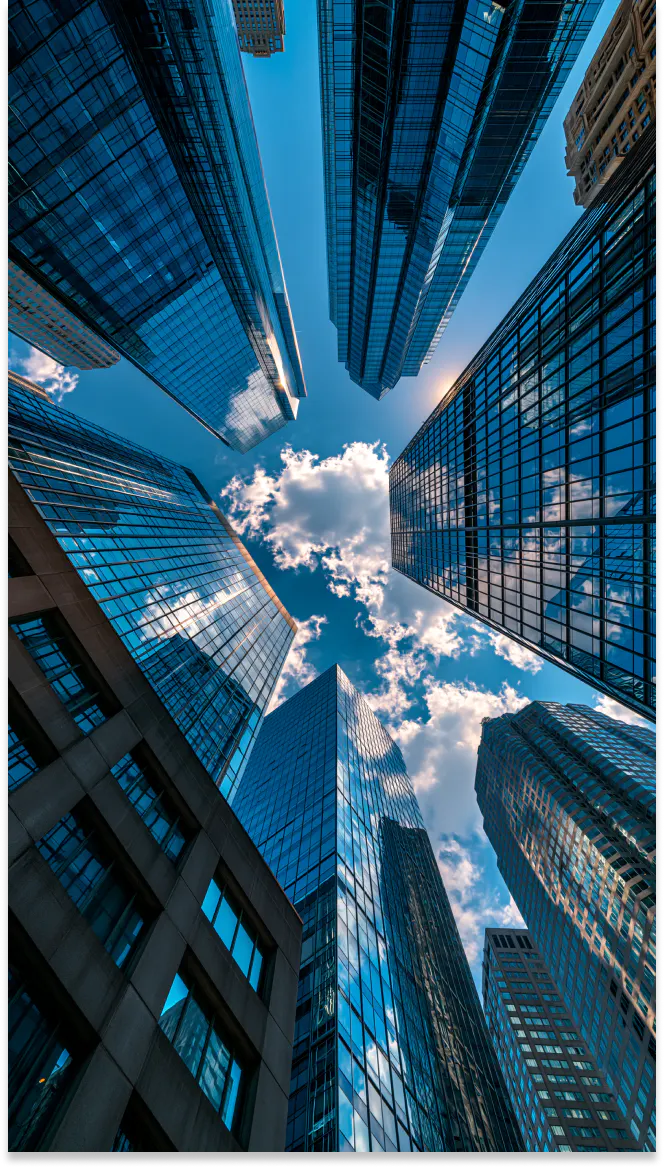
Real Estate Visuals
Visualize property exteriors, interiors, and architectural details for real estate listings, development concepts, client presentations, and marketing materials.
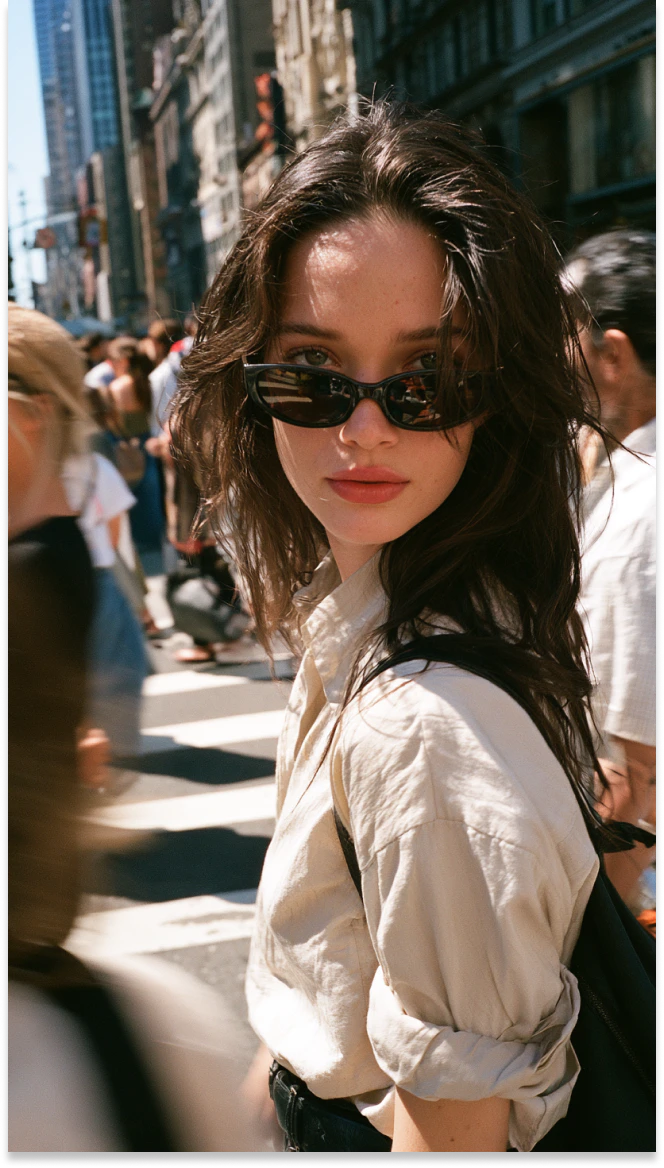
Candid Street Photos
Capture natural-looking street scenes with spontaneous expressions, urban lighting, and everyday movement for editorial content, campaigns, and visual stories.
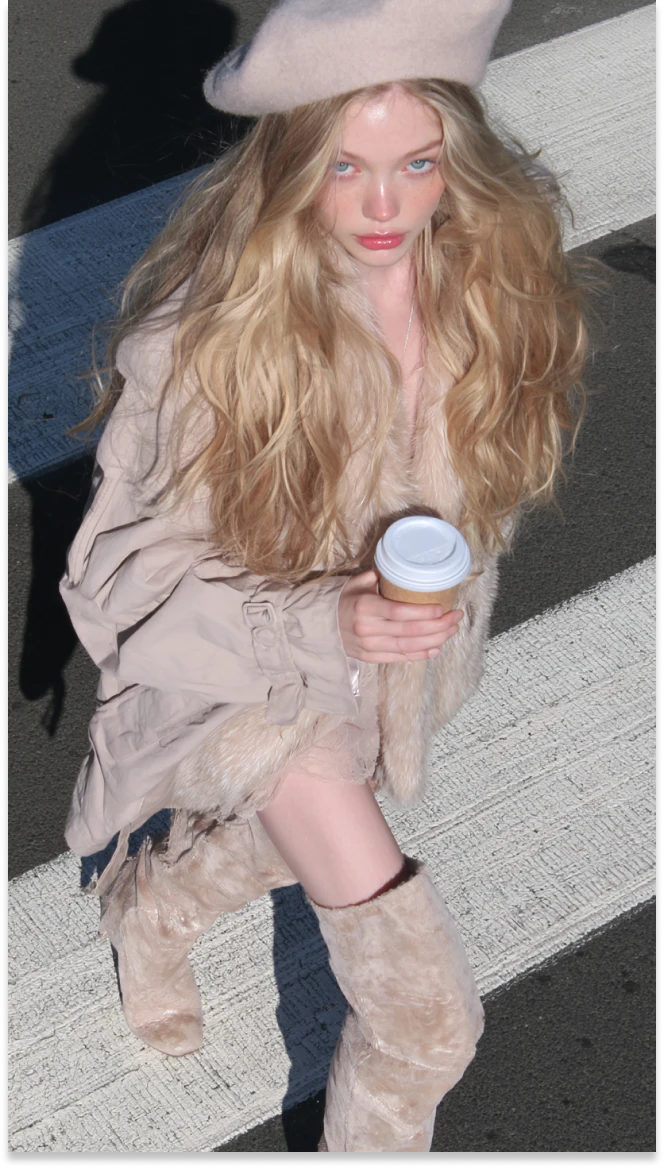
Editorial Fashion Images
Produce fashion images with styled outfits, expressive poses, and magazine-inspired compositions for lookbooks, advertising campaigns, social media, and creative direction.
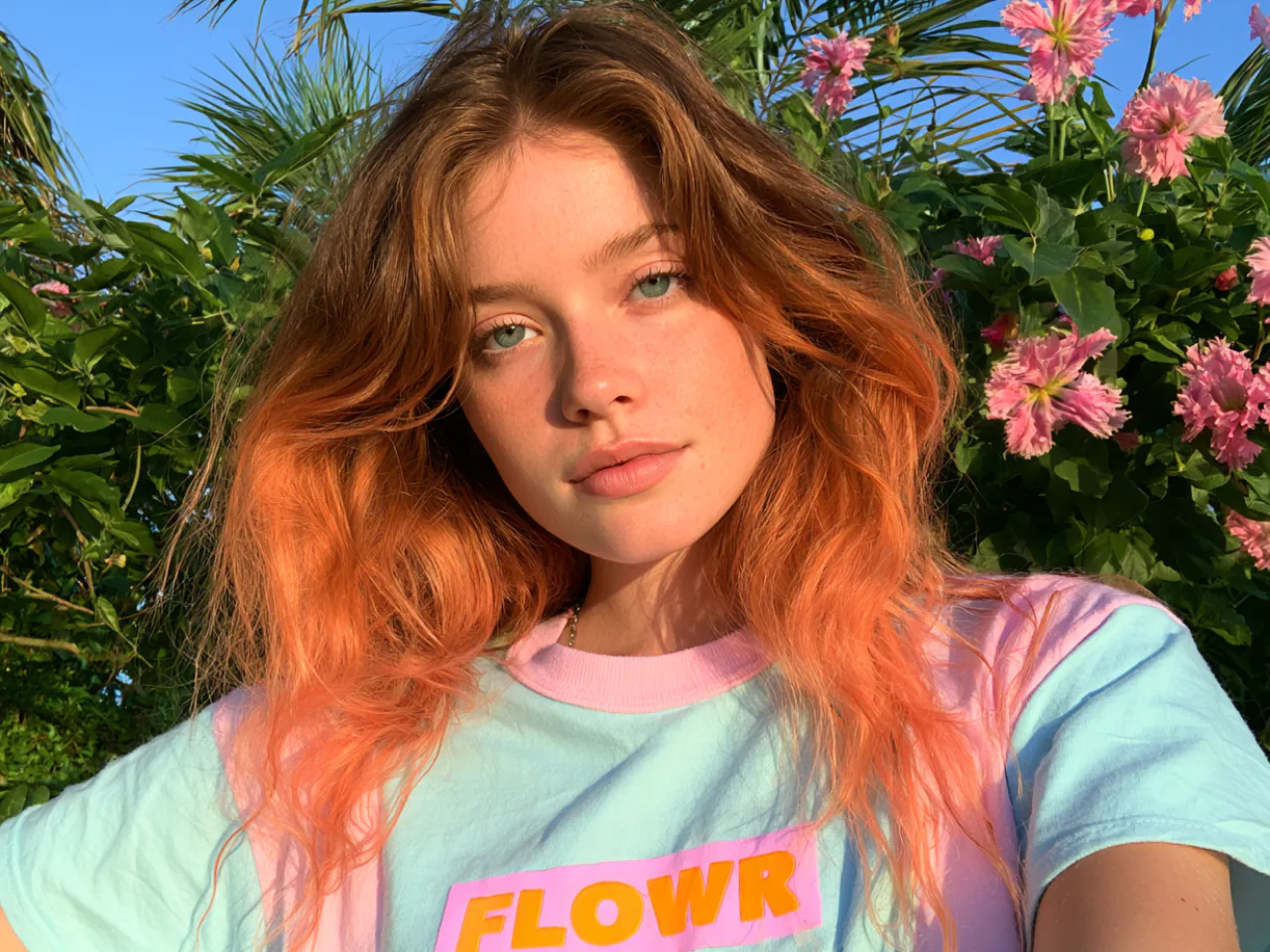
Convert Text Prompts Into Photorealistic Images
Start with a text prompt and turn your idea into a realistic image. Describe the subject, setting, composition, lighting, and mood to guide the result. From a single object to a complete scene, PicLumen gives you room to explore different visual directions without starting from a blank canvas.
Generate High-Quality Images Up to 4K
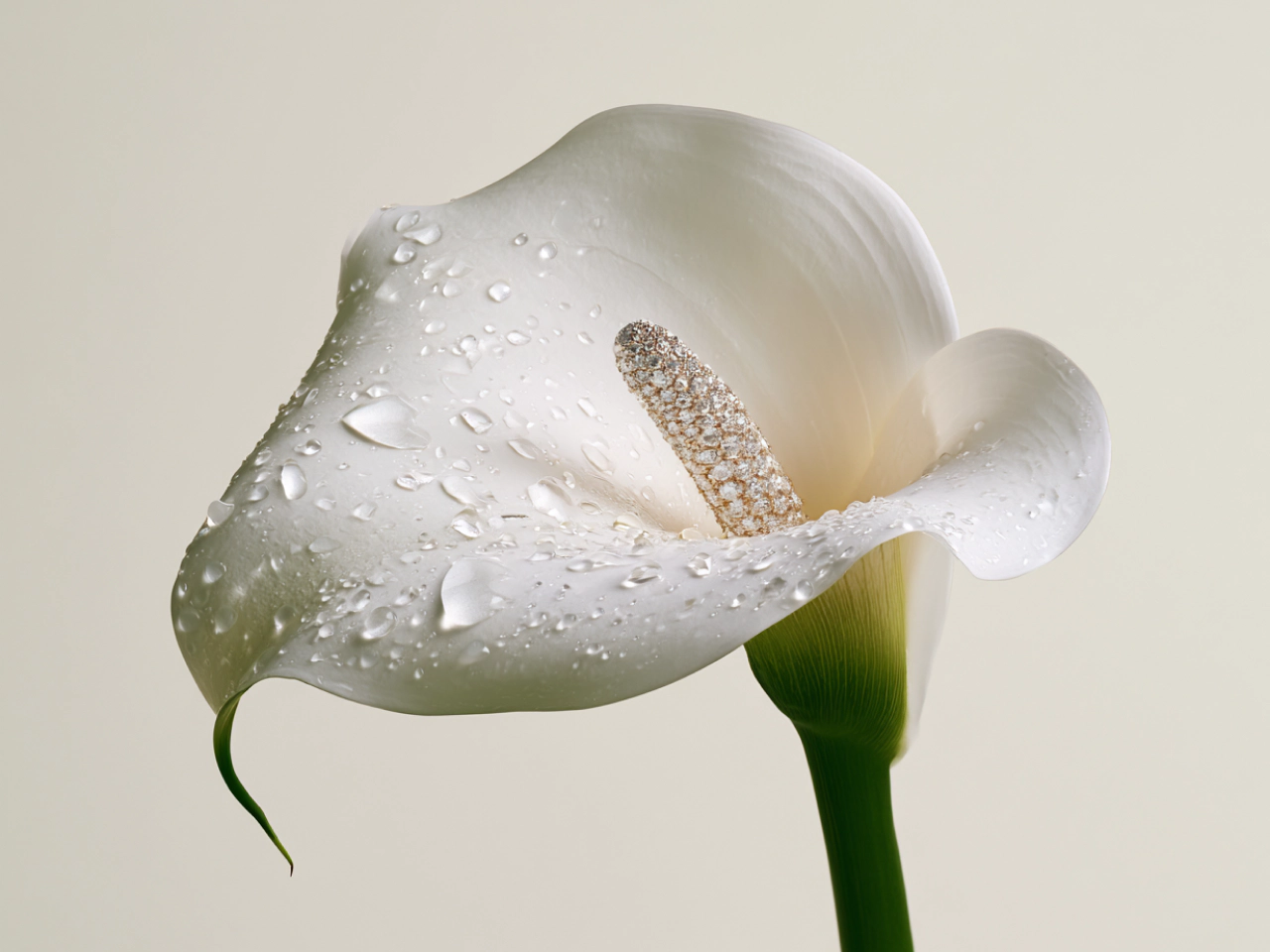
Generate detailed images at resolutions up to 4K, with clearer textures, facial features, lighting, and background elements. Higher-resolution output keeps important details visible on websites, campaign materials, presentations, and larger displays, giving each image a cleaner, more polished finish.
Character Consistency Across Different Scenes
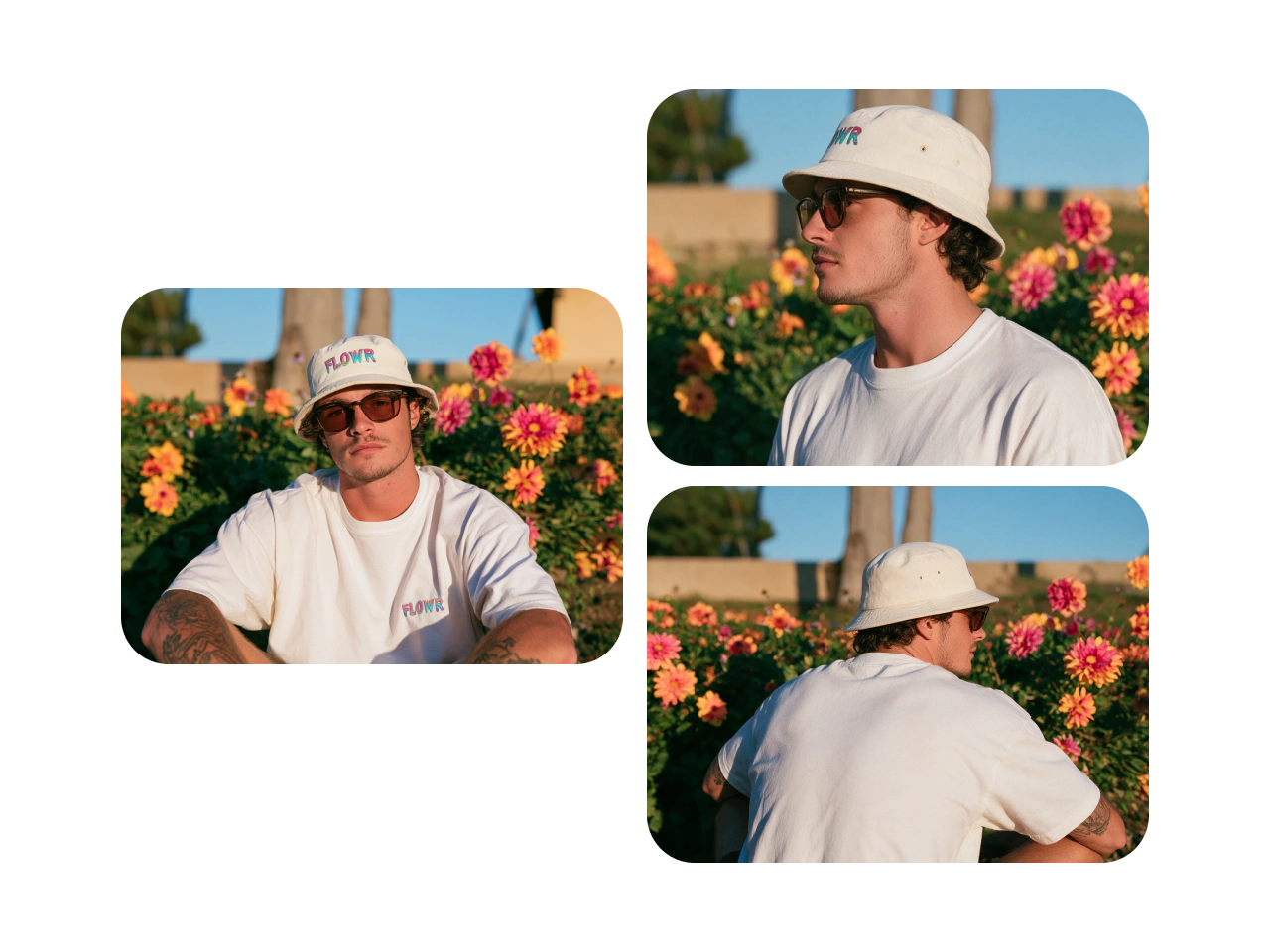
Keep a character recognizable across multiple images, even as their pose, expression, outfit, camera angle, or setting changes. PicLumen helps carry core visual traits such as facial features, hairstyle, and overall appearance from one generation to the next. The resulting images feel connected, making it easier to develop a recurring character for a visual story, branded series, or ongoing creative project.
Create Product Visuals for Every Campaign
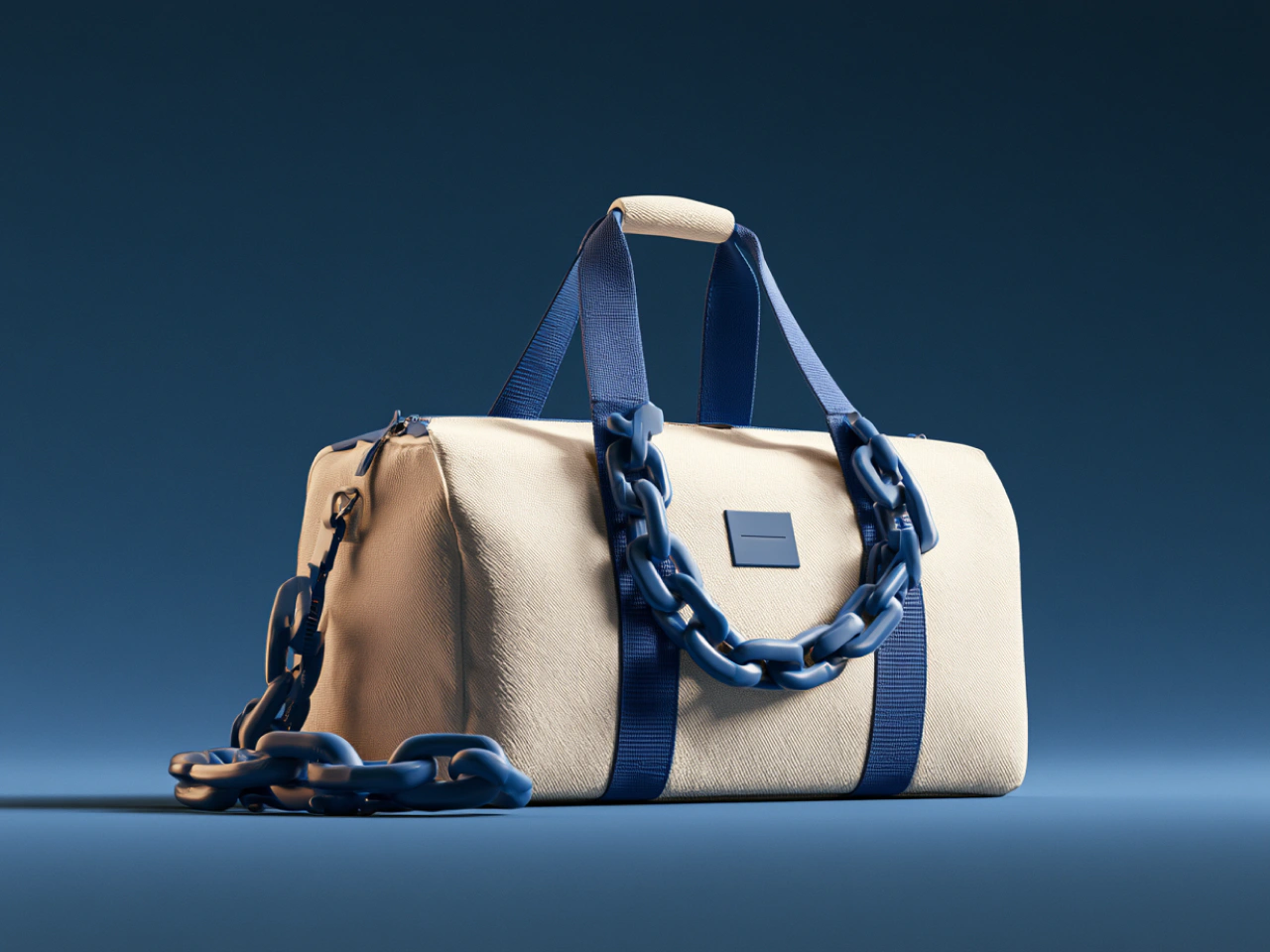
Turn a product photo or concept into polished studio shots, lifestyle scenes, or promotional images. Use prompts to control the background, lighting, camera angle, and surrounding details, making it easier to create product visuals for listings and campaigns without a traditional photoshoot.
Create Immersive Landscapes for Visual Storytelling
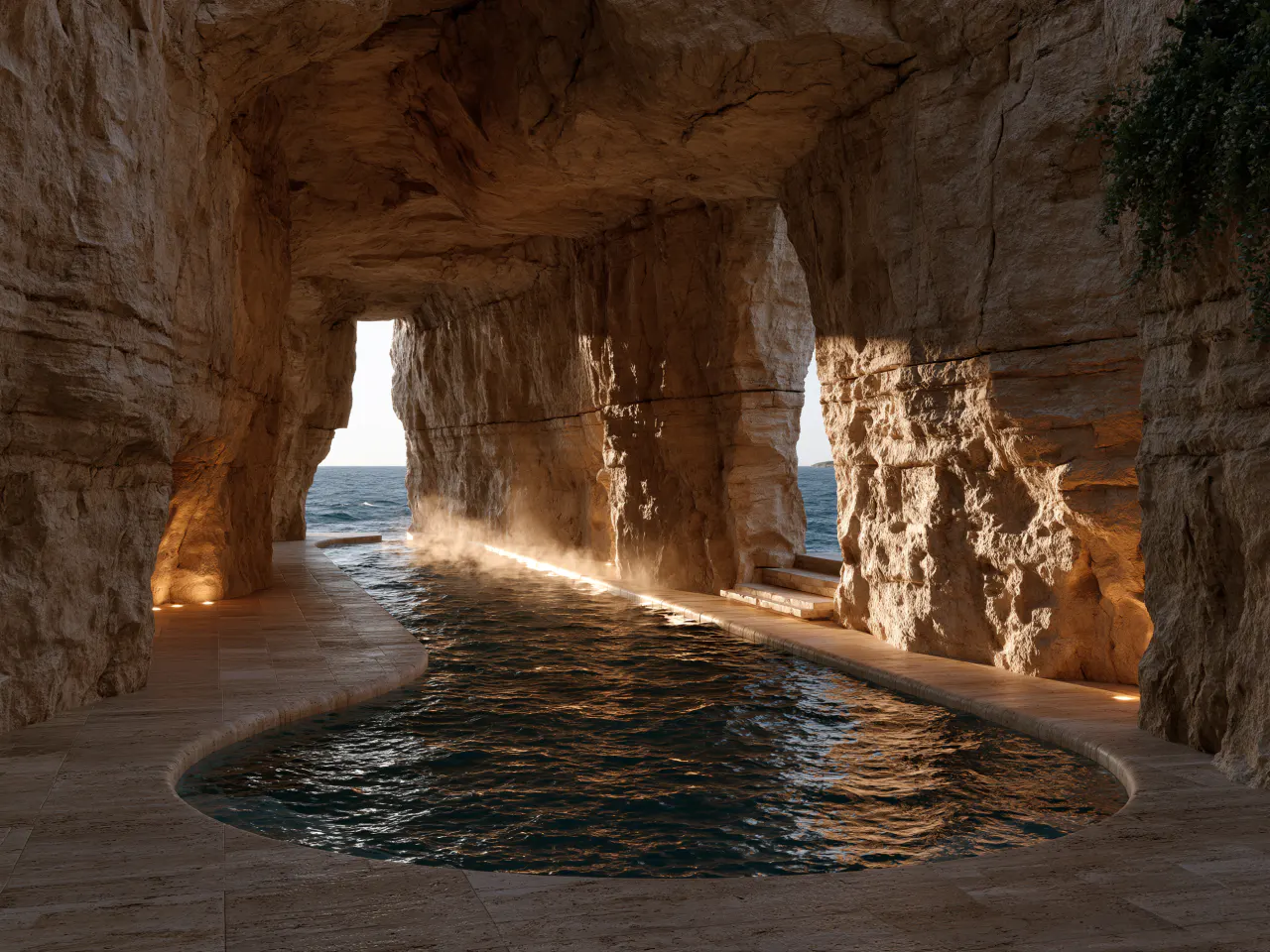
Generate realistic natural or imagined environments from a simple description. Define the location, weather, season, perspective, terrain, and time of day to shape the overall scene. Create quiet coastlines, dramatic mountains, dense forests, modern city views, or fantasy worlds with lighting and atmosphere that support the intended mood. PicLumen makes it easier to explore varied settings.
Why Create Realistic AI Images With PicLumen

Create With Leading AI Models
Access leading models such as GPT Image 2, Nano Banana 2, and Seedream 5.0 Pro in one place. Choose the right model for realistic photos, product visuals, characters, and more.

Get Results Without Long Waits
Turn prompts into images quickly, so you can test ideas, compare creative directions, and produce more visual content without slowing down your workflow.

Reduce Visual Production Costs
Create product photos, campaign visuals, and creative concepts without the usual costs of studio space, photography equipment, models, or large production teams.

High-Quality Images up to 4K
Generate sharp, detailed images at resolutions up to 4K, suitable for websites, social media, presentations, marketing campaigns, and other professional projects.

More Control Over Every Result
Use detailed prompts, reference images, aspect ratios, and model settings to guide the composition, style, subject, and overall direction of each image.
How to Create AI Realistic Images in 3 Easy Steps
1 Enter Your Prompt
1Describe the subject, style, composition, lighting, and mood. You can also upload a reference image to guide the result.
2 Choose a Model and Settings
2Select an AI model that fits your project. Adjust the aspect ratio, image size, generation mode, and other available settings.
3 Generate and Download
3Click Generate and review the results. Choose your preferred image and download it to your device.


Loved by Creators Worldwide
Real feedback from designers, marketers, and hobbyists sharing their PicLumen experience on Trustpilot.
 jordi Alcaraz
I have really enjoyed using this site…
I've had a really positive experience with Piclumen. The platform offers excellent features for creating AI images and videos, with impressive quality and a wide range of creative possibilities. It's very easy to use, even when experimenting with more complex ideas, and the whole process is both intuitive and enjoyable. excellent customer service. The team replies very quickly, is always friendly, and genuinely tries to solve any issues you may encounter they care about their users. Overall, Piclumen is an innovative, user-friendly, and exciting AI platform. I highly recommend it to anyone interested in AI image and video creation.
 Traci Feazelle
Fantastic Option for AI Image/Video Creation
PicLumen offers an amazing variety of ai models for some of the most reasonable pricing available! The app layout also affords ease of use.
 Crispee
Easy to use.
Easy to use. Great layout love it!
Awesome program easy to use a little…
Awesome program easy to use a little disappointment in the fact you can’t buy lumies
Narender KhatanaI love this app I love this very very…
I love this app I love this very very much this is help in make a videos
Nice creations and bright
Nice creations and bright
Scott ChamberlainGreat system
Great system. Easy to use. Great results.
 Boma Halliday
GREAT QUALITY FOR THE PRICE
GREAT QUALITY FOR THE PRICE. ARGUABLY THE MOST AFFORDABLE IMAGE GENERATION SITE THERE IS WITH THE BEST OPTIONS.
 Minnies
I love the app but it was more better…
I love the app but it was more better when they didn't charge you lumen to make pictures or give you a limitation but it works amazing and it gives you very neon pictures...../ and for some reason on New Year's Eve today it won't let me make pictures
The Uncharted TimelineThis ai
This ai generated image very natural and beautiful HD quality
 Buzás Lili
Im only doing this for the free stuff
Im only doing this for the free stuff
 Human Human
Best of all time vry real
Best of all time vry real
Realistic AI Image Generator FAQs
What is a realistic AI image generator?
A realistic AI image generator turns text prompts or reference images into lifelike visuals. It can create people, products, landscapes, and complete scenes without traditional photography or manual design.
Which AI image models can I use?
PicLumen provides access to multiple models, including GPT Image 2, Nano Banana 2, and Seedream 5.0 Pro. Each model offers different strengths for specific subjects and creative tasks.
What types of realistic images can I create?
You can create portraits, product visuals, lifestyle scenes, landscapes, architecture, marketing graphics, social media content, and other photorealistic or stylized images.
Can I generate realistic people and portraits?
Yes. PicLumen can create realistic portraits with detailed facial features, skin texture, clothing, lighting, poses, and backgrounds based on your description.
Can I keep a character consistent across images?
Reference images and detailed prompts can help maintain recognizable facial features, hairstyles, clothing, and other defining traits across different poses and scenes.
Can I choose the image size and aspect ratio?
Yes. PicLumen provides different aspect ratios and image settings for square, portrait, and landscape layouts. Available options may vary between models.
How can I make an AI image look more realistic?
Use a detailed prompt that describes the lighting, camera angle, materials, textures, environment, and composition. Choosing a model suited to realistic imagery can also improve the result.
Can I use PicLumen for free?
Yes. The basic plan currently provides free lumens per day for trying different models and generating content. Usage limits depend on the selected model and generation mode.
Can I use generated images commercially?
Yes. Paid users can use images they create with PicLumen for commercial projects, subject to PicLumen’s Terms of Service. Basic plan users do not have commercial use rights.