NEON Dance video
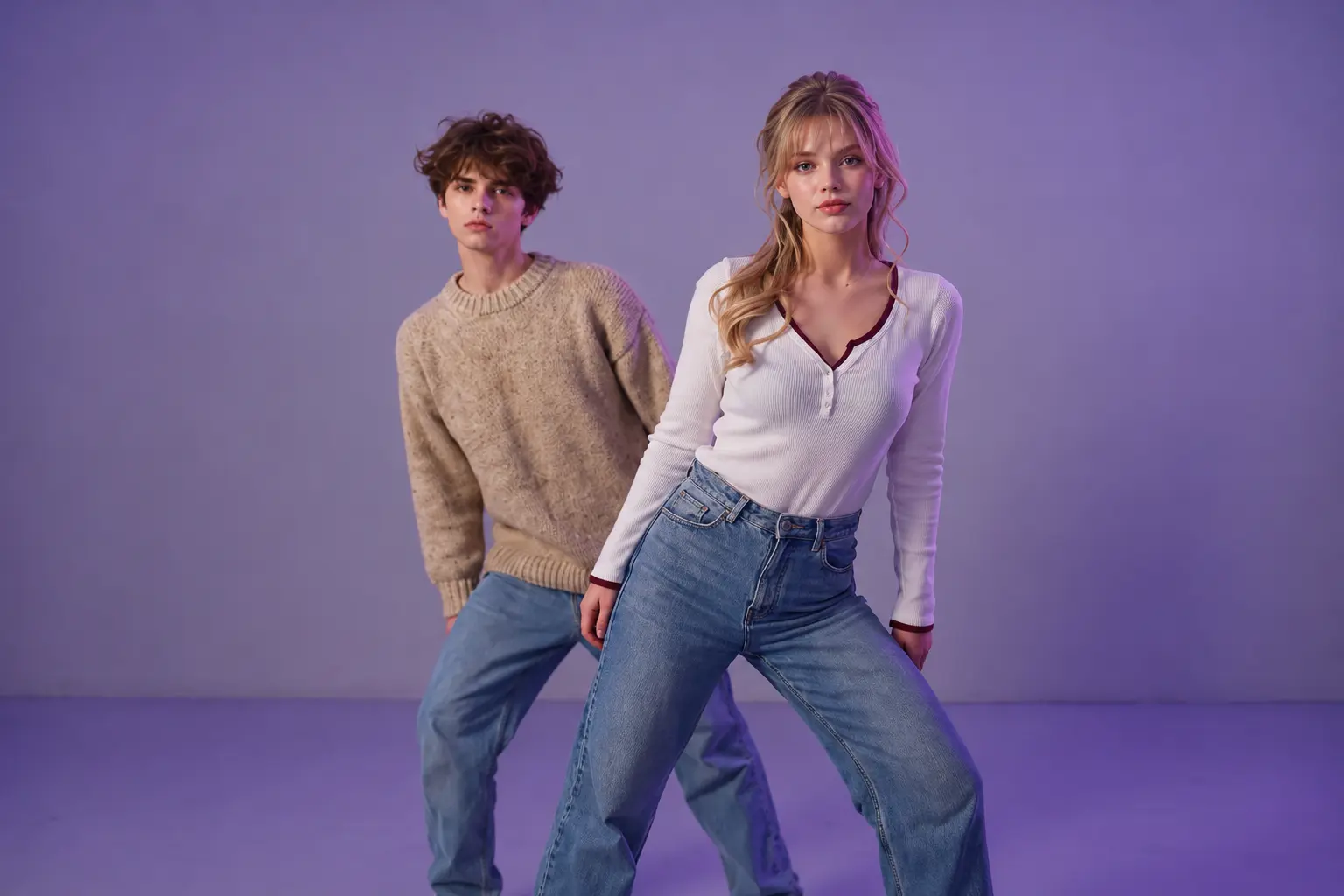
Hot Video Effects
Turn your photos into fun dance clips, surprising transformations, and shareable moments with trending AI video effects.
How to Create a NEON Dance AI Video
Make Your Own AI NEON Dance Video in Three Steps
Step 1: Choose the NEON Dance Effect and Upload a Photo
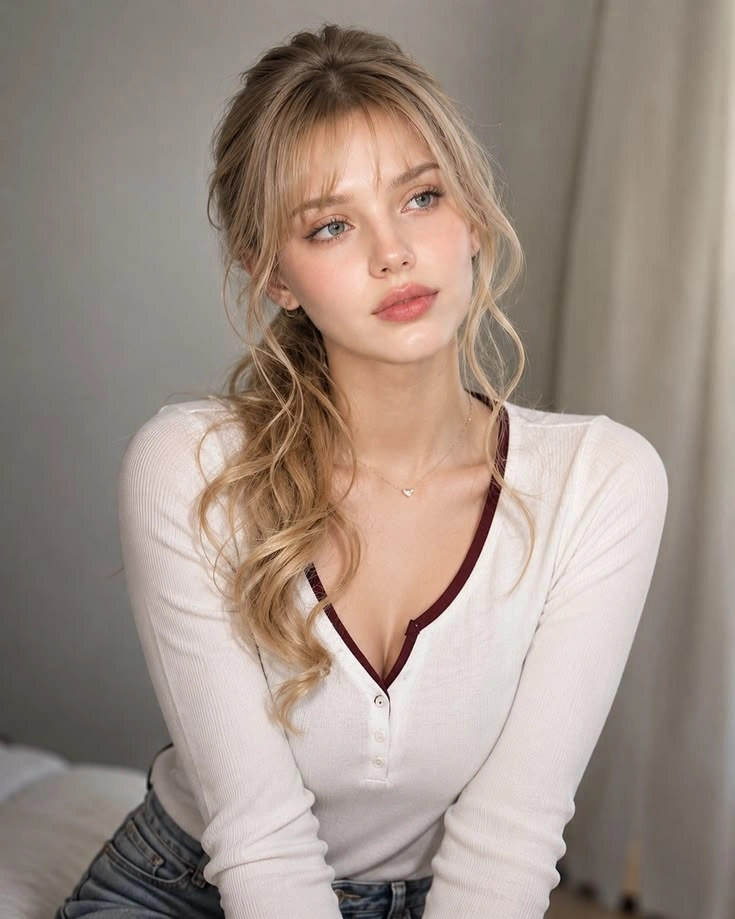
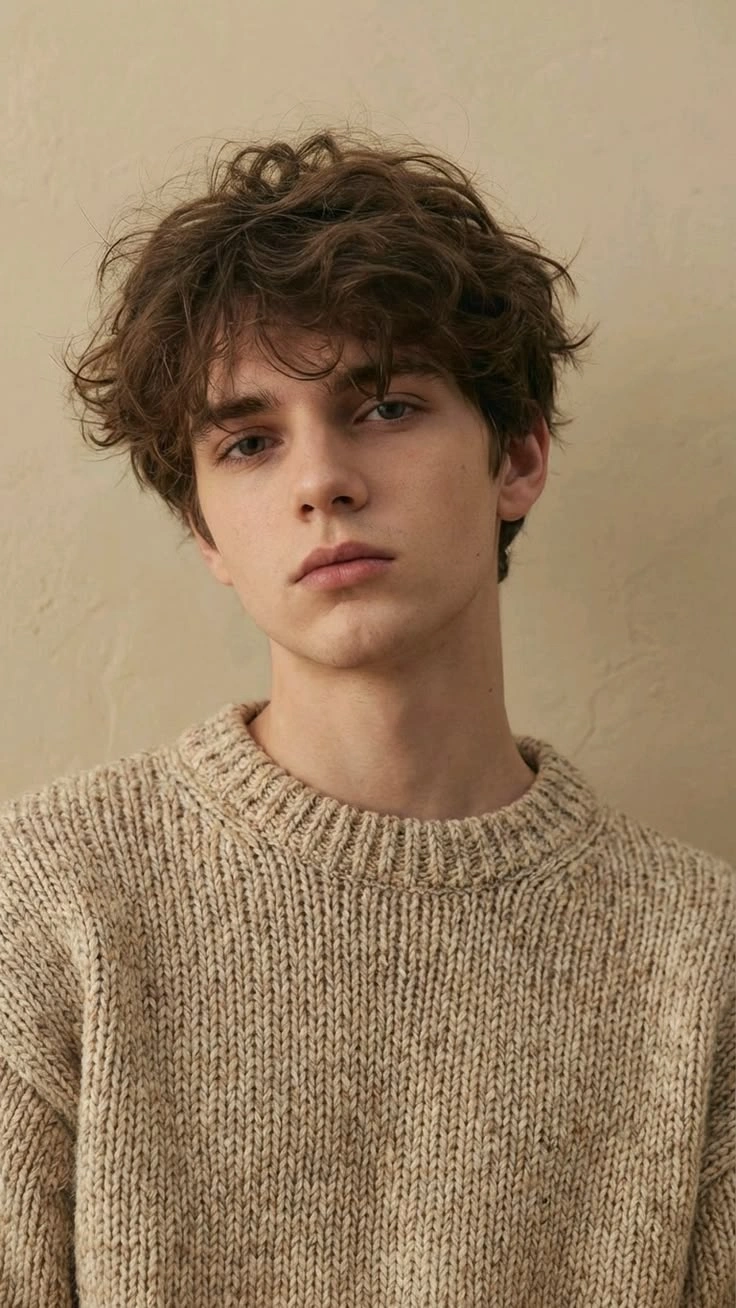
Open the NEON Dance effect in PicLumen and follow the image input requirements shown in the generation interface. Choose a clear photo featuring the person or character you want to animate. Images with recognizable facial features, visible body proportions, and minimal obstruction can provide useful visual references. For movement-focused results, a full-body or well-framed character image is often preferable to a tightly cropped portrait.
Step 2: Generate Your NEON Dance Video
Start the generation process using the NEON Dance effect. Follow the available settings or template instructions to create your dance-inspired animation. The intended result combines character movement with vibrant neon lighting and a futuristic visual atmosphere. Depending on the selected workflow, available customization options may vary. You do not need to record an original dance performance when using an image-based AI dance workflow.
Step 3: Preview, Download, and Share
Watch the generated video and review the character's appearance, movement, lighting, and overall composition. Check for unusual changes to the face, hands, clothing, or body proportions during animated movements. If the result does not match your expectations, try another suitable source image or regenerate using the available options. Download your video using the supported export settings and prepare it for your preferred platform.
Bring Your Photos to Life with NEON Dance AI
Experience a new way to create dance-inspired videos with PicLumen. Transform a still image into a dynamic performance surrounded by vibrant neon lighting, futuristic backgrounds, and glowing visual effects. From expressive dance movements to cinematic light reflections, the NEON Dance effect combines animated characters with a bold electronic aesthetic that stands out in short-form video content.
Explore Different NEON Dance Video Styles
Discover how neon lighting, dance movements, and creative environments can change the atmosphere of your video. Whether you prefer a futuristic dance stage, a glowing urban street, or a colorful nightclub-inspired setting, explore NEON Dance visuals or bring a retro mood to your next project with Smalltown Boy AI Dance. These styles offer creative possibilities for personal entertainment, character animation, and social media storytelling.
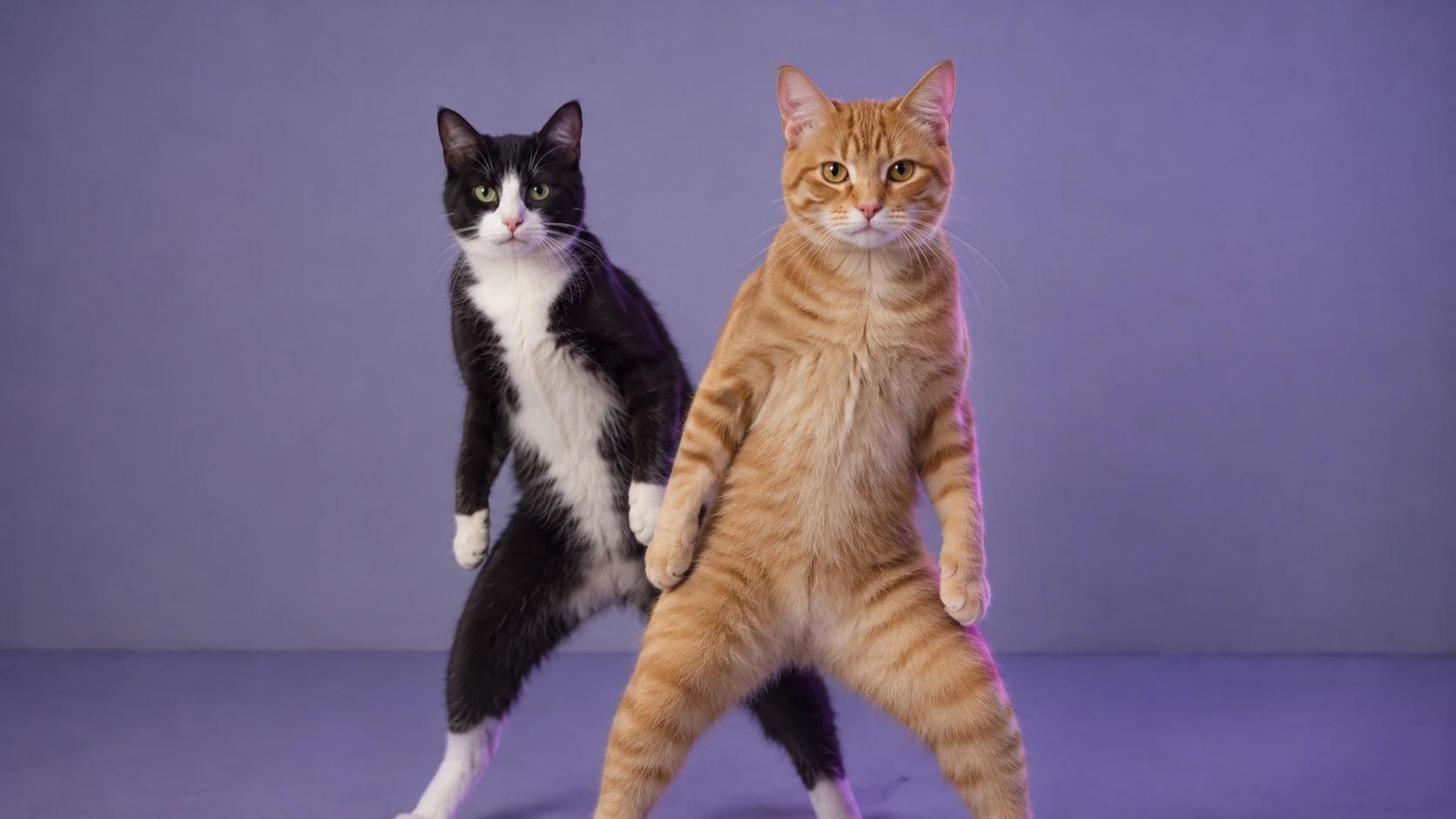
Futuristic Neon Dance Stage
Step into a futuristic performance environment illuminated by vibrant pink, blue, and purple lights. A dancer performs energetic movements against glowing stage panels, reflective floors, and dramatic lighting. The expressive choreography and colorful illumination create a polished look for dance edits, character videos, and music-related social content, while the neon stage aesthetic also offers inspiration for a Rap Duo AI Video.
Neon Street Dance Performance
Bring urban dance energy into a nighttime street scene filled with illuminated signs, colorful reflections, and electric neon accents. Glowing outlines and dynamic light trails can emphasize the dancer's movements, creating an exciting contrast between the character and the surrounding environment. This visual direction works well for hip-hop-inspired edits, street-style videos, and energetic short-form entertainment.
Cyberpunk Neon Dance Party
Explore a vibrant cyberpunk-inspired atmosphere with saturated colors, futuristic lighting, and a high-energy dance environment. Combine glowing visual accents, dramatic shadows, and rhythmic movement to create a dance video that feels playful and cinematic. This style is suitable for character remixes, virtual performances, and creative social media experiments.
Why Create NEON Dance Videos with PicLumen?
Turn Simple Photos into Eye-Catching Dance Content
Animate a Photo into a Dance Performance
Bring a still image into motion with an AI dance video workflow. Instead of recording a performance yourself, start with a photo or a character image created using an AI Image Generator and turn it into a dance-inspired animation. This makes it easier to experiment with character-based videos, playful social posts, and visual storytelling concepts. The quality of the result depends on the source image and selected generation workflow. A clear character photo can provide a stronger visual reference for movement and appearance.
Explore Glowing Neon Visual Effects
Neon lighting gives dance videos a recognizable visual identity. Electric-blue highlights, bright pink accents, colorful reflections, and luminous outlines can make movements appear more expressive. The same palette can also inspire a stylized AI Effect Zombie Love Story, adding an unexpected glow to a spooky romantic scene. These elements are especially effective in dark environments, where the contrast between the characters and the illuminated surroundings helps establish a dramatic atmosphere.
Create Futuristic Dance Scenes
Go beyond ordinary dance footage with futuristic stages, cyberpunk-inspired settings, and colorful nightlife environments. Neon visuals can give familiar dance concepts a different personality, making them suitable for creative remixes and experimental video projects. A strong background should complement the dancer rather than compete with the movement. Balanced lighting and a clear central subject can help keep the performance visually readable.
Experiment Without Filming Choreography
Creating a dance video traditionally involves learning movements, choosing a location, arranging lighting, and recording multiple takes. AI-generated dance concepts offer an alternative starting point for creators who want to explore visual ideas without organizing a complete physical shoot. You can focus on selecting a suitable character image and reviewing the generated result rather than performing every movement yourself.
Create Content for Short-Form Platforms
NEON Dance visuals can provide creative material for TikTok, Instagram Reels, YouTube Shorts, and other short-form platforms. Their colorful lighting and movement-focused compositions make them suitable for entertainment clips, reaction edits, character animations, and music-inspired posts. Check the final video's dimensions, audio, and platform requirements before publishing.
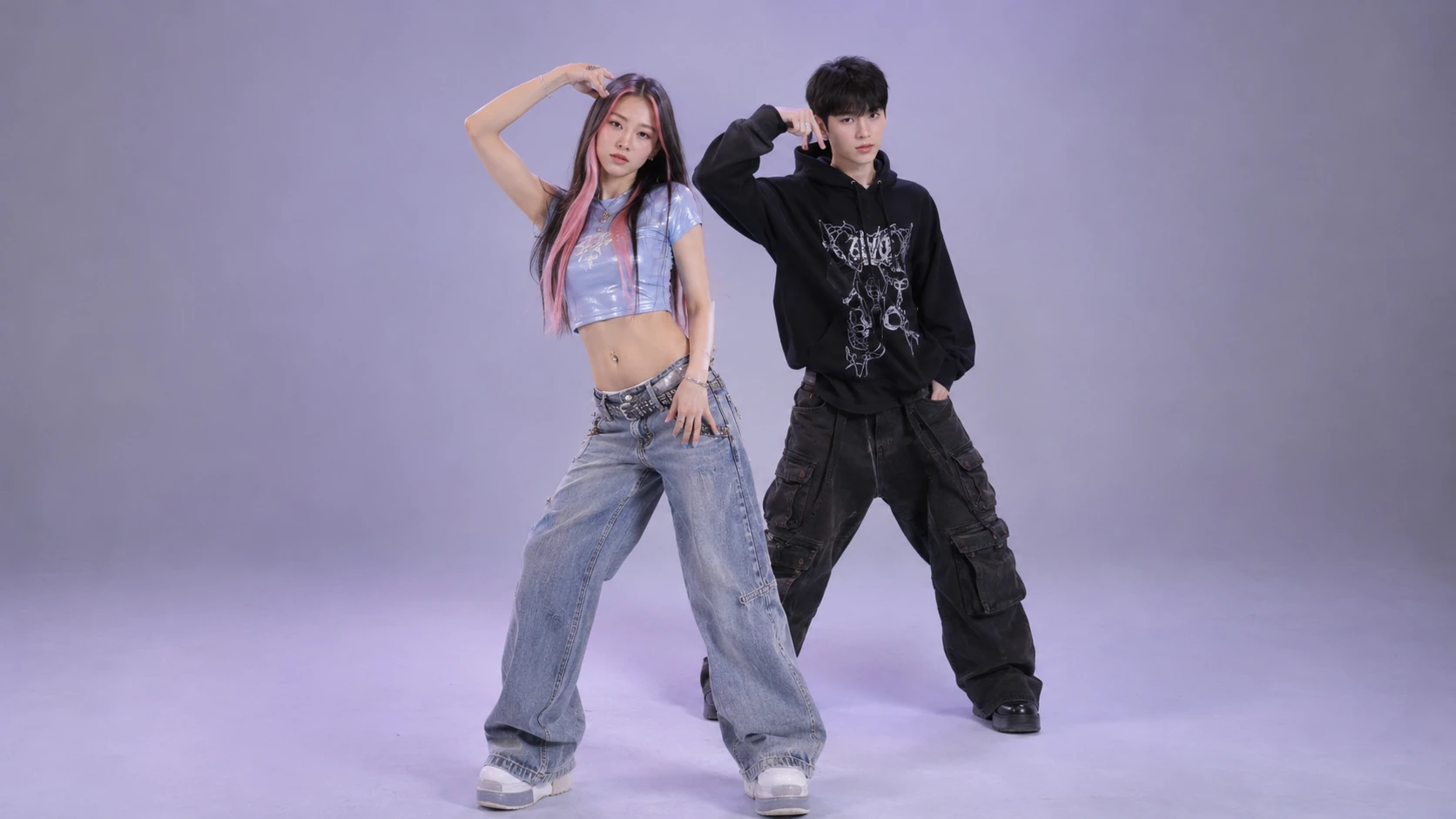
Personal NEON Dance Videos
Imagine yourself performing in a futuristic dance environment without stepping into a studio. Use a clear personal photo as the starting point for a NEON Dance concept and explore how the character looks under colorful lighting.
AI Character Dance Remixes
Bring original or fictional characters into an energetic neon environment. A character that normally appears in a static illustration can become the subject of a dance-inspired video with dramatic lighting and movement. Experiment with contrasting visual styles, such as a cartoon character in a futuristic nightclub or a fantasy-inspired character on a glowing electronic stage.
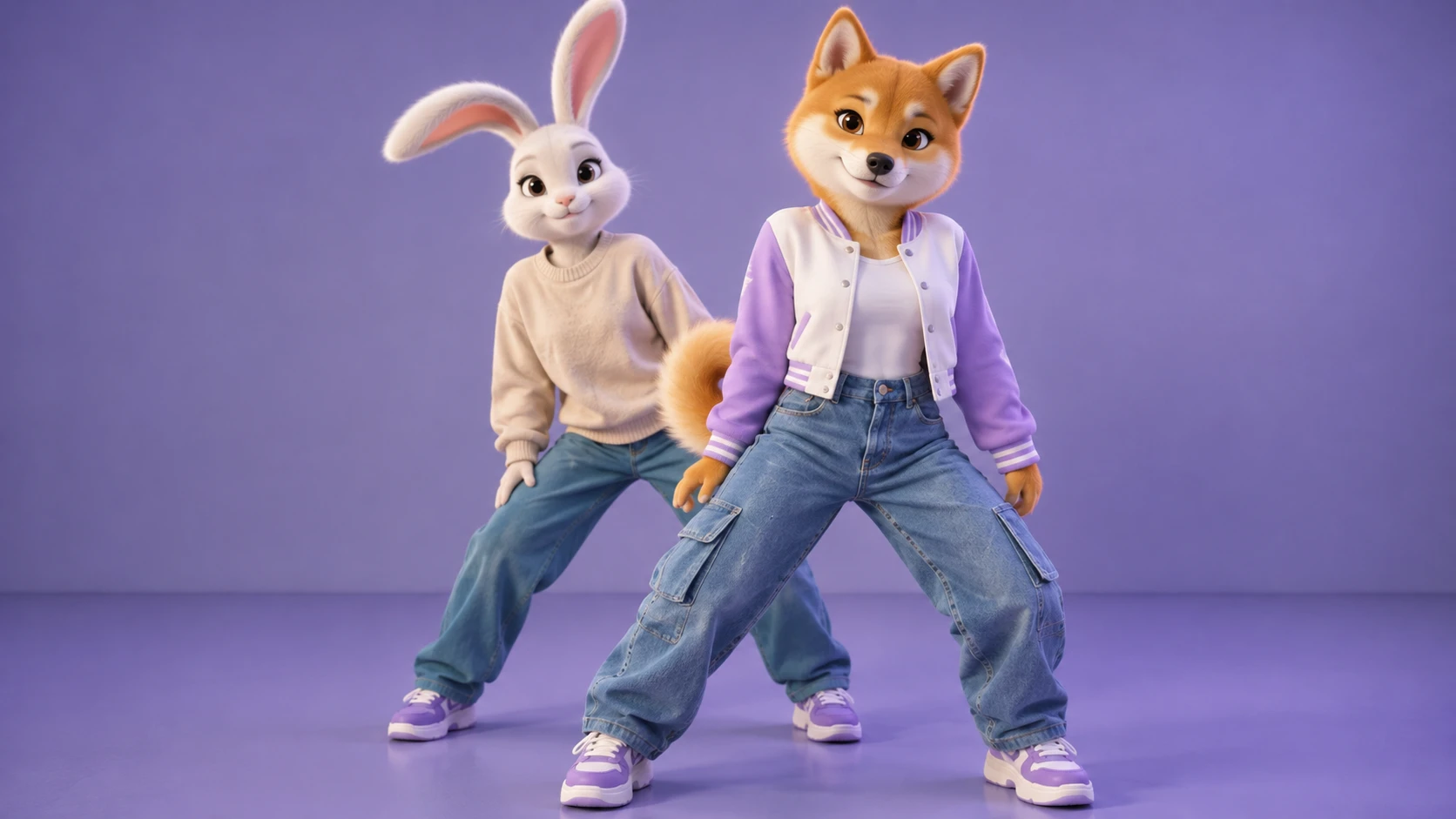
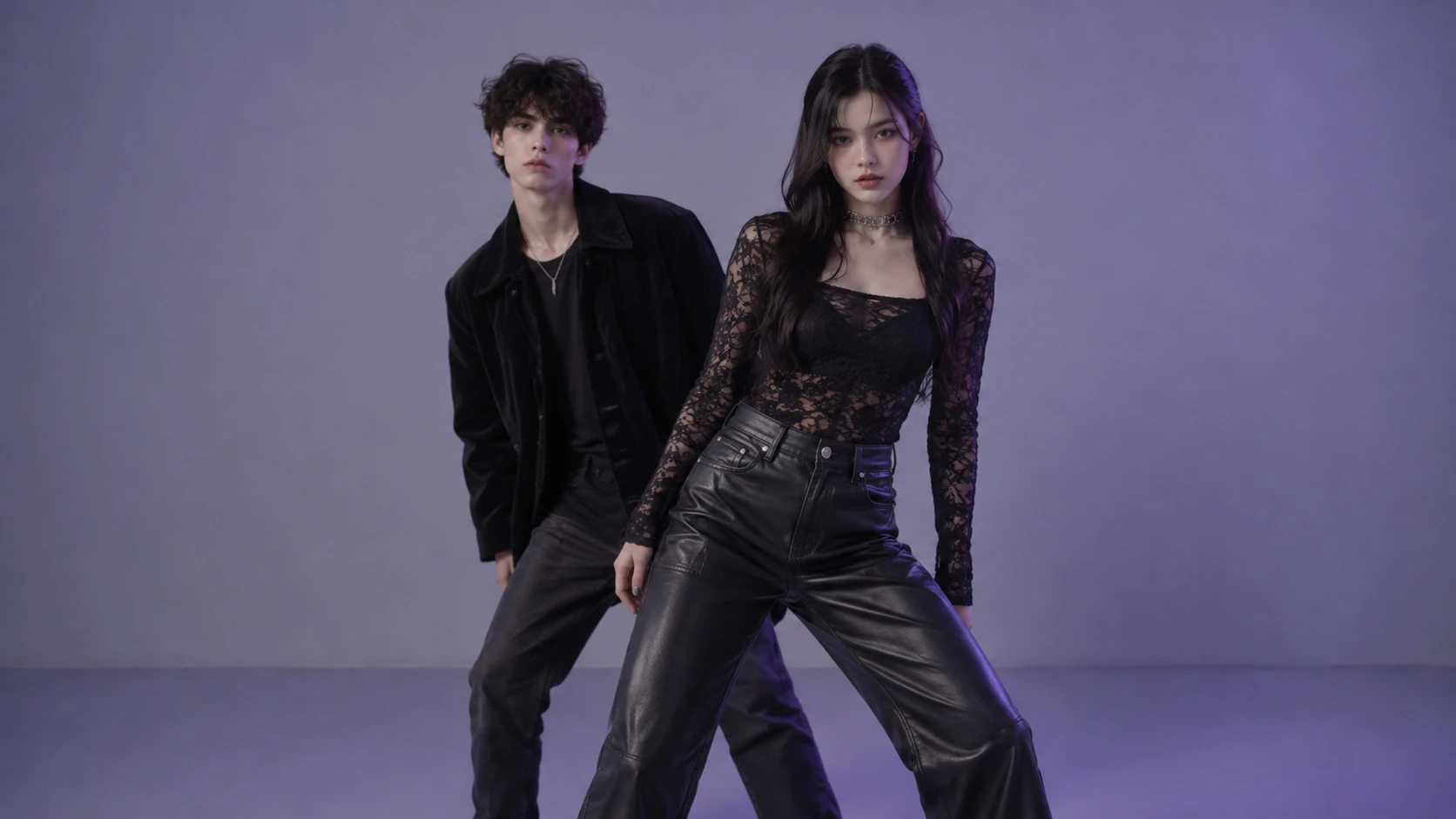
TikTok and Instagram Dance Edits
Create neon-inspired clips for short-form entertainment, creative challenges, and social media edits. The combination of movement, colorful lighting, and futuristic styling can provide a strong visual foundation for captions, transitions, and music-related content. If you plan to use a trending song, select an authorized audio source or add music through the platform's available library.
Music and DJ Visual Concepts
Explore NEON Dance videos as visual inspiration for electronic music, dance-pop, DJ content, and promotional edits. Futuristic lighting and animated performances can complement music-related creative projects. Generated footage can be incorporated into a broader video edit, with titles, artist information, and licensed audio added separately.
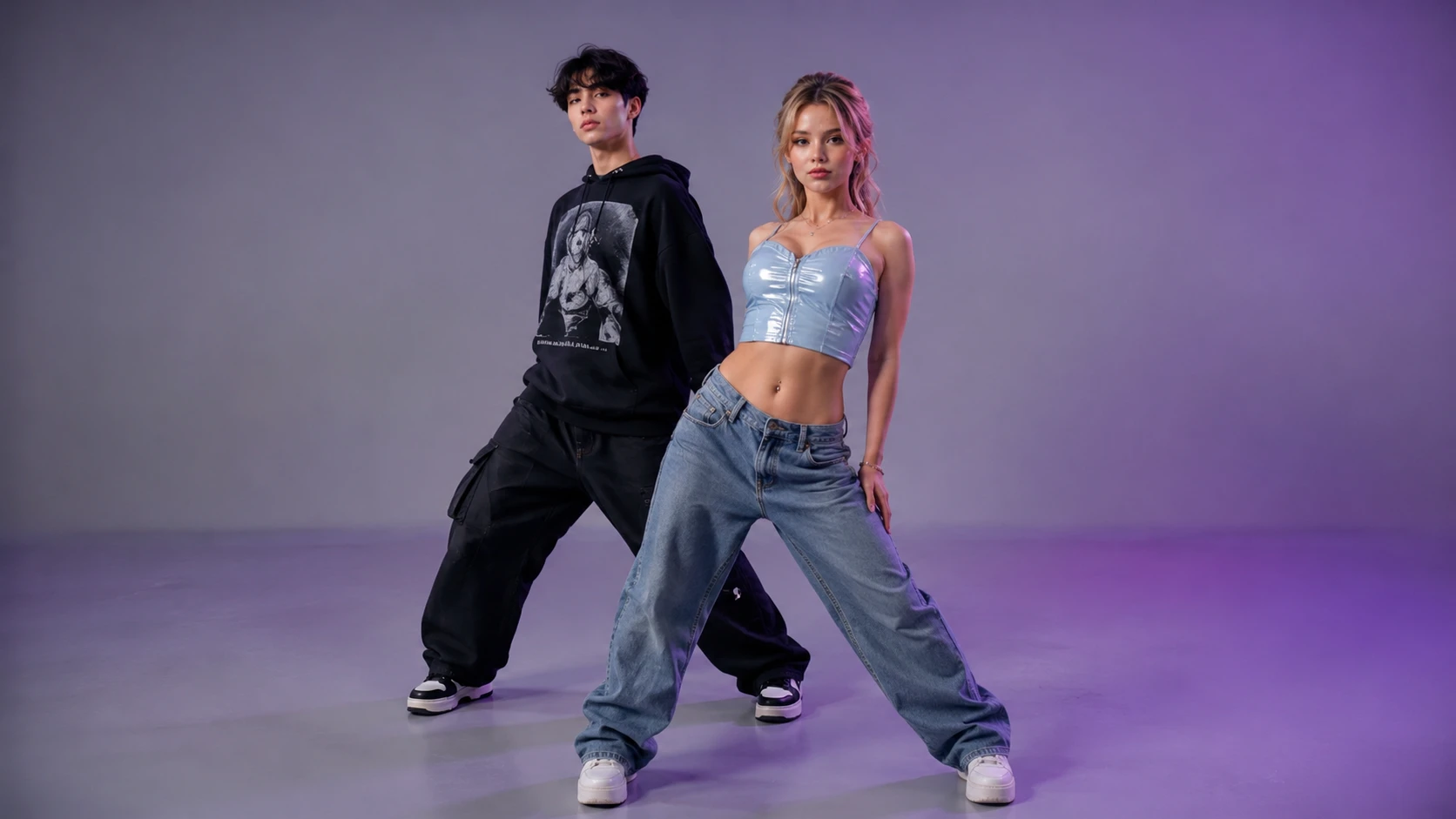
Tips for Better NEON Dance AI Results
Make Your Dance Video Look More Dynamic
Choose a Clear Character Image
Use a well-lit photo with a recognizable subject for your Michael Jackson AI Dance video. Avoid heavy blur, excessive filters, or objects covering important parts of the face and body. A clear image gives the generation process more useful visual information, although exact appearance consistency cannot be guaranteed.
Leave Room for Dance Movement
Dance animations involve moving arms, legs, and the upper body. Photos with enough space around the subject may work better for full-body movement than tightly cropped images. If the selected effect uses a fixed composition, follow its recommended image framing.
Use a Visually Distinct Subject
Clothing colors and character silhouettes can affect how clearly the dancer appears against a bright neon background. A recognizable outfit or distinctive character design may help the subject remain visually identifiable during movement.
Pay Attention to Neon Lighting
Neon visuals often combine saturated colors with darker surroundings. When reviewing the generated result, check whether the lighting enhances the subject or makes important details difficult to see. Balanced contrast can help create a more readable and appealing dance video.
Review Motion Consistency
Watch the entire video rather than judging the result from a single frame. Pay attention to facial consistency, hands, footwork, body proportions, and the relationship between the dancer and the background. AI-generated motion can vary between results, particularly during fast turns or complex movements.
Match Your Video to the Platform
Before publishing, confirm that the video's aspect ratio and length suit your intended platform. Short-form dance content often benefits from a clear subject, a recognizable opening visual, and a composition that remains easy to understand on mobile screens. Add captions, transitions, or licensed audio in a separate editor if needed.


Loved by Creators Worldwide
Real feedback from designers, marketers, and hobbyists sharing their PicLumen experience on Trustpilot.
 Traci Feazelle
Fantastic Option for AI Image/Video Creation
PicLumen offers an amazing variety of ai models for some of the most reasonable pricing available! The app layout also affords ease of use.
 Crispee
Easy to use.
Easy to use. Great layout love it!
I recently had some technical issues…
I recently had some technical issues that I was trying to work through, so I reached out to the team at PicLumen for support. They were incredibly open, responsive, and willing to discuss the challenges I was experiencing. I even sent them a video demonstrating some of the issues I came across, and they took the time to review everything carefully and work toward finding solutions. What really stood out to me was how friendly, approachable, and collaborative they were throughout the process. I never felt like I was just submitting a problem ticket — it felt like they genuinely cared about improving the experience and helping users succeed. I truly enjoy using the platform and appreciate the level of support and dedication behind it. I would absolutely recommend PicLumen to anyone interested in this type of creative work.
 Alexsander Luís
cool it's a good ai creator but create…
cool it's a good ai creator but create imagens for cinema
Menu LawrenceVery fantastic app
Very fantastic app. I love it. I will like everyone to use this App
ZaraPiclumen still remains the best…
Piclumen still remains the best with image references. I don't have any complains using Piclumen. It makes my work easier
Best app i have ever seen
Best app i have ever seen
Danial DaoudGreat customer support
It's easy to use, they have different AI models, good prices, and a nice community page. I contacted them regarding a bug issue and wasn't expecting much tbh. But they responded within a few hours and hade the issue fixed immediately! Great customer support!
Very Best App For AI Vedioea
Very Best App For AI Vedioea
 Ava Athel
Quite good quality on this website
Quite good quality on this website
 Alexander Sorto
It's highly recommended for creating…
It's highly recommended for creating fantastic, high-quality images. I'm very happy to have PicLumen in my life.
 PrintWiz Designs
All in one platform
I love it as it become more sn all in one platform , great generations, high value , generous free plan ....
Frequently Asked Questions
What Is a NEON Dance Video?
A NEON Dance video is a dance-focused clip featuring bright neon lighting, glowing visual accents, and energetic movement. Common styles include futuristic stages, cyberpunk environments, nighttime streets, and colorful dance floors. AI-generated versions use image or video generation technology to create dance-inspired animations.
What Is the NEON Dance AI Trend?
NEON Dance AI refers to a style of AI-generated dance content featuring animated subjects in glowing, neon-inspired environments. Related effects appear in AI video tools and short-form video templates. The term describes a broad visual style rather than one universally defined choreography or song.
How Can I Create a NEON Dance AI Video with PicLumen?
Open PicLumen's NEON Dance effect, follow the image input instructions, and upload a suitable character photo. Generate the video using the available workflow, review the resulting animation, and download it when you're satisfied.
Can I Turn a Photo into a NEON Dance Video?
An image-based NEON Dance workflow can use a still photo as the starting point for an animated dance scene. Choose a clear image of the intended subject and follow the input requirements shown in PicLumen.
Do I Need to Know How to Dance?
No physical dance performance is needed for an image-based AI dance effect. The animation is generated digitally, so you can explore dance-inspired videos without recording yourself performing the choreography.
What Kind of Photo Works Best for NEON Dance AI?
A clear, well-lit photo with one recognizable subject is a useful starting point. Full-body images may provide better references for visible dance movements, while heavily cropped or obstructed images can make motion generation more challenging.
Can I Use NEON Dance Videos for TikTok and Instagram Reels?
You can prepare NEON Dance clips for TikTok, Instagram Reels, YouTube Shorts, and other platforms, subject to their technical requirements and applicable rights. Check the exported format, music permissions, and AI-content labeling rules before posting.