
GPT 6: What’s New for AI Writing and Creative Work
Explore GPT 6's advances in reasoning, image understanding, and written communication. See how these capabilities apply to creative briefs, visual prompts, and everyday content—and start working on your own ideas with PicLumen’s AI text generator.
Hot Video Effects
Turn your photos into fun dance clips, surprising transformations, and shareable moments with trending AI video effects.
Explore What GPT 6 Brings to Your Creative Brief
More Context for Complex Writing Tasks
A useful draft needs to account for the audience, purpose, tone, and details in your brief. GPT 6 combines advanced reasoning with text and image understanding, while the Sol and Luna models introduce clearer communication with less jargon and fewer unnecessary details. These capabilities are relevant when you need to organize a complicated request, explain a visual idea, or develop content within a specific structure.
Develop Detailed Visual Prompts
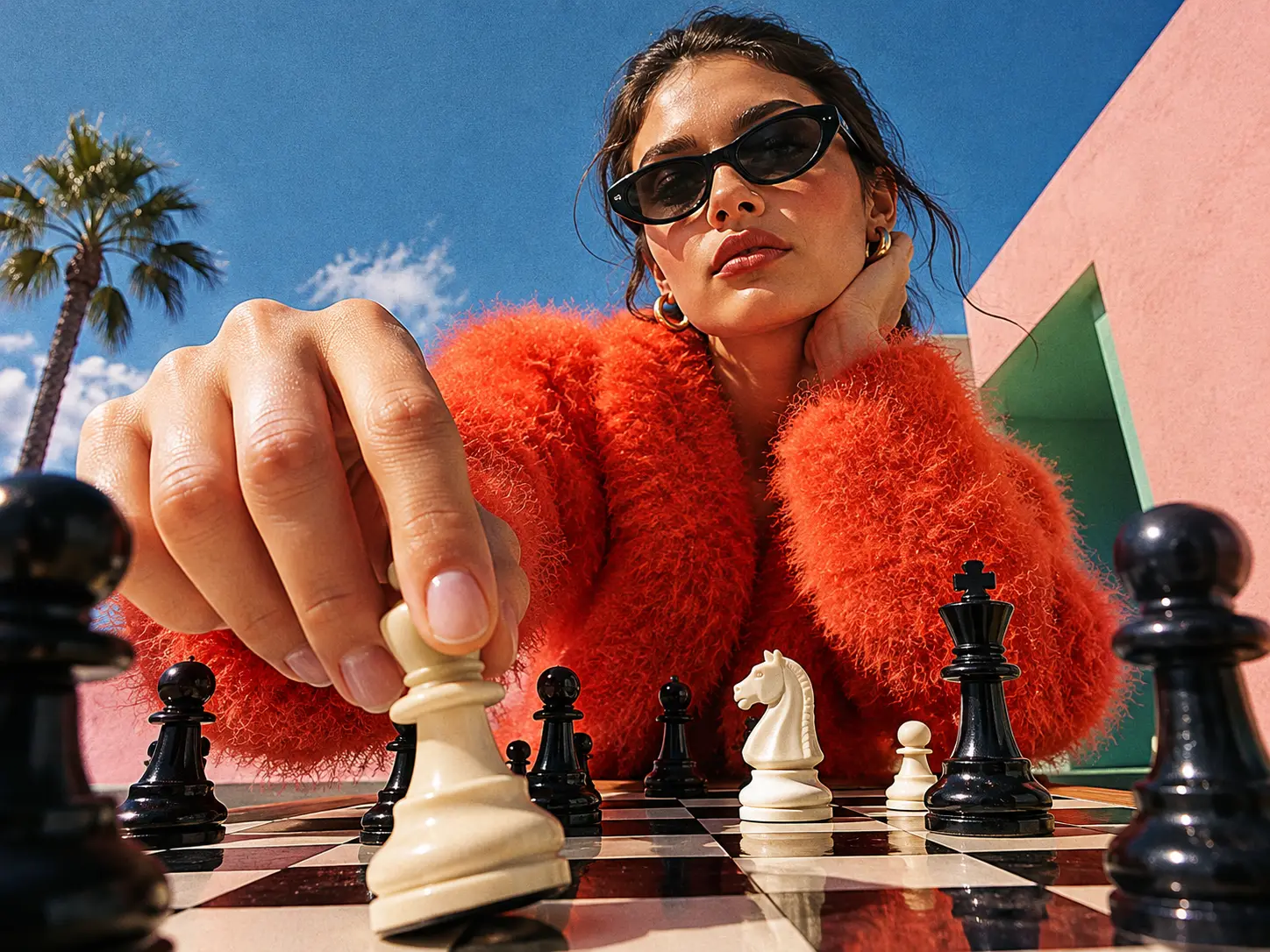
A strong visual prompt describes how the scene should look and unfold. Text generation and image understanding can help develop a concept into instructions for the subject, setting, lighting, and composition. For video prompts, the brief can also cover movement, camera direction, and the order of events.
Build Copy around a Product Brief
Product copy needs to connect the details of an item with what customers care about. Use a brief that includes the product, audience, offer, and sales channel to explore descriptions, headlines, captions, and campaign angles. Add approved product facts and a writing sample to give the draft a clearer direction.
Organize Scripts before Production
A script has to fit both the message and the available time. Develop a short concept into an opening hook, scene sequence, dialogue, or voiceover. Specifying the duration, key points, and intended audience helps shape a draft that is easier to review before filming or generating the video.
Revise Text with Specific Instructions
A draft may need a tighter opening, simpler wording, or a different structure. Identify the passages that need attention and explain what must remain. Focused instructions make it easier to explore another version while retaining the facts, terminology, and ideas you want to keep.
How to Create AI Text on PicLumen
Step 1 Open the AI Text Workspace
1Go to PicLumen AI Text and select an available text model. The workspace currently supports GPT‑5.4.
Step 2 Describe What You Need
2Enter an idea, creative brief, or draft you want to revise. Include the audience, tone, format, and target length, along with any details that need to appear in the result.
Step 3 Add a Reference Image
3Upload an image when visual context matters. Ask for a scene description, product caption, or generation prompt, and explain which details you want the text to focus on.
Step 4 Send and Review
4Click Send to generate your text. Review the result, copy the parts you want to use, or adjust your instructions to explore another version.


Loved by Creators Worldwide
Real feedback from designers, marketers, and hobbyists sharing their PicLumen experience on Trustpilot.
J. BlaineRegular PicLumen user experience
I've been using PicLumen since late summer 2024 and I've generated several thousand images, mostly image-to-image. There were 2 minor technical glitches in that period of time. In the first one, my library didn't load but after logging out and logging in again later that day I found my library back. The second glitch- the remixing and outpainting stopped working. I contacted the support team and the issue was fixed the next day. I also requested PicLumen to provide a PayPal payment method when they switched to subscription - and they listened and responded to my request. I appreciate their responsiveness and customer service. In my communication with their support team, I found them professional and polite. My general impression is that this is a dynamic and collaborative team that is worth supporting!
A New TV Episodes Of Ninja Sweetie On…
A New TV Episodes Of Ninja Sweetie On Paramount+
amazing
amazing! this is just so good! WOWOW!!
 Scottie Grace
Very affordable and high quality
Very affordable and high quality
 Sara Frandsen
Excellent customer service
Excellent customer service! The support team was incredibly fast, polite, and helpful. They handled my request quickly and professionally without any hassle. It is rare to see such great and honest support these days. Highly recommended!
 Mubashir Ahmed
This web is very help and free
This web is very help and free
Best app i have ever seen
Best app i have ever seen
 Piye Chauhan
Nice app generate to google
Nice app generate to google
John CooperBest Ai image generating website
Best Ai image generating website
 AK Editing Zone
Nice ai image generation
Nice ai image generation
 Sheikh
very user friendly
very user friendly, easy to use.
madhu choudharybest for AI 3d
best platform for making ai generation and easy to use
Frequently Asked Questions
What Is GPT 6?
GPT 6 is a family of AI models developed by OpenAI. Its capabilities include reasoning, text generation, image understanding, and coding. The family includes models designed for different workloads, from demanding professional tasks to everyday requests.
Can I Use GPT 6 on PicLumen?
GPT 6 is not currently available on PicLumen. PicLumen AI Text supports GPT‑5.4, which you can use to create prompts, scripts, lyrics, marketing copy, and other written content.
What Is New in GPT 6?
GPT 6 brings advances in reasoning and professional tasks, alongside improvements in factual accuracy and communication. GPT‑6 Sol and Luna also emphasize clearer answers, less jargon, and fewer low-value details. The capabilities and performance vary by model.
Which GPT 6 Versions Are Available?
OpenAI has released GPT‑6 Astra, Sol, and Luna, followed by GPT‑6.1 Sol. Astra is designed for demanding work, while the other models offer different balances of capability, speed, and cost. GPT‑6.1 Sol is an upgrade to GPT‑6 Sol.
Can I Generate Text from a Product Photo?
Yes. Upload the photo in PicLumen AI Text and request a caption, description, or creative prompt. Add product information such as materials, dimensions, and features to help the writing include details beyond what is visible.
How Can I Make the Writing Sound More Like My Brand?
Provide a short example of your brand’s writing and describe the tone you want. Include preferred vocabulary, sentence length, and phrases to avoid. For marketing content, explain who the reader is and what you want them to do next.