AI Mockup Generator for Realistic Product Visuals
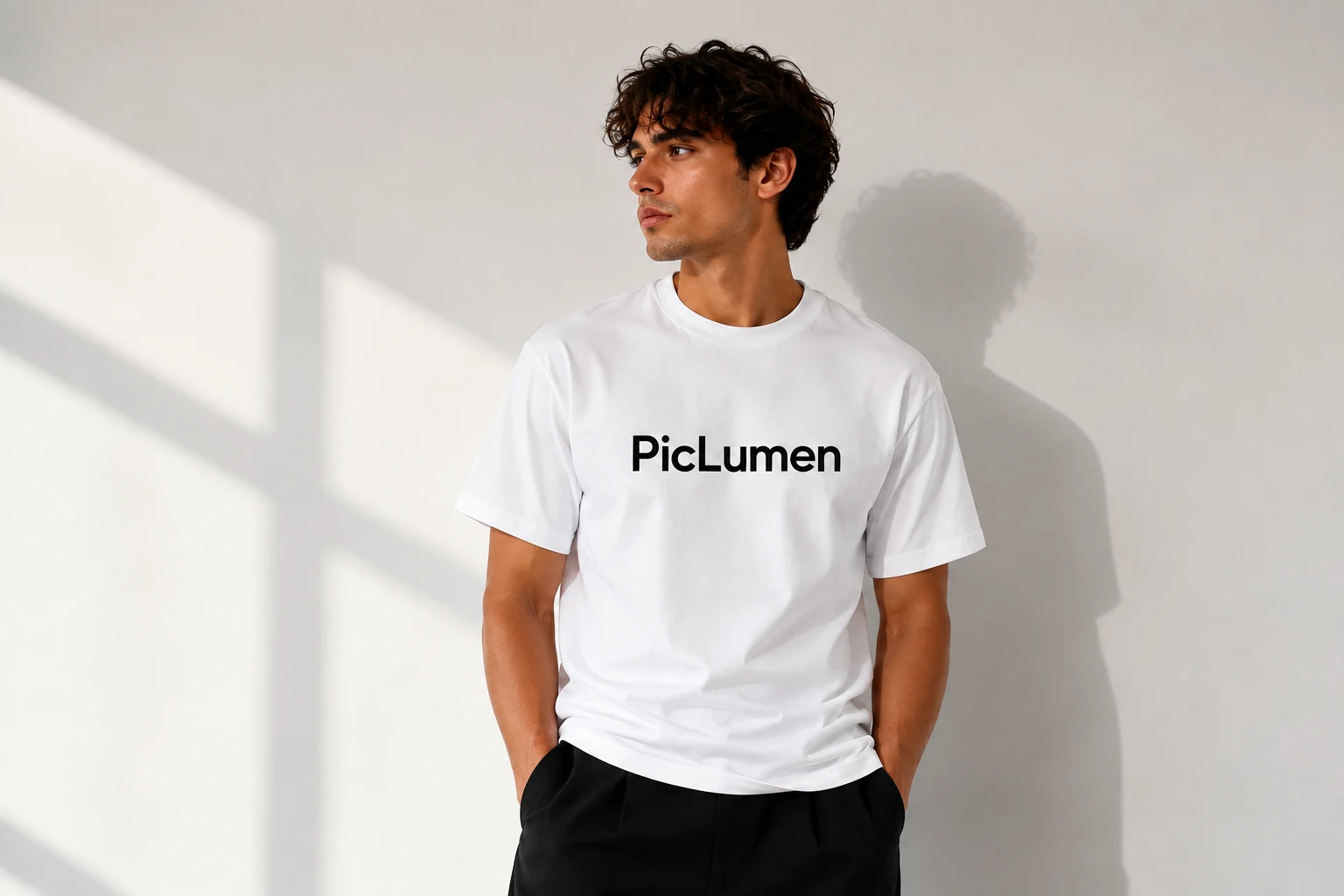
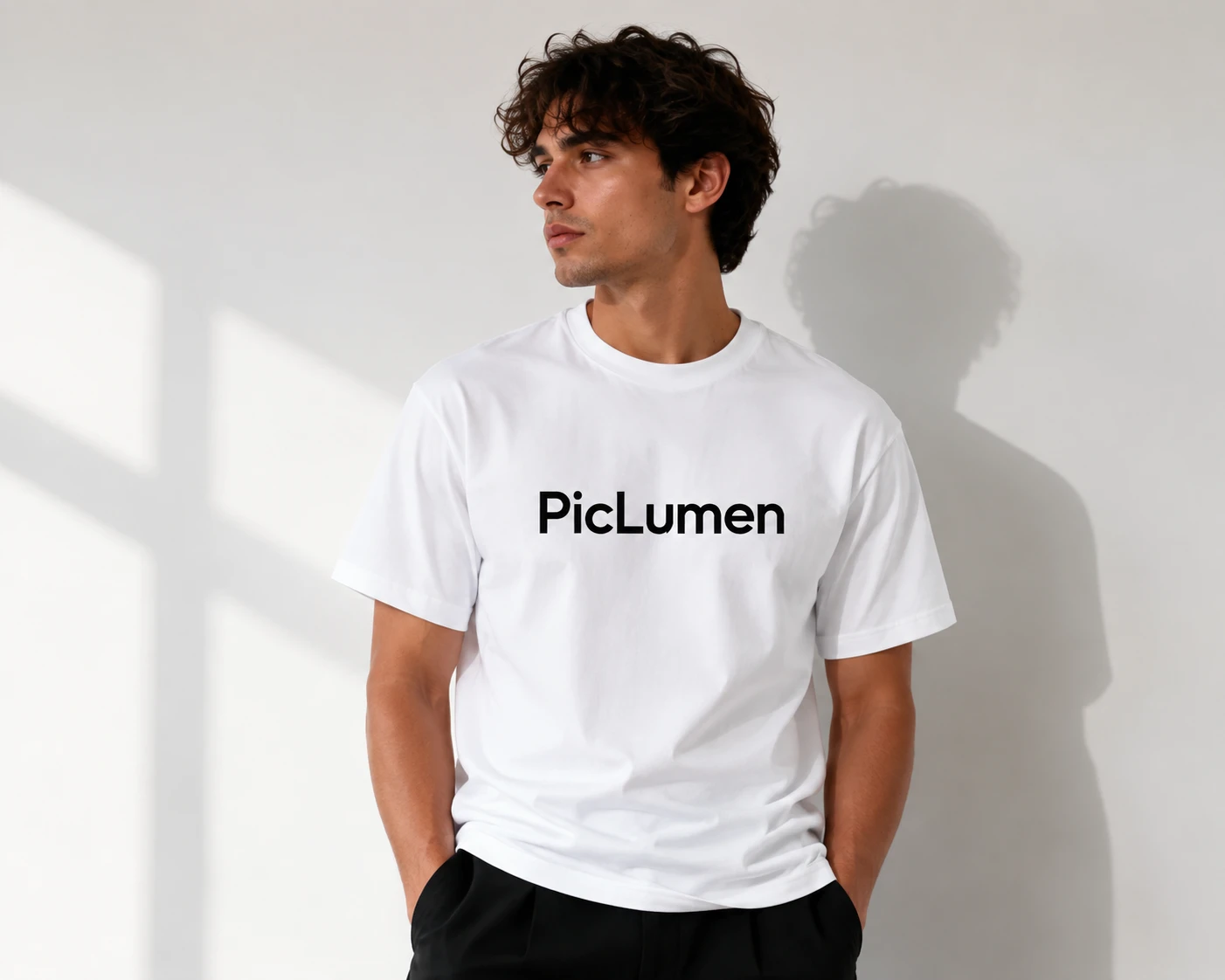
AI Mockups Across Industries
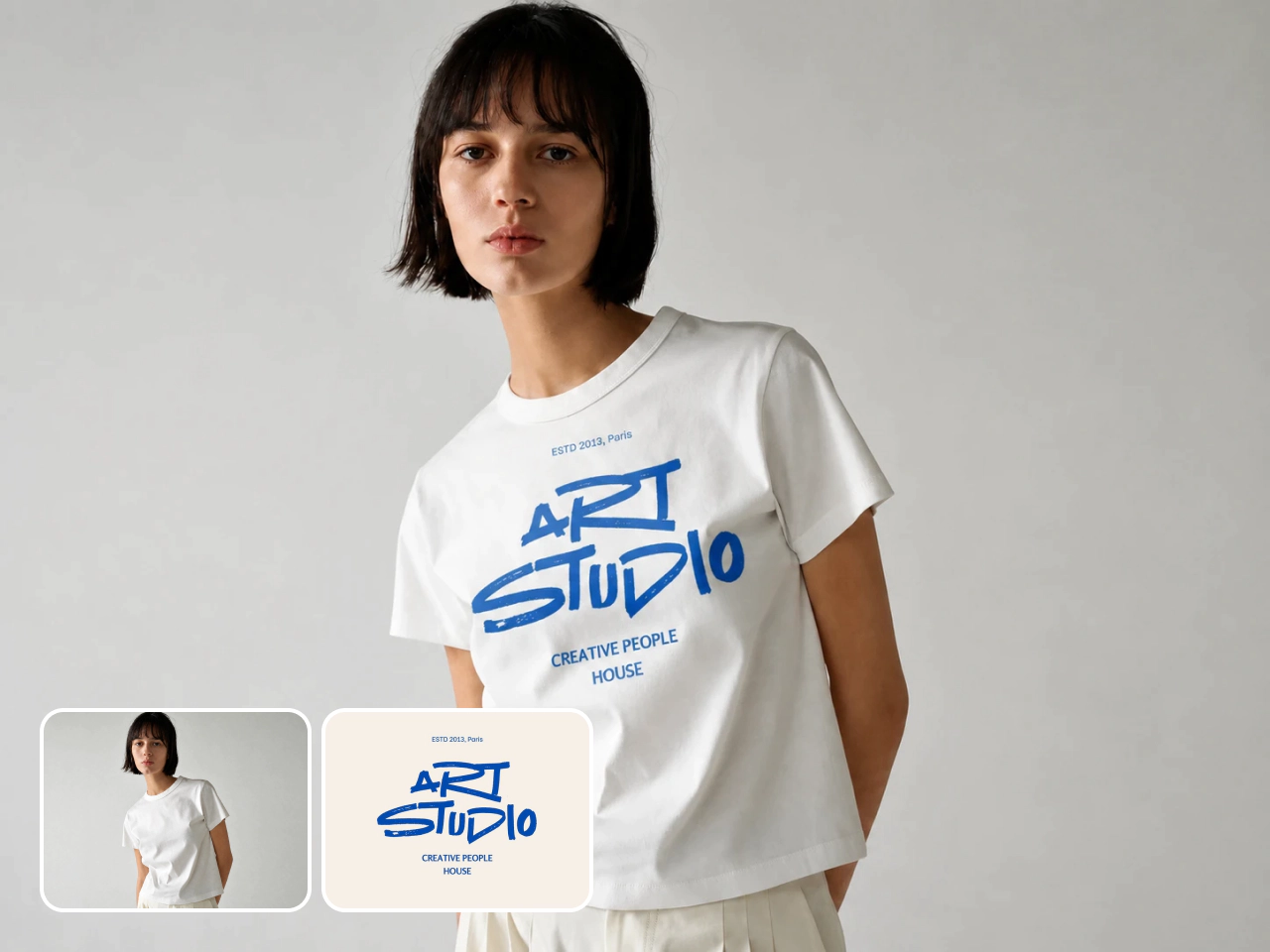
Apparel Mockups
Apply logos, artwork, or patterns to realistic apparel. See how each design follows the fabric, fit, and folds for a clearer view of the finished look.
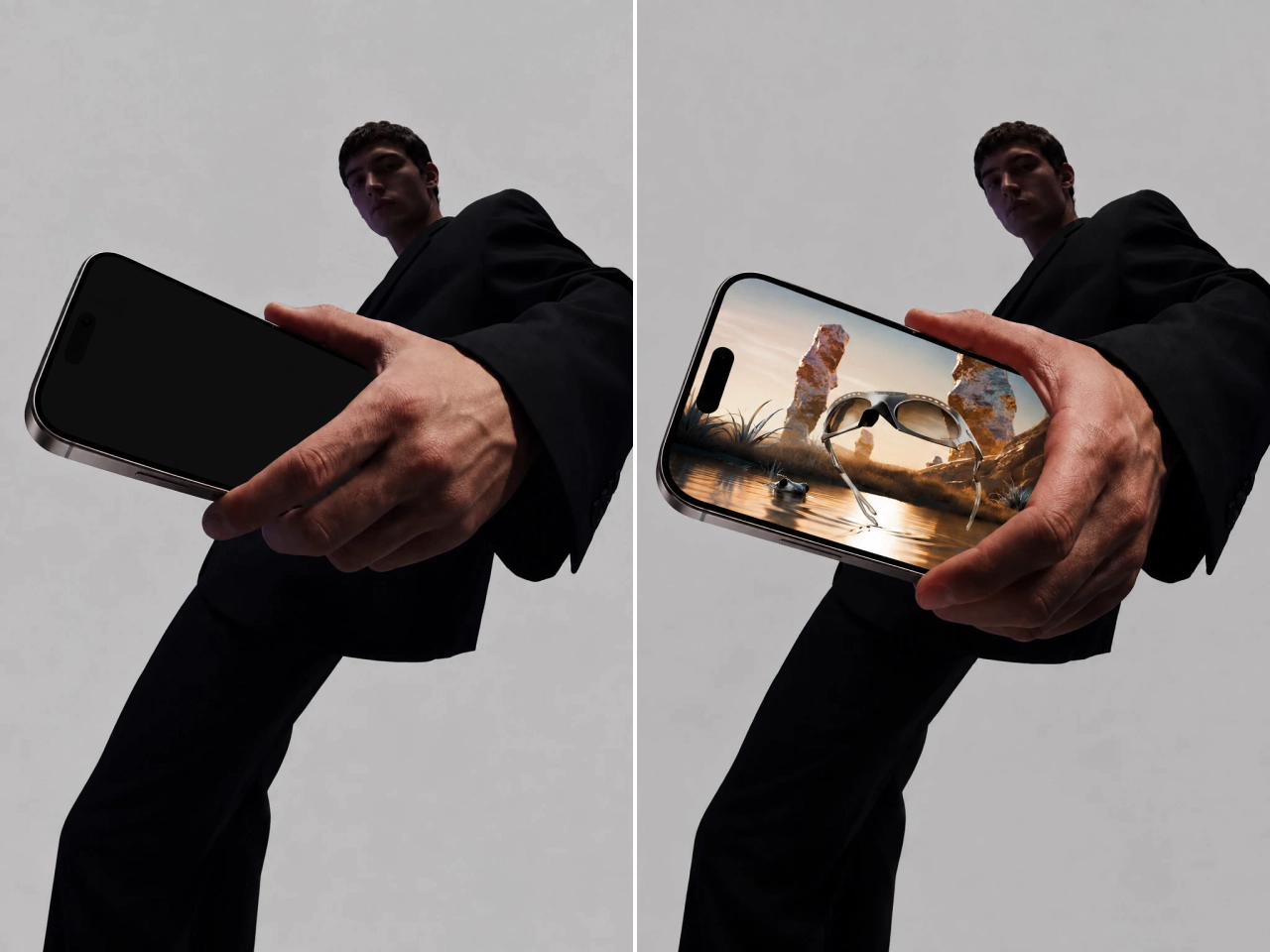
UI Mockups
Place app screens, website layouts, or interface designs on realistic devices. Show your UI with natural perspective and screen placement that makes the concept feel ready to present.
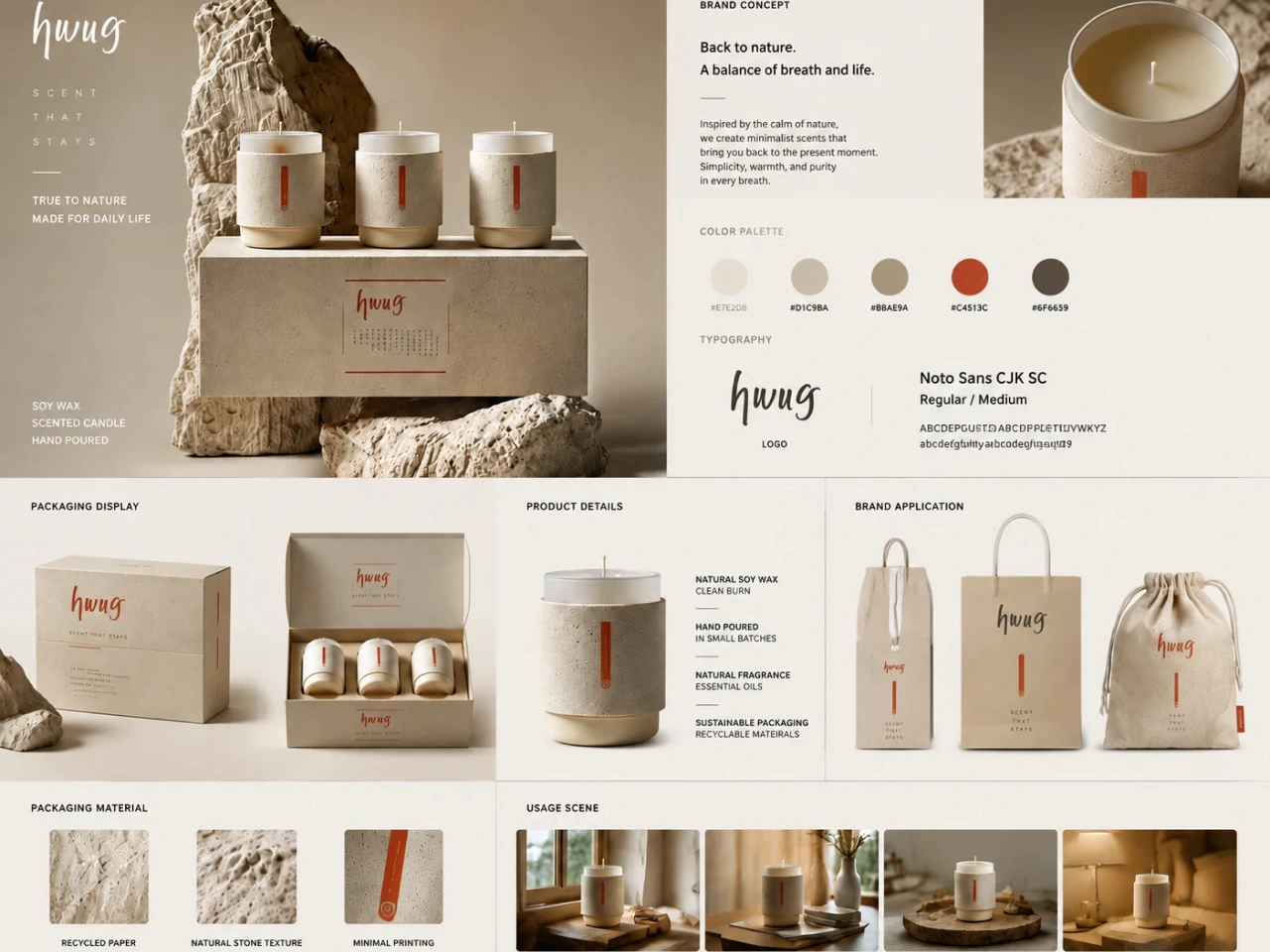
Packaging Mockups
Turn flat labels and artwork into realistic packaging visuals. See how your design works across boxes, bottles, bags, and a complete branded product line.
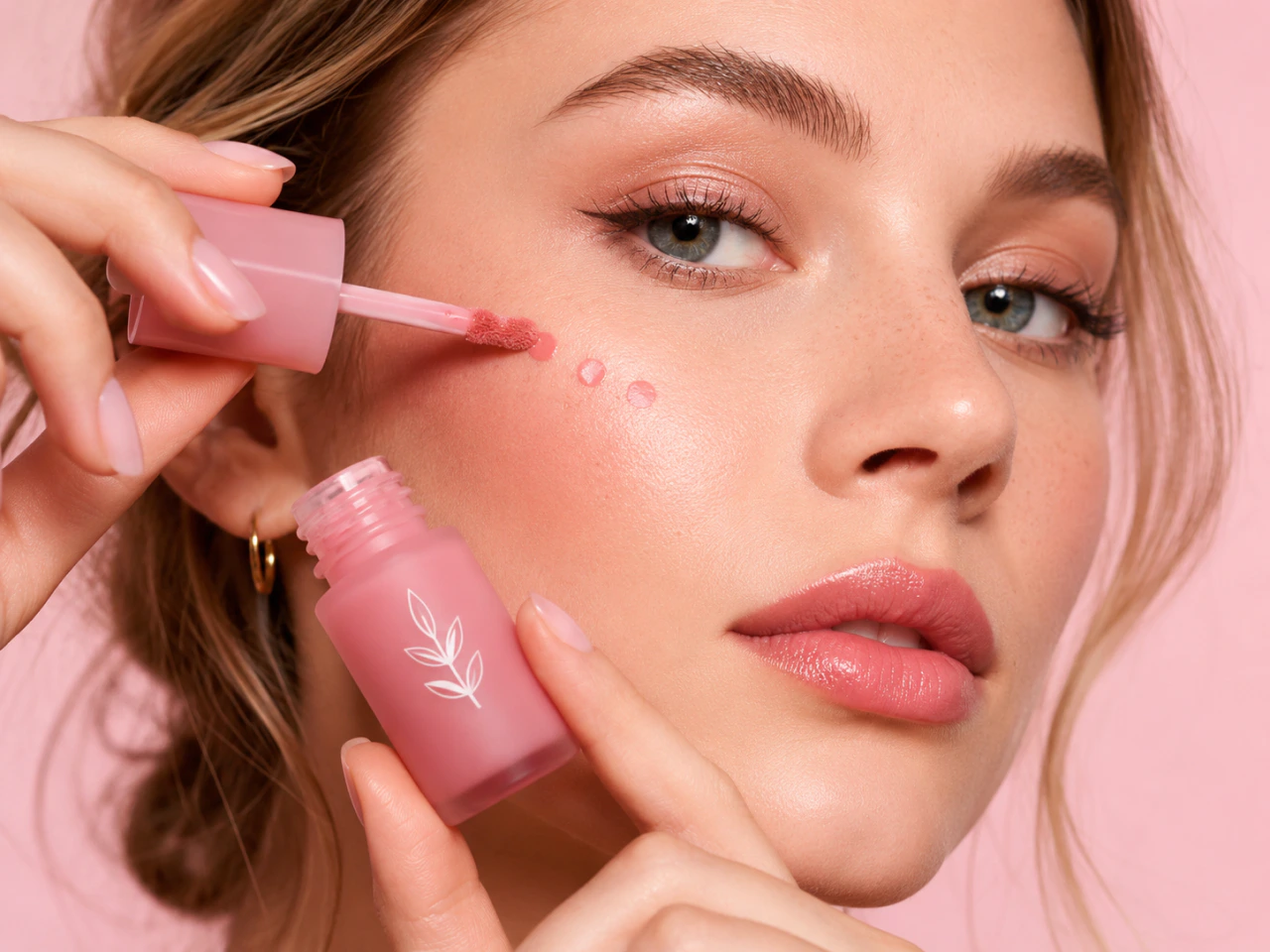
Realistic AI Mockups Without a Photoshoot
Turn a product image or simple idea into a polished, photorealistic mockup without arranging a traditional photoshoot. PicLumen’s AI mockup generator adds natural lighting, realistic shadows, and seamless product placement, helping your design look convincingly real. Preview how the finished product could look before manufacturing, presenting, or promoting it, and refine important details earlier in the creative process.
Keep Every Mockup On-Brand
With PicLumen, you control the look from prompt to final image. Set the colors, lighting, composition, and product details you want. Then carry the same direction across products and campaigns. The format can change, while your brand style stays consistent from one mockup to the next.
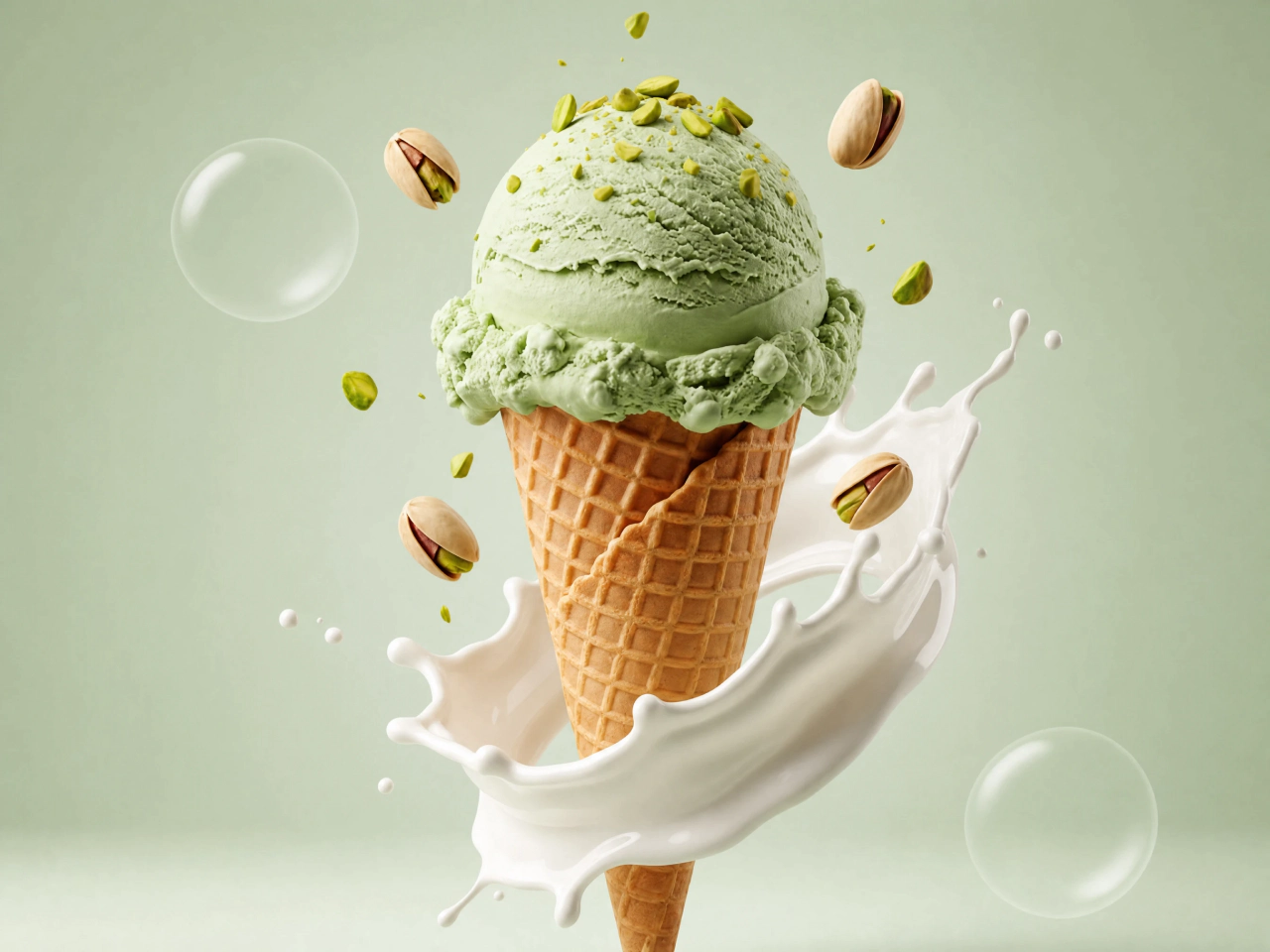
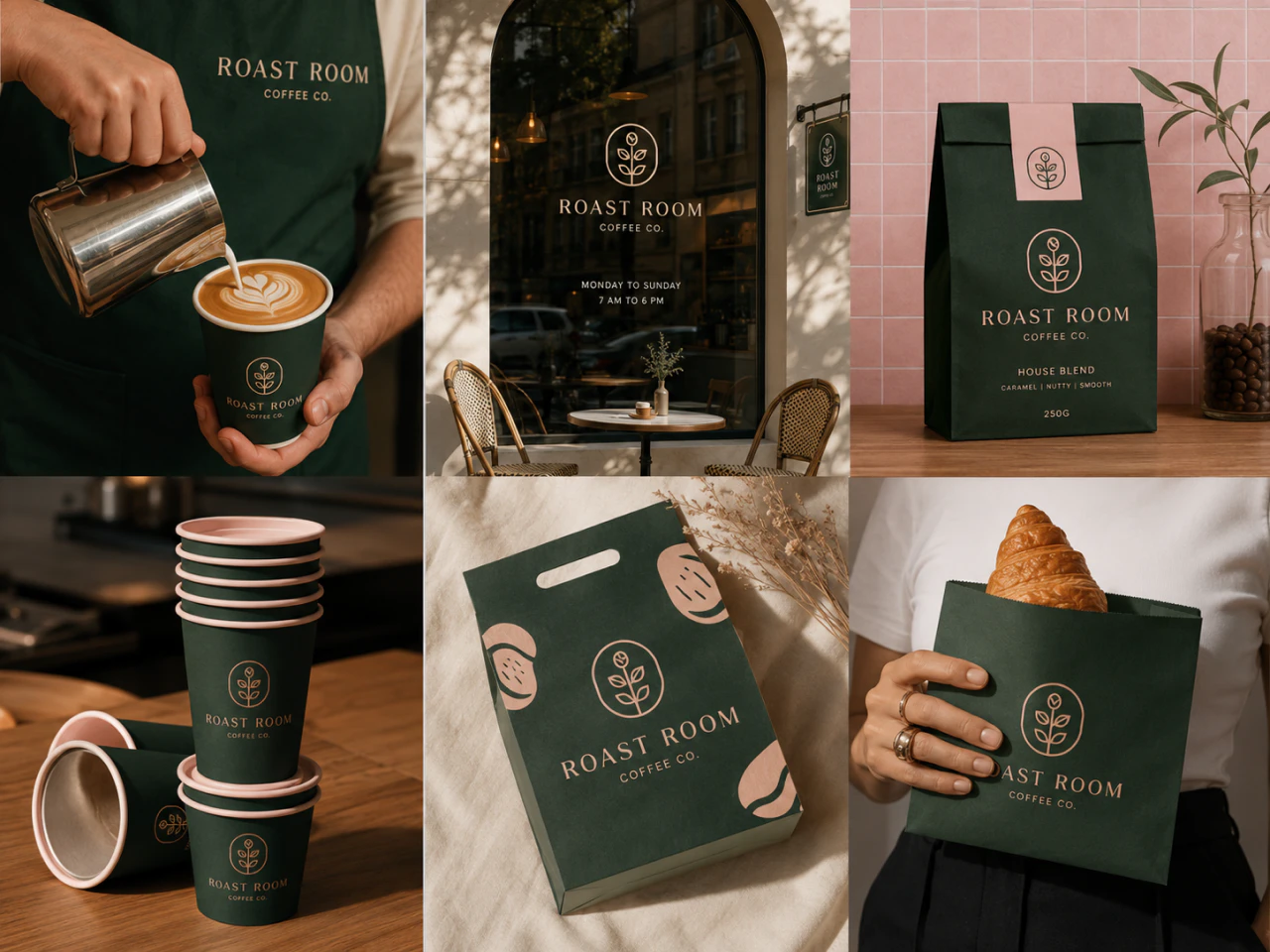
Create Mockup Collections for Your Products
Find a mockup that fits your idea, then make it your own. Choose a ready-made option and customize the product, setting, angle, and overall style to match your creative direction. Build a versatile collection of mockups for different projects while maintaining a cohesive look, without relying on generic stock templates or starting each design from scratch.
Multi-Shot Mockups That Cover Every Angle
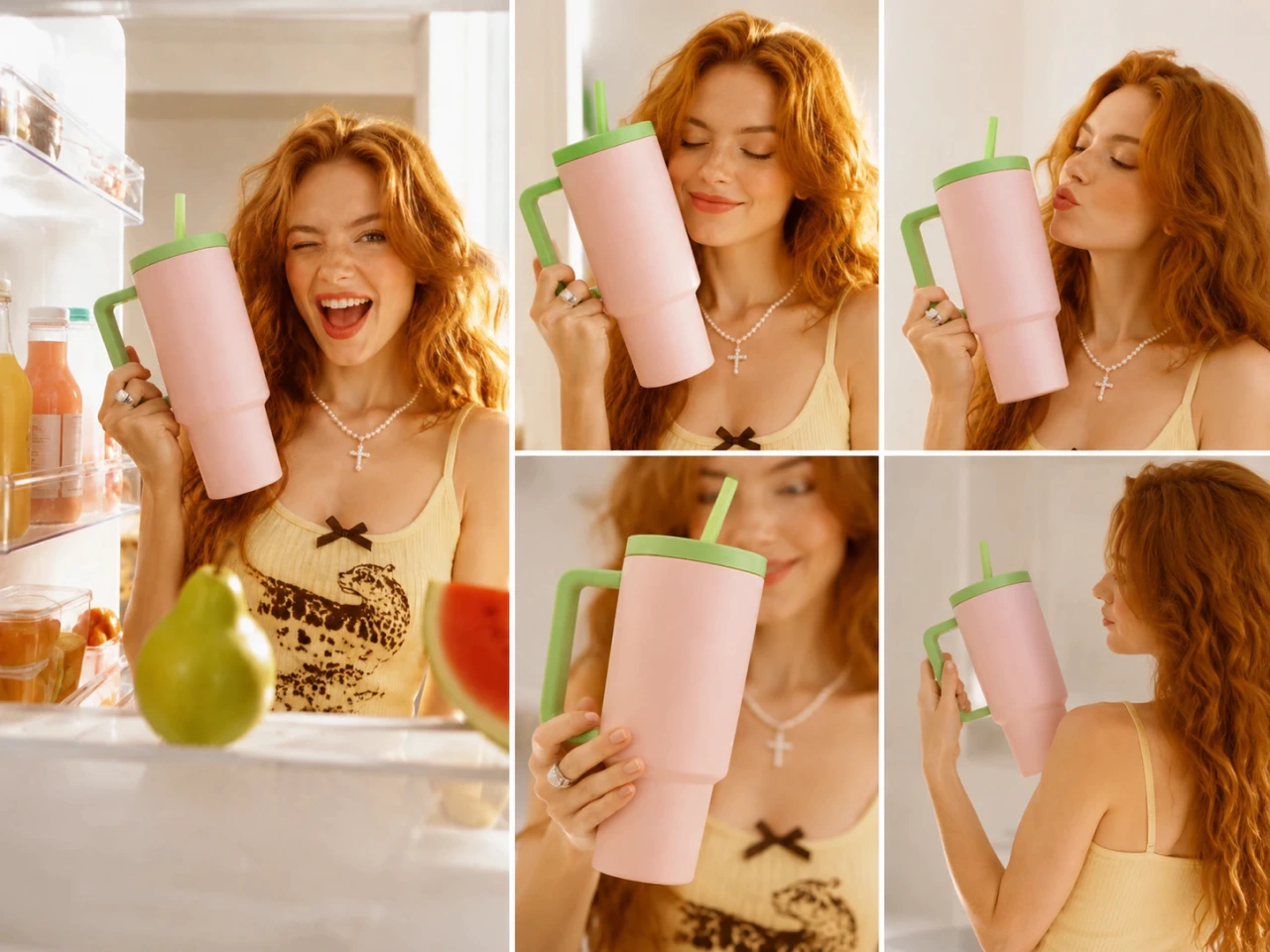
Create a complete set of product visuals in a single workflow. Multi Shot generates product images with coordinated angles, distances, and compositions while keeping the product identity and visual style consistent. Each image offers a useful new perspective, making it easier to highlight important details, tell a stronger product story, and build a polished gallery without planning a full photoshoot.
Animate Images Into Engaging Video Mockups
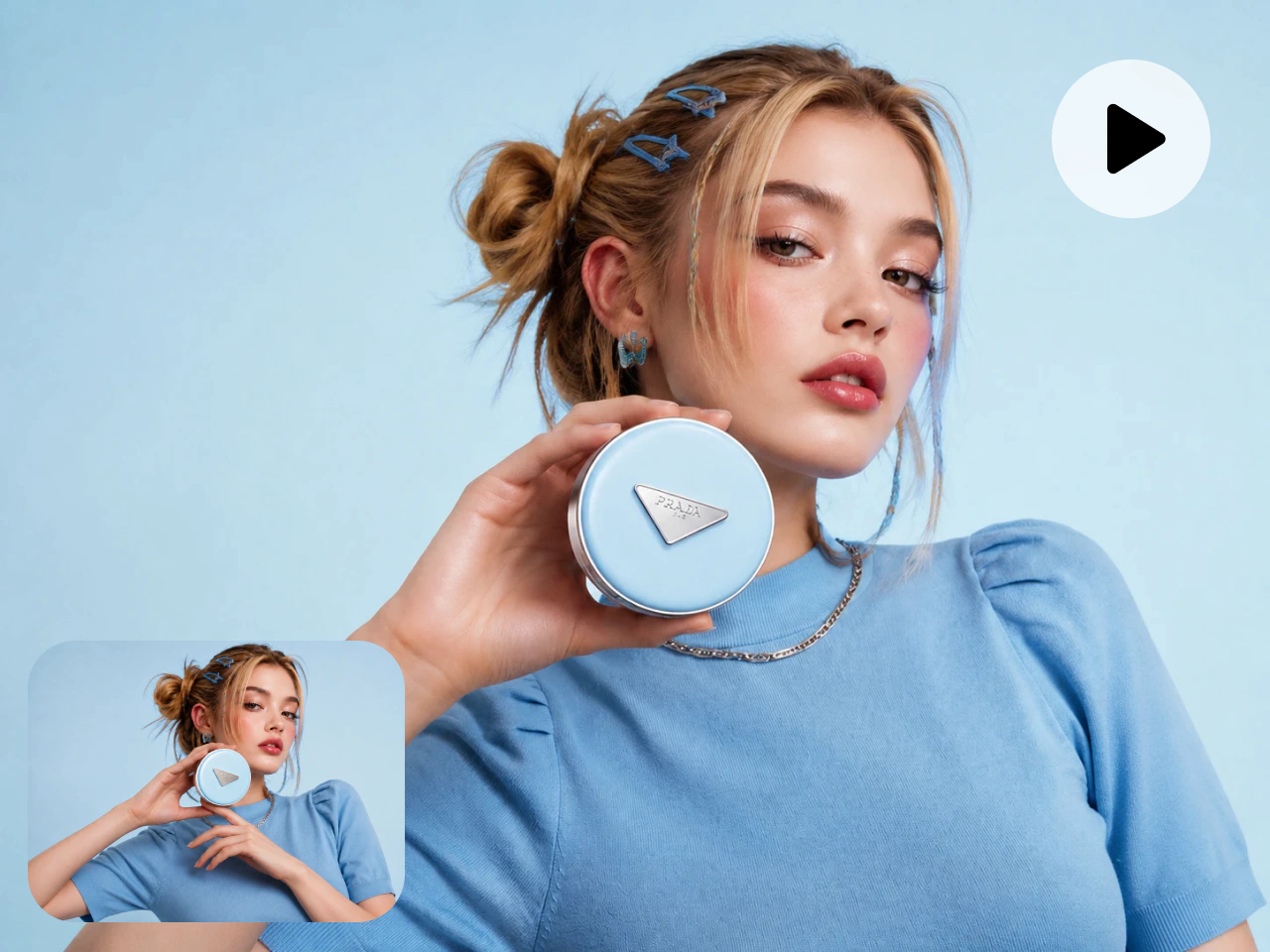
Use PicLumen’s image to video generator to turn a static mockup into a polished video. Add natural camera movement, product reveals, and smooth transitions without filming or complex editing. Your original design stays clear and recognizable as the scene comes to life, helping you create dynamic product content that communicates your idea quickly and captures attention from the first frame.
Create AI Mockups for Every Creative Need

Ecommerce Product Listings
Create polished product images for Amazon, Shopify, Etsy, and other ecommerce channels. Place products in realistic settings, highlight key details, and give shoppers a clearer view of what you offer. Build professional listings without arranging a separate photoshoot for every product.

Print-on-Demand Product Images
Preview designs on apparel, mugs, bags, posters, and other merchandise before printing. Create professional product images without ordering physical samples, making it easier to compare ideas, improve your presentation, and launch new designs faster.

Social Media Content
Create ready-to-post visuals for Instagram, TikTok, Pinterest, and paid campaigns. Explore new settings, styles, and creative variations while keeping production efficient and your brand visuals consistent across every post.

Brand Presentations
Turn logos, packaging designs, products, and campaign concepts into realistic presentation visuals. Help clients and stakeholders understand your ideas, provide more useful feedback, and approve creative work with greater confidence.

Digital Ad Creative
Turn product designs into polished visuals for digital campaigns. Develop multiple creative directions quickly, adapt them for different audiences or promotions, and test new ideas without producing every concept from scratch.

Website Visuals
Create professional product visuals for landing pages, banners, and online catalogs. Maintain a consistent look across your website without arranging a separate photoshoot for every product, collection, or page.
How to Create an AI Mockup
1 Describe Your Mockup
1Enter a text prompt describing the product, setting, visual style, camera angle, and lighting you want. A clear, detailed prompt helps the AI generate a mockup that better matches your vision.
2 Upload an Image (Optional)
2Upload a product photo, logo, artwork, or design to use as a visual reference. You can skip this step if you prefer to create a mockup using only a text prompt.
3 Customize the Settings
3Choose an AI model, aspect ratio, visual style, and other generation settings. Adjust these options based on where and how you plan to use the finished mockup.
4 Generate Your Mockup
4Click Generate to create your AI mockup. Review the results, download the version you prefer, or refine your prompt and settings to explore more variations.


Loved by Creators Worldwide
Real feedback from designers, marketers, and hobbyists sharing their PicLumen experience on Trustpilot.
Ai HackGreat tool
I would really recommend this website to content creation
Brijesh Chikhaliyavery good
very good , Excellent Experience
Love this app it helps my ideas come to…
Love this app it helps my ideas come to life
 Mubashir Ahmed
This web is very help and free
This web is very help and free
 Bohdan Lesyk
Great and fast
Great and fast, would be much better with some more free credits
It’s way easier to use then these other…
It’s way easier to use then these other apps
 DeeDee Mays
good app so much fun making photos of…
good app so much fun making photos of avatars
Aleks VishaGreat kompany in the world
Great kompany in the world
The best app in the place
The best app in the place
 Eli Kofsky
The images that come out are really…
The images that come out are really good.
 Adrienne Igo
I love PicLumen it is one of my…
I love PicLumen it is one of my favorite AI image generators!
 Hazard Lion
Best project in ai
Best project in ai , creating images 👌
AI Mockup Generator FAQs
What is an AI mockup generator?
An AI mockup generator turns text prompts or uploaded images into realistic visuals. It helps you present designs in real-world settings without creating physical samples or arranging a photoshoot.
What types of mockups can I create?
You can create mockups for apparel, packaging, devices, UI designs, printed materials, merchandise, ecommerce products, and more. The results depend largely on the detail in your prompt and the quality of any reference image you upload.
Can AI generate realistic product mockups?
Yes. AI can create realistic environments, lighting, shadows, materials, and product placement. Providing a clear prompt and a high-quality reference image usually produces more convincing results.
Can I create mockups for ecommerce listings?
Yes. You can create product visuals for Amazon, Shopify, Etsy, and other ecommerce channels. Showcase products in clean studio setups, lifestyle scenes, or branded environments.
Can I make print-on-demand mockups?
Yes. Preview artwork on T-shirts, hoodies, mugs, tote bags, posters, and other merchandise. This lets you evaluate designs and create product images for your store before ordering physical samples.
Can I generate packaging mockups?
Yes. Visualize designs on boxes, bottles, cans, bags, labels, and other types of packaging. Packaging mockups are useful for concept reviews, product launches, client presentations, and marketing campaigns.
Can I create UI and device mockups?
Yes. Upload a website layout, app screen, or interface design and present it on a phone, tablet, laptop, or other device. These mockups help display digital products in a more realistic context.
Can I customize the mockup background?
Yes. Describe the background, setting, colors, lighting, and mood in your prompt. You can create a simple studio backdrop, a branded environment, or a detailed lifestyle scene.
Can I turn an image into a video mockup?
Yes. Use the animation feature to transform a static mockup into a video with camera movement, product reveals, smooth transitions, or animated scene elements. Video mockups work especially well for ads and social media content.
Will AI preserve logos and text accurately?
Uploading the original design gives the AI a stronger visual reference, but small text and fine details may still change. Review all brand-critical elements carefully before publishing or printing your mockup.
Can I use AI mockups commercially?
Users on a paid PicLumen plan can use generated mockups for commercial projects, subject to PicLumen’s Terms of Service. Content created on the free plan is limited to non-commercial use.
Explore More Tools on PicLumen
- AI Design Generator
- AI Architecture Generator
- AI Garden Design Generator
- AI Book Cover Generator
- AI Clothing Generator
- AI Interior Design
- AI Movie Poster Generator
- AI Product Design
- AI Shirt Design Generator
- AI Sticker Generator
- AI Poster Generator
- AI Product Photo Generator
- AI Product Photography
- AI Business Card Maker
- AI Logo Generator
- AI Icon Generator