AI Product Photography: Create Studio-Quality Images in Seconds
Create professional product photos in seconds with PicLumen AI product photography. Generate high-quality ecommerce visuals, replace backgrounds instantly, create multiple product variations, and design studio-style product photography without expensive equipment or photoshoots. Perfect for Amazon sellers, Shopify stores, Etsy businesses, and social media marketing campaigns.
Instantly Change Product Backgrounds
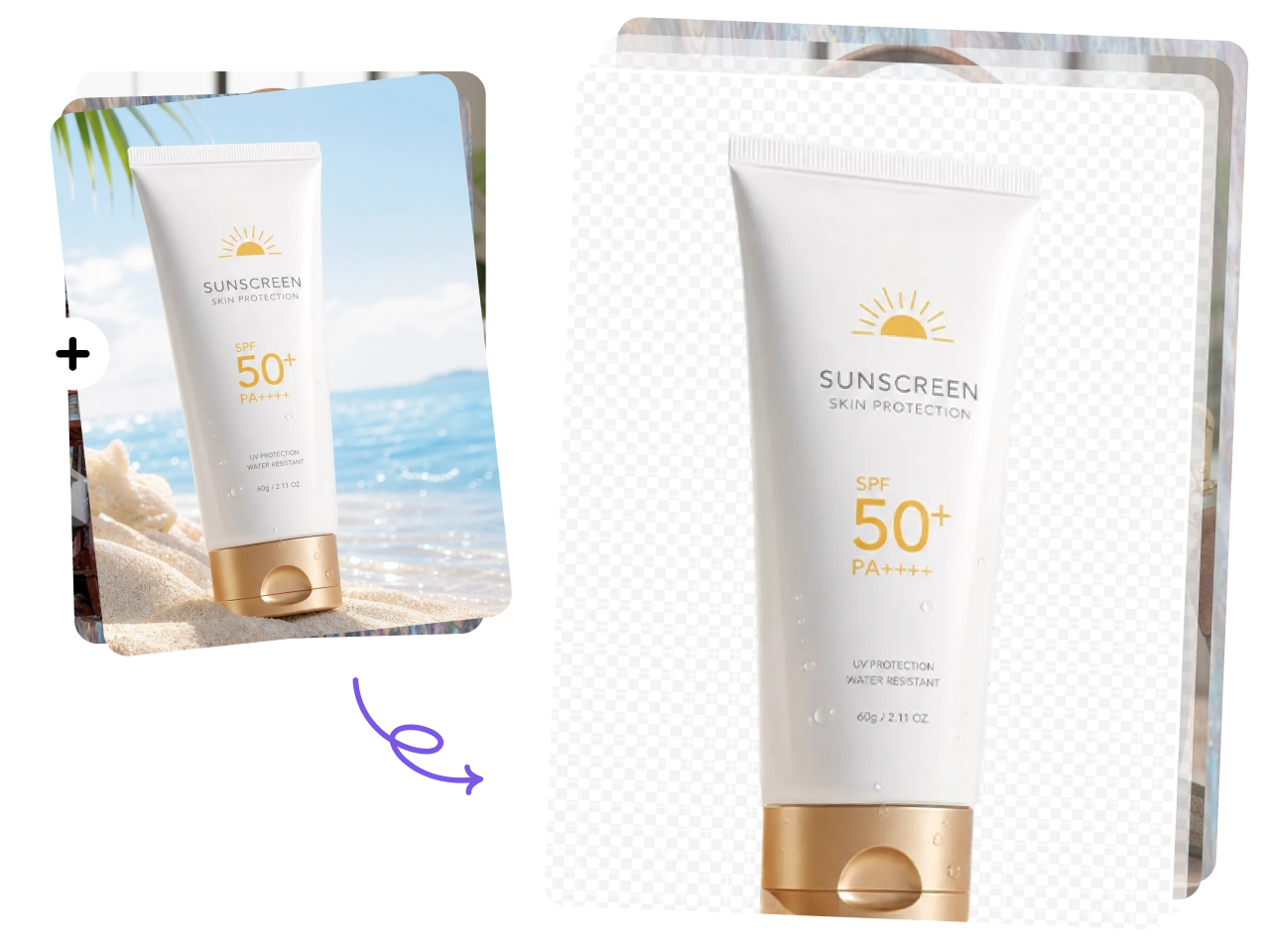
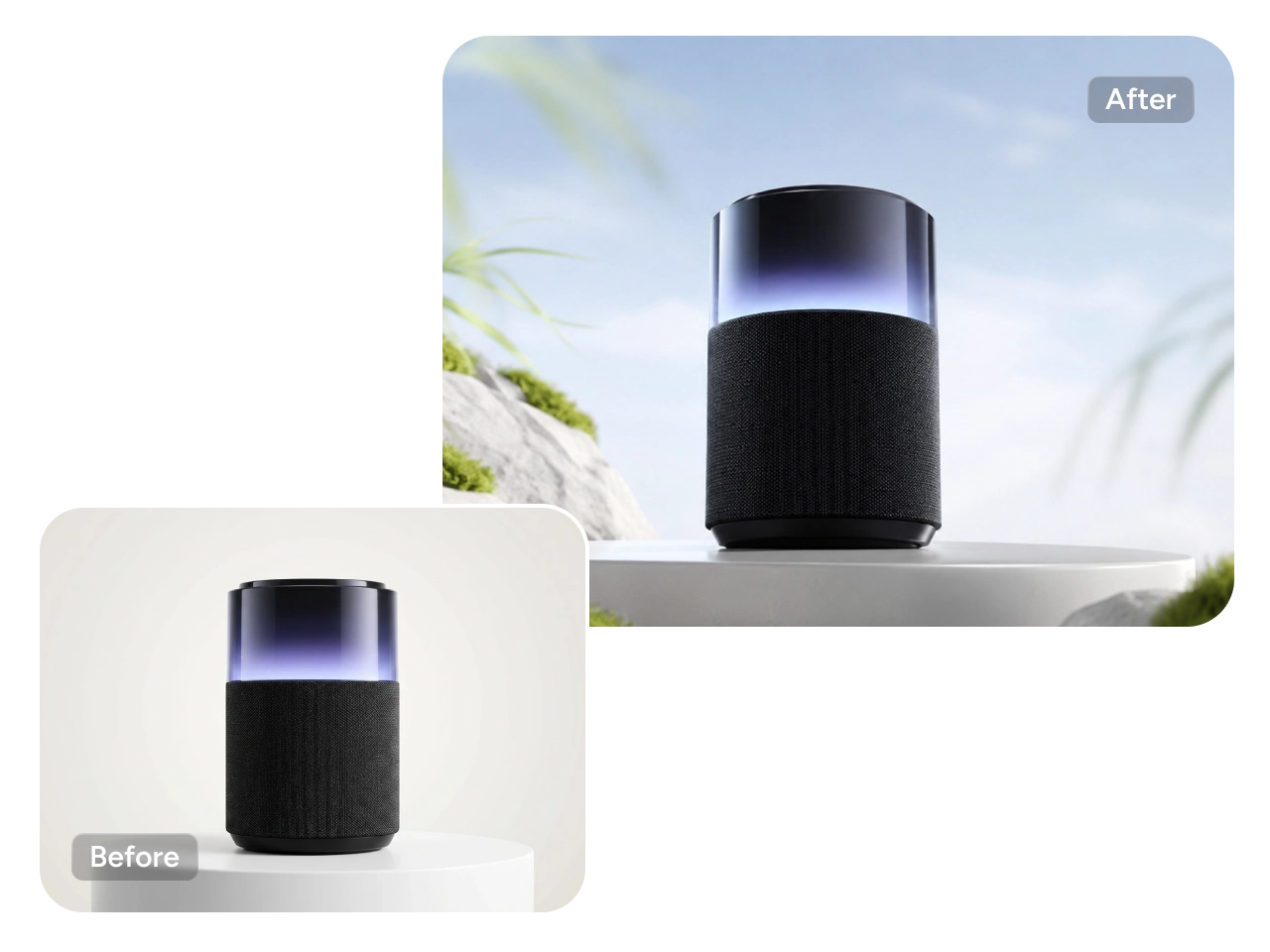
Replace product backgrounds with PicLumen AI image generator and create multiple visual variations in seconds. AI helps you generate clean studio backgrounds, lifestyle scenes, seasonal themes, luxury settings, or ecommerce-ready product photos without reshooting images.
Create Multiple Product Variations Fast
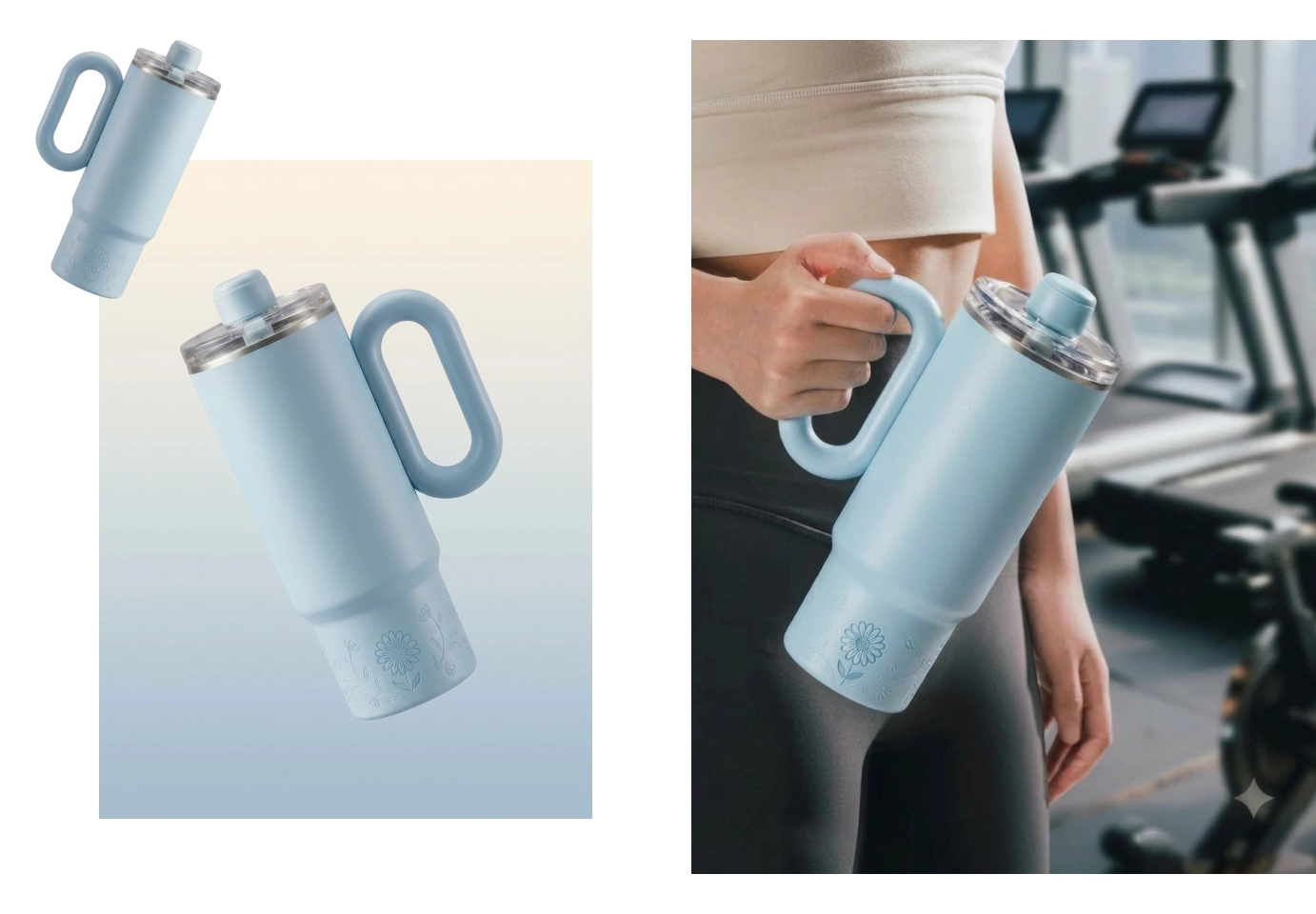
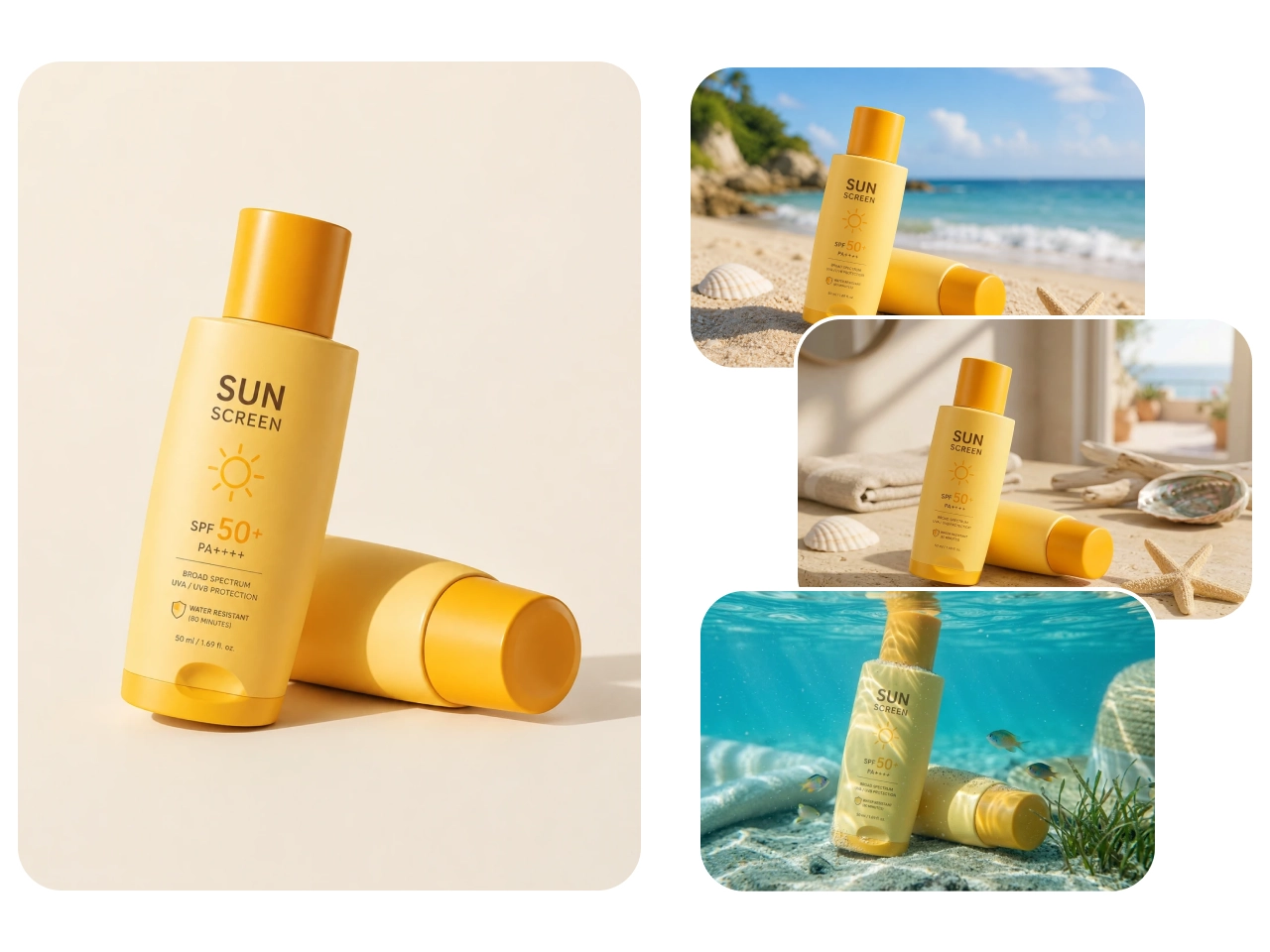
Generate multiple product image variations from a single product photo or concept. Easily explore different lighting setups, camera angles, colors, compositions, and promotional styles without organizing additional photoshoots.
AI Fashion Models and Clothes Changer
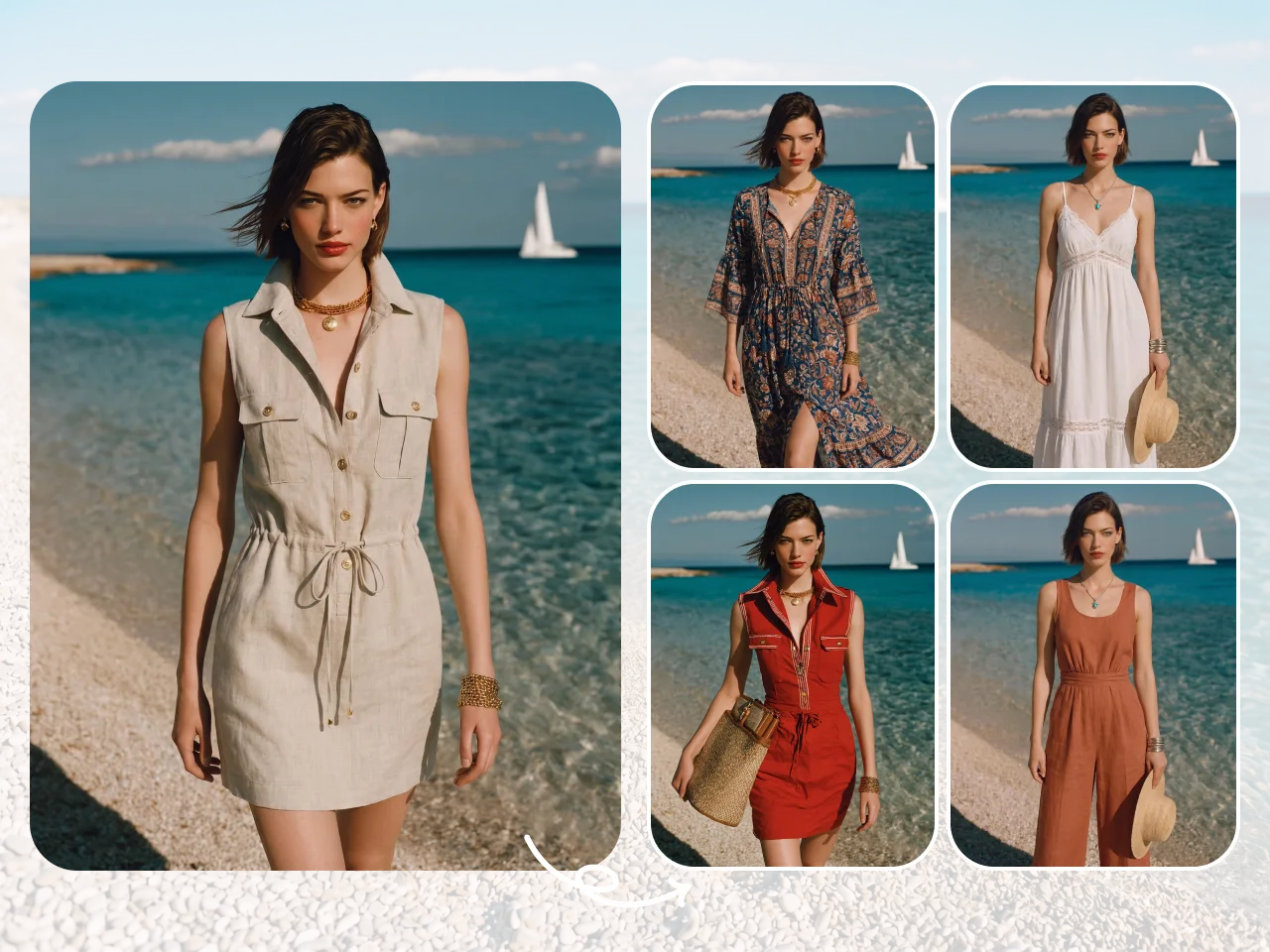
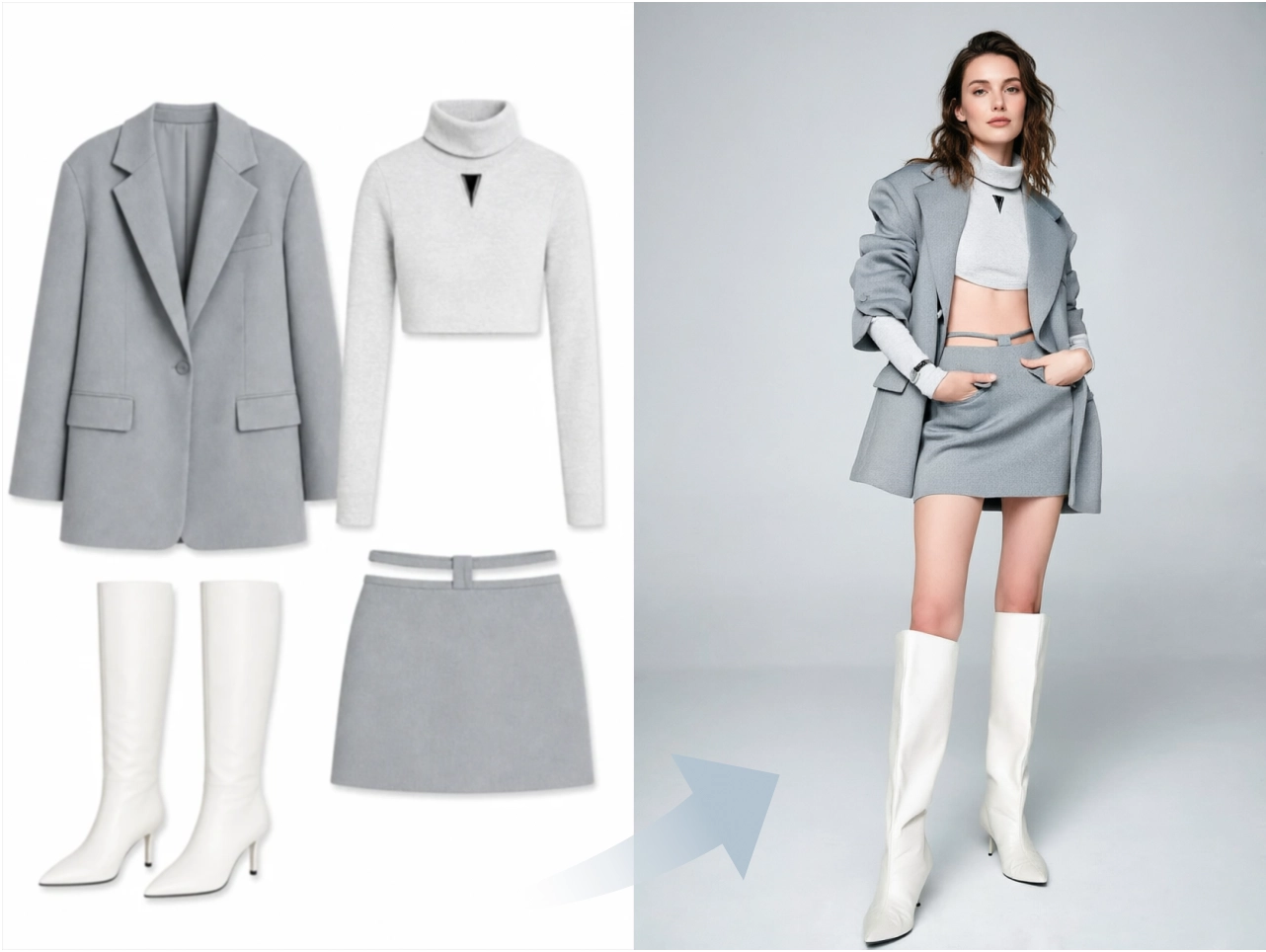
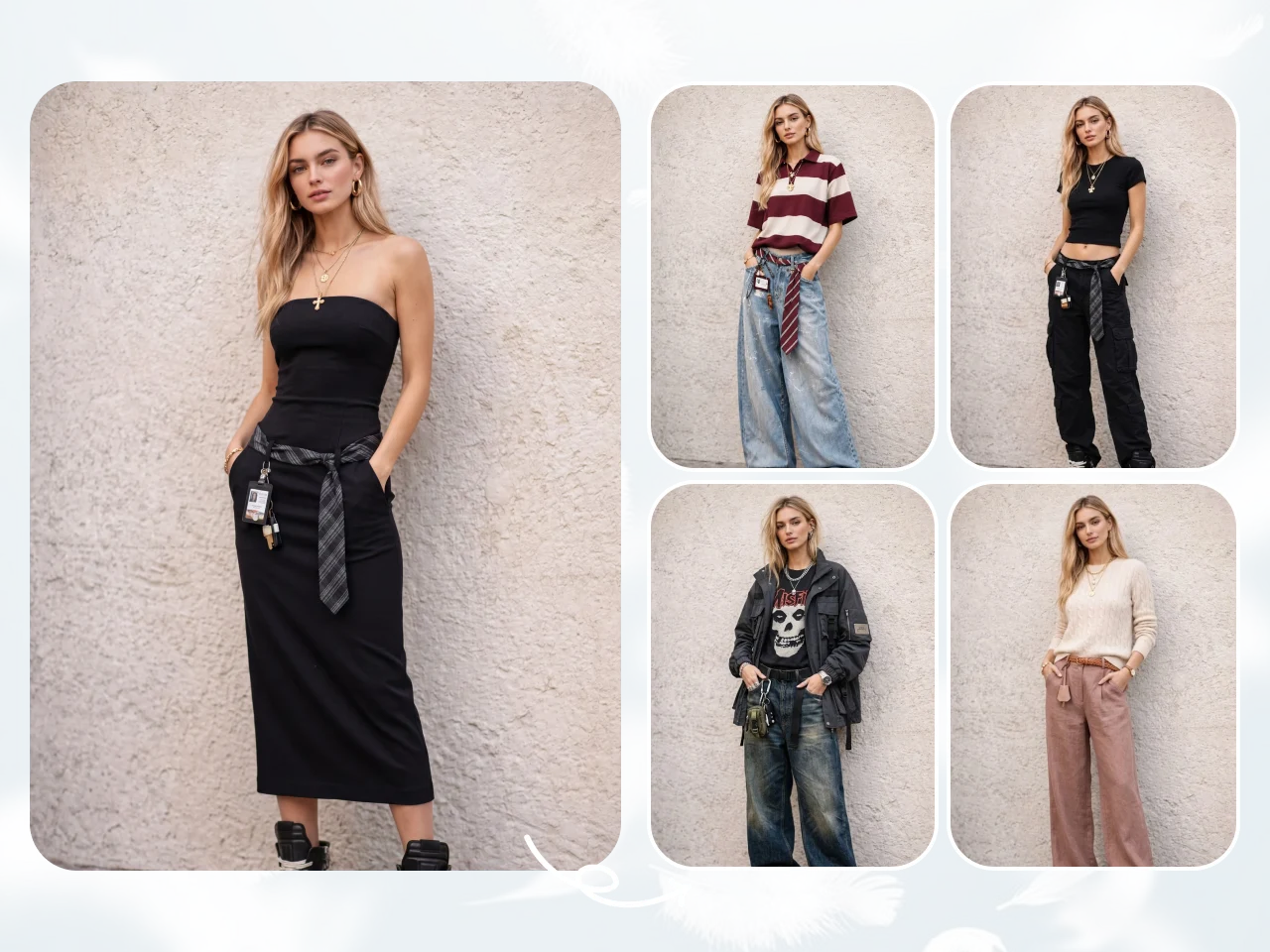
Create realistic AI fashion model photos for clothing brands, ecommerce stores, and social media campaigns without hiring models or organizing expensive shoots. With PicLumen advanced AI clothes changer, you can instantly swap outfits, generate different fashion styles, and visualize products on diverse AI-generated models.
Create Professional Product Photos Affordably
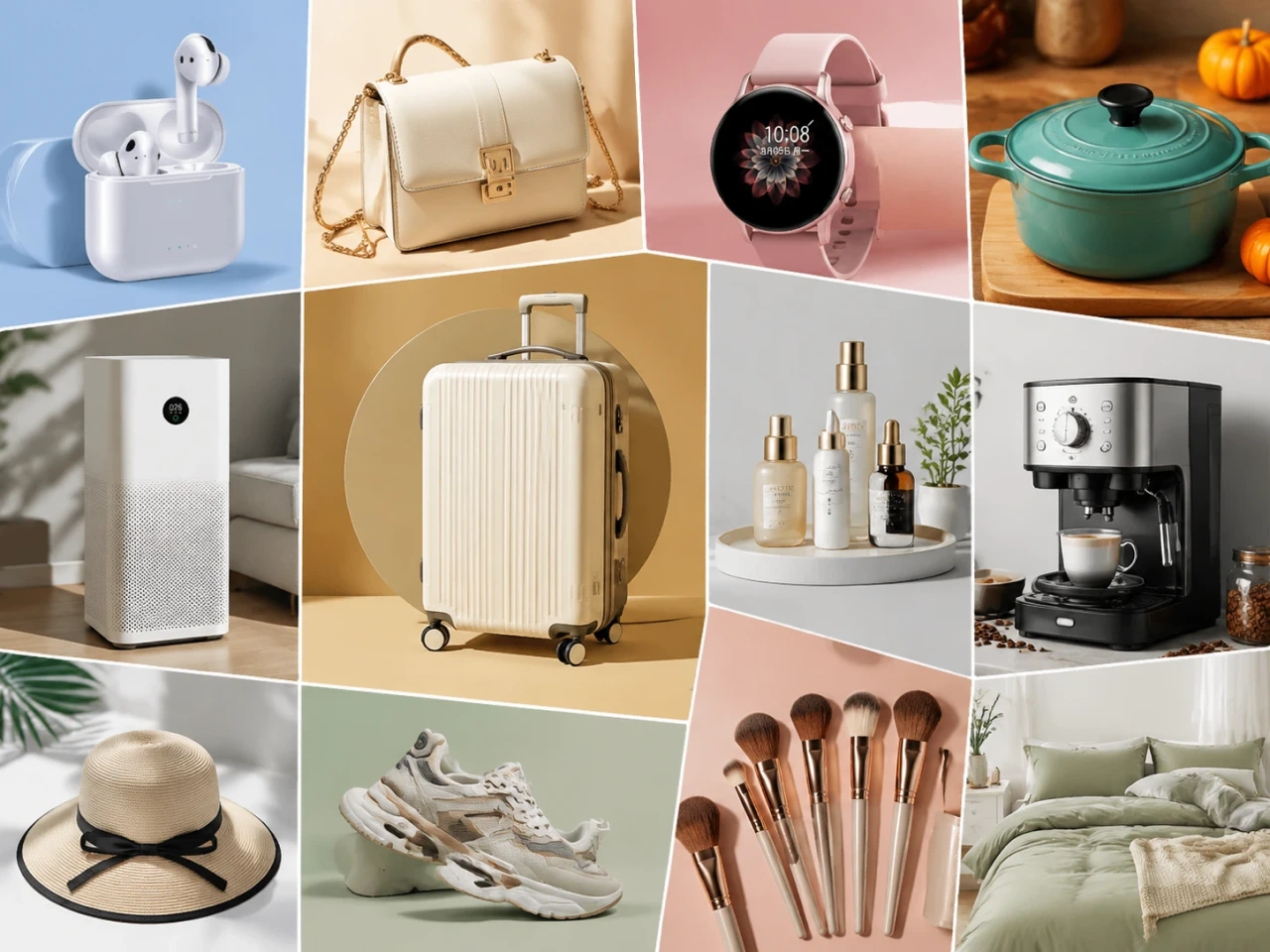
Generate high-quality product photography at a fraction of the cost of traditional studio shoots. AI product photography eliminates the need for expensive equipment, photographers, models, studio rentals, and lengthy editing workflows. Businesses can quickly create professional visuals using simple prompts or existing product images.
AI Product Photography Use Cases

Amazon Sellers
Create clean and professional product images optimized for Amazon listings and advertising campaigns. AI product photography helps sellers generate white-background product shots, lifestyle images, infographics, and promotional visuals without expensive studio setups. Quickly create multiple variations for different product angles, seasonal campaigns, or A/B testing.

Shopify Store Owners
Generate high-quality ecommerce visuals for Shopify product pages, homepage banners, promotional campaigns, and social media marketing. Easily customize backgrounds, lighting, and visual styles to match different collections or campaigns without scheduling new photoshoots. This helps Shopify businesses maintain a professional online appearance while saving time and reducing creative production expenses.

Etsy Sellers
Create aesthetic product photography that matches the handmade, creative, and lifestyle-focused style popular on Etsy. AI-generated product images help sellers showcase jewelry, clothing, crafts, candles, home decor, and personalized products in visually appealing environments. You can quickly generate seasonal themes, cozy lifestyle scenes, or minimal product setups that attract more attention from shoppers.

Social Media Ads
Produce scroll-stopping product visuals for Instagram, Facebook, TikTok, Pinterest, and other advertising platforms. AI product photography helps brands quickly generate engaging ad creatives with different backgrounds, styles, and marketing concepts tailored for specific campaigns or audiences.
How to Use PicLumen AI Product Photography
Step 1 Upload Your Product Image (Optional)
1Start by uploading your product photo as a reference image. You can use existing ecommerce photos, simple product snapshots, or studio images to guide the AI generation process. This makes it easier to create consistent product visuals for online stores, ads, social media campaigns, and marketing materials while reducing the need for additional photoshoots.
Step 2 Enter Your Prompt
2Describe the type of product image you want to create using a detailed prompt. Include information such as background style, lighting, camera angle, scene setup, product mood, or branding aesthetic. Clear prompts help the AI better understand your creative direction and produce more accurate, visually appealing product photography results.
Step 3 Adjust Image Settings
3Customize your image generation settings before creating the final result. You can adjust image clarity, aspect ratio, resolution quality, and other visual preferences depending on your project needs.
Step 4 Generate Your Product Image
4Click generate to instantly create AI-powered product photography variations. The AI will produce high-quality product visuals based on your uploaded reference image and prompt instructions. You can review different results, regenerate additional versions, or refine prompts to achieve your preferred style.


Loved by Creators Worldwide
Real feedback from designers, marketers, and hobbyists sharing their PicLumen experience on Trustpilot.
Isuru NilankaIt's easy to use
It's easy to use, they have different AI models, good prices, and a nice community page.
amazing
amazing! this is just so good! WOWOW!!
 Mubashir Ahmed
This web is very help and free
This web is very help and free
 Narender Khatana
I love this app I love this very very…
I love this app I love this very very much this is help in make a videos
Really good app and generates good…
Really good app and generates good images!
It’s way easier to use then these other…
It’s way easier to use then these other apps
Elisa Likaperfect
i think they are very cool and do a great worl with AI
 Eli Kofsky
The images that come out are really…
The images that come out are really good.
TylerIt’s a great ai app perfect for making…
It’s a great ai app perfect for making your imaginations come true
PicLumen is a powerful and completely free AI image generatio
PicLumen is a powerful and completely free AI image generation platform that offers a wide range of features, you can text to images, images to images, image to video, the image quality is very high, the most important, it is totally free, you can get many rewards by creating your jobs, like other's creation, welcome to joint and create your job, a goog platform for making money using the best ai tool
 Its aarohi
This is a great app for creating images…
This is a great app for creating images and ai videos i just love this app
best of the best
the quick and fast result also too much style and variety is very very astonishing
Frequently Asked Questions
What is an AI product photography?
An AI product photography uses artificial intelligence to create professional-looking product images from prompts or reference photos without traditional studio photography.
Can I upload my own product images?
Yes. You can upload existing product photos as reference images to generate new backgrounds, styles, and creative variations.
Can AI generate ecommerce product photos?
Yes. PicLumen helps you create AI product images for Amazon listings, Shopify stores, Etsy shops, social media ads, and other ecommerce platforms quickly.
Is AI product photography good for small businesses?
Yes. AI product photography helps small businesses create professional marketing visuals at a much lower cost than traditional photoshoots.
How fast can I generate AI product images?
Most AI product images can be generated in seconds, allowing you to create content quickly for marketing and ecommerce projects.