Create Storm 2 AI Dance Videos from Your Images
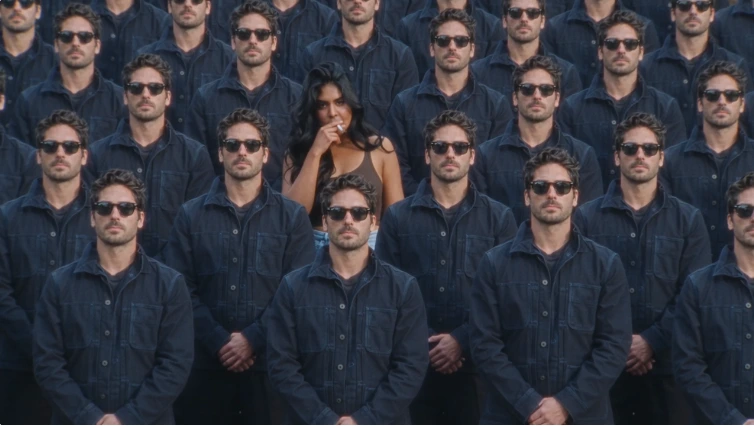
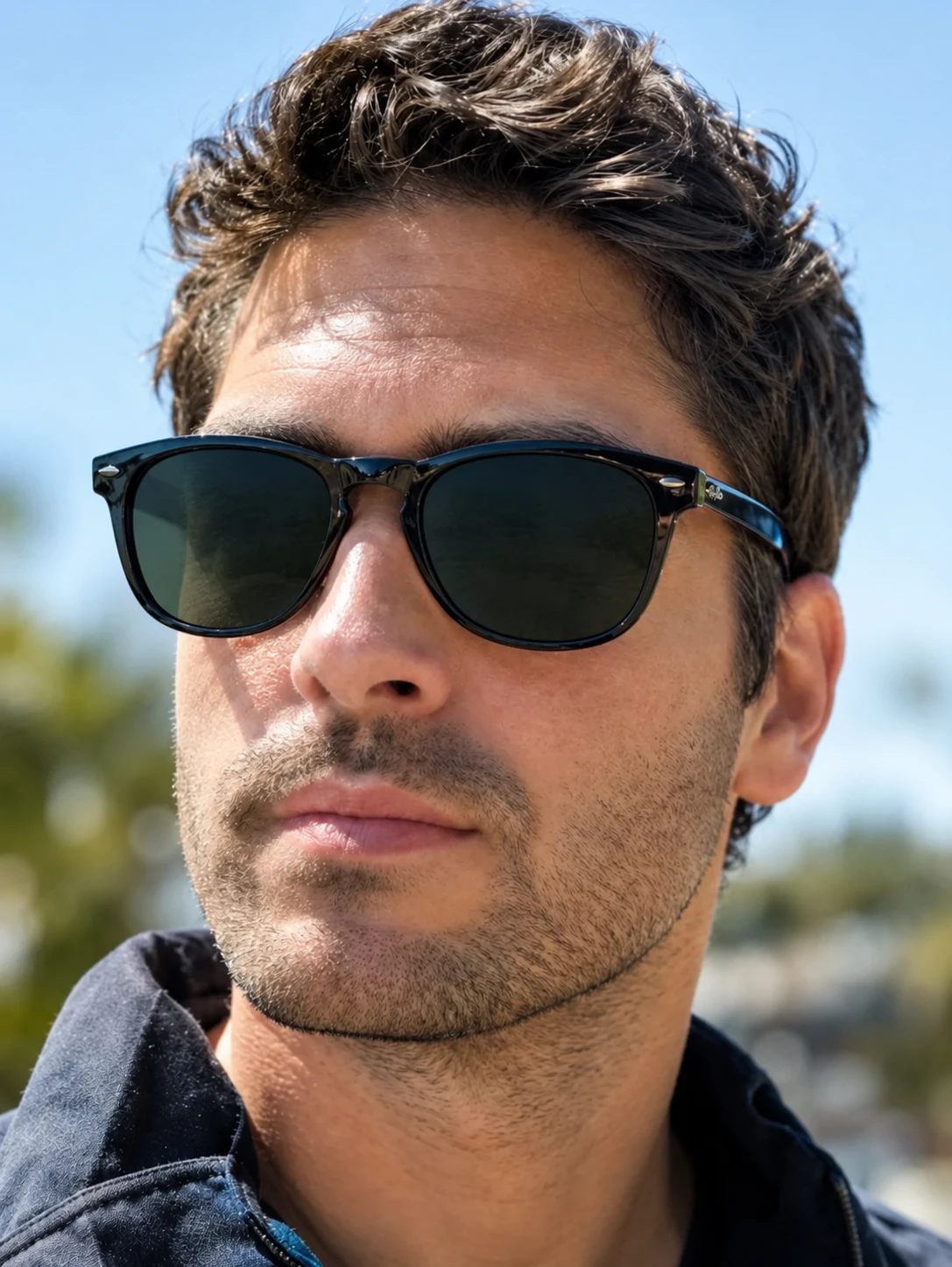
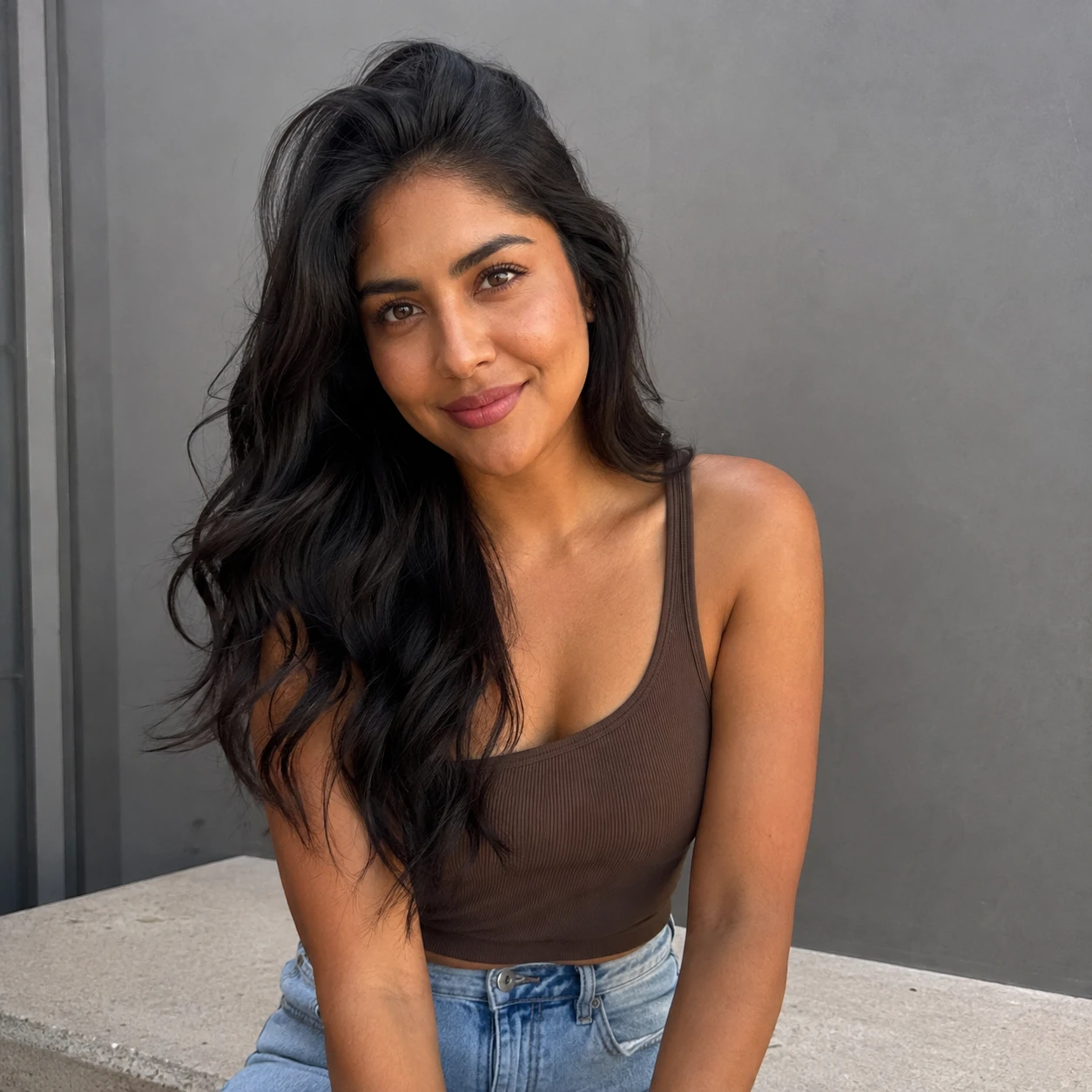
How to Make a Storm 2 AI Dance Video with PicLumen
1 Upload Your Image
1Start with a clear image of the person, character, pet, or product you want to animate. A high-quality image with a clearly visible subject can help produce more consistent results.
2 Describe the Dance
2Use a simple prompt to describe the choreography, movement, camera motion, environment, and visual style. You can specify synchronized group dancing, energetic movements, cinematic framing, or other creative directions.
3 Generate Your Video
3Let PicLumen transform your static image into a dynamic dance video. AI generates the motion, expressions, camera movement, and scene details based on your image and prompt.
4 Review and Share
4Preview your generated video, make adjustments if needed, and export it for your next social post, creative project, or campaign.
Hot Video Effects
View AllWhat Is a Storm 2 AI Dance Video?
A Storm 2 AI dance video is a short AI-generated dance video that transforms a still image or character into a dynamic performer using AI-generated movement and choreography. With PicLumen, you can turn portraits, fictional characters, pets, fashion models, or product images into engaging dance scenes without recording a real performance.
Bring Your Characters to Life with Storm 2 AI Video
You don't need a camera, choreography, or professional editing skills. PicLumen turns static images into dynamic AI videos designed for creative experimentation and social content.
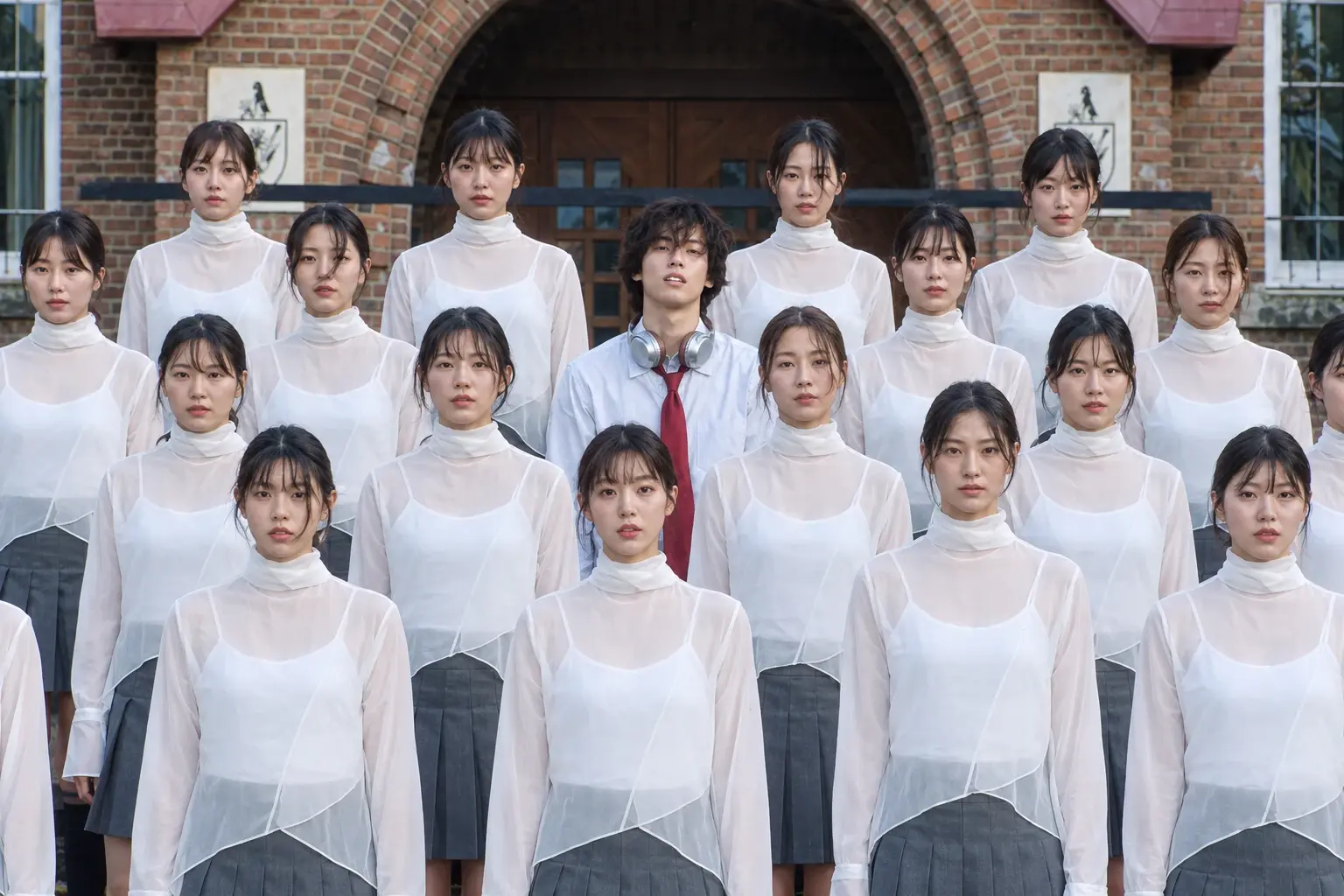
Animate Any Character
Turn portraits, original characters, illustrations, or fictional designs into animated performers. Give your favorite characters new movements and create videos that would be difficult to film in real life.
Create Dynamic Dance Movements
Describe the dance style, body movement, energy, and pacing you want. PicLumen uses your creative direction to generate dynamic motion from a static image.
Build a Cinematic Dance Scene
Go beyond simple character animation. Add cinematic environments, dynamic camera movements, dramatic lighting, and energetic compositions to create a more complete video scene.
Create Social-Ready Videos
Create engaging vertical videos for TikTok, Instagram Reels, YouTube Shorts, and other social platforms. Turn an ordinary image into a shareable AI dance experience.


Loved by Creators Worldwide
Real feedback from designers, marketers, and hobbyists sharing their PicLumen experience on Trustpilot.
 Zaine Jutt
Amazing 😍😍😍😍😍😍 freee 😍😍
Amazing 😍😍😍😍😍😍 freee 😍😍
A New TV Episodes Of Ninja Sweetie On…
A New TV Episodes Of Ninja Sweetie On Paramount+
George PricePicLumen's support team replies quickly…
PicLumen's support team replies quickly to your help requests and they are clear in what they require of you for them to help you. They usually diagnose your problem and offer a solution in less then 24 hours. Stellar service!
Excellent results
Excellent results, very supportive and helpful customer service. They have a great interface very friendly use and the prices are reasonable. I use it for personal stuff and I am just a beginner but it made my earning process very enjoyable. I might give a more technical review in the future but that is so far my experience. Thanks
Really good app and generates good…
Really good app and generates good images!
 Bohdan Lesyk
Great and fast
Great and fast, would be much better with some more free credits
Fatjon XhokaSuper app for photo and video
Super app for photo and video
 Etna
EtnaVery satisfied with the best…
Very satisfied with the best performance for me at the moment.
Great tool
Great tool, I made fantastic results with it.
 PrintWiz Designs
All in one platform
I love it as it become more sn all in one platform , great generations, high value , generous free plan ....
like is aesy to used
like is aesy to used i like, im new on this site and i love how is all. thanks
madhu choudharybest for AI 3d
best platform for making ai generation and easy to use
FAQ About Storm 2 AI Dance Videos
What is a Storm 2 AI dance video?
A Storm 2 AI dance video is an AI-generated dance clip that turns an image or character into a moving performer. It typically features energetic choreography, dynamic movement, and a cinematic or viral short-form video style.A Storm 2 AI dance video is an AI-generated dance clip that turns an image or character into a moving performer. It typically features energetic choreography, dynamic movement, and a cinematic or viral short-form video style.
How do I create a Storm 2 AI dance video?
To create a Storm 2 AI dance video with PicLumen, upload a suitable image, describe the dance movement and visual style you want, and generate the video with AI. You can then review and refine the result before exporting it.
Can I make a Storm 2 video from a photo?
Yes. PicLumen can use an image as the starting point for an AI-generated video. You can animate portraits, characters, pets, fashion images, and other visual subjects.
Can I use my own character in a Storm 2 AI video?
Yes. You can start with an original character image and use it as the visual reference for your AI video. This is useful for creators who want to animate avatars, fictional characters, or custom designs.
Can I create a Storm 2 dance video with my pet?
Yes. You can upload a clear pet photo and use a prompt to describe the desired dance movement, setting, and visual style.
Can I create vertical Storm 2 videos for TikTok?
Yes. For short-form social content, use a vertical video format when available in your PicLumen workflow. This makes the generated video easier to adapt for platforms such as TikTok, Instagram Reels, and YouTube Shorts.
What images work best for Storm 2 AI video generation?
Clear, high-resolution images with a visible subject generally provide a better starting point for AI video generation. Full-body images can be especially useful when the video requires significant body movement or dancing.