Free AI Logo Generator


Explore Creative Logo Designs

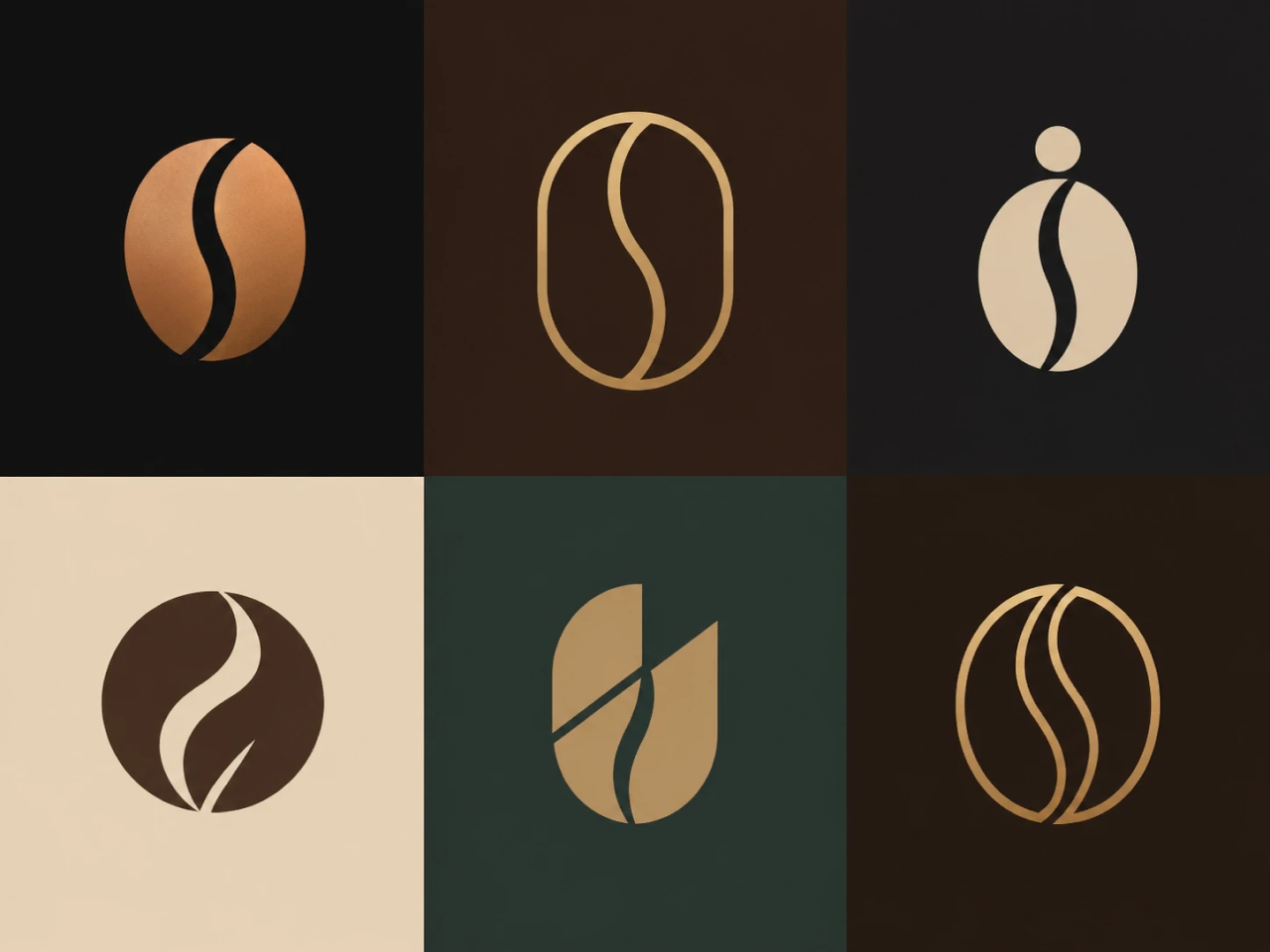
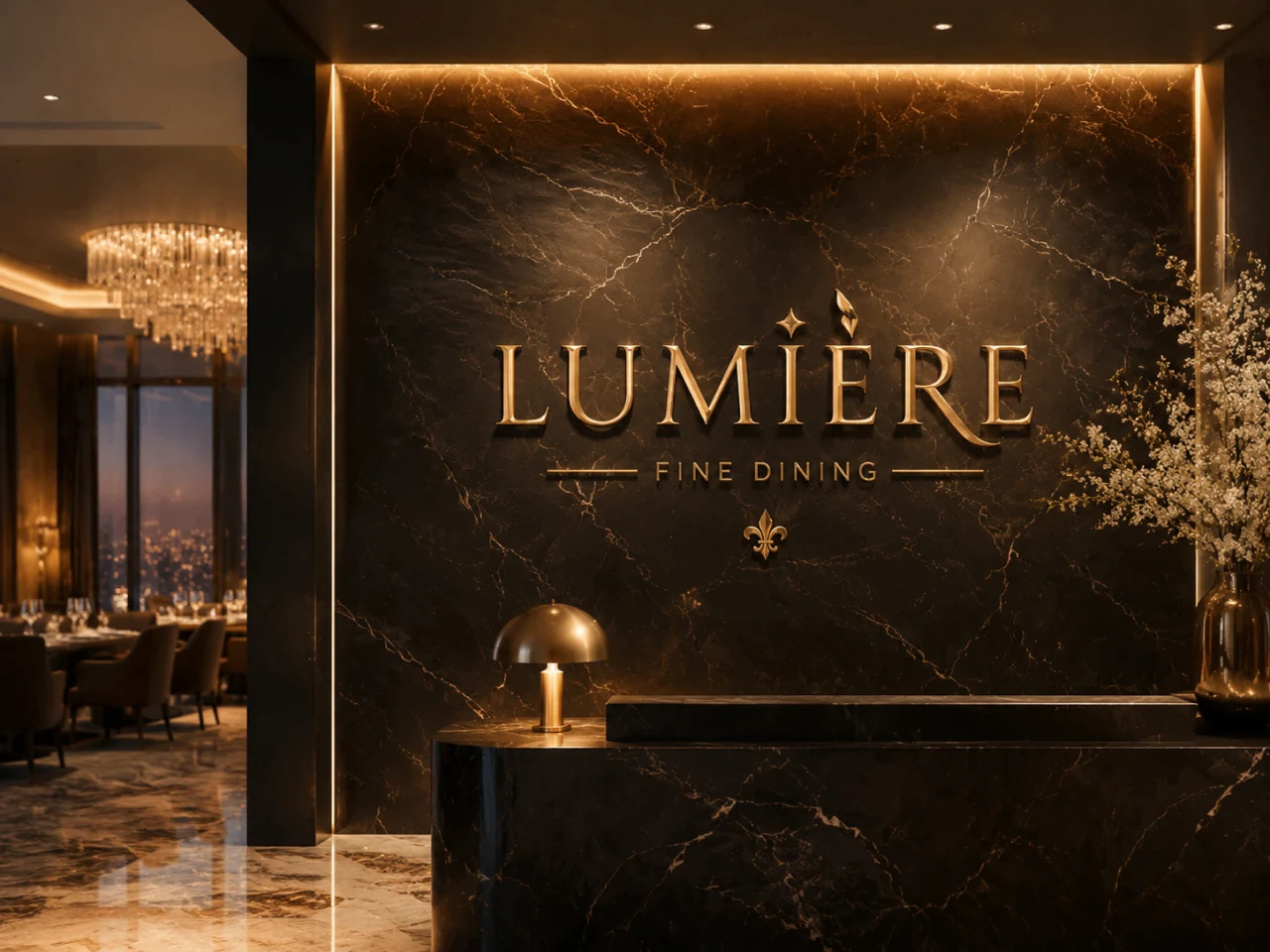
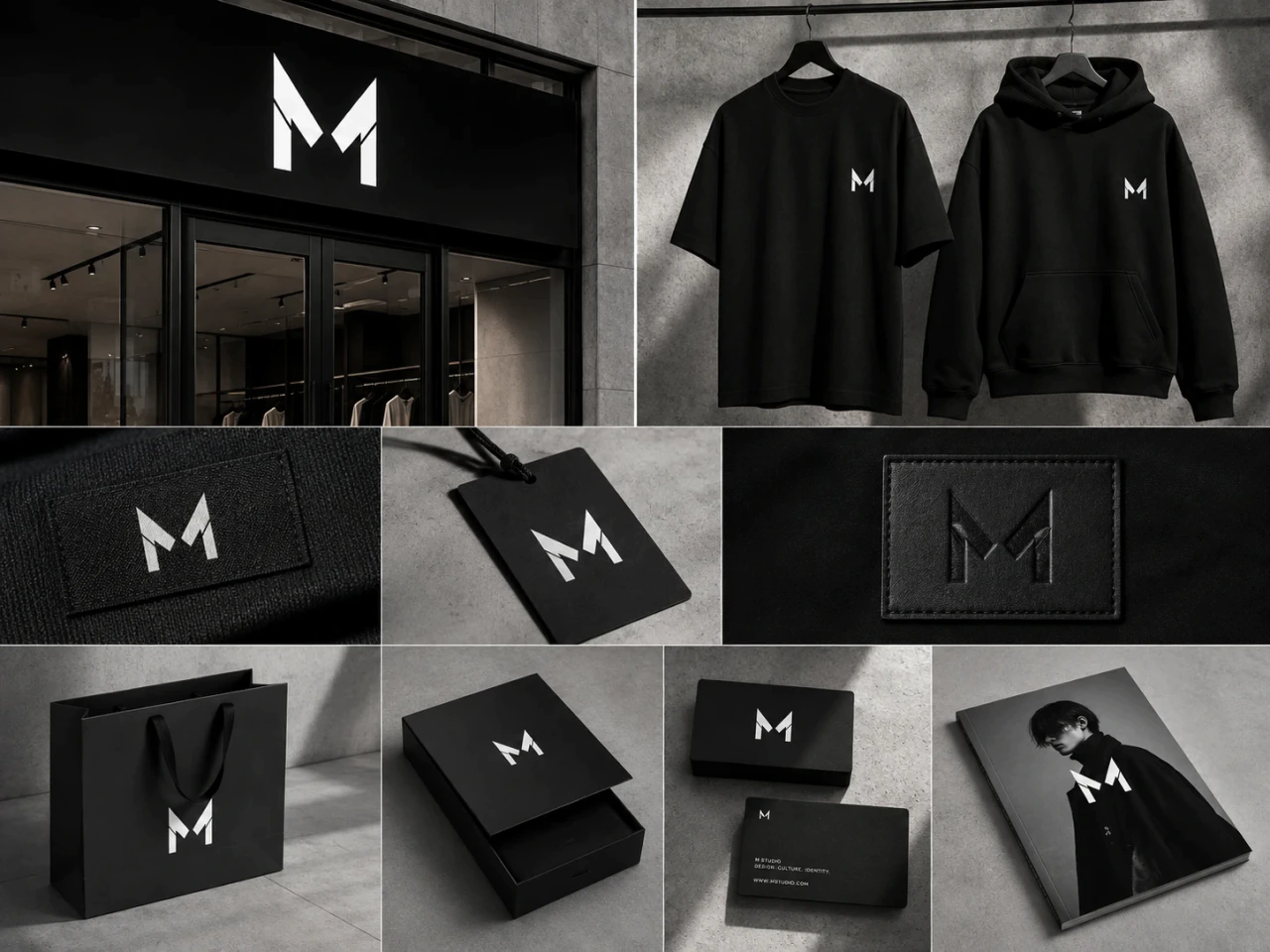
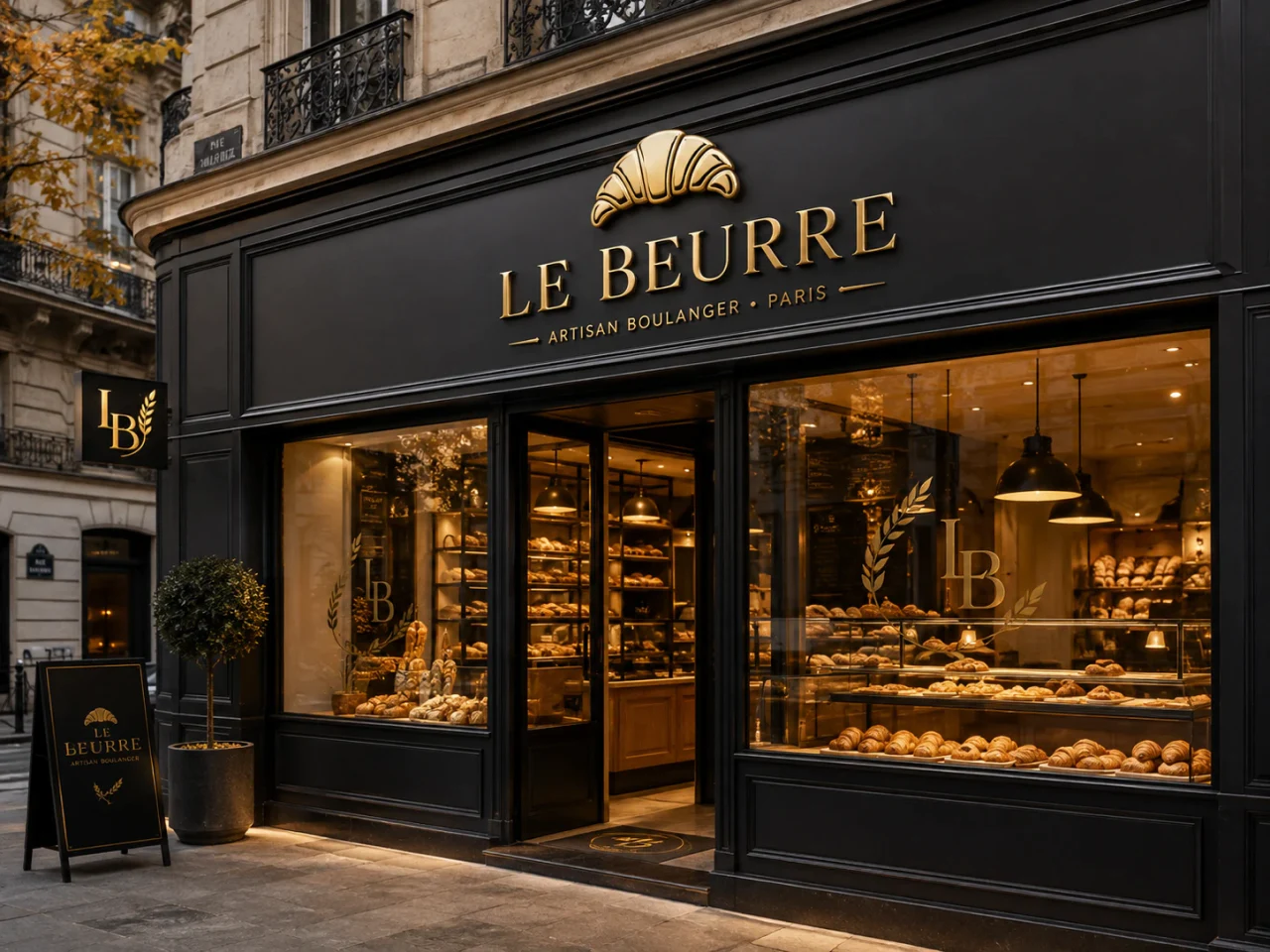
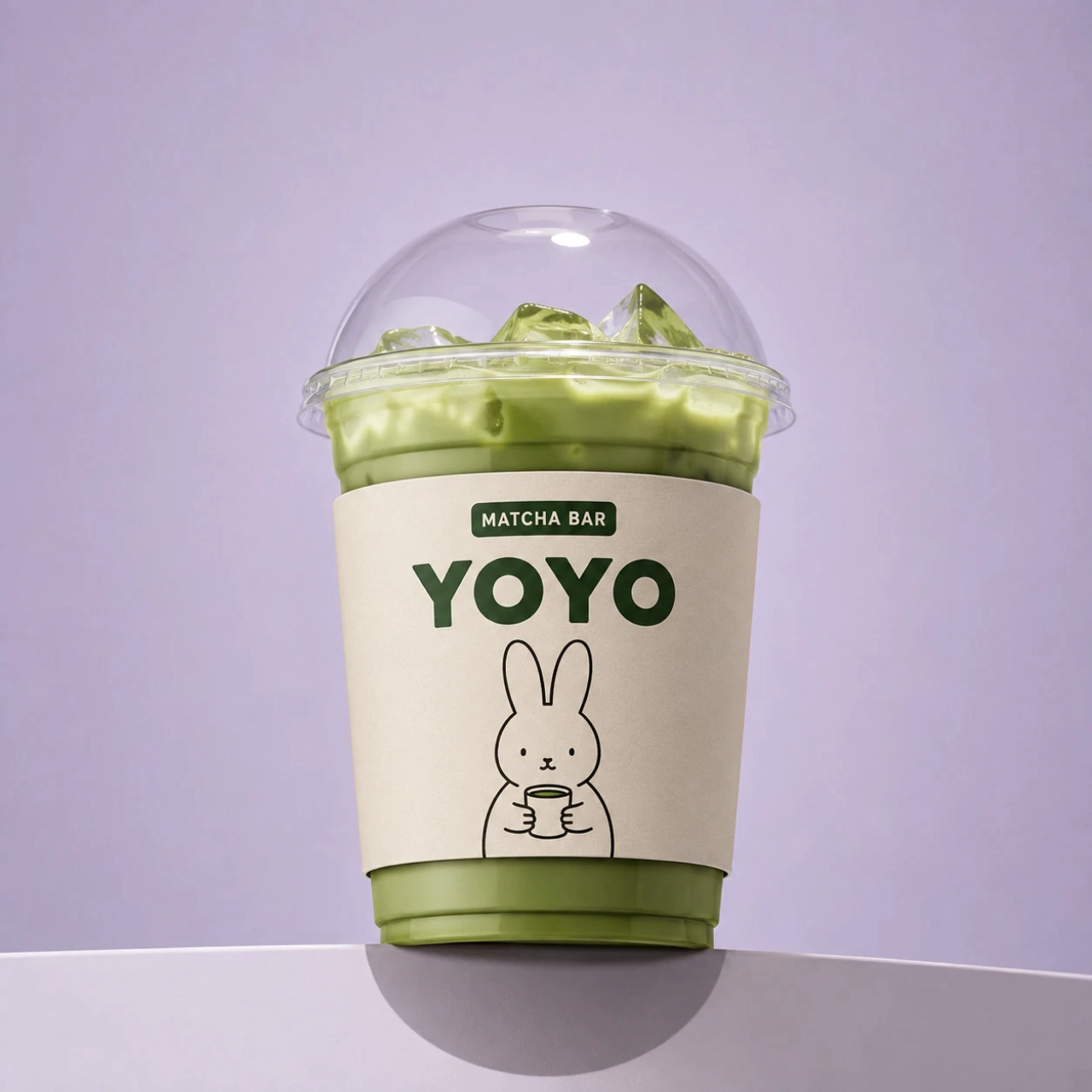
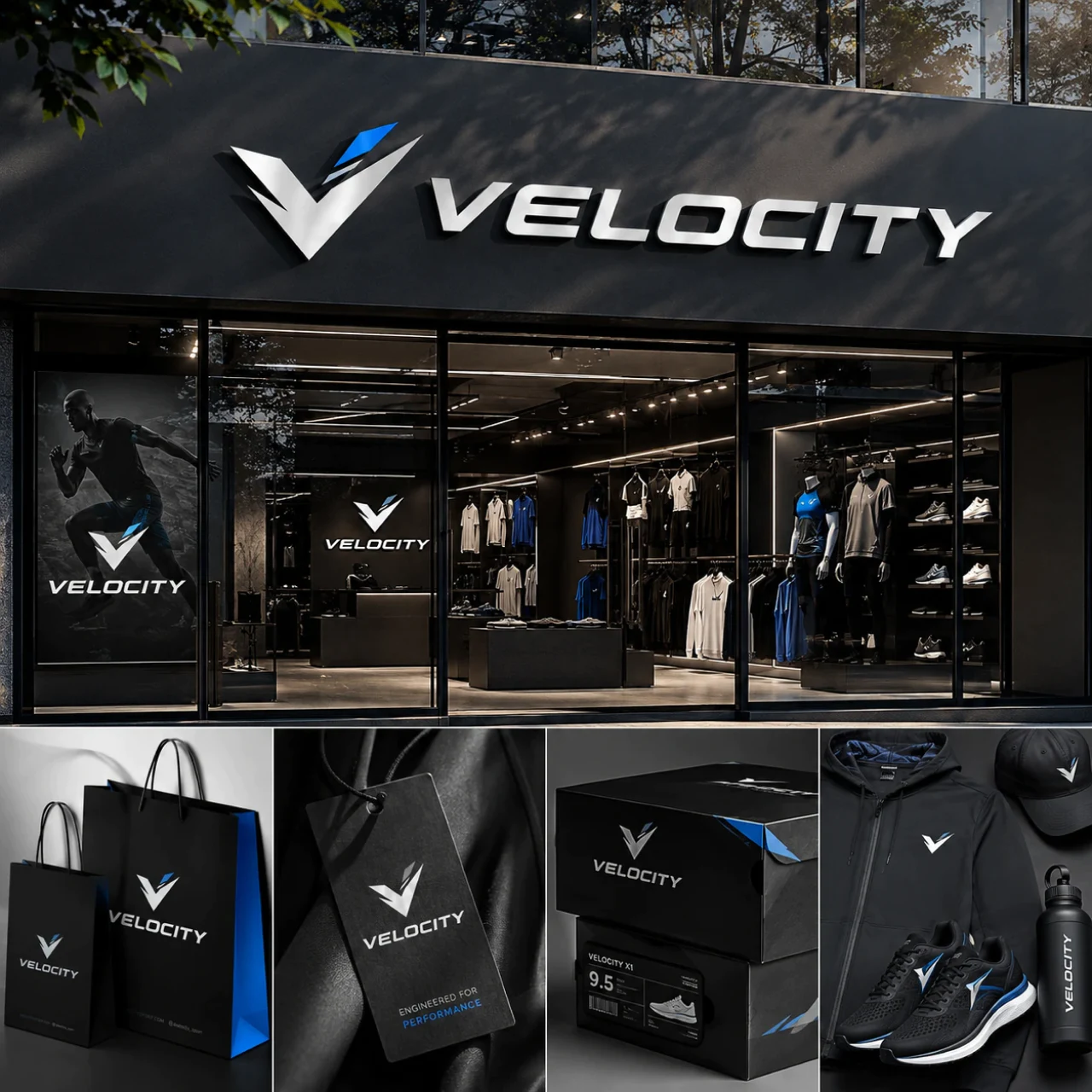
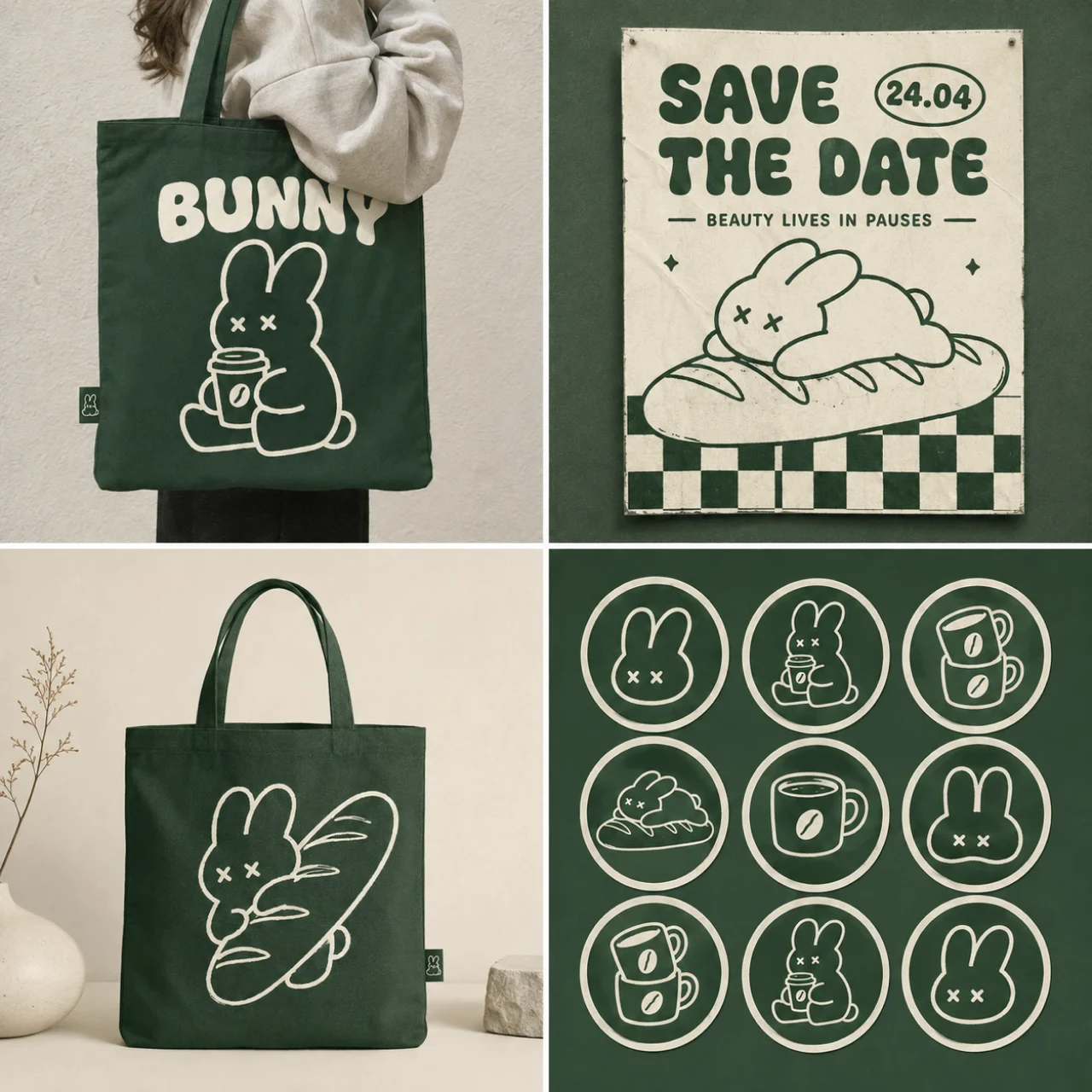

Turn Ideas into Professional Logos in Seconds
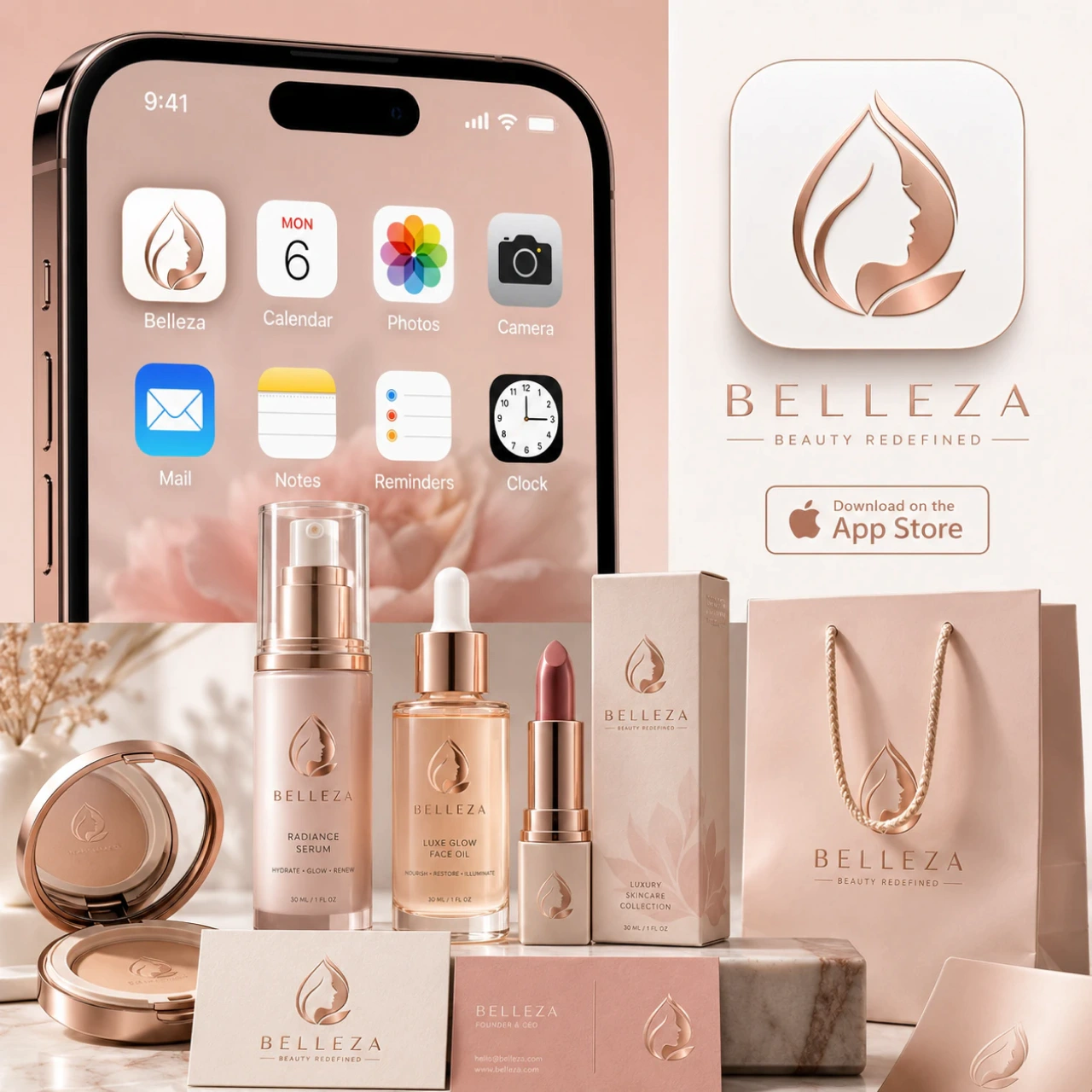
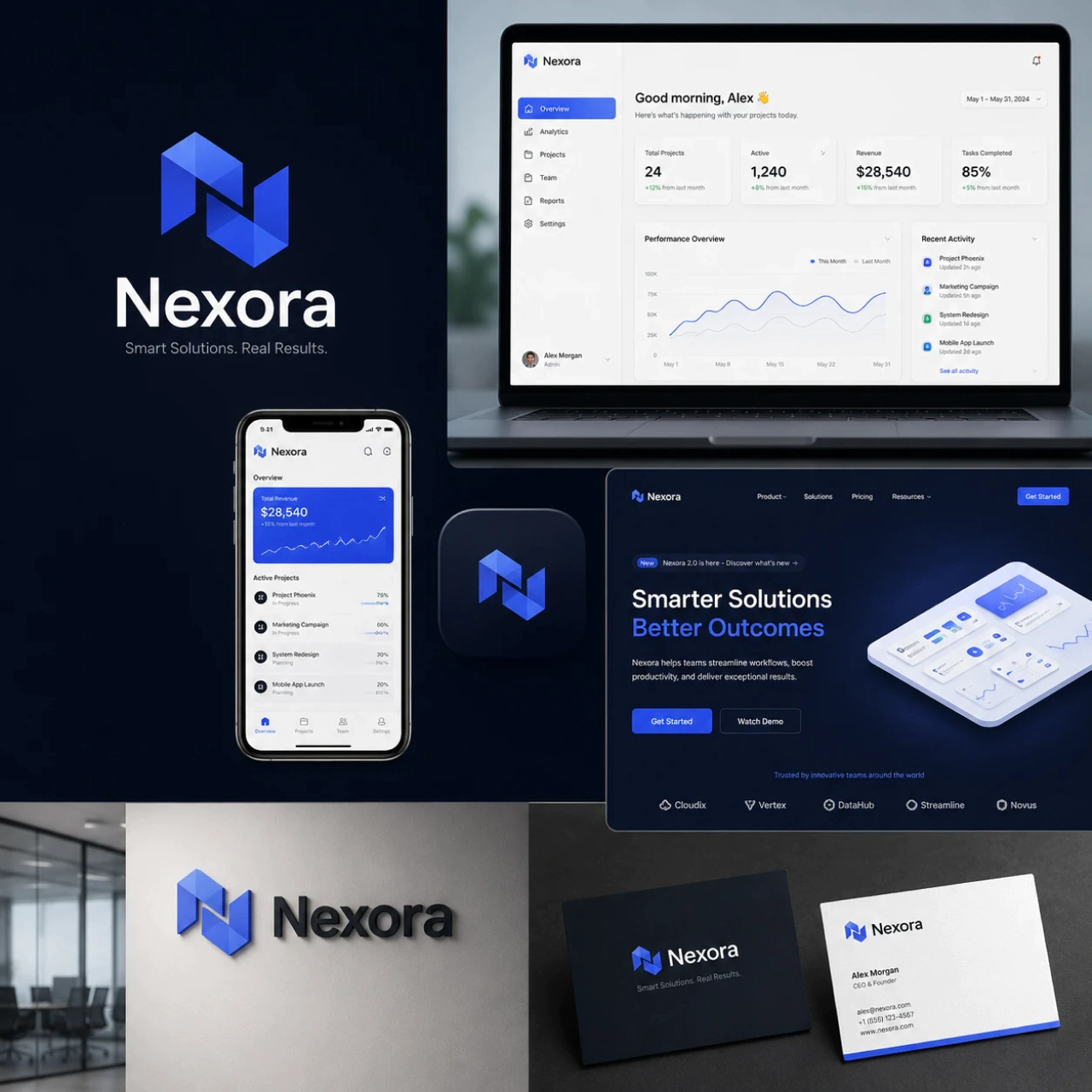
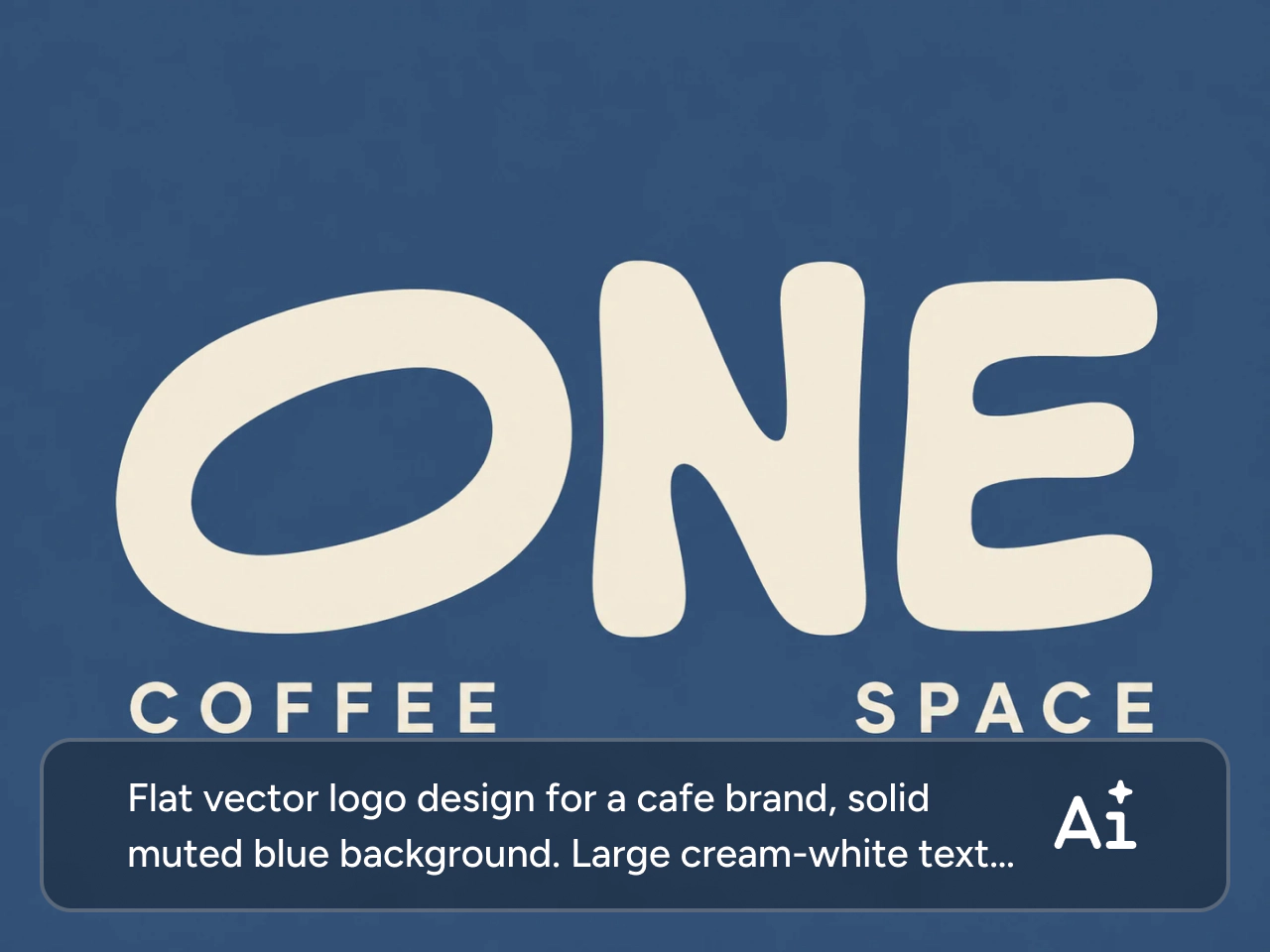
Need a logo for your business? Describe your business, industry, or vision in a few words, and let PicLumen’s AI business logo generator create polished designs in seconds. Skip complicated design software and start exploring multiple creative directions immediately. Whether you're building a startup, launching a product, or refreshing a brand, you can quickly create logo options that are ready to customize and download.
Transform Rough Sketches into Polished Logos
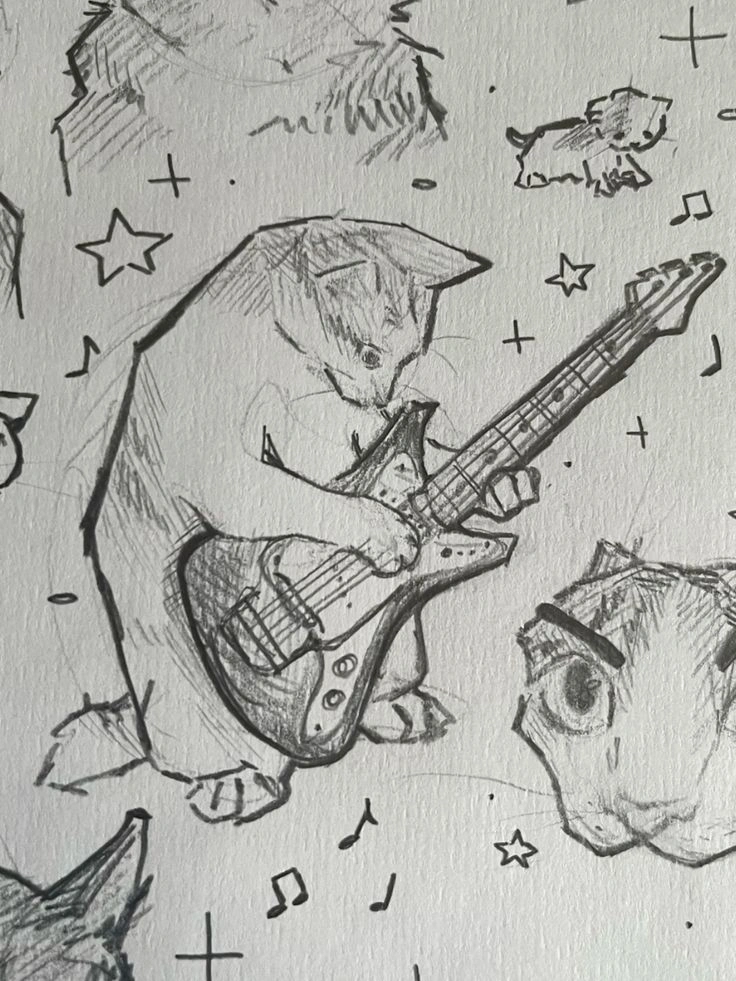
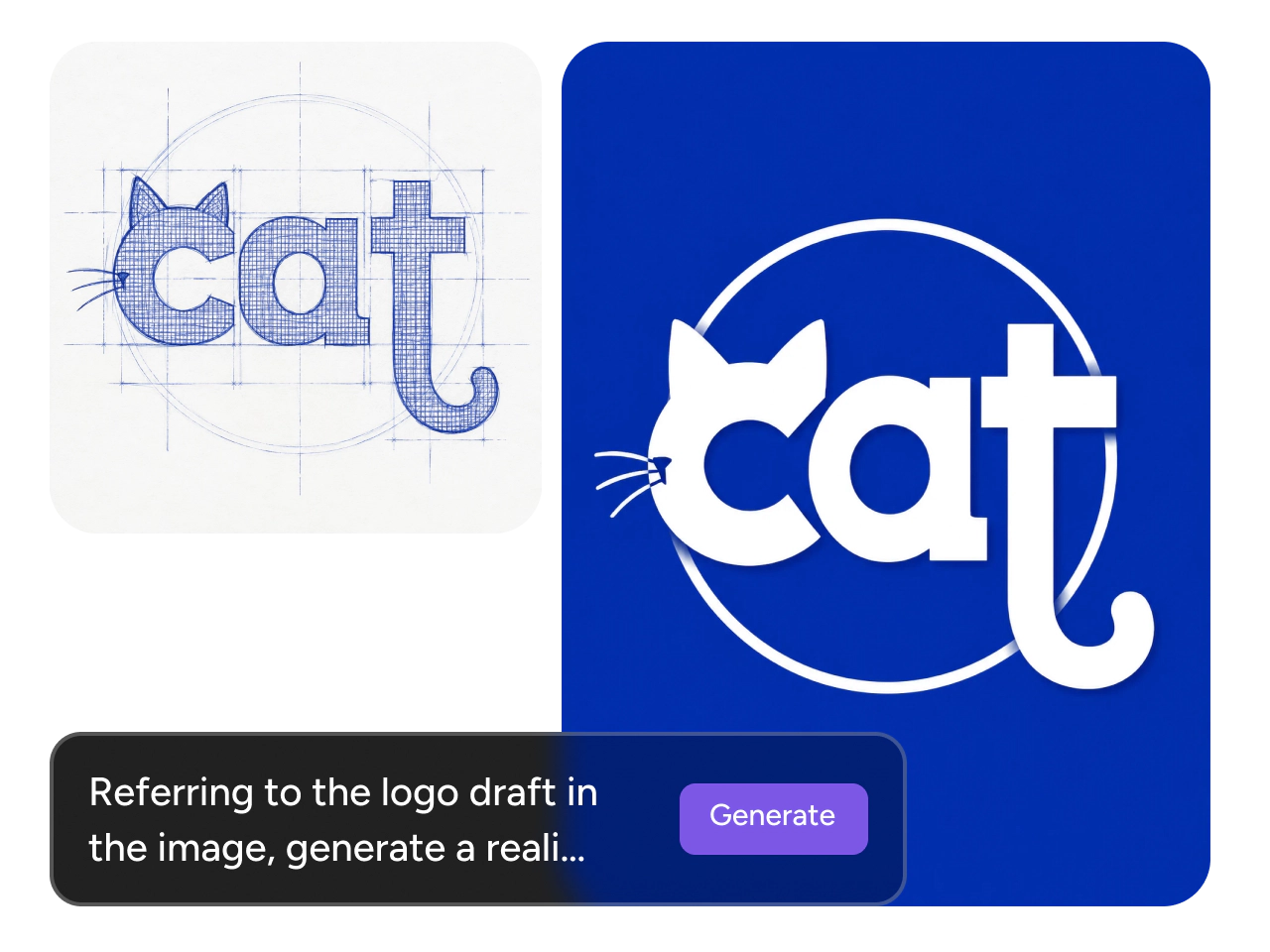
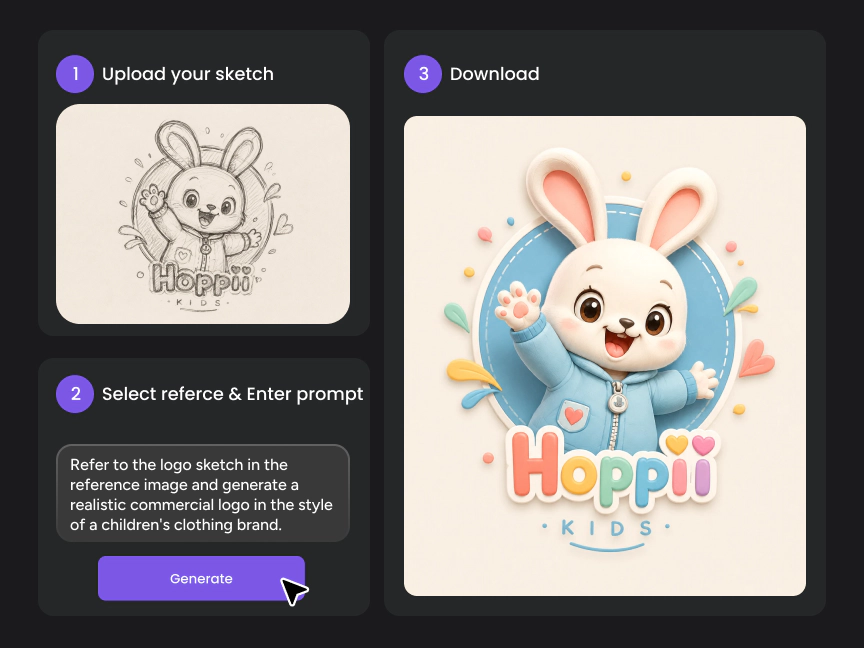
Already have a hand-drawn concept? Upload your sketch, logo draft, or any reference image, and let AI turn it into a clean, professional logo while preserving your original idea. Refine rough lines, improve balance, and explore multiple variations without starting over. It's an easy way to bring early concepts to life while saving hours of manual redesign.

Create Logos That Match Your Brand Identity
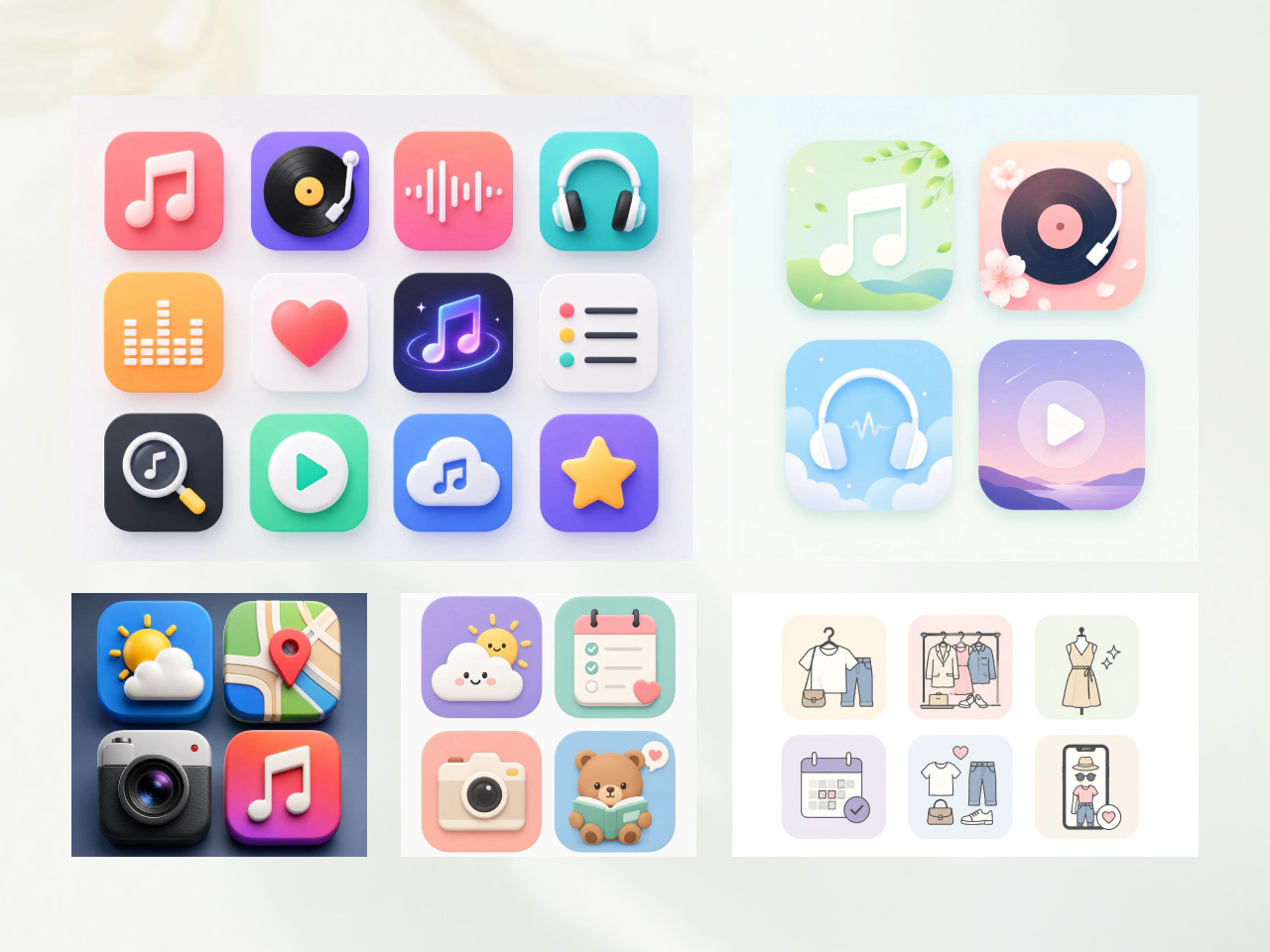
Generate logos in the style that best represents your brand. Whether you prefer minimalist, vintage, modern, luxury, geometric, mascot, or playful designs, PicLumen creates logos that align with your visual identity. Use style references or detailed prompts to produce results that feel unique and consistent with your brand.
Customize Every Detail with AI Editing Tools
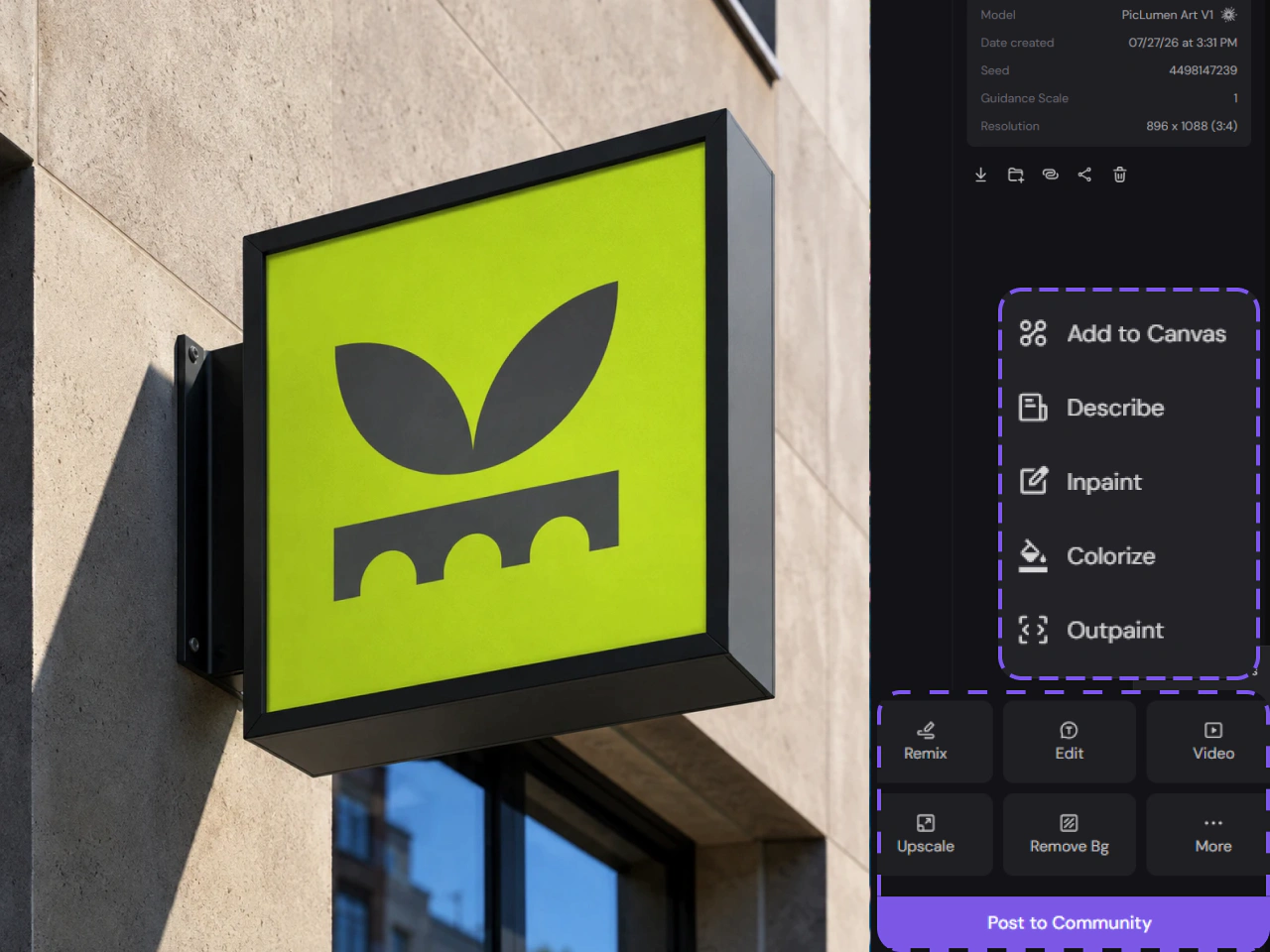
Fine-tune your logo without starting over. Use PicLumen's AI editing tools to replace elements, adjust colors, remove backgrounds, expand compositions, or modify specific details with simple instructions. Make fast revisions and explore new variations until your logo looks exactly the way you want.
Grow Your Brand Beyond Logo Design
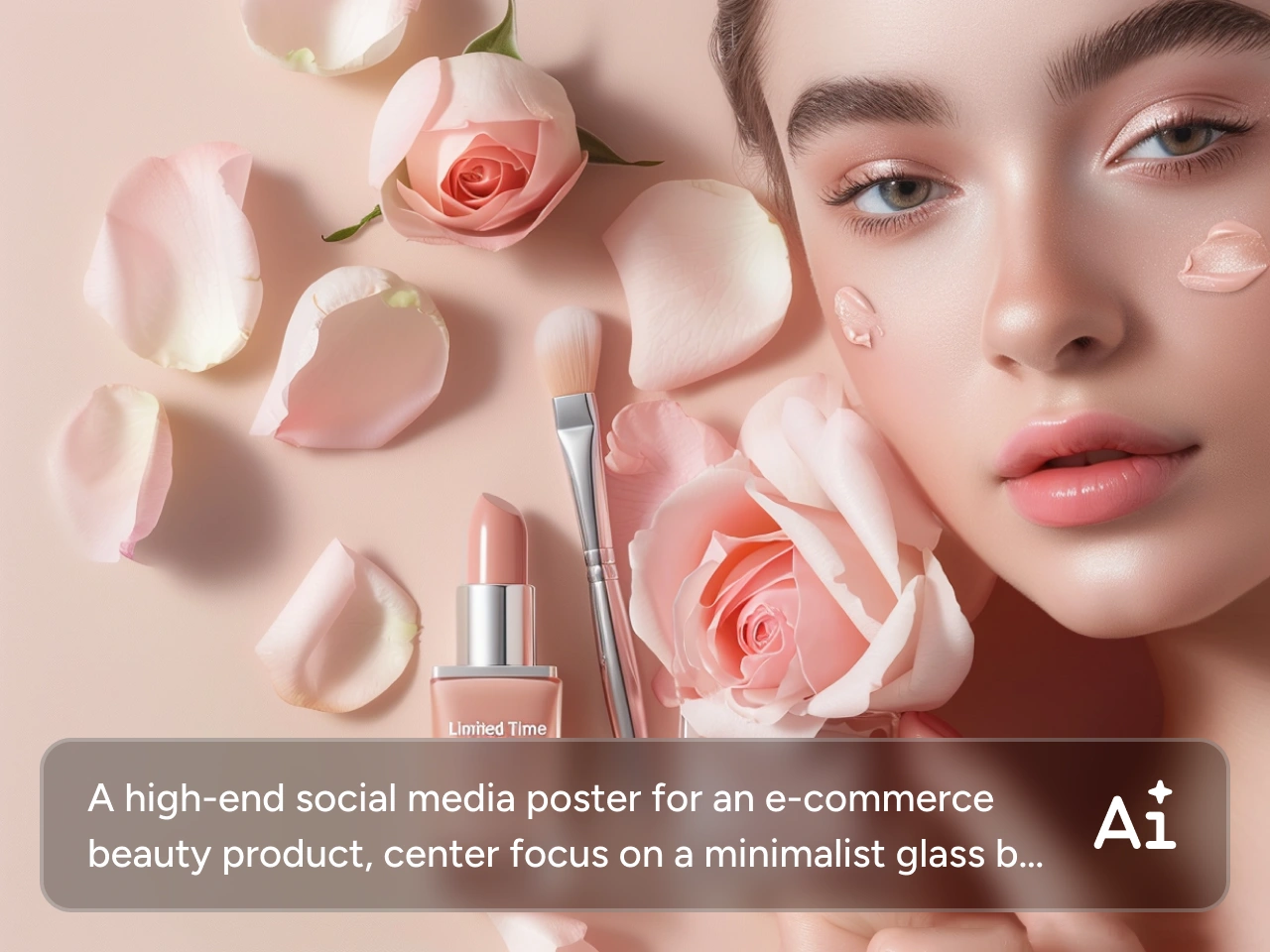
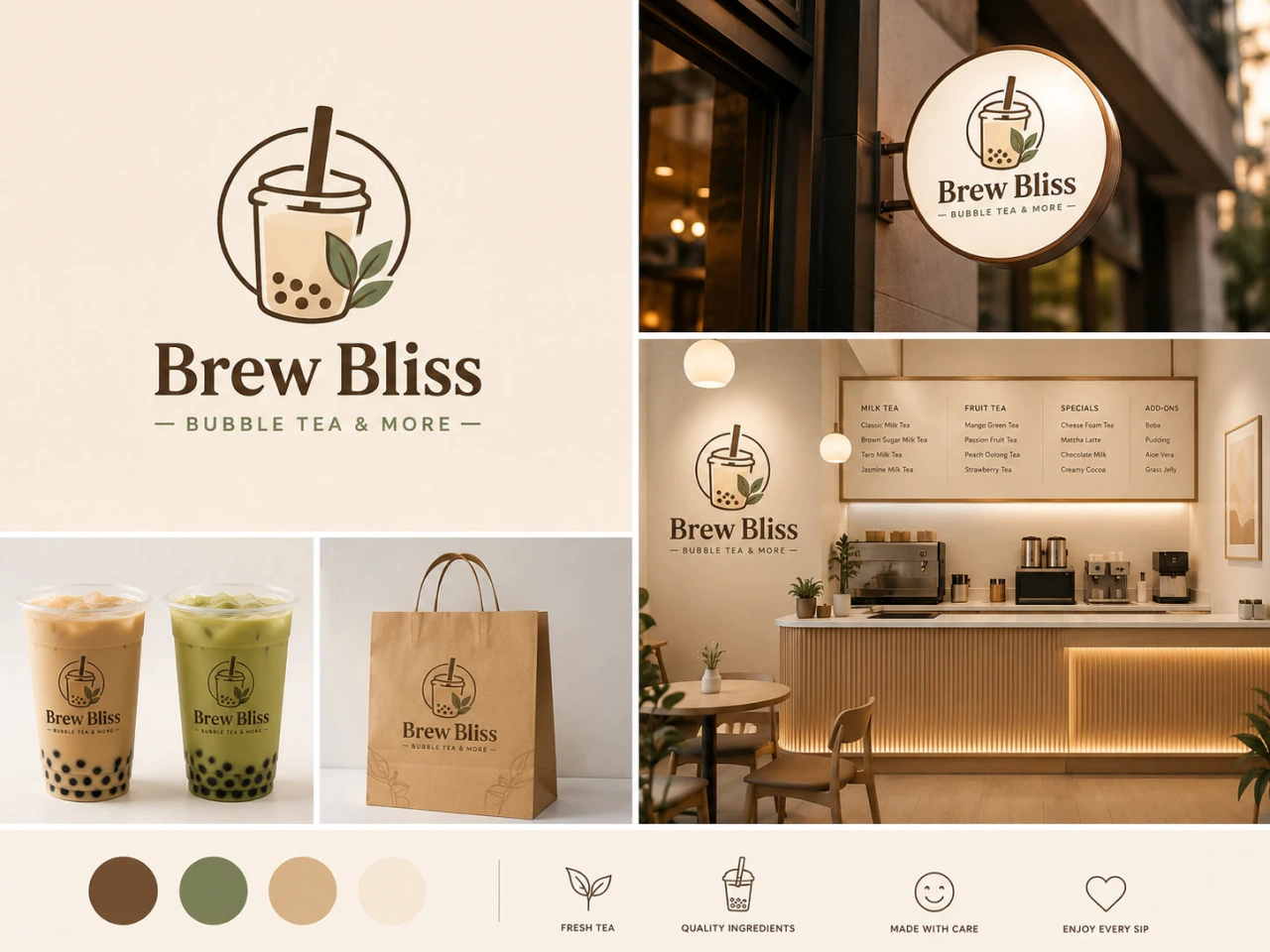
Build a consistent visual identity with more than an AI image logo generator. Create matching posters, icons, product images, and other branded visuals using PicLumen's complete suite of AI creative tools. Keep your branding cohesive across every platform while saving time on content creation.
Why Choose PicLumen AI Logo Maker

Fast Logo Creation
Generate professional logos quickly from simple text prompts or images. Spend less time designing and more time building your brand.

Easy to Use
No design experience is required. Simply describe your idea, choose a style, and let AI create logos that are ready to customize.

High-Resolution Downloads
Download sharp PNG and JPG logo files for websites, social media, presentations, marketing materials, and print projects.

Multiple Color Variations
Create black and white, full-color, or transparent background versions of your logo with PicLumen's AI image editing tools. Easily generate the variations you need for websites, social media, print, and branding materials.
Innovative AI Technology
Powered by advanced AI models that understand prompts, recognize visual styles, and generate unique logo designs with impressive speed and quality.

Unlimited Customizations
Refine your logo as many times as you like. Edit colors, layouts, icons, and other design elements until the result perfectly matches your brand.
Design Logos for Every Use Case
- Small Businesses
- E-commerce Brands
- Education
- Freelancers & Personal Brands
- Content Creators
- Design & Creative Teams
Launch Your Business with a Professional Logo
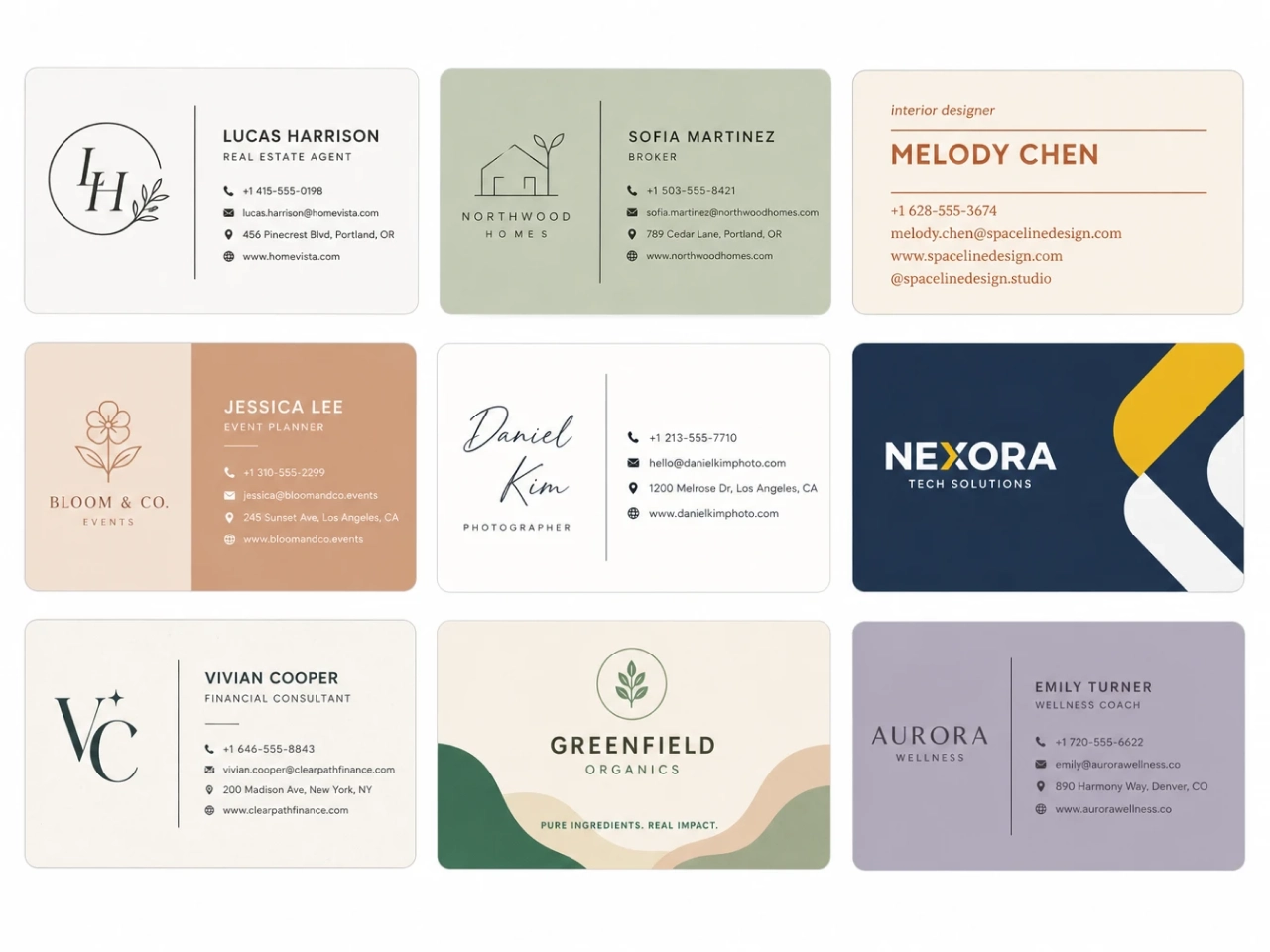
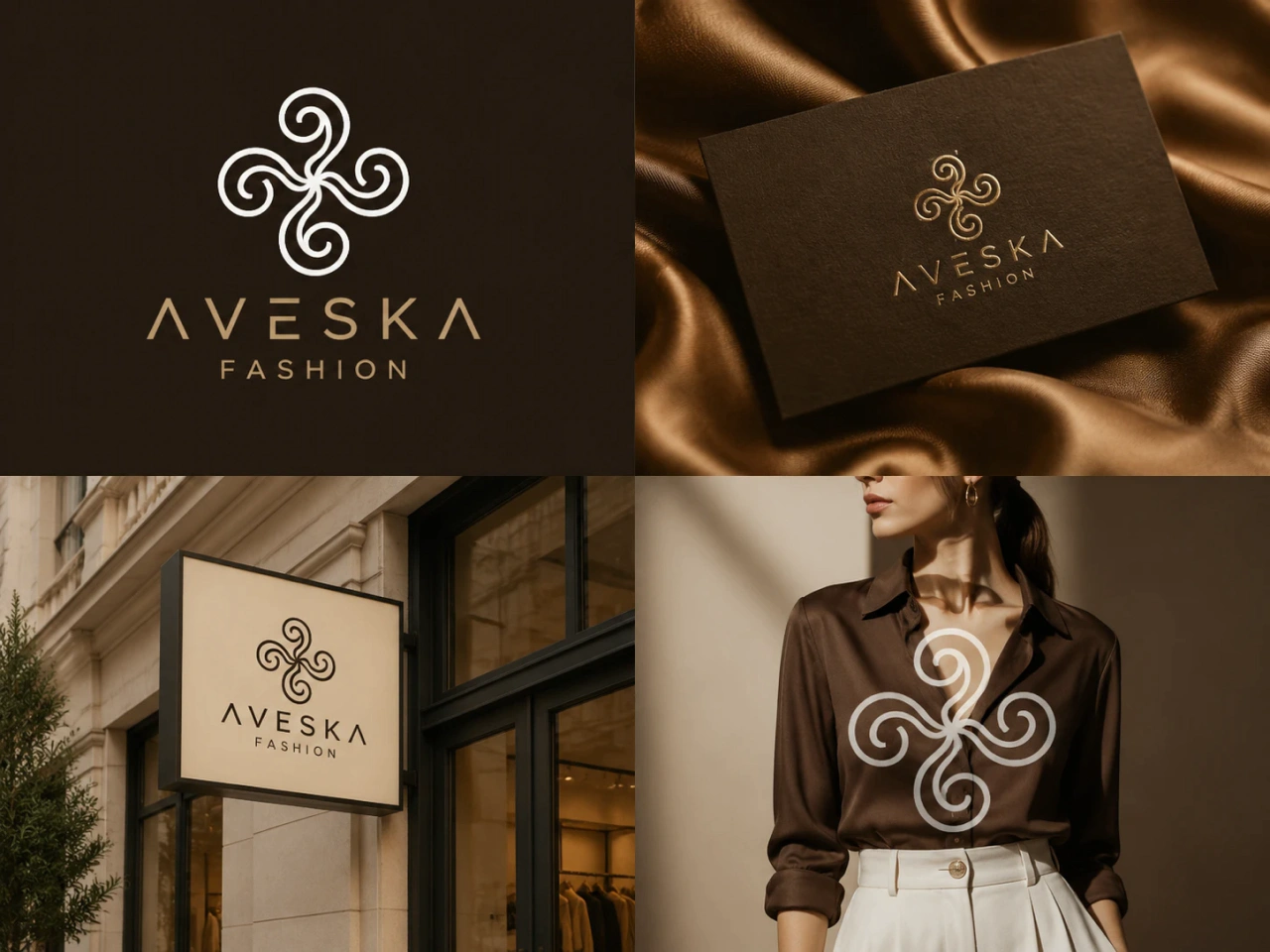
Create a professional logo that helps your business stand out from day one. Design branding assets for storefronts, business cards, websites, menus, packaging, and local marketing without hiring a designer.


How to Use PicLumen AI Logo Generator
- STEP 1Step 1. Enter Your Idea
Type a text prompt describing your brand, logo style, colors, or icon. You can also upload a sketch or reference image to guide the logo maker.
- STEP 2Step 2. Adjust Your Settings
- STEP 3Step 3. Generate and Download
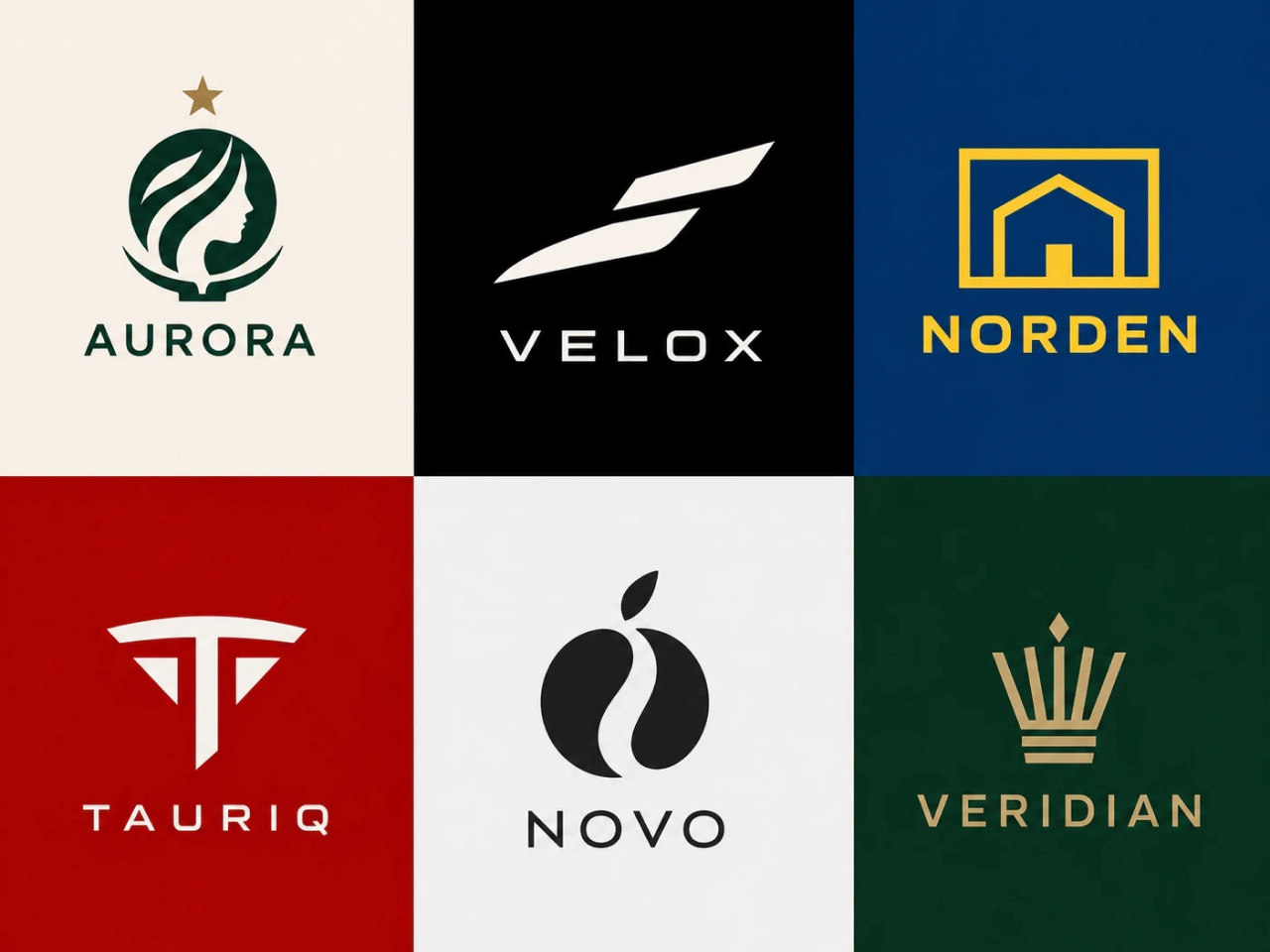
How to Write Effective Logo Prompts
A clear, detailed prompt helps the AI generate logos that better match your vision. Mention your business, preferred style, colors, and key design elements for the best results.
Prompt Formula
Business Name + Industry + Style + Colors + Icon or Symbol + Background
Example 1: Tech Startup
Design a modern logo for NovaTech, an AI software company. Use blue and black colors with a clean abstract circuit icon on a transparent background.
Example 2: Pet Grooming Business
Create a playful logo for Happy Paws, a pet grooming salon. Use pink and teal colors with a cute paw print icon on a light background.


Loved by Creators Worldwide
Real feedback from designers, marketers, and hobbyists sharing their PicLumen experience on Trustpilot.
Ayan SamantaAwesome experience just looking wow
Awesome experience just looking wow
chelsiennerThis is my favorite AI Image generator
This is my favorite AI Image generator
I recently had some technical issues…
I recently had some technical issues that I was trying to work through, so I reached out to the team at PicLumen for support. They were incredibly open, responsive, and willing to discuss the challenges I was experiencing. I even sent them a video demonstrating some of the issues I came across, and they took the time to review everything carefully and work toward finding solutions. What really stood out to me was how friendly, approachable, and collaborative they were throughout the process. I never felt like I was just submitting a problem ticket — it felt like they genuinely cared about improving the experience and helping users succeed. I truly enjoy using the platform and appreciate the level of support and dedication behind it. I would absolutely recommend PicLumen to anyone interested in this type of creative work.
Love this app it helps my ideas come to…
Love this app it helps my ideas come to life
rockstar gamingValue For Money
its value for money i fully recommend you to try this one time you will like it...
 Alexsander Luís
cool it's a good ai creator but create…
cool it's a good ai creator but create imagens for cinema
 Fatjon Xhoka
Super app for photo and video
Super app for photo and video
 Nikki Camou Timber and Torch
Love them
Love them! I’ve love working with the app so far!
 sakura cherry
Very good Free ai photo
Very good Free ai photo, thanks, i wish consistency ,
 Abdul Rafay
Best wishes for the developer
Best wishes for the developer
The best app ever in history
The best app ever in history
 Govind Aariya
Naic
Veri nice 👍 Bhot acha ap he
Logo Generator FAQs
What is an AI logo generator?
An AI logo generator uses artificial intelligence to create logo designs from text prompts, sketches, or reference images. It helps you quickly generate unique logo ideas without design skills.
How does PicLumen AI logo generator work?
Simply enter your logo idea, adjust your preferred settings, and click generate. PicLumen uses AI technology to create logo concepts based on your description and design preferences.
Is PicLumen AI logo generator free to use?
Yes. Every user receives 10 free Lumens each day to create AI-generated logos. Paid plans include additional credits, priority generation, and access to more advanced features.
Do I need design experience to create a logo?
No. PicLumen is designed for beginners and professionals. You can create professional-looking logos by describing your idea in simple words.
Can I create a logo from a sketch?
Yes. You can upload a sketch or reference image and use AI to transform your rough idea into a polished logo design.
What kind of logos can I create with PicLumen?
You can create logos for businesses, startups, online stores, personal brands, content channels, apps, events, and more.
Can I customize AI-generated logos?
Yes. You can refine your logo using PicLumen’s AI editing tools, including image editing, background removal, and other adjustments.
Can I generate logos in different styles?
Yes. You can create logos in various styles, including minimalist, modern, vintage, luxury, cartoon, 3D, and more.
Can I use my own colors and brand style?
Yes. Add your preferred colors, visual references, and style details in your prompt to guide the AI toward your brand identity.
Can I create a logo with a transparent background?
Yes. PicLumen supports transparent background logo variations, making it easier to use your logo on different platforms and designs.
Can I use AI-generated logos for commercial projects?
Yes, but commercial use depends on your PicLumen plan. Paid plan users can use AI-generated logos for commercial projects in accordance with PicLumen's Terms of Use. Before using your logo commercially, make sure it doesn't infringe any existing copyrights or trademarks and complies with applicable local laws.