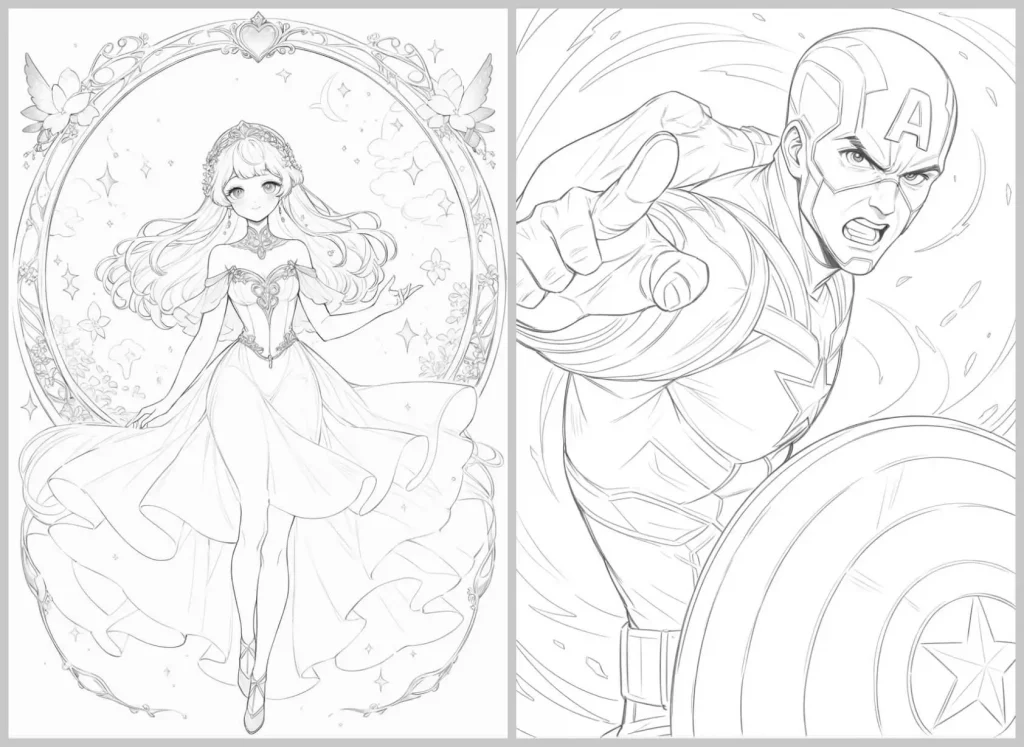
Convert Photo to Coloring Page Online
Transform any photo into a printable coloring page in seconds. Upload family photos, pet pictures, kids’ photos, landscapes, or other images and create detailed black-and-white coloring pages with clean outlines and high-quality results. Create personalized coloring pages for free with PicLumen, perfect for families, classrooms, coloring books, and creative projects.
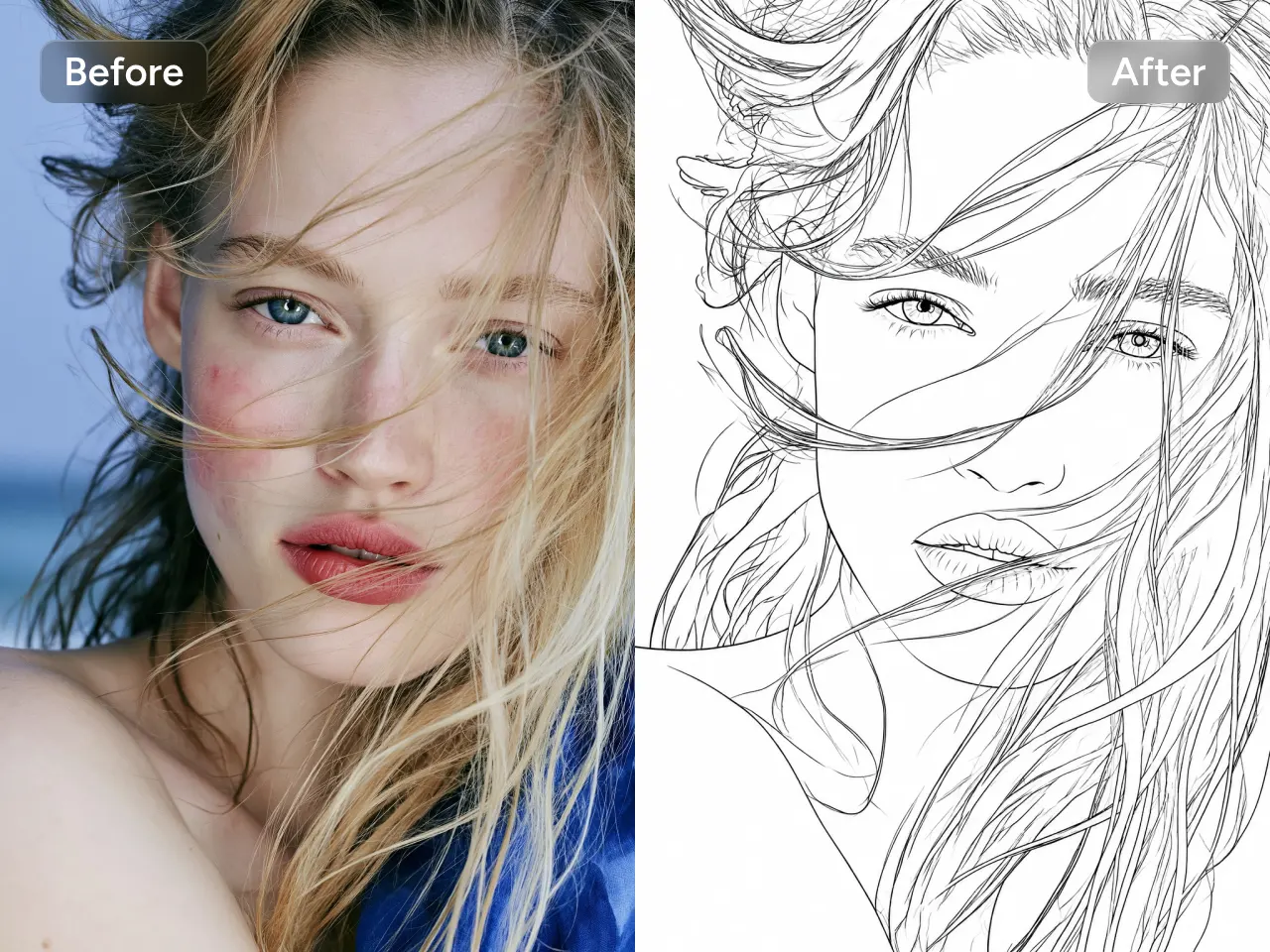
Effortlessly Convert Any Photo into a Coloring Page
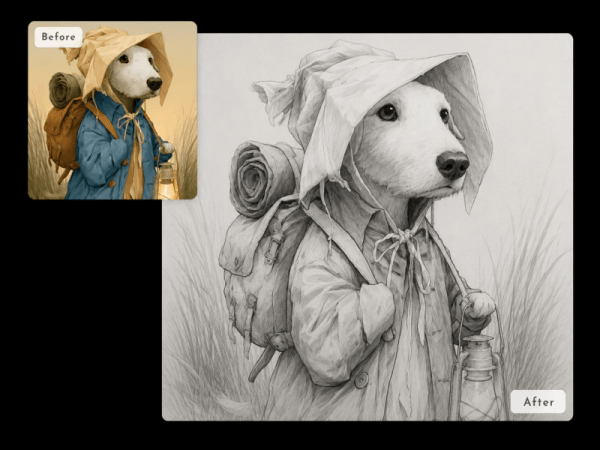
Upload any photo or image and instantly convert it into a clean, printable coloring page. PicLumen's photo to coloring page converter automatically detects the main subject and transforms it into crisp black-and-white line art while preserving important details. From portraits to pets, create clear coloring pages in seconds.
Create Coloring Pages in Any Art Style
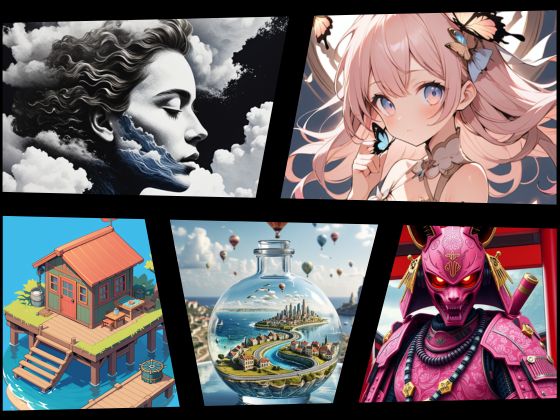
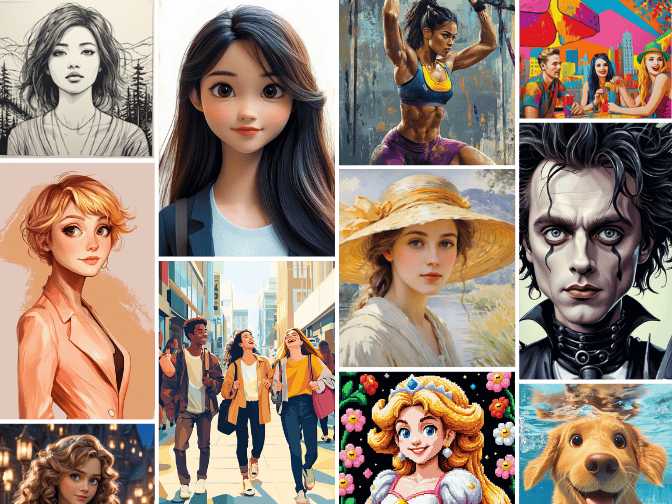
Create unique coloring pages with AI image to image technology that transforms your pictures into detailed line art. Generate coloring pages in a variety of styles, including cartoon, realistic, anime, fantasy, and more. Whether you need simple outlines for kids or detailed designs for adults, PicLumen delivers consistent, high-quality results.
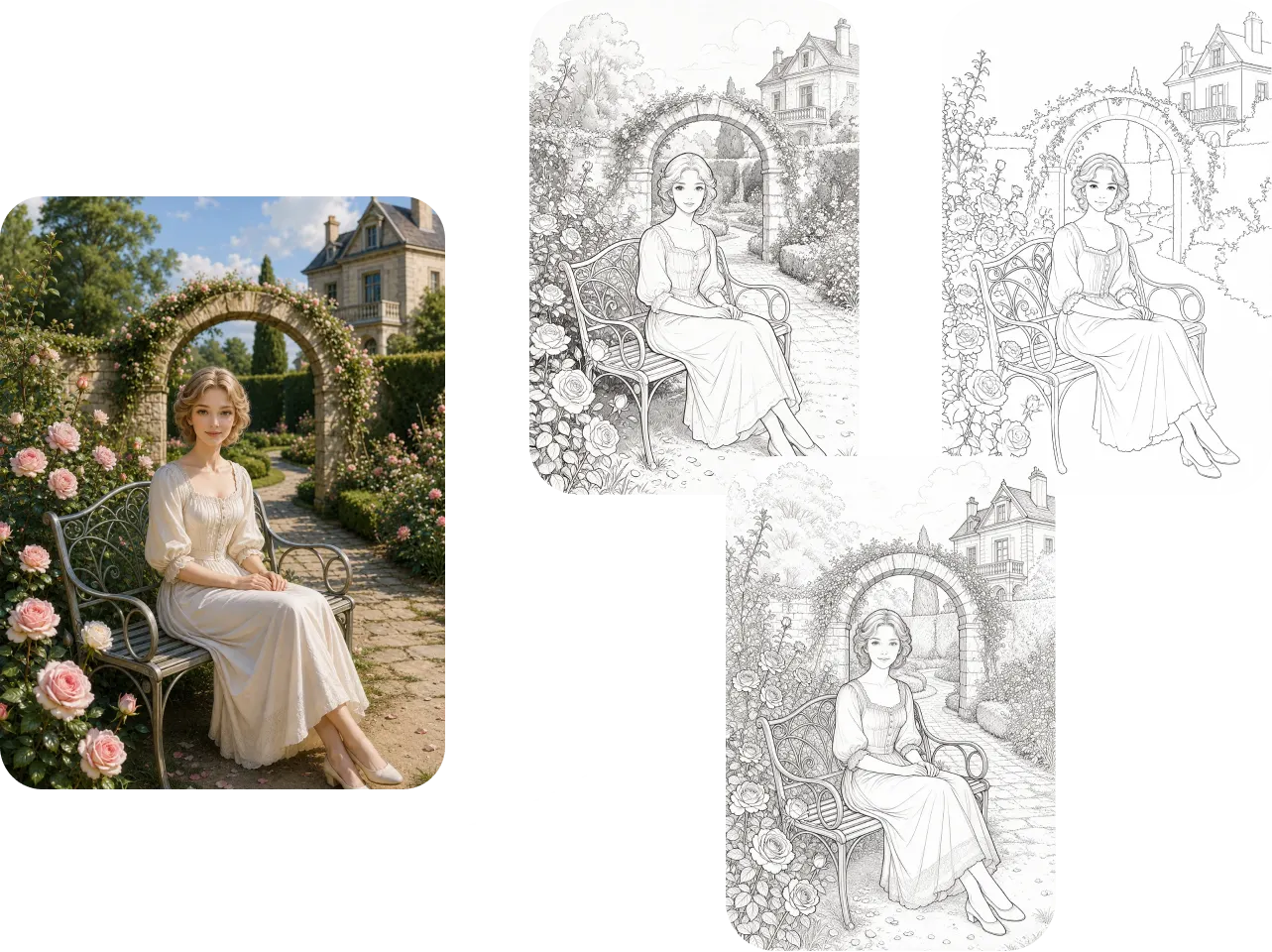
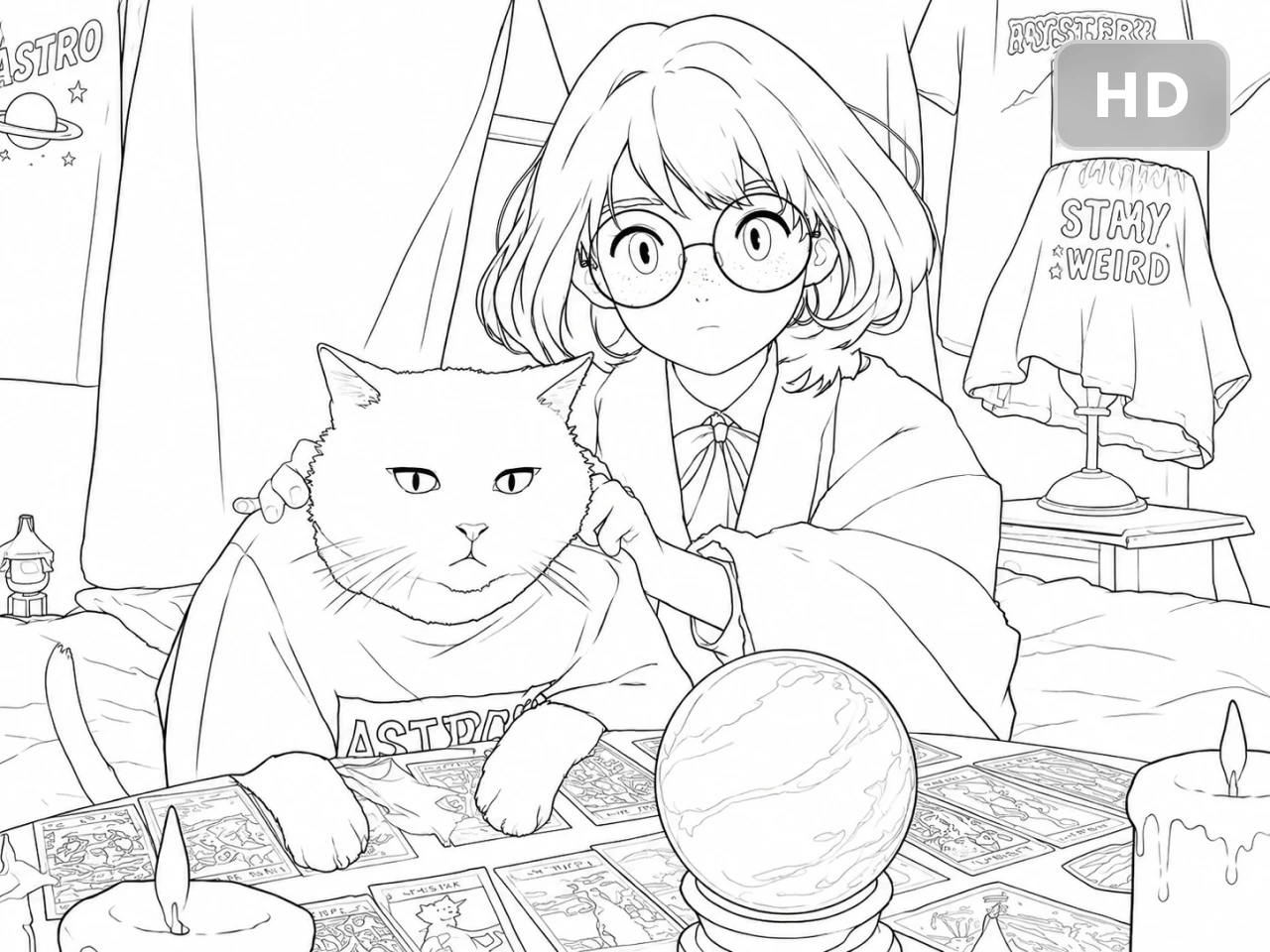
Print-Ready Quality in Up to 4K
Generate coloring pages in resolutions of up to 4K for exceptional clarity and detail. Every image features clean line art, smooth edges, and balanced details. PicLumen's photo to coloring page AI preserves key elements from your original photo while creating easy-to-color designs. Enjoy sharp, high-quality results that look great on screen and in print.
Create Stunning Coloring Pages with PicLumen

Fast Processing
Turn your photos into coloring pages in seconds. Create clean, detailed line art quickly without complex editing.

Beginner-Friendly
Anyone can create personalized coloring pages with a simple workflow. No drawing skills or design experience needed.

High-Quality Output
Generate sharp, detailed coloring pages with up to 4K resolution. Enjoy clear outlines and professional-quality results.
Turn Every Photo into a Unique Coloring Page
- Family Photos
- Pet Photos
- Kids' Photos
- Landscape Photos
- Learning Tools
- Coloring Book Pages
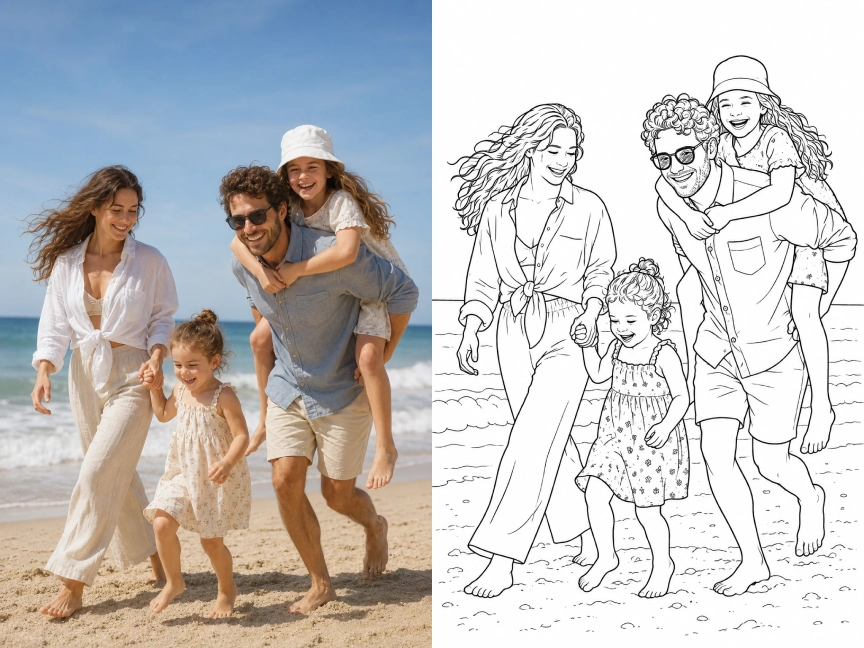
Turn Family Photos into Coloring Pages
Transform treasured family photos into personalized coloring pages everyone can enjoy. Create meaningful keepsakes from vacation pictures, holiday celebrations, birthdays, or everyday memories. Perfect for family game nights, gifts, scrapbooks, and creative bonding activities for all ages.
How to Make a Coloring Page from a Photo
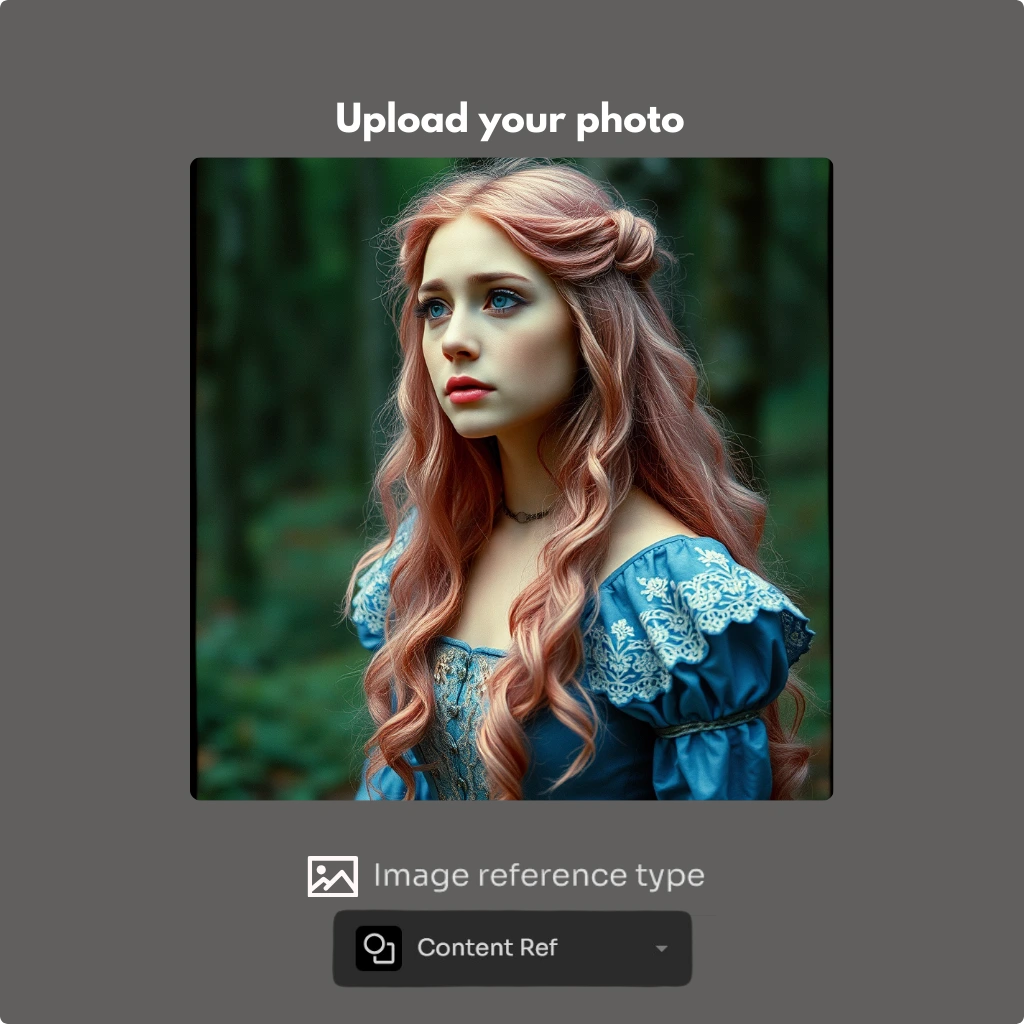
Step 1: Upload Your Photo
Choose any image you'd like to transform, such as a family photo, pet picture, portrait, landscape, or illustration. Clear, high-quality photos produce the best coloring pages.
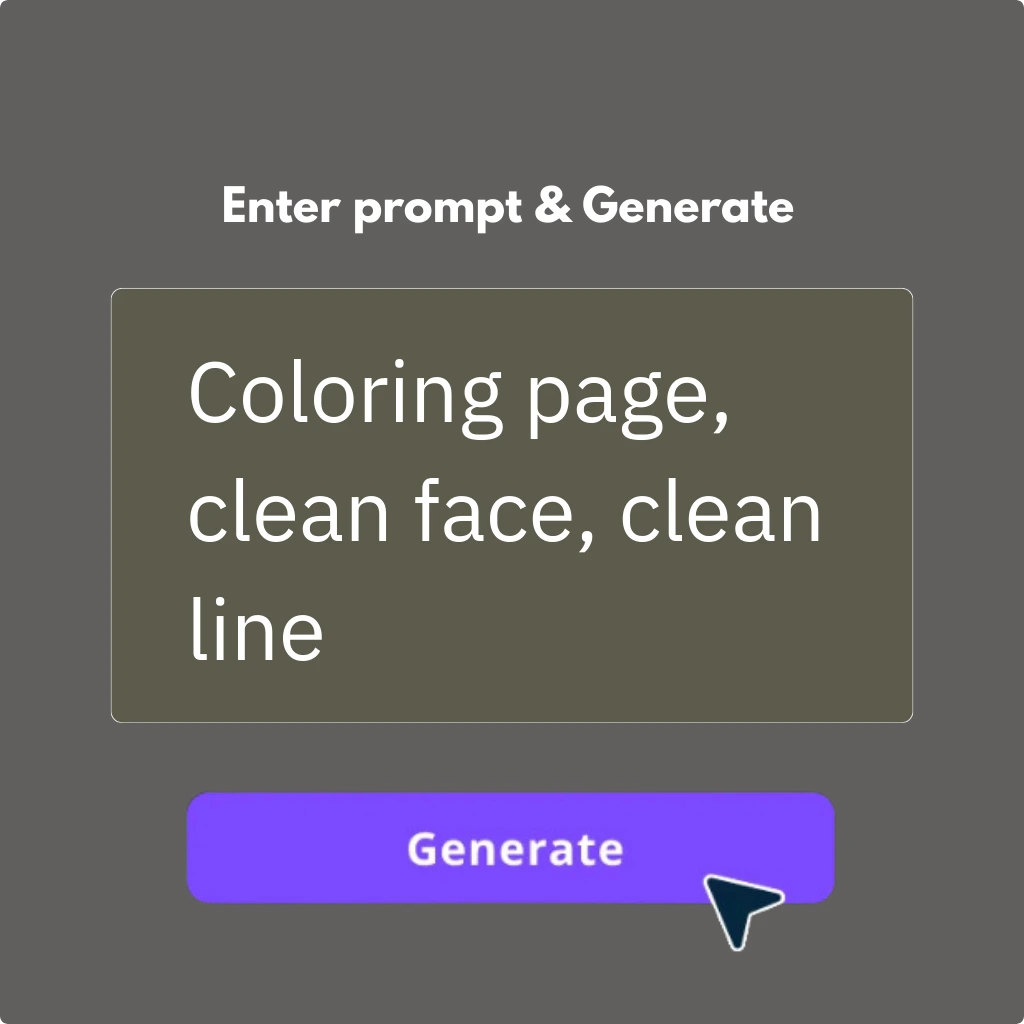
Step 2: Enter the prompt
Tell PicLumen’s coloring page generator what you want. Click the “Generate” button to get results.
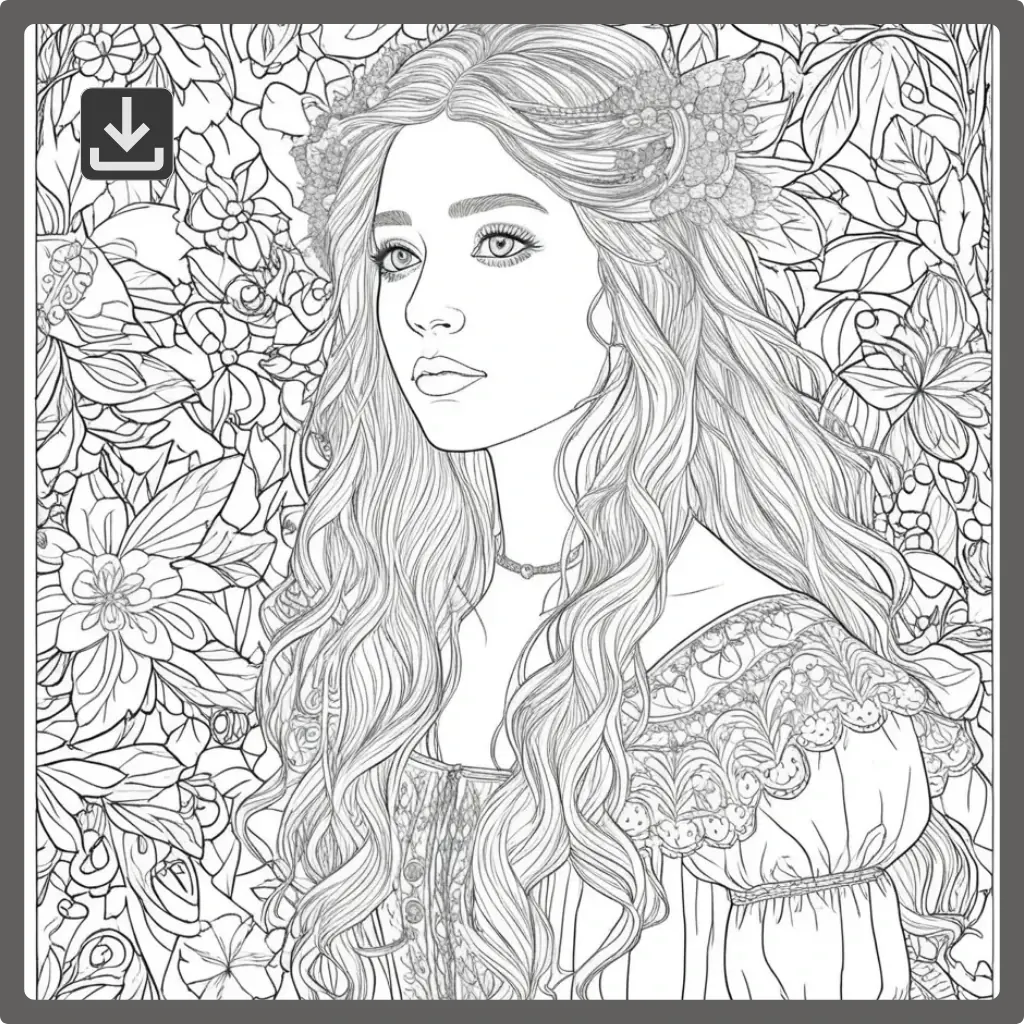
Step 3: Generate and Download
Preview your coloring page, then download it in high resolution. Save your personalized artwork and use it for your creative projects anytime.


Loved by Creators Worldwide
Real feedback from designers, marketers, and hobbyists sharing their PicLumen experience on Trustpilot.
CrispeeEasy to use.
Easy to use. Great layout love it!
 Sara Frandsen
Excellent customer service
Excellent customer service! The support team was incredibly fast, polite, and helpful. They handled my request quickly and professionally without any hassle. It is rare to see such great and honest support these days. Highly recommended!
 Prabhat Ranjan Singh Chauhan
Very smooth and very helpful for…
Very smooth and very helpful for everyonr who have creative mind. Thank you 👍
 Kura Aditya
The best experience ever w
The best experience ever w
Excellent results
Excellent results, very supportive and helpful customer service. They have a great interface very friendly use and the prices are reasonable. I use it for personal stuff and I am just a beginner but it made my earning process very enjoyable. I might give a more technical review in the future but that is so far my experience. Thanks
 Bohdan Lesyk
Great and fast
Great and fast, would be much better with some more free credits
 Ibrahim Faisal
This is best app for image generate
This is best app for image generate
 Eli Kofsky
The images that come out are really…
The images that come out are really good.
AK Editing ZoneNice ai image generation
Nice ai image generation
Good app and make very good video
Good app and make very good video
 Noveltys bloger Noveltys bloge
it was amazing
it was amazing, interesting, useful and very comfortable
Hash Kazliterally can't complain about…
literally can't complain about anything. Honest to God - amazing
Frequently Asked Questions
Can I turn any photo into a coloring page?
Yes. You can upload portraits, family photos, pet pictures, landscapes, or other images. For the best results, use a clear, high-resolution photo with good lighting so the outlines are clean and easy to color.
Can I adjust the detail of the coloring pages?
Yes! PicLumen offers several editing tools for you to refine the result:
AI inpainting: Brushing the part that needs to be modified and redrawing it in conjunction with your prompts.
Background removal: easily remove the background of the AI-generated images.
Can I print the coloring pages at home?
Absolutely. Your coloring pages are generated in high resolution, making them suitable for standard home printers as well as professional printing. Simply download the file and print it on your preferred paper.
Can I make a coloring book from multiple photos?
Yes. Convert multiple photos into matching coloring pages and combine them into a personalized coloring book. This is perfect for family albums, classroom activities, gifts, or self-published coloring books.
Do I need drawing or design skills?
Not at all. Simply upload your photo, enter your prompt, and let the AI generate a printable coloring page in seconds. No illustration, Photoshop, or graphic design experience is required.
Can I use AI-generated coloring pages commercially?
Yes, depending on the platform's terms of service. You can typically use them for personal projects, classrooms, or commercial creative projects where permitted.
.png)