
Free Slow Motion Video Maker Online
Create stunning slow motion videos with PicLumen's AI slow motion video maker. Describe your scene or upload an image, and our slow motion generator creates cinematic footage for sports, social media, and marketing. No editing skills needed — just type and generate in minutes.
Hot Video Effects
View AllKey Features of Slow Motion Video Maker
.
Create Cinematic Slow Motion Videos with PicLumen
Ever wondered how to slow down footage without losing clarity, smoothness, or emotional impact? The slow motion video maker from PicLumen is designed to help you reshape time in your videos while keeping every frame natural and fluid. Powered by advanced video generation technology, it gives you control over motion intensity, frame consistency, and visual storytelling.
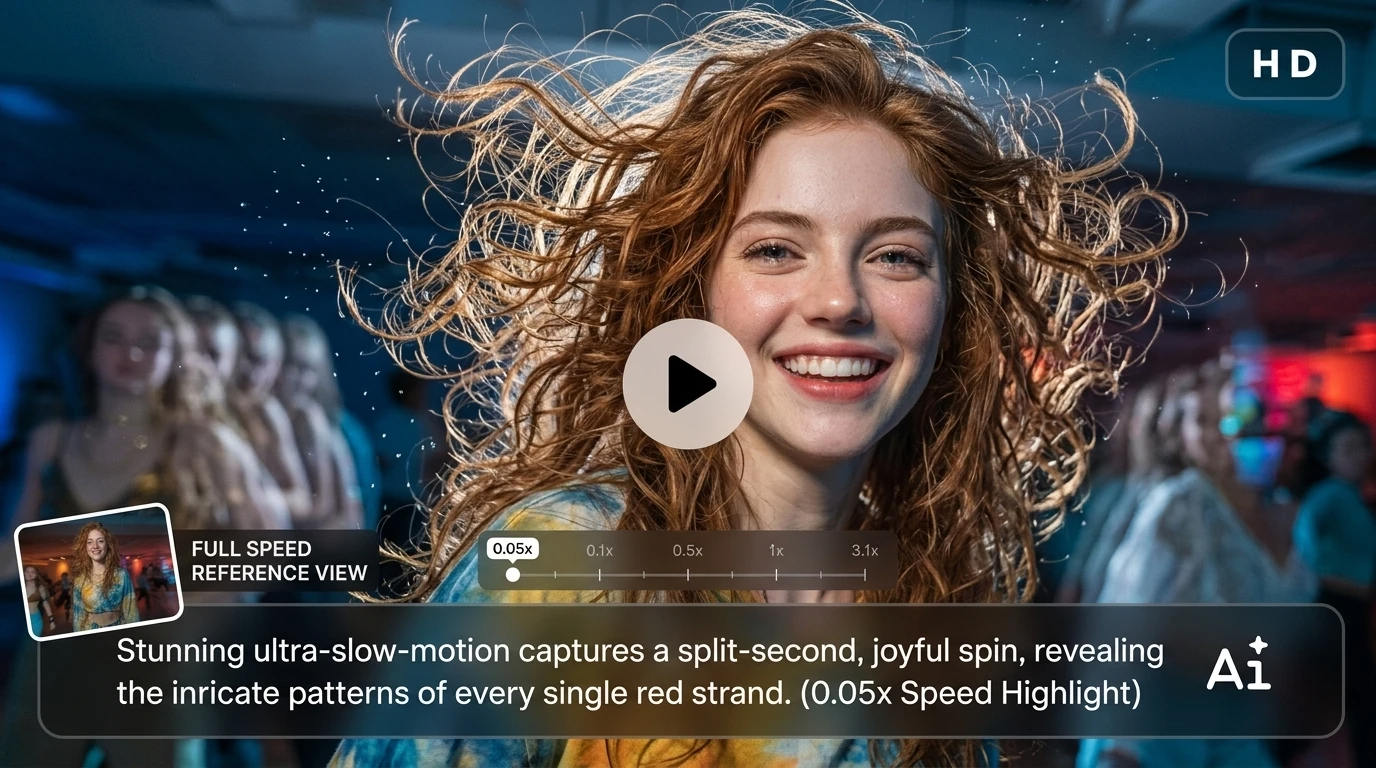
Social Media Clips That Stop the Scroll
Not every moment needs heavy editing — but the right slowdown can completely change how people see your video. With this feature, you can pick key highlights and slow them just enough to make viewers pause, rewatch, and engage. It works especially well for short-form content where attention is everything.
Cinematic Storytelling Scenes
Sometimes it's not about what happens, but how it feels. Slowing down movement lets you stretch emotional moments, emphasize expressions, and create a more cinematic rhythm. You can shape everyday footage into something that feels more intentional, like a scene from a film rather than a simple recording.
Product Highlight Videos
If you're showing a product, timing matters as much as lighting. Slow motion helps you draw attention to details people would normally miss — textures, motion flow, reflections, or build quality. It gives your visuals a more premium, deliberate feel without needing complex editing workflows.
Action and Sports Breakdown
Fast moments often hide important details. By slowing them down, you can reveal movement patterns, impact points, or technique execution more clearly. Whether it's sports footage or high-energy clips, this helps you present action in a way that feels both analytical and visually engaging.
How to Use Slow Motion Video Maker
Step 1 Choose Model
1Select the right AI model for your video style. Whether you want cinematic realism or stylized motion, different models help you control the final visual tone more precisely.
Step 2 Add Prompt or Reference Image
2Describe the motion you want or upload a reference image to guide the output. This helps the system understand timing, focus, and visual intent more accurately.
Step 3 Set Format, Quality & Duration
3Adjust video ratio, resolution, and length based on where you plan to use it — social media, ads, or creative projects. This ensures your output fits the platform without extra editing.
Step 4 Preview and Download
4Once everything is set, generate your video, preview the result, and export it instantly. You can download it directly or share it across platforms without additional processing.


Loved by Creators Worldwide
Real feedback from designers, marketers, and hobbyists sharing their PicLumen experience on Trustpilot.
 Bet AW
Nice good appp creat inmage
Nice good appp creat inmage
chelsiennerThis is my favorite AI Image generator
This is my favorite AI Image generator
 Rishiprasanth BR
This is a great site to create images…
This is a great site to create images as per our mind's wish. Such a great site, loved its response
 Alexsander Luís
cool it's a good ai creator but create…
cool it's a good ai creator but create imagens for cinema
Brad the BibliothecaryGreat service with ease of use and…
Great service with ease of use and generous free offerings.
 Pino Calambrogio
Good over other applications
Good over other applications
Great experience and very nice app
Great experience and very nice app. Thank you very much.
Danial DaoudGreat customer support
It's easy to use, they have different AI models, good prices, and a nice community page. I contacted them regarding a bug issue and wasn't expecting much tbh. But they responded within a few hours and hade the issue fixed immediately! Great customer support!
 Mani Sravani Bandaru
Very great pictures with high quality
Very great pictures with high quality
 Alishba Mukhtar
Wonderful experience I’ve ever had
Wonderful experience I’ve ever had
 The Uncharted Timeline
This ai
This ai generated image very natural and beautiful HD quality
 Charan Balivada
It's a good ai and create to make ai…
It's a good ai and create to make ai pic in different ways and different styles
Frequently Asked Questions
What is a slow motion video maker?
A slow motion video maker is a tool that helps you create videos with slowed-down footage to emphasize detail, add drama, or highlight moments. PicLumen's AI-powered slow motion generator creates slow-motion style content from text prompts or images, without expensive equipment or complex editing software.
How can I make a video slow motion?
Simply enter the prompts for slow motion or upload a reference image, and our AI slow motion video generator can generate the slow motion video you want.Simply enter the prompts for slow motion or upload a reference image, and our AI slow motion video generator can generate the slow motion video you want.
Can I use slow motion videos for commercial purposes?
Yes, content you generate with PicLumen can be used commercially — marketing videos, ads, business content. You retain rights to your AI-generated footage from this slow motion generator. Just avoid third-party materials that could raise copyright concerns.
Is there a free slow motion video maker?
Yes, try PicLumen's free slow motion maker with a free trial. Get daily lumen credits and earn extra by completing tasks. Within your credit limits, you can keep using the slow motion web tool at no cost. Upgrade when ready for more credits.
What video formats are supported?
PicLumen supports 20+ formats: 16:9 for YouTube, 9:16 for Stories, 1:1 for posts, and more. As a video speed editor, it also lets you adjust resolution and duration based on your project needs.
What should I write in a prompt for a slow motion video?
A good prompt should clearly describe what is happening, what moment you want to emphasize, and the mood or style of the video. Instead of only saying “slow motion,” be specific about the action and timing you want to highlight.
For example, instead of writing:
"slow motion running scene"
You can improve the result by writing:
"a runner crossing the finish line, sweat droplets in the air, dramatic lighting, cinematic slow motion focusing on final steps"