
Free AI Banner Generator to Make Banners in Seconds
Create scroll-ready banners without opening a heavy design tool. With PicLumen's AI banner generator, you can turn a simple prompt or reference image into polished banner visuals for social profiles, online stores, websites, campaigns, and creator channels.
Hot Video Effects
View All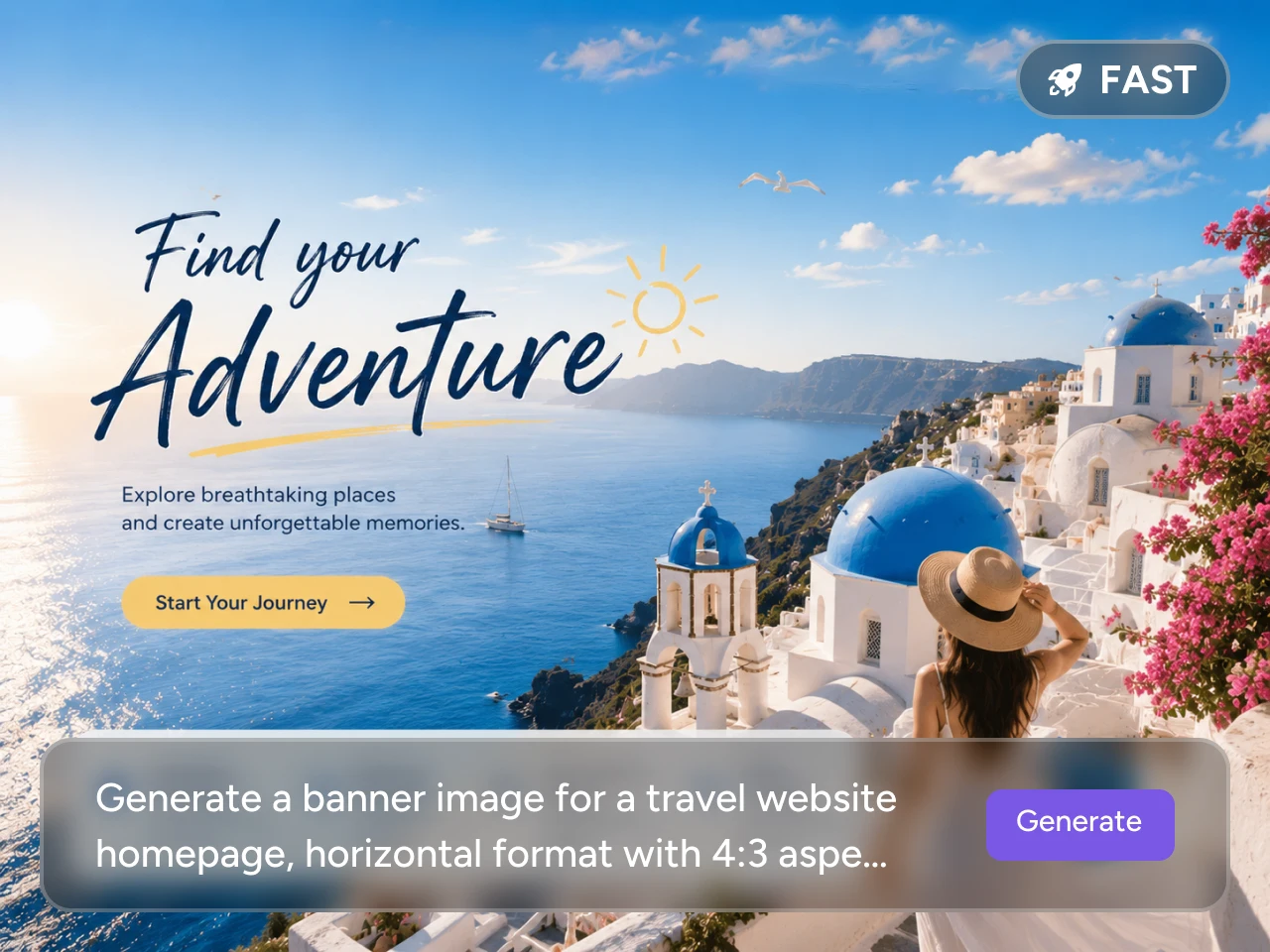
Turn One Prompt into Banner Ideas Quickly
Need a banner fast but do not want to start from a blank canvas? With PicLumen's AI banner generator, you can describe your theme, platform, colors, subject, and style, then generate banner ideas in seconds. It gives you a faster way to test campaign visuals, social headers, product promos, or creator covers before choosing the best direction.
Upload a Reference Image to Match a Style You Like
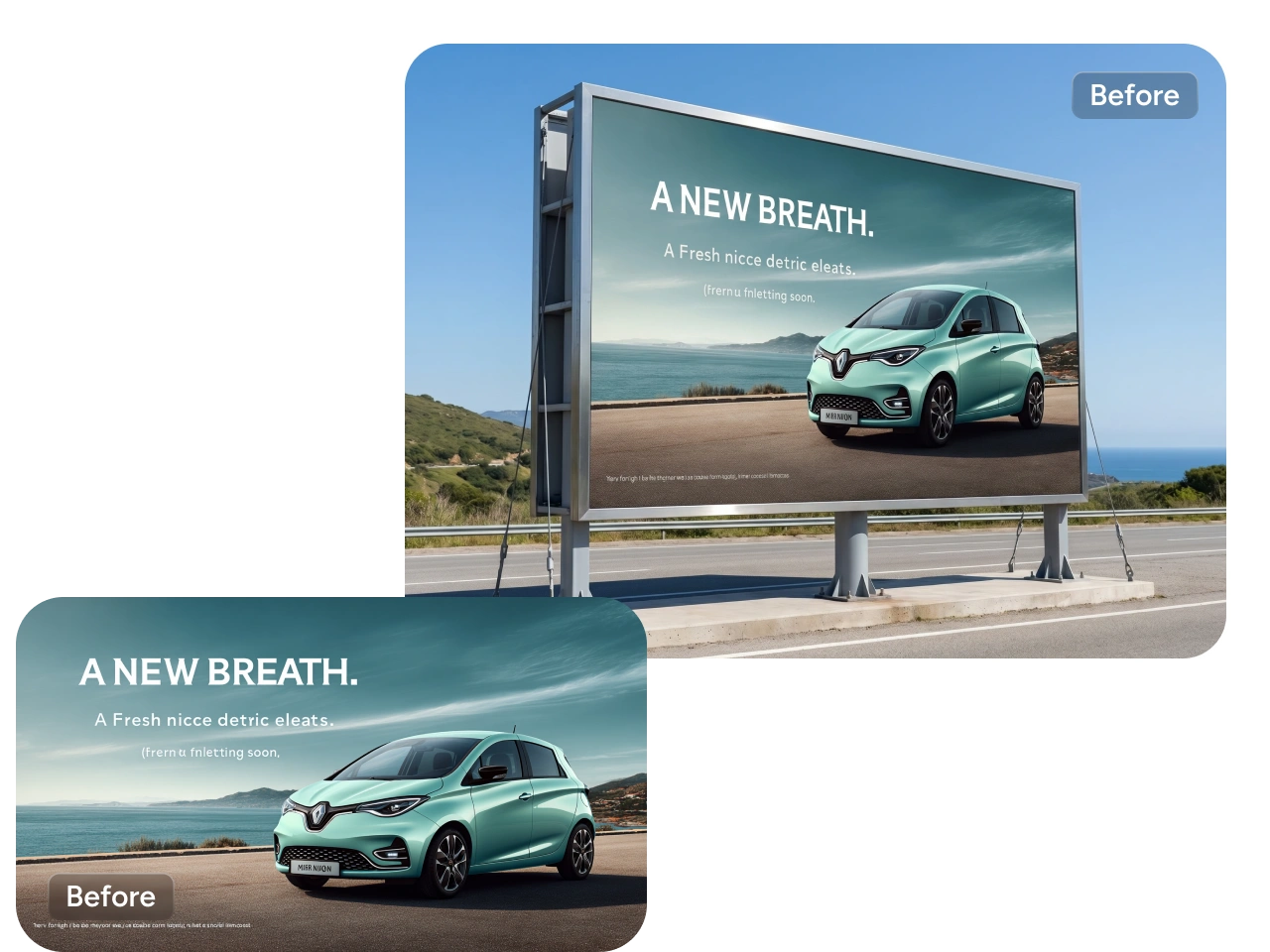
Found a banner style you like but hard to explain it in words? Upload a reference image and let PicLumen's AI banner generator follow its mood, color direction, or composition style. You can create a new banner that feels close to your visual reference while still keeping the result original and easy to customize for your own use.
Make Banners for Every Platform
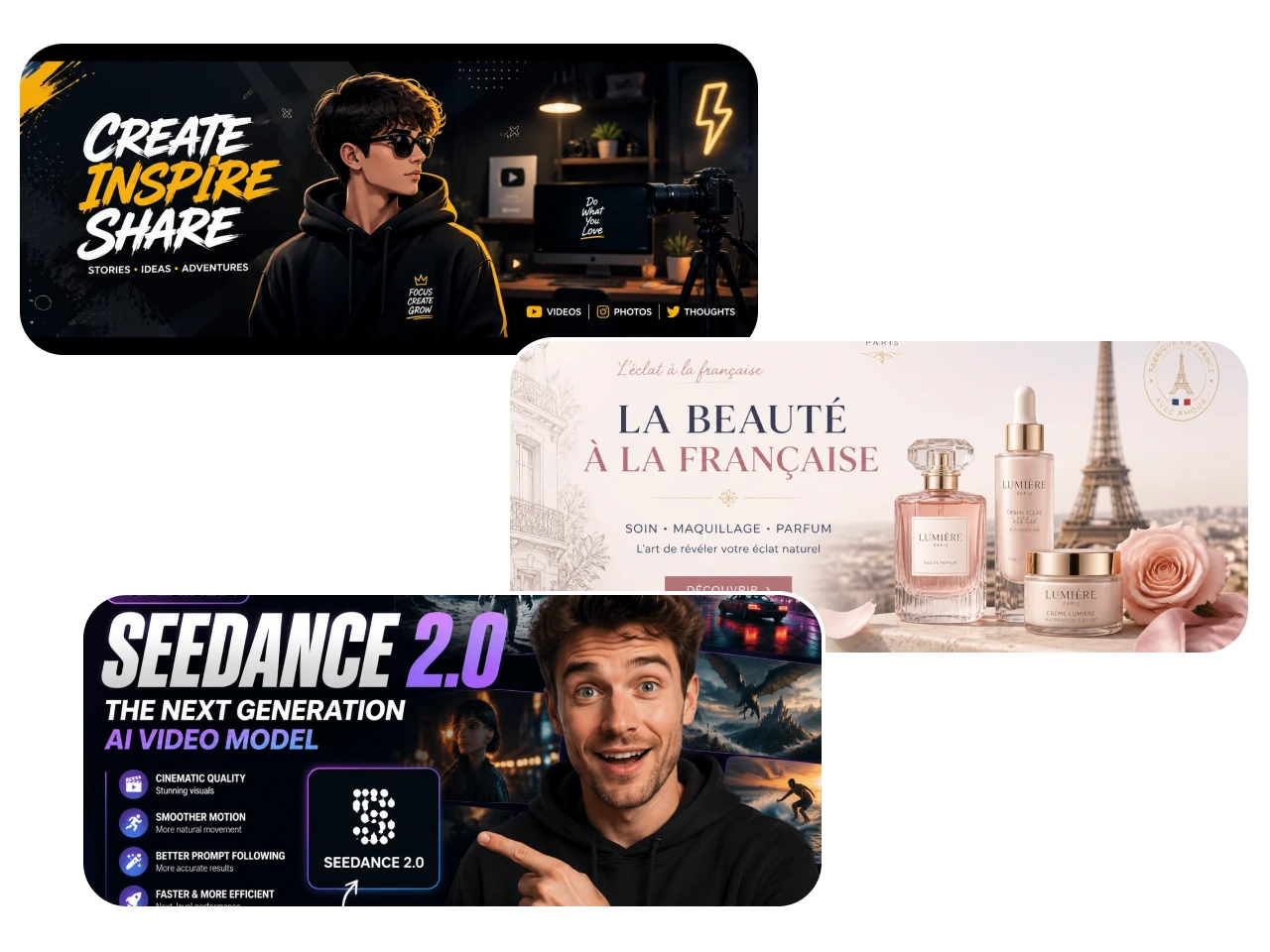
One banner idea often needs to work across different spaces. PicLumen's AI banner generator helps you create visuals for ecommerce, YouTube, Twitch, X, LinkedIn, websites, blogs, and seasonal campaigns. You can generate a strong visual base first, then adapt the idea for different platforms and brand needs.
Explore Any Banner Style
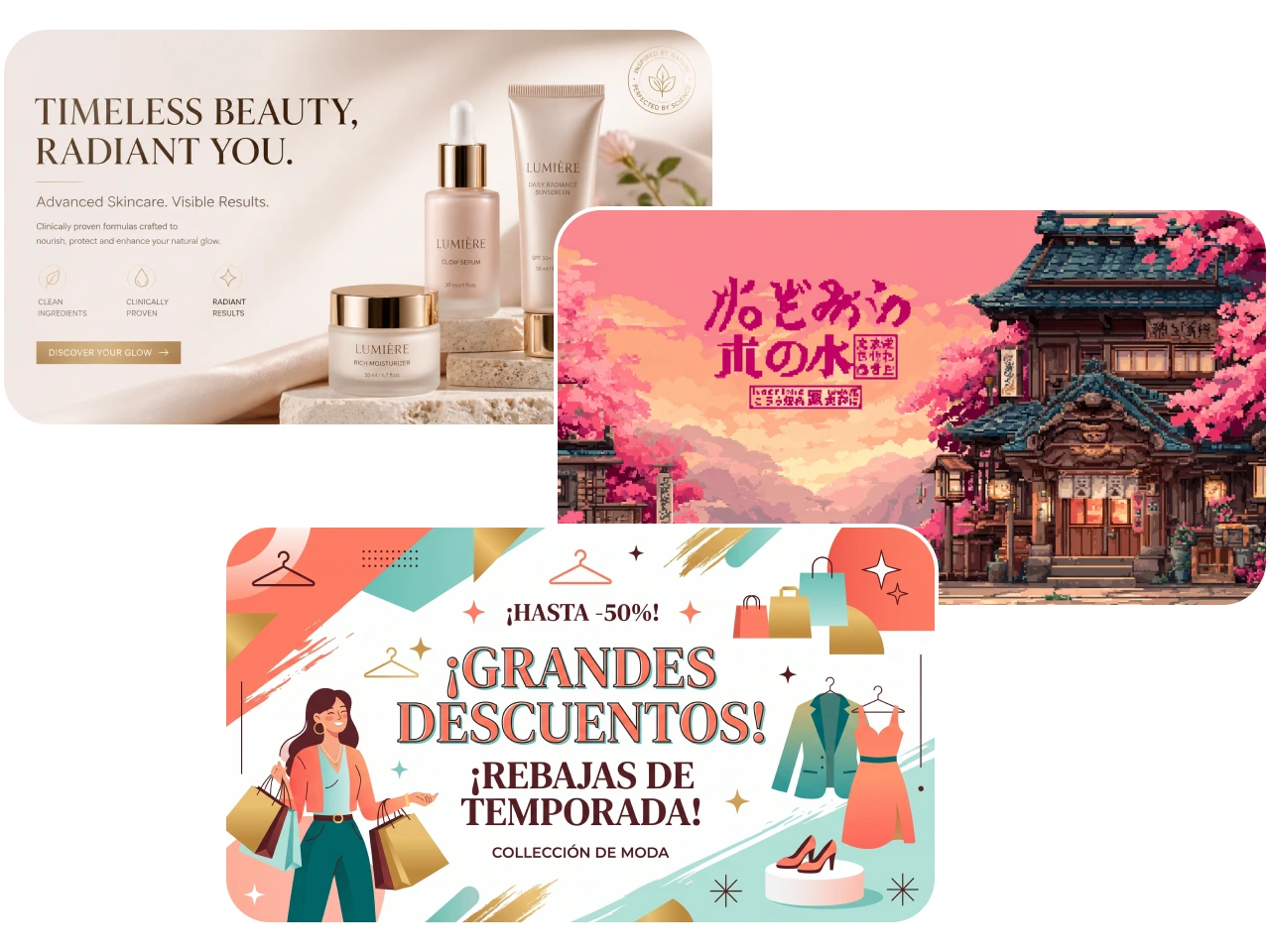
Your banner does not have to look like a fixed template. Try clean SaaS visuals, anime-inspired covers, pixel art, gaming styles, ecommerce promo looks, cinematic product scenes, or professional business headers. PicLumen's AI banner generator gives you more creative range, so you can test different styles before settling on the final design.
Why Choose PicLumen's AI Banner Generator?

High-Quality Results
Create clear, polished banners with strong visual detail and clean composition, ready for social profiles, websites, campaigns, and brand pages.

Faster Creation
Start with a prompt or reference image, generate banner ideas quickly, and choose a direction without building everything from scratch.

Stable Workflow
Test styles, refine prompts, and create more versions with a smoother, more consistent banner creation process.
Use Cases for an AI Banner Generator

Social Media Banners
Create banners for YouTube, Twitch, X, LinkedIn, Facebook, and other social platforms. Whether you need a creator cover, a gaming header, or a professional profile banner, PicLumen helps you build a visual that fits your online presence.

Ads Banners
Make banner visuals for product launches, seasonal sales, limited-time offers, app promotions, and ecommerce campaigns. You can describe the product, mood, color direction, and campaign theme, then generate ad-ready visual concepts faster.

Branding Banners
Use PicLumen to create banners for brand pages, business profiles, company announcements, webinars, and service promotions. It helps you keep your visuals clean, recognizable, and aligned with your brand style.

Blog Banners
Generate blog headers, article covers, newsletter banners, and website hero visuals. Instead of using generic stock images, you can create a banner that better matches your topic, audience, and content angle.
How to Make Banner Images with PicLumen
Step 1 Choose the Right Model
1Start by choosing a model that fits the banner style you want. PicLumen supports different creative directions, so you can create clean business banners, bold social media headers, gaming visuals, ecommerce promos, or more artistic banner designs.
Step 2 Upload or Prompt
2Upload a reference image if you want PicLumen to follow a certain style, mood, color direction, or layout. You can also enter a text prompt to describe the platform, theme, subject, and visual style you want.
Step 3 Select Ratio and Quality
3Choose a suitable image ratio and quality based on where the banner will be used. For example, a YouTube cover, Twitch header, LinkedIn banner, X profile banner, ad banner, and blog header may need different visual framing.
Step 4 Download or Share
4When the banner looks right, download the original image or share it directly. You can also generate more versions if you want to compare different styles before choosing the final banner.
AI Banner Prompt Ideas You Can Try
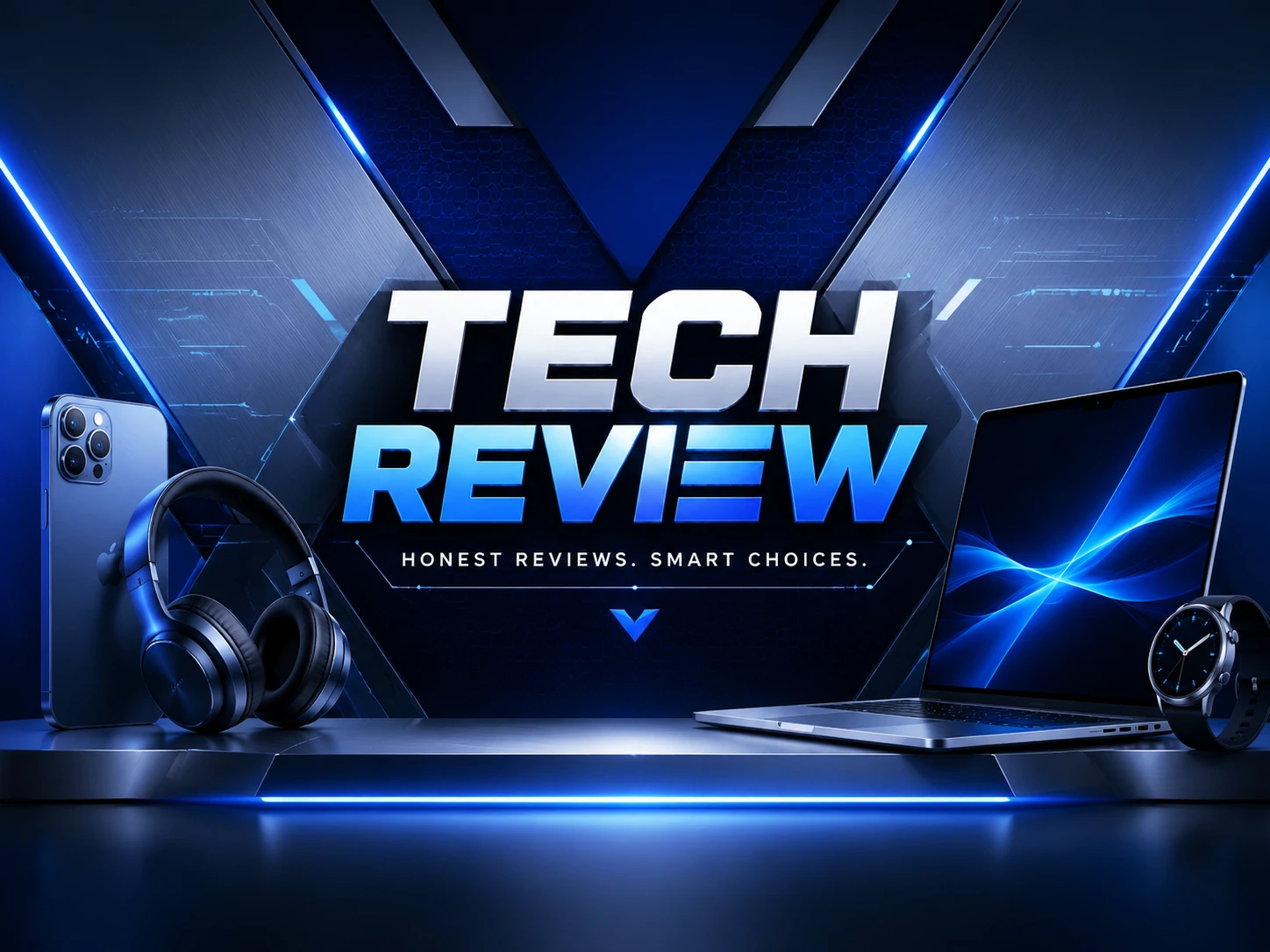
YouTube Banner Prompt
"Modern YouTube banner for a tech review channel, clean futuristic background, blue and silver color palette, sharp lighting, professional digital style, strong central composition."
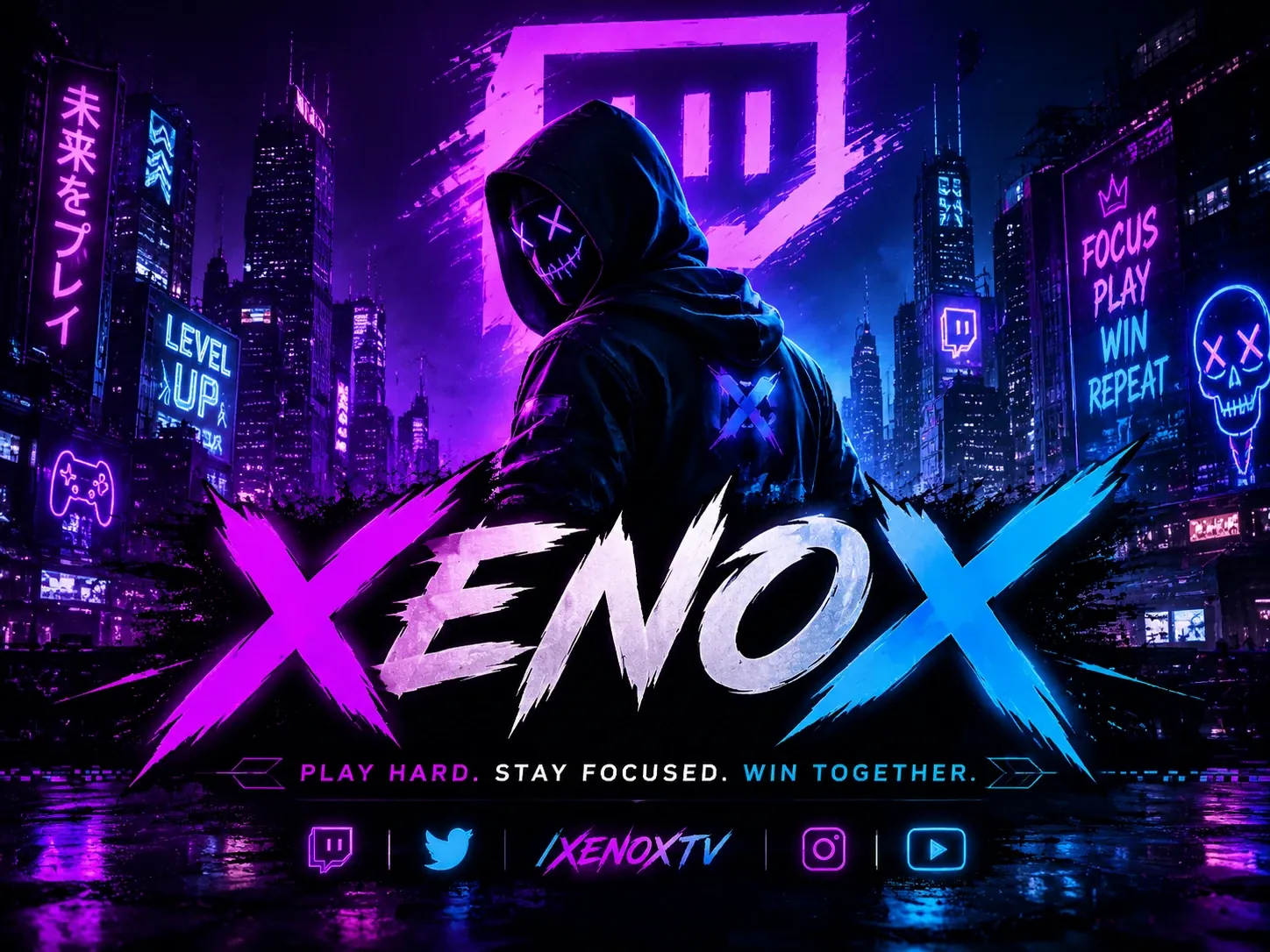
Twitch Banner Prompt
"Neon gaming Twitch banner, cyberpunk city background, purple and electric blue lighting, energetic streamer branding, high contrast, bold visual style."
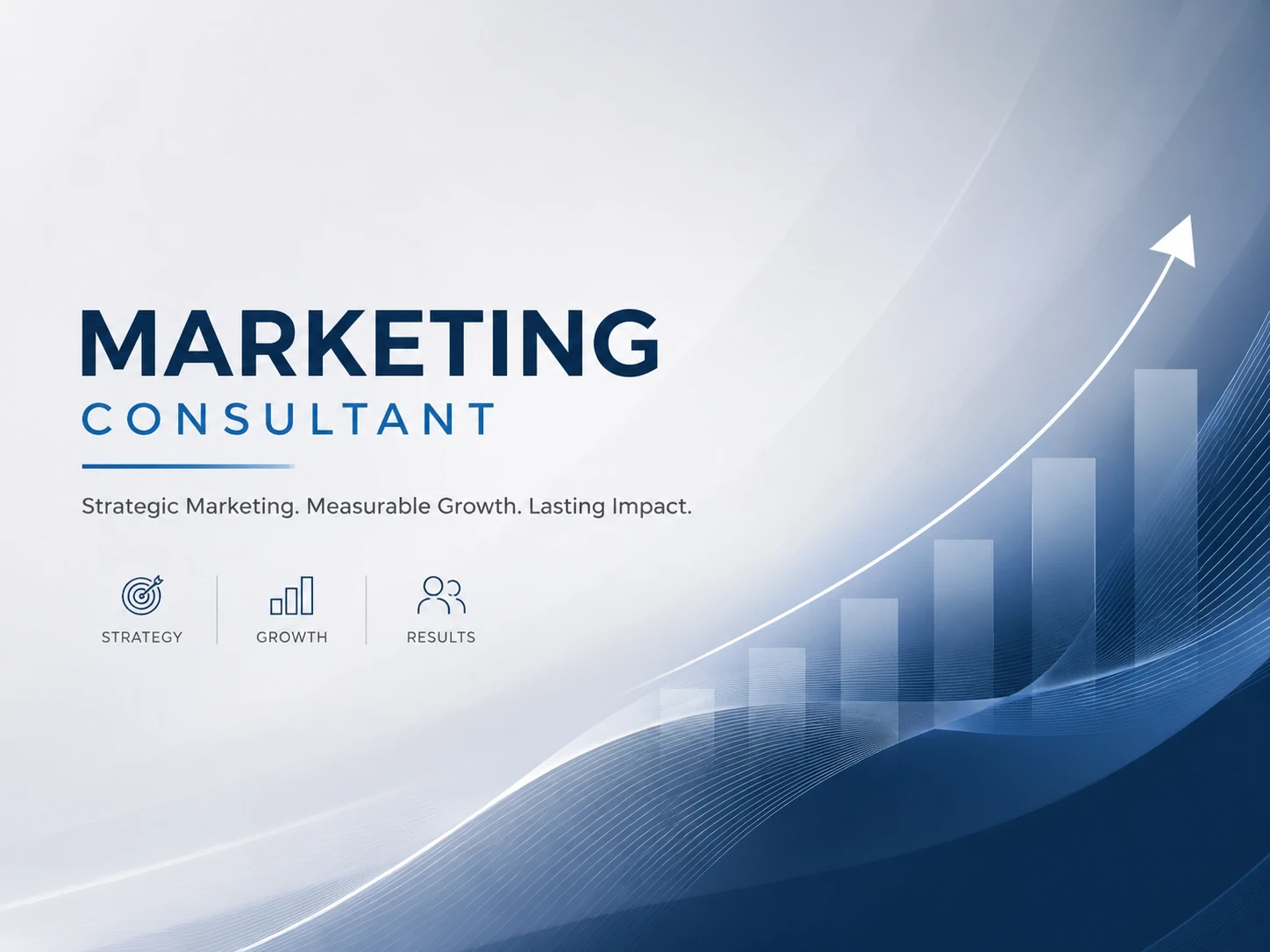
LinkedIn Banner Prompt
"Professional LinkedIn banner for a marketing consultant, clean abstract background, soft gradient, modern business style, minimal, polished, credible."


Loved by Creators Worldwide
Real feedback from designers, marketers, and hobbyists sharing their PicLumen experience on Trustpilot.
Isuru NilankaIt's easy to use
It's easy to use, they have different AI models, good prices, and a nice community page.
jordi AlcarazI have really enjoyed using this site…
I've had a really positive experience with Piclumen. The platform offers excellent features for creating AI images and videos, with impressive quality and a wide range of creative possibilities. It's very easy to use, even when experimenting with more complex ideas, and the whole process is both intuitive and enjoyable. excellent customer service. The team replies very quickly, is always friendly, and genuinely tries to solve any issues you may encounter they care about their users. Overall, Piclumen is an innovative, user-friendly, and exciting AI platform. I highly recommend it to anyone interested in AI image and video creation.
Jon JonVery good website
Very good website. Different models, good job
 Ai Hack
Great tool
I would really recommend this website to content creation
 Brad the Bibliothecary
Great service with ease of use and…
Great service with ease of use and generous free offerings.
Really good app and generates good…
Really good app and generates good images!
 John Cooper
Best Ai image generating website
Best Ai image generating website
 Shantell Jordan
LOVE THIS TOOL
Love this app. Its allowed my vision to come to life.
best of the best
the quick and fast result also too much style and variety is very very astonishing
 Hesham Zohny
it is super easy and UI/UXis perfect
it is super easy and UI/UXis perfect
 Lalith Perera
I loved it thank you so much for the…
I loved it thank you so much for the images
 madhu choudhary
best for AI 3d
best platform for making ai generation and easy to use
Frequently Asked Questions
What is an AI banner generator?
An AI banner generator is a tool that creates banner images from text prompts or reference images. With PicLumen, you can generate banners for social media, websites, ecommerce campaigns, creator channels, business pages, and more.
Can I try PicLumen’s AI banner generator for free?
Yes. PicLumen offers daily free credits, so you can use it as an AI banner generator free option when testing banner ideas, styles, and prompts. It is a simple way to create your first banner before using more credits for additional versions.
Can I make banners for YouTube with PicLumen?
Yes. If you need channel art, you can use PicLumen as an AI YouTube banner generator by describing your channel niche, visual style, color palette, and audience. For example, you can create banners for gaming, tech reviews, education, podcasts, lifestyle content, or personal branding.
Can I create Twitch banners for streaming?
Yes. PicLumen can work as an AI Twitch banner generator for streamer profiles, gaming channels, event announcements, and live-stream branding. You can prompt for neon gaming scenes, cozy streaming rooms, esports-style visuals, fantasy themes, or pixel art backgrounds.
Is PicLumen suitable for LinkedIn banners?
Yes. You can use PicLumen as an AI LinkedIn banner generator when you need a cleaner, more professional header for your profile, company page, webinar, hiring post, or service promotion. Keep the prompt focused on your industry, brand tone, and business message.
Can I make X or Twitter banners with PicLumen?
Yes. PicLumen can help you create X profile headers, creator covers, campaign visuals, and personal brand banners. If you are searching for an AI Twitter banner generator, you can describe the mood, topic, and style you want, then generate a banner that fits your profile direction.
Can I use PicLumen banner images for commercial projects?
Yes. You can use banner images created with PicLumen for commercial projects, such as brand pages, ecommerce promotions, ads, social media campaigns, and website visuals.