Free Passport Photo Maker Online – Get Passport Size Photos Fast
Hot Video Effects
View All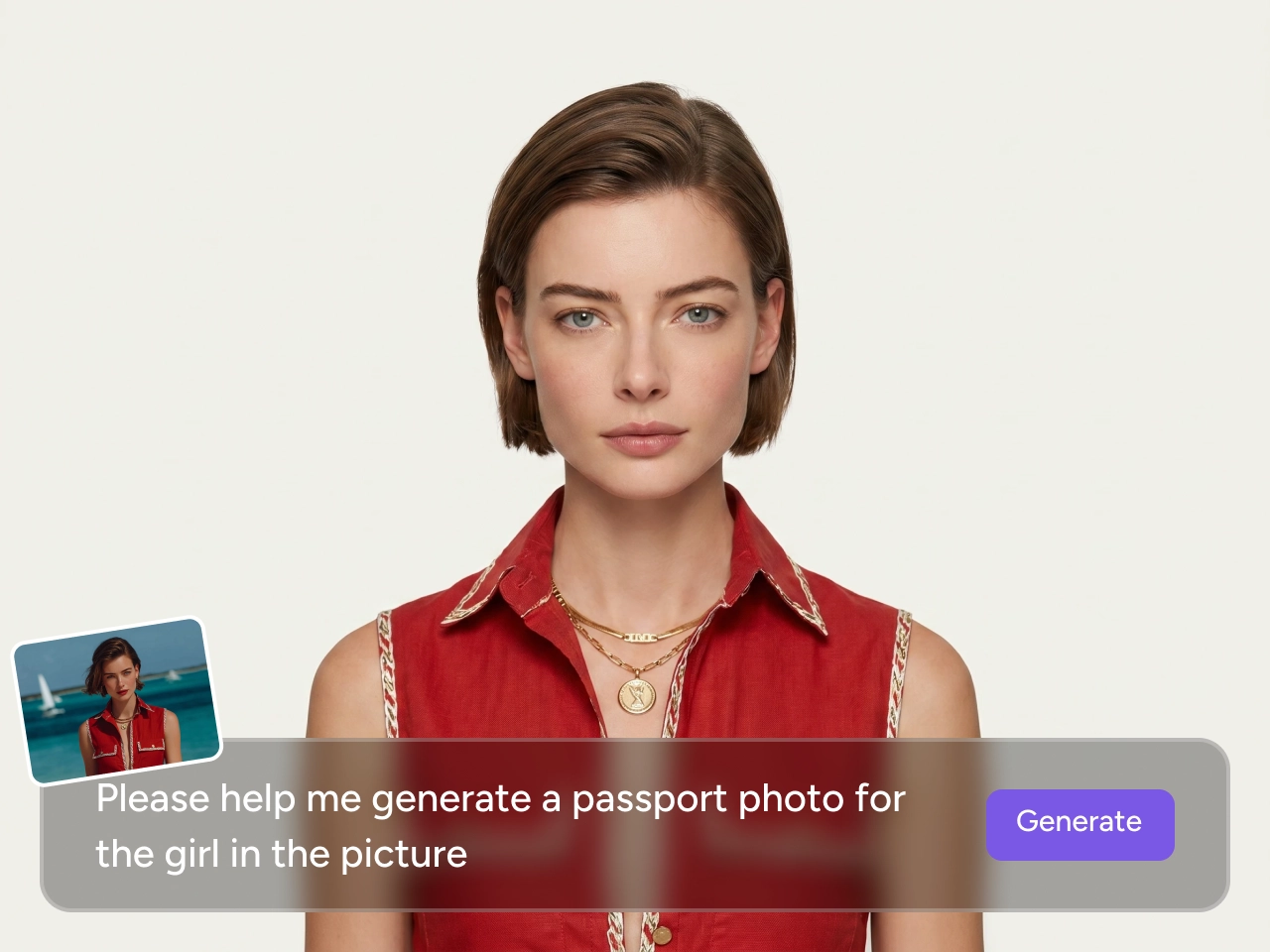
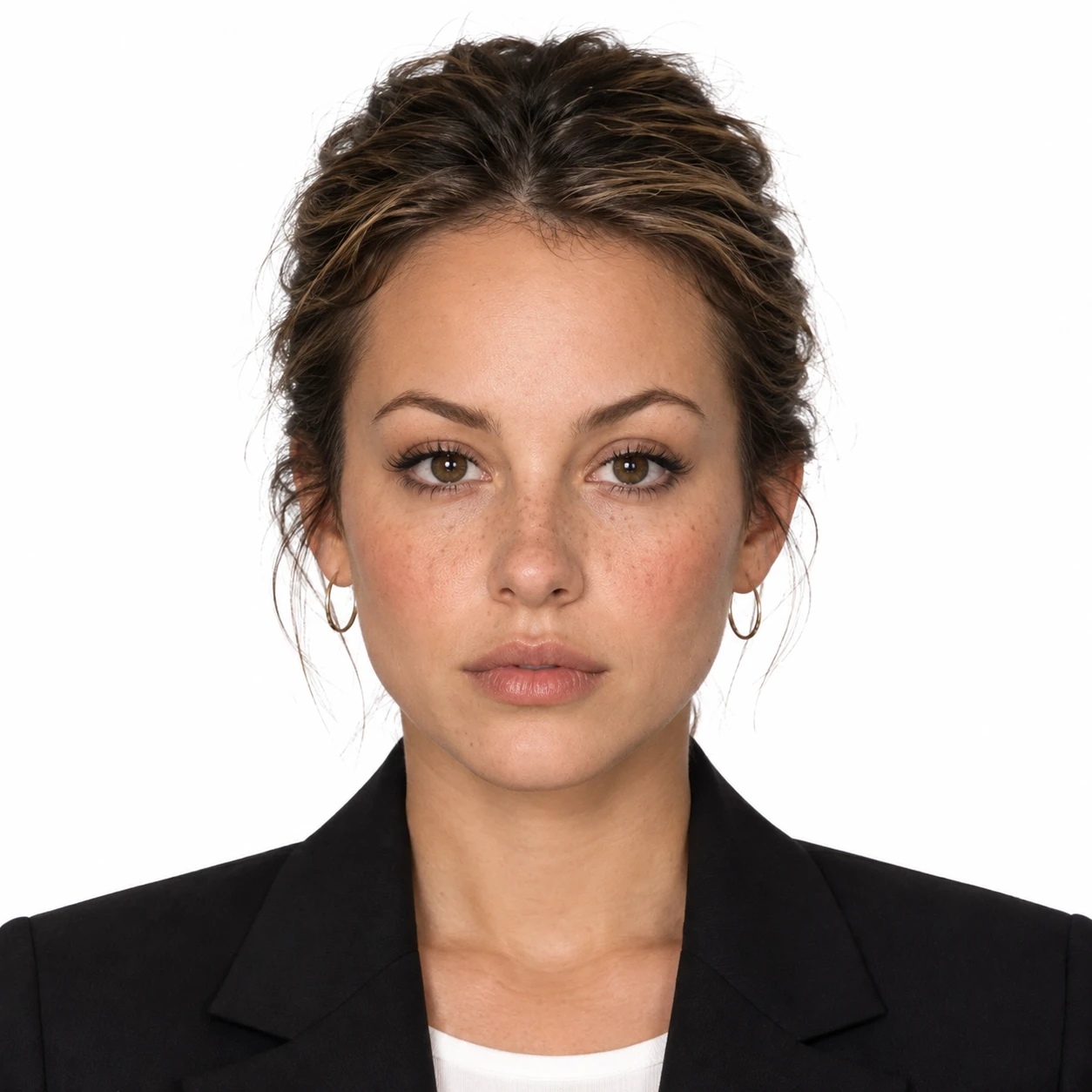
Turn Any Photo Into a Passport Photo Instantly
Not every photo is taken in ideal conditions, and normally fixing it would take retakes or manual editing. With PicLumen's passport photo maker, you can simply upload a reference image or enter a short prompt describing what you need, and the tool takes care of the rest. From alignment and cropping to proper sizing, everything is handled automatically.
The AI passport photo maker is built to save you time and remove unnecessary steps, so you can go from input to a ready-to-use passport photo in just a few minutes.
One Tool for Every Country’s Requirements
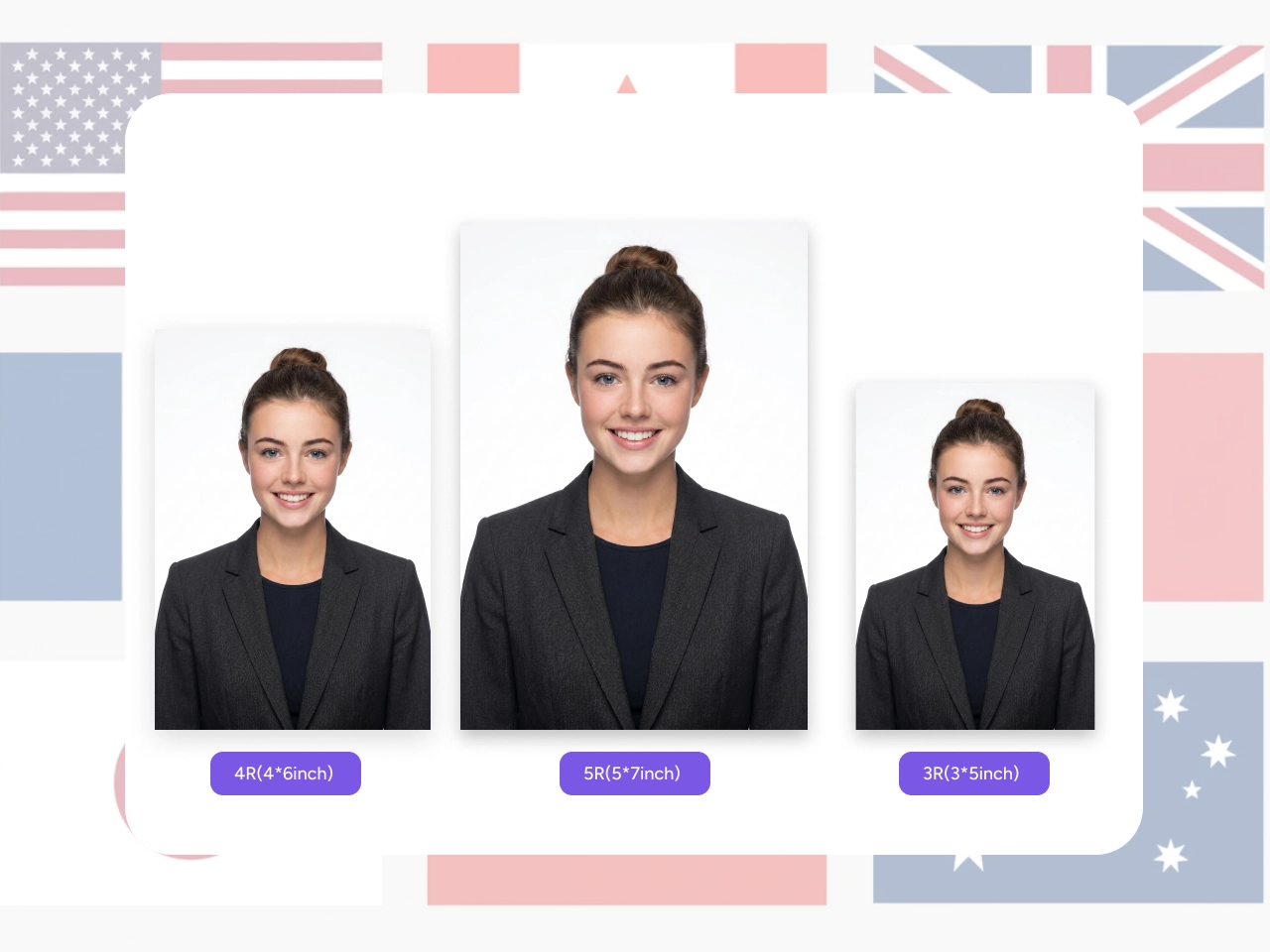
Passport photo standards differ from country to country, especially in size and format requirements. PicLumen's passport photo maker is built to handle these variations directly, supporting common specifications such as a 1:1 ratio for the US, a 7:9 ratio for the UK and India, a 5:7 ratio for Canada, and a 7:9 ratio for Australia.
The tool ensures your photo meets the required dimensions and layout for different regions, making it easier to create compliant results with a passport size photo maker without extra adjustments.
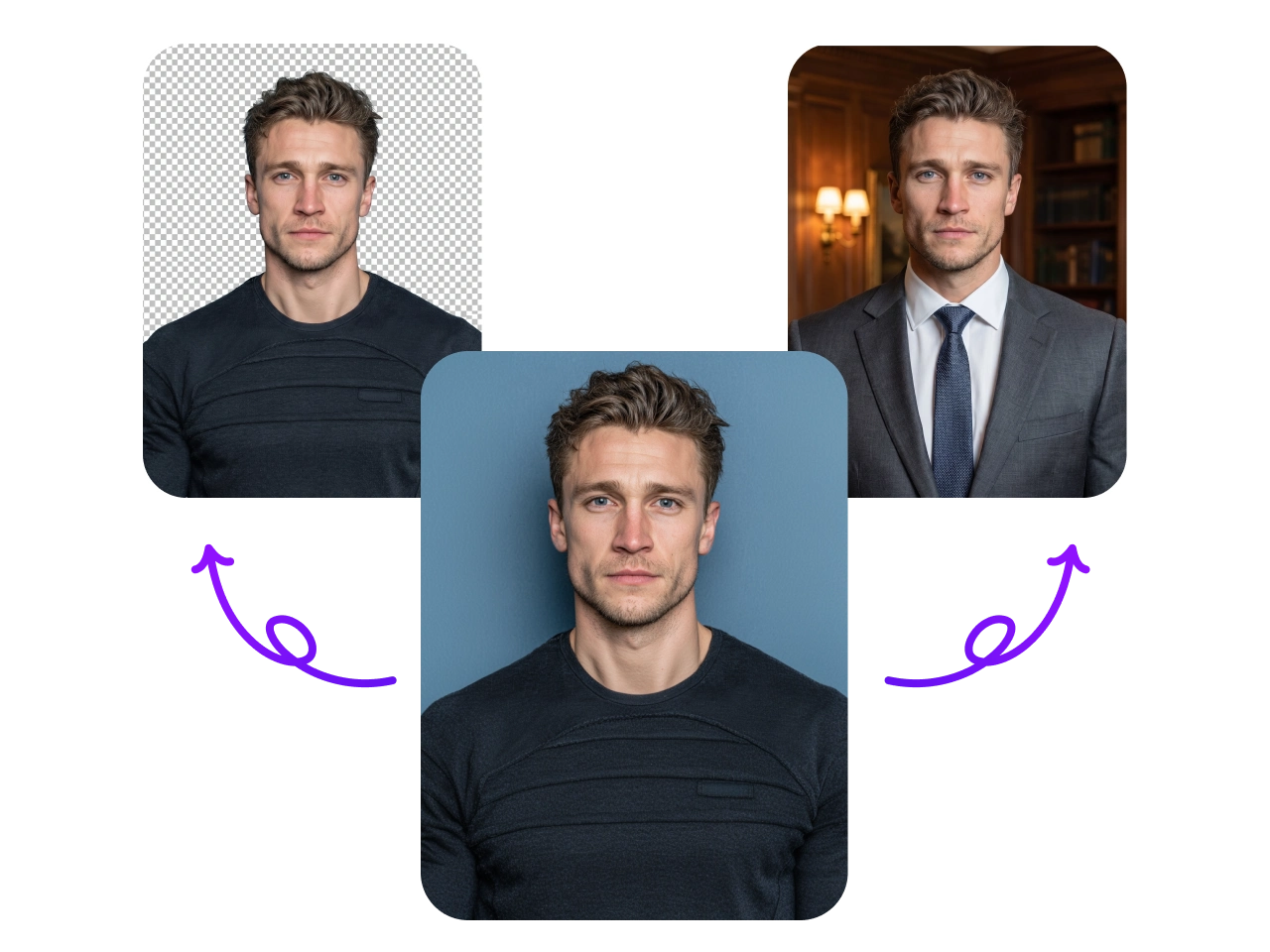
Fix Backgrounds and Outfits Without Retakes
A common reason passport photos get rejected is an unsuitable background or non-compliant clothing, which often means taking new photos and starting over. PicLumen's passport photo maker helps you solve these issues quickly by refining the background and adjusting the overall look of the image to meet standard requirements.
It ensures your photo appears clean, consistent, and ready for submission, helping you convert photo to passport size without unnecessary retakes or repeated shooting.
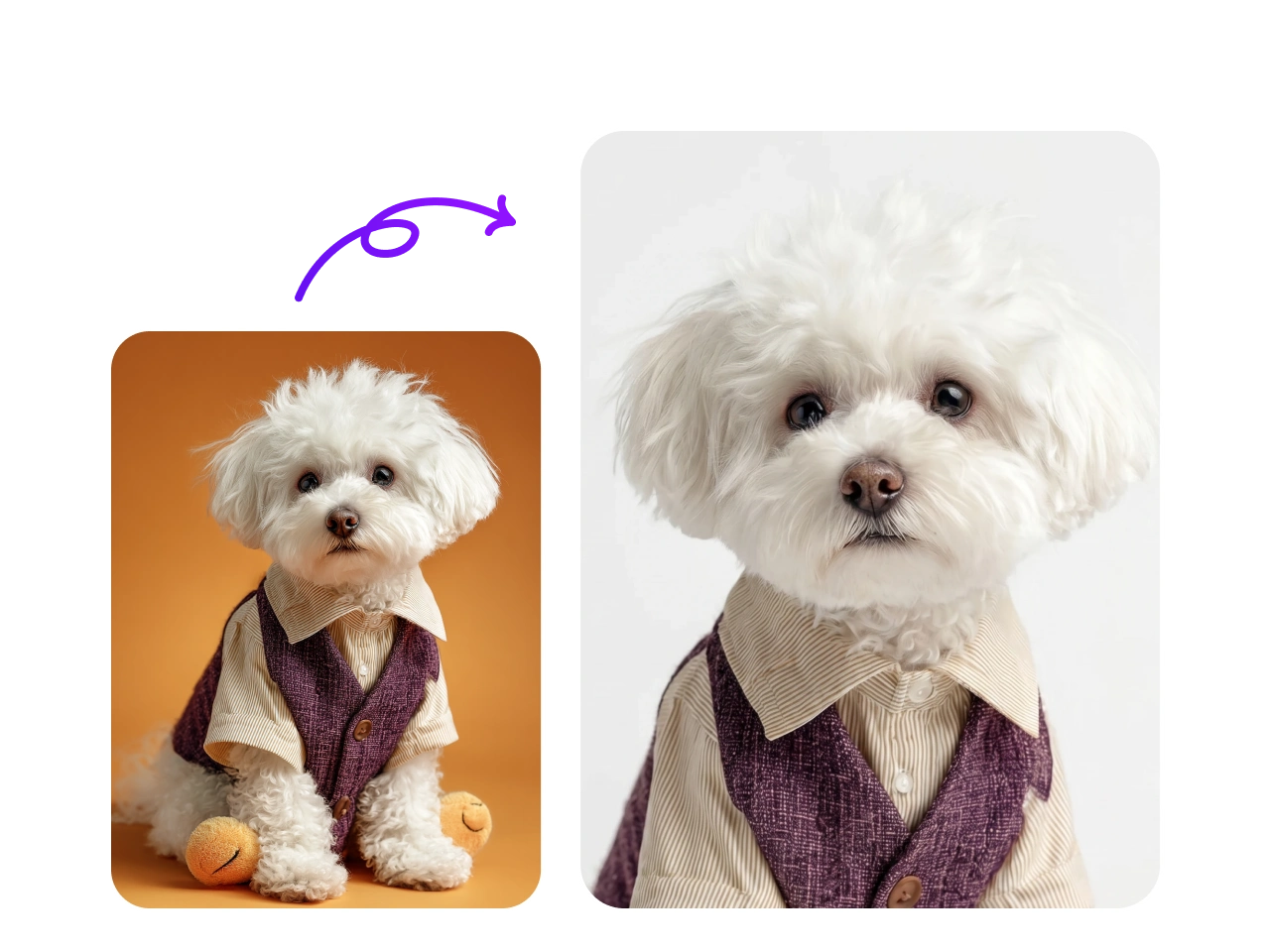
Create Fun Passport Photos for Pets
Ever wondered what your pet’s passport photo would look like? PicLumen’s passport photo maker also lets you turn pet photos into fun passport-style images in just a few steps.
It helps you generate clean, well-framed results that follow the same structured look as official photos, but with a playful twist. Whether you want to share it online or just create something fun, you can do it quickly without any complex editing.
Passport Photo Maker for Everyday Scenarios

Fast Passport Applications
When you need a passport photo quickly, delays are the last thing you want. PicLumen helps you generate a compliant image in minutes, making it easier to handle urgent applications without visiting a studio.

Visa and ID Documents
Different applications often come with slightly different photo requirements. PicLumen helps you create properly formatted images for visas and ID submissions, reducing the risk of rejection caused by incorrect sizing or layout.

Home Photo Creation
Not everyone has access to a photo studio, especially when time or location is limited. PicLumen allows you to create compliant photos directly from home with a simple upload or prompt-based workflow.

Family Applications
Handling multiple applications at once can be repetitive and time-consuming. PicLumen helps you generate consistent results across different photos, so you can prepare everything efficiently in one go.
How To Use Passport Photo Maker on PicLumen
Step 1 Choose the Right Model
1Start by selecting the model that best fits your needs. Choosing the right model helps ensure a more accurate and compliant result from the beginning.
Step 2 Upload Image & Enter Prompt
2Next, upload a reference photo or simply describe what you want using a short prompt. The system will interpret your input and generate a passport-style image.
Step 3 Select Aspect Ratio & Quality
3Choose the appropriate size, aspect ratio, and image quality based on your application requirements.
Step 4 Download or Share
4Once your image is ready, you can download the original high-resolution version or share it directly.


Loved by Creators Worldwide
Real feedback from designers, marketers, and hobbyists sharing their PicLumen experience on Trustpilot.
Isuru NilankaIt's easy to use
It's easy to use, they have different AI models, good prices, and a nice community page.
Scottie GraceVery affordable and high quality
Very affordable and high quality
 rockstar gaming
Value For Money
its value for money i fully recommend you to try this one time you will like it...
 Brad the Bibliothecary
Great service with ease of use and…
Great service with ease of use and generous free offerings.
 Menu Lawrence
Very fantastic app
Very fantastic app. I love it. I will like everyone to use this App
Nice creations and bright
Nice creations and bright
good ai i like using this a lot.
good ai i like using this a lot.
Mani Sravani BandaruVery great pictures with high quality
Very great pictures with high quality
 Alishba Mukhtar
Wonderful experience I’ve ever had
Wonderful experience I’ve ever had
Good app and make very good video
Good app and make very good video
 Edwin Capdepomt
Strong aesthetic ability.
Piclumen gives the impression of being a capable and expressive image generator with a refined aesthetic. If it maintains this level of quality in other types of scenes, it will become one of the most interesting visual tools available today.
 Charan Balivada
It's a good ai and create to make ai…
It's a good ai and create to make ai pic in different ways and different styles
Frequently Asked Questions
What is a passport photo maker?
A passport photo maker is an online tool that helps you create compliant passport-sized photos from an existing image or a simple prompt. It automatically adjusts sizing, background, and layout to match official requirements, making it easier to prepare photos for passports, visas, and ID documents without using a studio.
Can I convert photo to passport size without editing tools?
Yes. PicLumen's AI passport photo maker automatically adjusts your image to meet standard passport requirements in just a few steps.
Can I use a prompt to generate a passport photo?
Yes. You can simply enter a short prompt describing the type of passport photo you need, and the passport size photo maker will generate a suitable image for you.
Example prompts you can use:
"Professional passport photo, neutral expression, white background, studio lighting"
"US passport photo style, front-facing portrait, clean background, high resolution"
"Formal headshot for passport use, natural look, plain white backdrop"
Is this the best free online passport photo maker?
Yes, you can make passport size photos online for free with daily free credits, making it a practical option for passport, visa, or ID photos.
Will my passport photo meet official standards?
The tool is designed to follow common passport requirements such as head position, spacing, and background. You still have full control to review and adjust before downloading.
How to make passport size photo?
You just upload a photo or describe what you need, and the tool handles cropping, sizing, and formatting automatically. You don't need any editing skills or external software to get a compliant result.