I first knew Artlist as a platform for music, sound effects, and stock footage. For a long time, that was the main reason creators used it. But Artlist has changed a lot. It now offers AI tools for image generation, video generation, voiceover, music, and broader creative production.
That shift made me curious. I wanted to know whether Artlist still feels like a stock asset platform with AI features added on top, or whether it now works well as an AI creative tool on its own.
For this Artlist review, I focused mainly on the parts I would actually use as a creator: AI image generation, AI video generation, workflow, output quality, pricing, and overall usability. I did not try to review every single tool in the Artlist ecosystem, because most users do not use a platform that way. I wanted to see how it performs in practical image and video creation tasks.
What Is Artlist?
Before getting into the workflow, let me quickly explain what is Artlist.
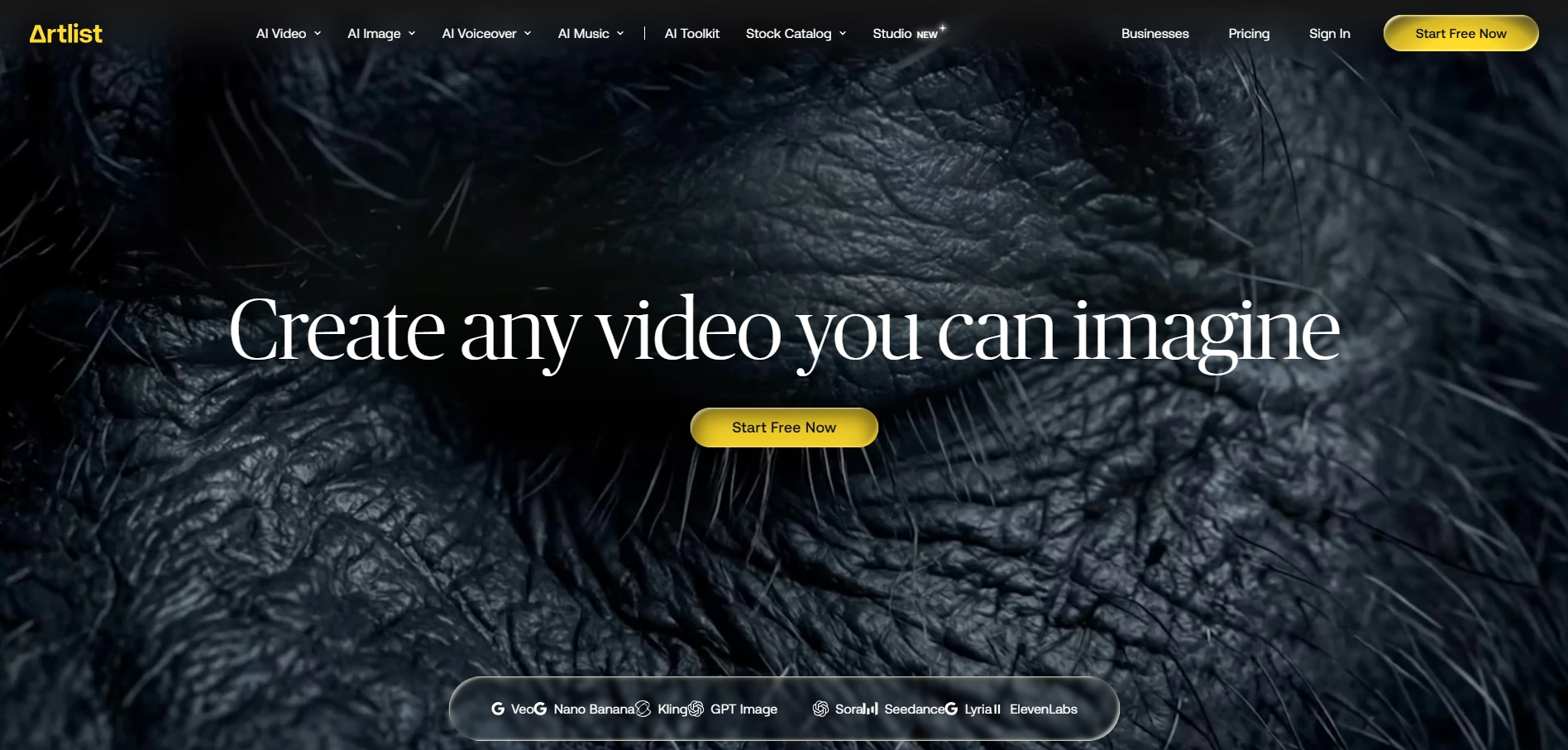
Artlist is a creative platform for video creators, marketers, agencies, and production teams. It offers licensed music, sound effects, stock footage, templates, AI voiceover, AI music, AI image generation, and AI video generation.
In short, Artlist is not just an AI generator. It is more like a full creative production platform. That is useful if I need different assets in one place, but it can also feel a little broad if my main goal is simply to create AI images or short AI videos.
Artlist AI Features: What Can I Create with It?
Artlist offers a broad creative toolkit, but its core features can be grouped into a few main areas:
Feature | What It Does |
AI Video Generator | Creates videos from text prompts, images, or existing footage. |
AI Image Generator | Generates visuals from text prompts or reference images. |
AI Voiceover | Creates voice narration for video and content projects. |
AI Music Generator | Generates music for creative or commercial videos. |
Stock Music & SFX | Provides licensed music tracks and sound effects. |
Stock Footage | Offers ready-to-use video clips for production. |
Templates & Editing Assets | Helps creators build videos faster with ready-made materials. |
Licensing Coverage | Supports commercial and online use based on the selected plan. |
For this review, I mainly focused on the AI image and video workflows, because those are the features most relevant to users comparing Artlist with other AI visual creation tools.
My Experience with Artlist’s AI Image and Video Workflow
For this Artlist review, I tested the workflows I would most likely use as a creator: text-to-image, image-to-image, image-to-video, and text-to-video. I kept the prompts simple, so the results could reflect a more realistic first-time user experience.
Text-to-Image Test
Prompt used:
A cinematic product photo of a modern skincare bottle on a marble table, soft morning light, clean background, premium beauty brand style.
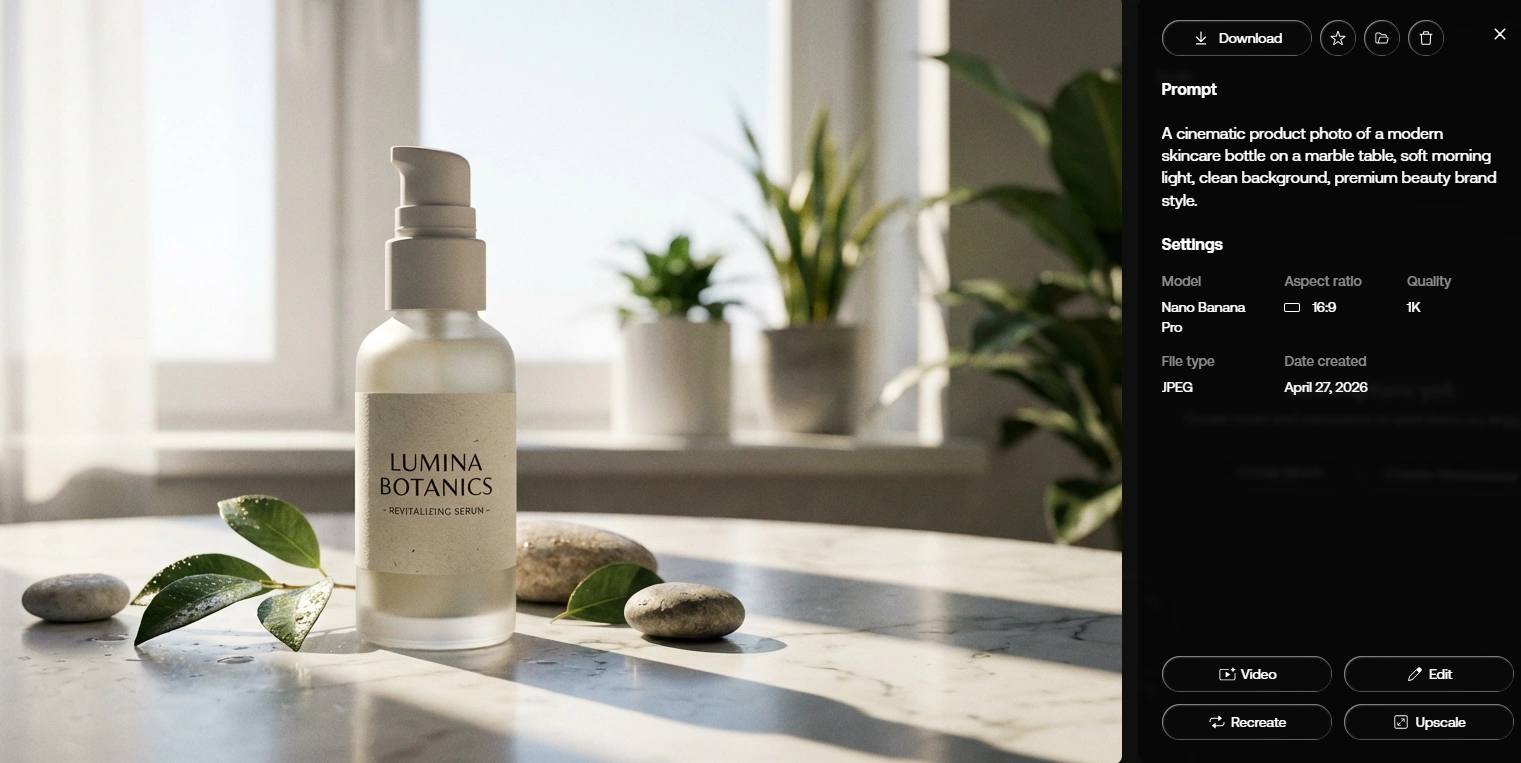
Artlist followed the general direction well. The output had a clean product-photo look and worked as a moodboard or early campaign concept. For exact product details, such as label text, bottle shape, or brand colors, I would still expect extra prompt refinement.
Image-to-Image Test
Prompt used:
Keep the main subject and color palette, but turn the image into a polished social media campaign visual with soft studio lighting and a clean luxury background.
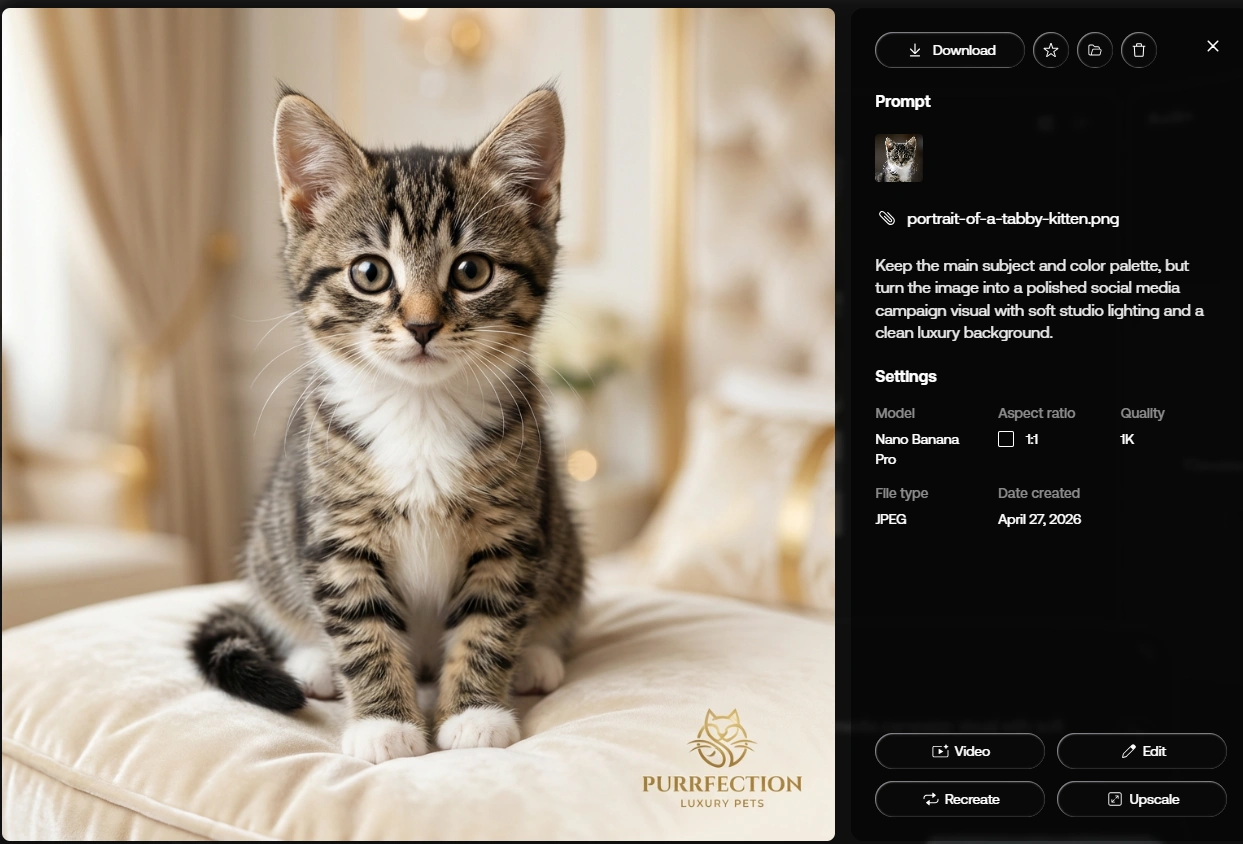
Artlist’s image-to-image result was acceptable. The reference image helped guide the subject and overall style, but the output still felt more like a draft than a finished visual. I would still review and refine it before using it in a real project.
Image-to-Video Test
Prompt used:
Animate this cat: as the camera slowly pushes in, soft light spills over the feline, creating a heartwarming scene.
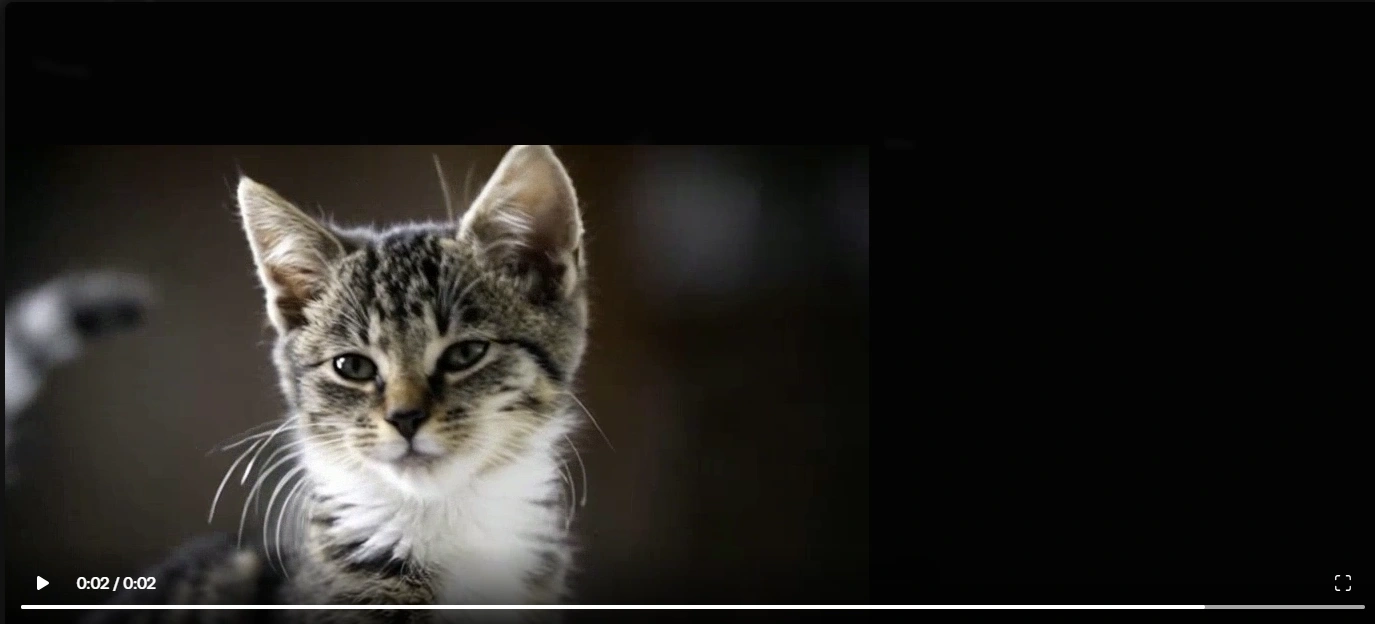
Image-to-video was the most practical video workflow in my test. Artlist understood the basic direction, but the result was only average. The motion was simple and usable for a quick concept preview, but it lacked polish and did not feel dynamic enough for a final product video.
Text-to-Video Test
Prompt used:
A young creator filming a travel vlog in a neon-lit city street at night, handheld camera movement, cinematic lighting, realistic motion, social media video style.
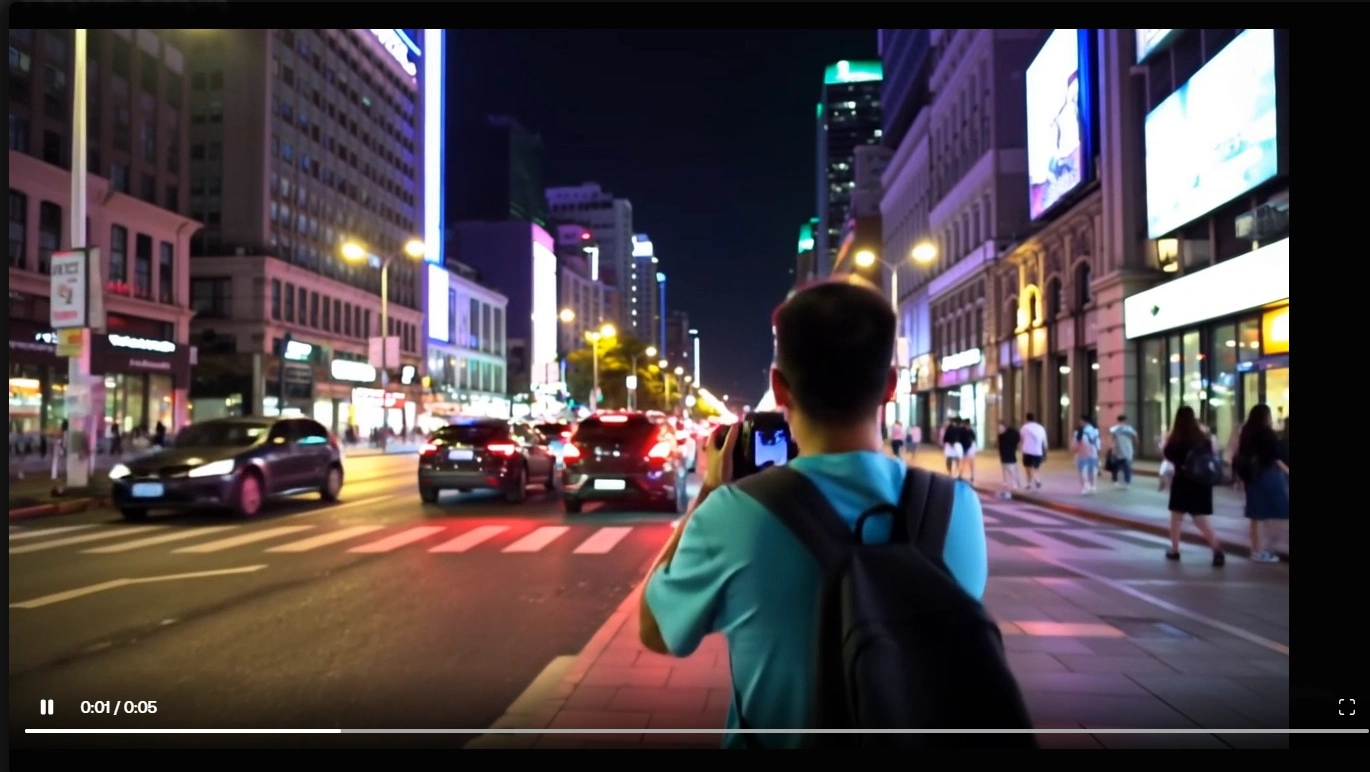
Text-to-video gave Artlist more creative freedom, but the result depended heavily on prompt clarity. It worked best when the subject, scene, movement, lighting, and style were clearly described.
My Takeaway
Artlist performs best when the input is clear and the expected output is short, visual, and concept-driven. The image workflows are useful for drafts and campaign ideas, while text-to-video feels stronger for turning existing visuals into short animated clips. For final commercial assets, I would still review the details and expect a few rounds of refinement.
Artlist.io Pricing: Is It Worth the Cost?
For this Artlist review, I only looked at the pricing related to AI image and video creation. Artlist has other plans for music, footage, sound effects, and production assets, but those are not the main focus here.
Platform | Pricing Overview | Best For |
Artlist | AI plans start from $9.99/month billed annually or $15.99/month billed monthly, with higher-credit plans available for heavier use. | Users who want AI image/video generation as part of a broader AI production suite. |
PicLumen | Offers a free Basic plan with daily Lumens. Paid plans start from $3/month, with higher plans offering more monthly Lumens and Relax Mode options. | Users who mainly need AI image and video generation. |
From my perspective, Artlist pricing makes more sense if I want access to a broader AI production toolkit. But if my main goal is only to create AI images and short AI videos, PicLumen feels easier to evaluate. Its pricing is more directly tied to visual generation, and the free Basic plan also makes it easier to test before upgrading.
Artlist Pros and Cons
After testing Artlist’s AI image and video workflows, I would summarize its pros and cons this way:
Pros:
The text-to-video workflow is easy to follow.
I like that I can start with an image and turn it into a short animated clip without building the scene from scratch. For product visuals, character images, and campaign concepts, this workflow feels practical.
It works well for short creative tests.
Artlist is useful when I want to create a quick mood video, social media draft, or visual concept. Simple camera movement, lighting changes, and subtle animation usually perform better than complex action.
The platform has a strong production background.
Since Artlist also offers stock assets, music, sound effects, and other creator resources, it feels more suitable for users who already work with video projects.
Prompt-based creation is beginner-friendly.
I do not need advanced editing skills to start. A clear prompt and a good reference image are usually enough to produce a usable first draft.
Cons:
It may feel too broad for simple AI visual creation.
If I only want to generate images or short AI videos, Artlist can feel heavier than necessary because it is built as a wider production platform.
Complex motion is less predictable.
Basic movement looks better than detailed action. When I ask for fast motion, multiple actions, or more complicated subject interaction, I would expect to test several versions.
Output details still need manual review.
Product labels, facial features, object edges, and small visual details may shift during generation, so I would not use the result directly without checking it.
Credit usage can add up quickly.
Video generation, regeneration, and model testing can consume credits faster than expected, especially if I am still experimenting with prompts.
It is not the lightest workflow for focused AI image and video creation.
Artlist is strong as a production-style platform, but for users who mainly care about text-to-image, image-to-image, text-to-video, and image-to-video, a more focused platform may feel easier to manage.
Why I Would Consider PicLumen as an Artlist Alternative
If I focus only on AI visual creation, PicLumen feels more practical for my workflow. It supports the core tasks I use most often: AI image generation and AI video generation.
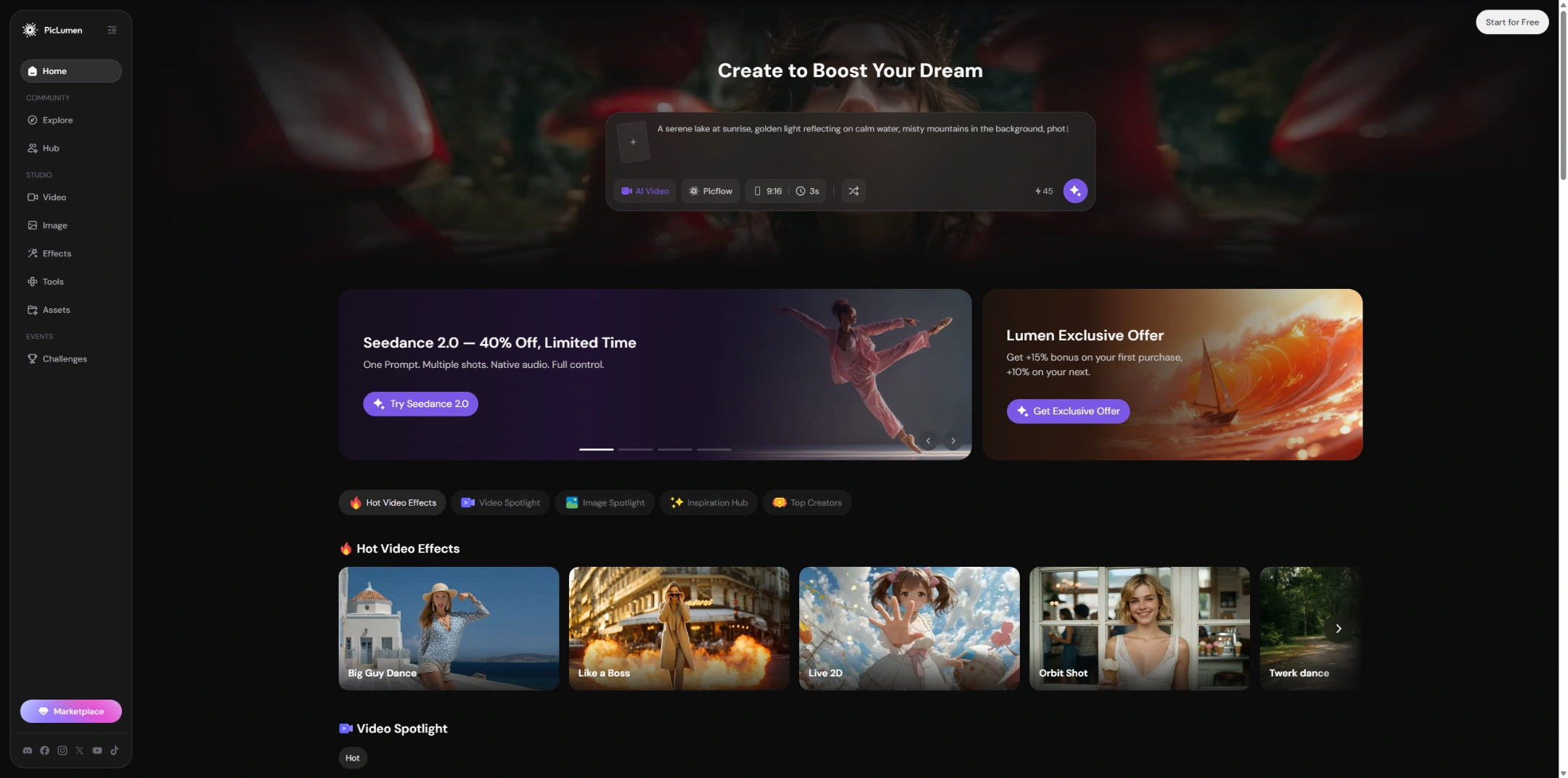
What I like most is that PicLumen gives me access to multiple AI models and a wide range of visual styles in one place. That makes it easier to test different looks, generate creative images, animate still visuals, or turn prompts into short videos without switching between tools.
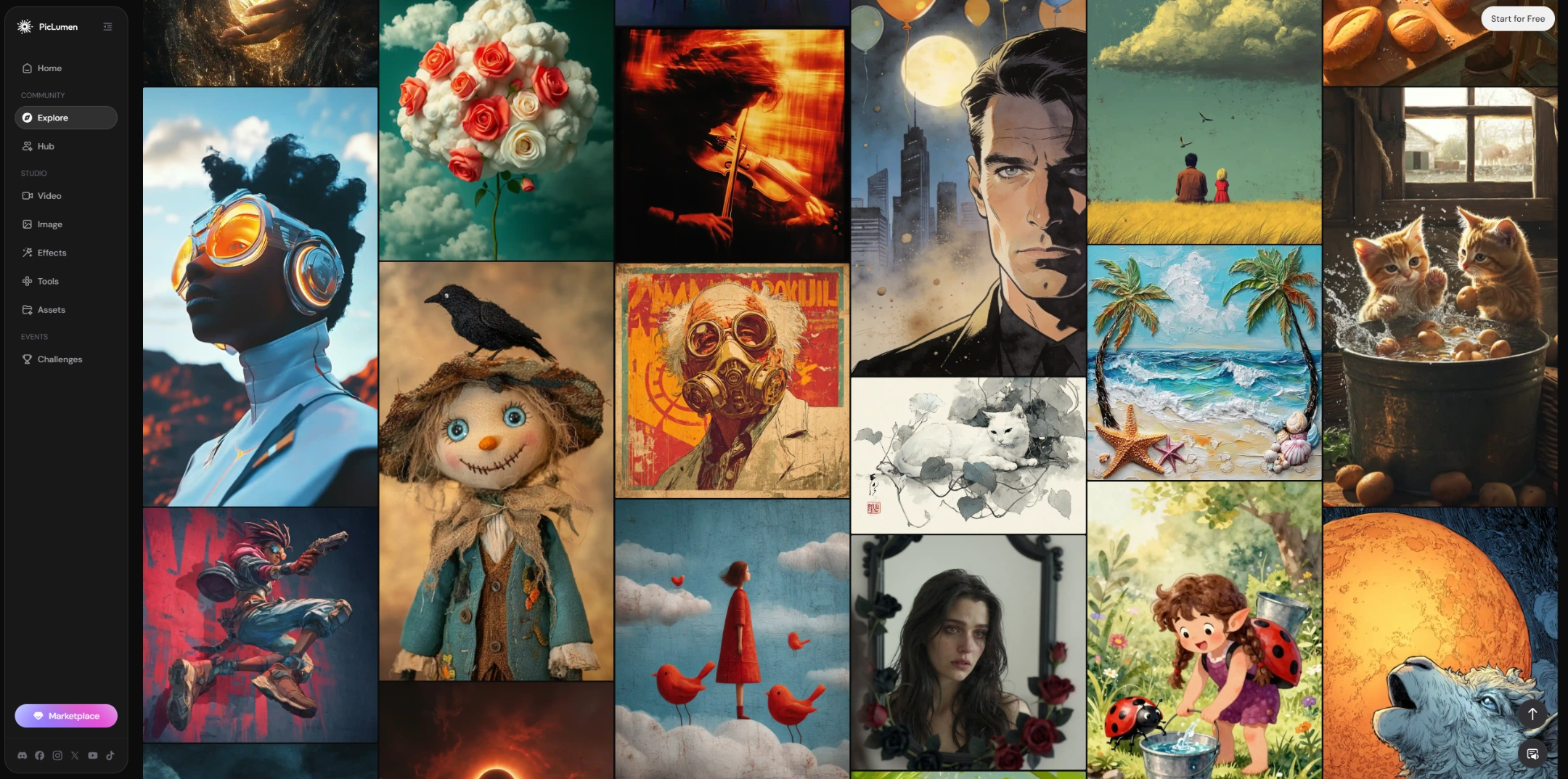
Another thing I like is the community side. PicLumen is not just a place to generate images and videos. I can browse what other creators are making, check their prompts for ideas, and learn how different styles are built. If I make something good, I can also share it there and get likes from other users.
Pricing is also easier to accept. PicLumen gives users daily free credits, and its paid plans are relatively affordable compared with many AI visual creation tools. So if I need a full production platform, Artlist still makes sense. But for creating AI images and short videos, PicLumen feels more direct, more flexible, and easier to start with.
FAQs About Artlist.io
Is Artlist output quality good?
Yes, Artlist can produce clean and usable results, especially for short AI videos, text-to-video clips, moodboards, and campaign concepts. However, complex motion, detailed product accuracy, small text, and facial details may still need prompt refinement and manual checking.
How does Artlist.io pricing work?
Artlist.io pricing is based on subscription plans and AI credits. Credits are used for AI generations, and the cost can vary depending on the model, format, and settings. If I only need AI image and video creation, I would compare the credit value with more focused tools before subscribing.
Who is Artlist best for?
Artlist is best for creators, editors, marketers, agencies, and production teams that need AI tools plus broader creative resources. It makes more sense if you also use music, sound effects, stock footage, templates, or other production assets.
What is the best Artlist alternative for AI images and videos?
PicLumen is a strong Artlist alternative for focused AI image and video creation. It supports text-to-image, image-to-image, text-to-video, and image-to-video, with multiple models and styles. It also offers daily free credits, and its pricing is relatively affordable in the AI visual creation market.