Product
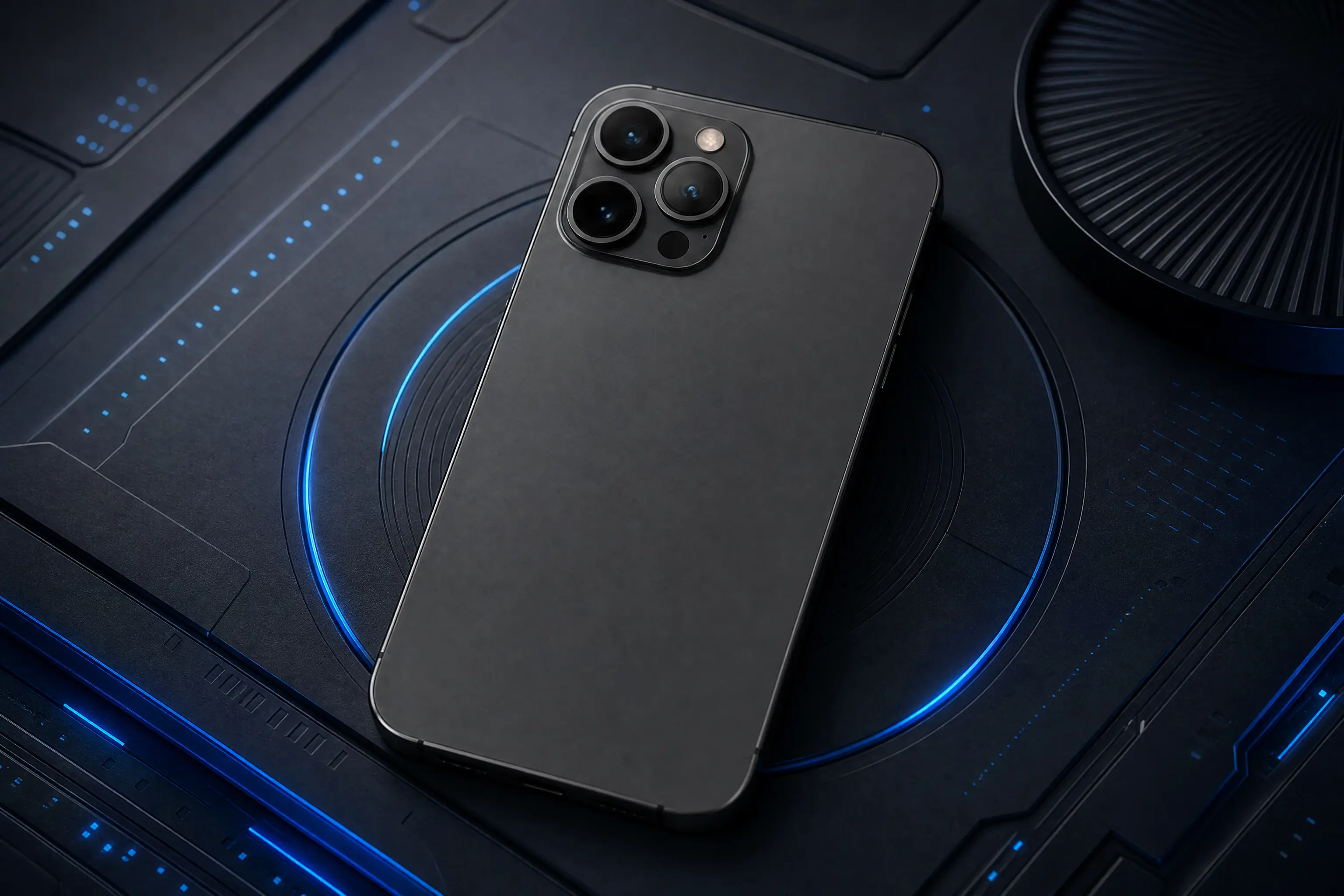
Showcase Digital Products in Real-World Environments
Create Realistic Context for Software and Apps
The Digital Product Showcase template places your digital asset onto a physical screen. Instead of a flat screenshot, the software or app appears on a device display within a realistic setting. This visual context helps buyers understand how the product fits into their daily workflow. By uploading a screen capture through PicLumen, you can generate a polished image that presents the digital tool in a believable, tangible environment.
Matching the Device to the Software
The type of screen matters. A project management app might look best on a laptop screen in a bright office setting, while a mobile game could suit a smartphone display held in hand. When preparing your source image, consider which device makes the most sense for the product. Selecting a matching environment helps the viewer immediately grasp the software's primary use case.
Keeping the Interface Readable
The digital interface must remain clear within the image. If the screen is angled too far or the lighting is too harsh, the text and UI elements can become unreadable. Avoid images with heavy glare or extreme perspective. A clean, front-facing screen capture helps the template integrate the software naturally into the physical device without obscuring the interface.
Building a Unified Product Catalog
If you sell multiple digital tools or subscription tiers, using a consistent visual style helps unify your storefront. The Digital Product Showcase template provides a cohesive way to present different apps or platforms. You can process various screenshots through the same visual concept, giving your digital catalog a consistent look that feels deliberate and easy to browse.
Showcase Digital Products on Realistic Screens With PicLumen AI
App Store Feature Graphics
Mobile developers need to show their app interface on a device rather than a flat screenshot. The Digital Product Showcase template places the UI onto a realistic phone screen in a natural environment. This gives the feature graphic a tangible feel, helping users imagine tapping through the app. It works well for promotional banners or app store listings that require a more polished visual than a raw export.
SaaS Landing Page Mockups
A software company launching a new dashboard wants to present it on a laptop screen without hiring a photographer. By uploading a clean UI capture, the template generates a workspace setting around the device. The screen remains legible while the surrounding context adds depth. This visual asset suits hero sections on a website or presentation slides aimed at B2B clients.
E-book and Digital Guide Covers
Authors and publishers often need a 3D-style cover image to sell a PDF or e-book online. The template can place the digital cover onto a tablet screen resting on a desk. This makes the digital file feel like a physical product a customer can purchase. It creates a stronger visual hook for an online store shelf and helps the listing stand out.
Software Subscription Campaigns
Marketing teams running a campaign for a new SaaS tool need consistent imagery across different channels. The Digital Product Showcase template allows you to process multiple screenshots through the same visual style. Whether you are showing the settings menu, a data chart, or the login screen, the device mockup unifies the look of your campaign assets, making the brand feel established and coherent.
How to Create a Digital Product Showcase Visual on PicLumen
Step 1 Upload a Product Photo
1Start with a clean screen capture of your digital product. A UI mockup, app interface, or digital cover works well. Ensure the image is clear and the text is legible. Avoid source files with heavy glare, warped perspectives, or busy backgrounds, as these make it harder to seamlessly blend the interface onto a flat screen.
Step 2 Choose a Template or Use the Default
2Review the available layout options or proceed with the default setting. The choice depends on where the final image will appear. If the default device and environment fit your brand's style, keep it. For a specific campaign, select a variation that matches the target device type.
Step 3 Review and Generate
3Inspect the uploaded interface and your template selection. Check that the screen looks natural on the device and that the interface elements remain readable. Once the composition and lighting look correct, click Generate. The final mockup is then created for your project.


Loved by Creators Worldwide
Real feedback from designers, marketers, and hobbyists sharing their PicLumen experience on Trustpilot.
 Scottie Grace
Very affordable and high quality
Very affordable and high quality
Prabhat Ranjan Singh ChauhanVery smooth and very helpful for…
Very smooth and very helpful for everyonr who have creative mind. Thank you 👍
 Ms. Bliss
Just getting started
Just getting started, thus far it's really good. Going to continue to review and will update.
Love this app it helps my ideas come to…
Love this app it helps my ideas come to life
 next frame
best ai web creation site
best ai web creation site
 Menu Lawrence
Very fantastic app
Very fantastic app. I love it. I will like everyone to use this App
MinniesI love the app but it was more better…
I love the app but it was more better when they didn't charge you lumen to make pictures or give you a limitation but it works amazing and it gives you very neon pictures...../ and for some reason on New Year's Eve today it won't let me make pictures
 Harris Styles
Amazing quality!!
Amazing quality!!! We at Nufangled studios love how this product elevated our brand quickly. This is the most user friendly software out their and well worth the money!!!! I love the ecosystem you they have created as well. Wonderful business model we will take note.
Nice app ever
Nice app ever, like it when I needed
 Saima Rizwan
Awesome Piclumen customer service!!
As a small creator balancing a full-time career job and with a passion for visual storytelling, I’ve used many platforms but PicLumen stands out for its genuine care and responsiveness. When I reached out with a request to adjust Lumen credits for my creative needs, their team responded with empathy, flexibility, and a clear commitment to supporting artists like me. Not only did they listen, they acted and credited Lumen offering with thoughtful solutions that made me feel valued, as a customer. Their communication was prompt, respectful, and encouraging, and they treated my feedback with real consideration. PicLumen isn’t just a tool it’s a partner in creativity. If you’re a creator looking for a platform that understands your journey and supports your growth, I wholeheartedly recommend them. Thank you, PicLumen, for making the creative process feel human, hopeful, and beautifully supported.
 basem trials
Works like charm .
Works like charm .. I love this app
Jayden GGood it was great I loved making my oc…
Good it was great I loved making my oc Saiyan
Frequently Asked Questions
What is Digital Product Showcase?
Digital Product Showcase is a PicLumen template that places your digital asset onto a realistic device screen. It moves a flat interface into a tangible environment, giving buyers a clearer sense of how the software or app looks in use. You upload a screenshot, and the template builds the surrounding physical context around the device.
What is the best tool for creating Digital Product Showcase visuals?
PicLumen provides a straightforward workflow. You upload your UI capture, keep the default Digital Product Showcase template or choose a variation, review the device placement, and click Generate. The platform generates the physical environment around your screen. This saves you from sourcing device mockups or arranging a photoshoot for a software listing.
What kind of source image works best?
A clean, front-facing screenshot delivers the best results. Make sure the UI text and elements are legible and free from heavy glare. If the original image has extreme perspective distortion or busy background artifacts, the template will struggle to integrate it naturally. A flat, high-resolution export allows the screen to sit cleanly within the device frame.
Can I showcase mobile apps and desktop software?
Yes. The template can accommodate different device contexts. You can use it to place a mobile app interface onto a smartphone, or a desktop dashboard onto a laptop screen. Matching the format of your source image to the intended device type helps the mockup look natural and recognizable to the buyer.
How do I check if the mockup looks realistic?
Examine the generated image for screen alignment and lighting. Confirm that the interface sits flat on the device and that the surrounding shadows look believable. If the screen appears warped or the lighting on the device clashes with the background, try a cleaner source image or adjust the template variation before generating again.
Can I use this for marketing a SaaS product?
Yes. It helps present software dashboards or apps in a recognizable workspace. When potential customers see the interface on a device, they can better understand the product's scale and usability. You can generate multiple mockups for different screens, keeping the visual style consistent across a landing page or promotional campaign.