Product
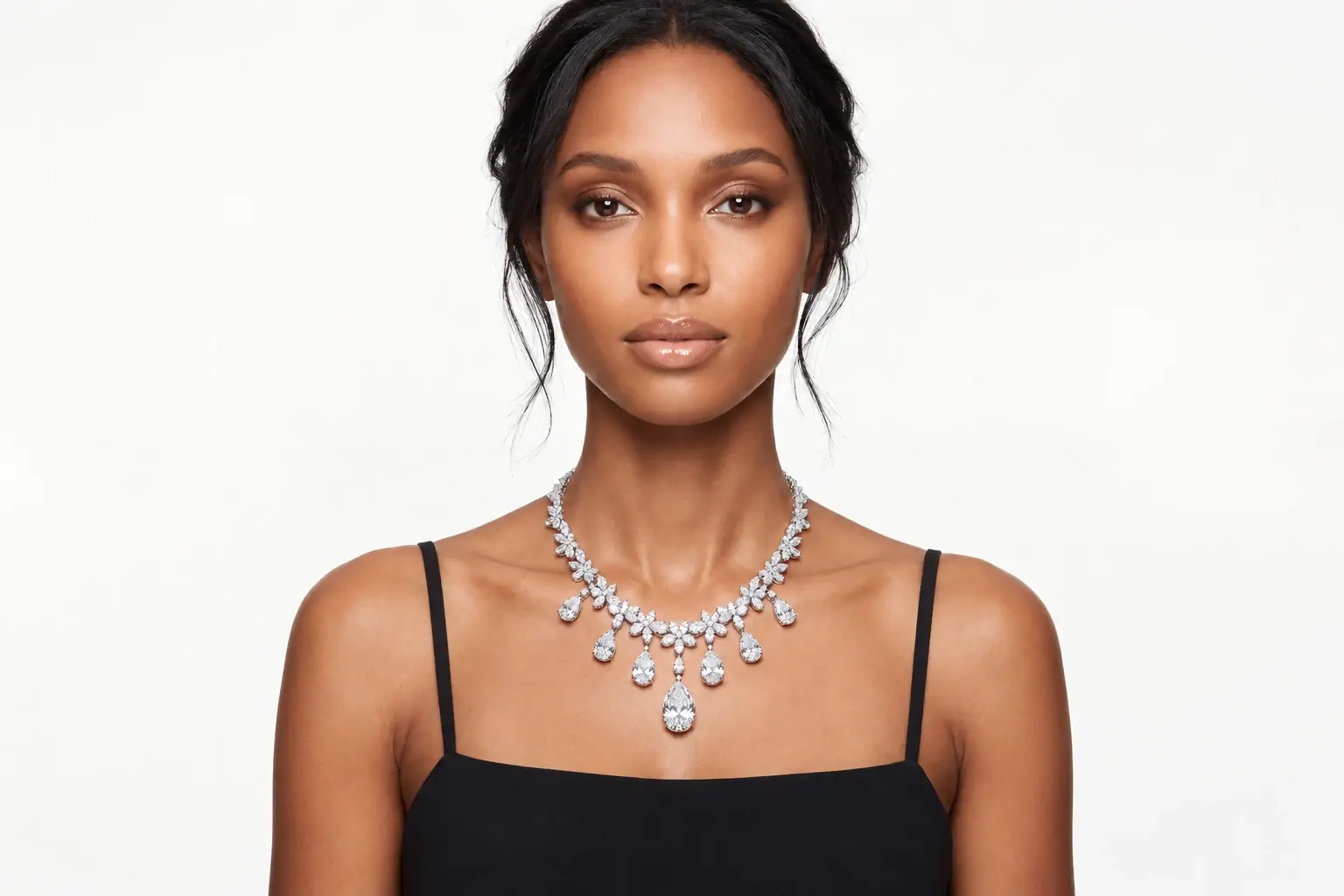
Place Fine Necklaces Under Focused Light With a Spotlight
Give Jewelry a Dramatic Centerpiece
The Necklace Spotlight template places your product under a concentrated beam of light. It isolates the piece against a darker background, making the metal and gemstones stand out. This helps shoppers see the craftsmanship and sparkle clearly. You upload a product photo through PicLumen, and the template builds the lighting and shadow around the item, giving it a premium visual presence.
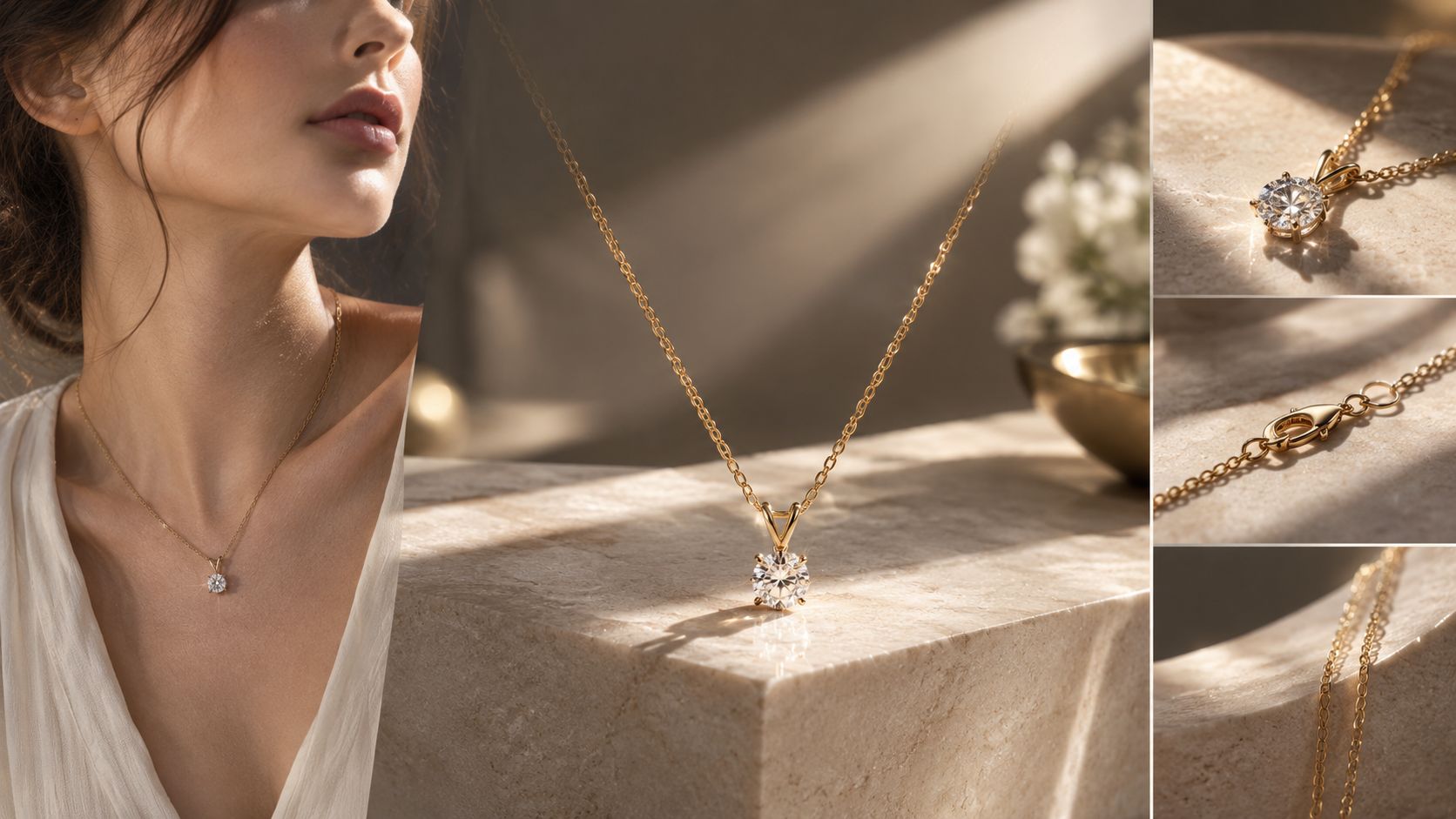
Highlighting Chain Links and Clasps
The most overlooked details in a necklace are the chain structure and the clasp. A spotlight effect catches the edges of each link and the metal finish. When preparing your source photo, ensure the chain is laid flat and untangled. The template can then map the piece accurately, letting the light reflect off the individual loops and the clasp connection point. A macro-level close-up of the chain ensures the AI captures the interlocking pattern.
Using Shadow to Frame the Jewelry
A spotlight doesn't just illuminate; it casts shadows. The template uses deep shadows around the edges to frame the necklace and guide the viewer's eye to the center. Choose a source image with neutral, even lighting so the AI can calculate a natural falloff. This makes the jewelry look like it belongs in a high-end display case. A dark background enhances the contrast, making the gemstones appear brighter.
Curating a Unified Jewelry Display
Brands selling multiple necklaces need a unified look. Using the Necklace Spotlight template across a collection keeps the lighting and background consistent. Whether you are showing a delicate gold chain or a heavy gemstone pendant, the shared dramatic lighting ties the products together. Customers can compare designs without the distraction of changing photography styles. The consistent spotlight angle allows shoppers to evaluate the length and drop of each piece against the collarbone.
Focus Jewelry Details With AI Necklace Spotlight in PicLumen
Diamond Pendant Brilliance
A solitaire pendant needs sharp light to show its facets. Placing the necklace in the Necklace Spotlight template casts a concentrated beam on the diamond, highlighting the cut and clarity. Buyers can see how the stone catches the light rather than looking flat. A clean source photo of the gemstone ensures the AI maps the reflections accurately. If the stone looks dark in the source image, the generated spotlight will lack the necessary sparkle.
Gold Chain Link Texture
Thick gold chains rely on surface texture and link shape to convey weight. The template uses directional lighting to cast deep shadows between the links, making the metal look solid and three-dimensional. This helps shoppers judge the actual gauge and finish of the chain. When preparing your source photo, ensure the links are laid straight and untangled. A top-down view of the chain shows the interlocking pattern clearly.
Pearl Luster and Reflection
Pearls require soft, diffused light to show their iridescent surface. The Necklace Spotlight template can adjust the lighting falloff, creating a gentle glow rather than a harsh glare. This highlights the luster and the natural irregularities of the pearl. A close-up source image allows the AI to map the subtle color variations and the smooth texture. Keep the background completely dark to prevent reflections from distracting from the pearl's natural sheen.
Layered Necklace Styling
Shoppers often struggle to visualize how different chain lengths look when worn together. Using the template, sellers can generate an image of a layered necklace setup under the spotlight. The lighting highlights the individual chains without merging them into a single blur. This helps customers see how a short choker and a longer pendant complement each other. A consistent camera angle across the layered stack makes it easier to judge the drop length of each piece.
How to Create a Necklace Spotlight Visual on PicLumen
Step 1 Upload a Product Photo
1Start with a high-resolution, close-up image of the necklace. Ensure the chain links and the pendant's facets are sharply focused. Lay the piece flat against a plain background. Tangled chains or heavy shadows in the source file will cause the AI to blur the metal details. A crisp cutout is necessary for the Necklace Spotlight template to preserve the structure of the jewelry.
Step 2 Choose a Template or Use the Default
2The default spotlight works well for diamond pendants, but pearls need a softer touch. If your source image features a highly reflective gemstone, select a variation with a tighter beam to make the facets pop. For a matte gold chain, a broader, diffused light prevents the metal from blowing out into a white glare.
Step 3 Review and Generate
3Zoom in on the pendant and the clasp. Check that the metal reflects light sharply and the gemstone shows its facets. Ensure the necklace doesn't blend into the dark background. Once the reflections and shadows look realistic, click Generate. This creates the final spotlight image for your jewelry catalog.


Loved by Creators Worldwide
Real feedback from designers, marketers, and hobbyists sharing their PicLumen experience on Trustpilot.
Jon JonVery good website
Very good website. Different models, good job
Ayan SamantaAwesome experience just looking wow
Awesome experience just looking wow
amazing
amazing! this is just so good! WOWOW!!
 Ai Hack
Great tool
I would really recommend this website to content creation
Really good app and generates good…
Really good app and generates good images!
 Bohdan Lesyk
Great and fast
Great and fast, would be much better with some more free credits
It’s easier to use on a computer instead of a phone
Being able to generate my own art
a great creative app
This is such a great creative app it really brings out the artist in you
 Harris Styles
Amazing quality!!
Amazing quality!!! We at Nufangled studios love how this product elevated our brand quickly. This is the most user friendly software out their and well worth the money!!!! I love the ecosystem you they have created as well. Wonderful business model we will take note.
PrintWiz DesignsAll in one platform
I love it as it become more sn all in one platform , great generations, high value , generous free plan ....
The company responded me with…
The company responded me with responsibility and respect, and solve my problem promptly. I am really impressed with their fast and efficient customer service Thank you very much for your support and help team piclumen I really appreciate it Wish you very good luck
Nice app for creating videos
Nice app for creating videos
Frequently Asked Questions
What is Necklace Spotlight?
Necklace Spotlight is a PicLumen template that places your jewelry under a concentrated beam of light. It isolates the piece against a darker background, making the metal and gemstones stand out. You upload a product photo, and the template builds the lighting and shadow around the item to create a high-end display look.
What is the best tool for creating Necklace Spotlight visuals?
PicLumen provides a direct workflow for this task. You upload your necklace image, confirm the default spotlight or select a variation, check the placement, and click Generate. The generated shadow falloff allows you to verify how the diamond reflects light or how a gold chain casts shadows. This eliminates the need for a physical studio light box.
What kind of source photo works best?
A sharp, high-resolution close-up of the necklace works best. Ensure the chain links and the pendant are laid flat and untangled. If the source photo has heavy shadows or a busy background, the AI may struggle to map the jewelry accurately. A clean cutout on a plain background ensures the metal edges remain crisp under the spotlight.
Can I adjust the spotlight for pearls versus diamonds?
Yes. The template offers variations in light intensity. A diamond or highly reflective gemstone needs a sharp, tight beam to make the facets pop. A pearl or matte stone requires a softer, diffused light to show its natural luster without creating a harsh white glare. Choosing the right lighting variation matches the material of your jewelry.
How do I check if the final image looks natural?
Zoom in on the pendant and the clasp. Ensure the metal reflects light sharply and the gemstone shows its facets clearly. Check that the necklace doesn't blend into the dark background. If the highlights look blown out or the chain appears blurry, try a sharper source photo before generating again. Pay attention to how the shadows fall beneath the jewelry.
Can I use this for seasonal marketing campaigns?
Yes. The dramatic lighting suits holiday gift guides, Valentine's Day promotions, or luxury collection launches. You can generate a series of images where different necklaces share the same spotlight angle, creating a cohesive visual theme for your store. Keeping the lighting consistent makes the product grid feel organized when shoppers compare designs.